-
-
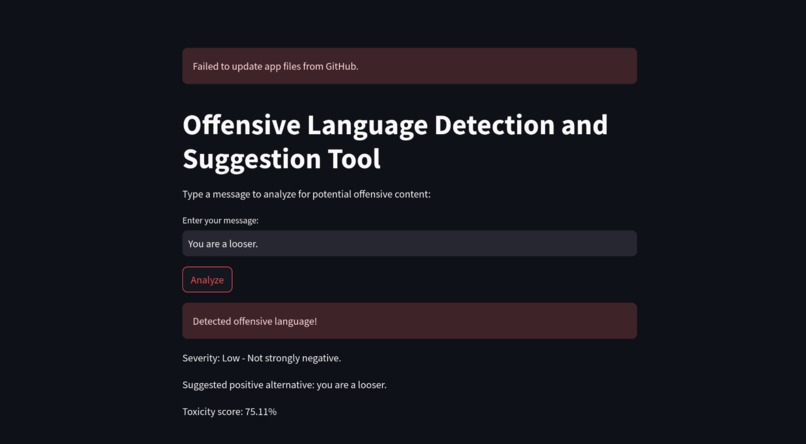
Functioning of App
Inspiration
The idea for HarmonyBot emerged from the growing prevalence of online harassment and harmful language, particularly affecting vulnerable groups. As more people turn to digital spaces for socializing, working, and learning, the need for real-time moderation tools has become urgent. I wanted to create a solution that not only identifies toxic language but also encourages positive, respectful communication.
What it Does
HarmonyBot is a tool that detects and addresses offensive or harmful language in digital communication. Here's how it works:
Detects Offensive Language: HarmonyBot uses a machine learning model to identify whether a message contains offensive language, classifying it as either "offensive" or "non-offensive."
- Analyzes Sentiment: It analyzes the emotional tone of the message, identifying negative sentiment that may indicate hostility or aggression.
- Calculates Toxicity: Using Google's Perspective API, HarmonyBot calculates a toxicity score to measure the harmfulness of the message. A higher score indicates more toxic language.
- Suggests Positive Alternatives: When offensive language is detected, the tool suggests more respectful alternatives. For example, it may suggest "thoughtful" instead of "stupid."
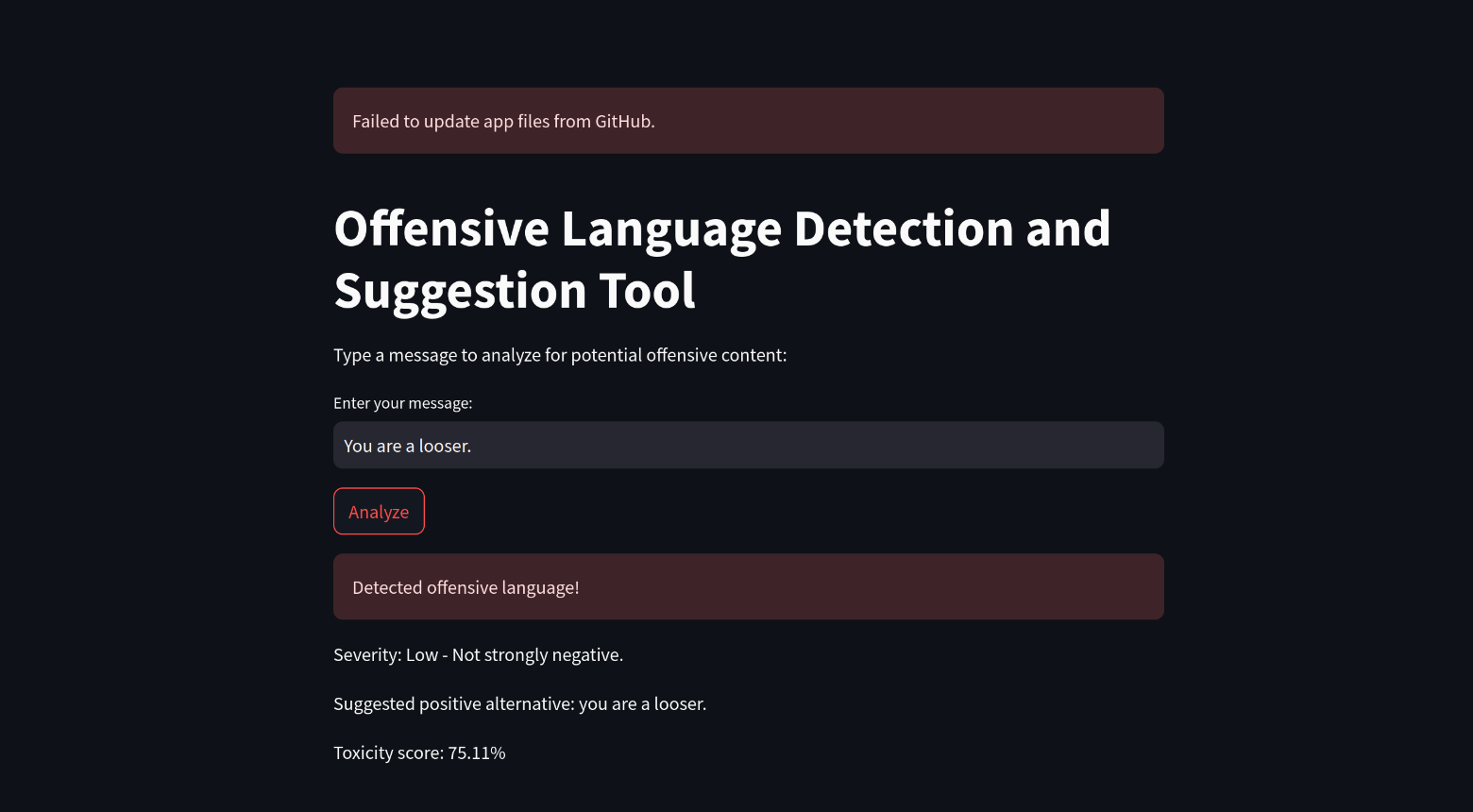
- Real-Time Feedback: Once a message is submitted, HarmonyBot instantly processes it and provides feedback on whether the message is offensive, the severity of the sentiment, the toxicity score, and alternative phrasing.
HarmonyBot helps create safer online spaces by automatically detecting toxic language and encouraging more respectful communication. How We Built It
To develop HarmonyBot, I used the following technologies:
- Streamlit: For building the user interface, allowing users to input text and receive real-time feedback.
- TextBlob: For sentiment analysis to gauge the emotional tone of messages.
- Pickle: To load the pre-trained machine learning model that classifies text as offensive or non-offensive.
- Google's Perspective API: Integrated to calculate toxicity scores for text, helping assess its harmfulness.
- Environment Variables: Used to securely store sensitive data like API keys with the dotenv package.
Users can type their message in the Streamlit app, press "Analyze," and receive feedback based on the machine learning model and Perspective API.
Challenges We Ran Into
One challenge was integrating the Perspective API and ensuring it returned accurate toxicity scores. Properly handling API responses and managing the connection between Streamlit and external services required careful attention. Additionally, fine-tuning the machine learning model to effectively predict offensive language while minimizing false positives took time and experimentation.
Another challenge was securely handling sensitive data, such as API keys and GitHub credentials. Using environment variables and Streamlit’s secret management helped protect this information.
Accomplishments We're Proud Of
- Successfully integrating machine learning and third-party APIs for real-time language moderation.
- Creating a user-friendly interface with Streamlit that provides instant feedback. Ensuring secure handling of sensitive data through environment variables.
What We Learned
This project helped deepen my understanding of Natural Language Processing (NLP) and sentiment analysis. I gained valuable experience integrating third-party APIs, such as Google's Perspective API, and learned how to build interactive applications with Streamlit. Additionally, I refined my skills in working with machine learning models, especially for text classification and sentiment analysis.
What's Next for HarmonyBot
- Expand Detection: Improve the dataset for better language detection and add multilingual support.
- Enhance Sentiment Analysis: Implement more advanced models for nuanced sentiment analysis and context-aware processing. Real-Time Moderation: Enable live chat monitoring with automatic actions like warnings or content flagging.
- Improved Suggestions: Provide more personalized and context-aware suggestions based on user feedback.
- User Customization: Allow users to adjust sensitivity levels and personalize feedback.
- Platform Integration: Integrate with social media platforms and develop a browser extension.
- Scalability: Deploy HarmonyBot on the cloud to improve performance and handle more users.
- Ethical Considerations: Regularly test the system for biases and ensure transparency in decision-making.
These updates will make HarmonyBot more effective, scalable, and user-friendly, helping foster safer online spaces.

Log in or sign up for Devpost to join the conversation.