Inspiration
The hardest talks at work are the ones we never get to practice: pushing back on a deadline, giving tough feedback, or managing a friend who used to be your teammate. You usually get one shot. Pilots practice in flight simulators before they fly. We wanted the same thing for hard conversations: a safe place to practice first.
What it does
HardSync lets you practice hard conversations with AI, on iPhone and iPad.
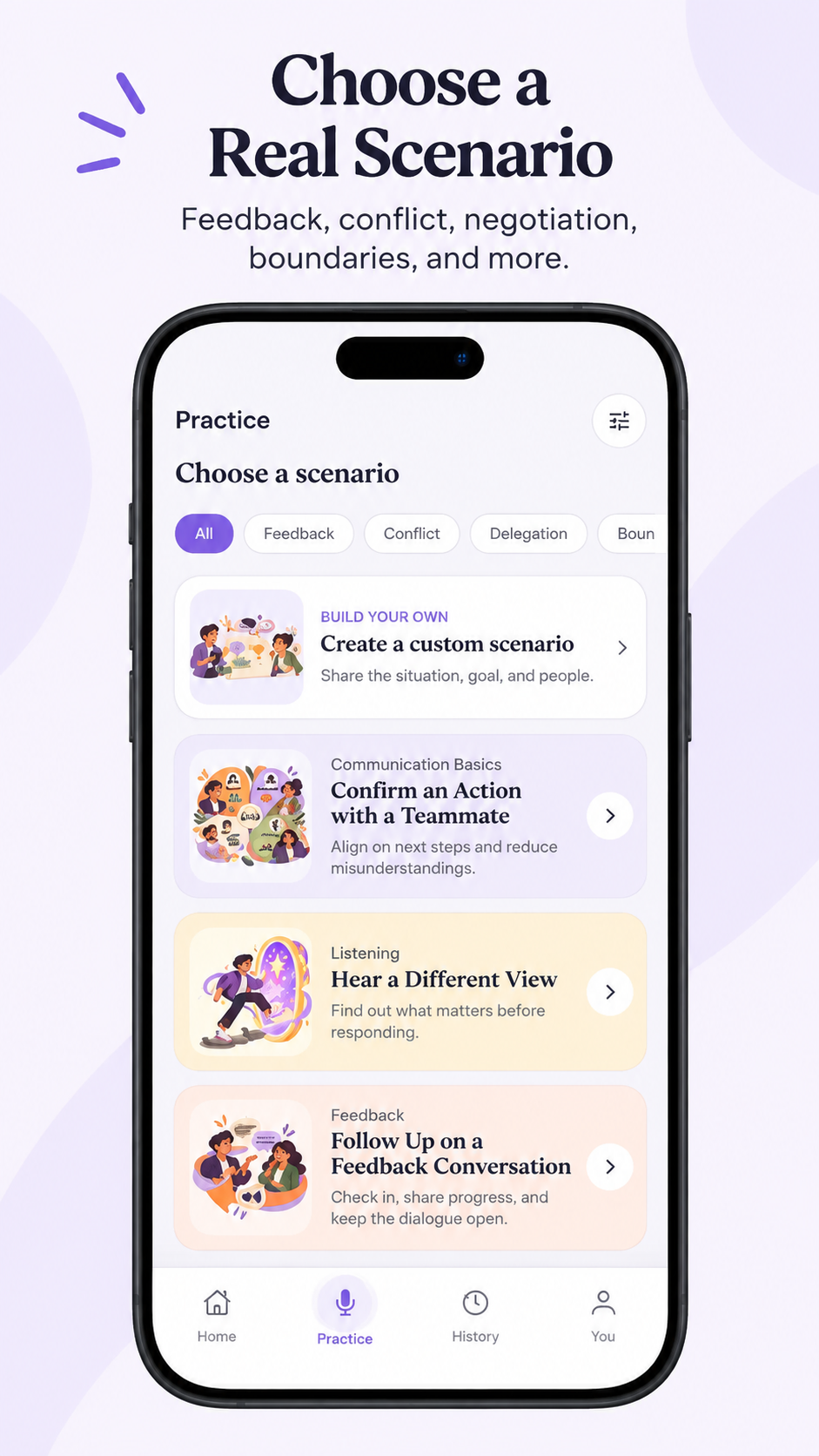
- 29 real workplace scenarios, like managing a former teammate, saying no to extra work, or explaining a change to your boss.
- 10 realistic AI people to practice with, each with their own role and personality.
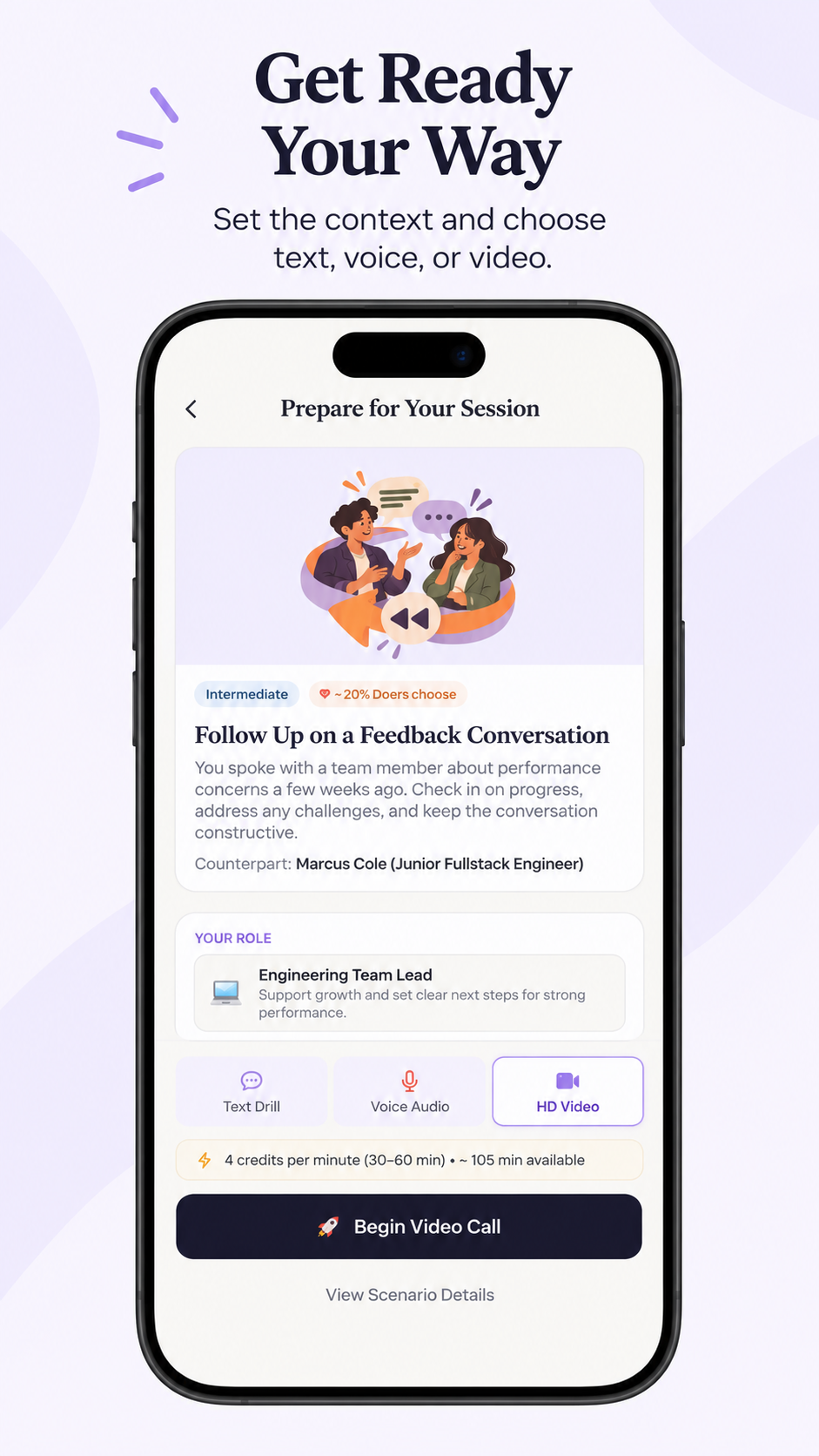
- A short briefing before each session: your goal and what to expect.
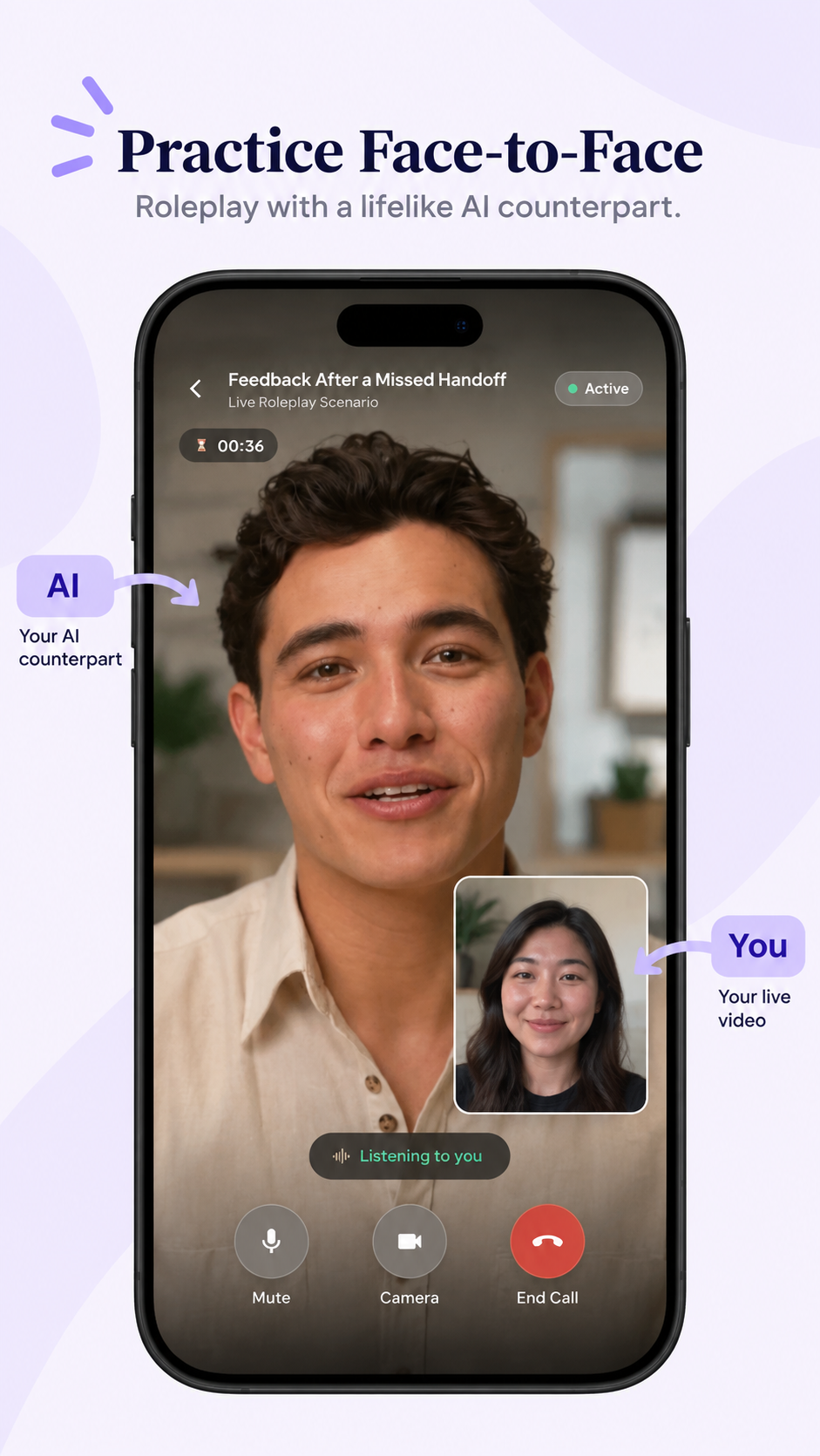
- Live video calls with an AI person who reacts to what you say (Ultra).
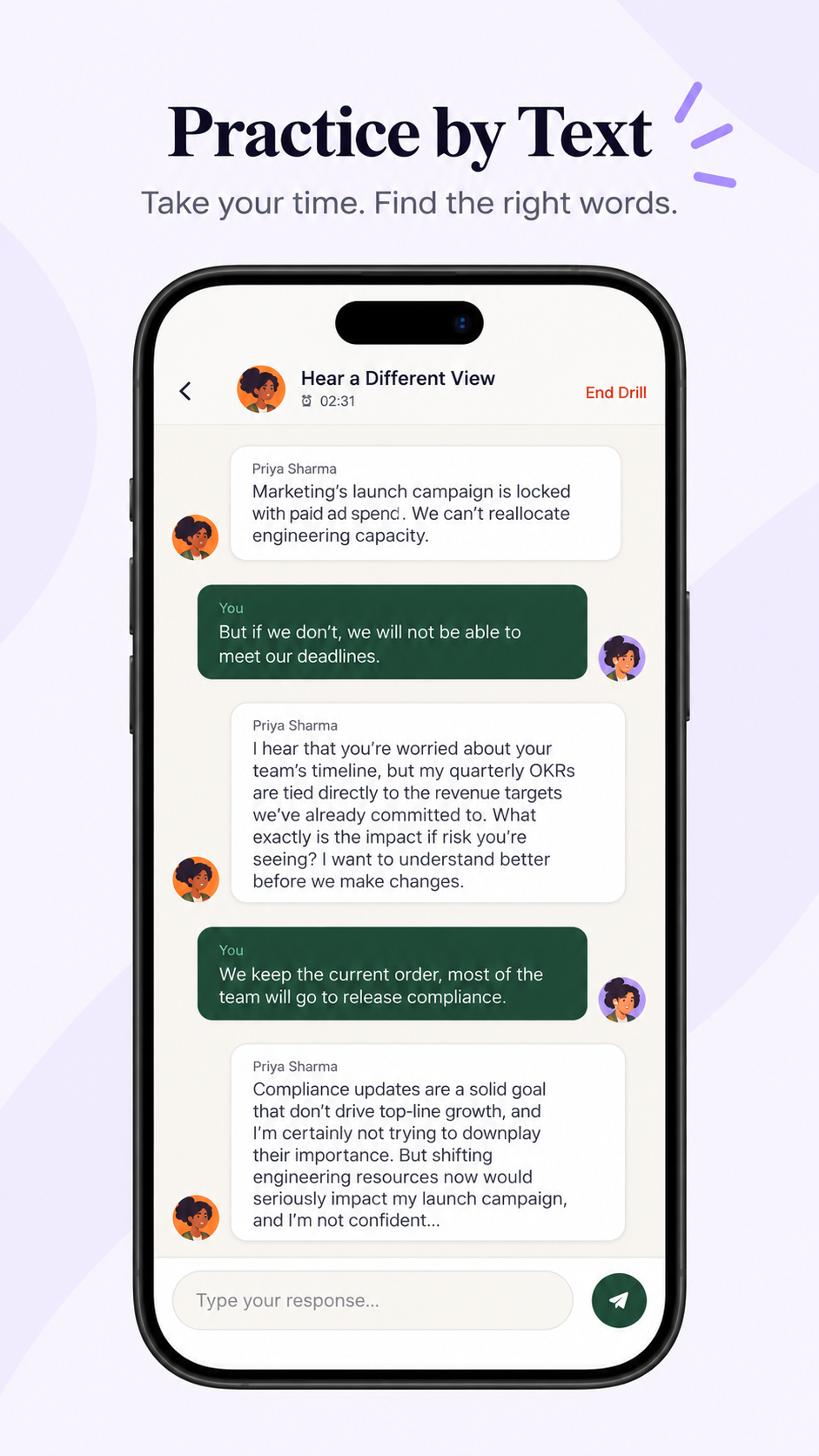
- Free text practice for every scenario.
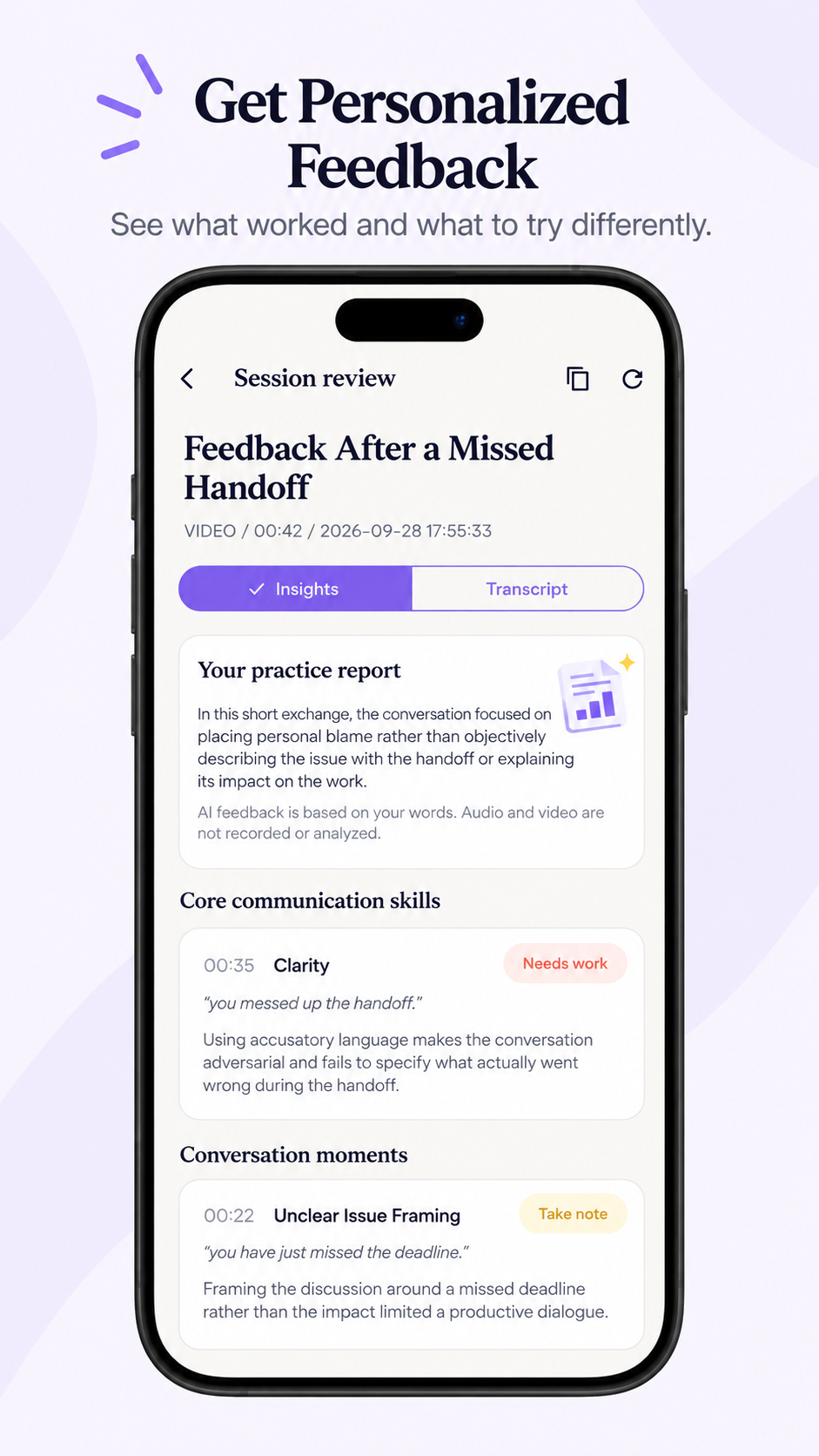
- Feedback after every session: what went well, what didn't, and a better way to say it next time.
How we built it
- App: Flutter, one app for iPhone and iPad.
- AI: Google Gemini runs the conversations and the feedback. Tavus powers the video avatars.
- Backend: Python (FastAPI) and Supabase for accounts and data. Sign in with Apple and Google.
- Payments with RevenueCat: Free includes all text practice; Ultra adds live video calls. You buy with Apple In-App Purchase, RevenueCat unlocks Ultra right away, and our server double-checks with RevenueCat before every video call.
Challenges we ran into
Building an iPhone app without a Mac
- We developed everything on Windows, so every iOS build had to be made in the cloud. Code signing failed again and again with confusing errors, and App Store Connect rejected uploads that reused a build number. We moved from GitHub Actions to Codemagic, which finally made TestFlight uploads reliable.
Making live AI calls actually work and feel natural
- Real-time Live AI calls were the hardest part. We fixed calls that went silent, a mic that cut off whenever you paused to think, and permission prompts that froze the call. In the end we focused on doing video really well instead of offering both voice and video.
- Live calls crashed on our server before reaching the AI, because the hosting platform pointed to security certificate files that didn't exist. The AI models were also sometimes too busy, so we added automatic retries and a backup model.
- If a call was interrupted, the old session stayed open and blocked the next one. We added an "end previous call and retry" option, plus tests for duplicate and late events from the video service.
Payments and pricing
- A paywall bug could charge for the cheaper plan while showing Ultra. We now match each plan to its exact product in RevenueCat, re-check after purchase while Apple catches up, and verify access on our server before every video call.
- Live AI video costs real money per minute. We tried pay-per-minute credits, credit packs, and even rewarded ads before choosing something simple: Free for text, Ultra for video, with 10-minute calls to keep costs predictable.
Accomplishments that we're proud of
- Practicing a hard conversation face to face with a realistic AI person.
- Feedback that uses your own words and shows you a better way to say them.
What we learned
The hardest bugs were invisible ones: a silent avatar fallback, audio blocked by iOS, a wrong price behind the right label. We learned to test the real thing on a real device, keep payments simple, and cut features that aren't ready so the core experience works well.
What's next for HardSync
- Group calls with multiple AI people. Practice the hardest real meetings, like presenting to your boss and their boss, or handling a disagreement between two teammates, with several AI people in the same call who react to you and to each other.
Built With
- dart
- fastapi
- flutter
- gemini
- postgresql
- python
- render
- revenuecat
- supabase
- tavus
- vercel

Log in or sign up for Devpost to join the conversation.