-
-
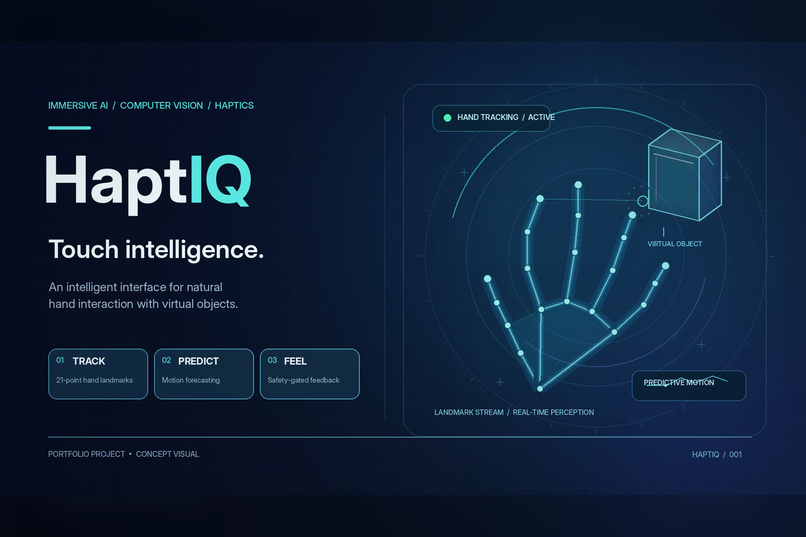
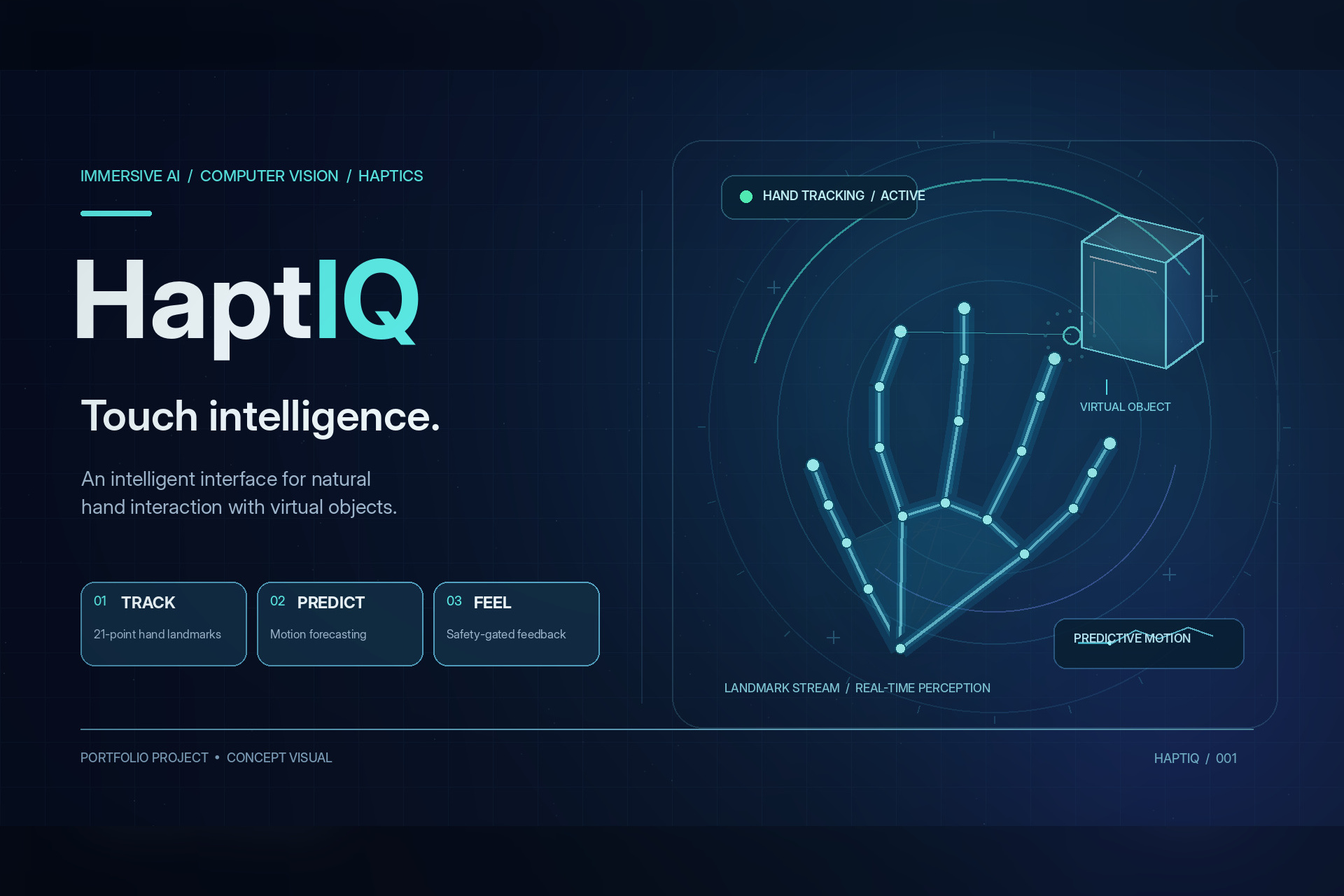
HaptIQ combines real-time hand tracking, predictive AI, and haptic feedback to enable intuitive interaction with virtual objects.
Inspiration
Technology should adapt to people, not demand perfect movement.
For someone with limited hand coordination, an interaction that requires a precise pinch, steady movement, or carefully timed release can become a barrier. We wanted to explore an interface that accounts for those differences.
HaptIQ began with a question: could an ordinary webcam, predictive AI, and affordable hardware make virtual grasping more adaptable and connect actions on a screen to physical signals?
Our motivation is accessibility. Our prototype is a first step toward investigating that possibility, rather than a claim that we have already solved it.
What It Does
HaptIQ lets users control a virtual hand through webcam tracking. They can approach, grasp, move, and release three objects with different simulated behaviors:
- A fragile glass can break when squeezed excessively or dropped.
- A soft sponge compresses during a grasp.
- A heavy block requires a sustained grip and can slip.
The system predicts near-future hand movement and adjusts grasp assistance within bounded limits. When tracking becomes unreliable, assistance is reduced or disabled.
A perspective 3D visualization shows the hand and objects, while an optional 2D view provides a simpler interface. Both use the same simulation.
An Arduino-compatible controller connects virtual events to physical outputs. Our hardware includes LED indication, touch sensing, audible slip and damage cues, and a servo tested for controlled movement without contact with a person.
Four selectable modes separate baseline interaction, AI assistance, physical cues, and their combination. Session logs capture predictions, tracking status, trial outcomes, and device telemetry.
How We Built It
We divided the project into four connected workstreams: perception, simulation, hardware, and AI evaluation.
Python, OpenCV, and MediaPipe form the perception pipeline. MediaPipe detects 21 hand landmarks, which we convert into a calibrated pointer, grip closure, velocity, and tracking-quality indicators. Smoothing and outlier handling help reduce unstable input.
A Kalman filter forecasts movement. We compare its predictions against simpler baselines, while a rule-based state machine estimates grasp phases. A bounded adaptation policy adjusts assistance between practice trials, and an evaluation mode freezes adaptation during comparisons.
Pygame powers the object simulation, interface, and hand visualization. Fixed simulation steps keep object behavior consistent across different rendering rates.
On the hardware side, an Adafruit Metro 328 communicates over serial with the laptop. Commands pass through explicit arming, tracking-quality checks, duplicate suppression, cooldowns, and angle limits. A physical STOP button and firmware watchdog provide additional controls.
Shared data contracts allowed all four members to develop independently and bring their work together in one application.
Challenges We Ran Into
The biggest challenge was turning individually working modules into a dependable interaction.
Camera tracking could become unreliable near the image edges or when a hand changed orientation. Brief dropouts could cause pointer jumps or unintended releases. We added workspace mapping and input guards to handle these cases more predictably.
Calibration also required practical adjustments. Thresholds that worked with synthetic input could make it difficult for a person to start another grasp. Testing exposed the difference between a mathematically valid signal and a usable interaction.
Another subtle issue appeared across repeated trials: restarting event IDs caused the hardware safety layer to interpret new contacts as duplicates. Keeping IDs unique restored consistent cue handling.
Physical testing revealed power drops during servo movement. Measuring the supply helped us identify a more stable arrangement for the non-contact demonstration.
These problems taught us to treat timing, power, failure handling, and interface consistency as core parts of the project.
Accomplishments That We Are Proud Of
- Connected live hand perception, prediction, adaptive assistance, simulation, logging, and hardware communication.
- Built three distinct object behaviors and a landmark-driven hand visualization.
- Added explicit evaluation controls and session metadata for reproducible comparisons.
- Physically tested touch detection, LED operation, audible buzzer cues, and bounded servo movement.
- Built hundreds of automated tests covering perception, simulation, prediction, protocol behavior, logging, and application cleanup.
- Preserved mouse and recorded-trace fallbacks so the application remains demonstrable without a working camera or board.
We are especially proud that tracking loss, repeated trials, interrupted sessions, and hardware disconnection became engineering tasks we addressed, rather than situations we ignored.
What We Learned
Accessibility starts with questioning the assumptions an interface makes about its user. A single fixed threshold or demand for perfectly steady movement can make an otherwise simple task difficult.
We learned how calibration, prediction, and modest assistance can be combined to explore alternatives. We also learned that their benefit must be measured with people, not assumed from a successful software demo.
Working across four laptops taught us the importance of clear ownership, shared contracts, small integrations, and reproducible tests.
Finally, we learned to distinguish evidence carefully. A command acknowledgment does not prove someone felt a cue. Synthetic success does not establish improved human performance. Our simulation does not measure real grip force.
What Is Next
Our next priority is evaluating the system with people who have different movement abilities, including people with limited hand coordination, so their feedback can guide the design.
We want to compare the four operating modes under consistent conditions, measuring task success, completion time, tracking failures, and prediction error.
Further work includes persistent personalized profiles, more reliable hand identity tracking, and improved assistance for different movement patterns. Any tactile mechanism involving contact with a person would require separate design and safety evaluation.
HaptIQ is an accessibility research prototype, not a therapy or medical device. Its purpose is to explore a future in which virtual interfaces respond to the person using them, rather than expecting every person to move the same way.
