-
-
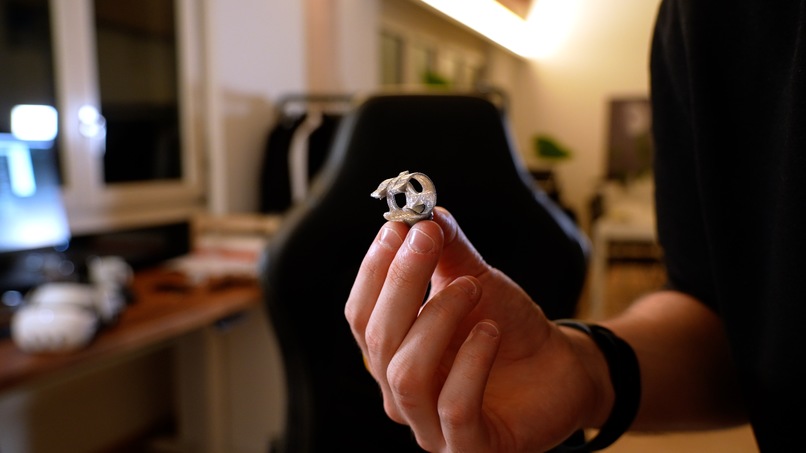
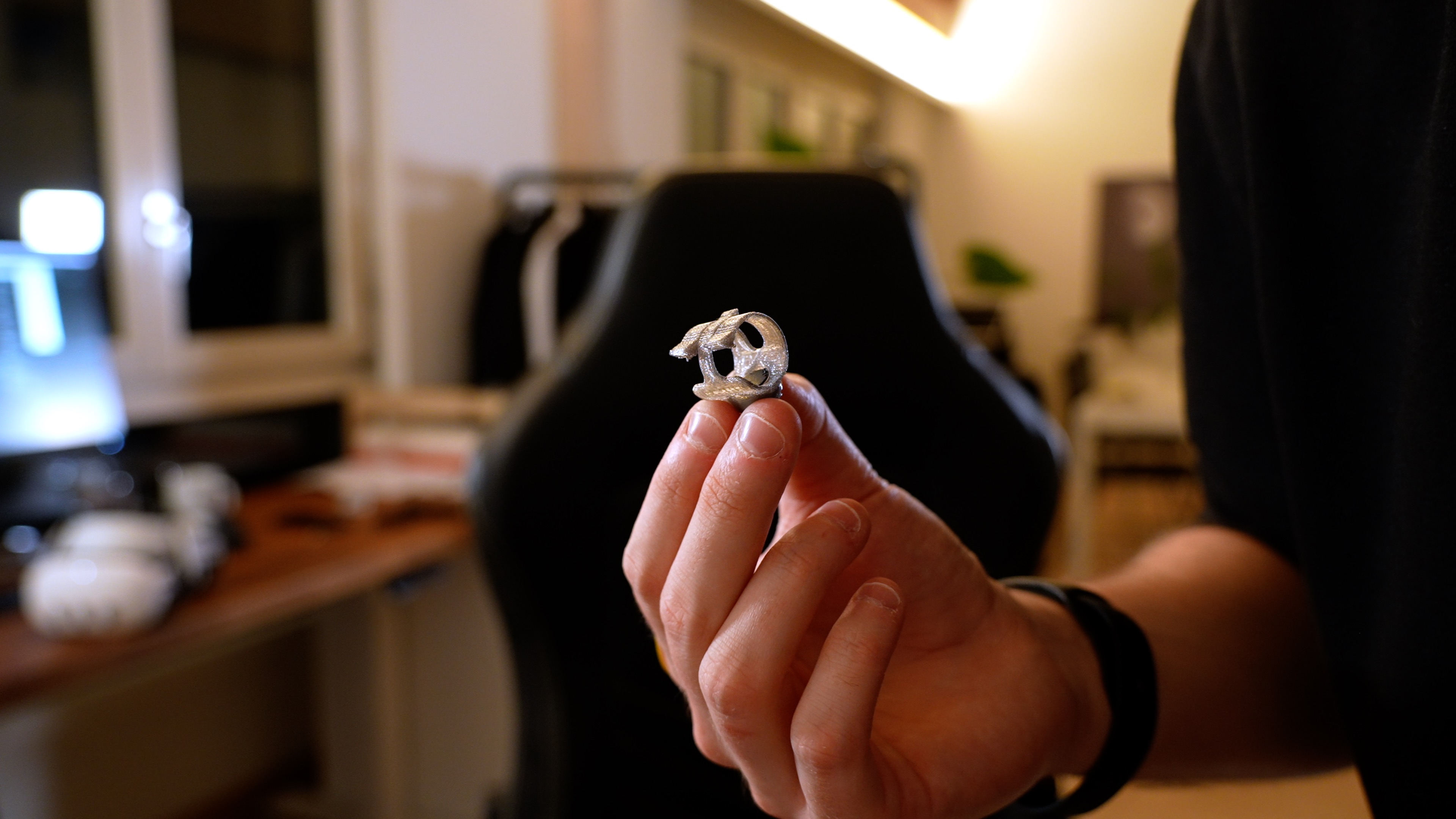
A detailed view of the finger clip for the actuator
-
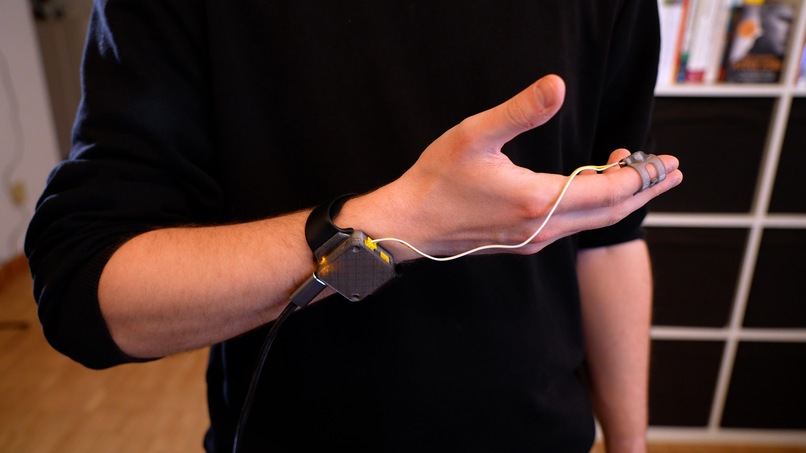
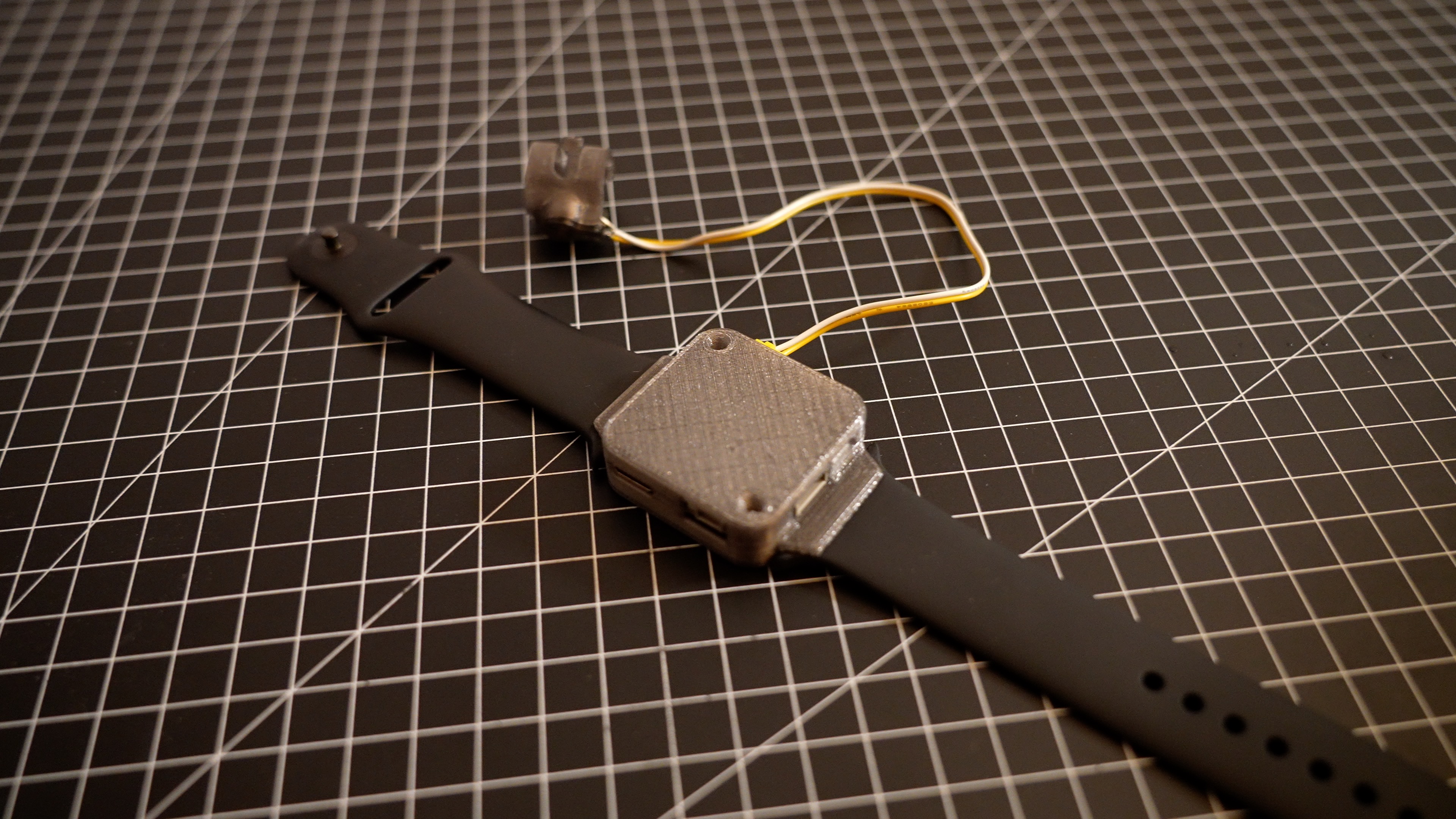
The wearable haptic device
-
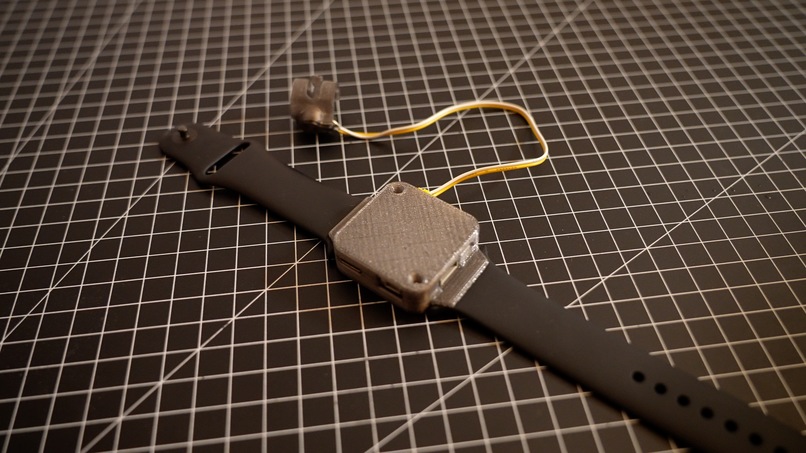
The designed haptic device
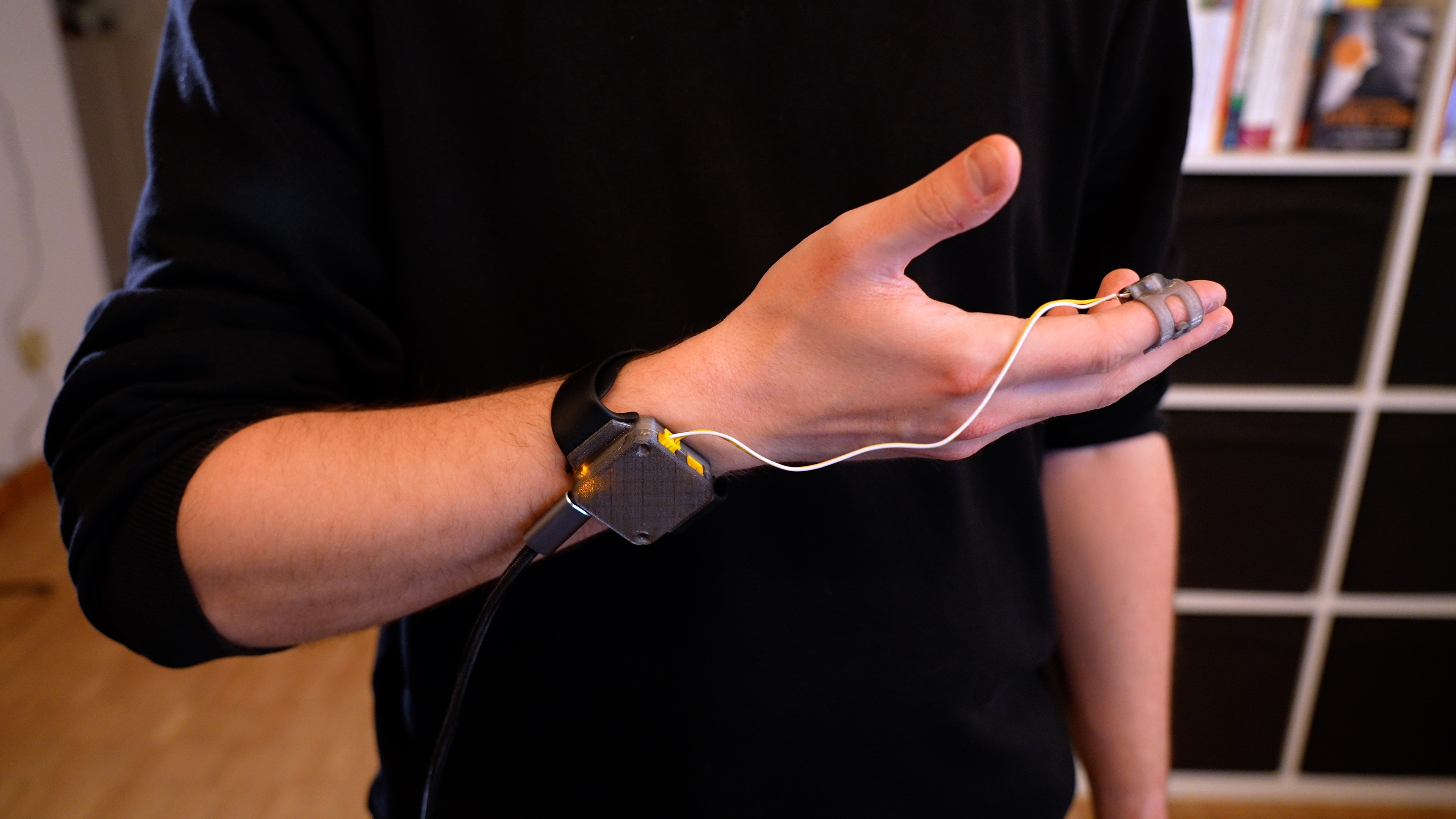
Hand tracking lacks fast physical feedback, or any feedback, at all. Navigating the UI in Mixed or Virtual Reality lets you touch the air, giving you no haptic clues as to whether an interaction was successful – or not. It doesn't have to be like this.
Using existing hardware and software components, I put together an easy and affordable haptic feedback device, that lets you feel haptic feedback in your Unity applications. It uses a Hardware Development Kit from Hapticlabs, custom-printed hardware parts, and C# scripts to bring custom haptic vibrations to your fingertip.
Things learned
– Working with hardware, as this was my first hardware project – Combining hardware with software, brings haptic feedback into reality – 3D printing, as this was my first project with my newly bought BambuLab A1 mini. – Fusion 360, although I consider myself still a beginner
Steps done
– Concept: Outlined a system combining existing components: Meta Quest 3, Unity, Meta SDKs, Hapticlabs DevKit, and 3D printing. – Software Development: Unity was configured with Meta SDKs and Hapticlabs Studio for TCP communication, enabling haptic responses during interactions. – Prototyping: Designed custom cases and finger clips in Fusion 360, and integrated using 3D printing. – User Testing: The prototype was evaluated by 10 participants in order to find a perfect fit and test the added value of haptic feedback.
Challenges Faced
– Technical Integration: Establishing reliable communication between Unity and DevKit required extensive troubleshooting, particularly with TCP protocols and Unity. – Hardware Issues: Limited experience with 3D printing and hardware debugging led to many iterations in the design phase. – Latency: Minimizing delay between interaction and haptic feedback was critical but challenging, at first
Built With
- 3dprinting
- autodesk-fusion-360
- hapticlabs
- hardware
- meta-sdk
- unity


Log in or sign up for Devpost to join the conversation.