-
-

-
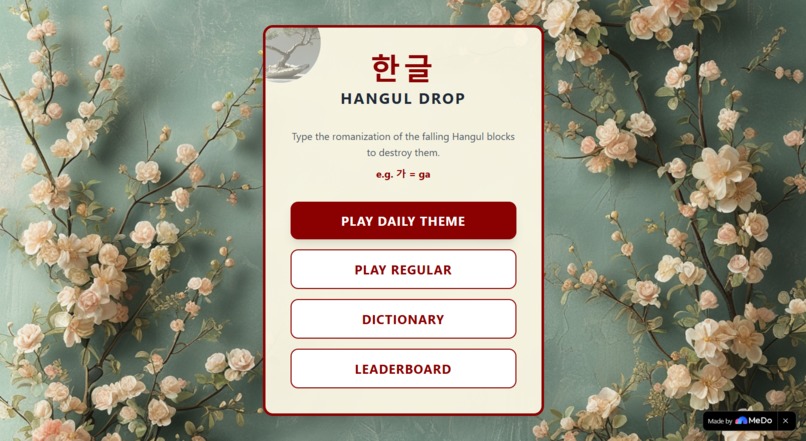
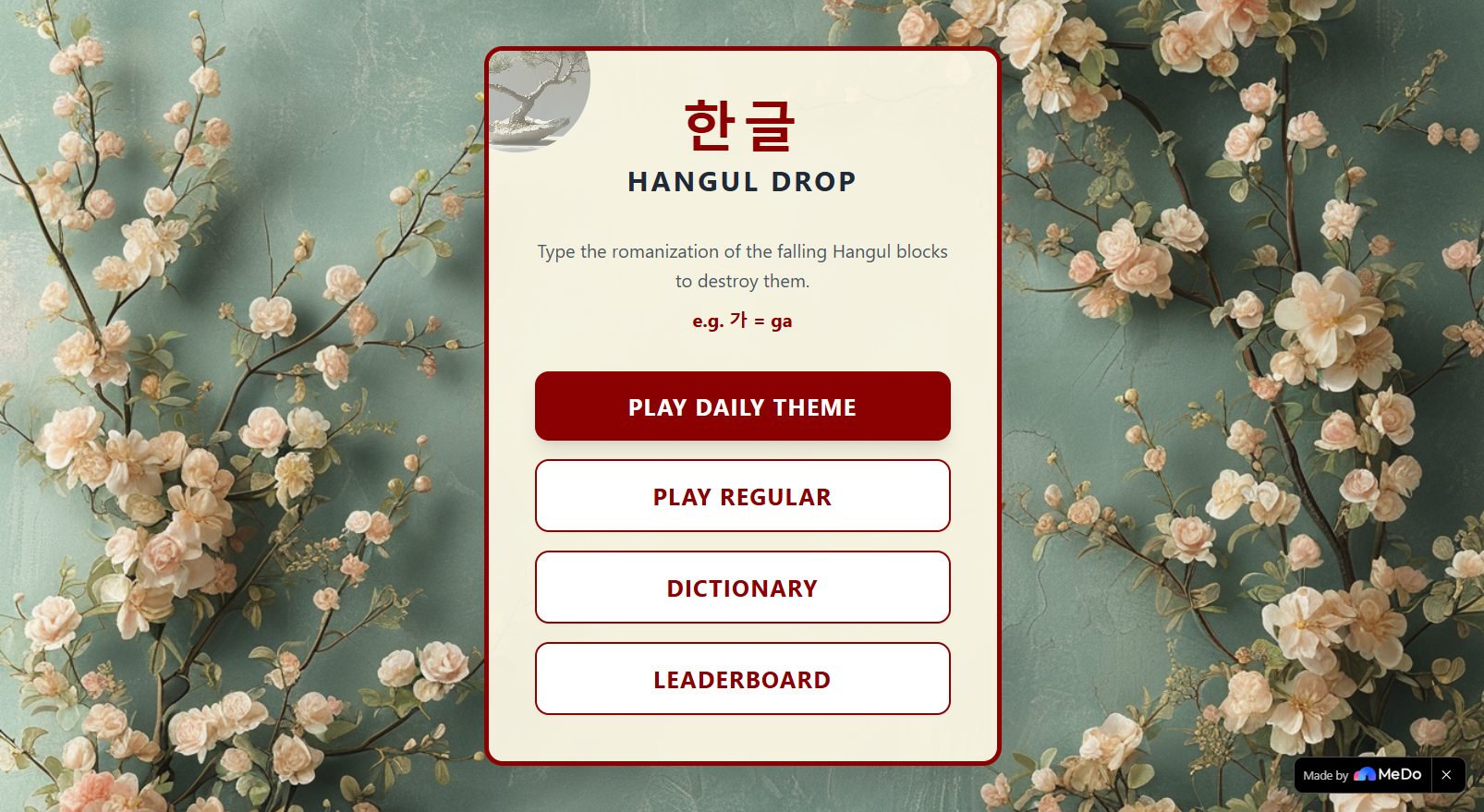
Main Menu
-
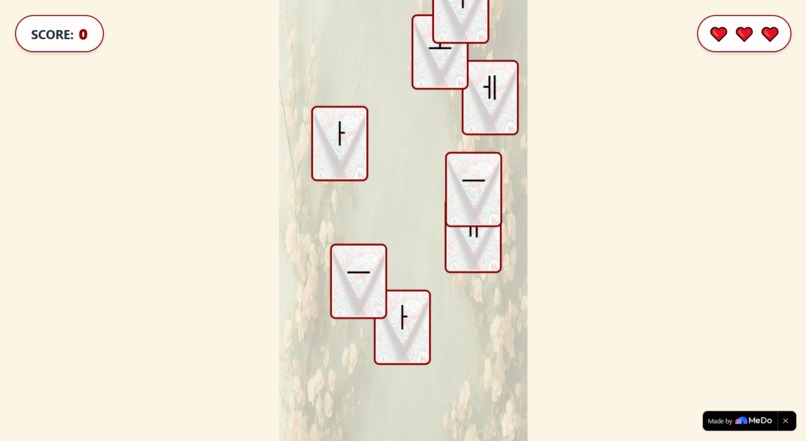
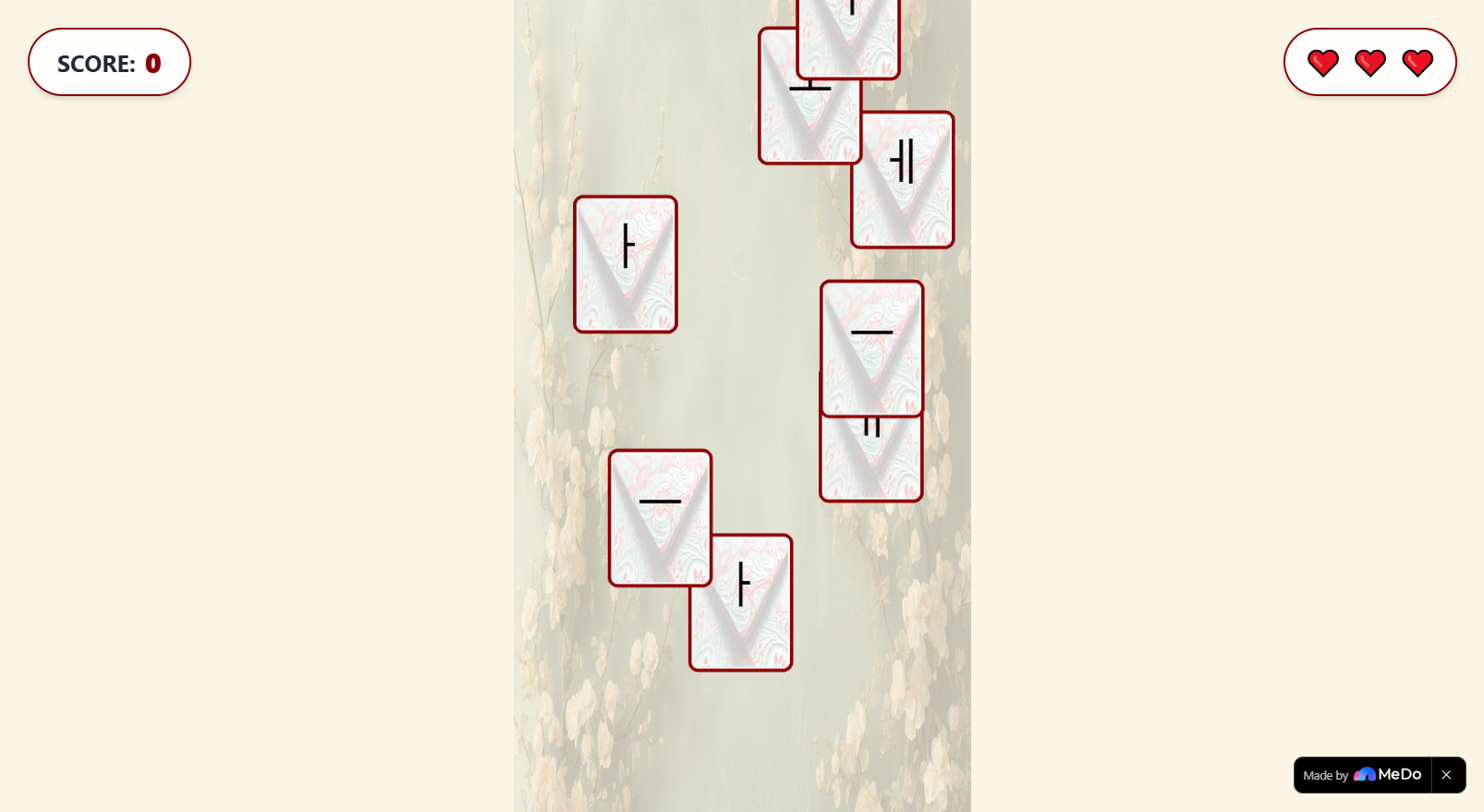
Game
-
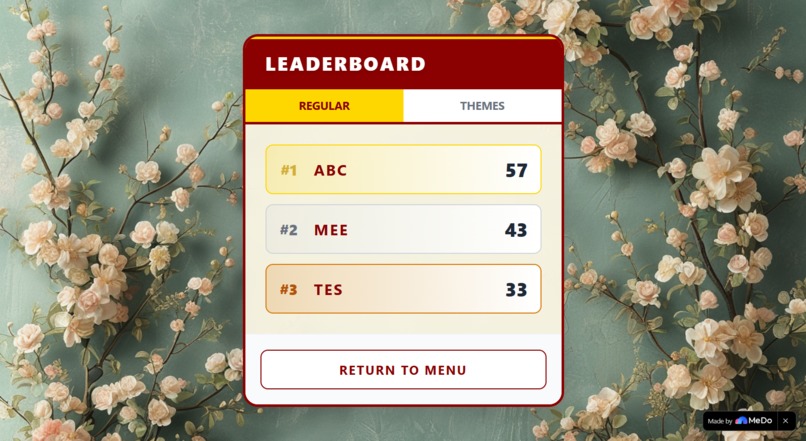
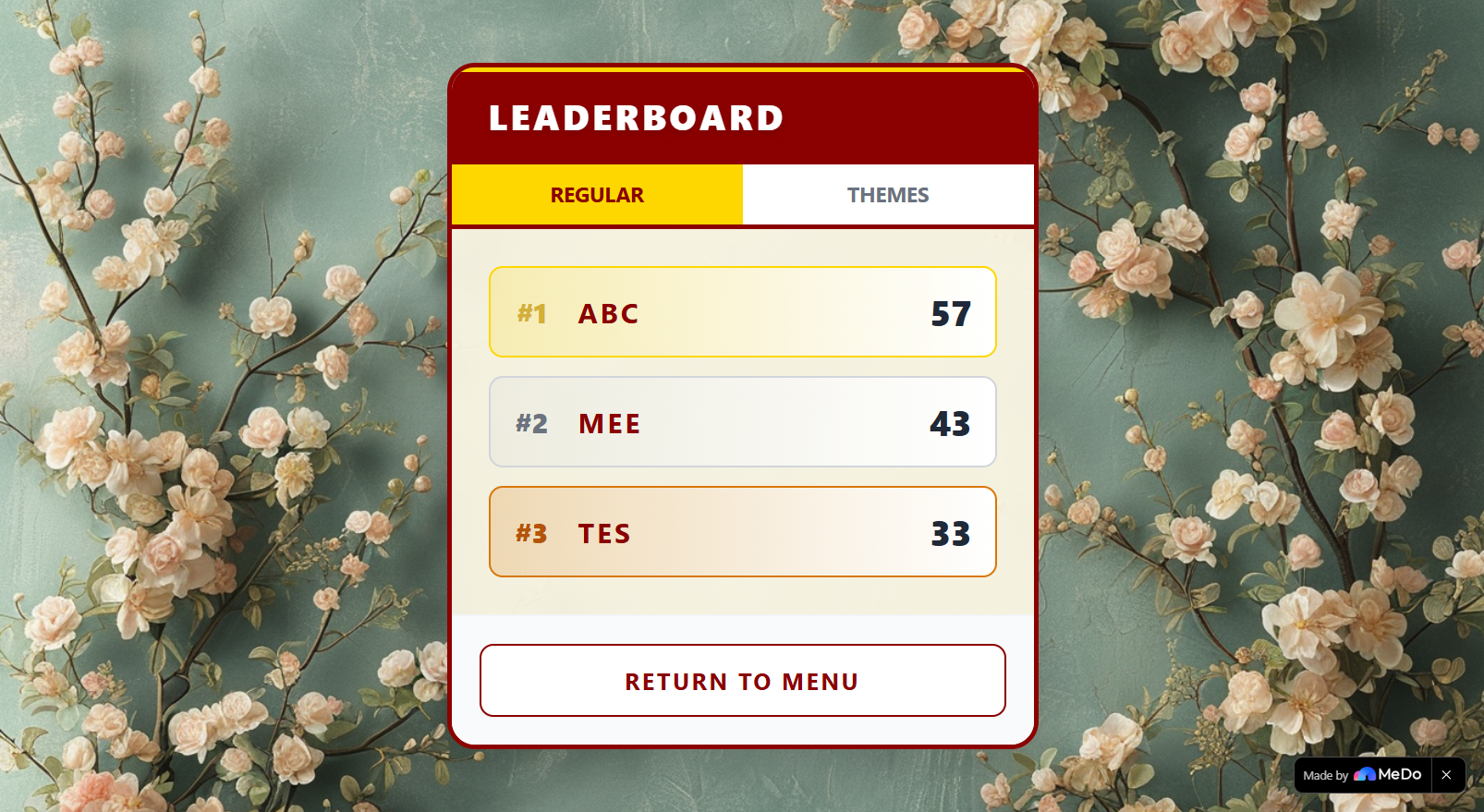
Leaderboard
-
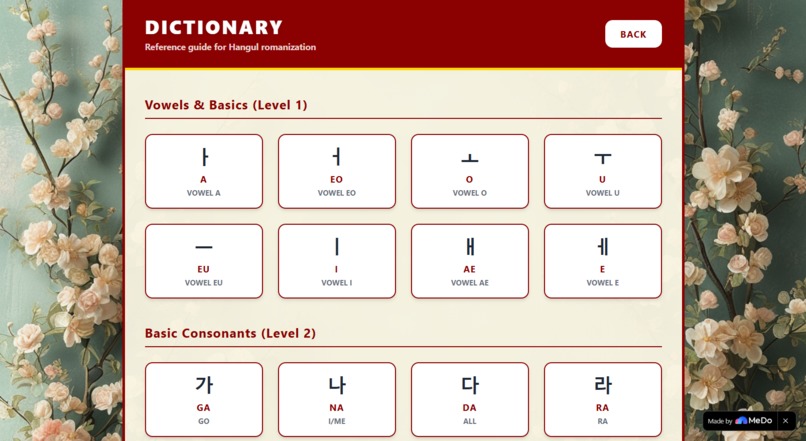
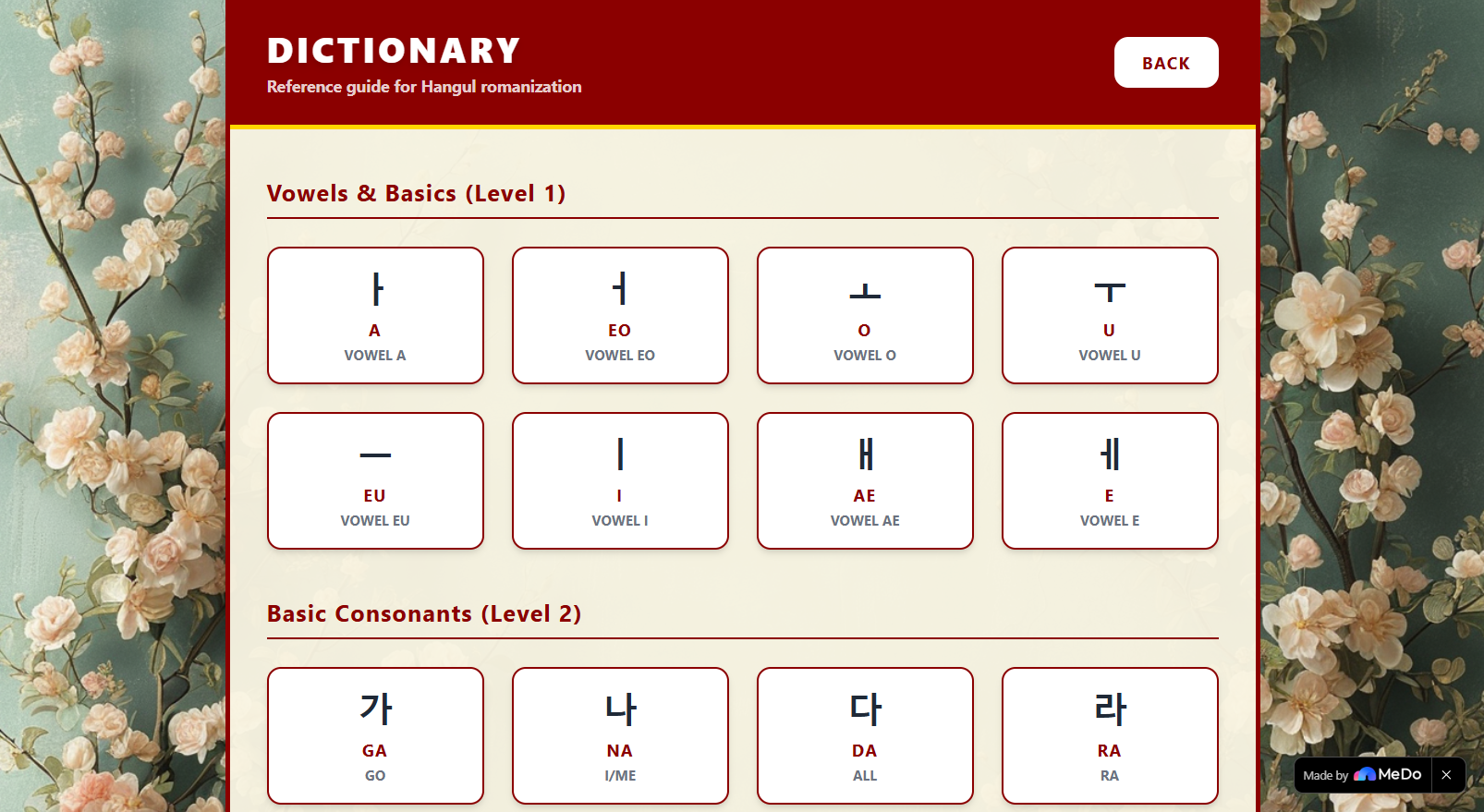
Dictionary

Inspiration
Believe it or not, I had discovered K-Pop recently and was pleasantly surprised by some of the songs I accidentally listened to. Naturally, I went to lyric videos to sing along to some of my favorite songs, since I don't speak Korean and can't decipher the words by ear.
This ultimately reminded me of a time someone on the internet told me that Hangul (the phonetic alphabet to write the Korean language) is one of the easiest writing systems to read and write (phonetically). So, I thought I would learn it while my newfound hobby for listening to certain K-Pop songs is still fresh.
And what better way to learn than to play (or create) a game for it. This is why I made Hangul Drop.
What it does
Hangul Drop is a simple minigame where you can have fun, compete with global players, and learn to read and write Hangul at the same time. The whole game is themed around Hwatu cards, used in the traditional Korean game Go-Stop.
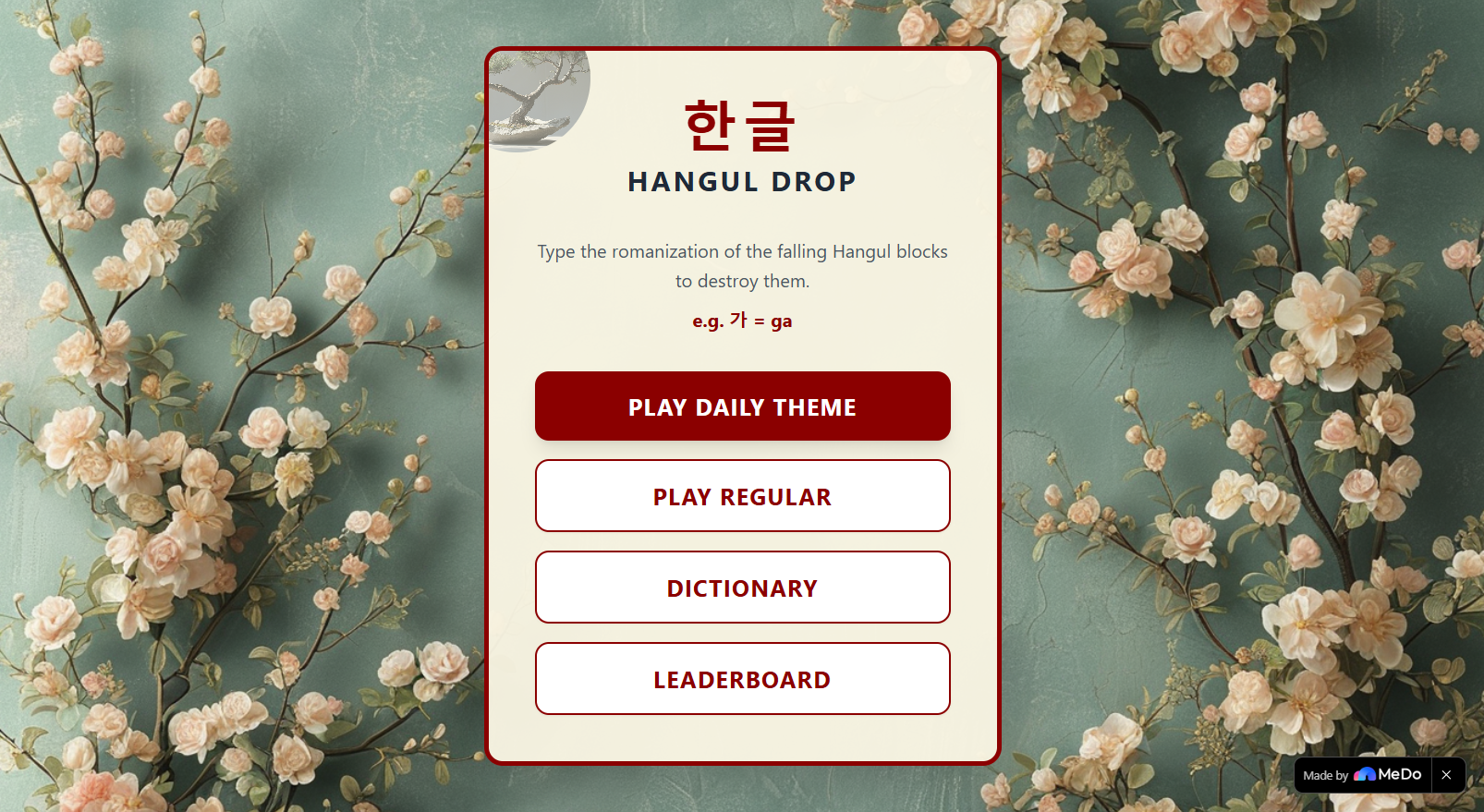
Core Gameplay
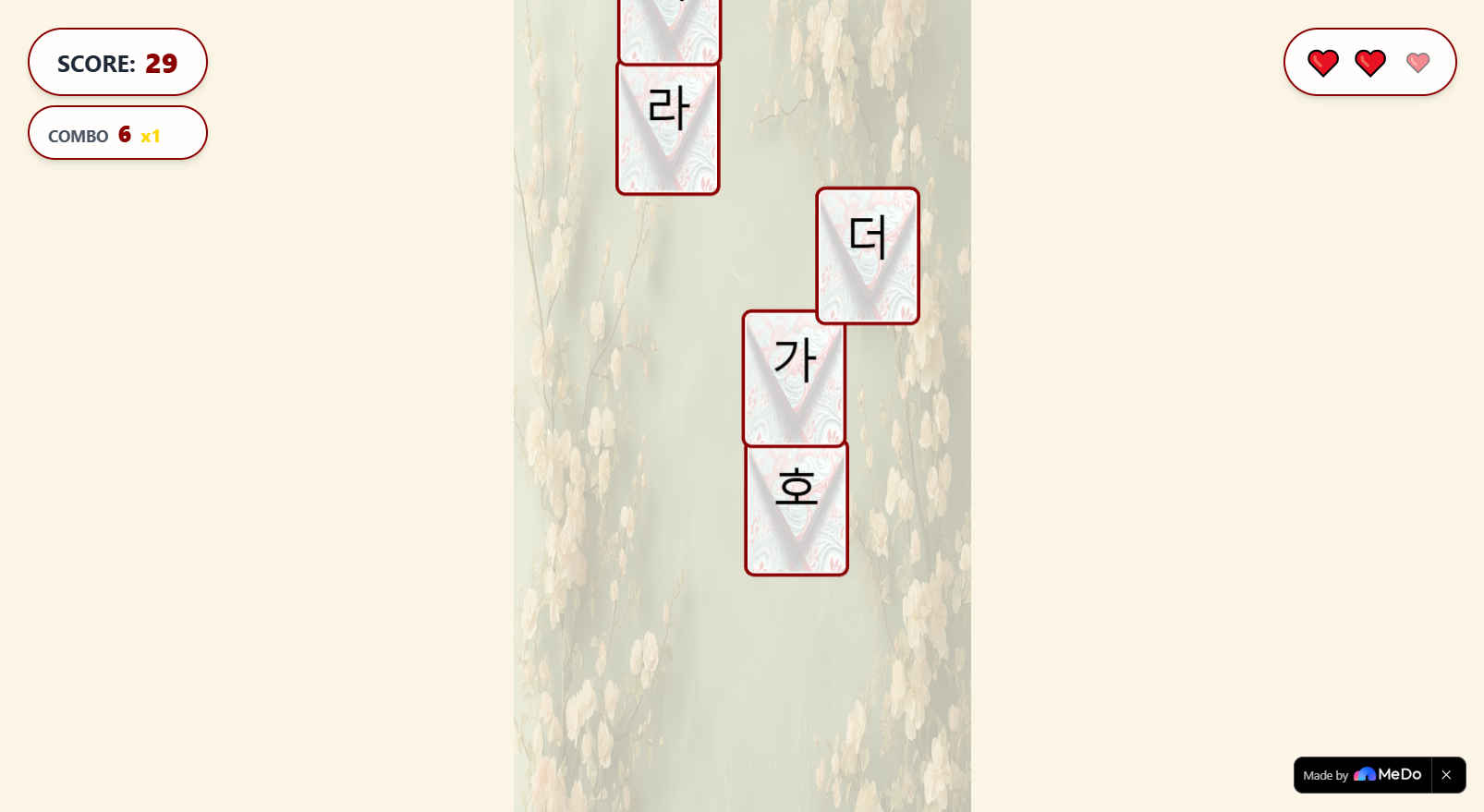
Cards will drop from the top containing Hangul characters. Users have to keep them from reaching the bottom by typing out the correct phonetic or romanized spelling. For example, if you see a card containing the character 비, you'd type bi, then that card would be destroyed.
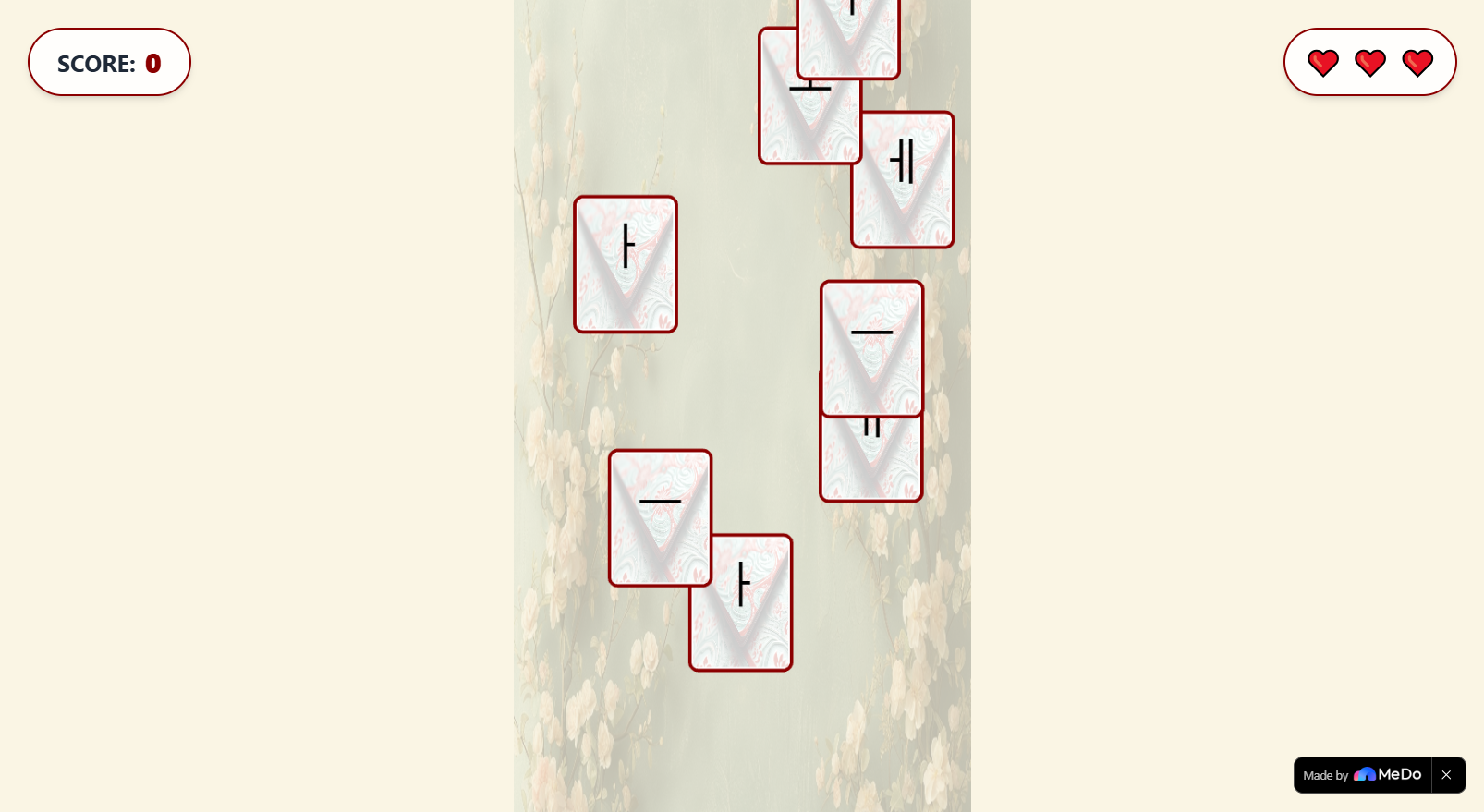
If you manage to destroy multiple cards in a row without messing up, you get some combo bonus. But if you let a card reach the bottom, you lose a heart. Also, as time goes on the characters on the card get harder...
When you lose all your hearts, you get the game over screen:
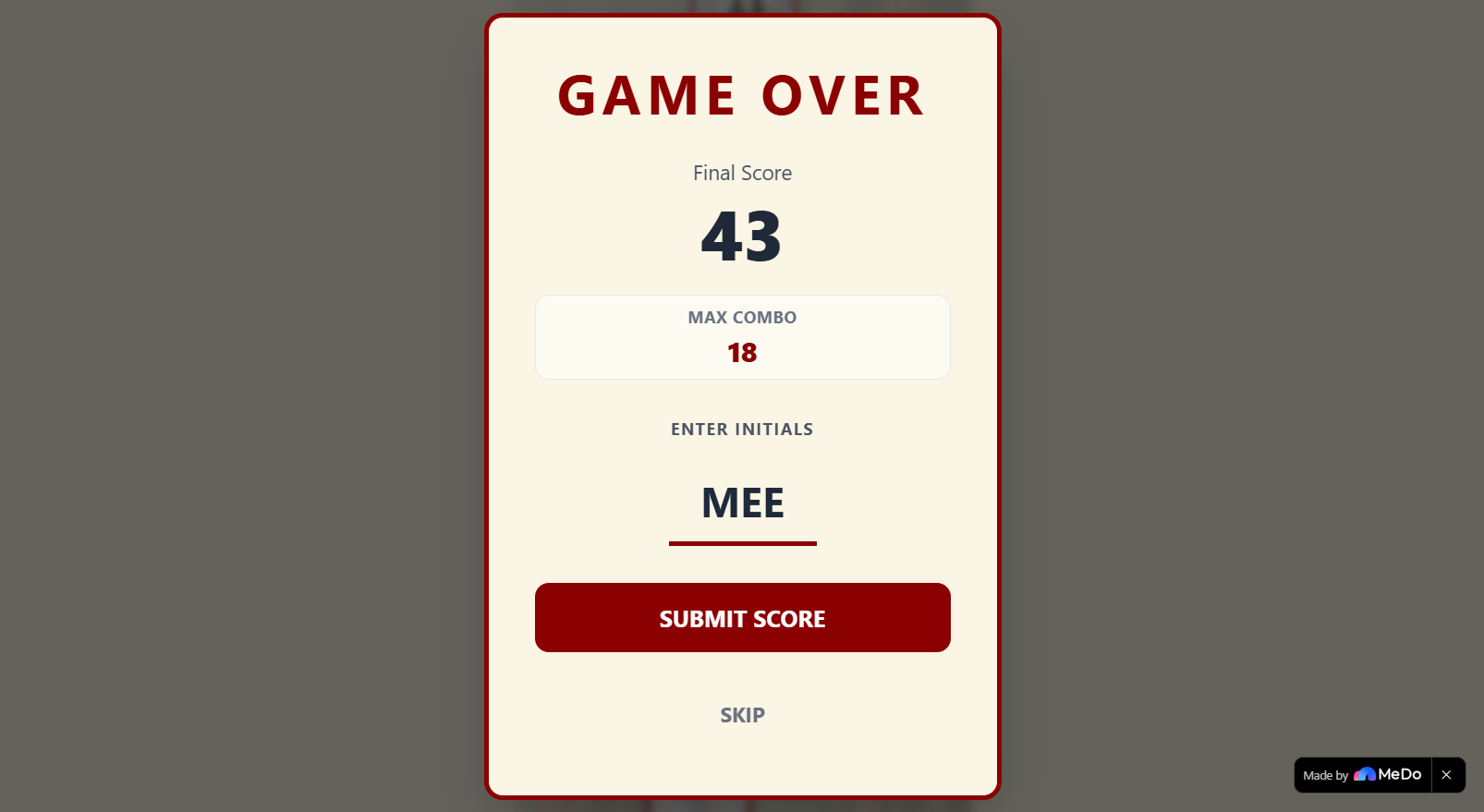
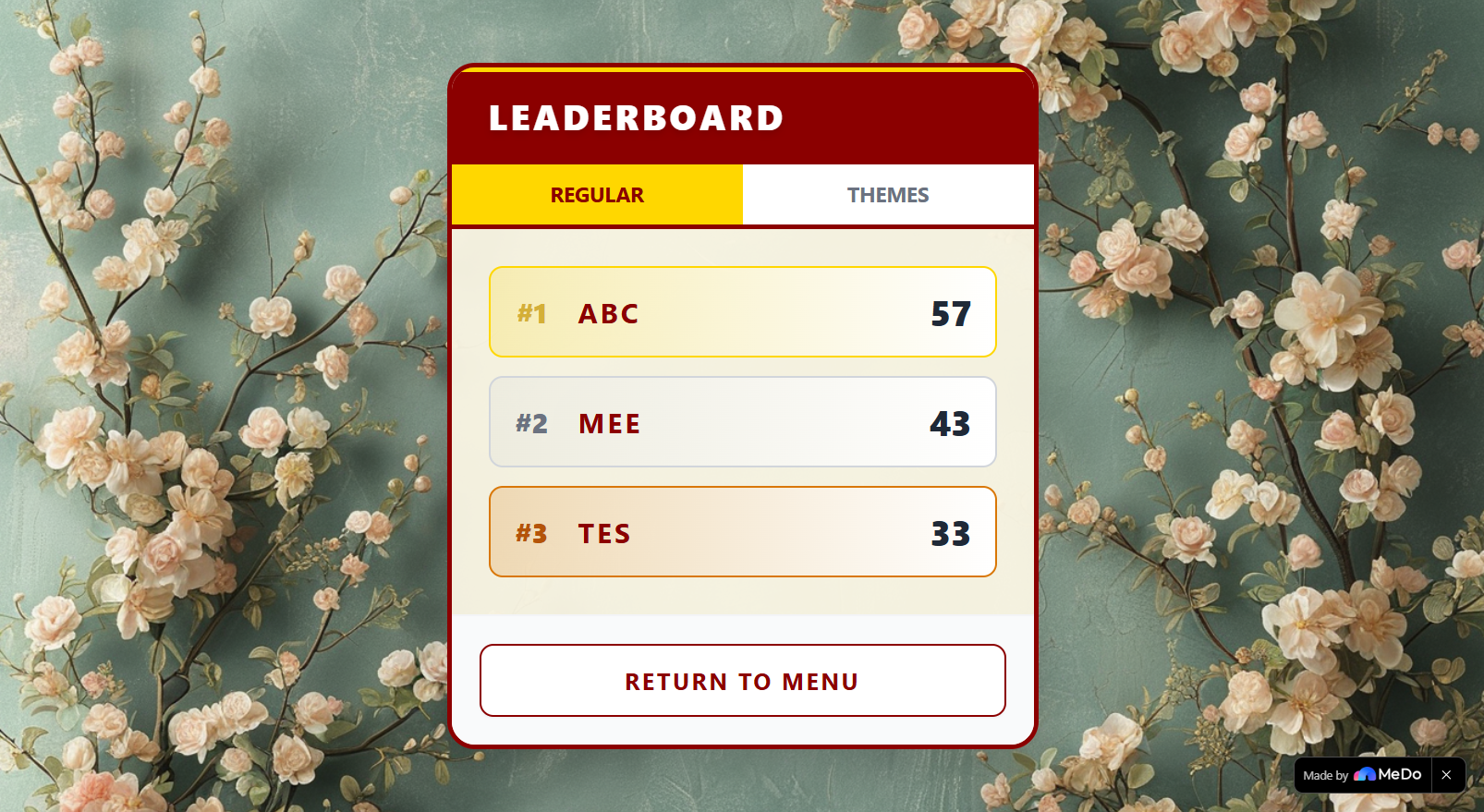
And you can input 3 letters ARCADE style to save your score and have it displayed on the leaderboard where your friends can see it.
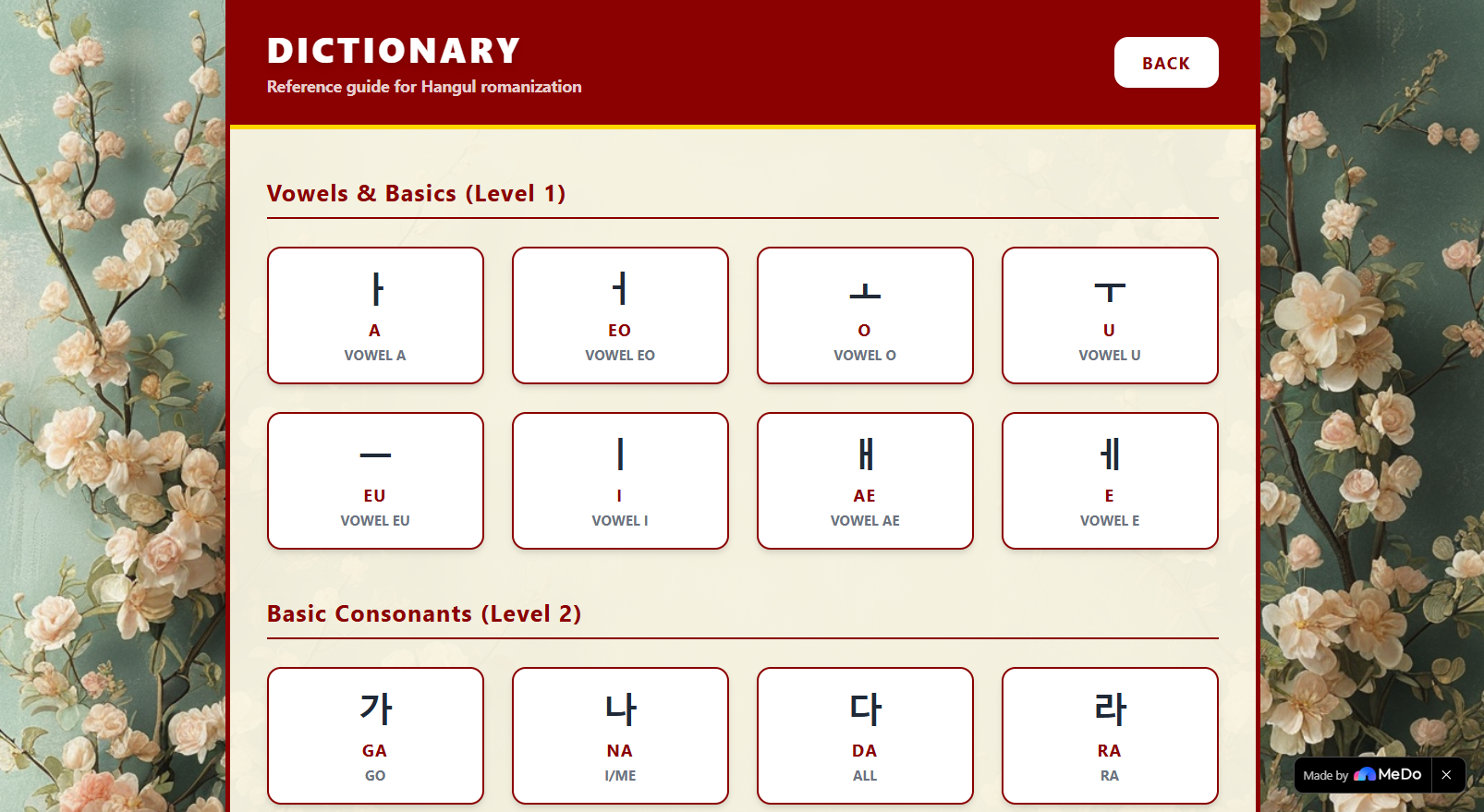
And don't worry! If you don't have your Hangul basics ready yet, Hangul Drop provides you with a dictionary of the possible words that might show up during a game session.
Daily Theme Feature
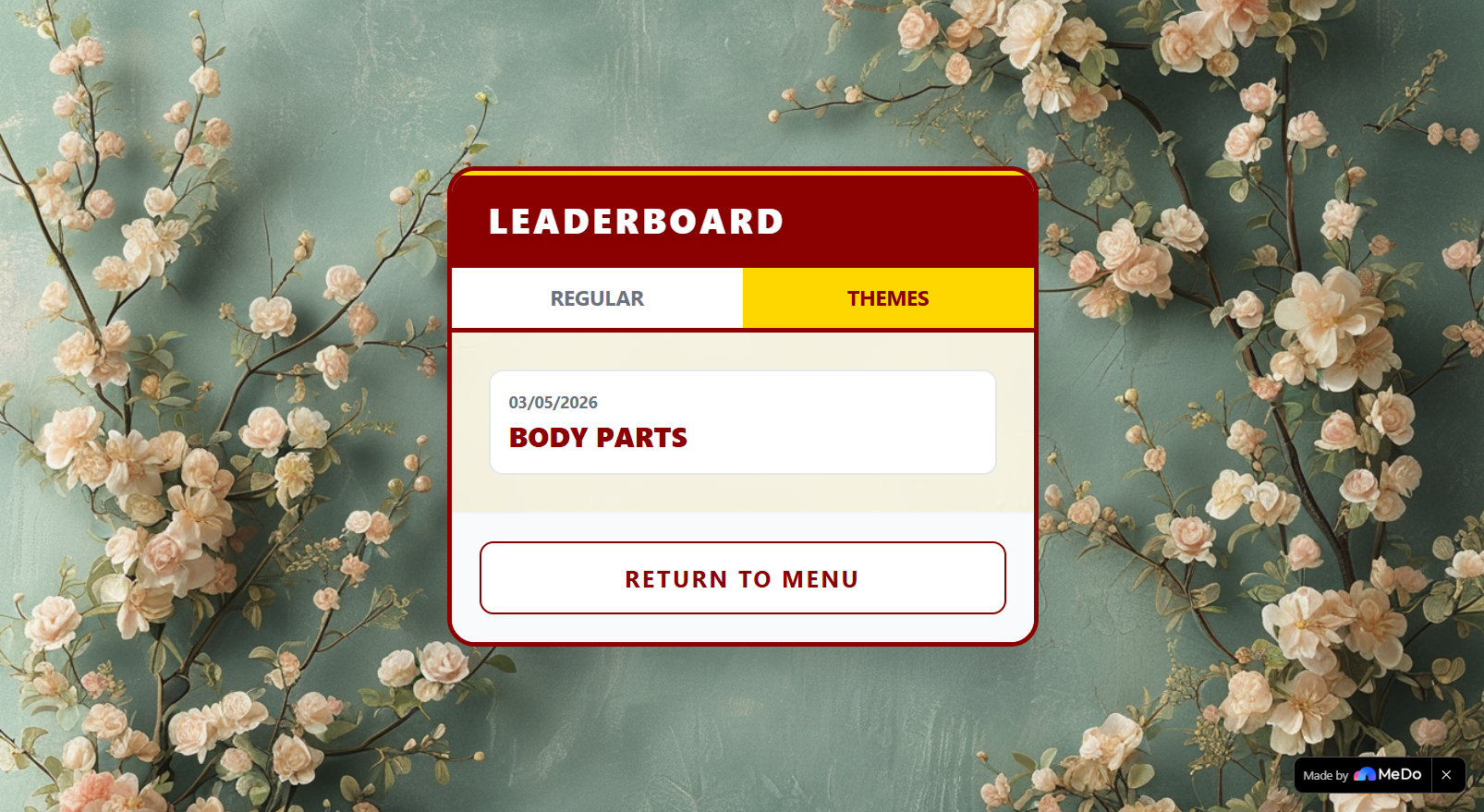
In addition to regular mode, we have our killer feature: Daily Themes. Each day, a theme will be generated using an LLM, producing a new set of words within that set theme. Along with the generated theme, comes with an associated leaderboard for that theme.
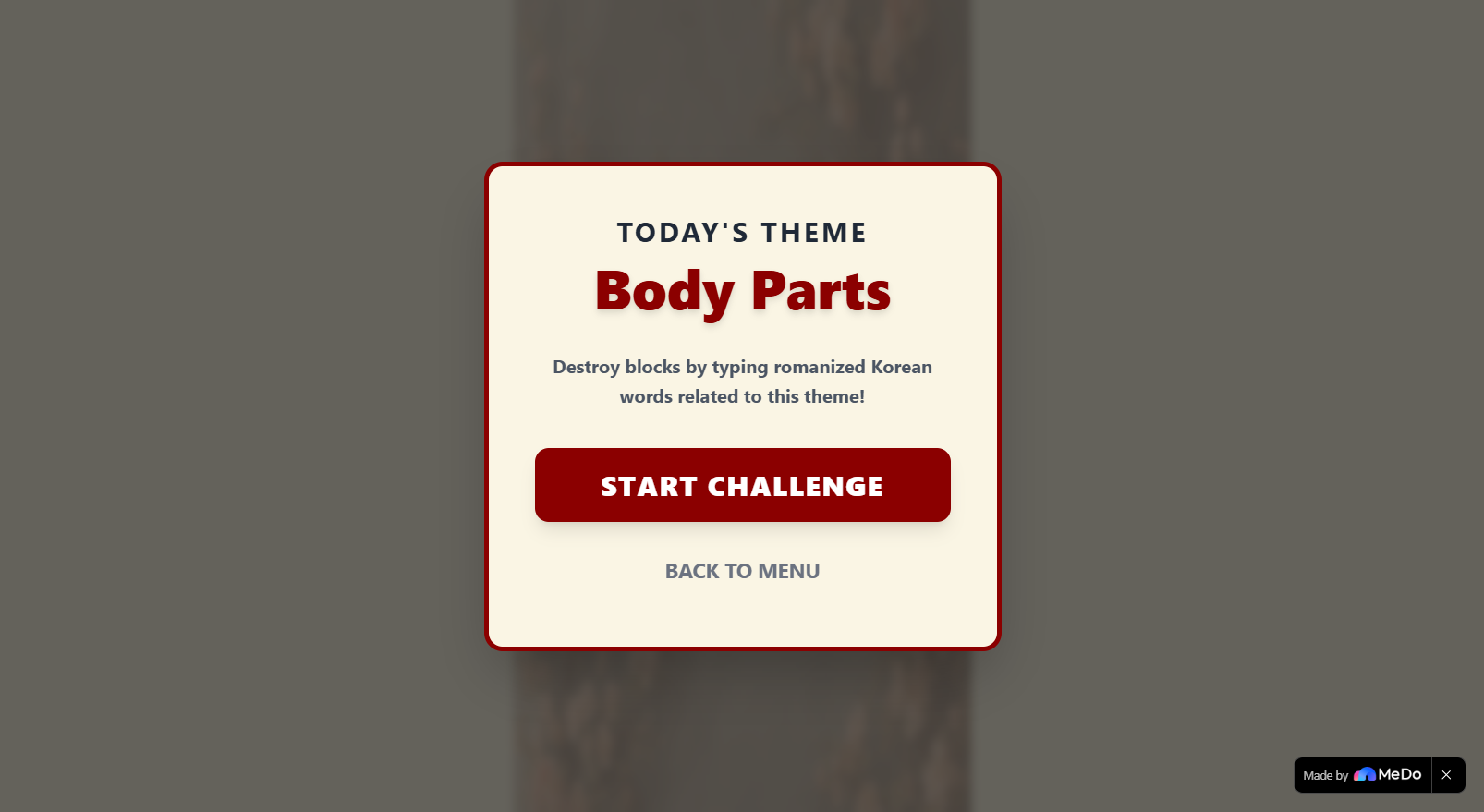
And also... a theme will have its own dictionary
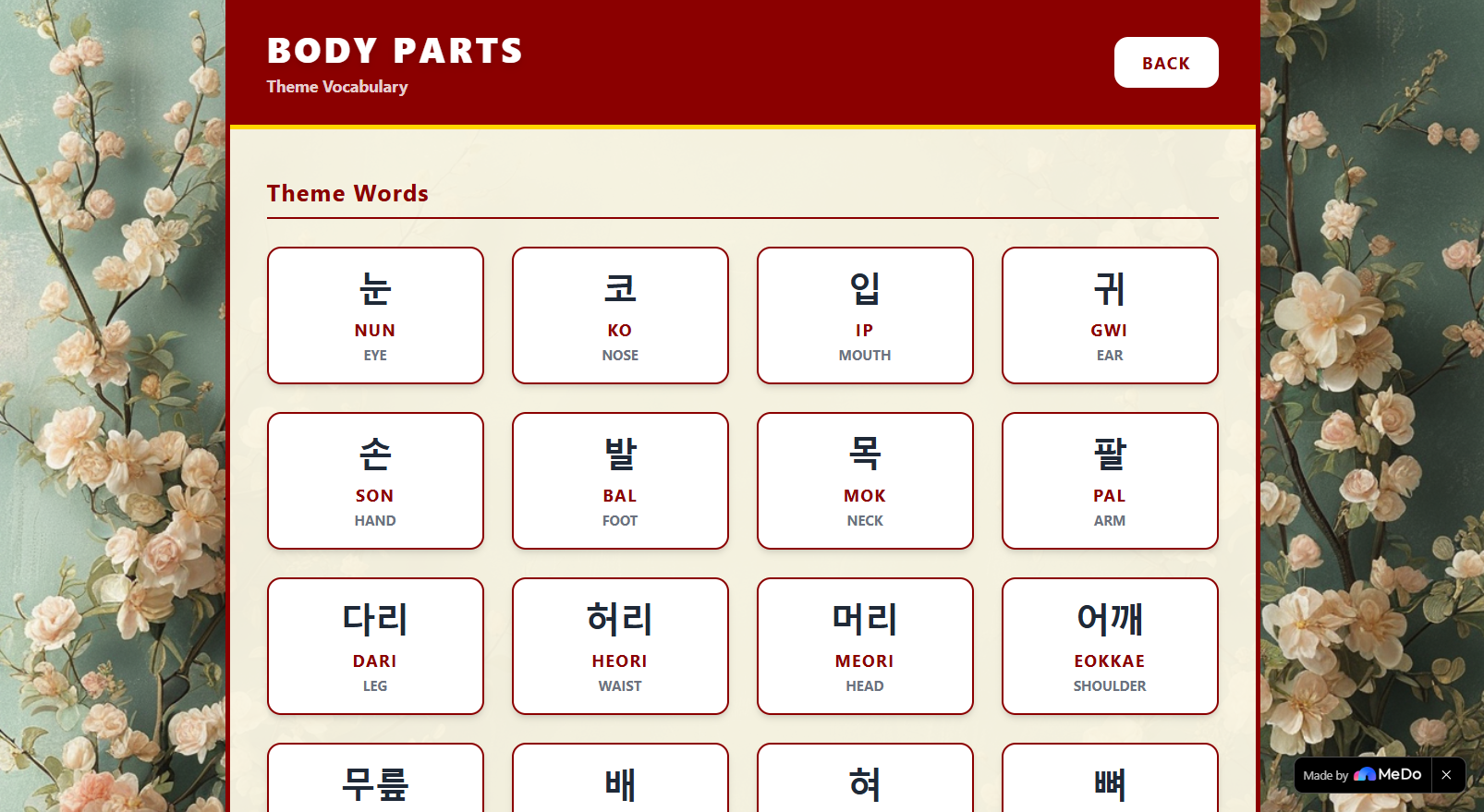
This way you will always have new content every day!
How we built it
I made this app exclusively by chatting with MeDo. This was literally my first prompt:
Create a mini game for learning to read Korean Hangul.

During a game, blocks of Hangul characters will come from the top.

Typing out the romanization of the characters will result in them being destroyed, increasing the player score.

If a character makes it to the bottom it reduces the player's hearts, of which they have three.

When the player loses all their hearts, the game is over.

Then the player can choose to put their score in the leaderboard arcade style by typing out their name.

Score is then recorded in the leaderboard. Where they can compare other players scores.

Visual notes:
Style everything like the classic Korean game Hwatu
First Version After Initial Prompt
I'd like to make not of the state of the game just after one comprehensive prompt:
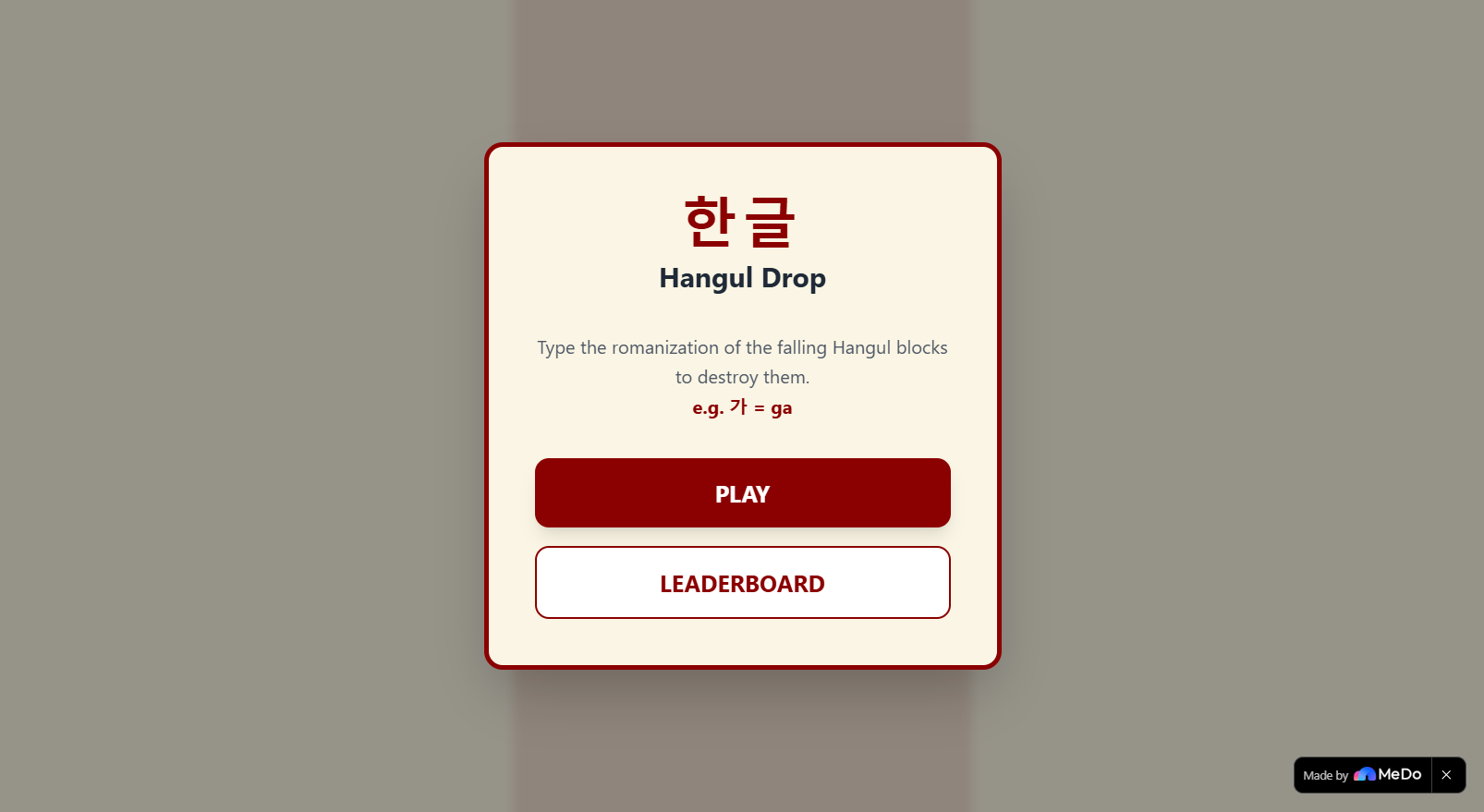
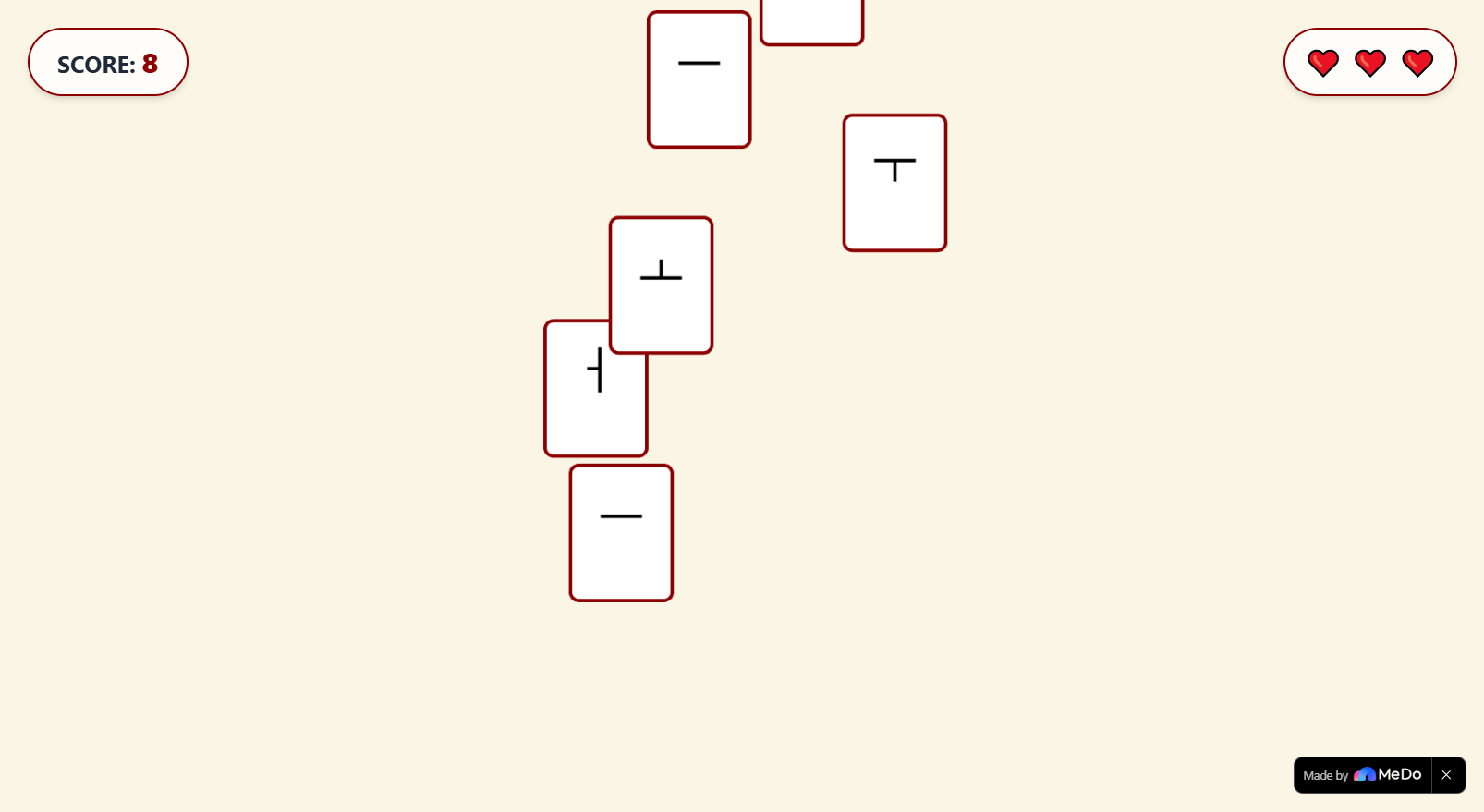
I basically got a full working game from a single instruction piece. It also generated a full backend system that supported online leaderboards immediately.
Improving the App
After a satisfying initial iteration of the app, I simply continued the conversation like I would with another person. For example here was my second instruction:
To give players a chance to recover, perhaps after they lose a heart the current characters dropping should be reset. To let the players get their bearing again.
Again, just simple feedback and request. And it executed it very well.
Using MeDo Suggestions
MeDo also gives context-aware up-to-date suggestions after every prompt, considering your app's current state. For example: after. some iterations, I saw it suggest "Add Sound Effects", to which I agreed.
Then it did just that: Used Phaser to give my game sound effects that match the context. For example, an "error" sound every time I type in the wrong letters! Beyond how amazing it is that it seamlessly integrated sounds to my game, I find it incredible that MeDo is aware when to put certain sounds and where.
Integrating a Plugin
Now, to keep content fresh, I utilized MeDo's many options for plugins. This time I used the Large Language Model.
I included this plugin as part of Hangul Drop's "Daily Themes" system. Each day, a theme will be generated using the LLM plugin. Along with the theme, a unique set of words and a corresponding dictionary within that theme will also be generated. Oh! And it also comes with its own leaderboard.
Since this is daily, and a theme will be replaced by another the next day, this enforces scarcity. You only have so much time to get on top of the leaderboard.
This is to help context-based language learning, which is more effective than just purely memorizing. So instead of a regular game session, a player has a chance to go on "theme mode".
I achieved this simply by instructing MeDo the same way I had been doing it. But this time, I referenced the plugin by clicking the "+" -> "Plugins" buttons.
After which, MeDo generated the necessary prompt to call that plugin with, as per my instruction. Pretty neat. I didn't have to design my own prompt.
Challenges we ran into
Overall, it was a pretty smooth operation. This was my first time trying out MeDo so there was the general friction of trying everything out and seeing what its capable of.
Accomplishments that we're proud of
Well, while most of the credit goes to MeDo, I'm really proud of my idea to design the whole thing around the traditional Korean game Go-To and make the character blocks resemble Hwatu cards.
However, I want to mention how well MeDo interpreted that request. I asked it to generate background images, and it did so with incredible attention to the given theme.
What we learned
This was my first time using a full-stack AI-based app generator. And I'm definitely surprised how easy it was for me to adopt. It was basically a regular chat experience, with a closely integrated programming subsystem, which you can mostly ignore -- if you choose to.
With the generous free credits at this point, I plan on creating more complex applications that utilize the backend generation, fully taking advantage of that "full-stack" part of MeDo.
What's next for Hangul Drop
The daily theme system will keep it fresh for a while, but some polish work could definitely be done. With MeDo, I should be able to implement it very smoothly -- even after I haven't touched it for a while, as I will leave MeDo to learn what I was doing before to continue my work. Or does it even need to?
Built With
- agent
- ai
- react
- supabase

Log in or sign up for Devpost to join the conversation.