-
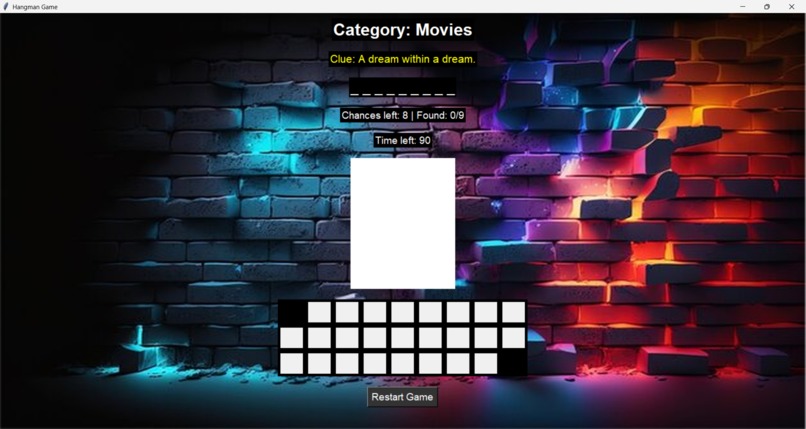
Home
-
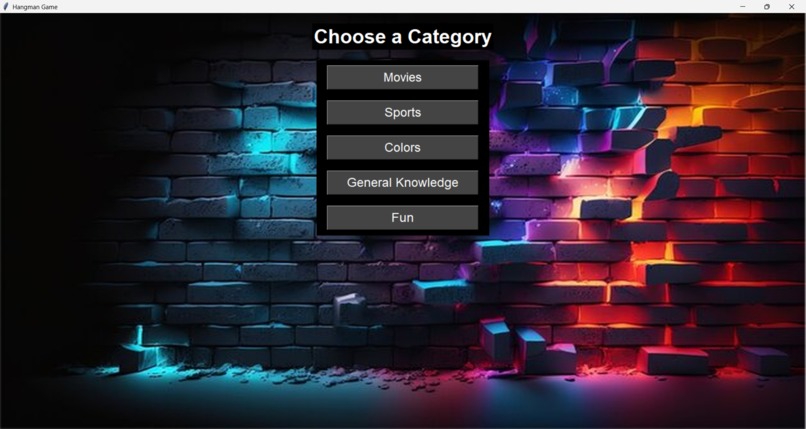
Category
-
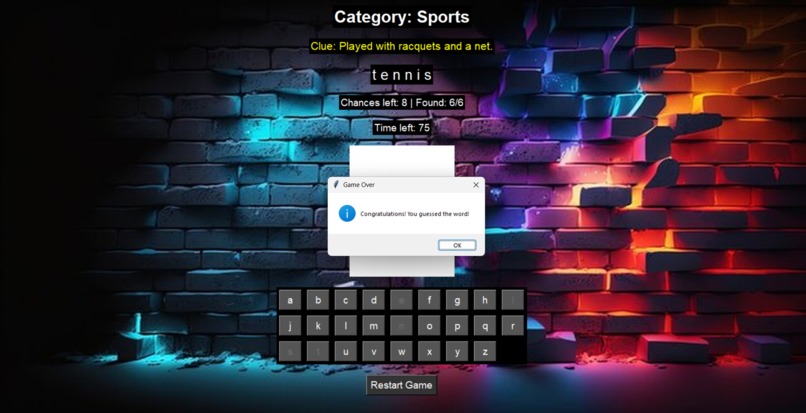
Win
-
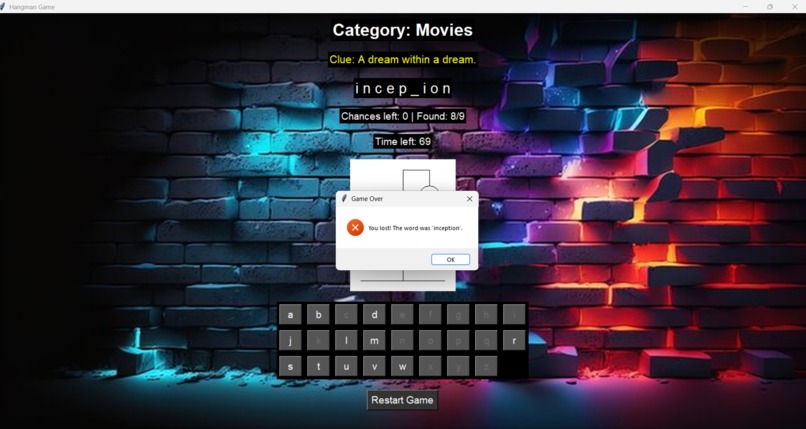
Lost
-
Mode
Hangman_Game 🎮
🚀 Inspiration
I’ve always been fascinated by simple games with big replay value. Hangman is timeless, and I wanted to reimagine it with Python and a clean GUI – something fun, educational, and nostalgic.
🧩 What It Does
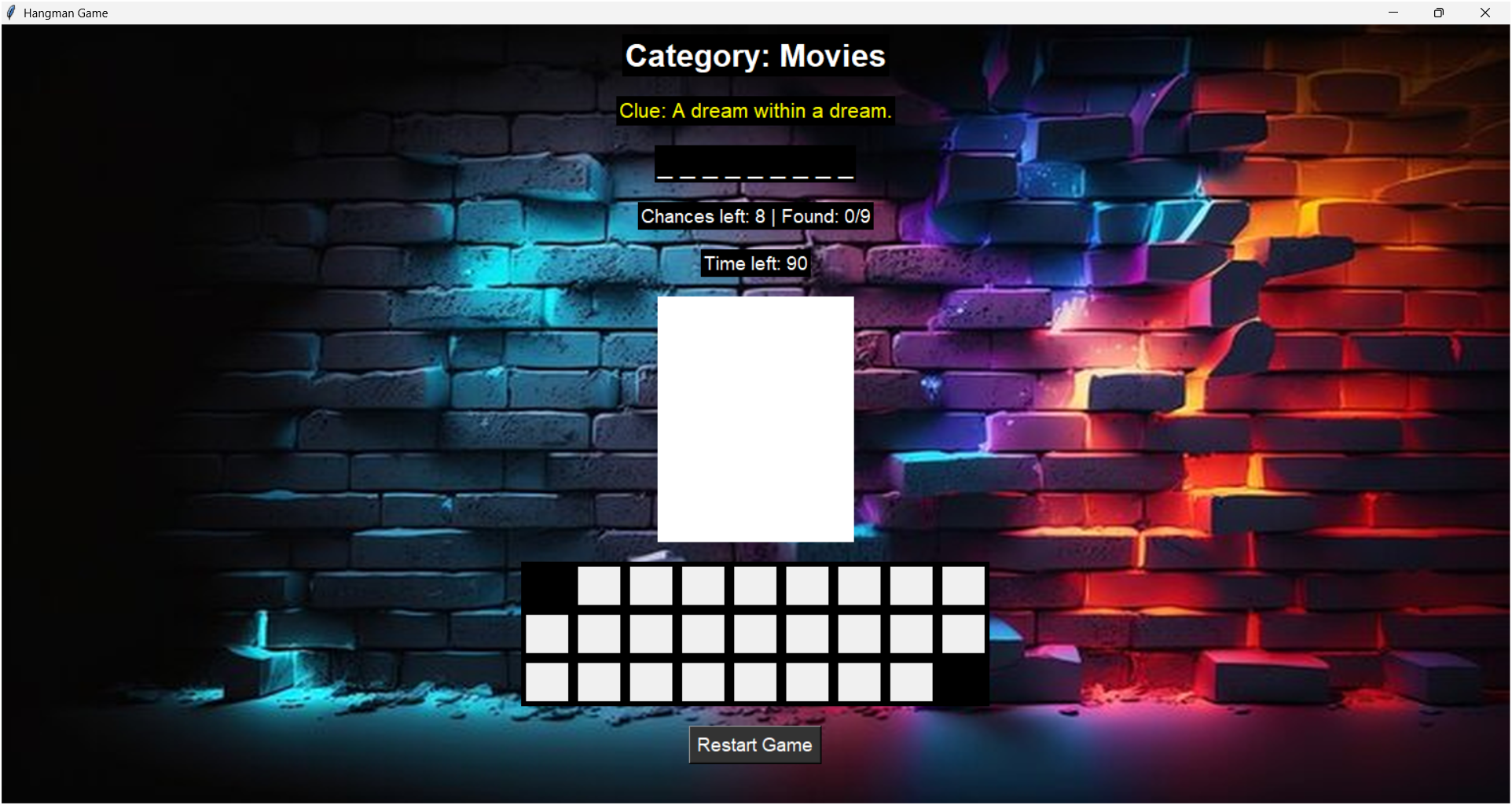
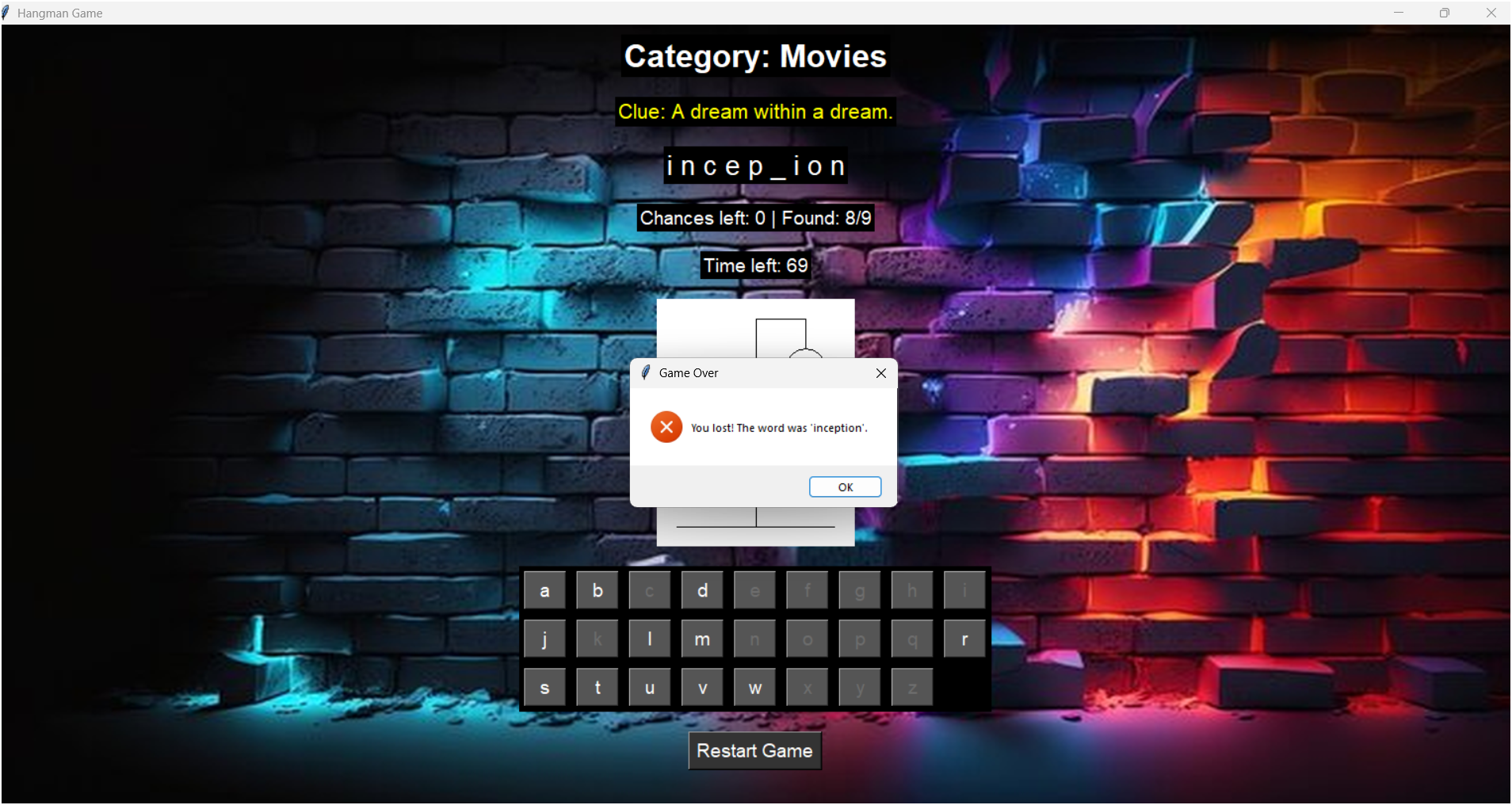
- Classic Hangman gameplay
- GUI using Tkinter for better user experience
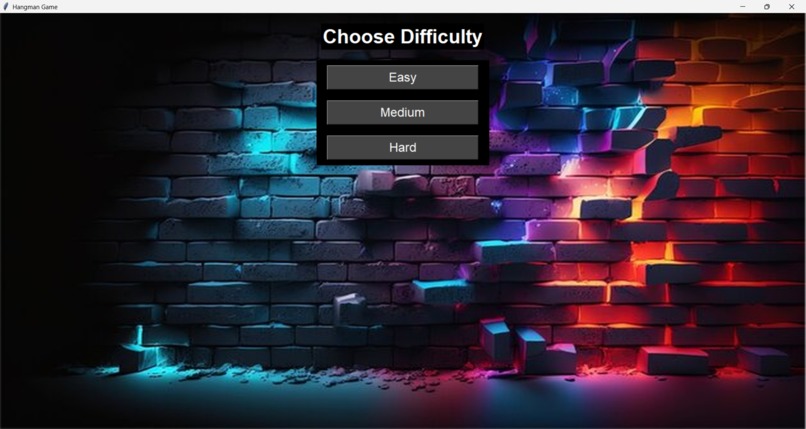
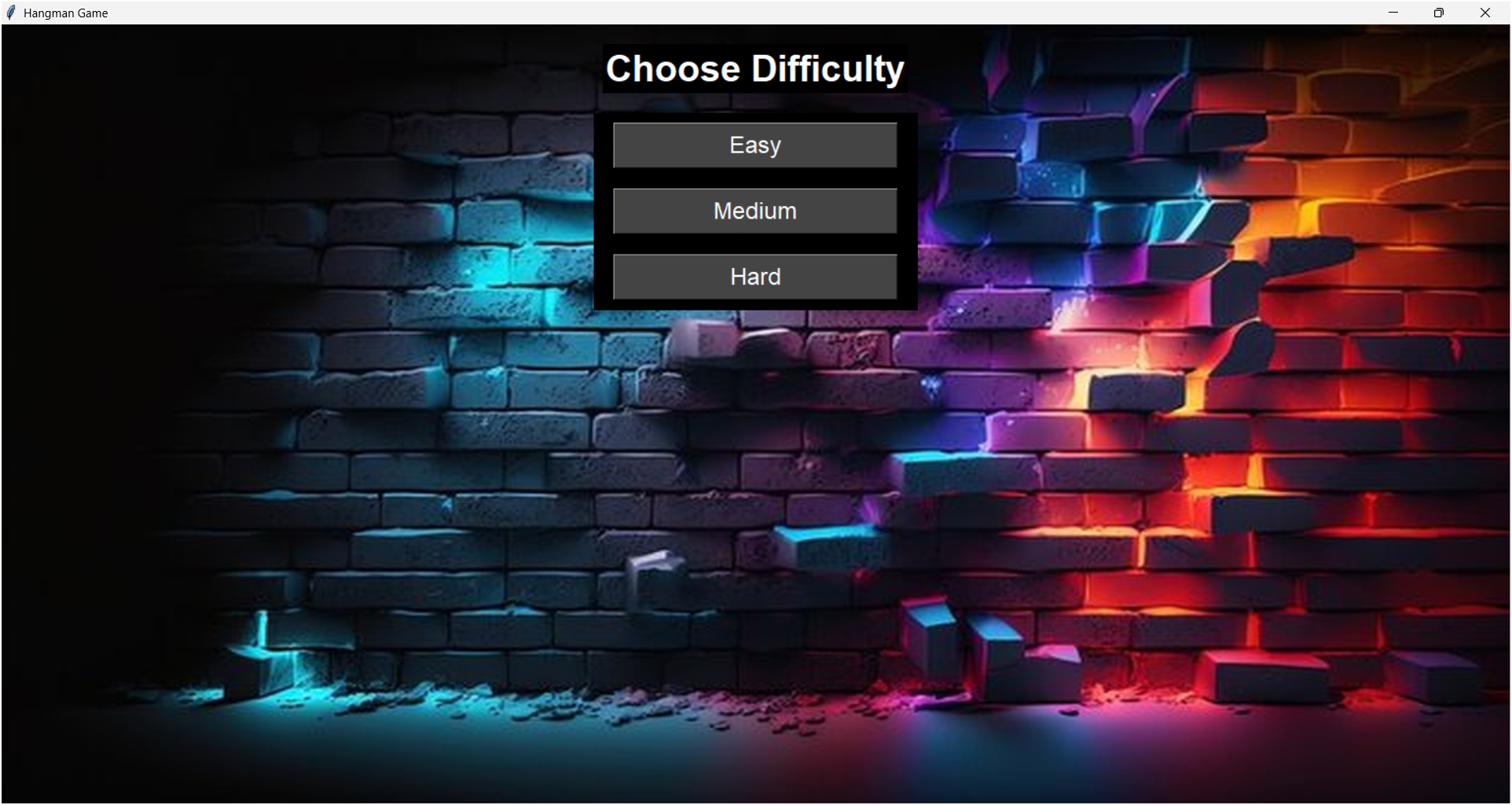
- Difficulty levels (Easy, Medium, Hard)
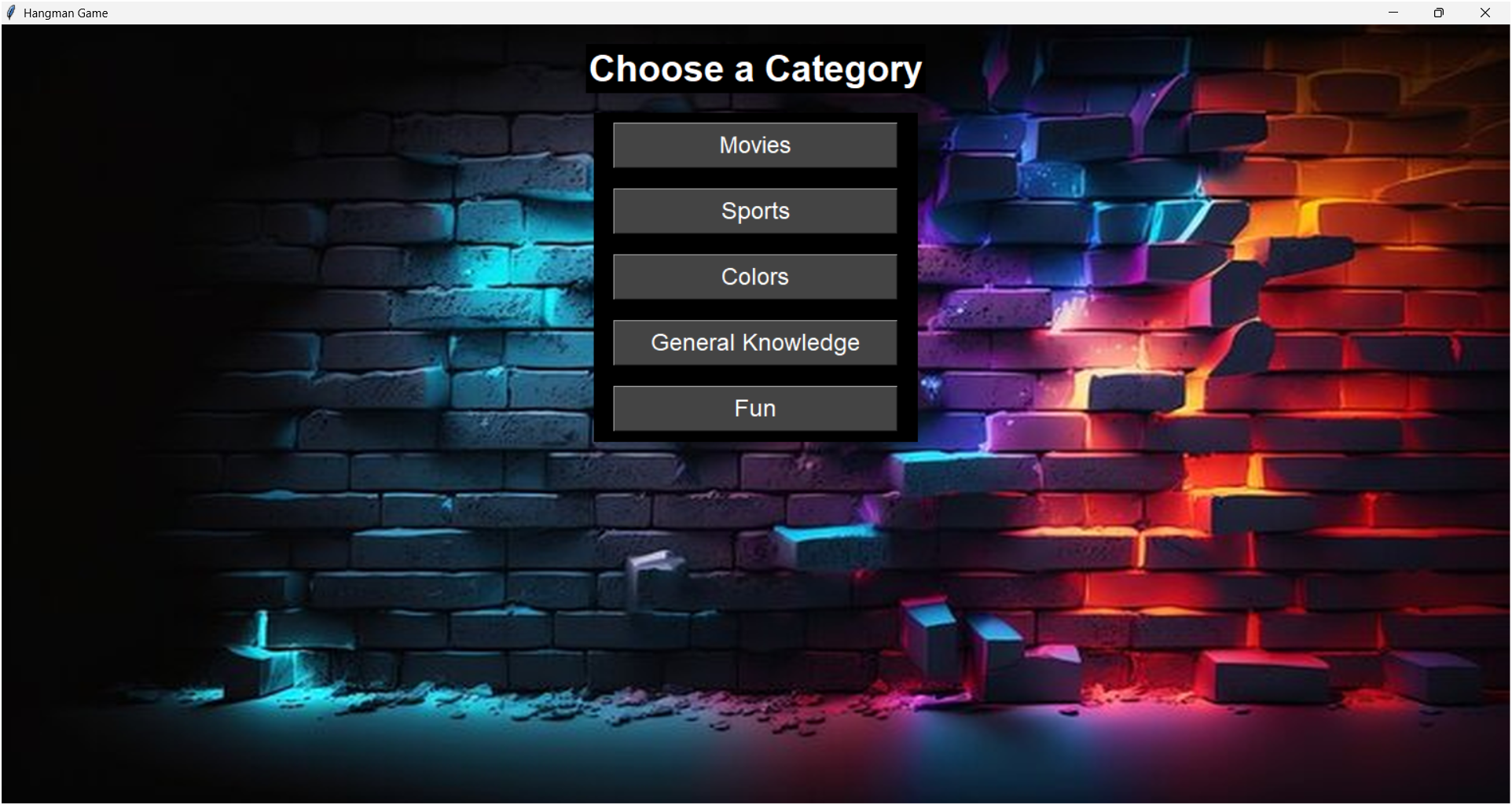
- Category selection (Animals, Countries, Fruits, etc.)
- Timer & score system
- Hint functionality
- Dynamic word generation
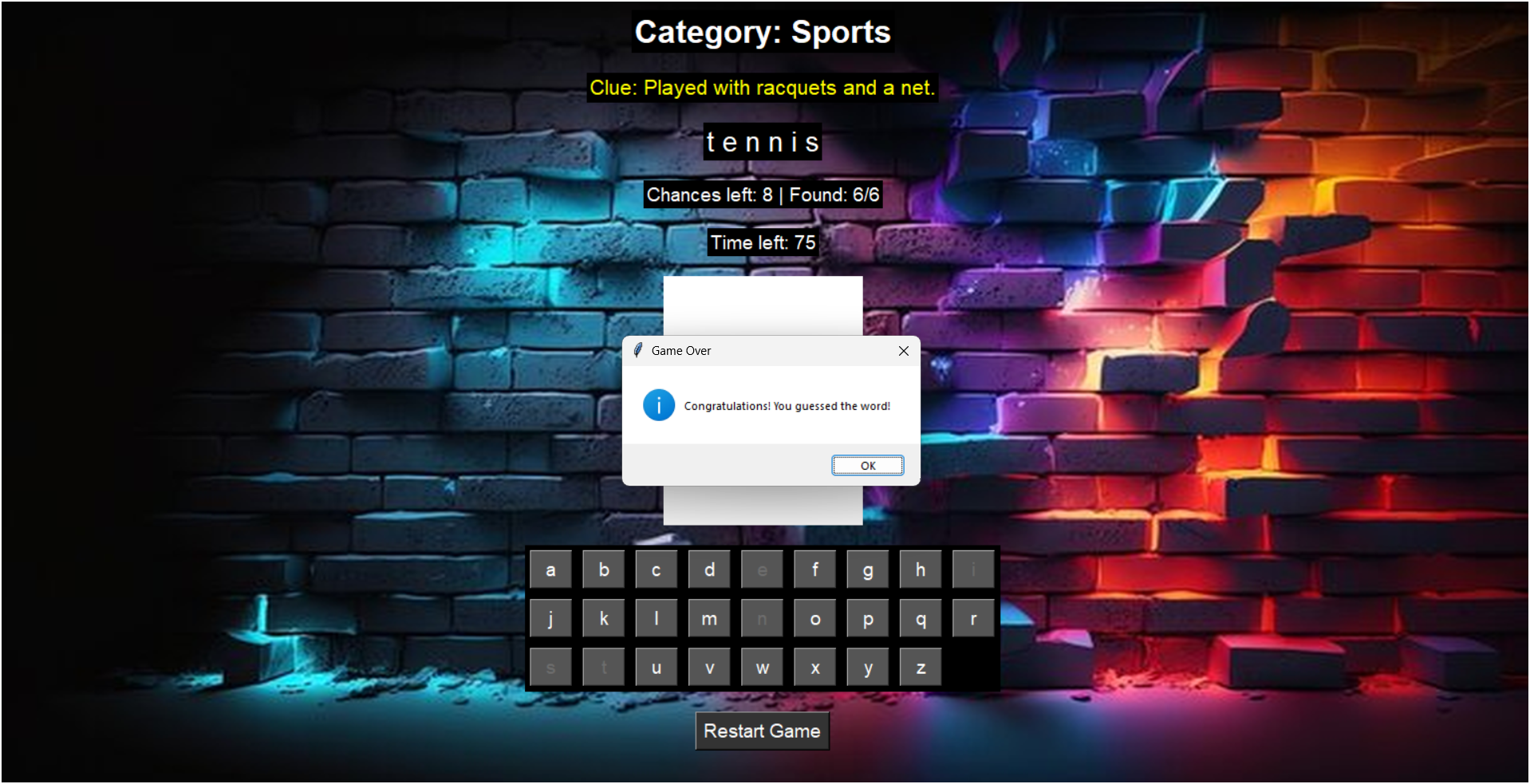
- End game screen with stats
🔧 How I Built It
- Frontend: Tkinter for GUI
- Logic: Custom functions for word generation, event handling, string masking
- Images: PIL for hangman visuals based on wrong guesses
- Extras: Sound effects (optional), and restart feature
🧠 What I Learned
- Managing game state in GUI apps
- Handling Tkinter events and dynamic widgets
- Better exception handling and user feedback
- Optimizing code readability and modularity
🚧 Challenges
- Designing a smooth GUI layout in Tkinter
- Integrating timer without freezing the UI
- Making the code scalable for more features (like multiplayer or online play)
- Cross-platform testing
💡 What's Next?
- Add multiplayer mode
- Deploy as a web app (using Flask or Streamlit)
- Mobile-friendly version
- Add sound effects & music
📸 Image Gallery
Below


Log in or sign up for Devpost to join the conversation.