-
-
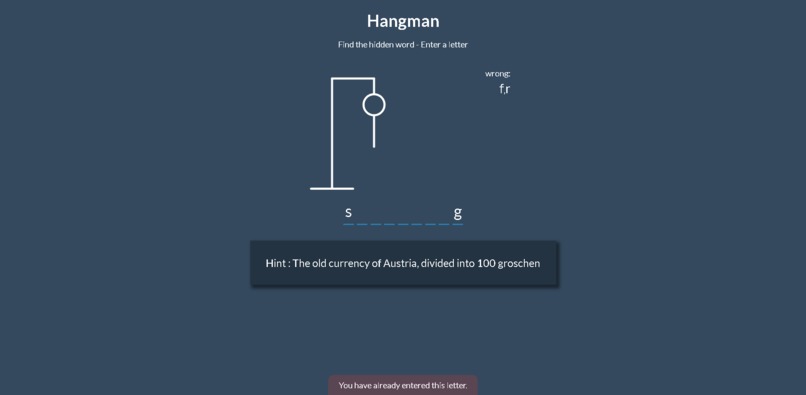
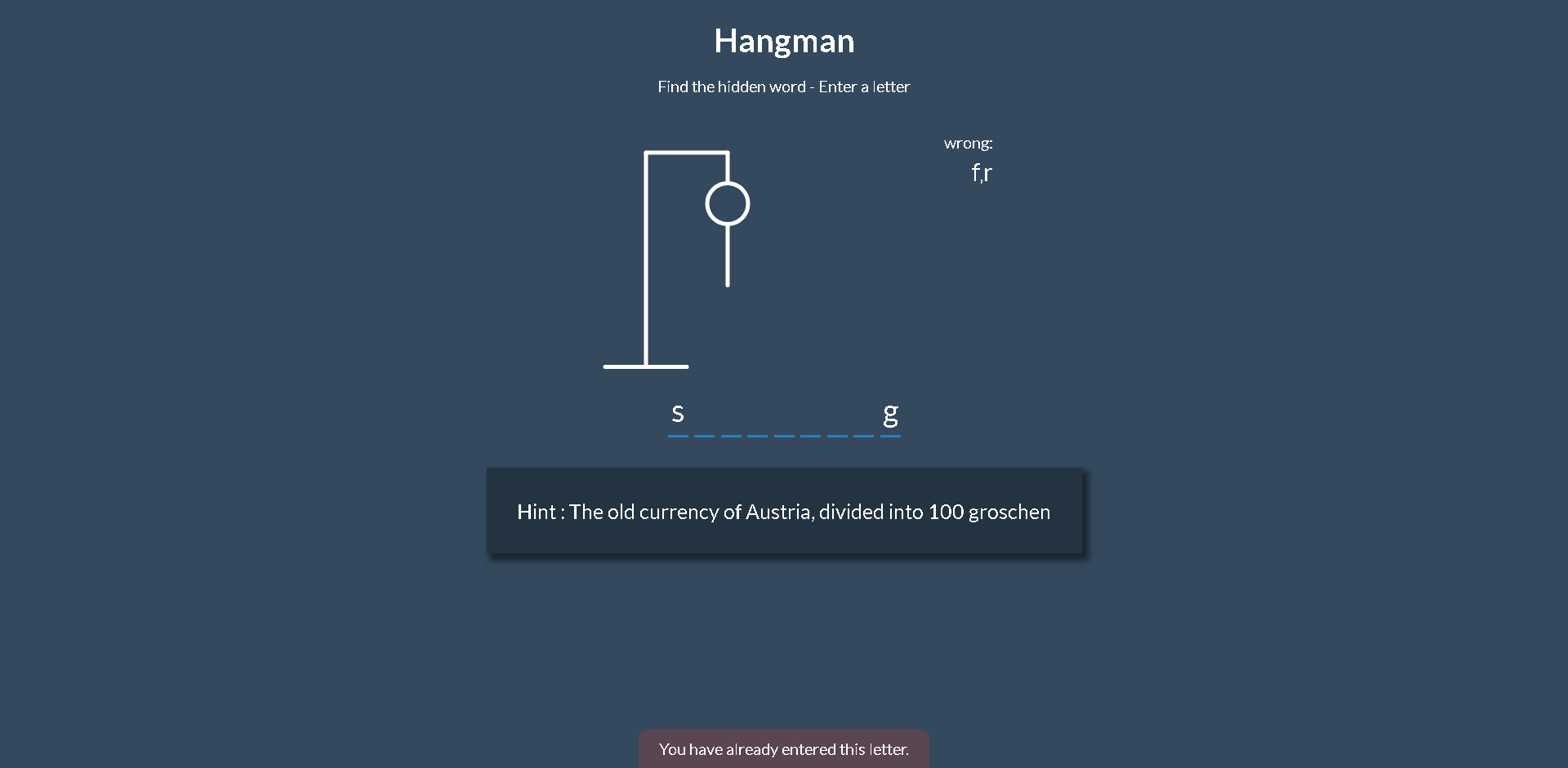
Preview of how the game is played
-

Game win preview
-
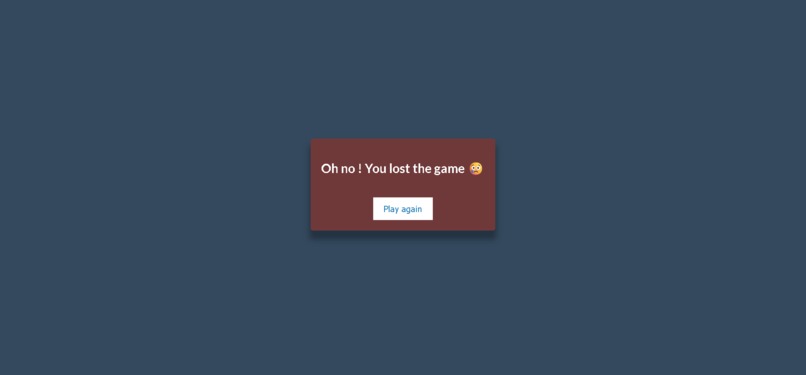
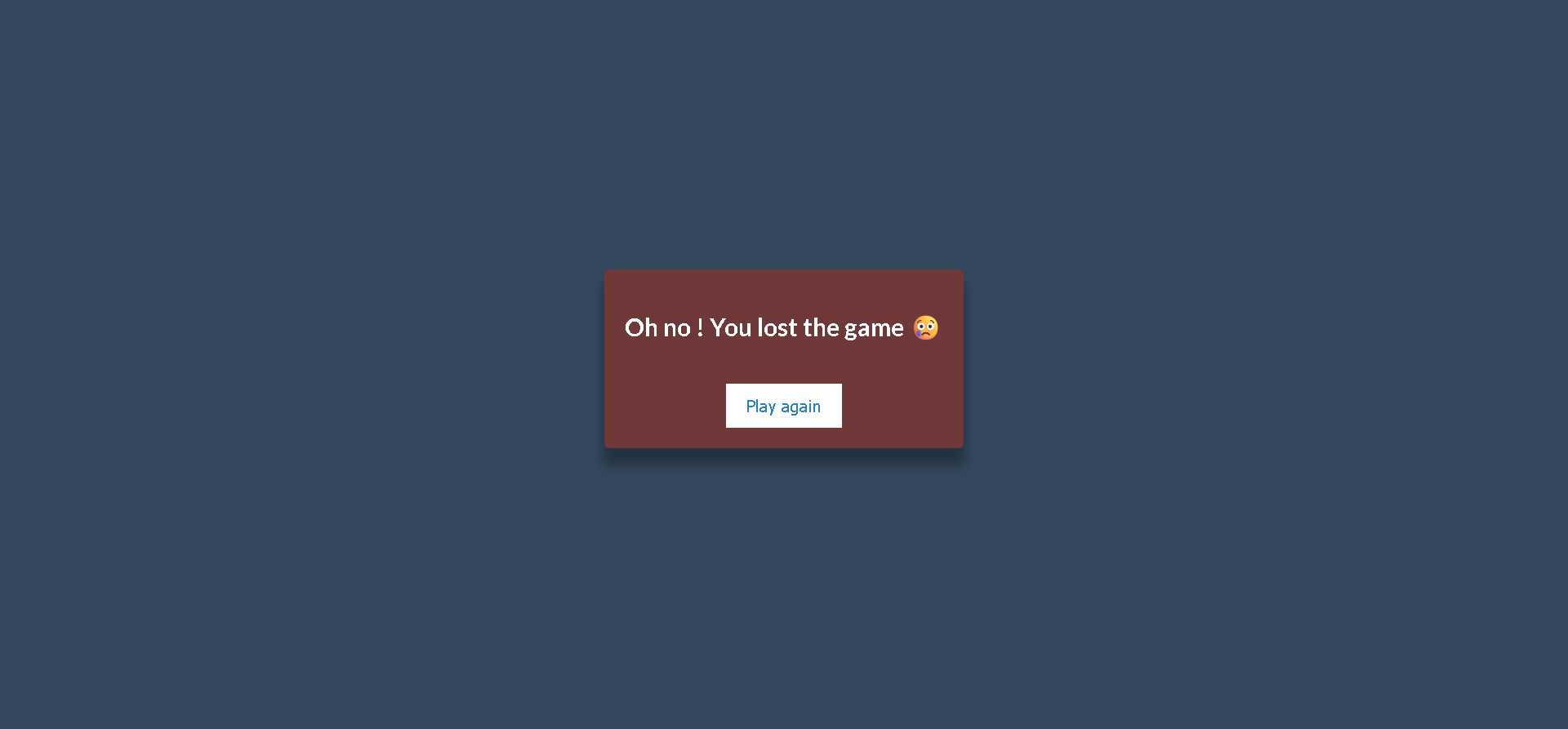
Game lost preview

Inspiration
I was inspired by the classic Hangman game - a simple yet engaging word puzzle that encourages logical thinking and vocabulary recall. My goal was to recreate this experience as a beginner-friendly web app that’s both fun to play and easy to understand for those learning to build interactive websites.
What it does
The Hangman Game challenges players to guess a hidden word using a hint. Players have up to six chances to guess incorrectly, with each wrong attempt revealing a part of a hangman figure. Correct letters appear in their respective positions, and the game ends in either a win or a loss based on the player's guesses.
Theme Selection - Beginner Friendly
This Hangman game is built using simple web technologies (HTML, CSS, and JavaScript) and designed with an intuitive interface that makes it easy for anyone to play and understand. It’s a great project for first-time developers, showcasing core programming concepts like conditionals, loops, and DOM manipulation in a fun and engaging way. The clean structure and interactive game play make it both a learning tool and a beginner-friendly coding example.
How we built it
I built the game using basic web technologies: HTML for structure, CSS for styling, and JavaScript for interactivity. To generate a random word, the game fetches data from a Random Word API. For each word's definition, which is used as a hint, it fetches data from a Dictionary API. The game logic manages letter matching, tracks incorrect guesses, and updates the hangman illustration step by step as the player makes guesses.
Challenges we ran into
One challenge was extracting specific information from the APIs and displaying only what was relevant to the game. Another challenge was regenerating a new random word when the player presses the "Play Again" button. Since the word is fetched from an external API, we need to wait for the data to load before updating the UI. As a result, the transition to a new word after pressing the button can feel slightly delayed. We also had to manage string and array manipulations efficiently to update the UI in real-time and provide responsive feedback as users played the game.
Accomplishments that we're proud of
I am proud that the game runs smoothly with no setup required—it can be launched just by opening the HTML file in a browser. We also successfully implemented an engaging game loop using only the fundamentals of JavaScript, making it a great learning example for beginners.
What we learned
I deepened my understanding of DOM manipulation, event handling. I also learned the importance of writing clean, modular code for better readability and scalability.
What's next for Hangman Game : word puzzle
Next, I plan to
- Add difficulty levels .
- Implement sound effects and animations for a more immersive experience.
- Make the game mobile-friendly with responsive design.
Built With
- css
- dictionary-api
- html
- javascript
- random-word-api

Log in or sign up for Devpost to join the conversation.