-
-
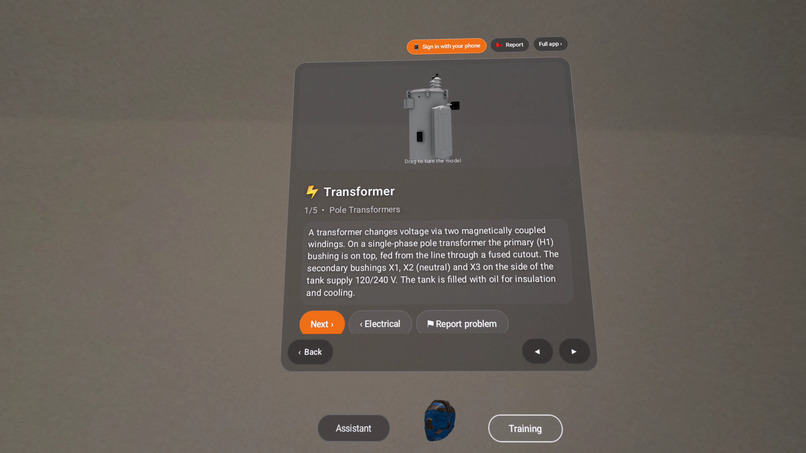
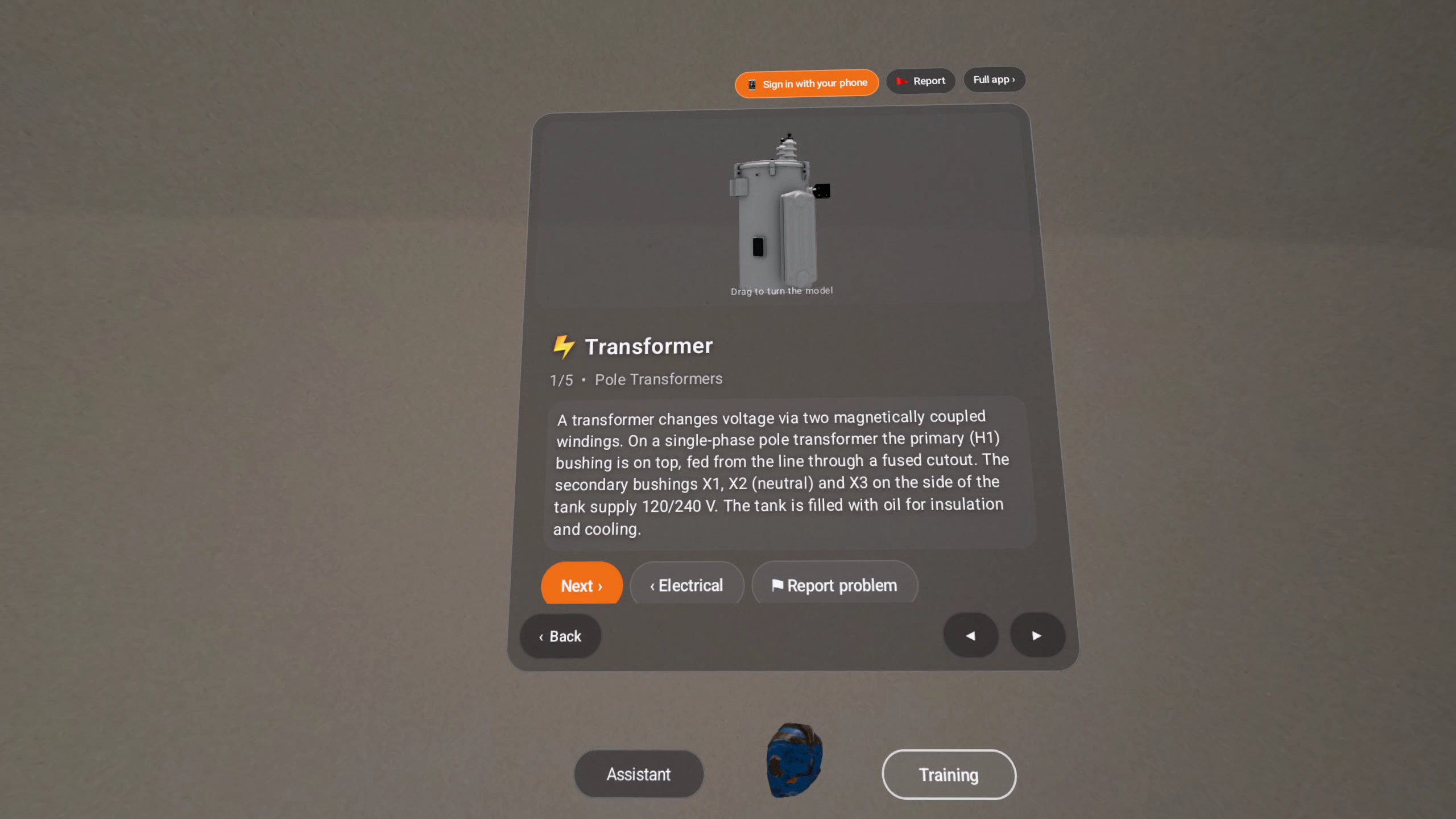
Transformer lesson with a 3D pole-mount transformer you can turn by hand
-
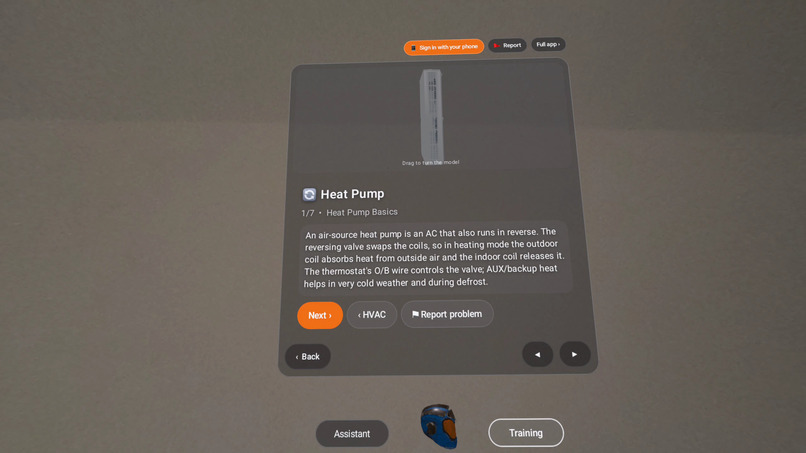
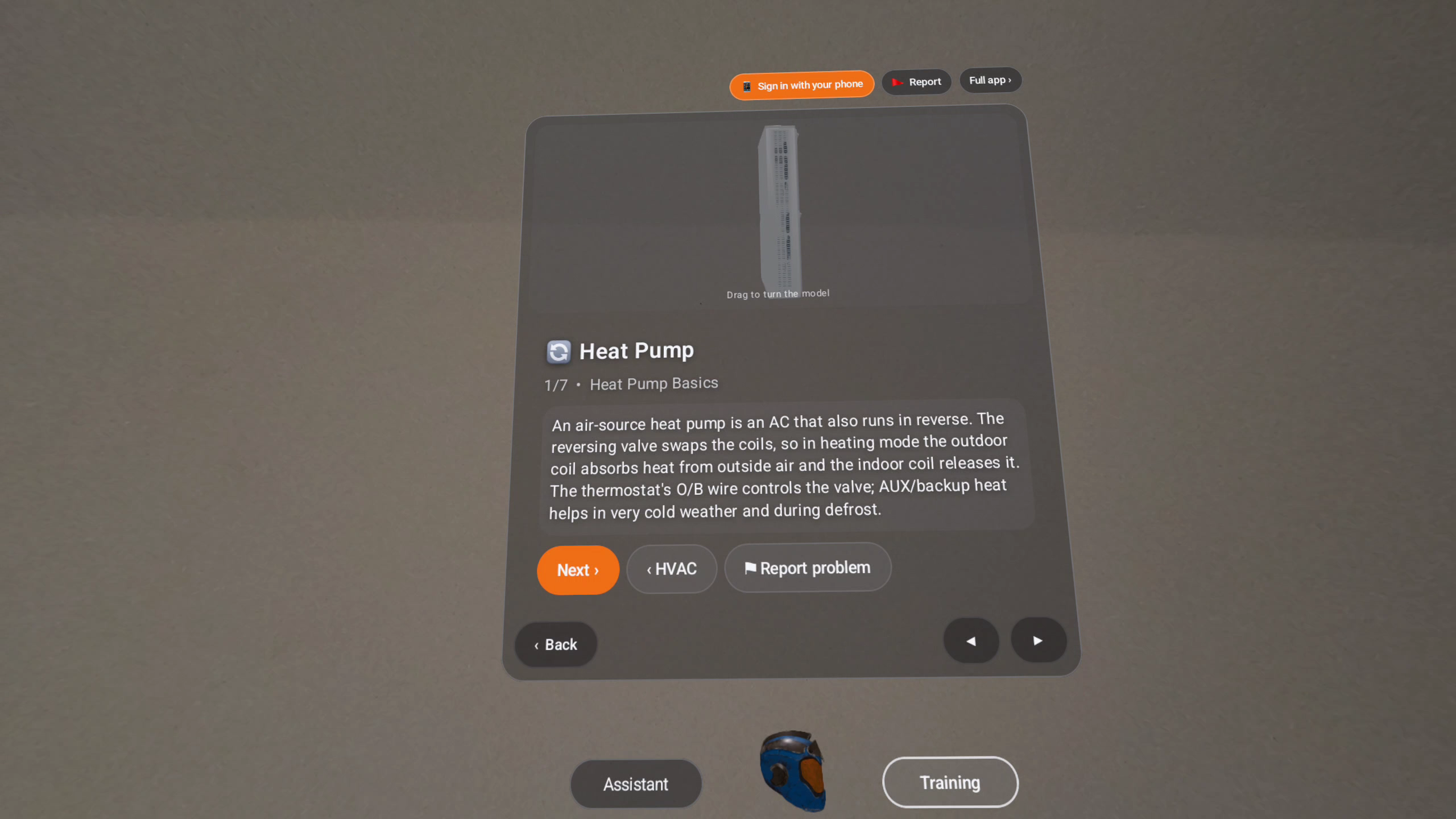
Heat pump lesson with the outdoor unit in 3D
-
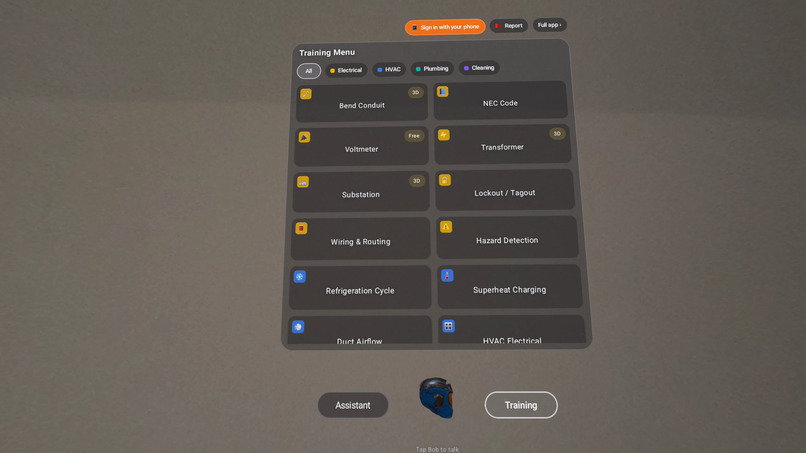
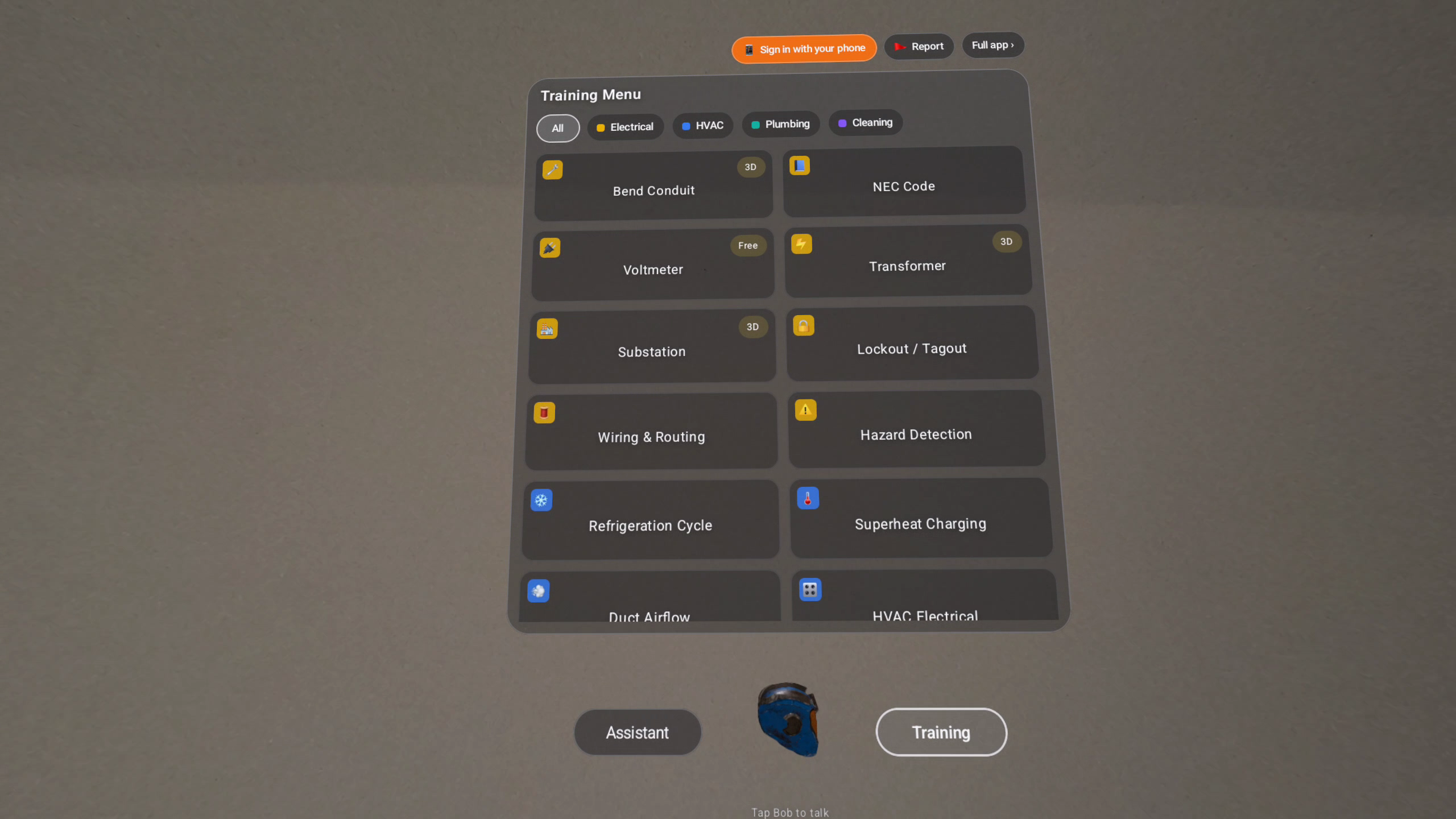
Training menu by trade, with Bob's 3D helmet in the dock (tap to talk)
-
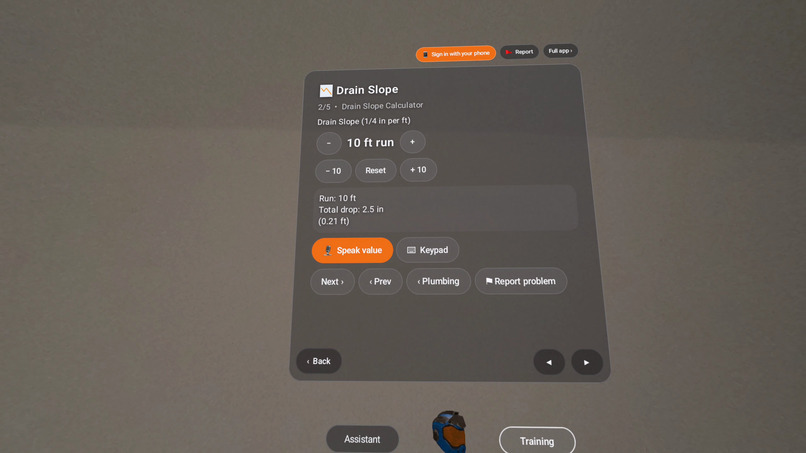
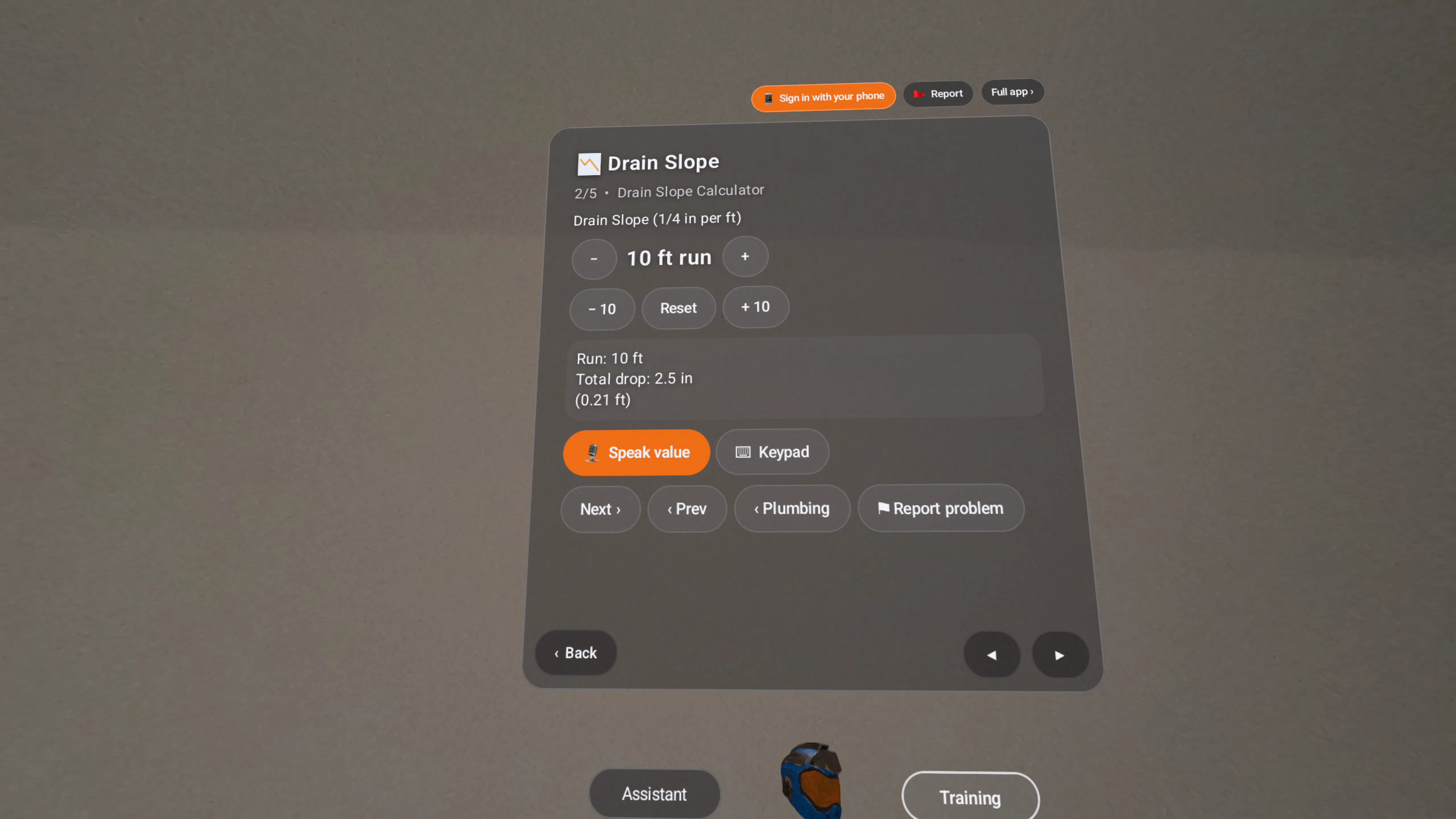
Drain slope calculator
-
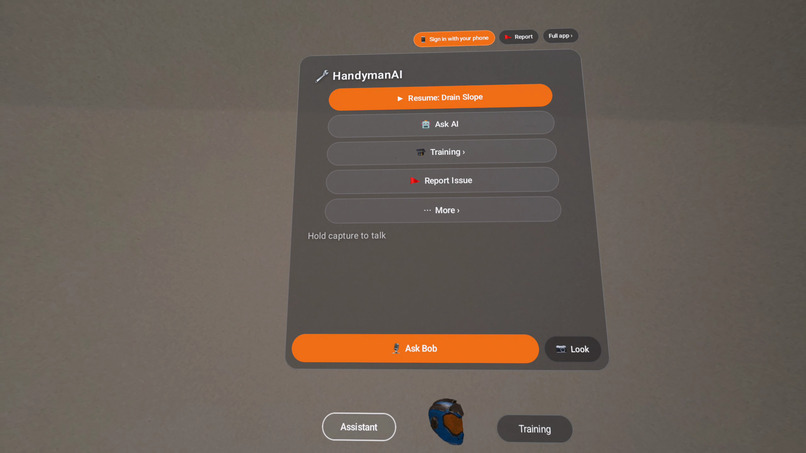
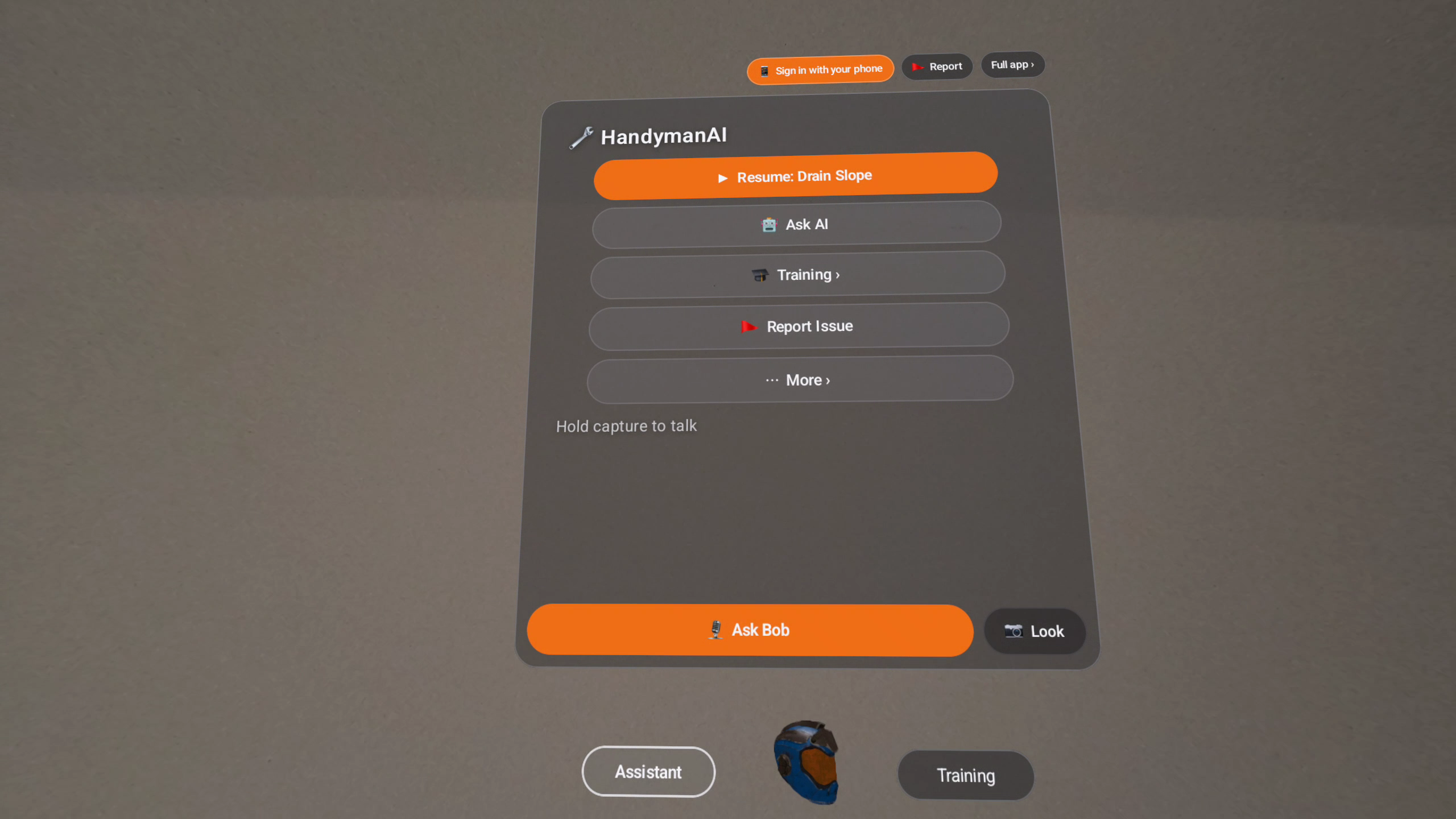
Ask Bob, the AI trade assistant, by voice
-
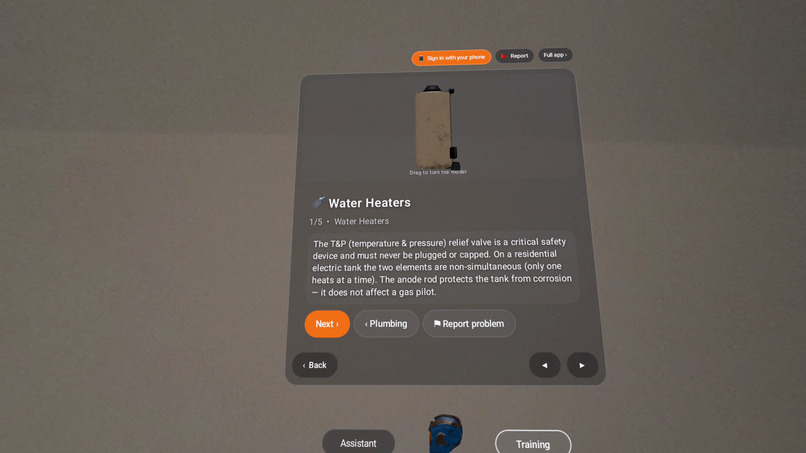
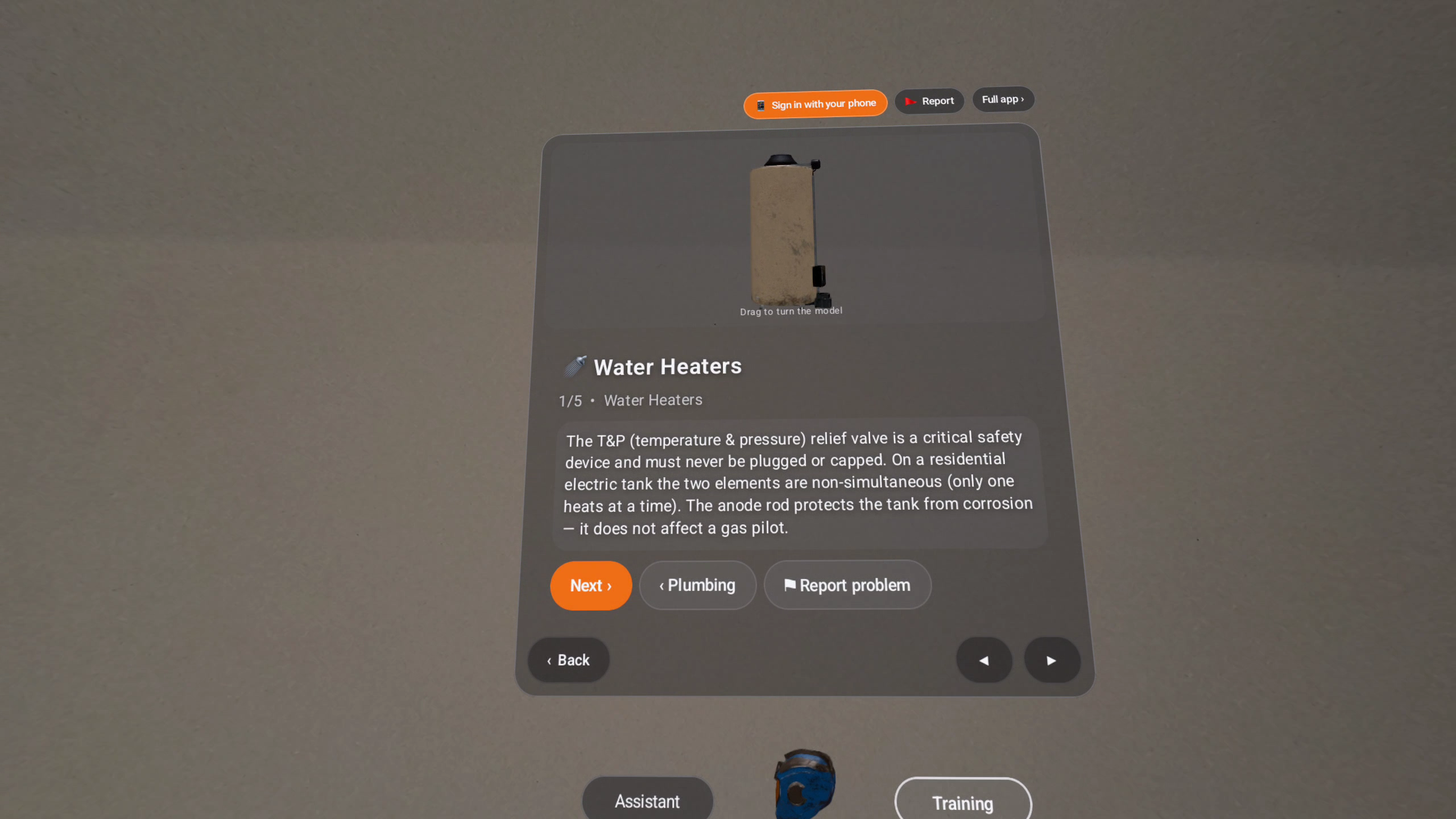
Water heater lesson with a 3D tank water heater
Inspiration
Trade skills are learned on the job, next to the equipment, usually with someone more experienced to ask. HandymanAI started as a smart-glasses assistant and phone for technicians and facility staff: "Bob" answers repair, troubleshooting and code questions hands-free. Mixed reality on Quest lets us add what the phone can't: the equipment itself, at full scale in your room, next to a lesson you can read while you look at it.
What it does
HandymanAI on Meta Quest 3 / 3S is a seated, hands-first training panel that floats over your real room in passthrough.
- Training: 20+ lessons across electrical, HVAC, plumbing and cleaning, each with a quiz. Lessons show 3D models of equipment beside the text. Models turn slowly. Pinch and drag to turn it yourself.
- Calculators: conduit bends, drain slope, superheat, duct sizing and water heater sizing.
- Ask Bob: tap Bob's helmet and ask by voice. Answers come from our trade knowledge base through an AI model.
- Report an issue with notes, for teams using HandymanAI at work.
- Works in English, Spanish, French, German, Italian, Portuguese, Japanese and Chinese.
A full session fits in a few minutes: open a module, turn the equipment, take the quiz.
How we built it
- Native Android (Kotlin, Jetpack Compose) as a
questproduct flavor of our existing app, running as a Horizon OS panel. A transparent window and Compose background let passthrough show around the UI, so it feels like a lens over your room rather than a flat window. - 3D equipment rendered with Google Filament inside the panel, on a transparent background. Models were converted from our Snap Spectacles lens with Blender, decimated for Quest, and each one checked against its lesson; modules without an exact model show none.
- Supabase backend
- No controllers needed: every screen works with hand tracking (pinch to select, pinch-drag to scroll and rotate models).
Challenges
Matching the look of our Spectacles lens inside a 2D Android panel, getting real 3D into a Compose layout with a see-through background, keeping store policy (no outside purchases on Quest) while honoring subscriptions bought on the phone, and translating every headset string.
What's new during the competition
The Quest version was built from Oct 15, 2026: the Horizon OS build, the passthrough panel, the 3D equipment views, phone-code sign-in, headset-specific copy and policy changes, and the Meta Horizon Store submission.
What's next
Anchoring the equipment models to real surfaces with scene understanding (a water heater standing on your floor at true size), using the passthrough camera so Bob can see the part you're holding, Meta in-app purchases on Quest, and more trades and lessons.
Built With
- android
- blender
- filament
- gemini
- jetpack-compose
- kotlin
- meta-horizon-os
- postgresql
- supabase
