-
-
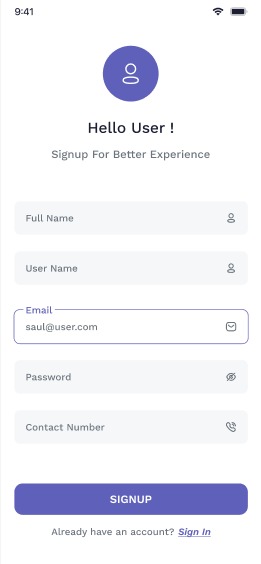
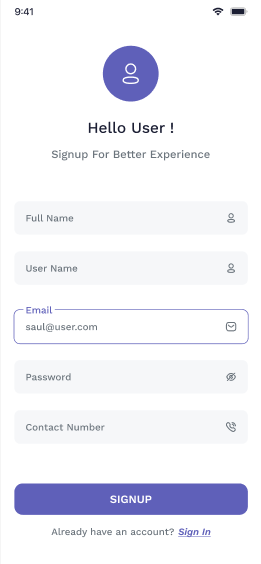
sing up
-
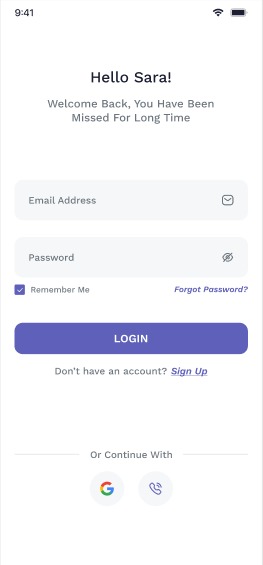
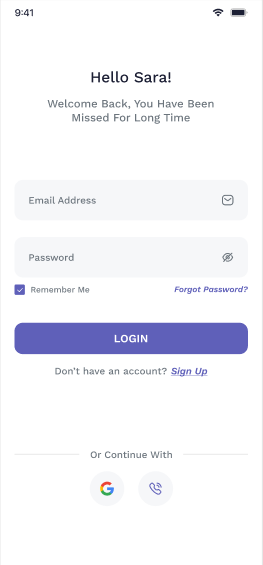
login
-
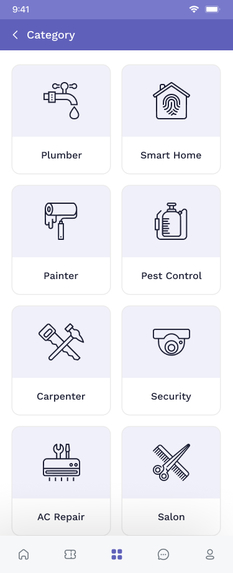
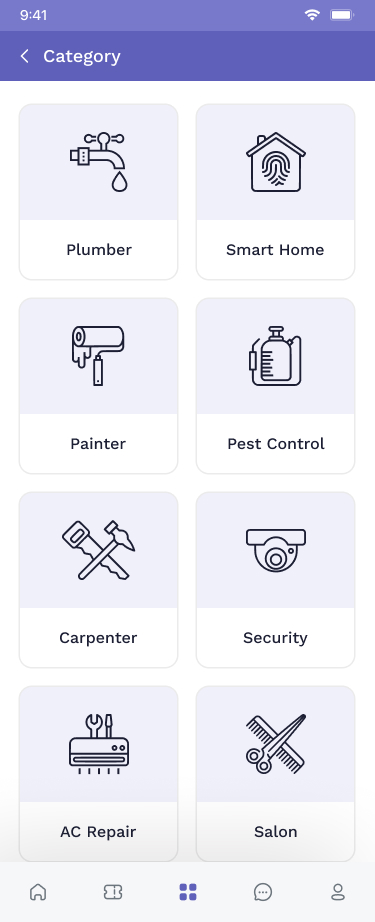
categories
-
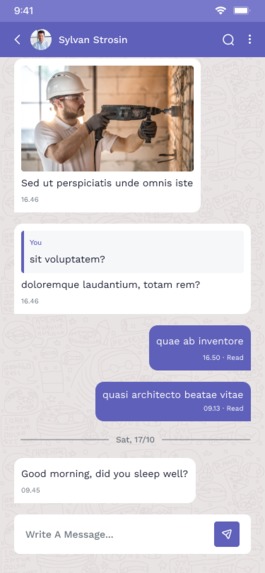
-
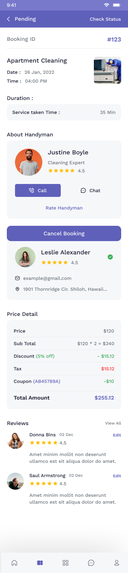
-

home
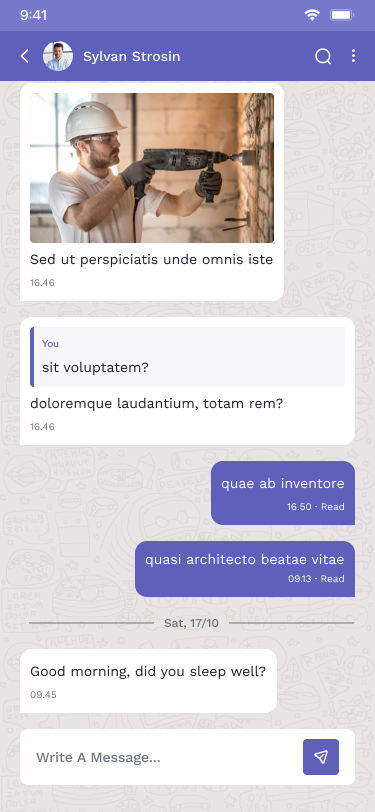
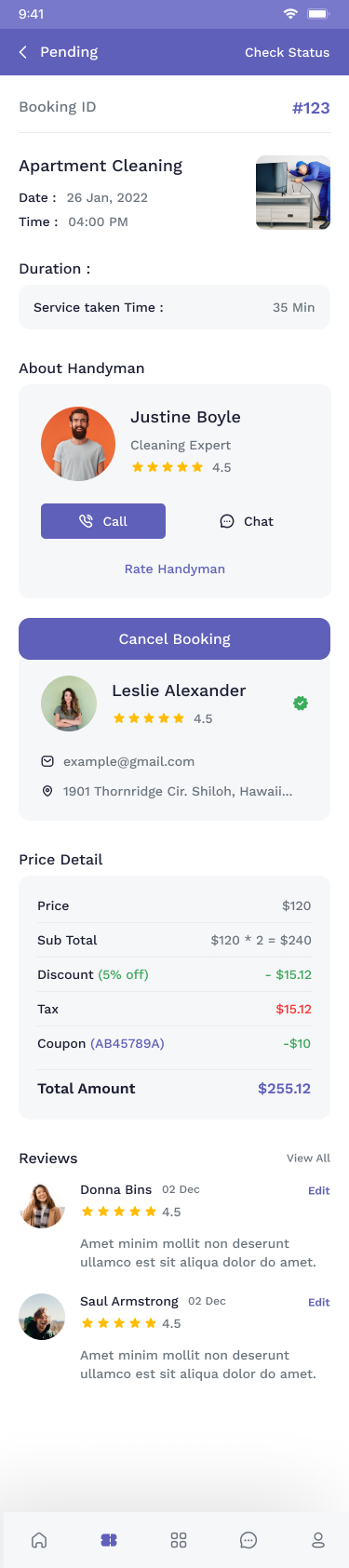

Inspiration
When looking to book for handyman services, we always find few websites and look into their services to see if we can find the service(s) we need. And to book for the services, we have to call the company and book via telephone. And once, they are done with their job, we pay for the services in-person. This process seems daunting especially when you need to book for different services but needs to browse through various websites until you can find one that offers all the service you needed and at the same time, provides fast services. Now coming to our project, we wanted to build a website where user can find almost all the services that are needed, and at the same time, they can book and pay for their services online within few clicks. Thus, combining all the different process into one.
What it does
Once customers log in to our App, our App will display all the services we offer, and it allows customers add the services that the want. Once, they added the services in the cart, they will be directed to the checkout page and can pay for their services with their credit/debit card also option with other payment gateway. directed to the checkout page and can pay for their services with their credit/debit card.
How we built it
We used Flutter as our main programming language, along with Laravel to build the backend. We also used Figma as For database. we build android application in android studio and host on firebase.
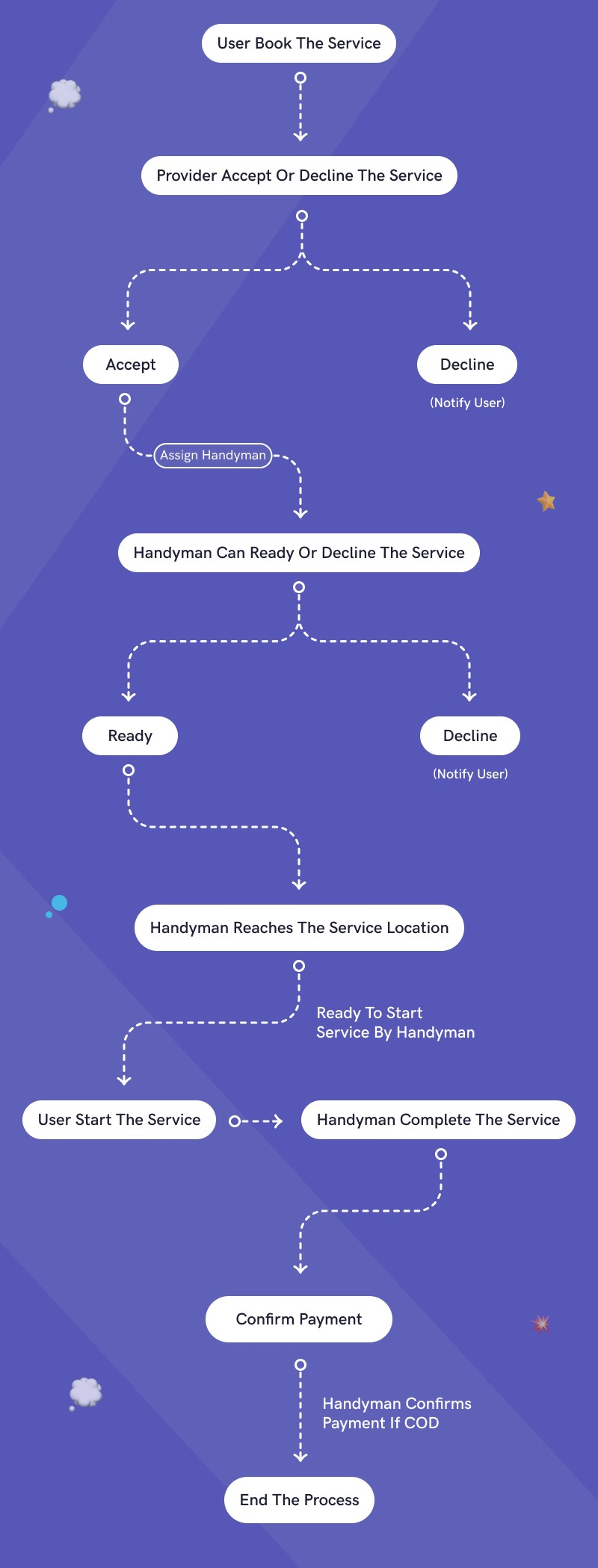
Application flow
Challenges we ran into
My main challenge was getting the user flow right. Since, there are alot of things going on simultaneously on both frontend and backend, determining and prioritizing the user flow was quite challenging for me. In addition, I was confused with the payment process initially because it was something that I have never worked on before. However, with extensive research and reading I managed to implement the feature successfully.
second one One challenge I faced was that I did not know how to make my user know what is wrong in their inputs. For example, when a user tried to sign up with a wrong email format or short password, the app will not specify what and why it is not accepted. After researching on the internet on how to make verification functions such as emails, so that when the email function is wrong the app will feed back the user that the email format is wrong. I used the '/^[^@]+@\w+(.\w+)+\w$/' email validation so that if the back of the email is not according to a standard email format, the form will not accept the users input. Also I learnt how to make the form not accept the users password if it is too short which is relatively easier than the email validation. I learnt that if I do not know how to do something, there is always the internet to learn from. Even if I do know what I am supposed to do, the internet can always make me learn more as you can never learn too much.
Accomplishments that we're proud of
Making payment feature works. Making the UI simple and easy for users to navigate around. Implementing loading animations.
What we learned
We learned how to create a web application from scratch without any reference. Most importantly, we enjoyed the whole process from the start till the end. It was a great opportunity for us since it allowed us to continuously self-learn most of the things and do few rounds of trial and error before getting the whole application working.
What's next for Handy Helper (On demand Home Service Booking)
We need to implement few more features and continuously enhance the current features to better serve our customers. In addition, we need to implement few more security features in our authentication page.


Log in or sign up for Devpost to join the conversation.