-
-
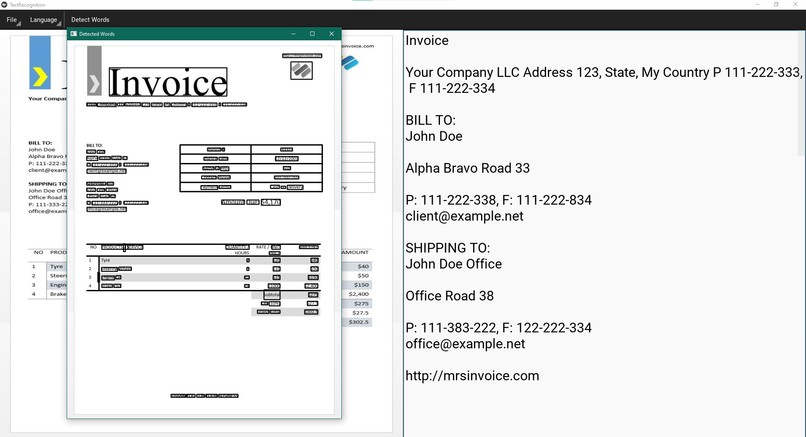
The application converting the words from an image to editable text.
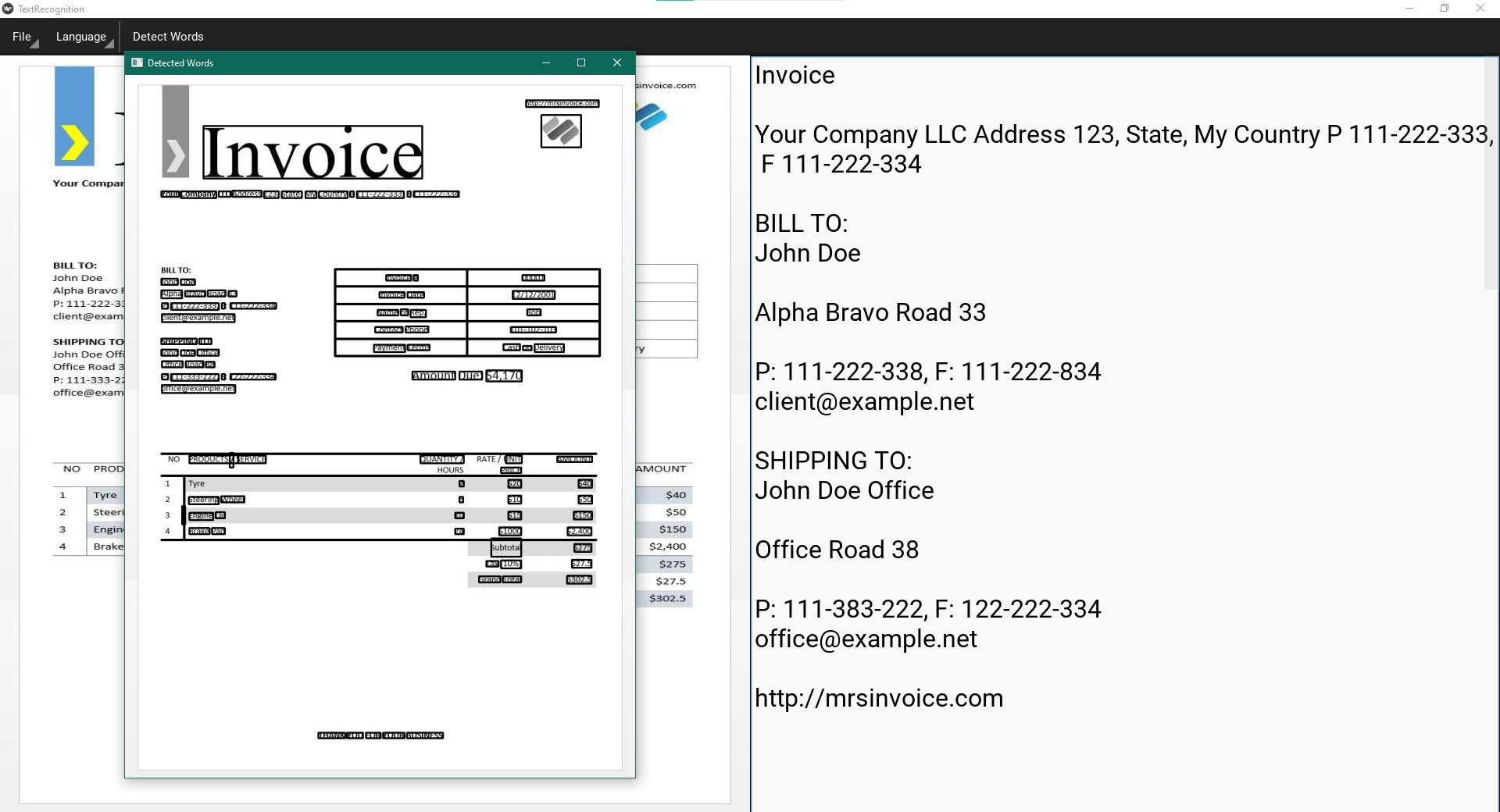
Inspiration
Many students have migrated to more of an online environment because of COVID-19 in recent times. With excessive amounts of handwritten notes lying around inside the house, it inspired me to create this program to transfer my notes onto the computer without the need to retype every single word.
What it does
It has a simple graphical user interface where you upload an image (.jpg, .png, etc) and it tries to detect all the words inside of it by using a machine learning model. Then it converts the detected words into an editable text input field, where it can then be saved as a .txt file.
How I built it
I used the kivy library in python 3 to create the visual side of the application and used opencv and pytesseract for detecting and predicting the words. Also, I used some other helper libraries for finding and saving documents using the file explorer.
Challenges I ran into
If you pass a plain image to the machine learning model, the shadows and other noise in the image greatly alter the results. The challenging part that I did not fully resolve was processing the image to remove as much of the noise as possible to increase the accuracy of the model.
Accomplishments that I am proud of
I am proud of the fact that the application actually works and has a simple GUI interface which anyone can use.
What I learned
I learned of the many techniques that professionals in the industry use to process images before passing it to the model. Some examples are: thresholding, opening, removing noise, and greyscaling to give the machine learning model a better chance at detecting the words.
What's next for Handwriting to Text
The next steps for Handwriting to Text is to support multiple languages and possibly math equations, as well as better image processing to accommodate a wider variety of needs from people around the world.

Log in or sign up for Devpost to join the conversation.