-
-
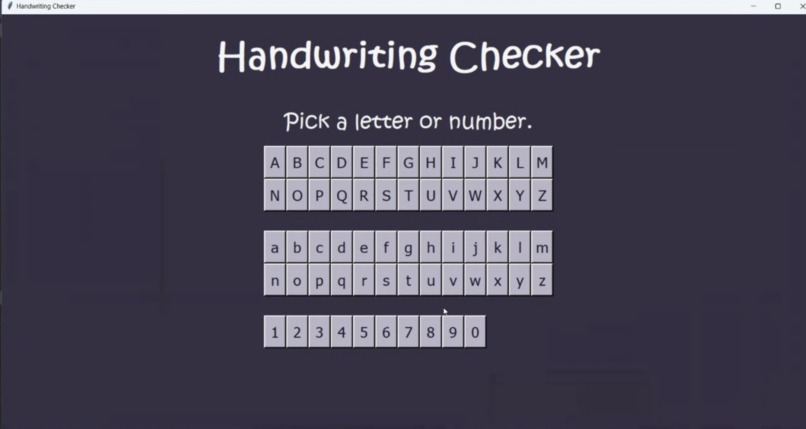
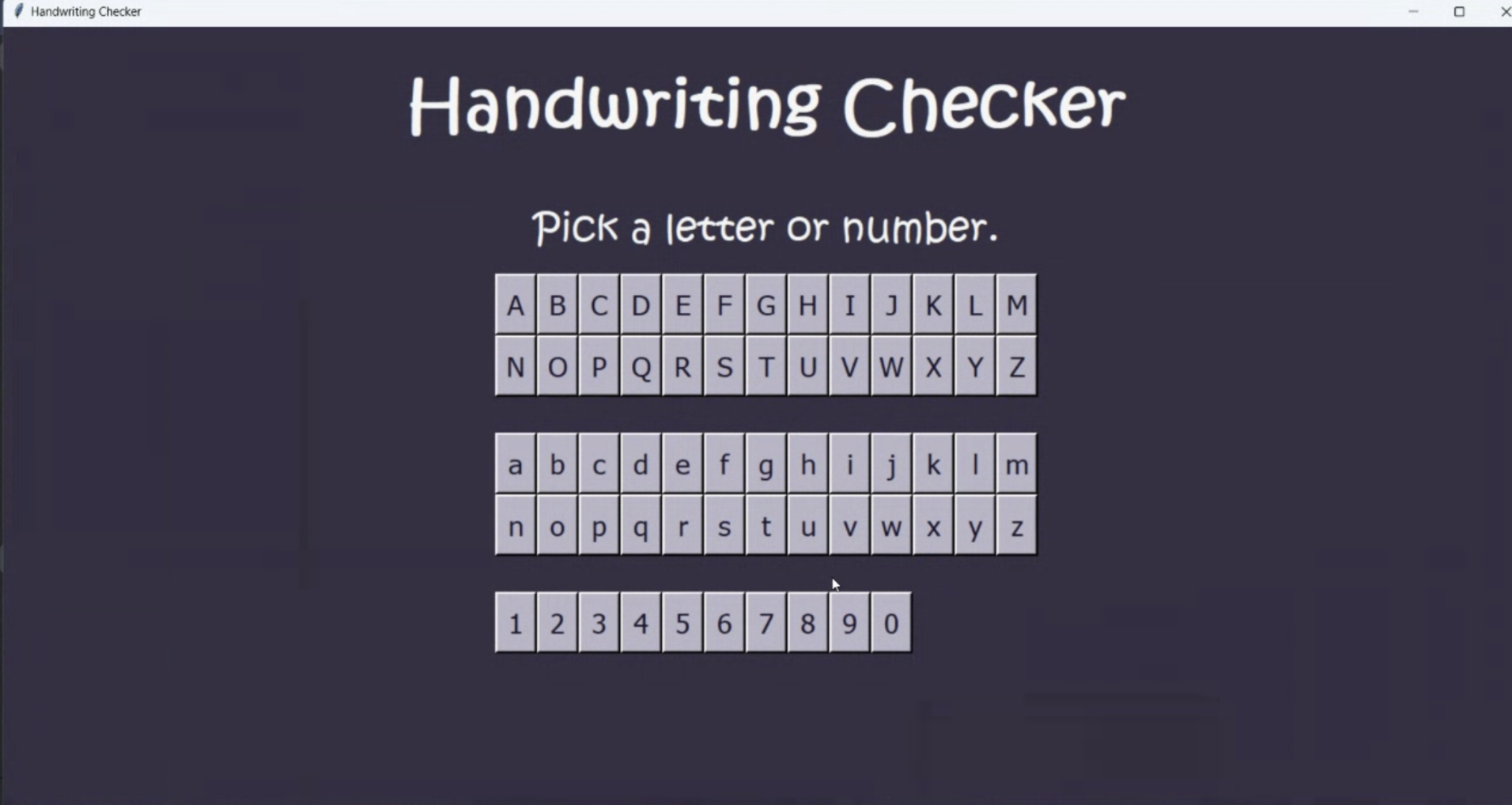
Main menu
-
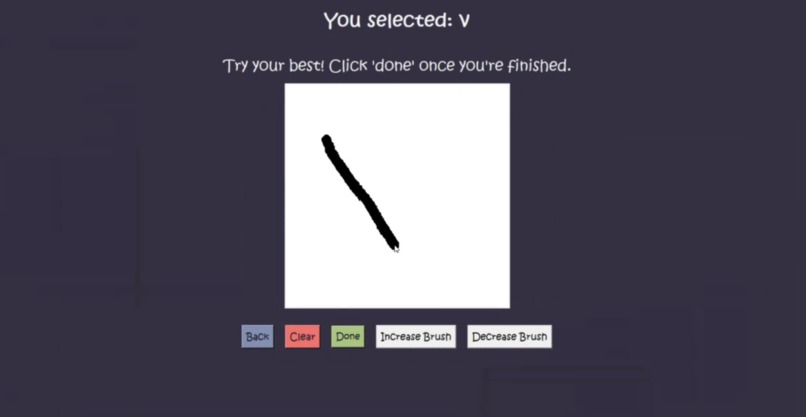
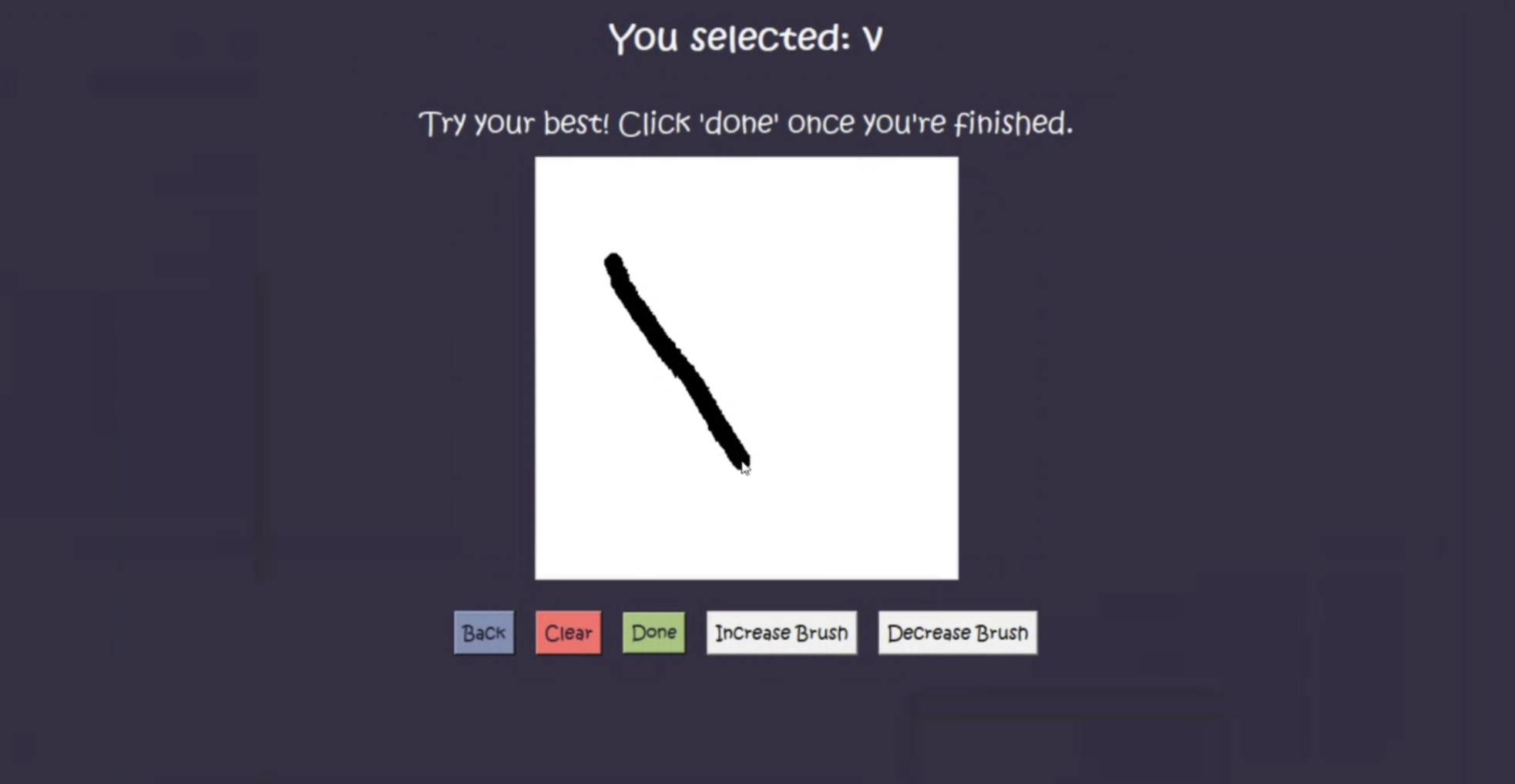
Sample input
-
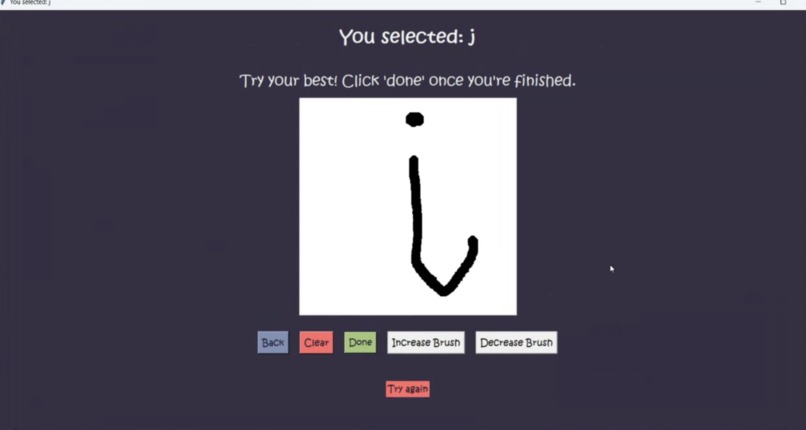
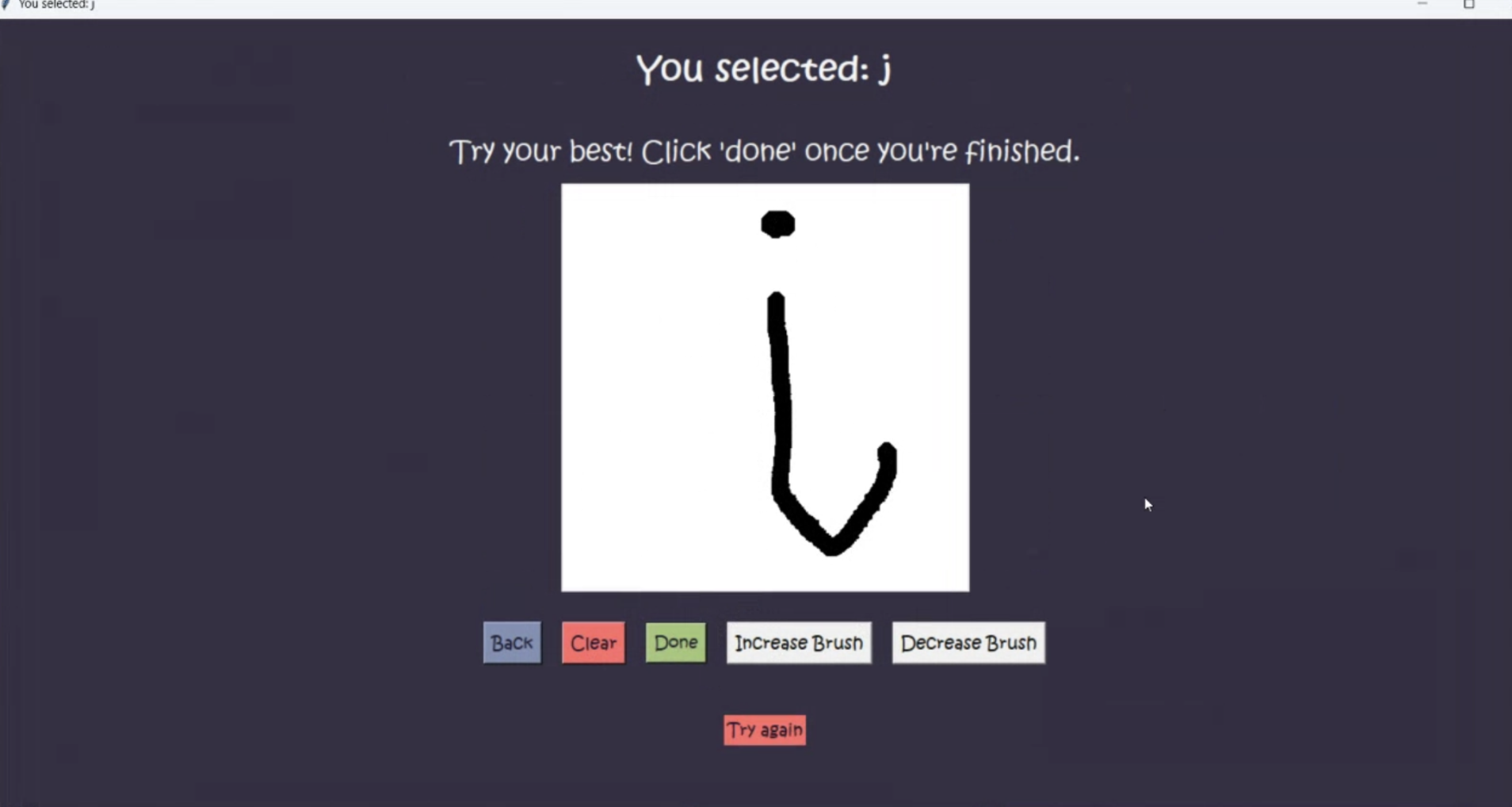
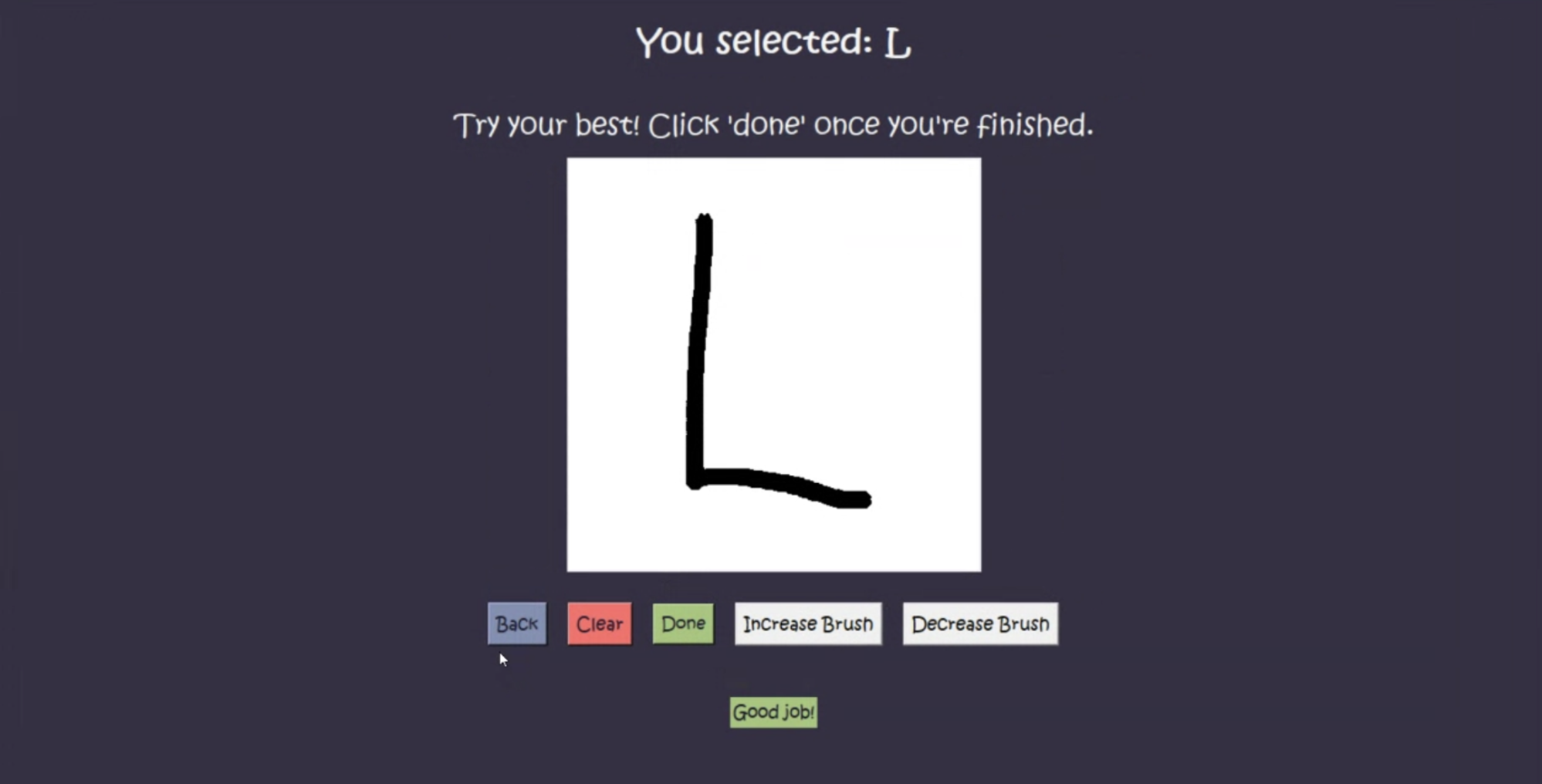
Sample output
-
Inspiration
The idea for HandRight was to create a versatile tool that aids in recognizing and verifying handwritten characters. This was also inspired by the need for technology that assists in handwritten inputs, and was made to help children learn.
What it does
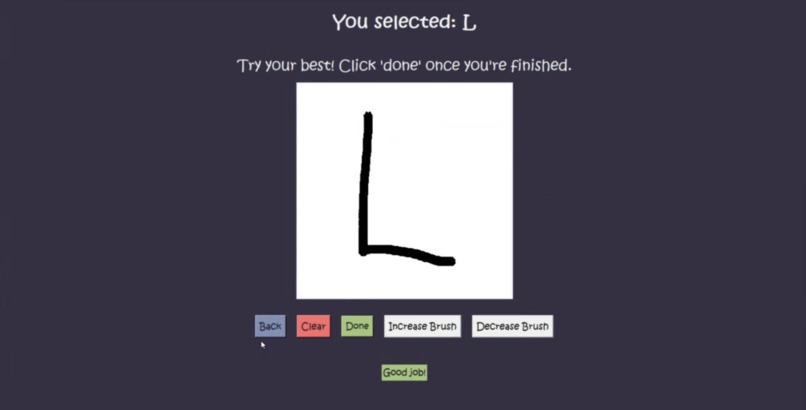
We have a GUI that lets you select between upper and lowercase letters, as well as numbers. The text and design are simple since this program is geared towards small children. Once you have chosen this, you are given the option to clear the canvas, press done, go back, increase the brush size, or decrease the brush size. he purpose of this is to look at the prompt and try to replicate the character displayed above to the best of your ability. If you are inaccurate, you are asked to try again, and if you are accurate, you pass.
How we built it
The project was crafted using Tkinter for the GUI and an interactive canvas for users to draw their handwritten characters. Using datasets and machine learning techniques, we trained our system to recognize and assess the accuracy of these characters and return a result. The data set we used was the EMNIST data set, a data set that contains a set of handwritten digits and letters. We also used PyTorch to create and train a neural network to predict the canvas image and how confident it was in its prediction to determine the quality of the handwriting.
Challenges we ran into
Sometimes it was hard linking the backend and frontend together, and debugging was a tedious process. This was our first time using PyTorch and Tkinter, so we needed to spend a significant amount of time figuring out proper documentation and ways to code this program.
Accomplishments that we're proud of
We successfully implemented a functional GUI using Tkinter, used datasets for character recognition, and creating an interactive canvas for handwritten input. Because of this, our project was able to come together.
What we learned
We learned many things, such as using Tkinter to make a GUI, an interactive canvas, how to use datasets, Pytorch, and how to train a neural network. We also learned how to link the backend and frontend together in a solid way.
What's next for Handwriting Checker
We would like to add more miscellaneous characters such as '%$#!#^&*().' Adding an option that allows you to trace along the character prompt is also another idea I have in mind, and it would not be too difficult to implement. I would also like to add some background music, as this app is for children.


Log in or sign up for Devpost to join the conversation.