-
Hand Gesture Control
-
Facial and Greedy Selection of Hand
-
Flowchart
Inspiration
We built HandsOff to alleviate the difficulties of using your laptop when your hands aren't free. There are many cases where it may be inconvenient to touch your laptop when you want to use it, such as when you are washing dishes, taking care of a baby, or taking notes on a whiteboard. HandsOff allows you to be productive with your laptop without being directly on your laptop.
What it does
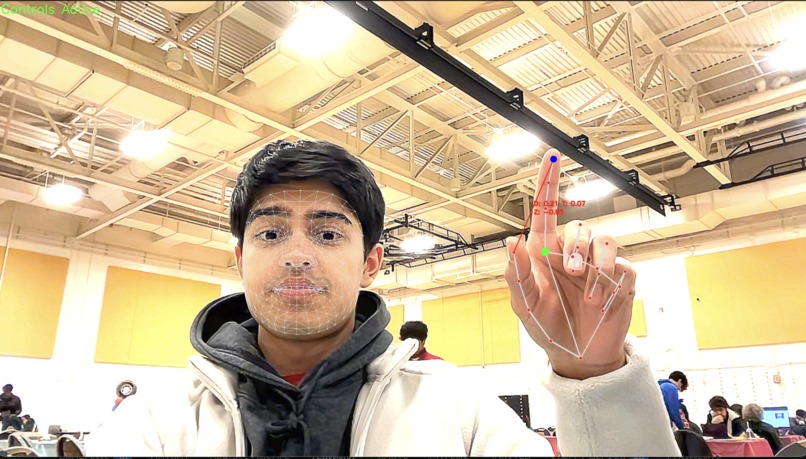
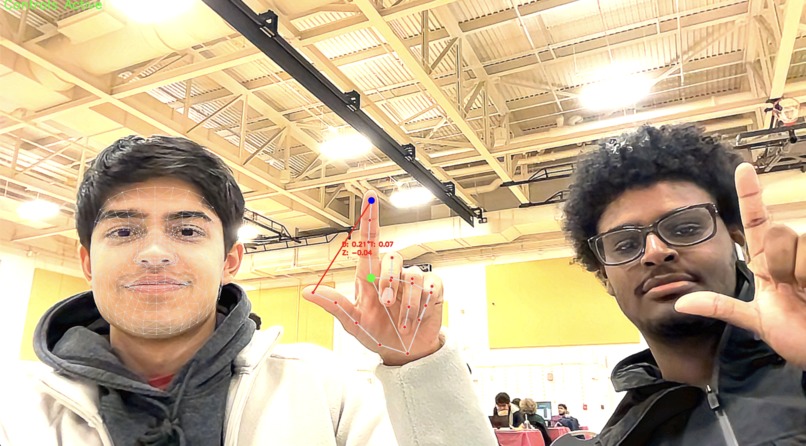
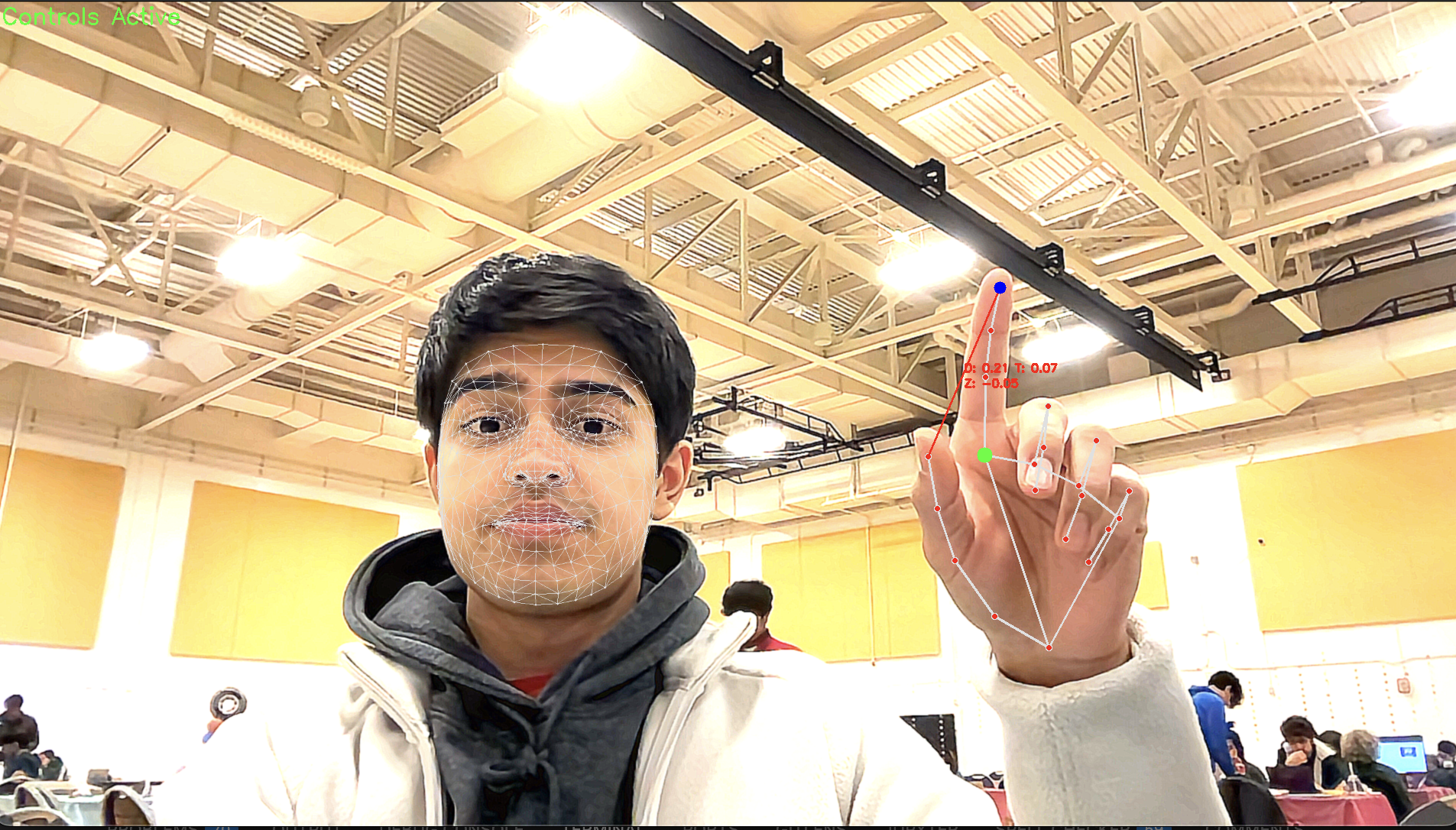
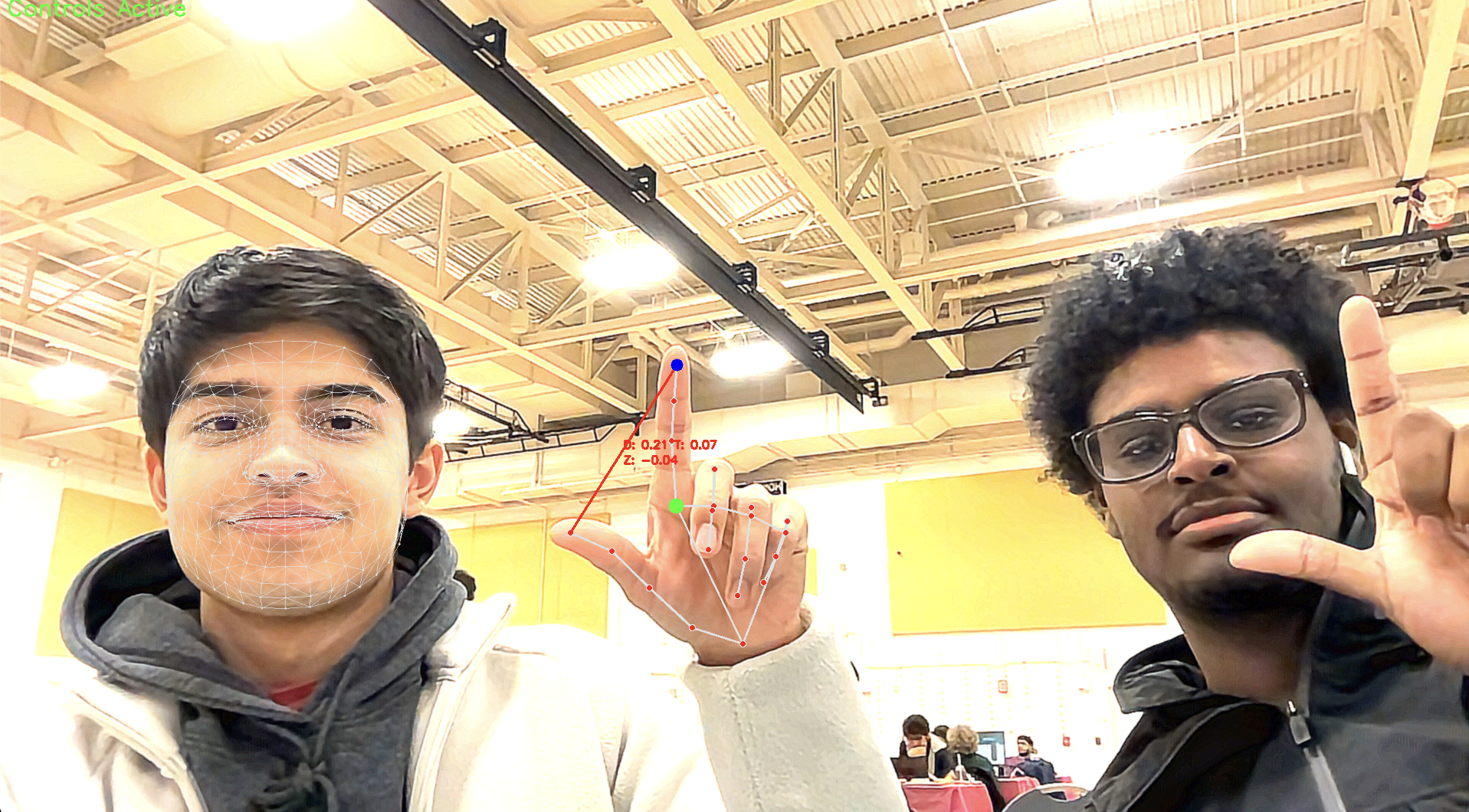
HandsOff uses your laptop’s webcam to record live video of your face and hands. It processes the video and then looks for key hand gestures that you are making from up to a certain distance away (limited by your laptop and webcam capabilities). It will perform different actions on your laptop, such as pause/play media, move and click the cursor, switch desktops, and other useful functions based on which gesture you performed. To reduce false positives from when you aren’t trying to interact with your laptop, HandsOff requires you to be looking in the direction of your laptop for it to read your gestures.
How we built it
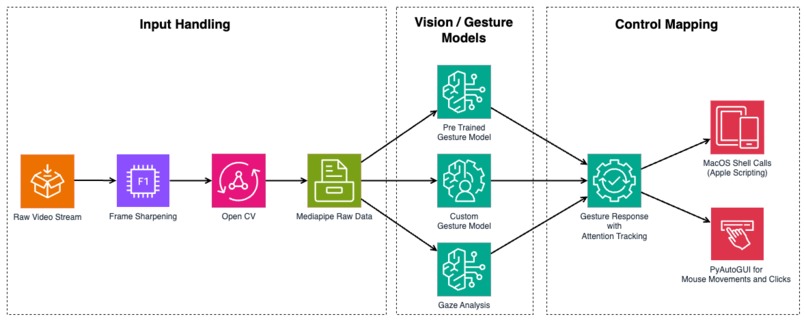
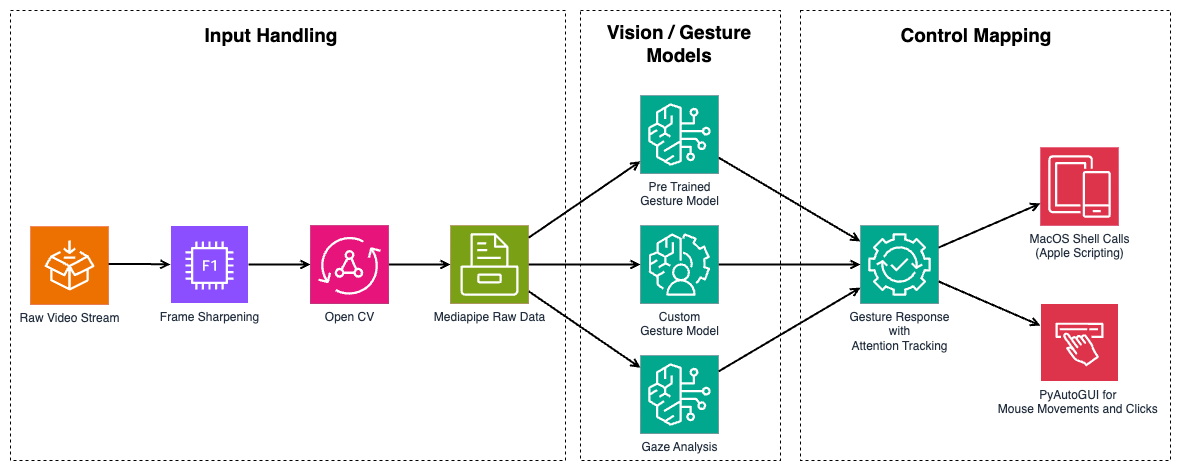
We used a combination of Python’s MediaPipe and OpenCV packages to process the video from the webcam and detect hand movements over time. We then use temporal and spatial data provided from the webcam and map certain movements of your hands to specific actions on your laptop. Most of the actions are performed either through Python’s PyAutoGUI package or through embedded AppleScript code that interacts directly with the Macbook’s internal functionality. We also use a series of mathematical techniques, including smoothing and frame buffers, to make sure outliers are removed and the experience is as smooth as possible.
Challenges we ran into
One challenge we ran into was the limitation of laptops’ webcam and processing capabilities. Because our laptops can only record up to 30fps and have limited processing power, we could not easily detect fast-moving hand gestures accurately and consistently. We solved this issue by thinking of simpler hand gestures that were still intuitive and easy to perform to do the same actions. Another challenge we had was that we did not have full control of all the Macbook internal functionality. Unfortunately, there was not much we could do about this except to pick features that would be both useful and feasible to implement given the restrictions set by Apple.
Accomplishments that we're proud of
We are very proud of this project and the smoothness and speed of the hand gesture-to-action capabilities. It took a while to get the cursor movement to be smooth, accurate, and reliable, but it ended up turning out really good. We are also extremely proud of how fast we were able to make this project despite starting nearly a day late and not having prior experience with computer vision and MediaPipe.
What we learned
We learned a lot about how to use hand and head tracking in Python through MediaPipe. We also learned how to use AppleScript to activate different functions on our Macbook programmatically. Additionally, we got a lot of practice in brainstorming and discussing ideas for the hackathon project.
What's next for Hands Off
Our next steps are to add more hand gestures and use alternative methods that don’t use MediaPipe’s relatively slow processes to detect faster hand gestures that may not show up for many frames. We also want to add better feedback to the app, including notifications and sounds that indicate what actions were performed.


Log in or sign up for Devpost to join the conversation.