
Inspiration
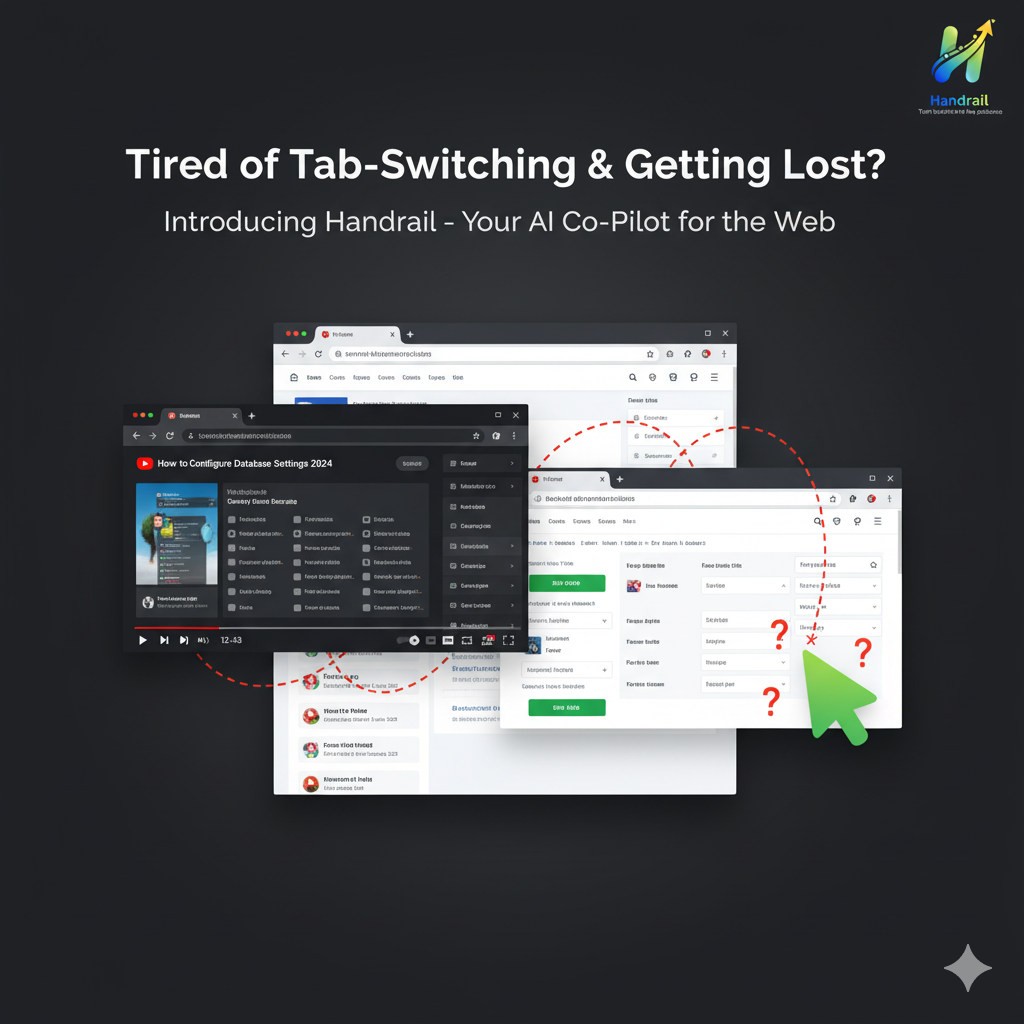
Have you ever watched a YouTube tutorial and immediately forgot what to do when you switched back to the website? Or paused the video fifty times trying to find the right button? We've all been there.
Following online tutorials is frustrating. You're constantly switching between the video and the actual website, pausing, rewinding, and struggling to match what you see in the tutorial to what's on your screen. Different layouts, updated interfaces, or even just missing a small detail can derail your entire workflow.
Handrail was born from a simple question: What if tutorials could guide you in real-time, right where you need them?
What it does
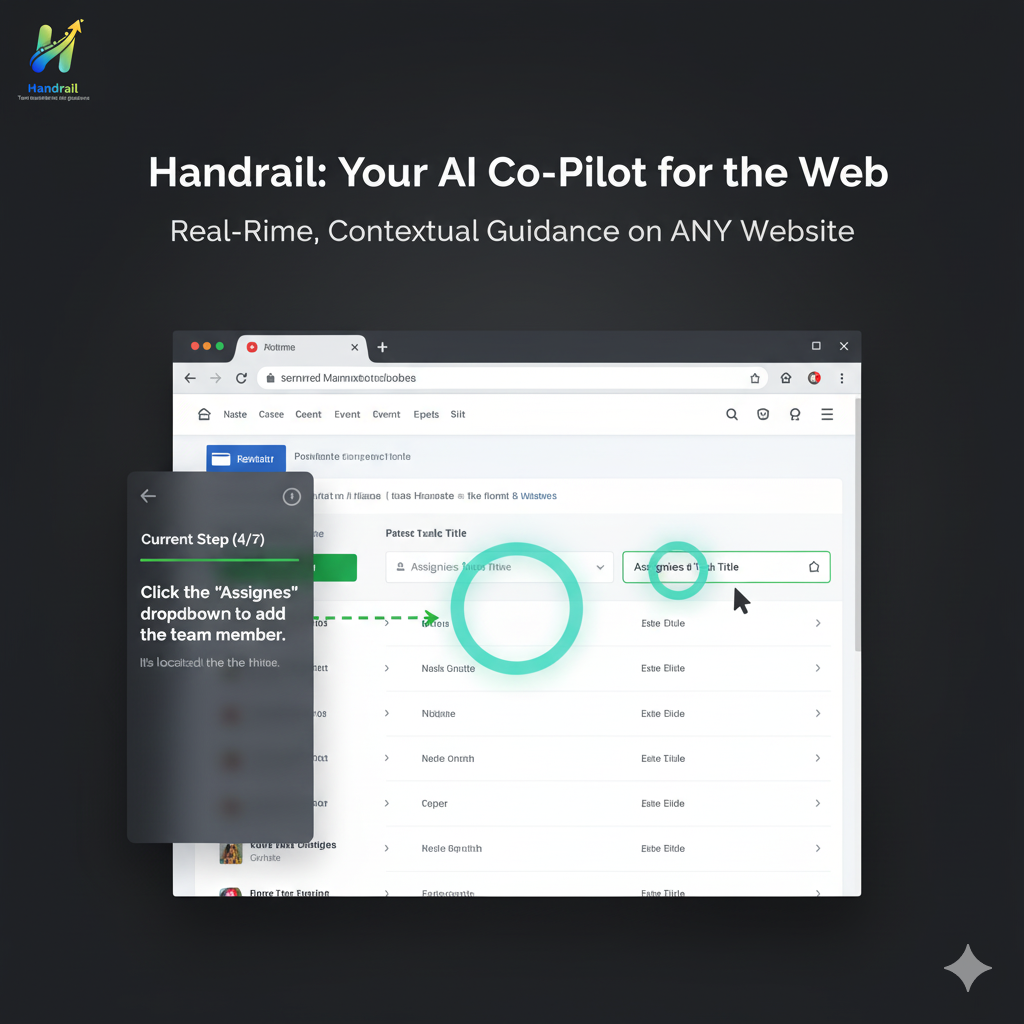
Handrail is an AI-powered Chrome extension that transforms passive video tutorials into active, contextual guidance overlays directly on websites.
Here's how it works:
- Extract Steps: You input a query like "How to create an account" or paste a YouTube tutorial URL into Handrail's side panel
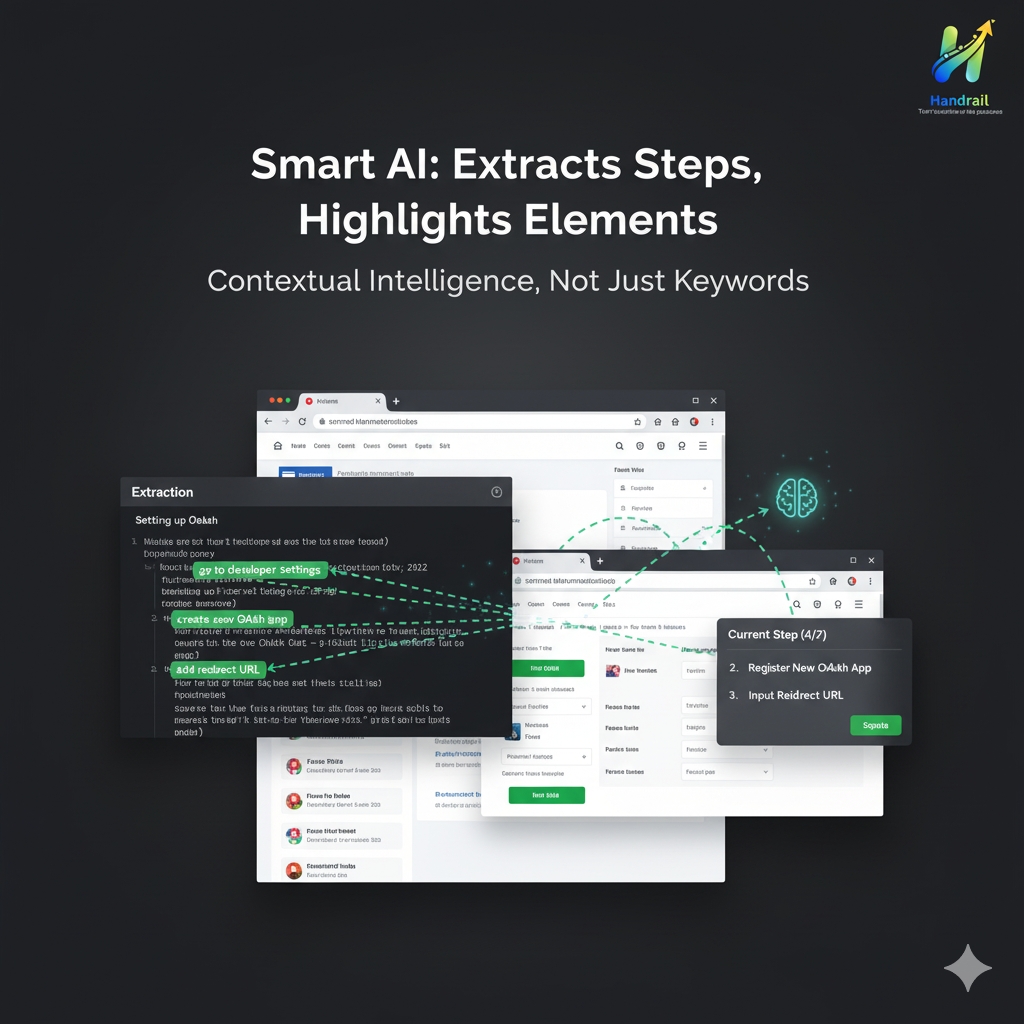
- AI Processing: Chrome's built-in AI extracts actionable steps from the video transcript, breaking down complex tutorials into clear, sequential instructions
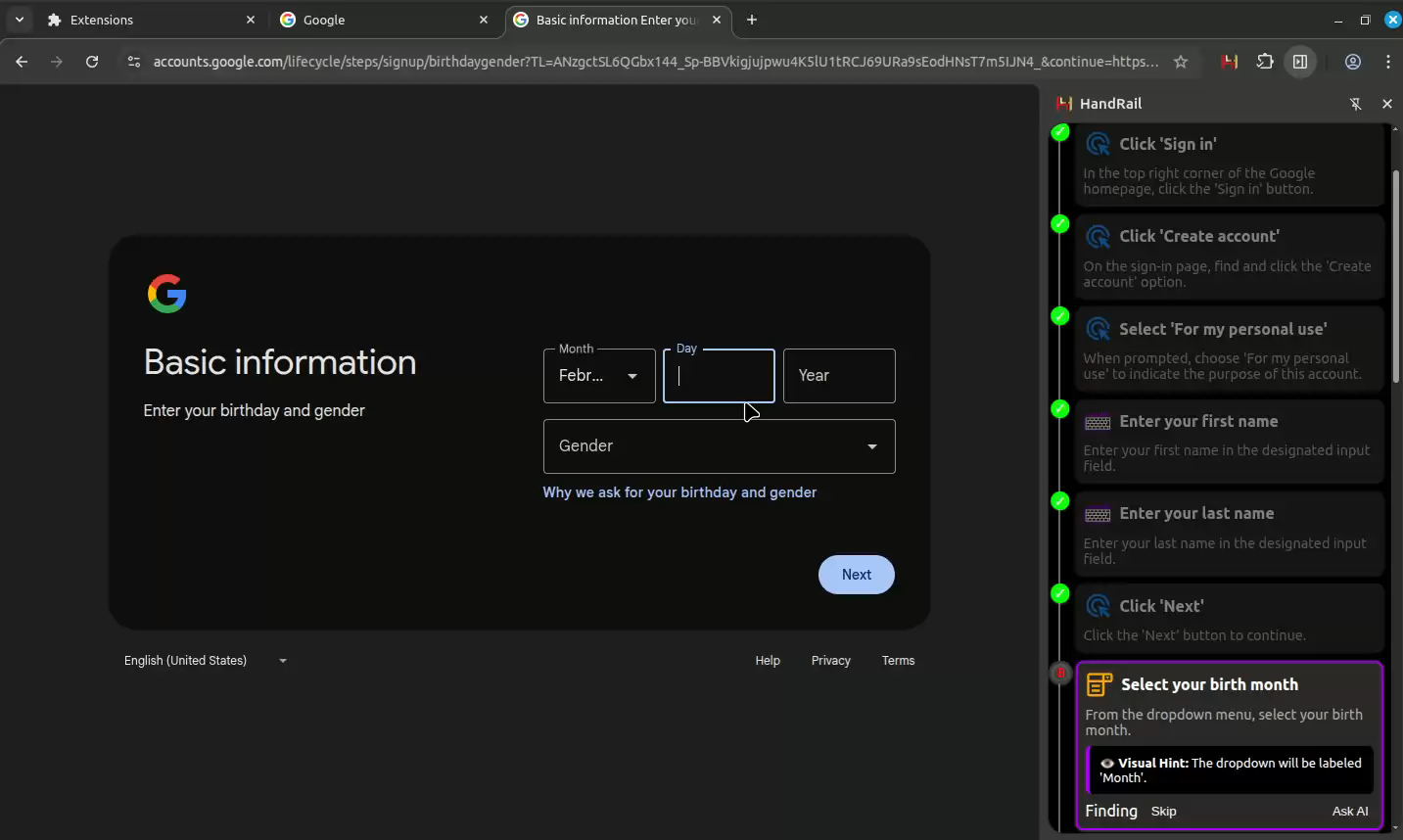
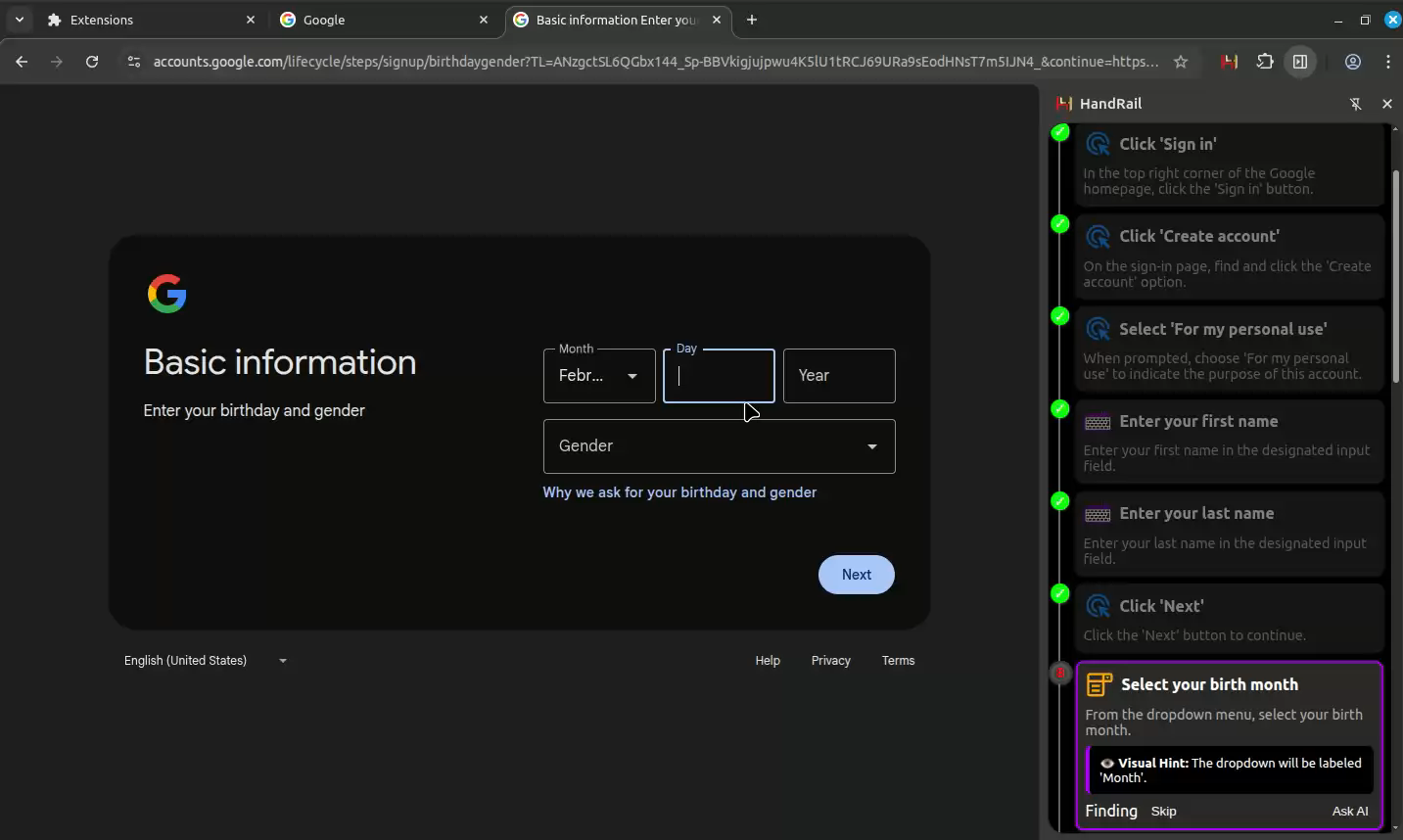
- Real-time Guidance: As you navigate the actual website, Handrail overlays step-by-step guidance with a beautiful vertical timeline interface
- Smart Highlighting: The extension intelligently detects and highlights the exact elements you need to interact with—buttons, input fields, links—based on the tutorial context
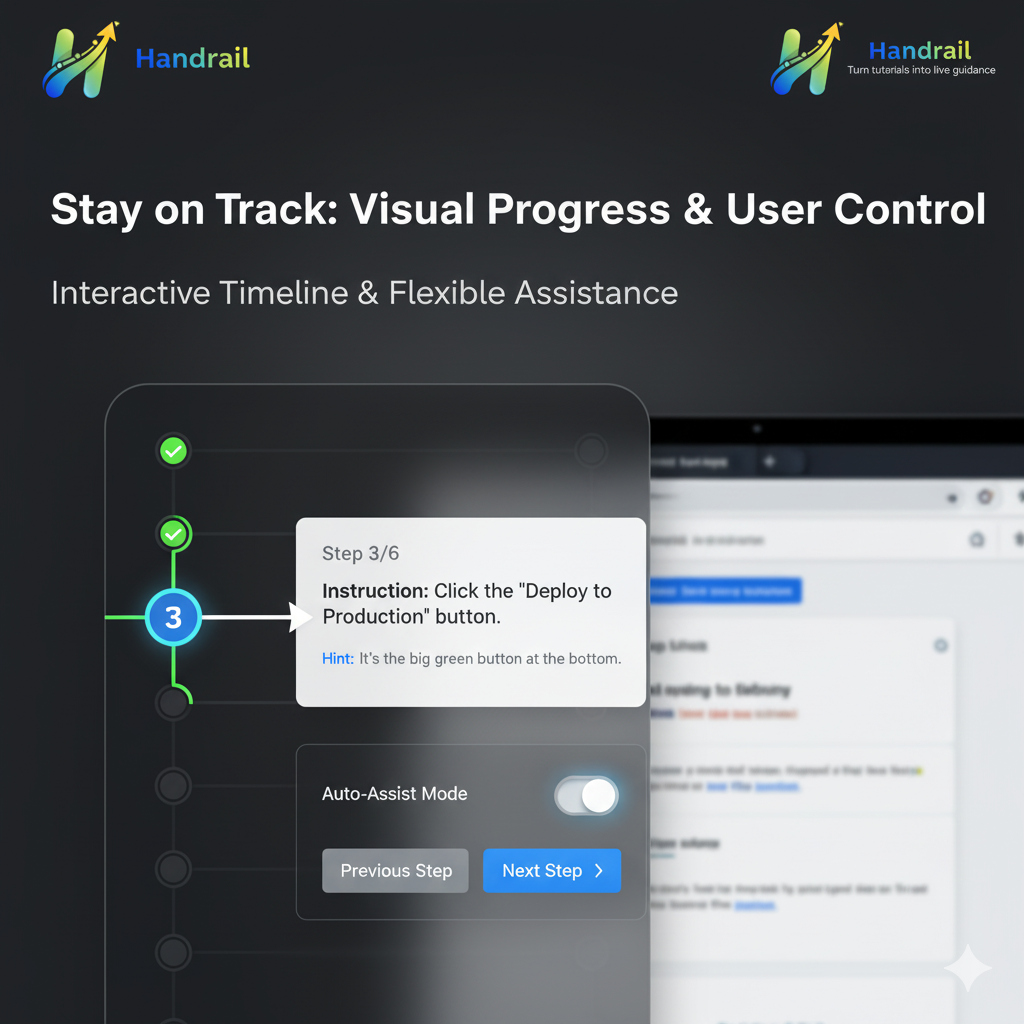
- Progress Tracking: Visual progress indicators show completed steps, your current step, and upcoming steps, so you always know where you are
Key Features:
- Intelligent Element Detection: Advanced DOM mapping finds elements even when websites update their design
- Context-Aware Assistance: AI matches tutorial steps to actual page elements using multiple fallback strategies
- Flexible Interaction Modes: Choose between manual guidance (highlights what to click) or assisted mode (optional auto-click with confirmation)
- Beautiful UI: 300px side panel with vertical timeline, smooth animations, and glassmorphism design
- Progress Persistence: Your progress is saved—resume tutorials anytime, even after closing your browser
- Cross-Tab Support: Handrail detects when you're on the right page and adjusts guidance accordingly
How we built it
Architecture:
Handrail is built as a modern Chrome Extension (Manifest V3) leveraging Chrome's cutting-edge built-in AI capabilities for the Chrome Built-in AI Hackathon 2025.
Core Technologies:
- Chrome Built-in AI: Powers step extraction from YouTube transcripts and intelligent element matching
- Content Scripts: Advanced DOM element mapper that creates rich descriptors of page elements including position, accessibility attributes, framework hints (Bootstrap, Tailwind, Material-UI), and surrounding context
- Side Panel API: Persistent UI that stays synchronized across navigation
- chrome.storage.local: Normalized data storage with separated tutorials and steps for efficient updates
- Modern CSS: Nested CSS, custom properties, and smooth animations for polished UX
Technical Highlights:
DOM Element Mapping System: We built a sophisticated element discovery engine that:
- Scans for interactive elements (buttons, links, inputs) and form controls
- Creates unique mapped IDs for stable element references
- Extracts contextual data: surrounding text, ARIA labels, framework classes, position data
- Builds element descriptors with 15+ attributes for AI matching
AI-Powered Step Extraction: Chrome's built-in AI processes YouTube transcripts to:
- Identify distinct, actionable steps
- Extract element descriptions and interaction patterns
- Generate fallback selectors for robust element finding
- Assess confidence scores for each extraction
Intelligent Element Matching: Multi-strategy approach:
- Direct selector matching (ID, class, name, data attributes)
- Semantic matching using ARIA labels and text content
- Position-based fallback using index paths
- Framework-aware detection (React, Angular, Vue components)
- Surrounding text context matching
State Management: Normalized storage architecture:
- Tutorials store metadata and step references
- Steps stored separately for frequent state updates
- Progress persistence across sessions
- Cache with TTL for performance
Design Philosophy:
We prioritized user control and progressive enhancement. Users can choose their interaction level—from simple highlighting to assisted automation—putting them in charge of their learning experience.
Challenges we ran into
1. Element Detection Reliability
Websites change constantly. Finding the "Sign Up" button from a tutorial recorded six months ago is harder than it sounds. We solved this with:
- Multiple fallback strategies (selector → ARIA → position → context)
- Framework detection to handle React/Vue dynamic rendering
- Confidence scoring to warn users when matches are uncertain
2. AI Context Window Limits
Sending entire page DOMs to AI would exceed context limits. Our solution:
- Smart pre-filtering to send only relevant interactive elements
- Hierarchical element categorization (interactive, form, content, landmark)
- Compact descriptor format balancing richness with token efficiency
3. Tutorial-to-Reality Gap
Tutorials show one website state; reality is often different (dark mode, different language, updated UI). We addressed this through:
- Context-aware matching using multiple element attributes
- Surrounding text analysis to understand semantic context
- User feedback loop for manual corrections that improve AI matching
4. Performance vs. Accuracy Trade-off
Real-time element detection on complex SPAs was computationally expensive. We optimized with:
- Lazy scanning triggered by user actions
- Intelligent caching of element maps
- Incremental DOM updates rather than full rescans
- Visibility filtering to skip hidden elements
5. Timeline Dot Synchronization
Keeping vertical timeline dots synchronized with animating step cards required:
- CSS-first approach using modern nesting
- JavaScript fallback for position calculations
- Event-driven updates on transitions and resize
- Smooth animations without jank
Accomplishments that we're proud of
🎨 Beautiful, Intuitive UI: The vertical timeline with glassmorphism design and smooth animations feels premium and polished—users immediately understand their progress.
🧠 Smart Element Detection: Our multi-strategy matching system successfully finds elements even when tutorials are months old or websites have updated their design.
⚡ Performance: Despite complex AI processing and DOM scanning, Handrail feels instant and responsive.
🎯 User Control: We resisted the temptation to build a fully automated tool. Users stay in control, choosing when to use AI assistance.
🏗️ Clean Architecture: Normalized storage, separated concerns, and extensible design make future features easy to add.
📱 Cross-Platform Ready: While built for desktop Chrome, our architecture is ready for mobile and other browsers.
What we learned
AI is a Tool, Not Magic: We learned that AI excels at pattern recognition and extraction but still needs human-designed fallback systems for reliability in production.
User Intent Matters More Than Automation: Early prototypes focused on full automation, but user testing revealed people want guidance, not a robot doing everything for them. This insight fundamentally changed our approach.
Context is Everything: The difference between finding the right element and the wrong one often comes down to understanding context—surrounding text, visual hierarchy, user flow. We learned to capture and leverage this context effectively.
Storage Architecture Impacts Everything: Our decision to separate tutorials and steps (normalized storage) made the entire system more maintainable and performant. Early architectural decisions compound over time.
Modern Web is Complex: Handling React, Vue, Angular, and vanilla JavaScript sites with different rendering patterns taught us to build robust, framework-agnostic solutions.
What's next for Handrail
Phase 1 (Post-Hackathon):
- Browser action overlay for quick tutorial search
- Support for written documentation (not just videos)
- Screenshot capture for visual step references
- Keyboard shortcuts for power users
- Dark mode support
Phase 2 (3 months):
- chrome.storage.sync for multi-device progress syncing
- Community-shared tutorial library
- Custom tutorial creation (record your own walkthroughs)
- Smart retry detection when users get stuck
- Integration with popular tutorial platforms (Udemy, Coursera, etc.)
Phase 3 (6 months):
- AI-powered troubleshooting when steps fail
- Adaptive difficulty (skip obvious steps for advanced users)
- Team collaboration features for enterprise
- Analytics dashboard showing completion rates
- Browser extension for Firefox and Edge
Long-term Vision:
Handrail will become the universal translator between online knowledge and real-world action. Whether you're learning to code, setting up software, or navigating complex websites, Handrail will be your intelligent companion, turning any tutorial into a guided, interactive experience.
We believe learning online should be seamless, not frustrating. Handrail is just the beginning.
Built With
- css3
- firebase-ai-logic
- javascript
- web-components

Log in or sign up for Devpost to join the conversation.