-
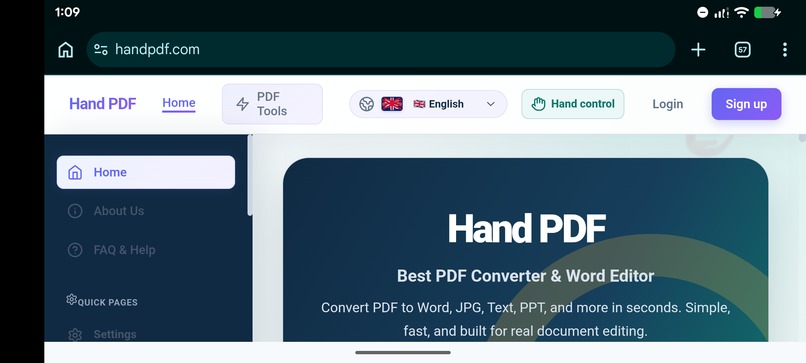
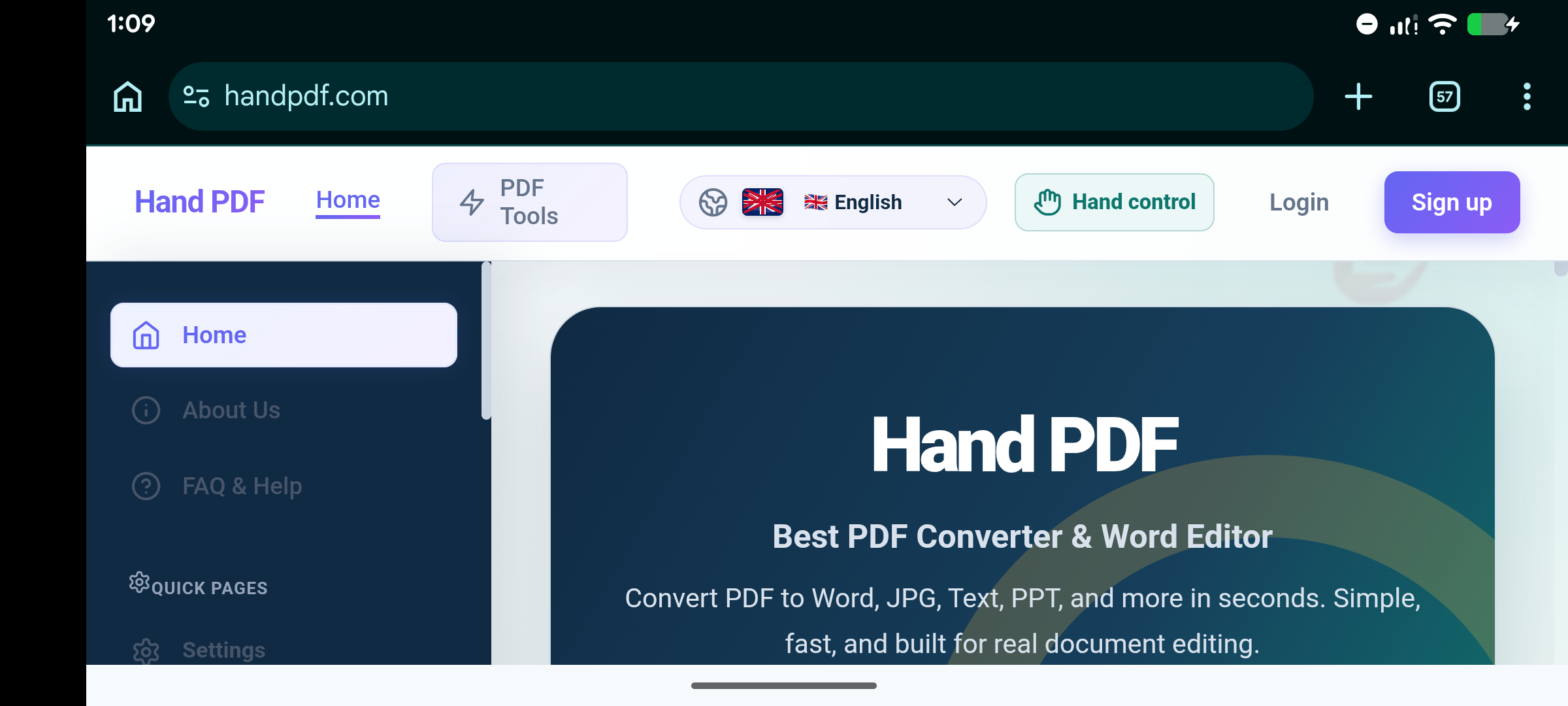
HandPdf Home page
-
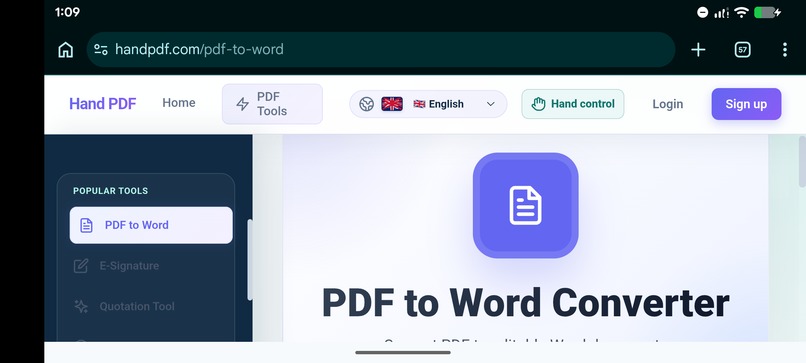
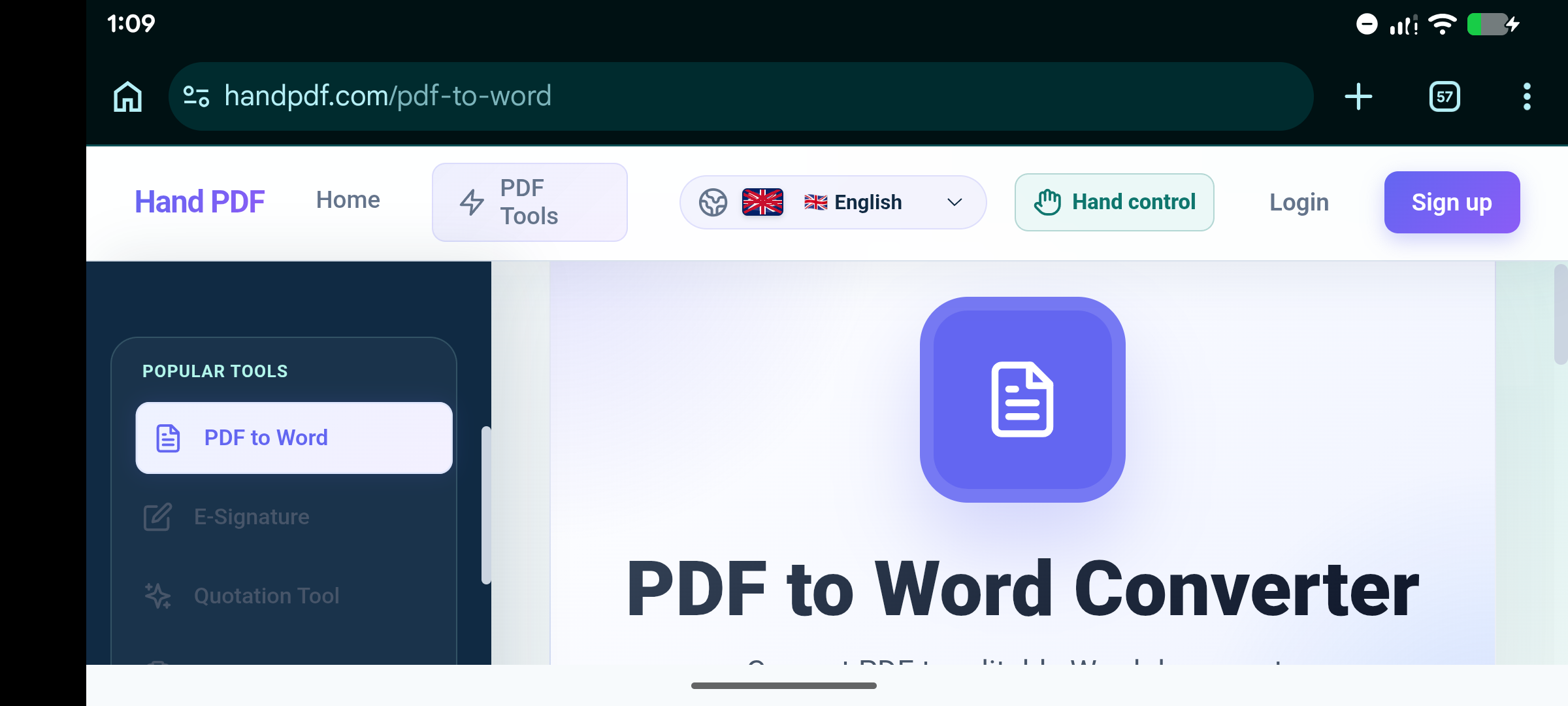
Pdf to Word Conversion
-
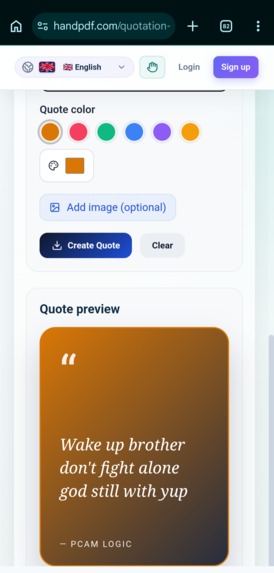
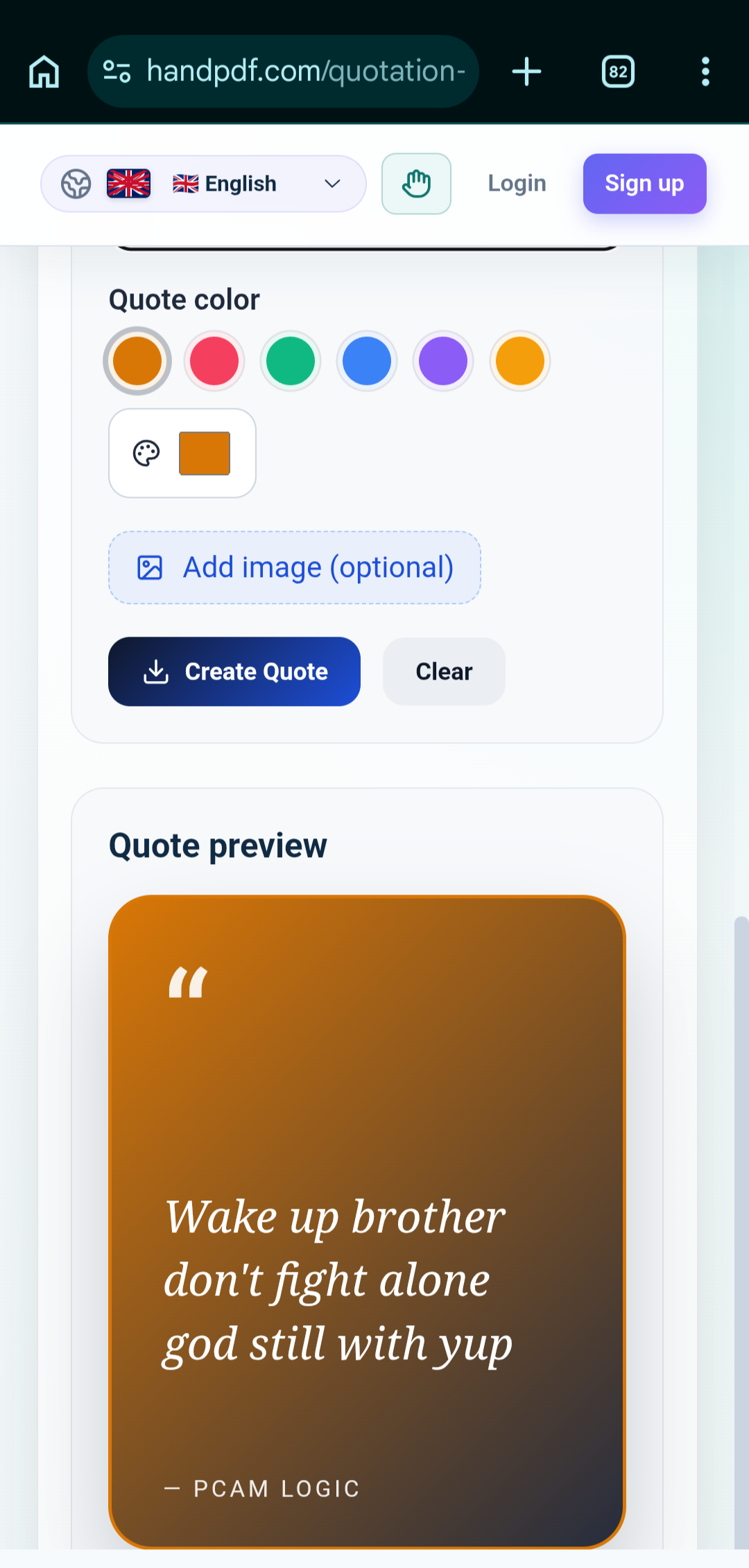
Make any Quotes FREE
-
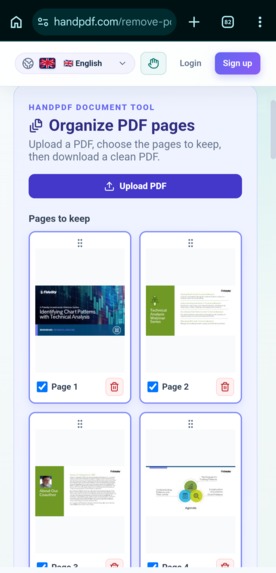
Remove Pdf Page
-
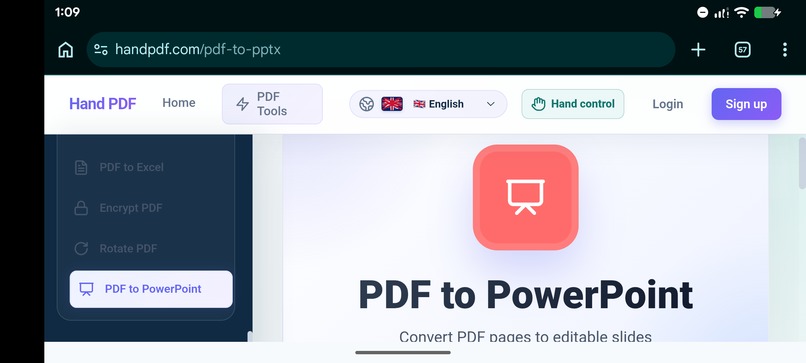
Pdf to PowerPoint Conversion
Inspiration
HandPDF was inspired by a simple problem: working with documents online often requires using many different tools.
A person may need one website to convert a PDF to Word, another to convert PDF pages to images, another to compress a file, another to merge documents, and another application to edit a CV or create a quotation.
This becomes frustrating, especially for students, job seekers, freelancers, small businesses, and professionals who work with documents every day.
I wanted to build a single platform where people could handle as many of these tasks as possible without constantly moving between different websites and applications.
That idea became HandPDF.com.
The name started with PDF tools, but the vision became bigger: to create an all-in-one document platform where users can convert, edit, compress, merge, split, sign, create, and manage documents from one place.
HandPDF is being built with the belief that document tools should be simple, accessible, and easy to use—even for people without technical knowledge.
What it does
HandPDF.com is a web-based document toolkit that brings multiple document workflows together in one platform.
Users can work with PDFs and other documents through tools such as:
- PDF to Word
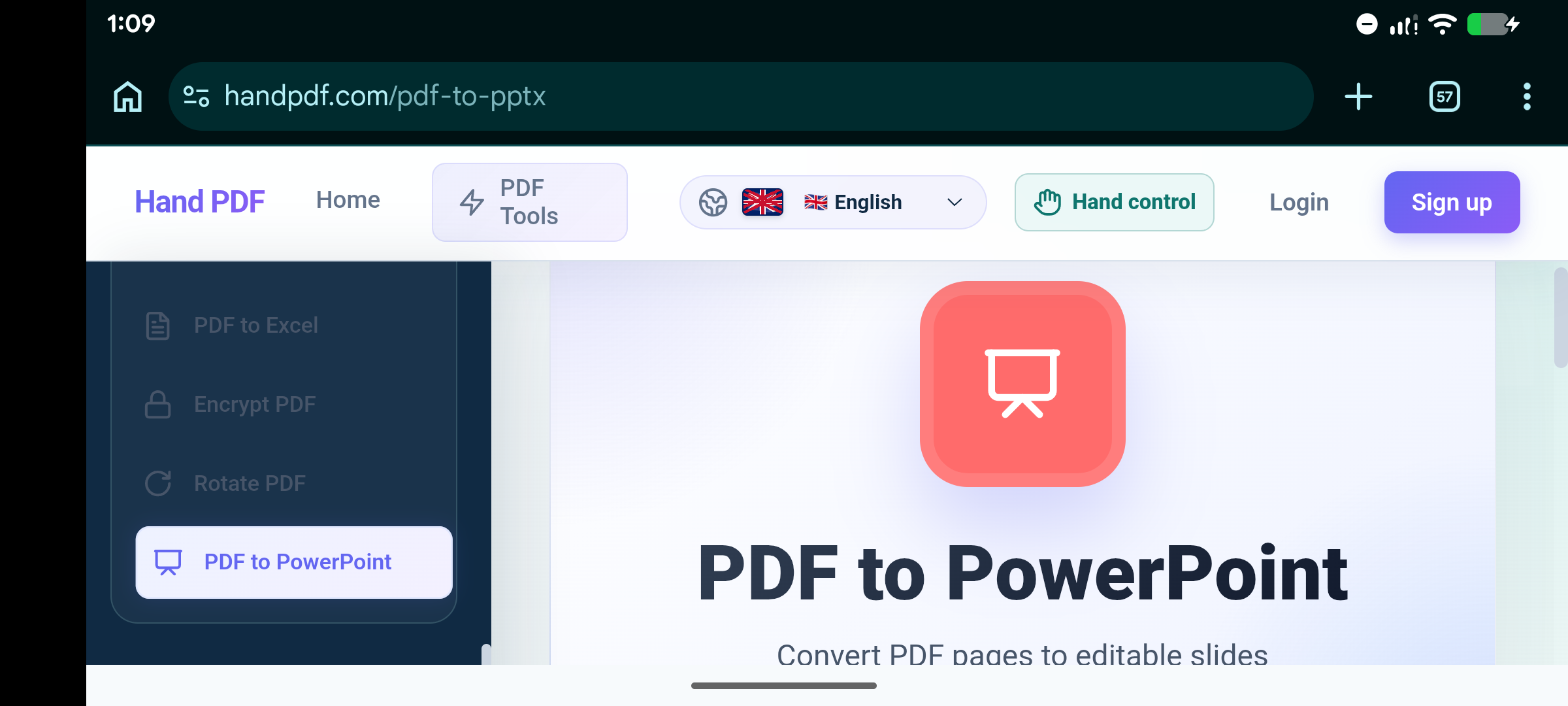
- PDF to PowerPoint
- PDF to JPG
- JPG to PDF
- PDF compression
- Merge PDF
- Split PDF
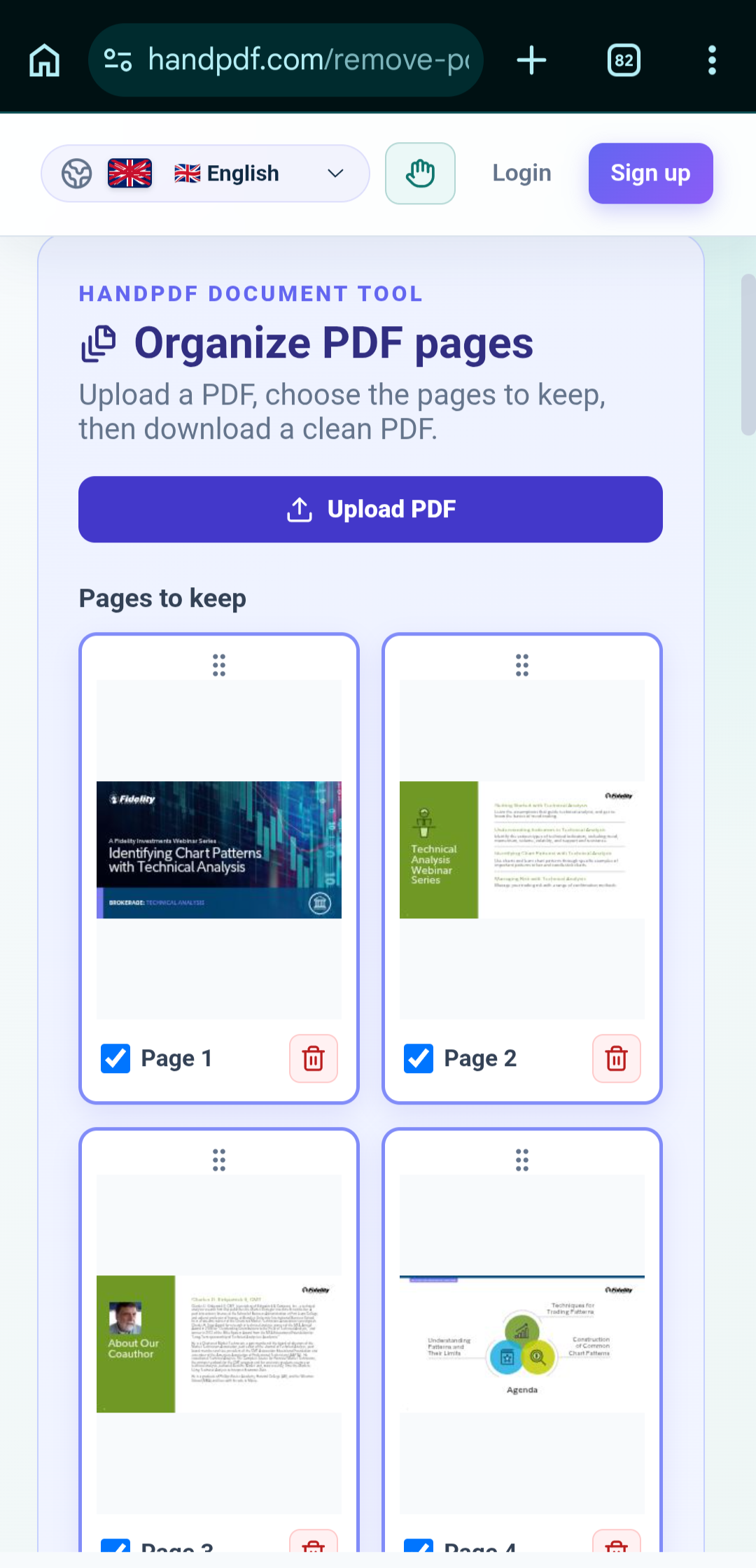
- Remove PDF pages
- Add PDF pages
- Add page numbers
- Add watermarks
- PDF editing
- Online PDF signing
- Document conversion
- CV and resume workflows
- CV editing
- Quotation creation
- Business document workflows
- And additional document utilities
The goal is not simply to provide individual PDF converters. HandPDF is designed to become a broader document productivity platform.
For example, a job seeker can work on a CV, a student can convert and organize an assignment, a freelancer can prepare a quotation, and a business can work with PDF documents—all through the same platform.
The experience is designed around a simple workflow:
Choose a tool → Upload or create a document → Process or edit it → Download or continue working.
HandPDF is accessible through the browser, making it possible to use the platform without requiring traditional desktop document software.
How we built it
HandPDF was built as a web application with a frontend and backend architecture designed specifically for document processing.
The project uses technologies including:
- HTML
- CSS
- JavaScript
- Python
- Flask
- PDF processing libraries
- REST/API-based services
- Cloud/server infrastructure
The frontend provides the user interface and handles the interaction between the user and the different document tools.
The backend handles processing tasks that require server-side computation, including document conversion and other PDF operations.
One of the important parts of the development process was designing the platform so that new tools could be added without rebuilding the entire application.
Instead of treating every feature as a completely separate product, HandPDF is being developed as a growing ecosystem of document tools sharing a common platform.
I also focused on making the interface responsive so that users can access document tools from different screen sizes and devices.
The project is continuously evolving as new tools and improvements are added.
Challenges we ran into
Document processing
One of the biggest challenges was working with different document formats.
PDF files can contain text, images, fonts, vector graphics, page layouts, annotations, and other elements. Converting or modifying these files while maintaining their structure and quality is more complicated than simply changing a file extension.
Different conversion workflows also have different technical requirements.
Server resources
Document processing can require significant CPU and memory resources, especially when users upload larger files or perform more complicated conversions.
Because HandPDF is being developed with limited resources, infrastructure and processing efficiency have been important considerations.
Building many tools into one platform
Another challenge was keeping the platform simple while continuously adding new functionality.
Having many tools can easily make a website confusing.
The challenge was therefore not only building features, but also organizing them so that users can quickly understand what each tool does.
Reliability and file handling
Handling user-uploaded files also requires careful consideration of processing, temporary storage, errors, downloads, and failed conversions.
Making the experience reliable while dealing with different types and sizes of documents has been an ongoing engineering challenge.
Building independently
HandPDF has been developed as an independent project rather than by a large team with a large budget.
This meant learning to make practical decisions about technology, hosting, APIs, performance, design, and development priorities while continuing to improve the product.
Accomplishments that we're proud of
One of the biggest accomplishments is that HandPDF went from an idea into a working document platform that people can actually use.
Instead of building only one PDF converter, I built a foundation that can support many different document workflows.
I'm particularly proud of:
- Building a working online PDF toolkit from scratch
- Creating multiple PDF conversion and management tools
- Building document editing functionality
- Adding PDF signing capabilities
- Developing CV and resume-related workflows
- Expanding the platform toward quotation and business documents
- Creating a consistent interface across different tools
- Deploying the application so it can be accessed online
- Building the project independently with limited resources
- Continuously improving the platform based on real-world needs
Another accomplishment I'm proud of is the broader vision of HandPDF.
What started as a PDF tool has evolved into a much bigger idea: a single platform for everyday document work.
There is still a lot to build, but having a working foundation makes that vision possible.
What we learned
Building HandPDF taught me that creating a product is much more than writing code.
I learned about:
- Full-stack web development
- Python and Flask backend development
- Frontend development
- PDF processing
- Document conversion
- File handling
- APIs
- Cloud deployment
- Server resource management
- Responsive web design
- User experience
- Debugging
- Performance optimization
- SEO and discoverability
- Product development
- Building with limited resources
I also learned that technical features alone do not make a product useful.
The real challenge is understanding what people need and turning complicated workflows into simple experiences.
Building HandPDF also taught me the importance of iteration.
A product does not need to be perfect before it can be launched. It can start with a strong foundation, receive real usage and feedback, and improve continuously.
What's next for Handpdf.com Best website for convert any document
The long-term goal for "HandPDF.com" is to grow from a collection of PDF tools into a complete **document productivity platform.
Future development will focus on expanding the platform with more document formats, smarter editing capabilities, better conversion quality, improved performance, and more productivity tools.
Some of the areas I want to explore include:
- More document conversion tools
- Advanced PDF editing
- Better CV and resume creation
- More professional CV templates
- Advanced quotation and business document tools
- More document creation workflows
- Improved PDF signing
- Smarter document organization
- AI-powered document assistance
- Better mobile experiences
- More powerful APIs for developers and businesses
- Improved scalability as the number of users grows
The long-term vision is for someone to visit HandPDF with almost any document-related problem and find a useful solution in one place.
Whether they need to convert a document, edit a PDF, create a CV, prepare a quotation, compress a file, merge documents, sign a document, or complete another document workflow, HandPDF should become a trusted place to do it.
HandPDF is still growing, but the goal is clear:
Make document work simple, accessible, and available to everyone from one platform.


Log in or sign up for Devpost to join the conversation.