Inspiration
I wanted a thriller you could play without standing up, in your own room, with your own hands. A desk is the one place where mixed reality feels natural: you already have a lamp, a notebook, a phone and a pile of papers. Detective stories are about small physical details, a time on a photo or a number on a label, so I built the game so that those details sit within reach of your hands, on your own table. The story lives in the voice on the other end of the phone, because a phone call is the closest thing to a ghost that fits on a desk.
What it does
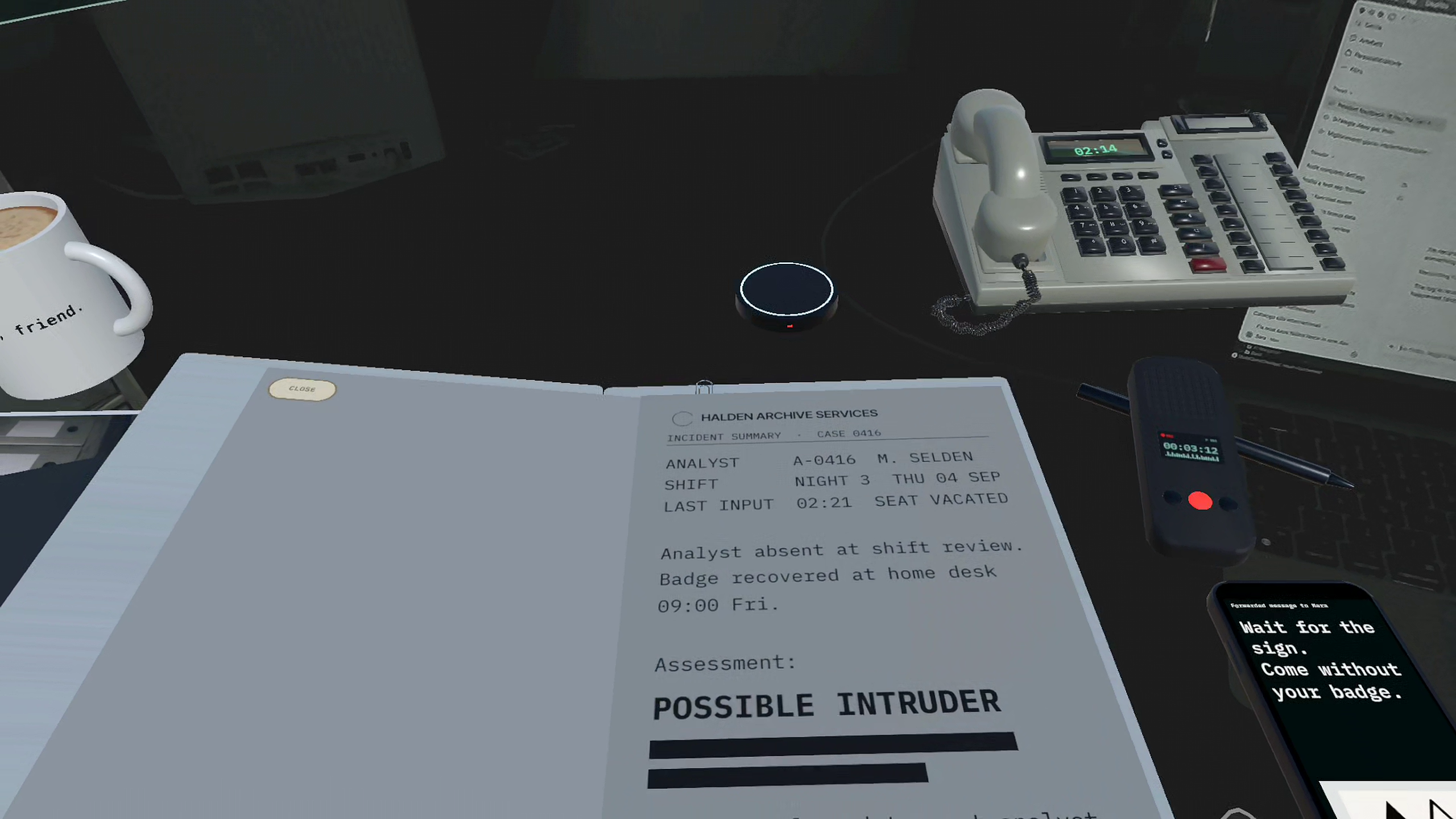
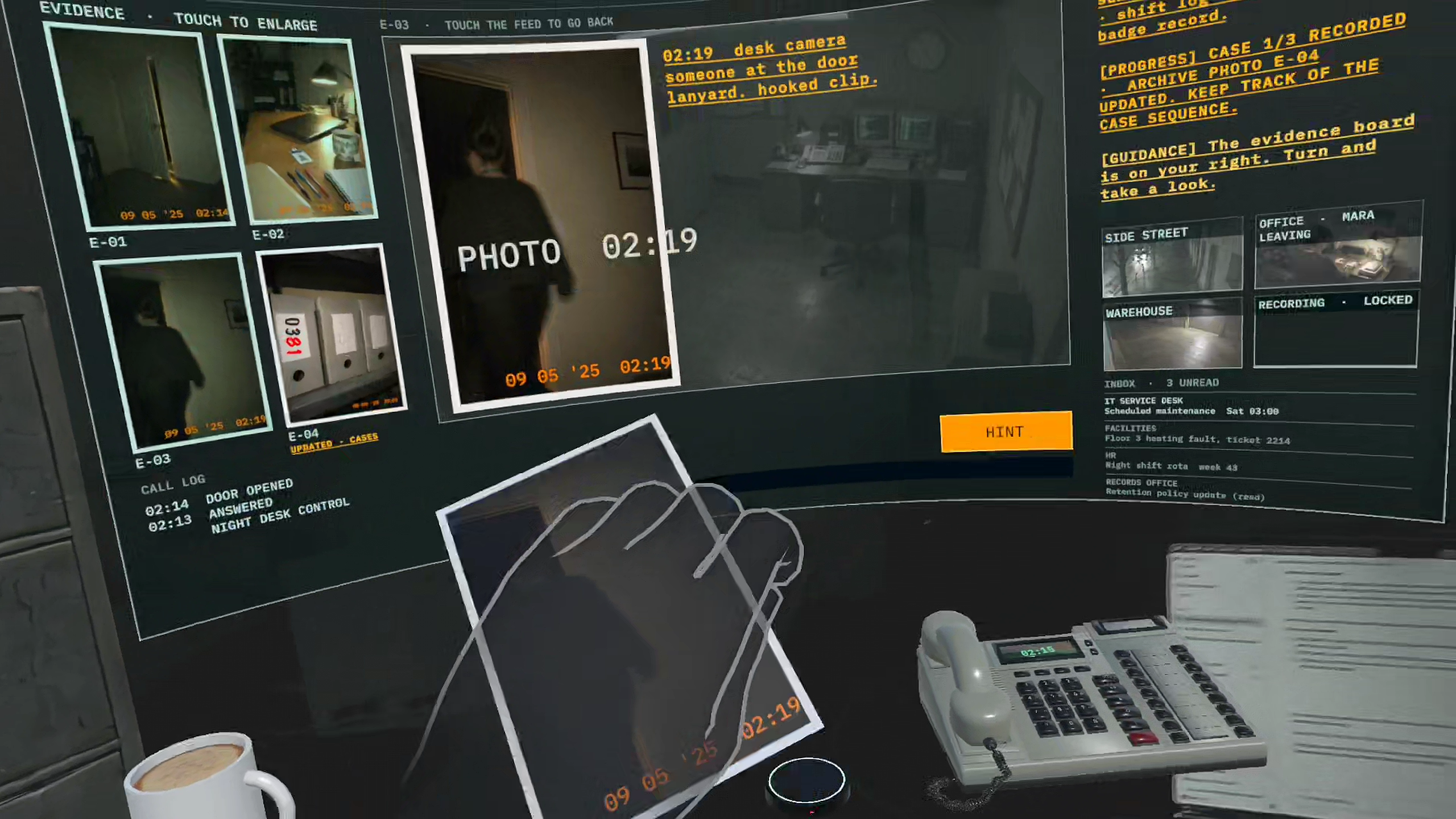
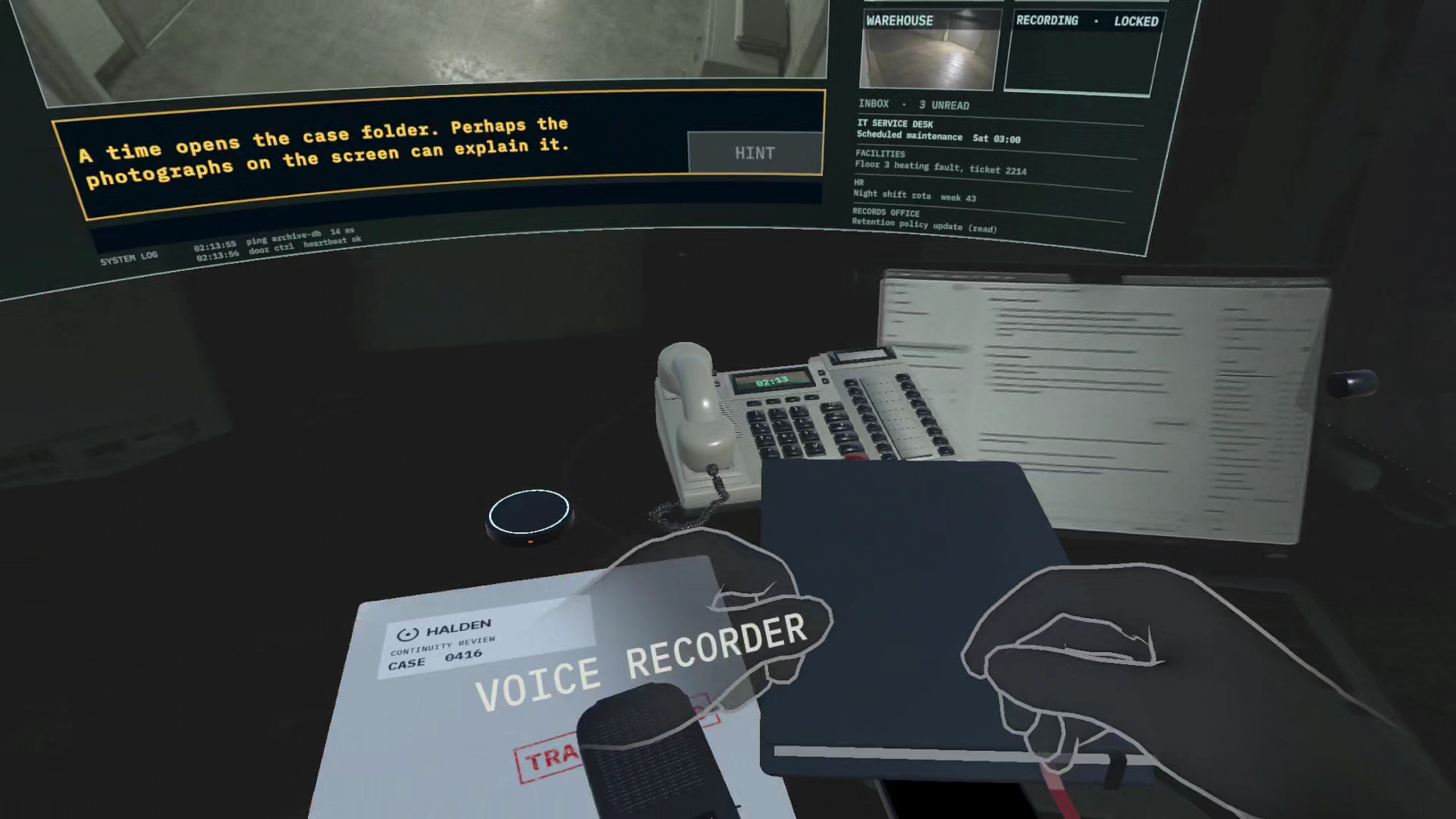
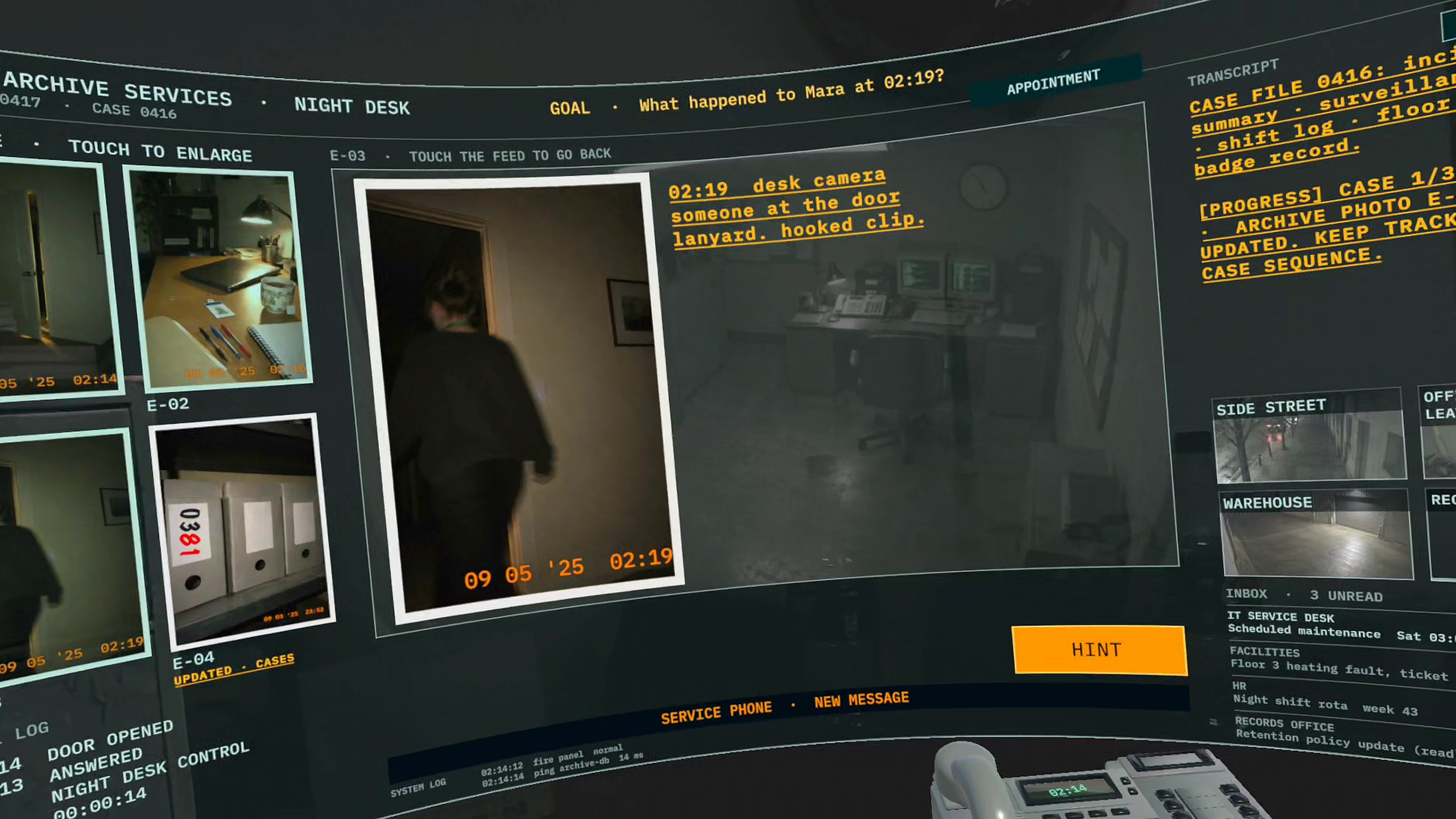
You are analyst A-0417 at Halden Archive Services, working the night shift at the desk of Mara Selden, who left her office at 02:19 and disappeared. Passthrough shows your real room. The game finds your desk and lays the case out on it: a locked case folder, Mara's notebook and pen, a desk phone, a recorder, her badge, an evidence board on your wall and a hologram screen with the security camera footage.
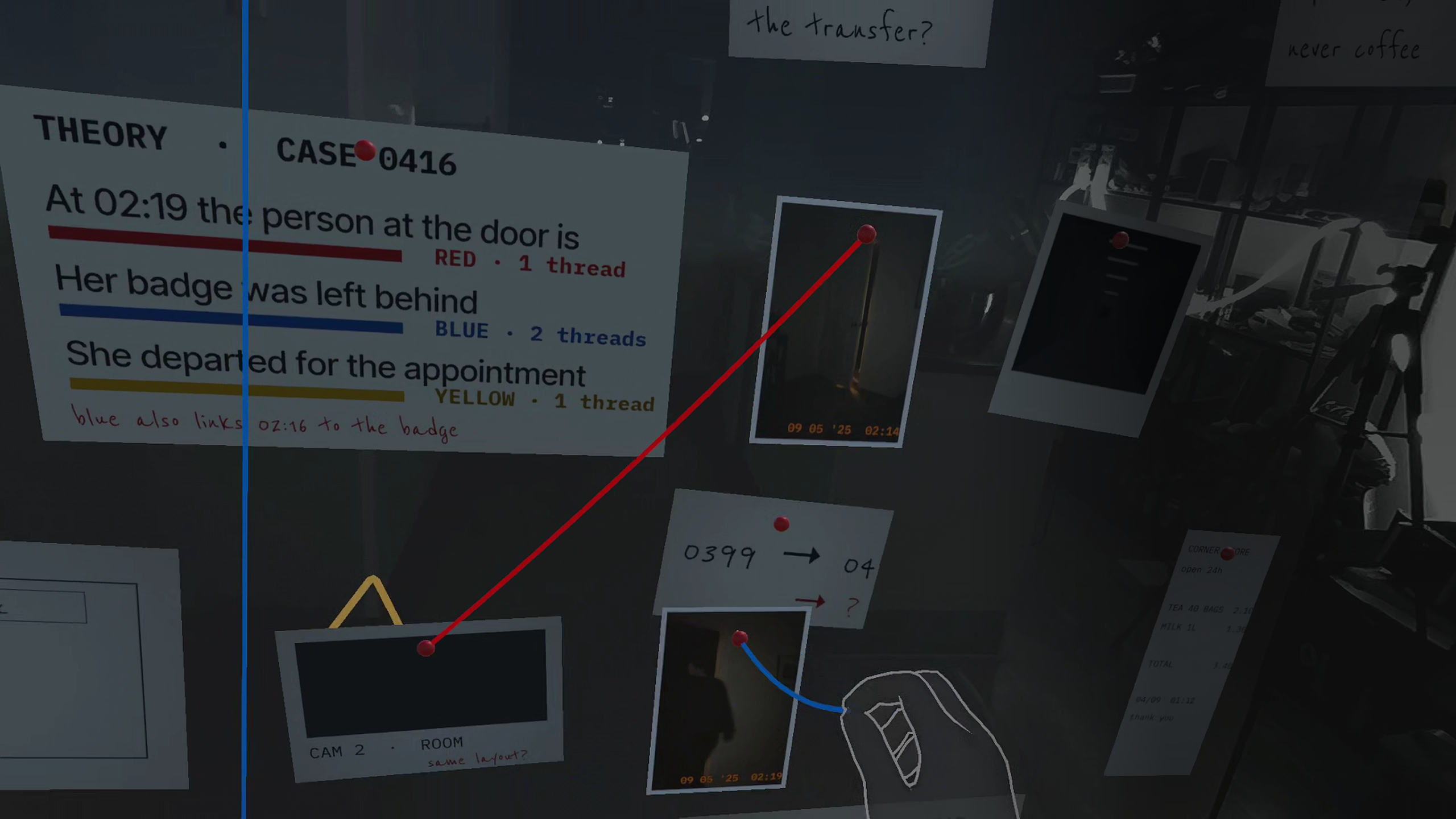
- Episode 1. Find the lock code in the camera footage and open the case file, read Mara's notebook, pin photos, the badge and notes on the board and connect them with threads to prove what happened, answer the phone, and recover her last recordings. It ends with a blackout and a line spoken in your own voice.
- Episode 2. The power comes back, the file has been changed, and someone warns you to leave it alone. Find a key hidden in the recorder, compare an old paper copy with the digital file, take a call from an anonymous source, rebuild a timeline on the board, and save the evidence to a drive in the reader dock before the shift handover.
- Episode 3 is teased at the end of Episode 2.
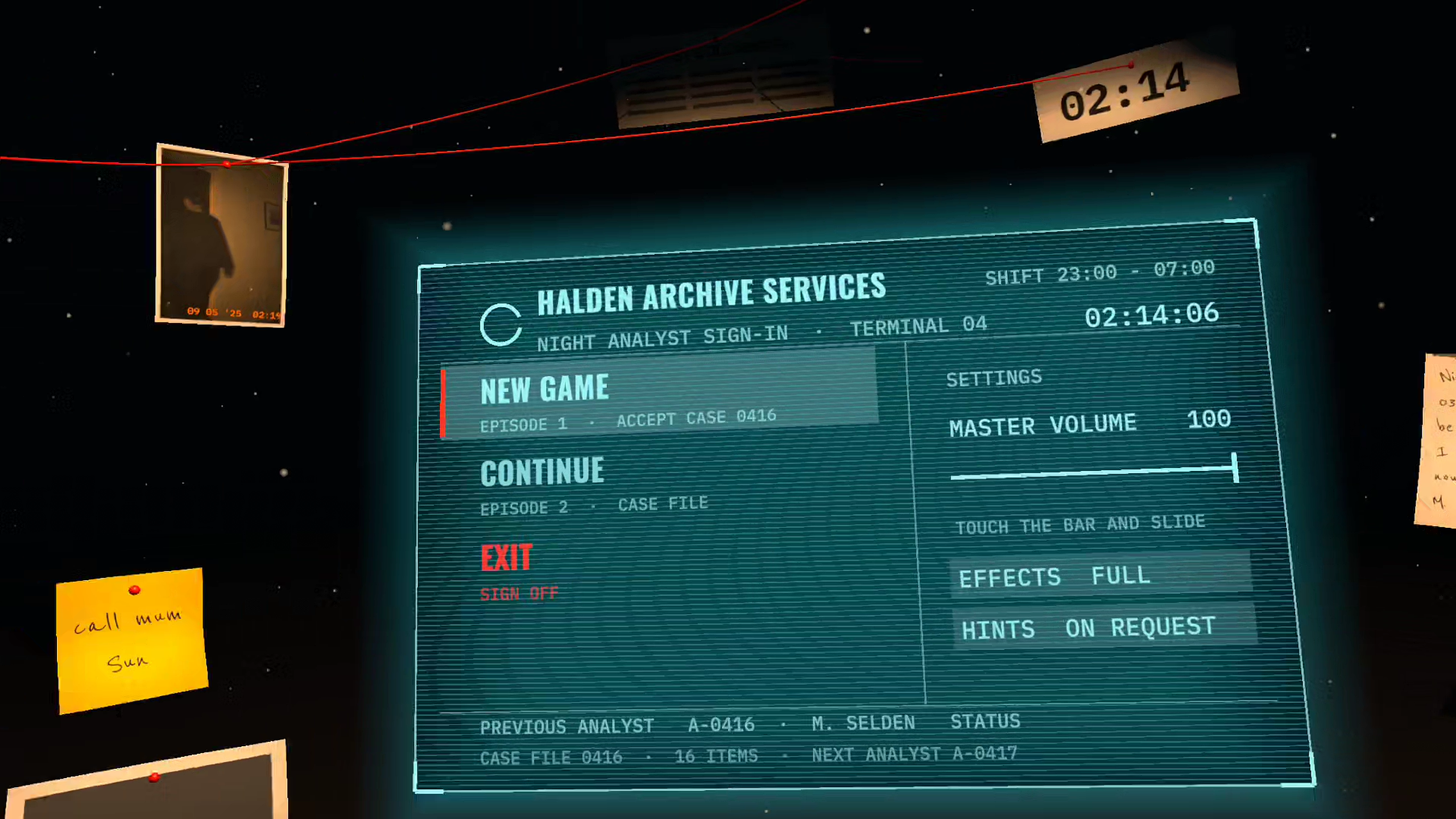
Everything is played with your hands: grab, poke, pinch, pin. You stay seated, and every object is laid out within a seated reach of about 2 ft. Hints come in four levels, as voice and text, automatic or on request (a start-menu setting). An in-game menu pauses the game and offers Resume, Save, Settings and Back to menu, and the game keeps a checkpoint so you can continue later.
How we built it
Unity 6 with the Meta XR SDK: Core, Interaction SDK and MR Utility Kit (MRUK). Passthrough is the room. MRUK finds the desk, and a hands-only calibration step asks "Is this your desk?" so the player can confirm it or set it again. If the room has never been scanned, the desk is placed in front of the player after a few seconds, so an unscanned room still works. Props are physics objects that follow your hand by velocity, with a recovery rule that brings lost props back to the desk. Grab and poke run on top of Interaction SDK. Voices were made with ElevenLabs, so every voice in the game is an AI voice. The security camera clips and some images were made with AI tools and then edited. 3D props were modelled or adapted in Blender. On a Quest 3S it runs at 72 Hz, with a median CPU+GPU frame time of 6.9 ms out of a 13.9 ms budget (measured in Episode 1). Automated editor checks cover both episodes.
Challenges we ran into
Real tables come in every size, so the work area scales to the table and is capped at what a seated player can reach. Physics objects held by a hand tend to jitter or fly off, so we rewrote the grab around velocity tracking and added recovery for dropped props. Hand tracking drops out if a controller lies awake on the desk, so multimodal input is on. Text has to stay readable at the edge of the Quest 3S field of view, which shaped every panel and label.
Accomplishments that we're proud of
Two playable story episodes built in five weeks by one person with AI assistance: hands-only, seated, on your real desk in passthrough, with hints, saves, a pause menu and a story that holds together across both episodes, at 72 Hz on a Quest 3S.
What we learned
Seated mixed reality needs everything within reach, readable at the edge of the field of view, and forgiving physics. Hints must answer every press. And testing in the headset finds problems that no editor check shows.
What's next for Handover Protocol
Episode 3, which takes the case away from the office; more polish from playtests (hints, the desk phone, props); testing on Quest 3; and localisation.
Notes for judges
- Headset: made for Meta Quest 3S and Quest 3. Hands only: put the controllers down and make sure hand tracking is on (Settings > Movement tracking > Hand tracking).
- Room: sit at a real desk or table in a lit room, with about 2 ft of free reach in front of you. A Space Setup scan helps but is not required.
- Permissions on first launch: accept hand tracking, spatial data (used to find the desk) and the microphone (a short voice check; your voice comes back once in the Episode 1 ending).
- Start: NEW GAME, a short intro, then put both hands flat on the desk to calibrate. The case folder is then in front of you.
- Stuck? Press HINT on the screen, or wait: hints also arrive on their own. The last hint gives the answer.
- Pause: the in-game menu pauses the game (Resume, Save, Settings, Back to menu).
- Episode 2 starts after Episode 1. CONTINUE on the start menu resumes your saved checkpoint.
- All voices are AI-generated (ElevenLabs). The security camera clips and some images are AI-generated. All names, places and organisations are fictional.
