-
-
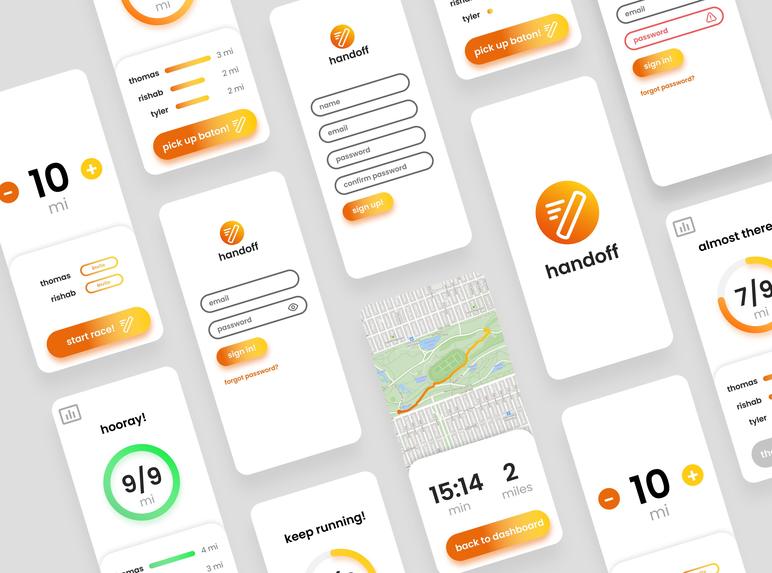
App Screen Designs
-
Splash Screen
-
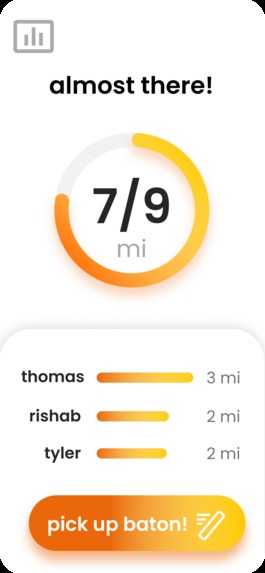
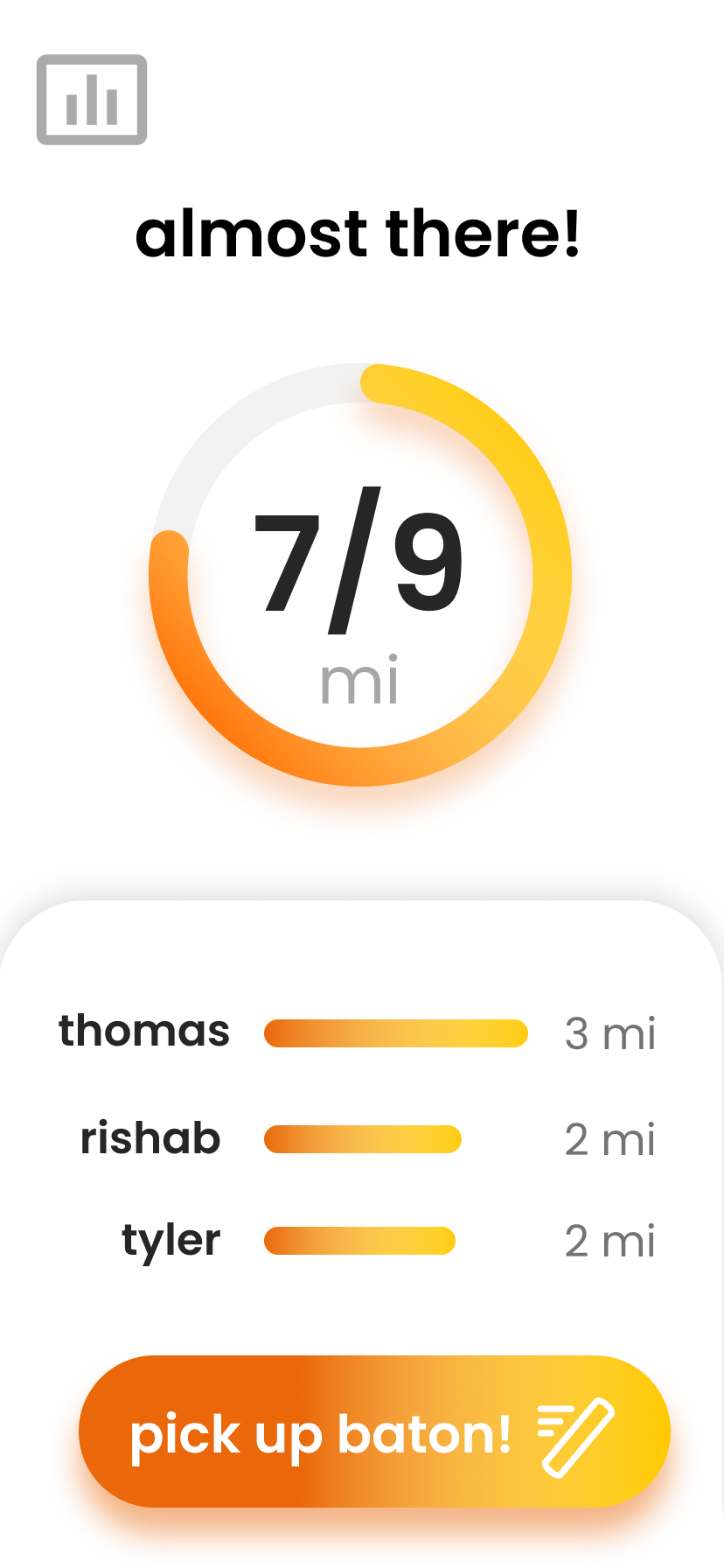
Dash Screen
-
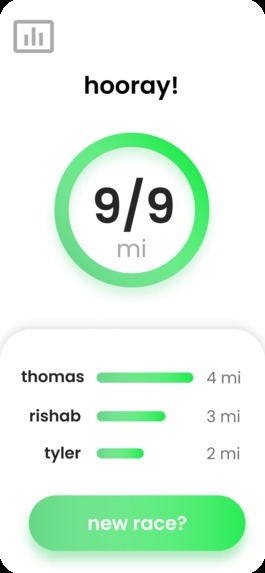
Success Dash Screen
-
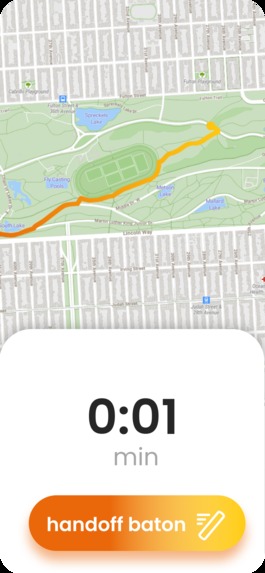
Screen During Running
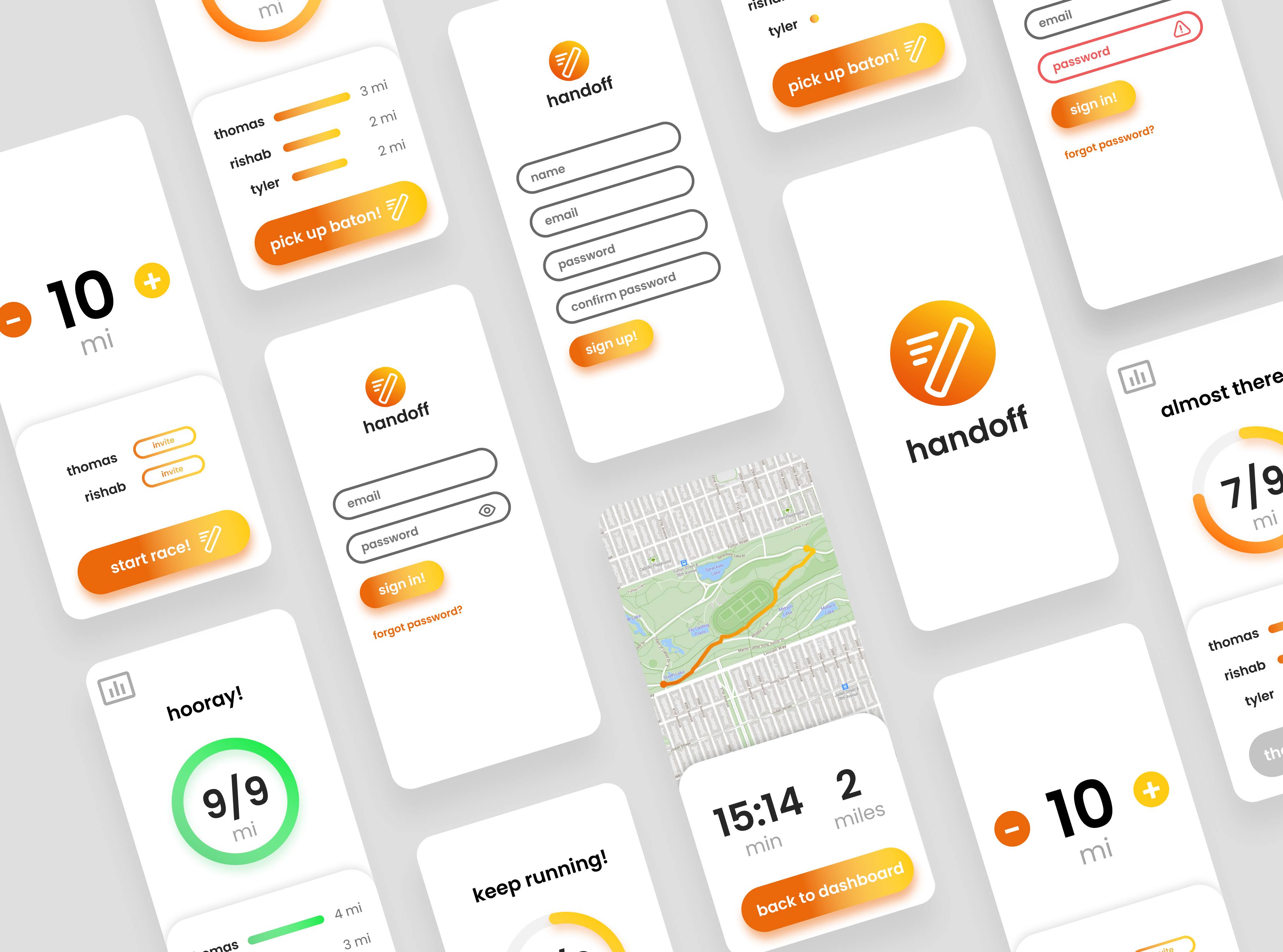
Inspiration
Both Thomas and Tyler were on the Santa Clara High School track and field team before the season was shut down due to COVID. Since then, they've been looking for other ways to stay motivated and keep running. This app is helpful in multiple ways. It’s able to motivate people to be more physically active, which can help people’s overall mental health at home. Handoff also helps friends interact while also being apart at the same time. By turning running into a team game where everyone can win, friends are motivated to run farther and more often. We wanted to make an app that we would use, and we feel we have accomplished that.
What it does
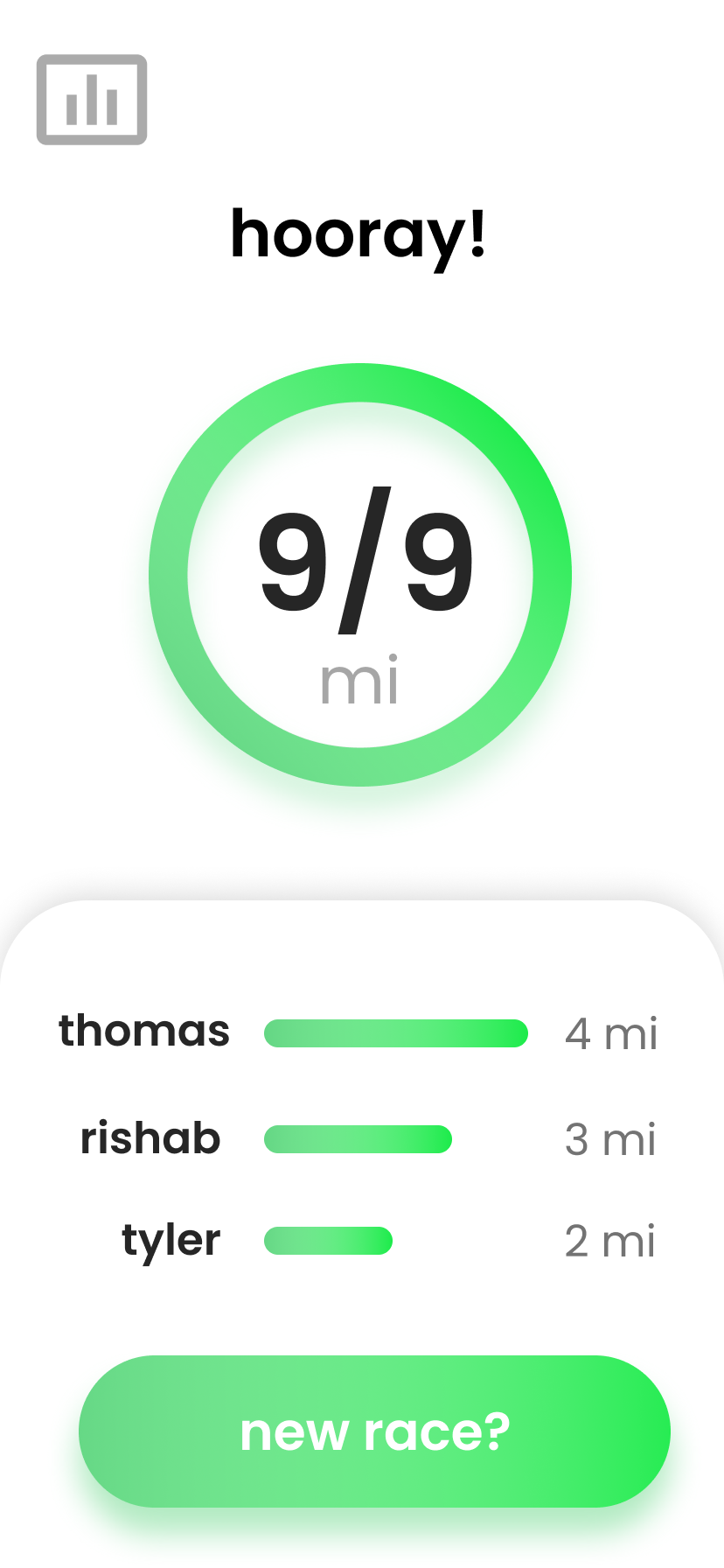
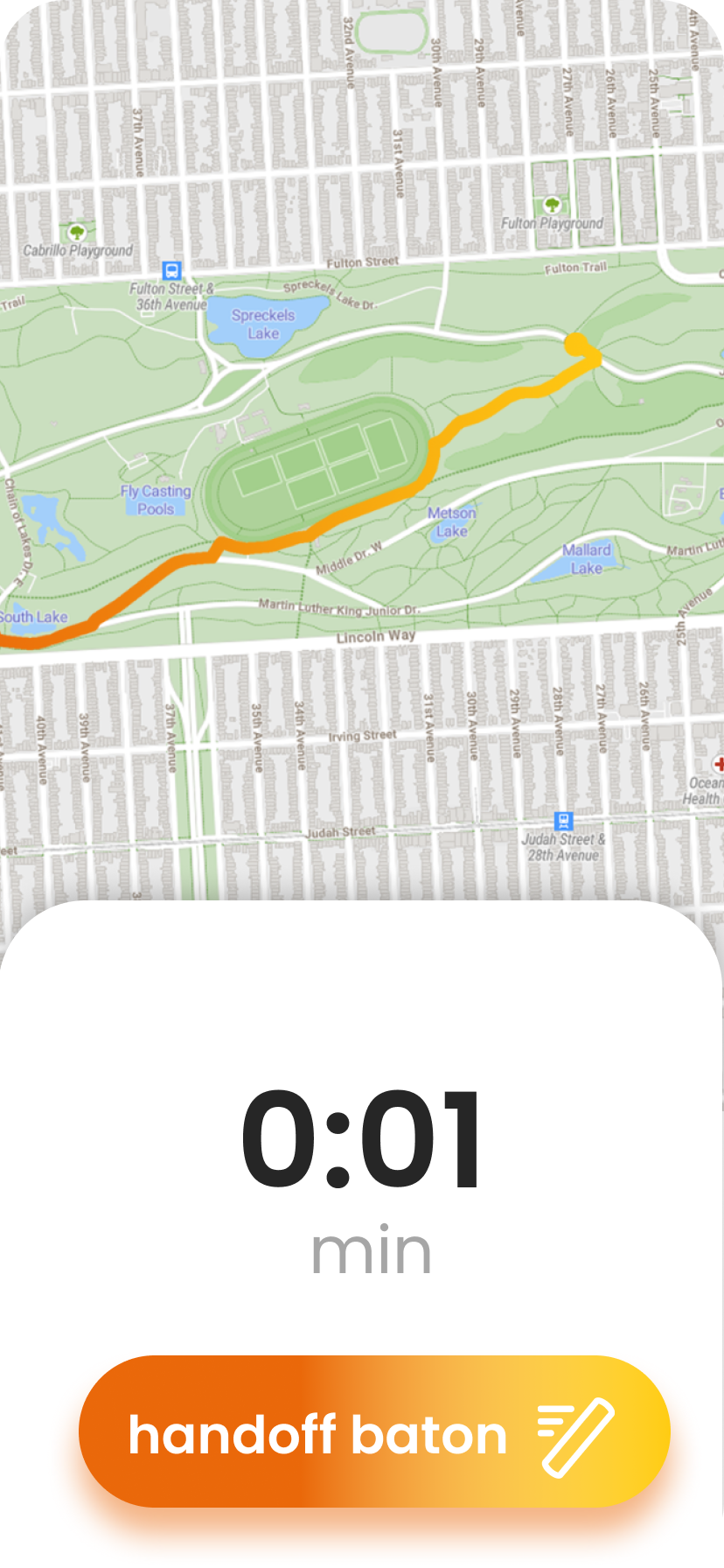
Unlike other running apps which only track individual miles and times, Handoff is all about teams of people working together. Users create individual accounts, but all distances are counted as a group. Groups can set a goal for how many miles they want to run and the individuals take turns running distances with the virtual baton. When they complete their run, they can “hand-off” this virtual baton to the next person in the group. The individual miles each user runs will then be added up and counted to the total distance the group runs. In this way, the group works together to complete a certain distance goal. The goal of the app is to make running fun and competitive even when running together is no longer an option. The team counts on every individual to pull their weight in order to complete a group goal. Not only does this motivate the individual to run more often on their own, but it also helps them feel included in a large community. This app has the potential to improve both mental and physical health in a way that doesn’t require too much effort from the individual. Our minimalistic UI allows individuals to quickly know when the baton is available and to record their distances efficiently.
*Note: This app falls under the Community Track
How we built it
Handoff was built using a few separate programs. Xcode was used for most of the software development and is where the final app was created. Because not all of us were able to get Xcode on our computer, Visual Studio Code was used to create other pieces of code that were later added into Xcode. Figma was used to create the initial UI/UX designs, which were then recreated in Xcode. Orange and yellow colors were used to convey a feeling of energy, which is a good thing to have while running :) All the data was stored on Firebase. This includes the username and passwords for the individuals on the sign-in page and the miles that each person in the group ran. Additional information stored on Firebase is the different groups and their goals, the current baton status(currently being used or not), who has the baton, and the total group mile count. The app was designed to be easy to use, with a modern vibe, which is why only the minimum amount of data is shown on each screen of the app.
Breakdown of Time Used:
9:00 PM - 10:00 PM: Brainstormed project and chose a group running app called handoff
10:00 PM - 11:30 PM: Brokedown individual roles and determined collaboration logistics
11:30 PM - 8:00 AM: Slept
8:00 AM - 12:00 PM: Worked on code for the main screen and designed entire app of Figma
12:00 PM - 1:00 PM: Broke for lunch
1:00 PM - 2:45 PM: Recorded running scenes for the video demonstration
2:15 PM - 6:45 PM: Continued app development and transferred Figma designs to Xcode
6:45 PM - 7:30 PM: Cleaned up the design and corrected all features
7:30 PM - 8:45 PM: Worked on devpost writeup and edited video
8:45 PM - 9:00 PM: Submitted devpost project :)
Challenges we ran into
One of the biggest challenges we ran into was working effectively together at a distance. We are used to working together so we had to better plan how we would split up the tasks between each other. We ultimately came to the decision that we would code completely on Xcode for iOS. This was a step away from what we did at our last hackathon together. Normally we would have Thomas do the Android app and Rishab do the iOS, but we realized that this specific app needed a lot of time and manpower. In this way, we could make sure that we had one solid iOS app, instead of two mediocre ones. A major problem we had was figuring out how to transfer code between each other. Additionally, Thomas did not know how to program in Swift and could not download Xcode. We decided to have Rishab program on his computer and have Thomas send him to code through Discord (a messaging, not a coding app). Thomas would learn along the way how to use Swift and Xcode through YouTube tutorials. Whenever Thomas sent his code to Rishab through Discord, Rishab would screen share his computer and Thomas would tell Rishab where to put the pieces of code in the app. They would then debug until it worked. The same process applied to Tyler’s different UI designs for components such as the buttons. Tyler would send Rishab PNGs of his designs and then they would work together to translate it into Xcode. It wasn’t the most efficient system, as there was still a lot of work to make sure that everything was put together exactly the right way in Xcode. It was like a game of telephone, where Tyler and Thomas would create something, and we would have to communicate it as best we could to Rishab, who would put everything together
Accomplishments that we're proud of
Our group work ethic was very powerful. Even though we were not programming and designing with each other in person, we did a great job of communicating and planning what each person was going to do. We used what we had in order to transfer code, images, and ideas with each other in an efficient manner.
Thomas was able to learn the basic structure of Xcode without having it downloaded on his computer. He used videos and tutorials to accomplish the different tasks he had and then sent it to Rishab. Tyler and Rishab learned how to work together to make the app’s UI look much better. With this project, we wanted to go above and beyond with the UI & UX of the app. We are very proud of how it turned out and what it is able to do!
What we learned
Rishab: In this hackathon, I learned a lot of design elements. Usually, I deal with the code that goes under the program. This time, since everything was online, I had to learn to add these features to my code after Tyler sent the UI elements to me. This was a great experience and I learned a lot from it! Also, I got more exposure to Firebase, which is an important element in our app. This time, I was able to do more advanced things with Firebase including uploading new information and checking for updates.
Tyler: Before this hackathon, I did not have much experience with UI & UX design, only graphic design. While they are very similar, they are also different in their own regard. For UI & UX, there is a much greater focus on the user, and how the user interacts with the app. In graphic design, there is much more of a focus on how designs look, and how visually appealing they are. For our app, we had to think of every interaction the user has. The app had to blend together both form and function to create not just an interface, but an experience that is seamless and easy to use.
Thomas: Before starting this hackathon, I did not know anything about Xcode or Swift, since I normally worked with Thunkable or MIT App Inventor. Swift is pretty similar to Python so I was able to translate a lot of my skills from there. In terms of understanding Xcode, YouTube was my best friend throughout the process! With its help, I was successfully able to create a timer and a status bar for the home screen. I left this hackathon with a better understanding of iOS development and Swift programming. It was honestly a satisfying experience.
What's next for Handoff
We would like to continue streamlining our app to make it quicker for users to use. For example, users have to manually input the distance that they ran. In the future, we would like to use GPS to actively track the user, in order to calculate distance and have an interactive map that people can look at after their run is done. This means that the user can focus more on the functionality the app has to offer, and less on tedious tasks that the app is capable of doing in the background.


Log in or sign up for Devpost to join the conversation.