Project Story
About the Project
I created Hand Simulator Mini Games as a way to explore what makes hand-tracking in VR feel magical, intuitive, and simply fun. As a solo developer, I wanted to build something small but polished — a project where players could immediately understand the interactions and enjoy playful, low-pressure experiences powered entirely by their hands.
The inspiration came from the moment I realized how satisfying it feels to interact with virtual objects using natural gestures. I wanted to build a collection of short, approachable activities that showcase the power of hand-tracking while still being accessible to anyone, including players new to VR. My goal was to make a “pick-up-and-play” experience where the barrier to entry is almost zero: no controllers, no complex tutorials — just your hands and simple, delightful mini-games.
How I Built It
I built the project from the ground up using Unity and the Meta XR SDK, focusing heavily on usability and responsiveness. One of the biggest challenges was making interactions feel stable and forgiving. Real hands move unpredictably, and hand-tracking data can vary depending on lighting, finger speed, and occlusion. I spent a significant amount of development time tweaking physics interactions, adjusting gesture thresholds, and designing objects that react smoothly even when hand tracking isn’t perfect.
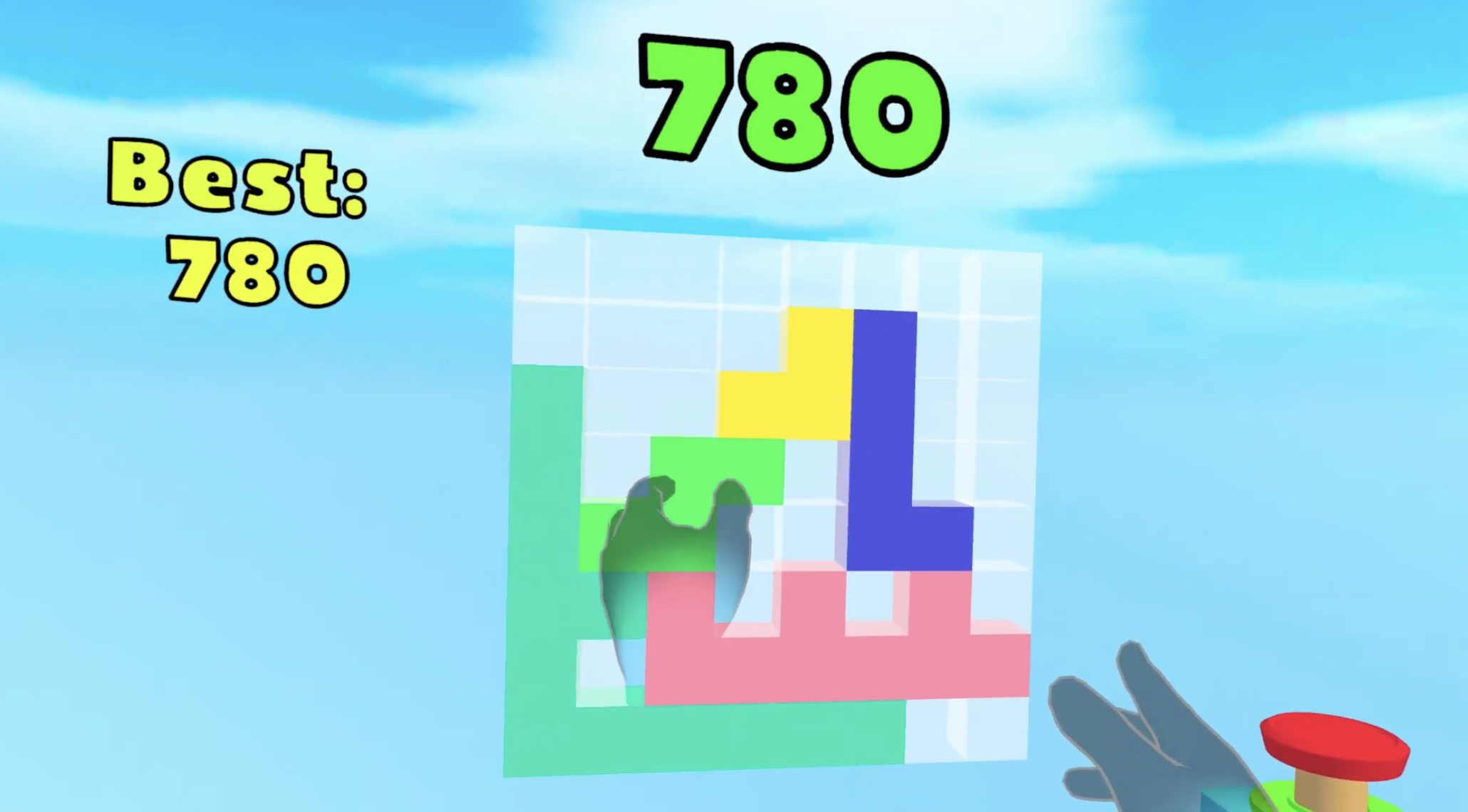
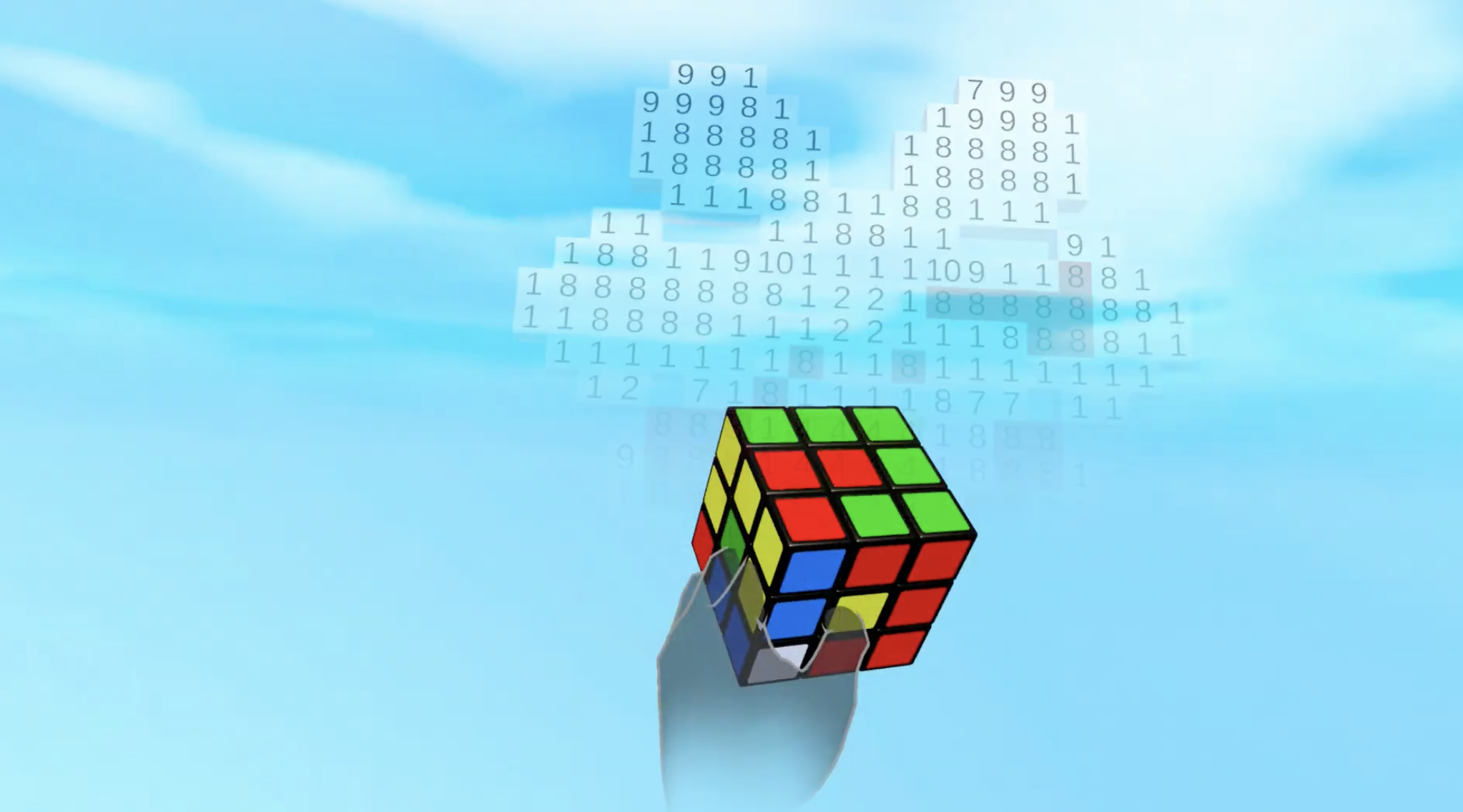
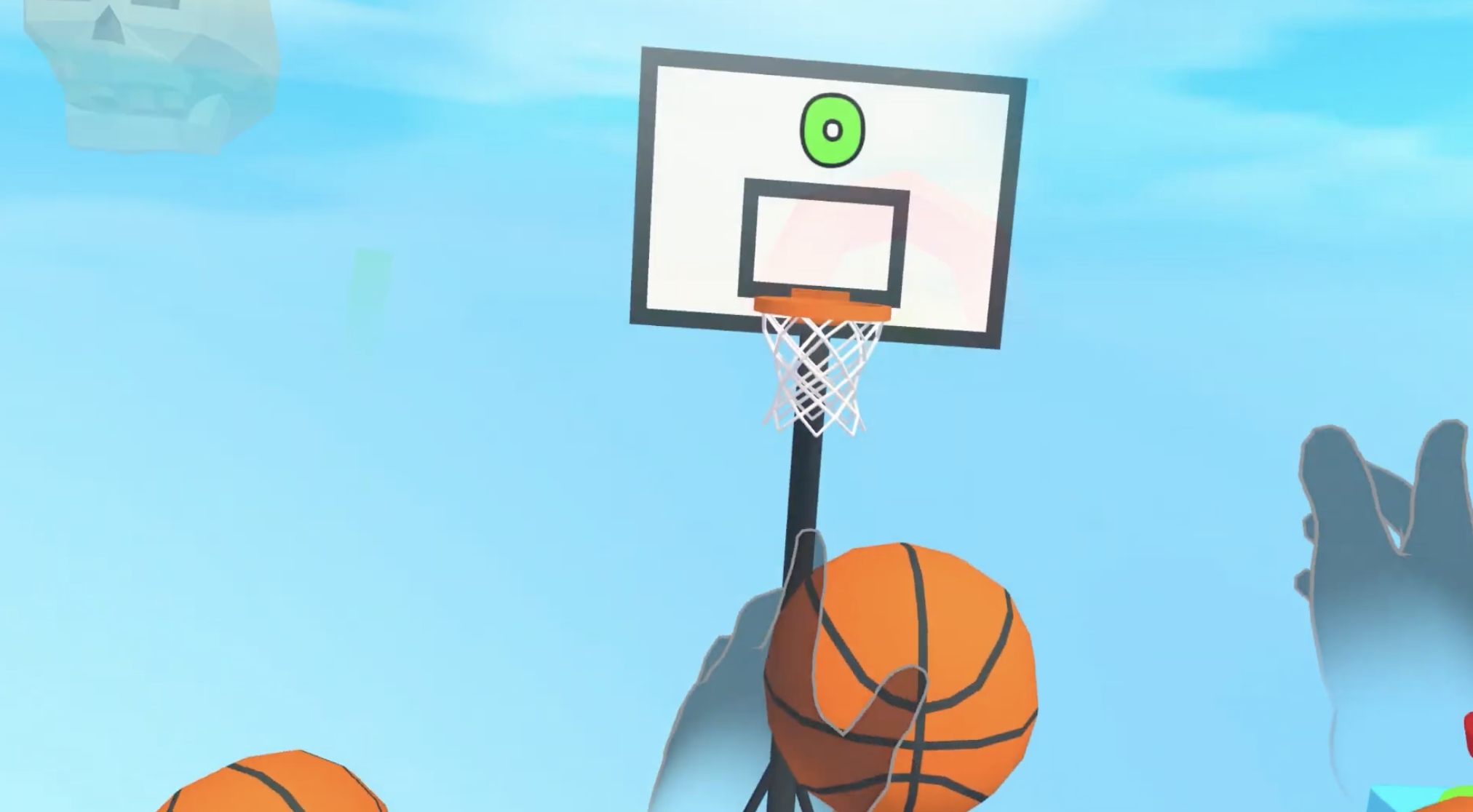
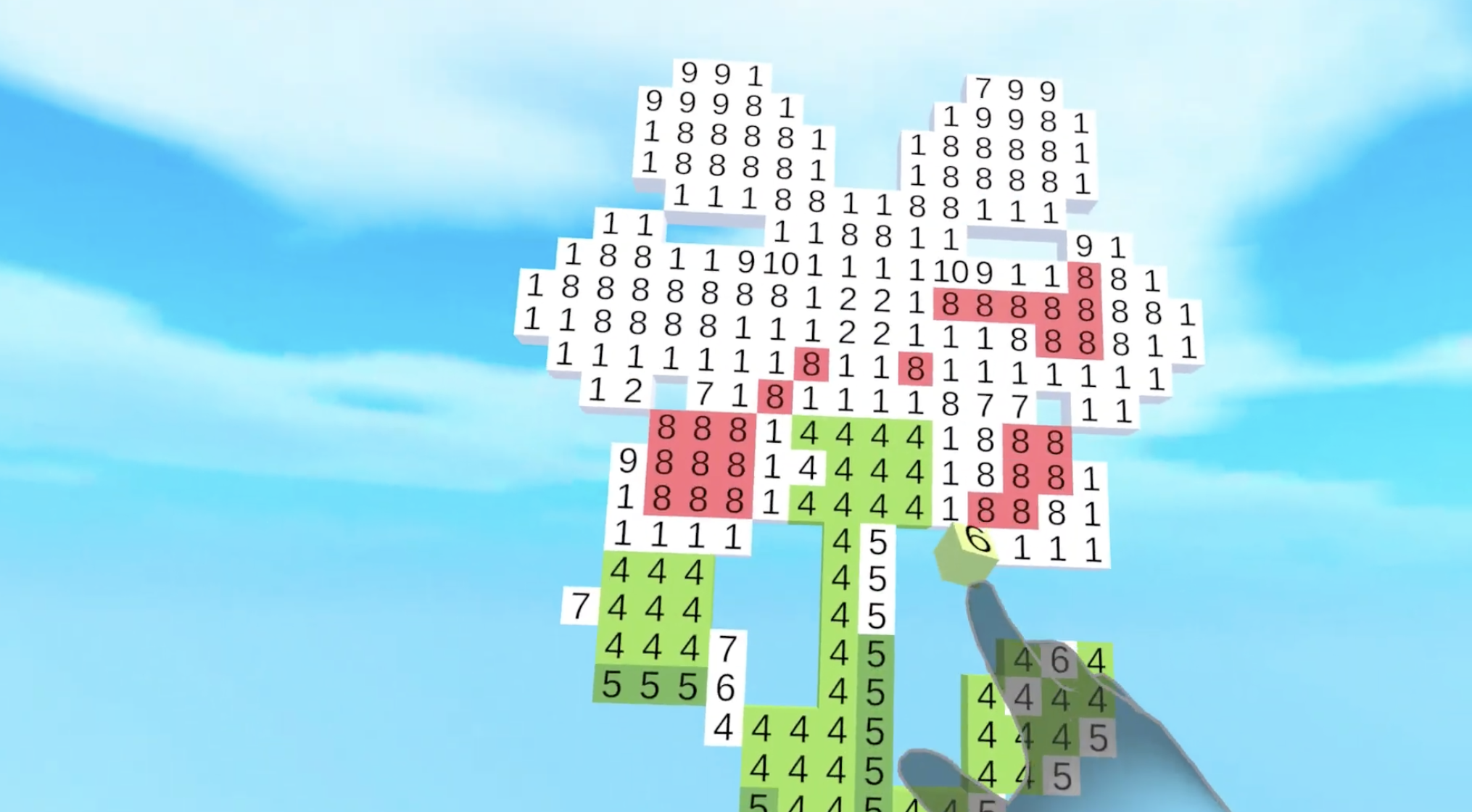
Each mini-game was designed around a core interaction concept: grabbing, throwing, slicing, drawing, pushing, or precision placement. I intentionally kept the visuals clean and the mechanics lightweight so the user’s focus stays on their hands and the direct physicality of the world.
Another important part of the development process was user comfort. I leaned into passthrough and grounded interactions to make the experience approachable and reduce cognitive load. Players can see their real environment while interacting with virtual objects, which helps maintain spatial awareness and reduces motion discomfort — especially for newcomers.
What I Learned
Building this project alone taught me a lot about designing for natural input:
- Natural gestures require unnatural tuning. What feels intuitive to a player requires careful calibration behind the scenes.
- Simple does not mean easy. Making a short mini-game feel smooth, fun, and responsive required many iterations of tiny adjustments.
- Hand-tracking needs clear feedback. Sound cues, visual highlights, and object reactions all help communicate success and reduce frustration.
- Passthrough increases player confidence. Players interact more boldly when they can see their surroundings and their own hands clearly.
Challenges I Faced
As a solo dev, the biggest challenges were:
- Balancing realism with playability in hand physics
- Designing interactions that work well across different hand sizes and tracking conditions
- Ensuring each mini-game felt distinct without overcomplicating the overall experience
- Debugging tracking inconsistencies that are hard to reproduce consistently
Despite these challenges, the project pushed me to better understand hand-tracking’s strengths, limitations, and quirks — and how to design around them.
Plans for Future Improvements
For future updates, I plan to:
- Add more mini-games built around new gestures and interaction styles
- Improve gesture recognition and object stability
- Expand accessibility options, including adjustable object sizes and interaction zones
- Add progression or challenge modes for replayability
- Enhance visual and audio feedback to make interactions feel even more tactile
Closing
Hand Simulator Mini Games is, at its core, my attempt to capture the joy of interacting with VR using nothing but your hands. As a solo developer, this project has been both a learning experience and a celebration of what hand-tracking can enable. My goal is to keep expanding it into a playful, ever-growing sandbox of approachable, intuitive VR mini-games.


Log in or sign up for Devpost to join the conversation.