Where did the idea come from?
My previous job involved me providing lots of support to elderly people and people who struggled with fine motor skills and using the public computers at our city library, and I realised how difficult it can be for them to use a computer. I've wanted to do a motion tracking project for a while and when we saw the accessibility track, I realised that we could use motion tracking to help people who would physically struggle using a mouse.
What it does
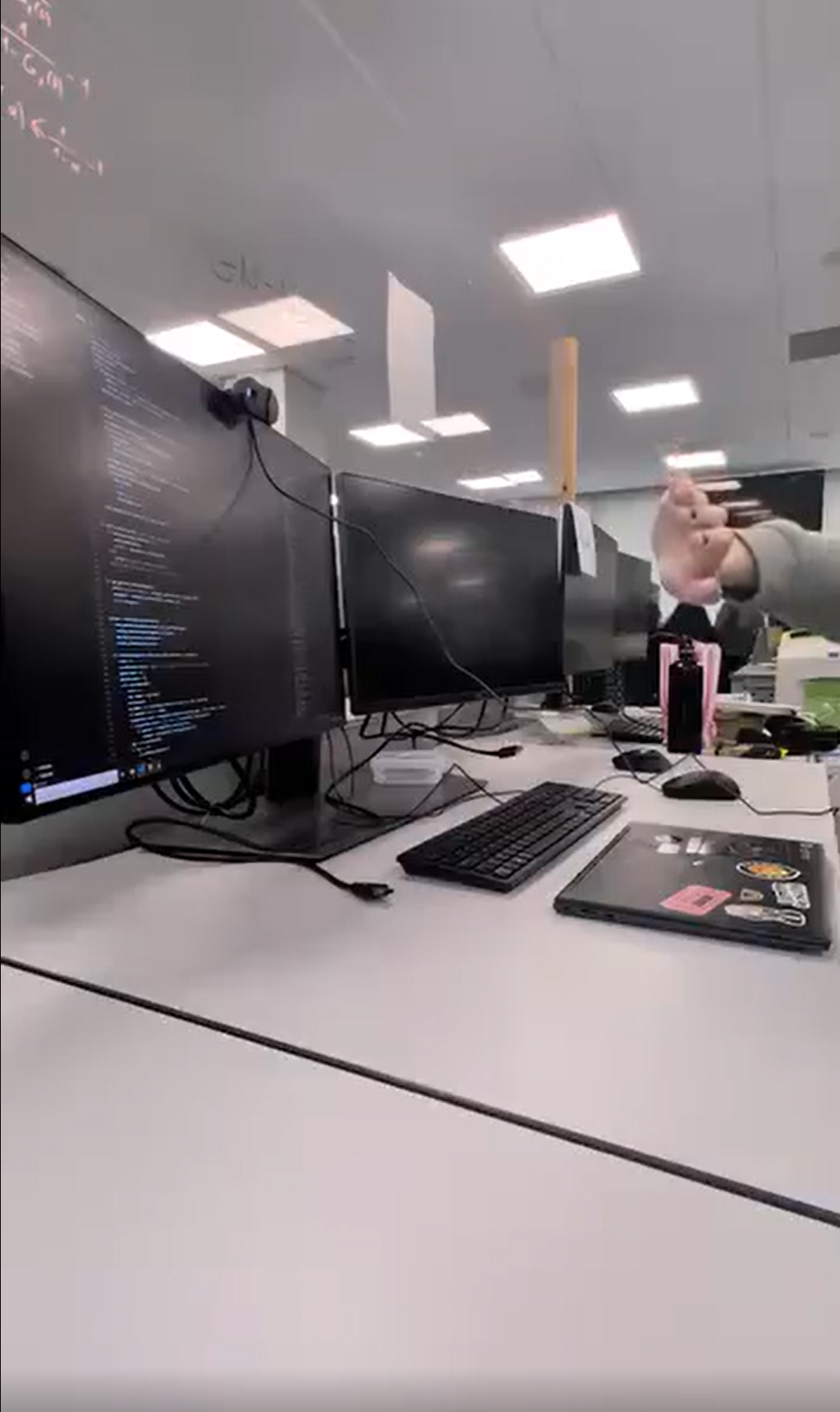
Our program uses your computer's webcam to track your hand movements and map them onto your screen, allowing the cursor to follow your hand. It uses a gesture tracking model to detect whether your hand is in a certain position. Different positions, if held for a couple seconds, correspond to different actions such as left and right click and scrolling.
Features
- you can use your hand in front of the webcam to move your cursor around the screen
- you can hold your palm out to left click elements on your screen
- you can hold your fist closed to right click elements on your screen
- you can hold your palm up or down to scroll
How we designed for the brief
- Our target users are people over the age of 65 and people with motor or cognitive impairments, although the program is versatile and can be used by many different people in different ways.
- We've designed AirMouse to seem as simple as possible to make it easier for an older audience to learn how to use as it doesn't have too many actions or complicated gestures.
- People
How we built it
We used the MediaPipe and OpenCV frameworks with python to create our program. We created a recogniser object and used Google's gestures model to track hand positions, and we used pyautogui to control mouse movements. We alos added boundaries and stabilised the mouse movements.
Challenges we overcame
Getting both the hand tracking and gesture tracking running at the same time was complicated but we got it working in the end! We also had trouble with it picking up the closed fist gesture.
What we learned
- how to optimise an intensive project for less capable devices
- image processing
- how to design accessible systems
What's next for AirMouse?
Keyboard support! We also want to add more gestures, and a text to speech feature that reads out what you're hovering over to make it more accessible for people who are visually impaired.

Log in or sign up for Devpost to join the conversation.