-
-
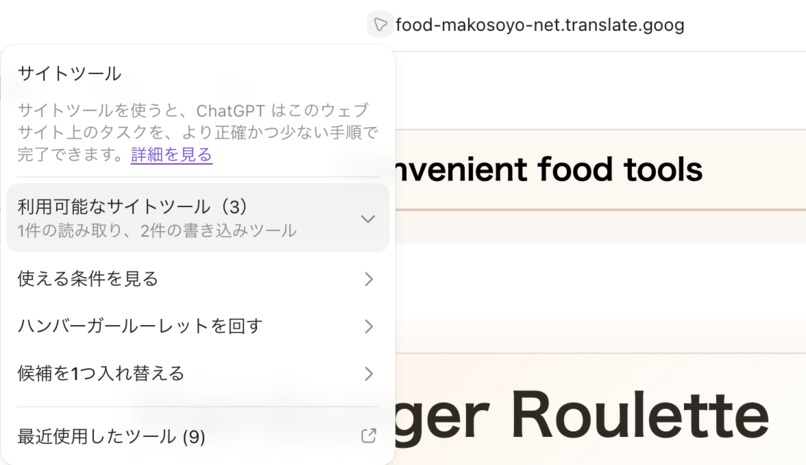
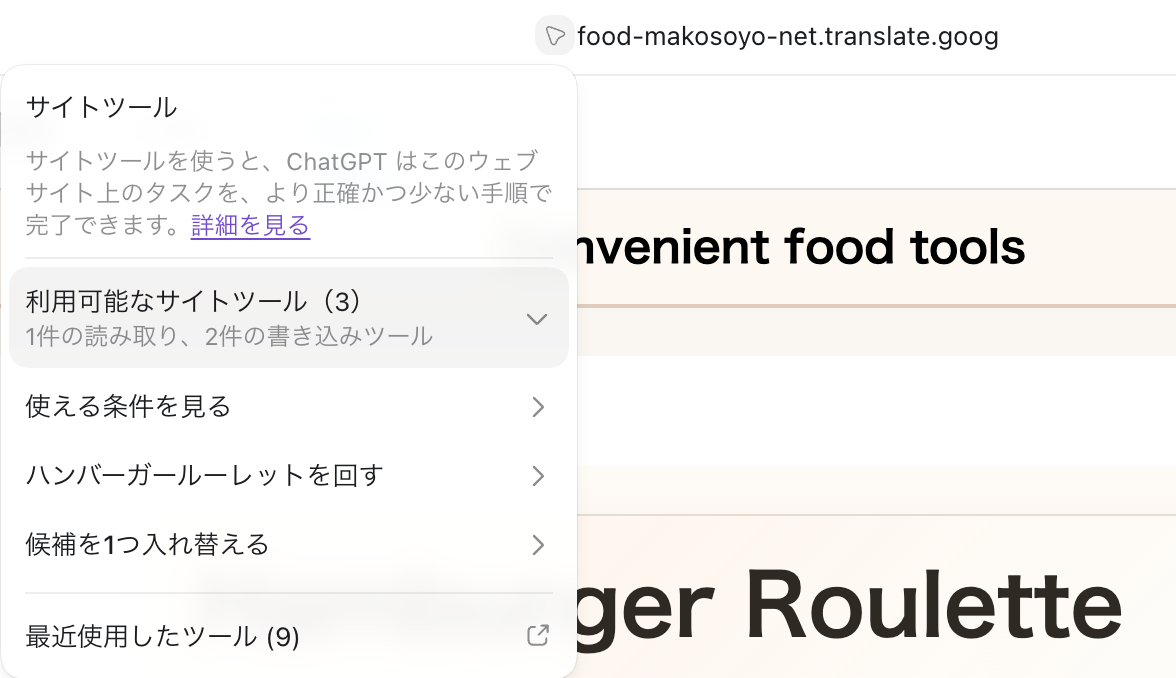
Three WebMCP site tools available directly to ChatGPT
-
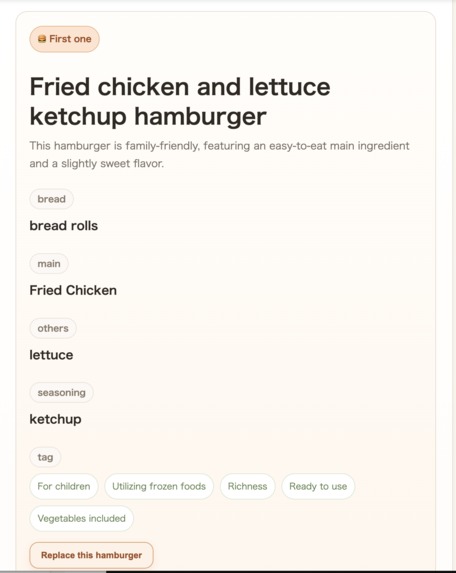
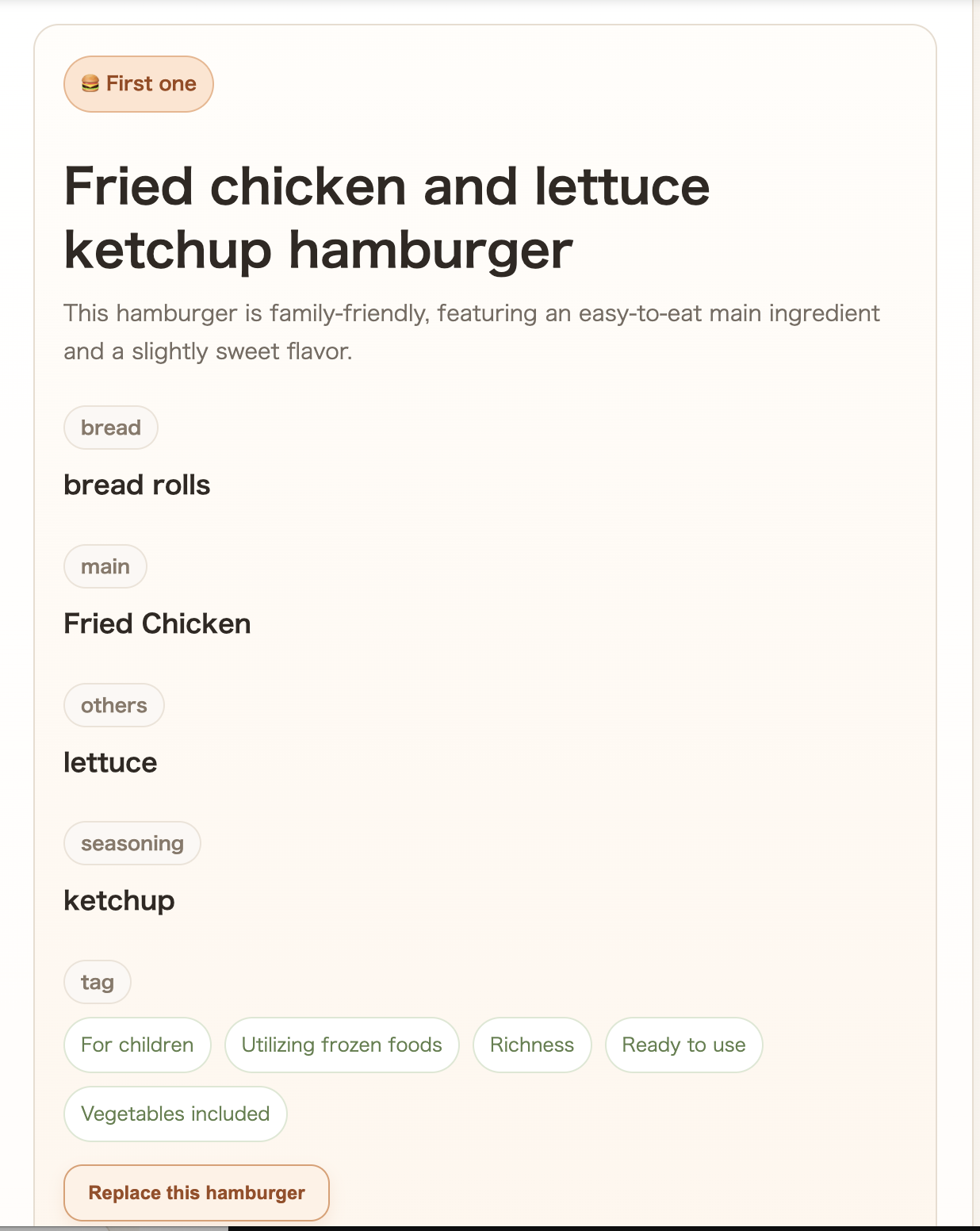
Result #1 — generated by Hamburger Roulette through WebMCP
-
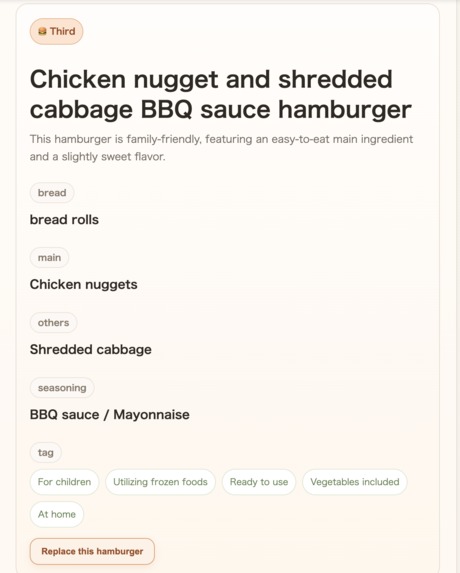
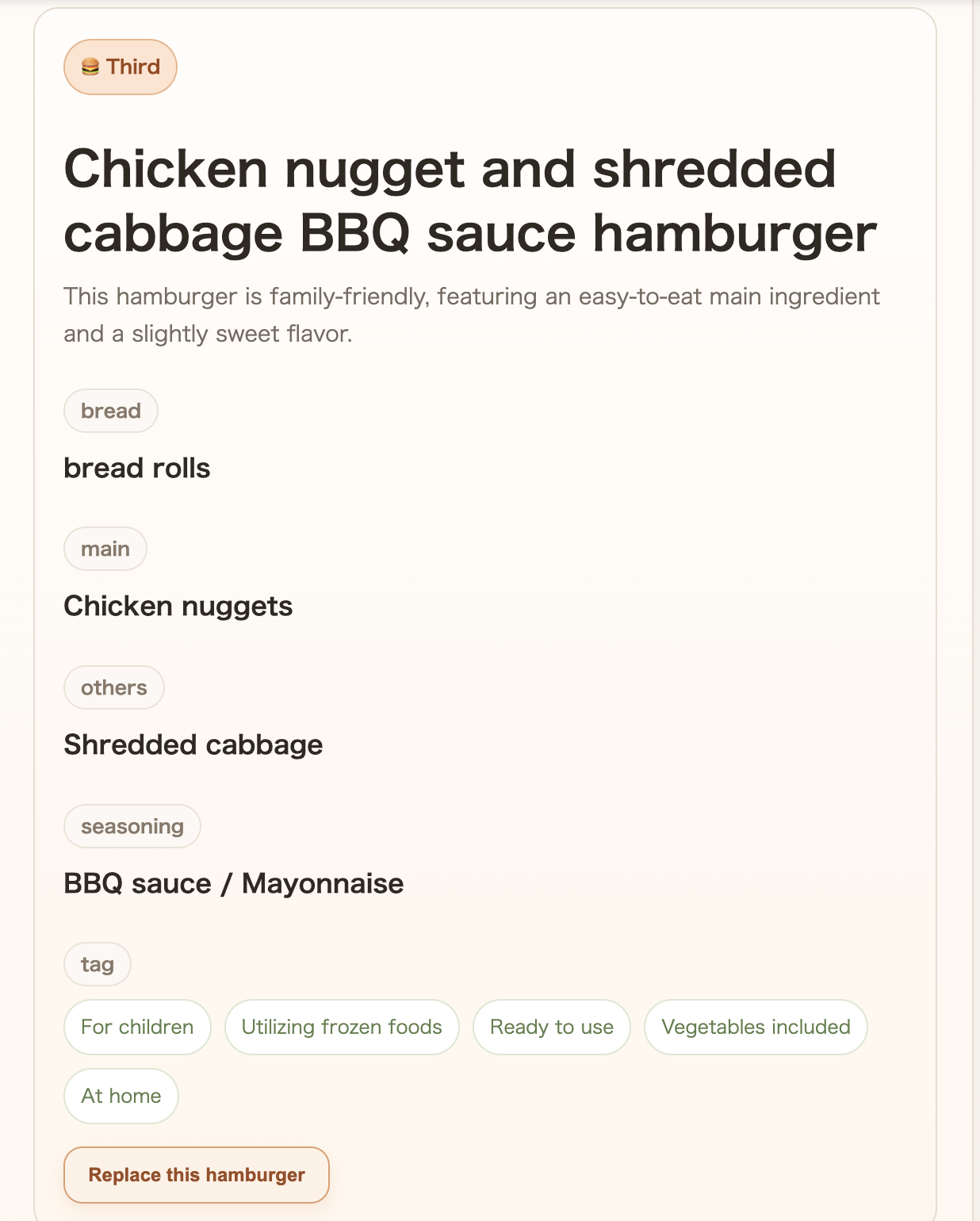
Result #3 — generated in the same WebMCP spin
-
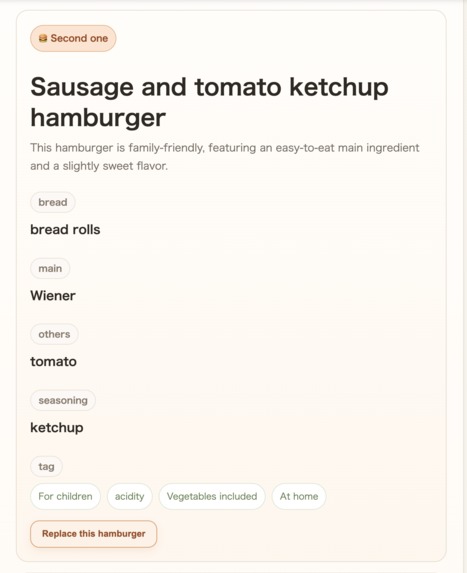
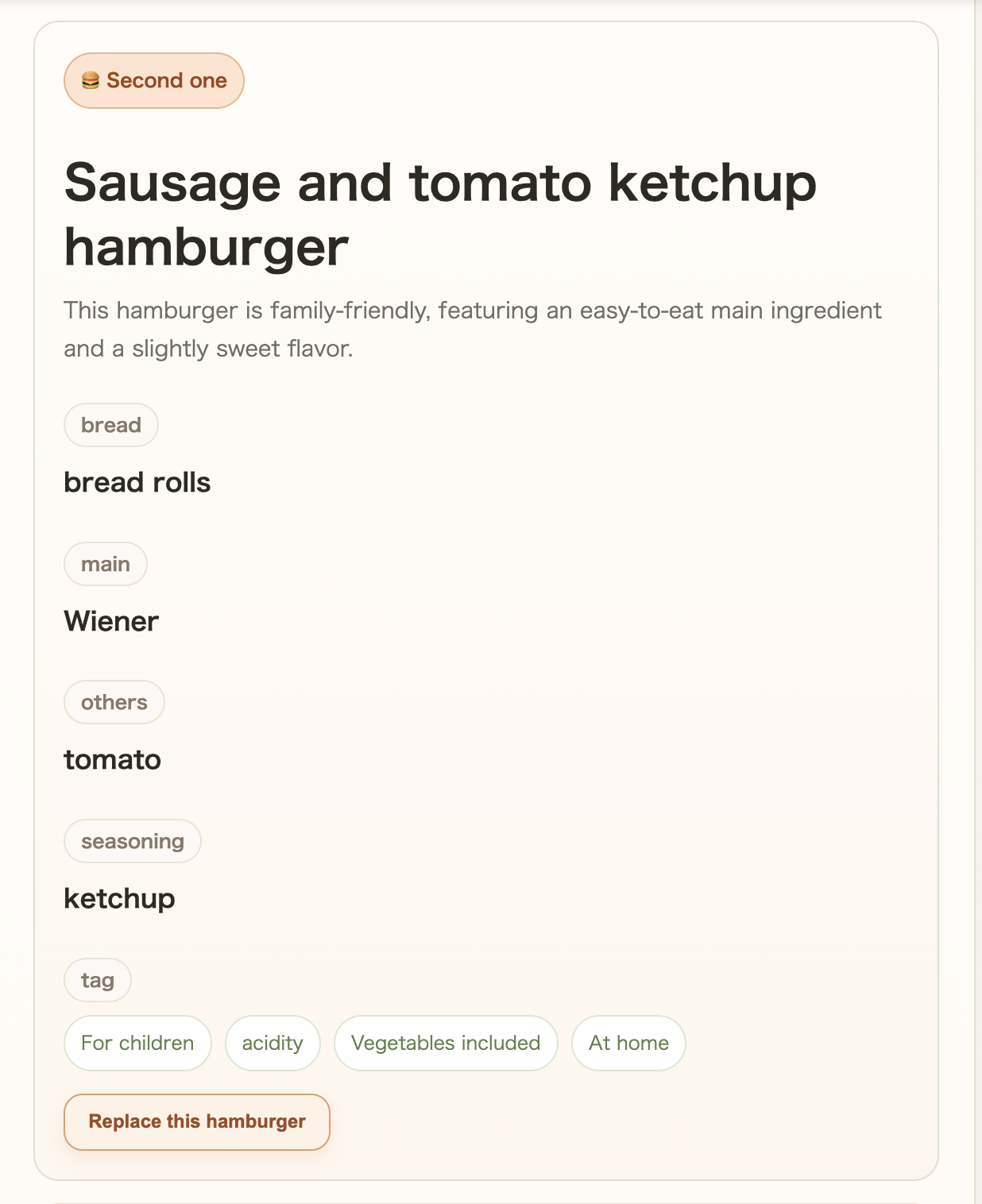
Result #2 — generated in the same WebMCP spin
-
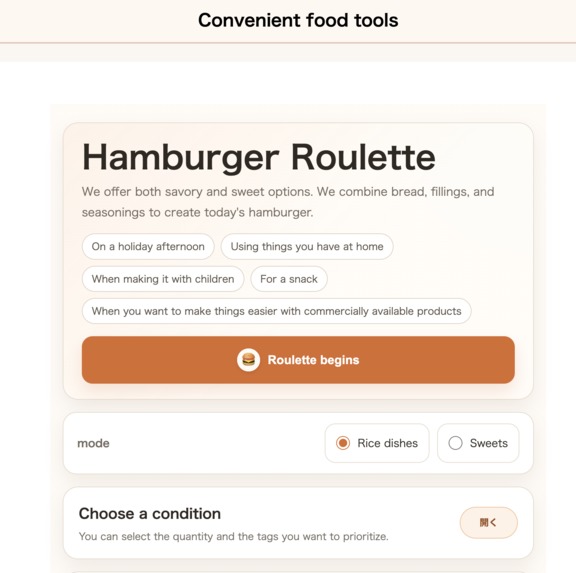
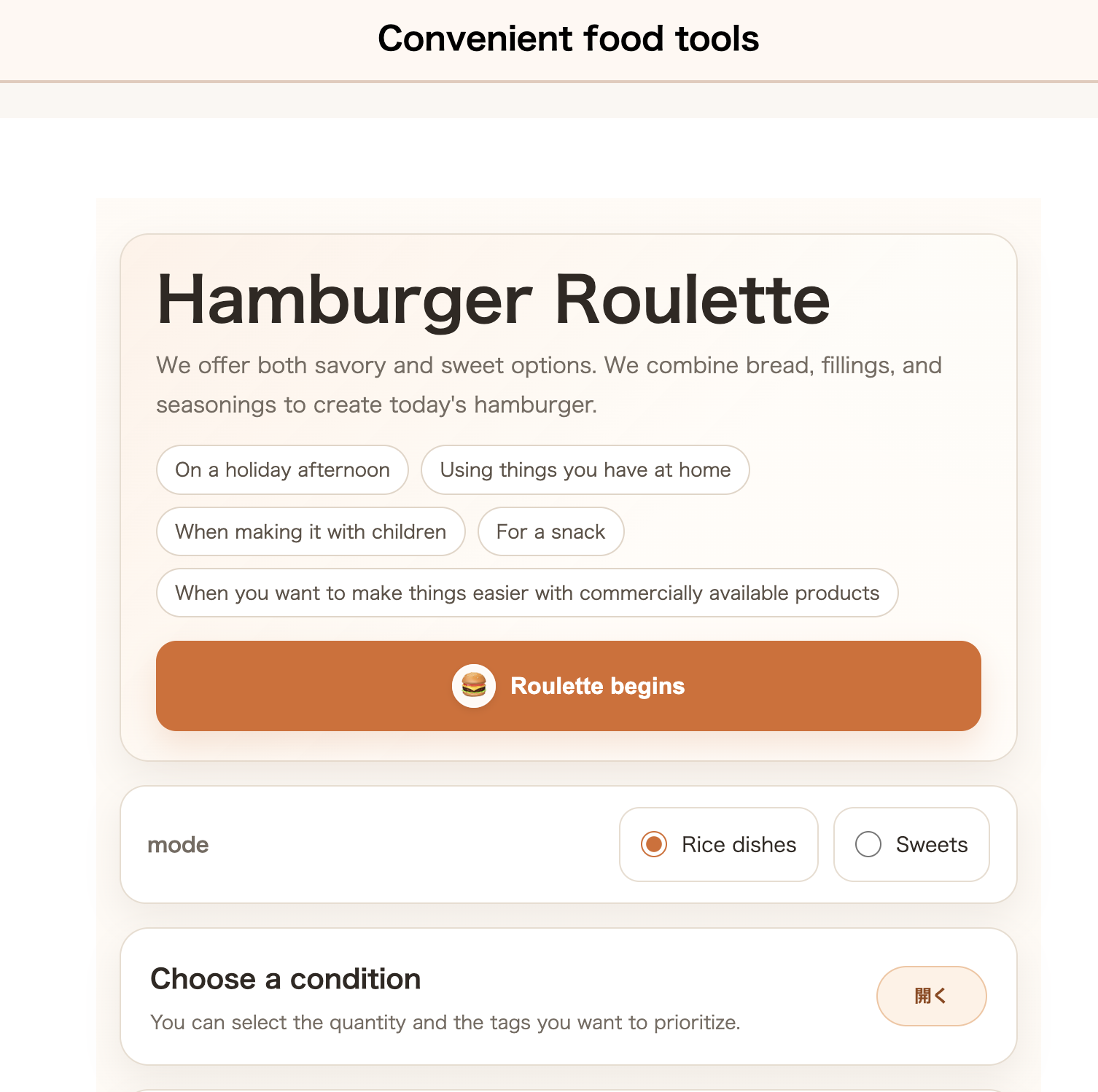
Hamburger Roulette — the original web experience
-
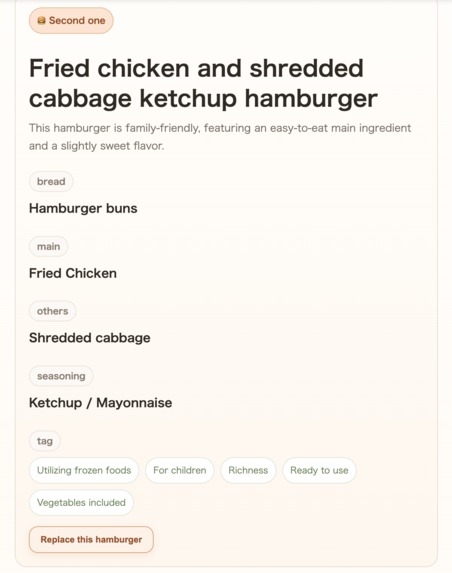
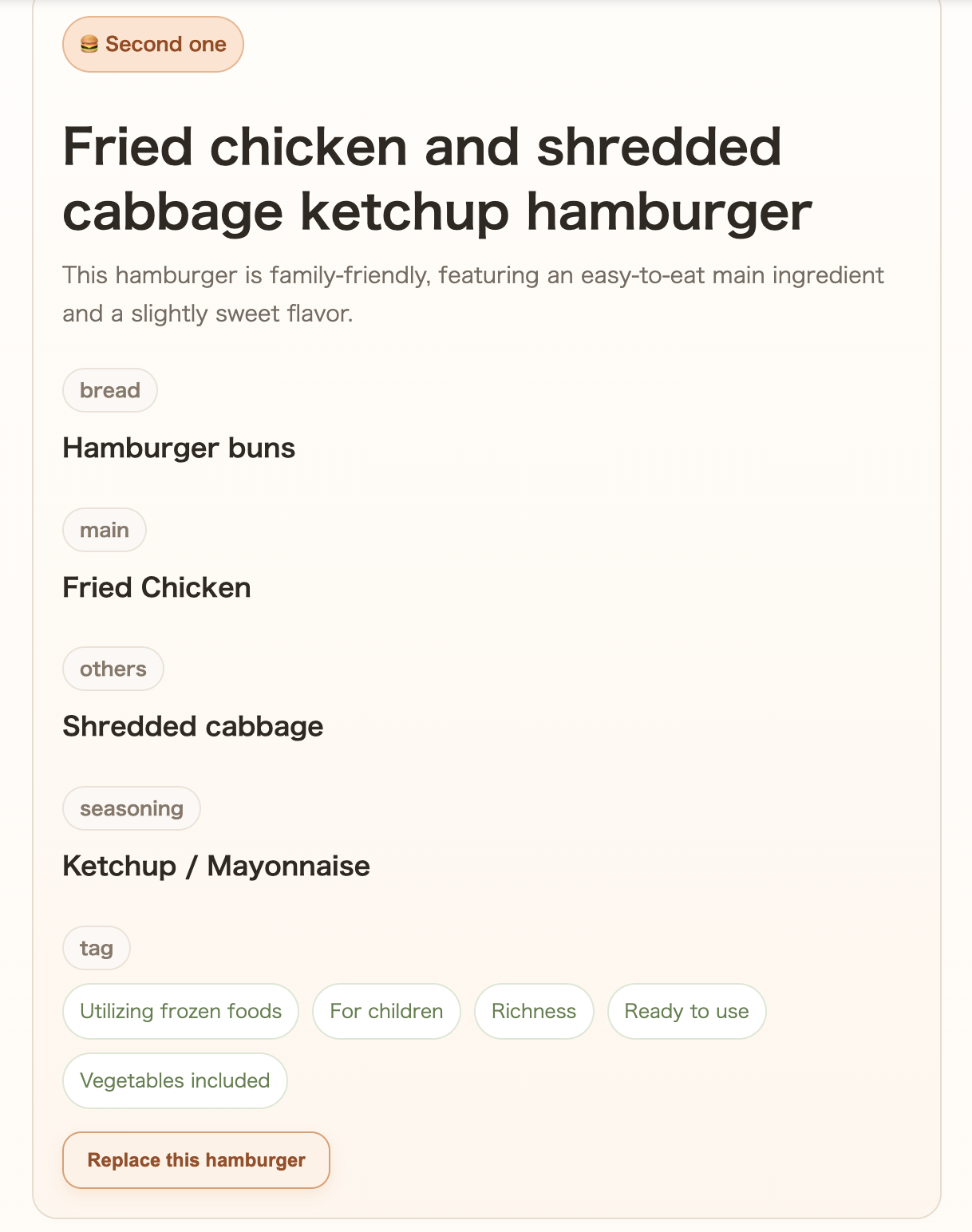
Rerolled #2 — ChatGPT replaced only the second result using WebMCP
Inspiration
Hamburger Roulette started as a small Japanese web tool for a simple everyday problem: "What kind of burger should I make today?"
The original site lets users choose a meal or dessert mode, select preferences, and randomly combine bread, fillings, and seasonings.
When I learned about the WebMCP Challenge, I realized that this kind of tool could become much more useful when combined with natural-language interaction. Instead of manually choosing every option, a user could simply tell ChatGPT what they want and let the agent operate the existing website.
What I built
I added WebMCP support directly to the existing Hamburger Roulette website.
The site now exposes three tools to ChatGPT:
get_available_filters— returns the modes, templates, and tags supported by the siteburger_spin— applies preferences and runs the existing roulettereroll_one— replaces only one result while keeping the others
For example, a user can ask ChatGPT to generate three meal burgers, and ChatGPT can use the site's own roulette logic to produce the results.
The user can then naturally ask to replace just one of the suggestions.
How I built it
The original application already had its roulette and filtering logic implemented in JavaScript.
Rather than creating a separate API or duplicating that logic, I exposed the existing functionality through WebMCP using document.modelContext.registerTool().
This means the same application logic is used whether a person operates the website manually or ChatGPT operates it through WebMCP.
The existing website remains fully usable in browsers that do not support WebMCP.
Challenges and what I learned
The biggest design question was deciding what should remain a human interaction and what should become an agent tool.
Simply exposing a "spin" button was possible, but WebMCP became more useful when the agent could understand the available filters, translate natural-language preferences into those filters, and perform follow-up actions such as rerolling a single result.
I also learned that WebMCP can be added incrementally to an existing website without rebuilding the application around AI.
That was the most interesting part of this project: the website remains the source of its own functionality, while WebMCP gives an agent a structured way to use it.
Built With
- chatgpt
- css
- html
- javascript
- webmcp
- wordpress

Log in or sign up for Devpost to join the conversation.