-
-
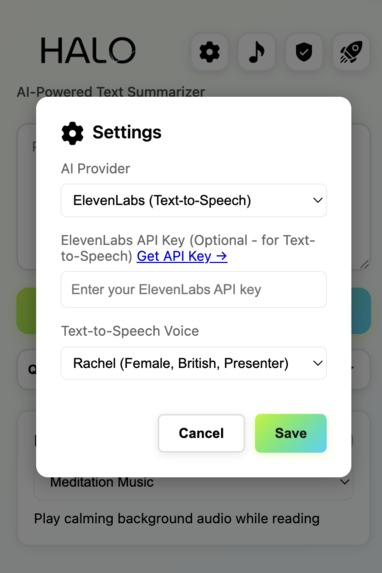
API Configure window
-
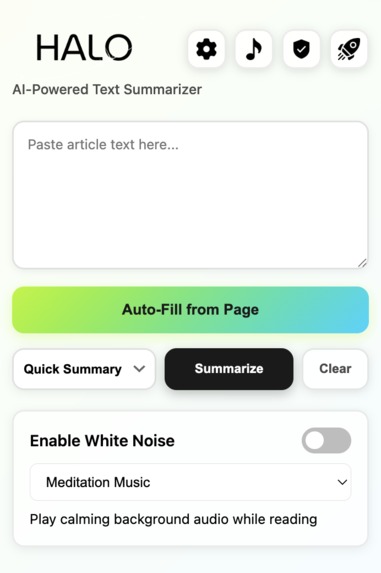
Extension Summarizer window
-
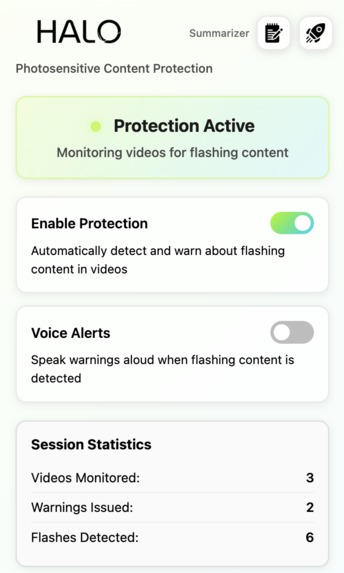
Extension Main window
-
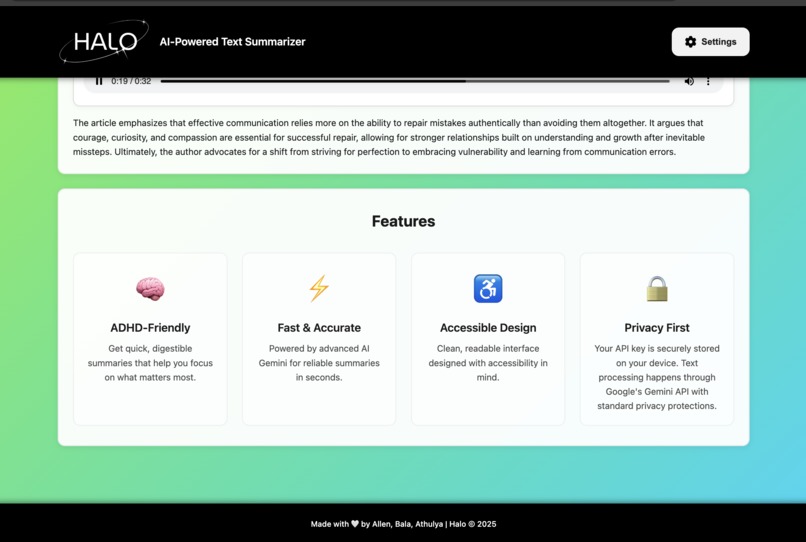
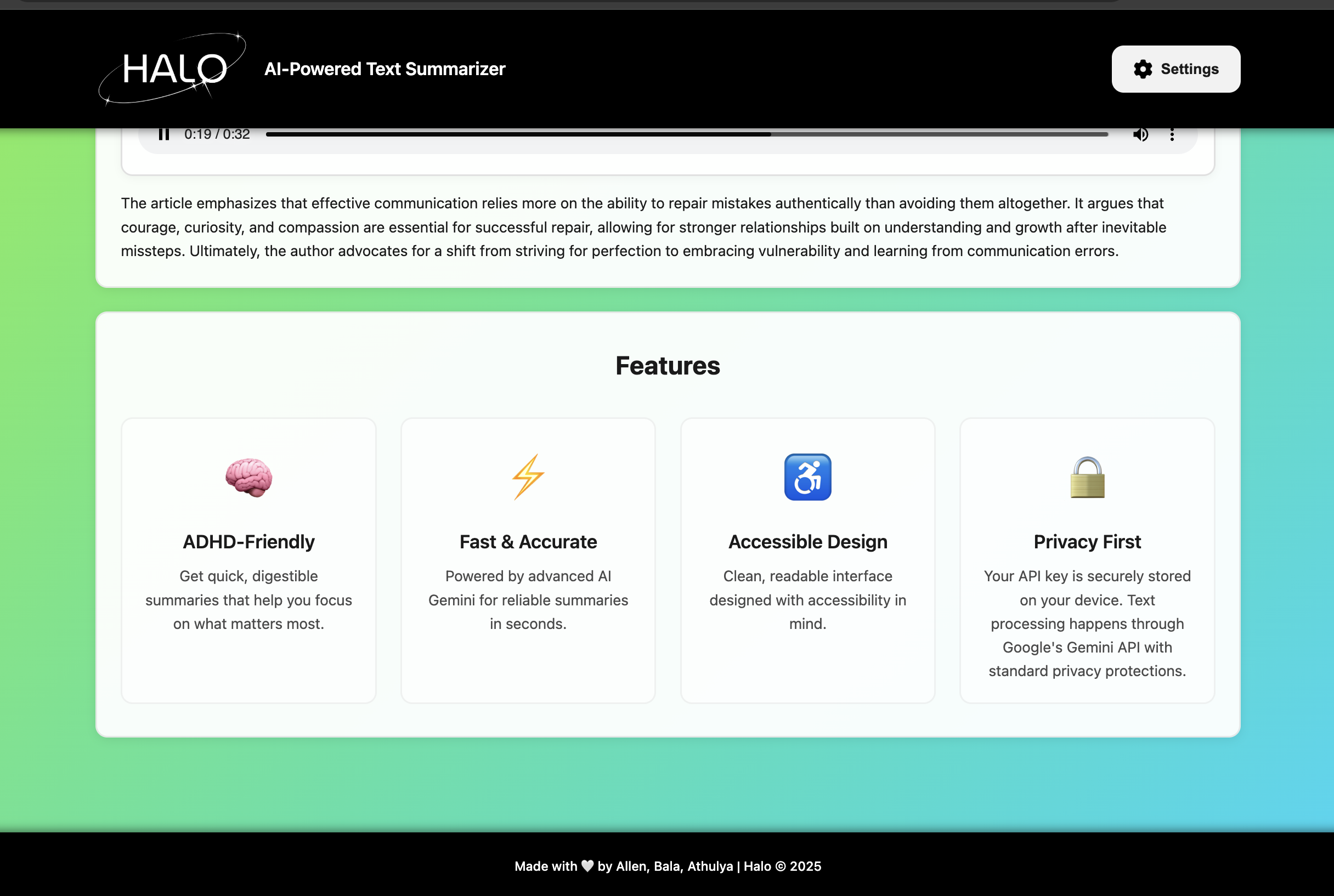
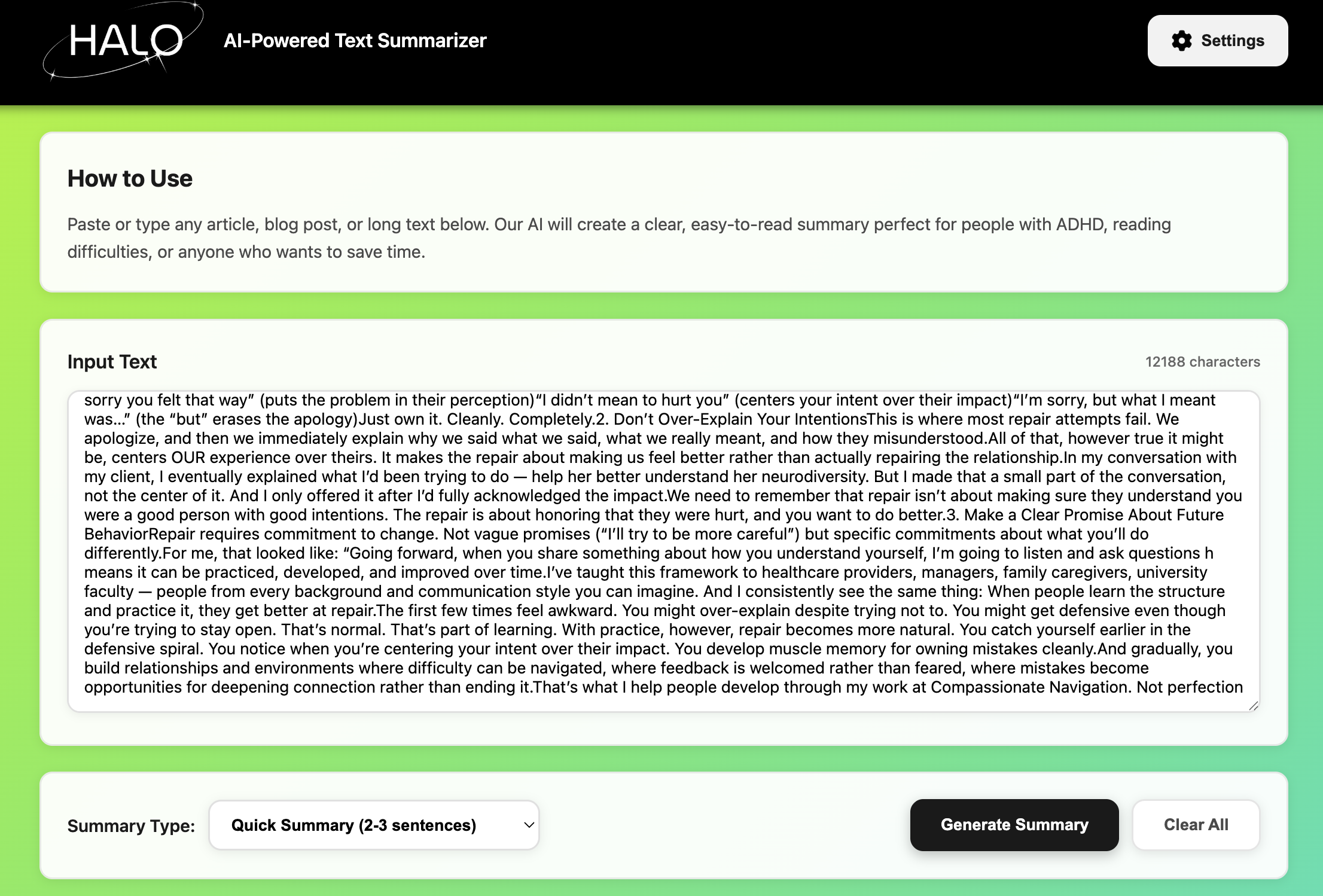
Summarizer webpage
-
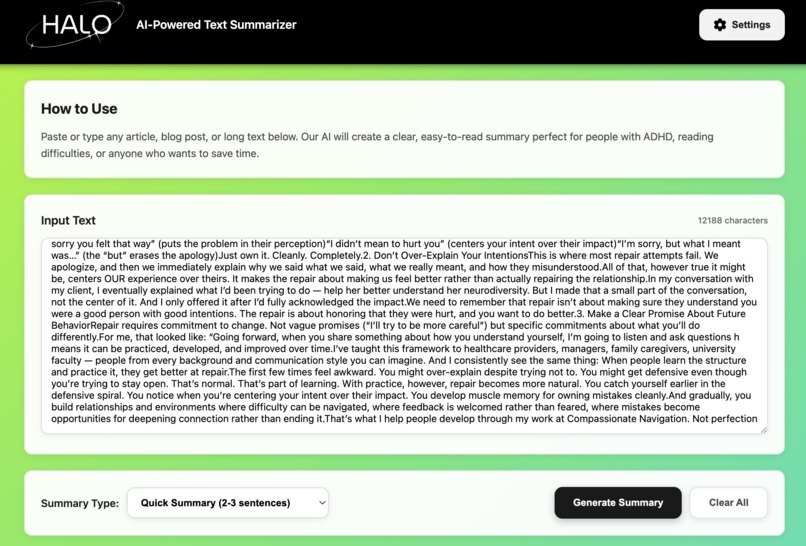
Summarizer webpage
-
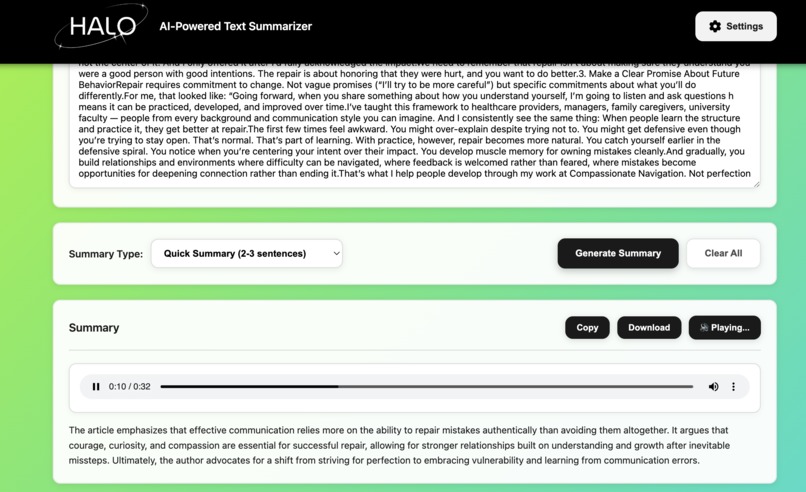
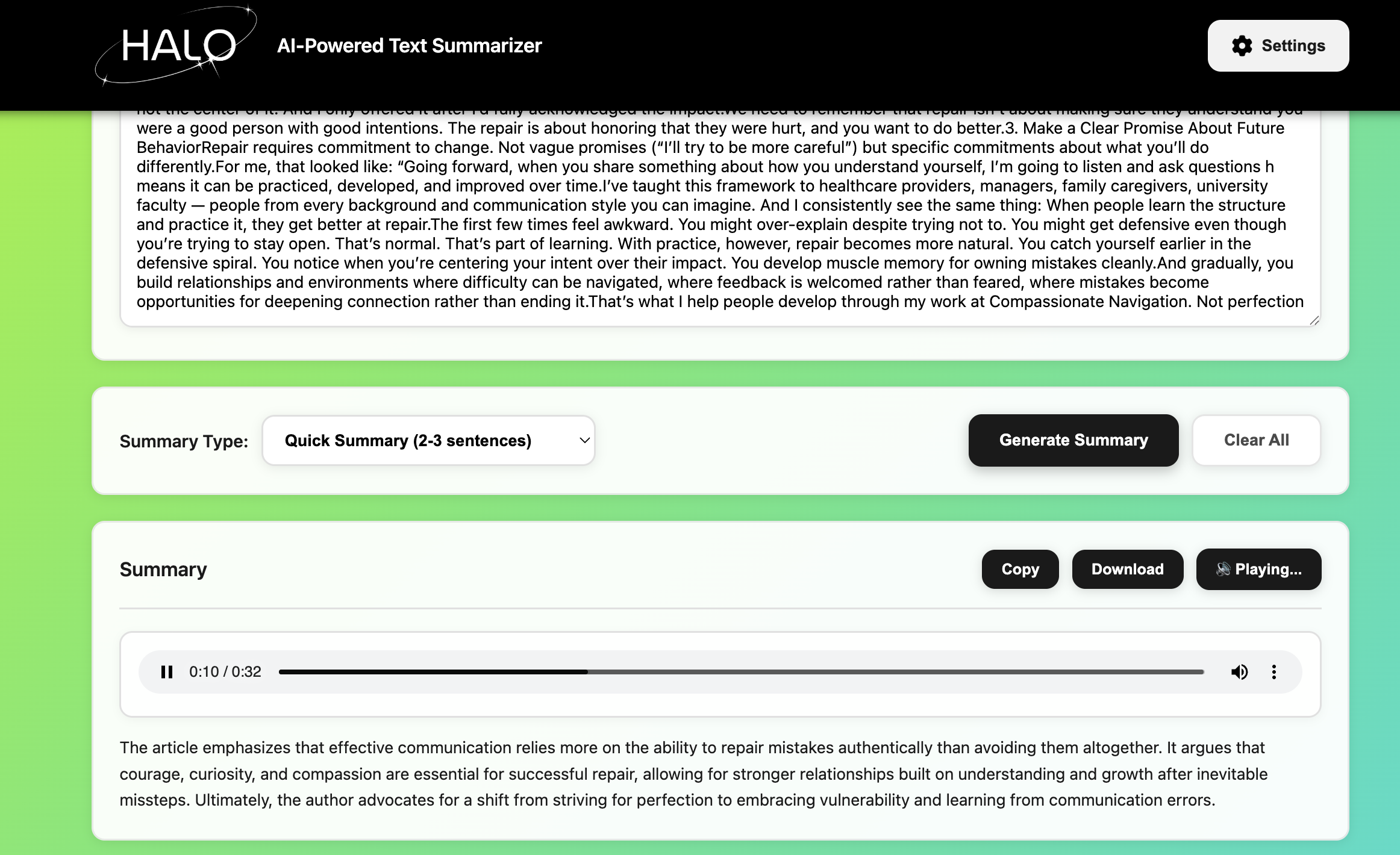
Summarizer & Text-To-Speech webpage
-
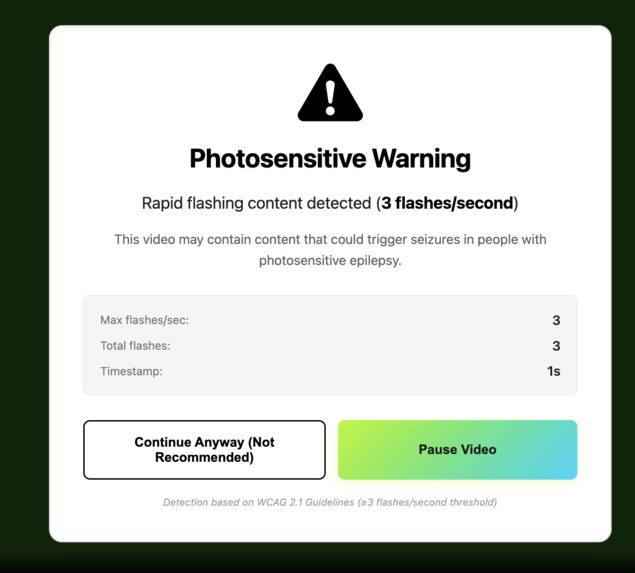
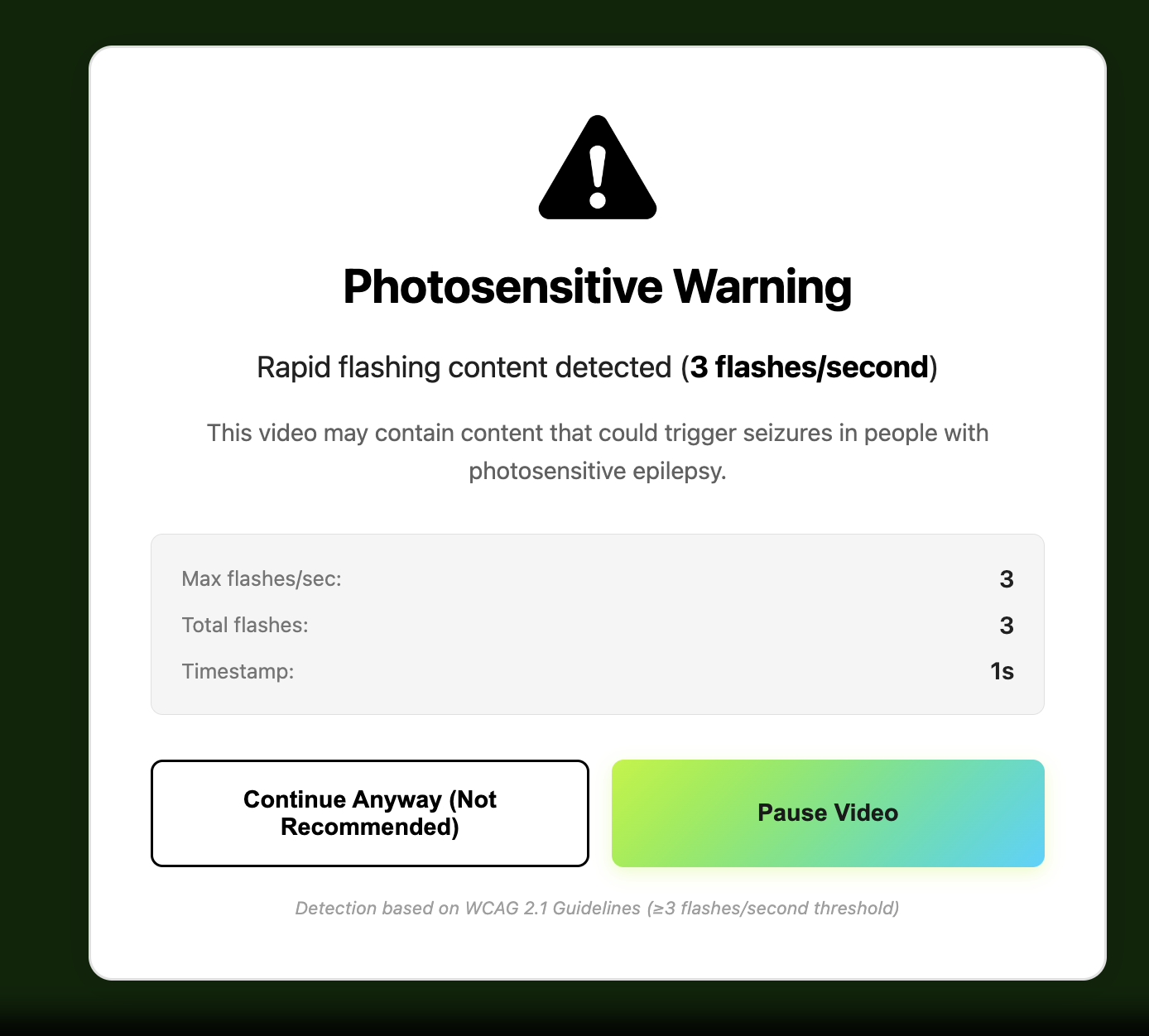
Flash Warning Pop-up
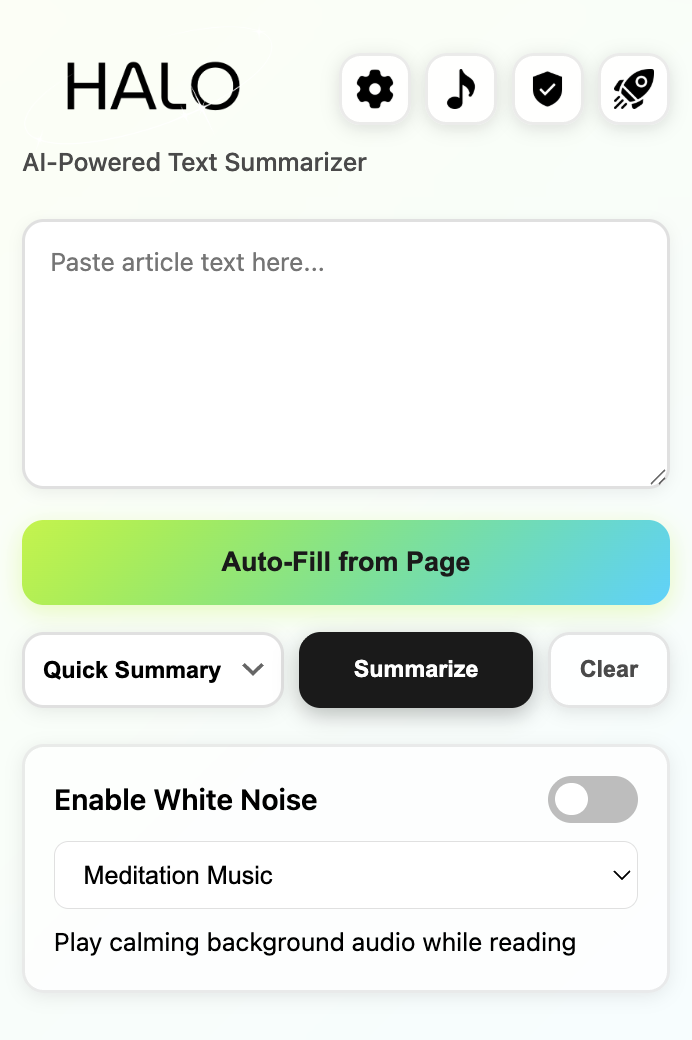
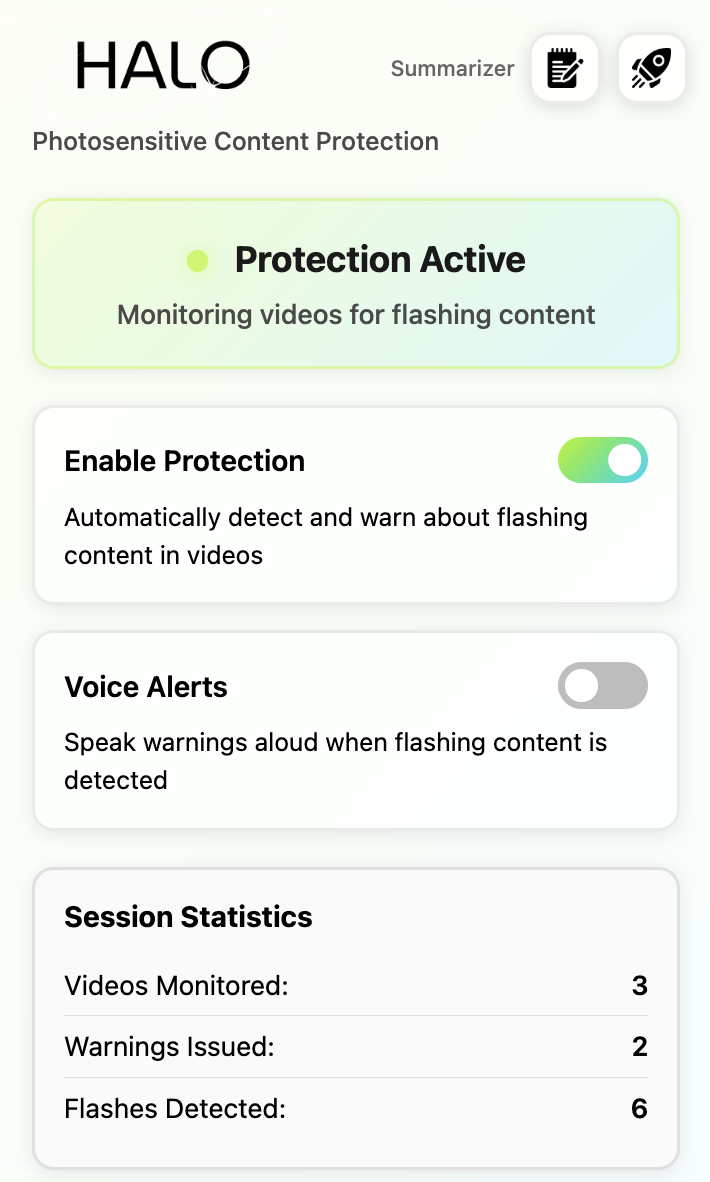
Inspiration
Imagine scrolling through social media when sudden flashing lights trigger a seizure. For the roughly 3% of people with photosensitive epilepsy, this is a daily risk with no real-time protection available. Meanwhile, millions with ADHD, dyslexia, and reading disabilities struggle through dense online content with tools that either strip meaning or barely help.
We built Halo to address both challenges — a dual-purpose accessibility extension that protects people from seizure-inducing flashes and also helps anyone who finds long-form reading overwhelming process information more comfortably and efficiently.
What it does
Halo provides real-time photosensitive seizure protection, AI-powered reading assistance and a lot more, all inside your browser.
🔹 Flash Detection: Monitors YouTube, TikTok, Twitter/X, Instagram, and Twitch using WCAG 2.1 luminance formulas. Detects ≥3 flashes / sec, auto-pauses the video, and displays a safety overlay showing flash frequency, count, and timestamp along with a audio clip — all processed locally for full privacy.
🔹 The reading assistant works seamlessly across the web — extracting text from sites like Medium, Wikipedia, news outlets, and blogs using a four-strategy fallback system. It cleans up distractions, then generates clear, concise summaries through Google Gemini. Choose between Quick Summary mode (2-3 sentences) or Bullet Point mode (3-5 highlights) to match your reading preferences.
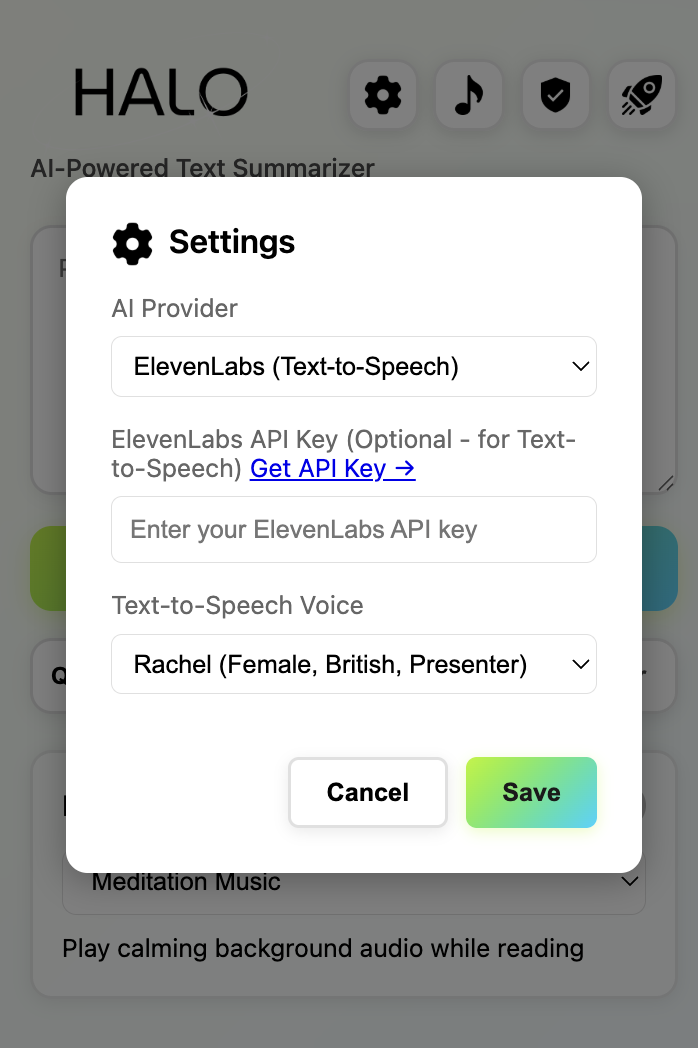
🔹 For auditory learners and those with visual impairments, our AI-powered Text-to-Speech feature—utilizing ElevenLabs' advanced multilingual model—offers 10 professional voice options with varied accents and emotional tones. Enhance your experience further with the integrated white noise player, featuring calming background sounds to improve concentration while you listen.
It’s perfect for simplifying long-form content on articles, research pages, and documentation — especially useful for readers with ADHD, dyslexia, or other reading difficulties, but ultimately helpful to anyone who wants to absorb information more efficiently.
How we built it
We built Halo as a Manifest V3 Chrome extension using vanilla JavaScript with zero dependencies. The interface features a compact 400px popup with dual-mode toggle and a full-page web app for enhanced functionality.
Frontend: Vanilla JavaScript (ES6+), HTML5, CSS3 Flash Detection: WCAG 2.1 luminance formulas Text Processing: Four-strategy extraction with text density analysis AI Integration: Google Gemini (gemini-2.0-flash) for summarization, ElevenLabs (eleven_multilingual_v2) for text-to-speech Audio System: Manifest V3 compliant persistent audio playback Storage: Dual strategy with Chrome sync for settings and local for performance
We optimized flash detection extensively: analyzing every 3rd frame, sampling every 4th pixel, capping at 640x360 resolution, and skipping dark frames provides 12-48x performance improvement while maintaining accuracy.
The text extraction adapts to website structure through semantic HTML search, common CSS patterns, text density scoring, and paragraph fallback.
Challenges we ran into
Eliminating false positives required warmup periods, dual brightness checks, and smart reset logic for video seeking. Race conditions in statistics tracking needed Promise queues, cross-session visited video tracking, and storage-loaded flags. YouTube Shorts required special URL pattern detection. Extension context invalidation needed comprehensive error handling wrapping every Chrome API call. Universal text extraction required intelligent fallback strategies and density heuristics.
Accomplishments that we're proud of
We implemented true WCAG 2.1 luminance formulas with sRGB to linear RGB gamma correction and weighted calculation (0.2126R + 0.7152G + 0.0722B), not simple RGB averaging. Our production-grade engineering includes:
Promise queues preventing race conditions, extension context recovery, and 12-48x performance optimization. We achieved zero false positives through extensive testing and intelligent filtering. The text extraction works universally across websites through our text density algorithm. Most importantly, we built a dual-purpose tool addressing both physical safety and cognitive accessibility in one cohesive extension.
What we learned
Implementing WCAG guidelines taught us the complexity of color science including gamma correction and proper luminance formulas. Performance optimization requires balancing accuracy with speed through measurement and testing. Real-world usage reveals critical edge cases like YouTube Shorts URLs, mid-session reloads, and cross-origin videos. Privacy and functionality can coexist through local processing and user-initiated cloud calls. Good accessibility design benefits everyone, not just users with disabilities. State management across multiple extension contexts requires careful message passing and serialized operations.
What's next for Halo
Near-term, we'll add support for additional languages, integrate OpenDyslexic font, and implement enhanced reading modes with simplified language and better visual organization. Mid-term, we'll partner with educational institutions and epilepsy foundations, expand to Firefox and Edge, add more video platforms, and develop customization for color themes and spacing. Long-term, we'll integrate Chrome's Built-in AI (Gemini Nano) for local text processing, implement real-time text adaptation, develop personalized learning profiles, advocate for browser-native photosensitive protection, and release as open-source. We also plan research measuring effectiveness for ADHD and dyslexia users and gathering flash detection accuracy data across platforms.
Built With
- chrome-extension-api
- chrome-storage-api
- css
- elevenlabs
- elevenlabs-api
- gemini
- gemini-api
- html
- javascript
- wcag-2.1


Log in or sign up for Devpost to join the conversation.