
Inspiration
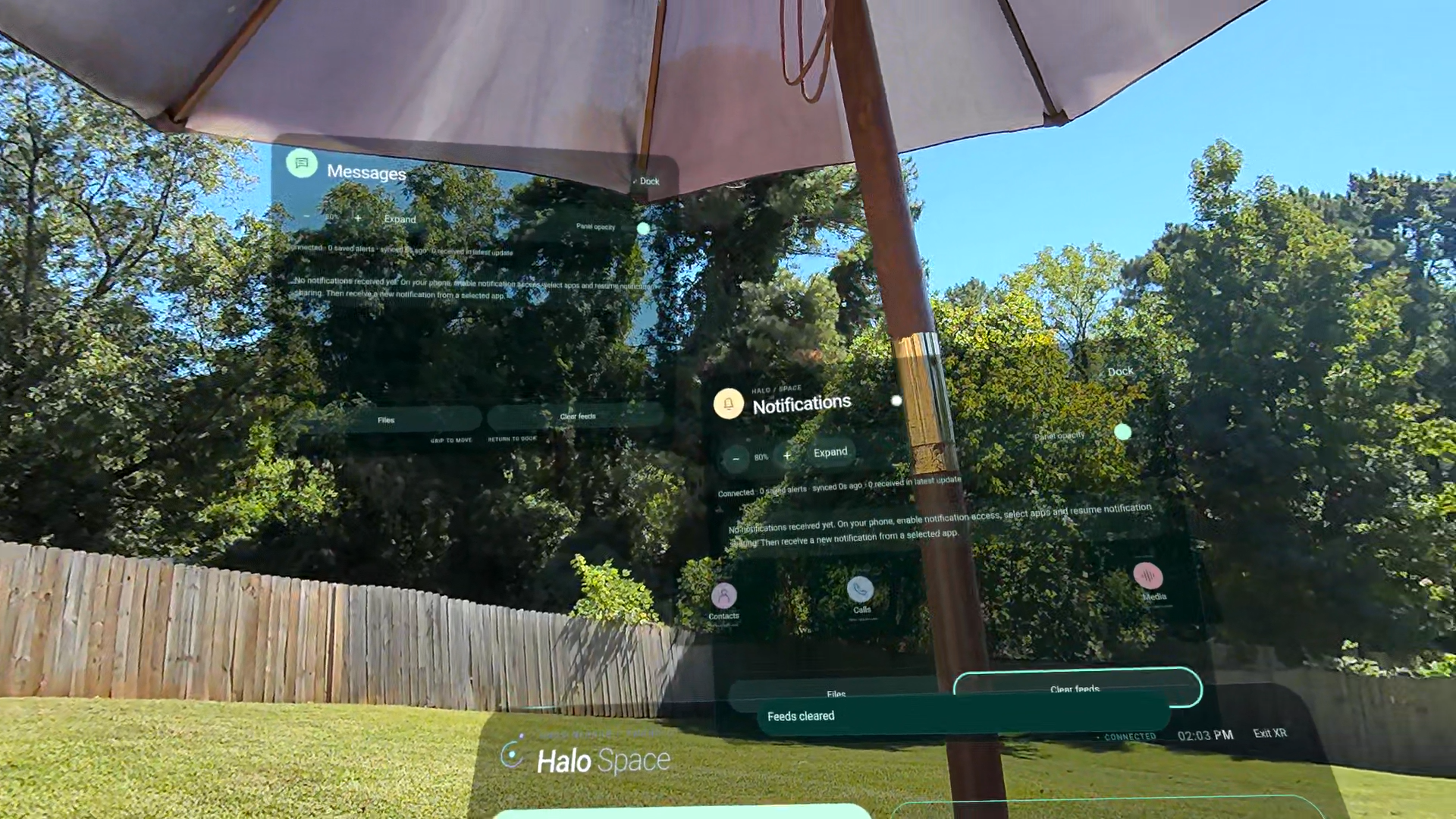
What inspired me to create Halo Mirror is the need for a solid mobile experience that boosts productivity in the VR/XR space. Since I use my VR headset as a spatial computer, I thought an app like Halo Mirror would be perfect for monitoring and interacting with my mobile phone.
What it does
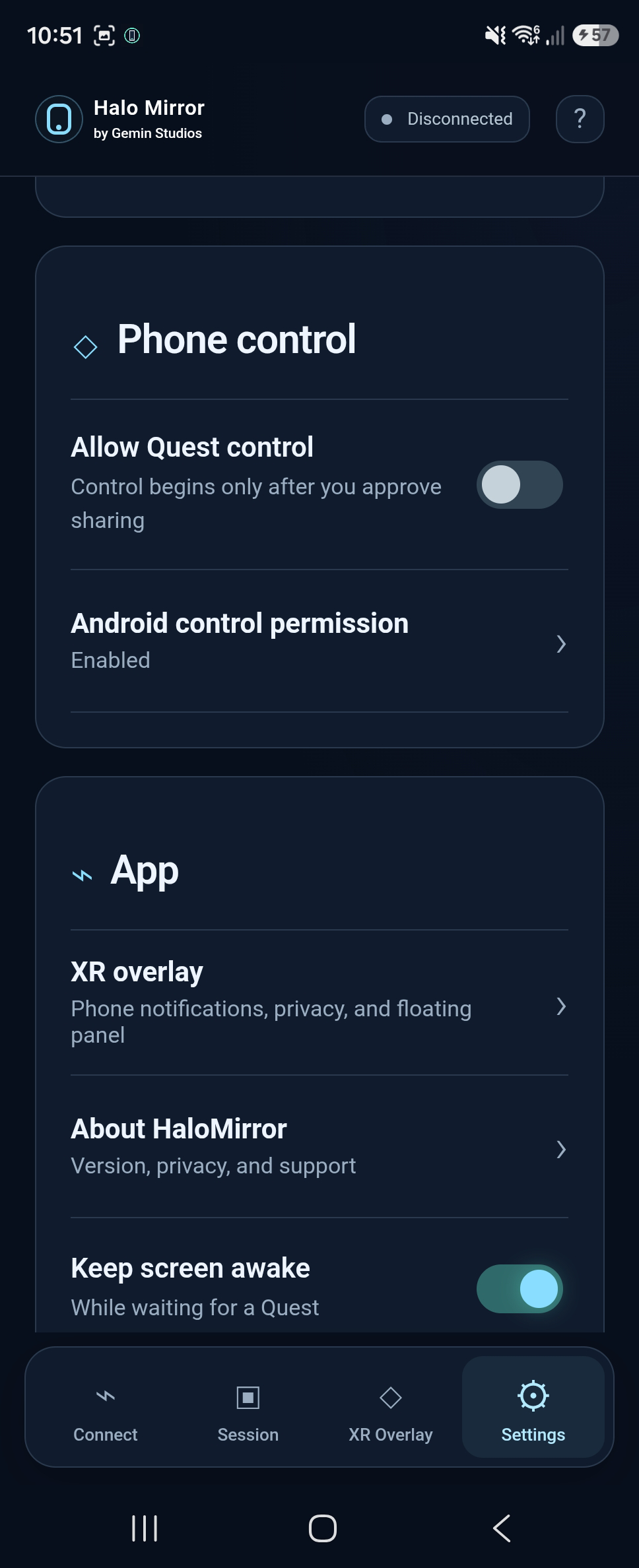
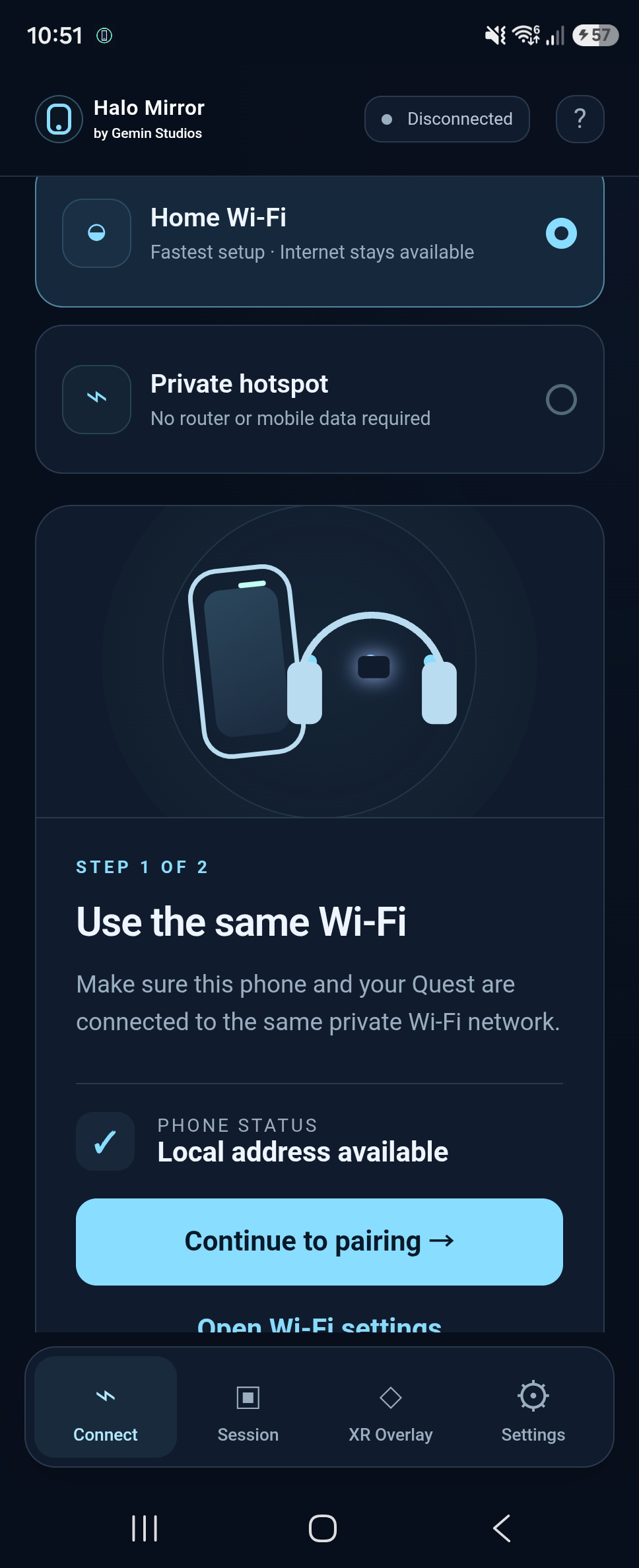
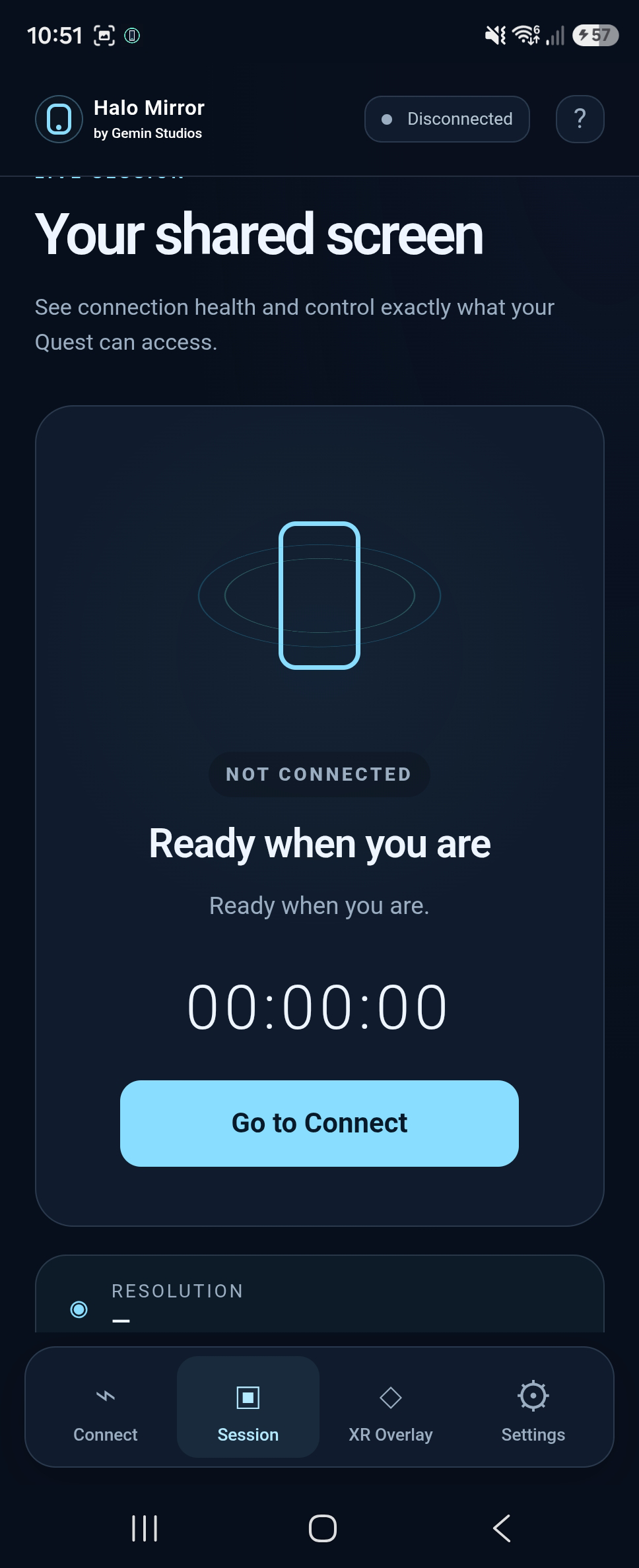
Halo Mirror is a spatial companion app that connects your smartphone to a Meta Quest headset, allowing you to mirror your phone, access mobile content, view notifications, and interact with phone features through immersive XR interfaces without constantly removing your headset.
How we built it
We built Halo Mirror using the Meta Quest XR interface, IOS Broadcast Extension, and Android technologies like MediaProjection and Accessibility Service to support its core functions.
Challenges we ran into
A major challenge I ran into while building Halo Mirror was creating a pointer-service workaround for its iOS mirroring capability.
Accomplishments that we're proud of
Building a functional pointer system that's controlled by Halo Mirror to support the IOS functionality, given that iOS is much more restrictive than Android about system-wide remote input.
What we learned
I learned about platform restrictions and the importance of designing for Spatial interfaces.
What's next for Halo Mirror
Halo Mirror will incorporate a spatial workspace that allows users to be more efficient during work-related tasks.

Log in or sign up for Devpost to join the conversation.