-
-
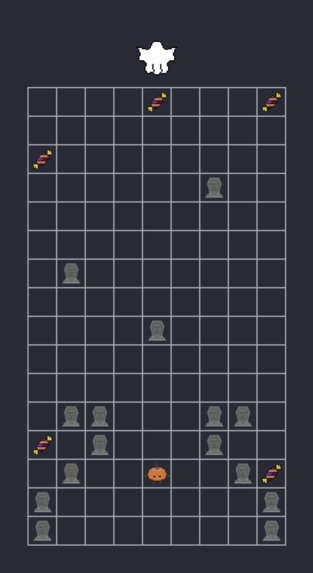
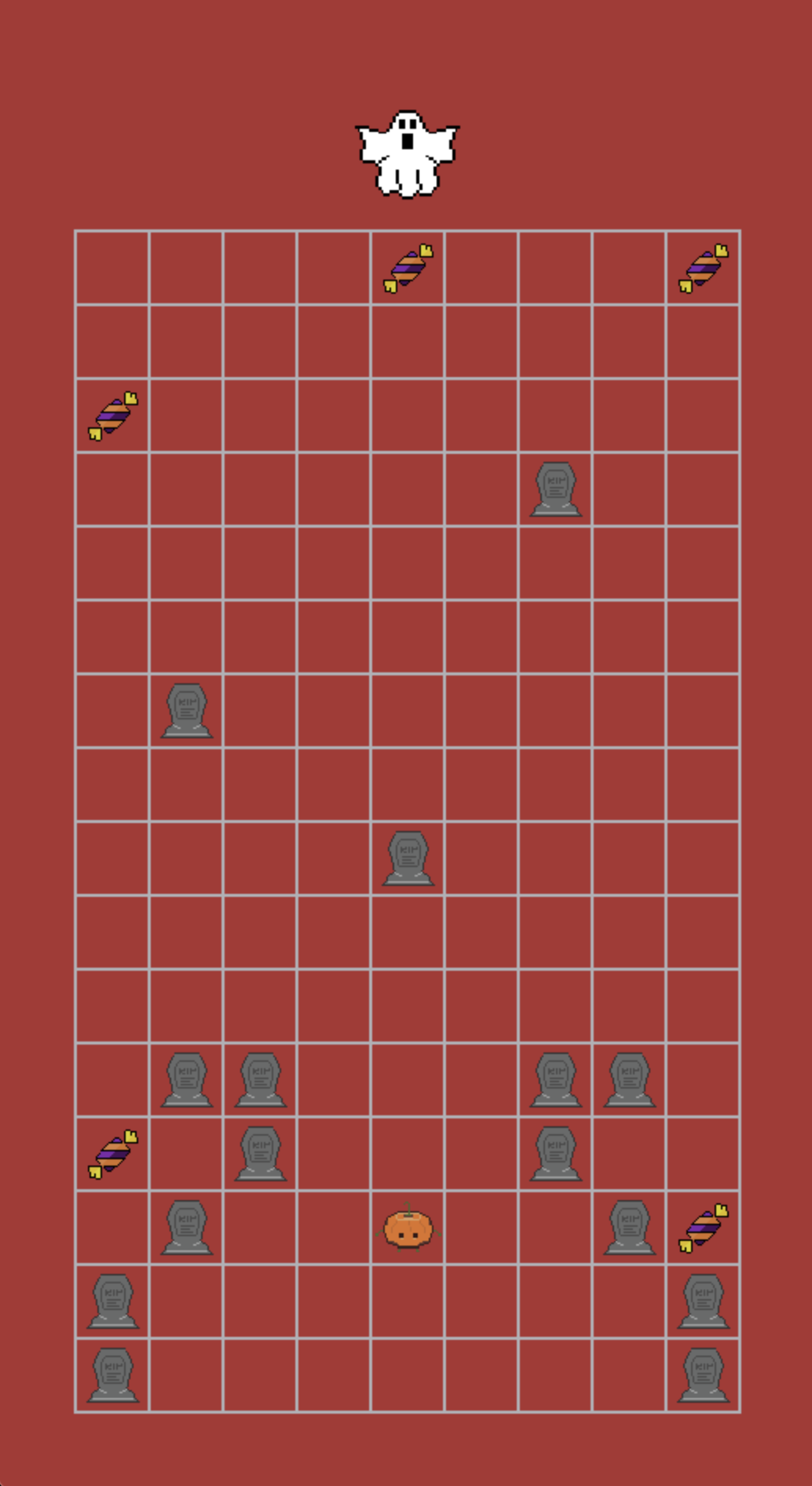
Safe State
-
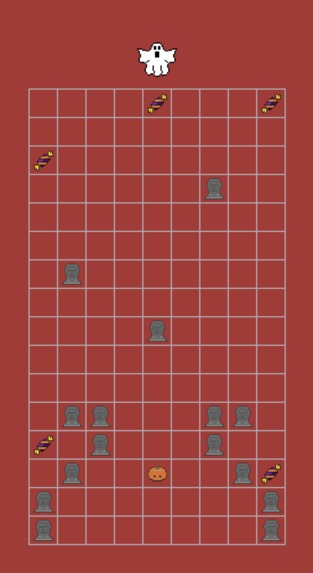
Trap State
-
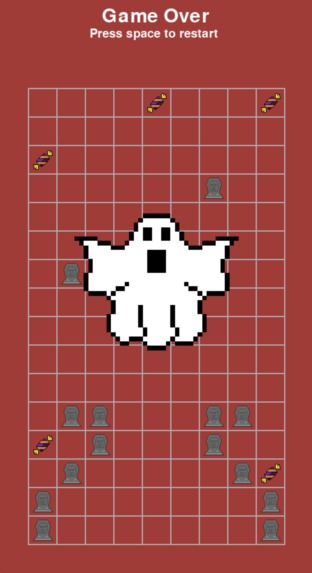
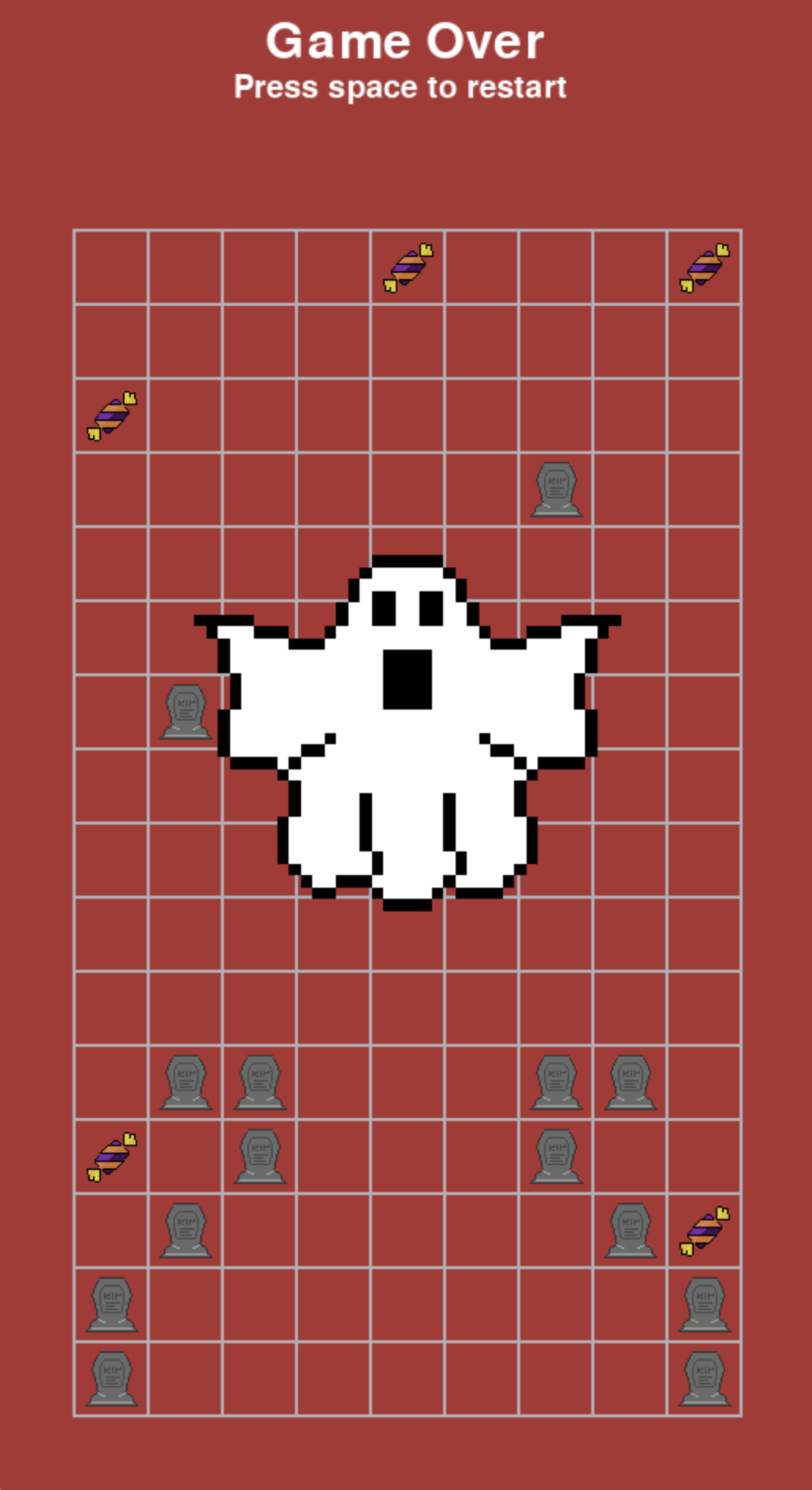
Game Over State
-

Pumpkin Kid (front1)
-

Pumpkin Kid (front2)
-

Pumpkin Kid (back1)
-

Pumpkin Kid (back2)
-

Pumpkin Kid (side1)
-

Pumpkin Kid (side2)
-

Pumpkin Kid (side3)
-

Candy
-

Ghost (front)
-

Ghost (back)
-

Tombstone


Inspiration
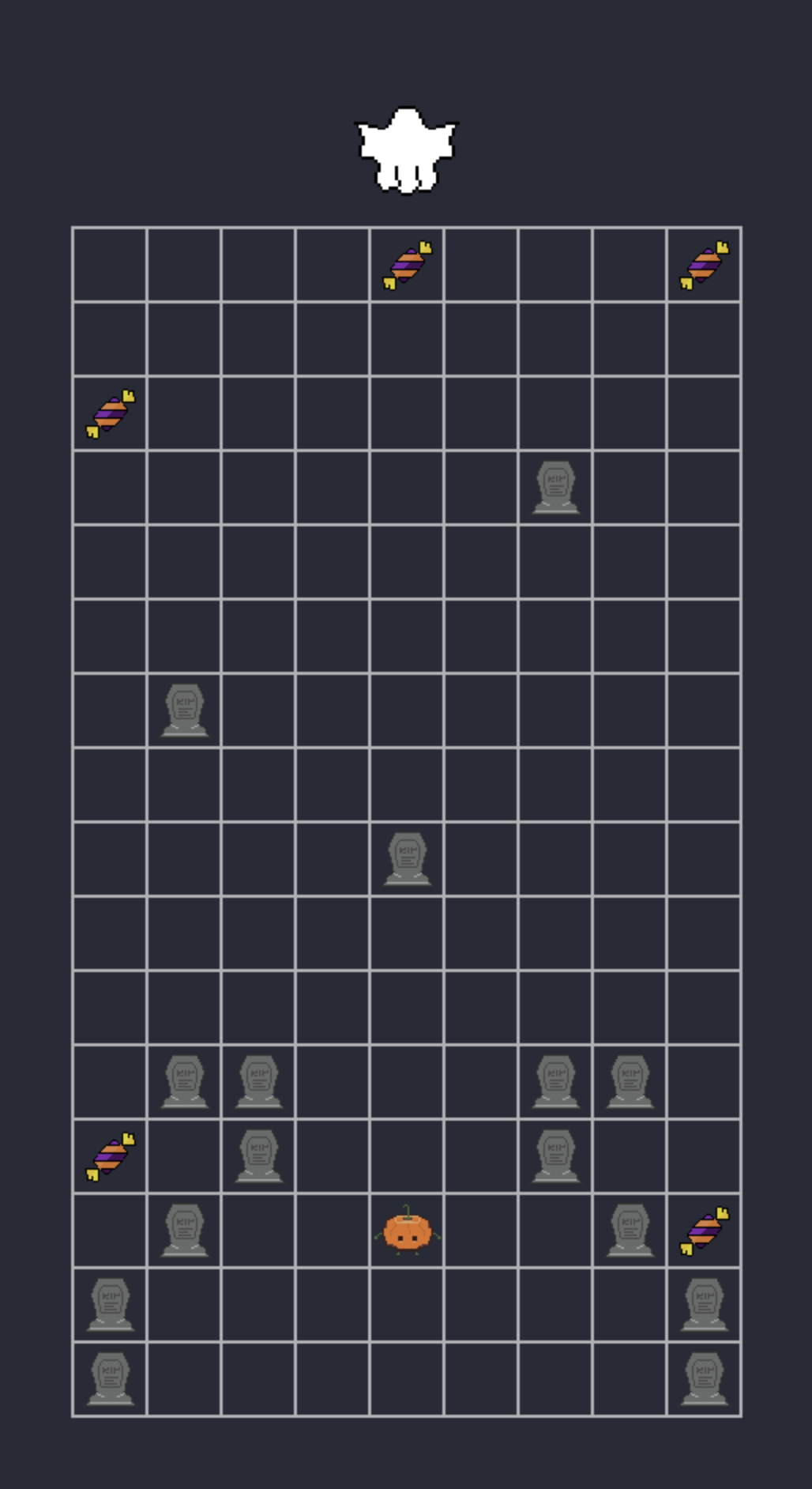
This is the weekend before Halloween, so in this "tech or treat" event, we decided to make a game using Halloween elements.
What it does
In Halloween RUSH!, you will control the Pumpkin kid to collect all candies while hiding yourself behind tomestones when the ghost turns back to you! Also, you can personalized the game map by map1.txt, where # means tombstone, o means candy and ^ means the starting spot.
How we built it
We built it mainly using a python module called pygame. We also used GitHub, Aseprite, and Virtual Studio Code. We allowed the user to use the key up, down, left and right as input to control the Pumpkin kid by pygame.event and show the game window by pygame.display. All internal logic was created with python and pygame methods, and the pixel UI were designed in Aseprite.
Challenges we ran into
It was very challenging to us to code for this game. Since, at first, we were new to any game engines and we don't know how to build up a game by them. When we'd like to create such a 2D game for this "tech or treat" event in less than 24 hours, it seemed to be hard for us. After we did some research on popular game engines, we were torn between two options: pygame and Unity. The pygame is coded by python while the Unity is affiliated to C#. Since we've learned python from COMP 110, we finally decided to use pygame. The second challenge we've run into was that we were overwhelmed by matching up UI with the game logic. To deal with this, we watched pygame tutorials on YouTube link and figured out the best module from the pygame library. Thirdly, we're "panicking" about debugging with "the ghost flying around" and errors in timing.
Accomplishments that we're proud of
We're glad to create Halloween RUSH! successfully in less than 24 hours! As students who've never taken a graphic design course, we take pride in designing all the game elements for this "tech or treat" event. It's also our pleasure to collaborate with each other and stay positive about any challenges we've meet.
What we learned
We learned how to use pygame module in python, how to draw pixel image in Aseprite, and most importantly, how to communicate and work with teammates when our coding ran into problems.
What's next for Halloween RUSH!
We plan to add more levels, different maps, and more new game items! Besides, we are thinking adding a score board to record player’s personal best score and multiplayer mode to compete for the best score.


Log in or sign up for Devpost to join the conversation.