-
-
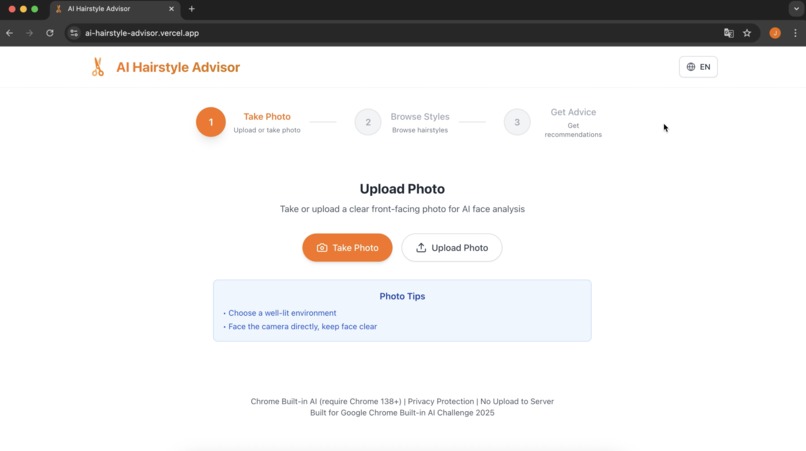
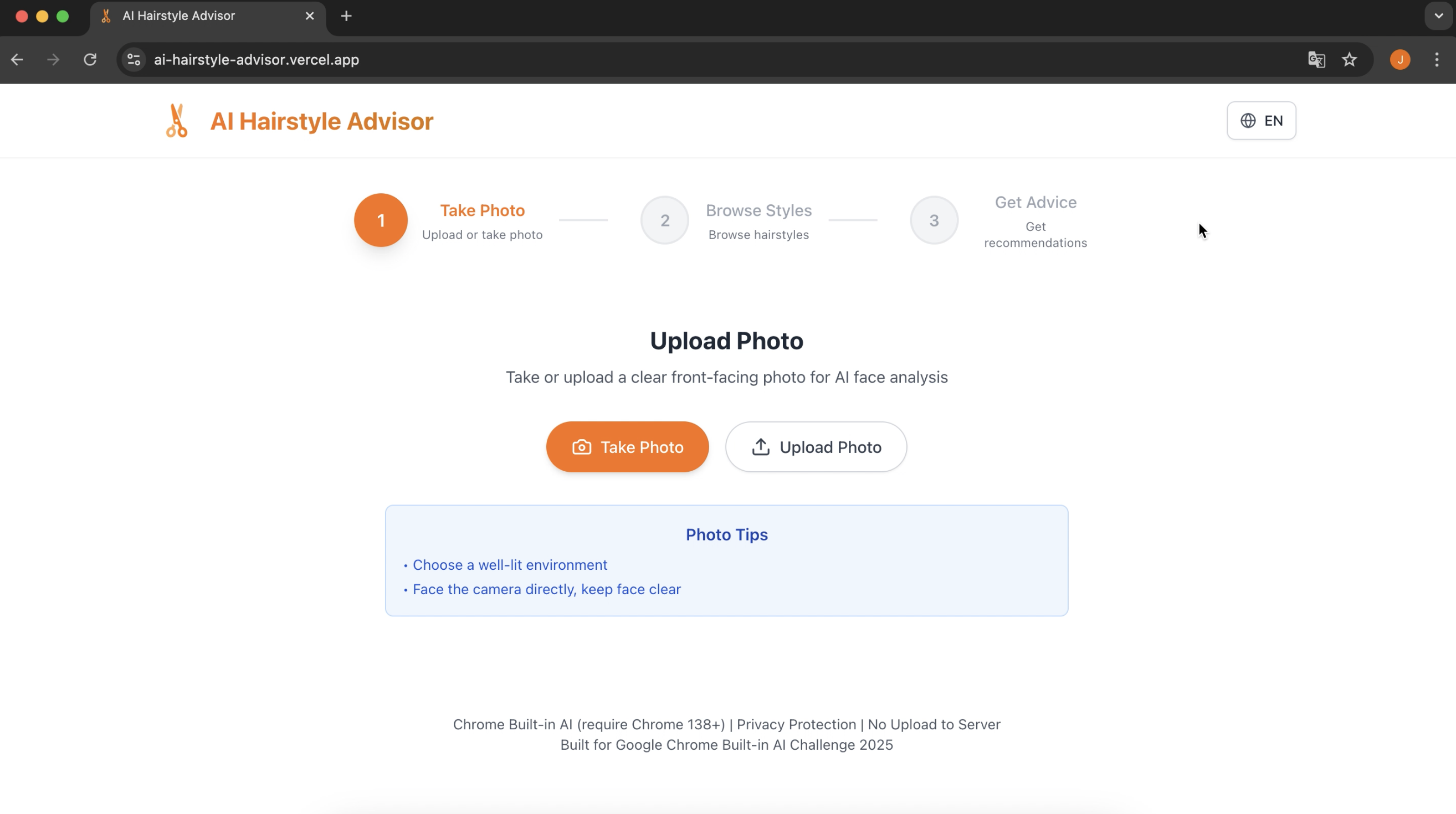
Main page
-
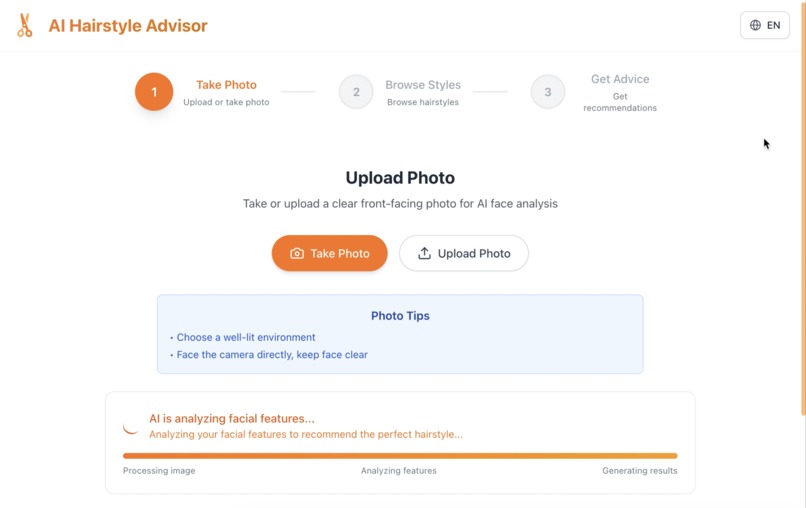
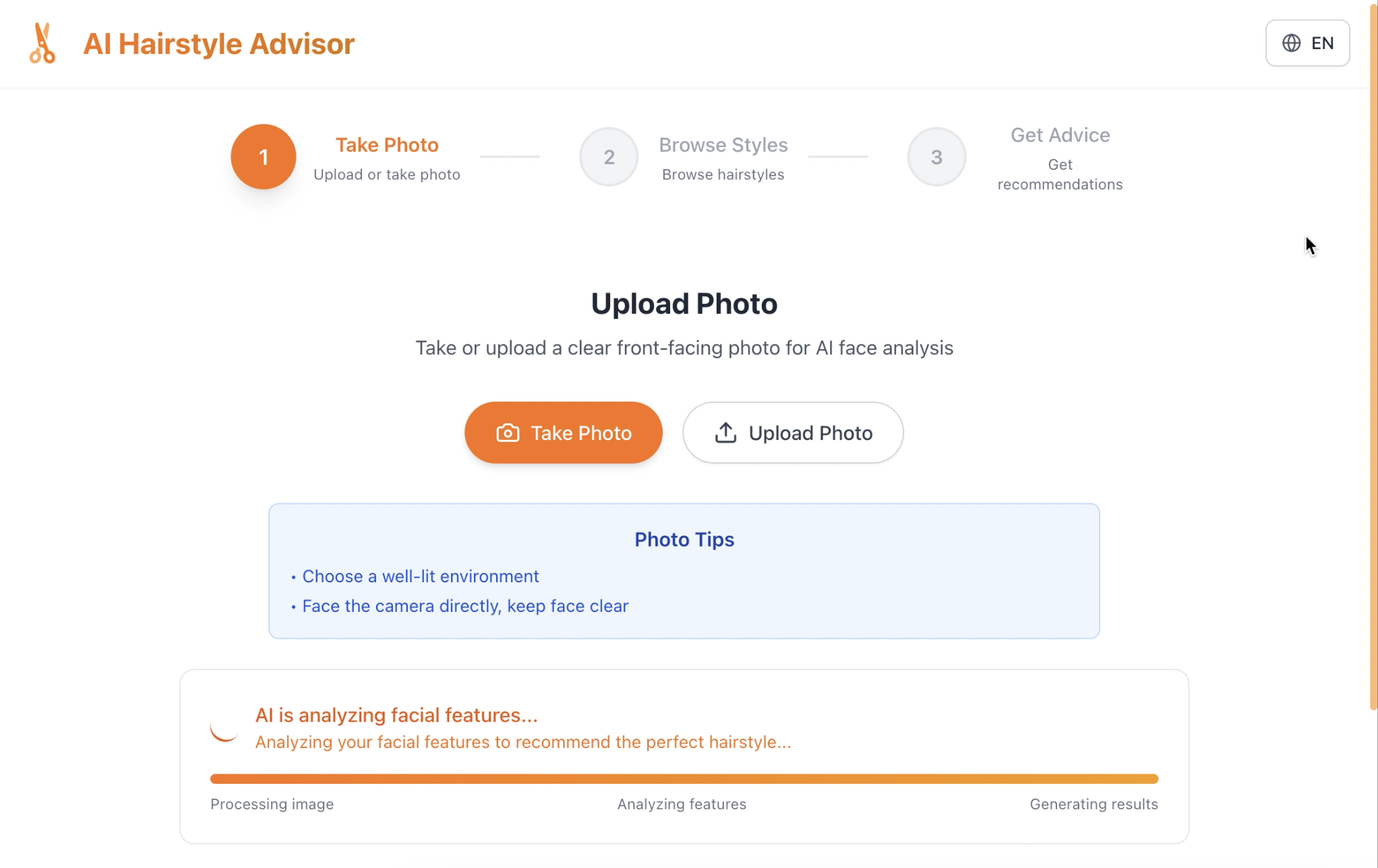
Analysing photo with API
-
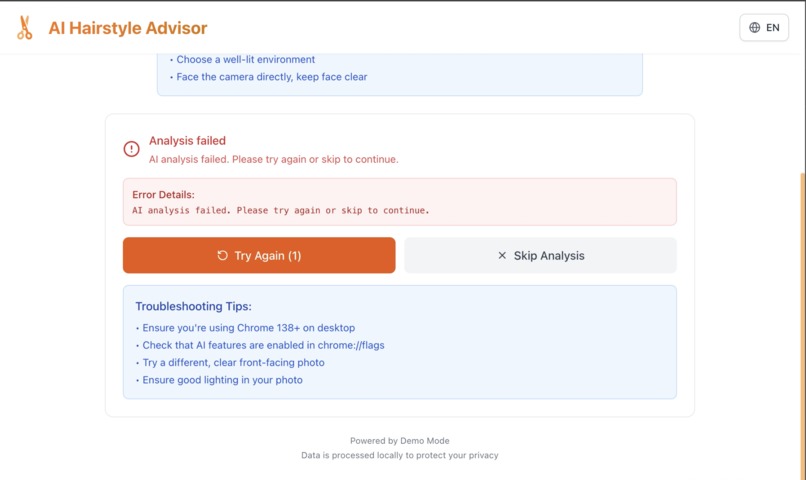
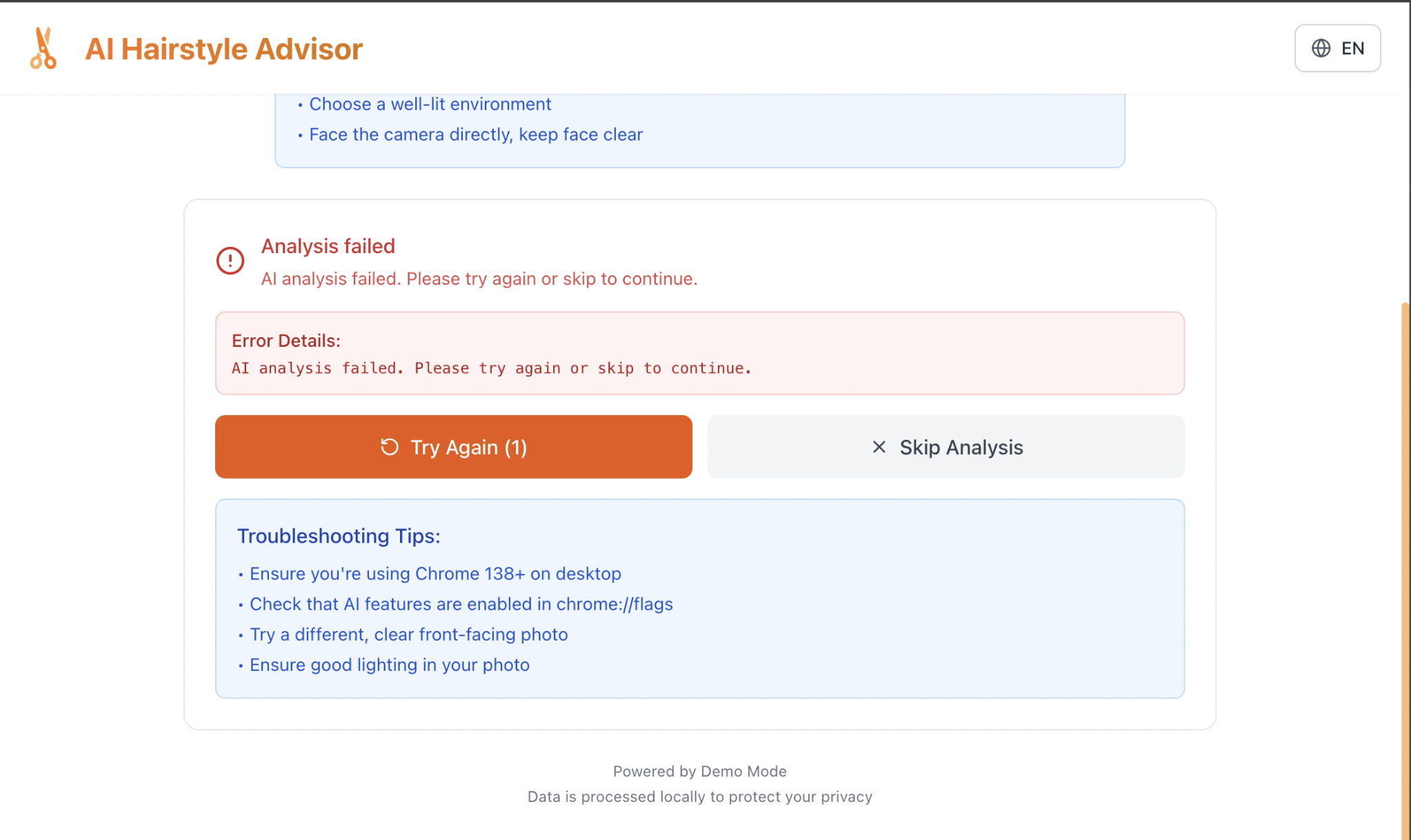
Fail to analyse photo with API
-
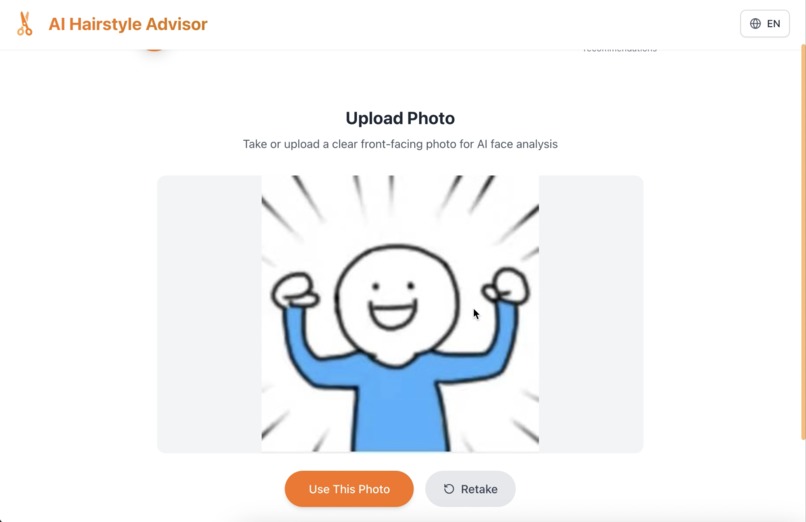
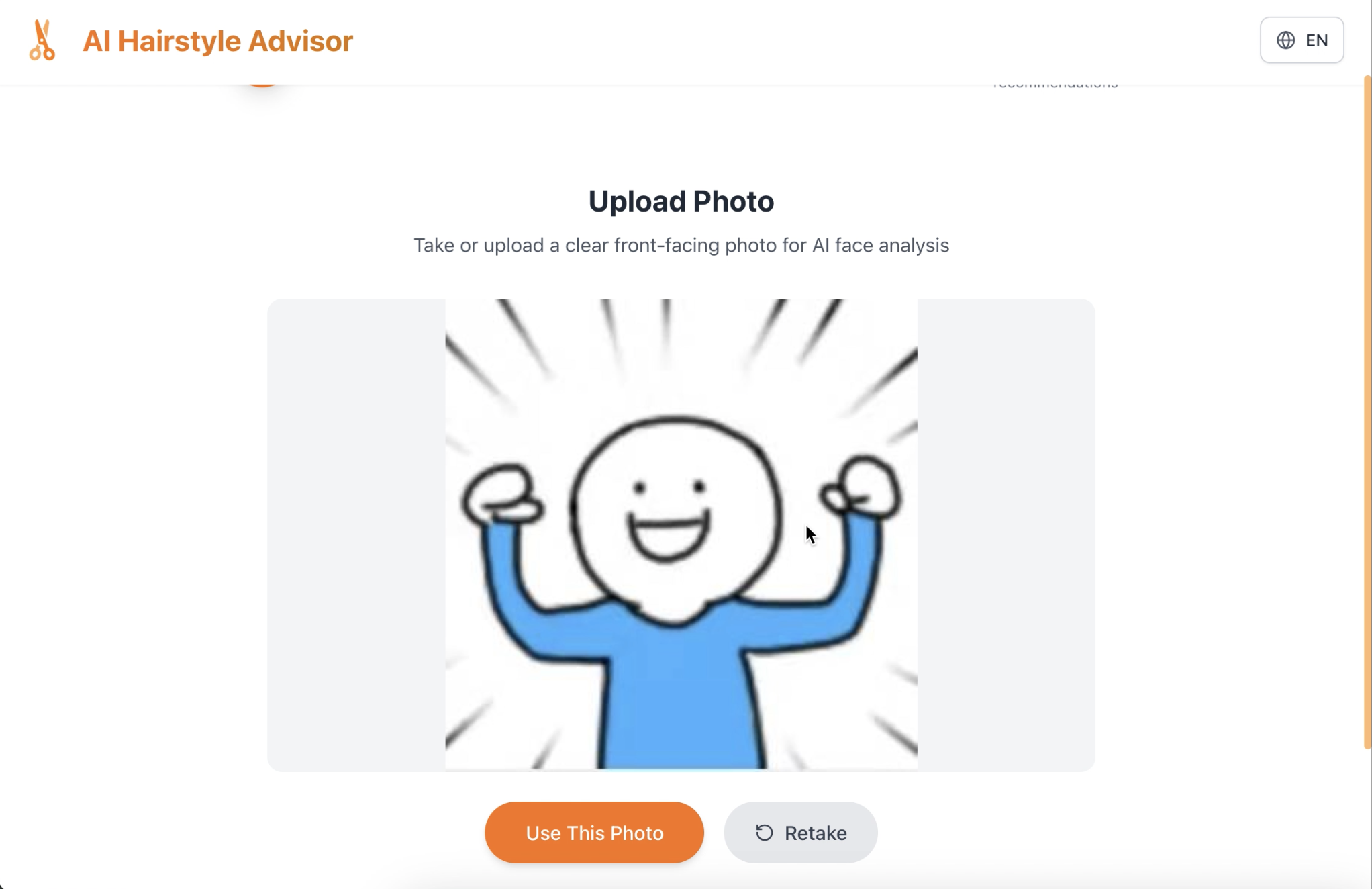
Upload photo option
-
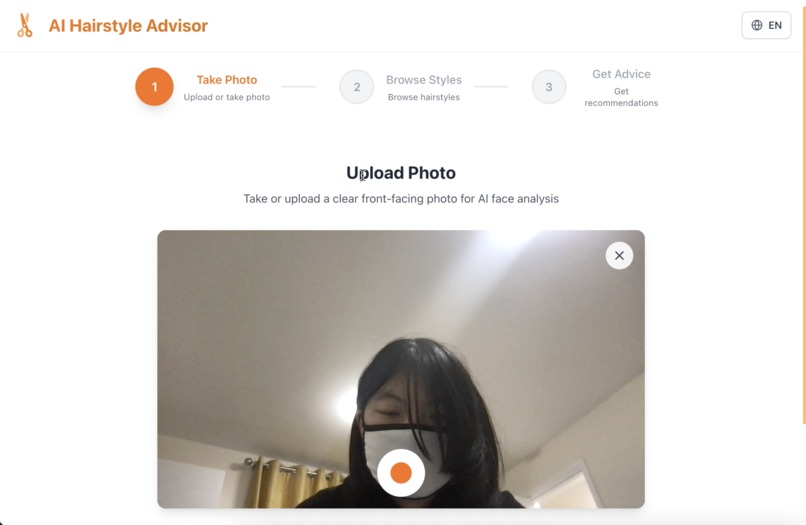
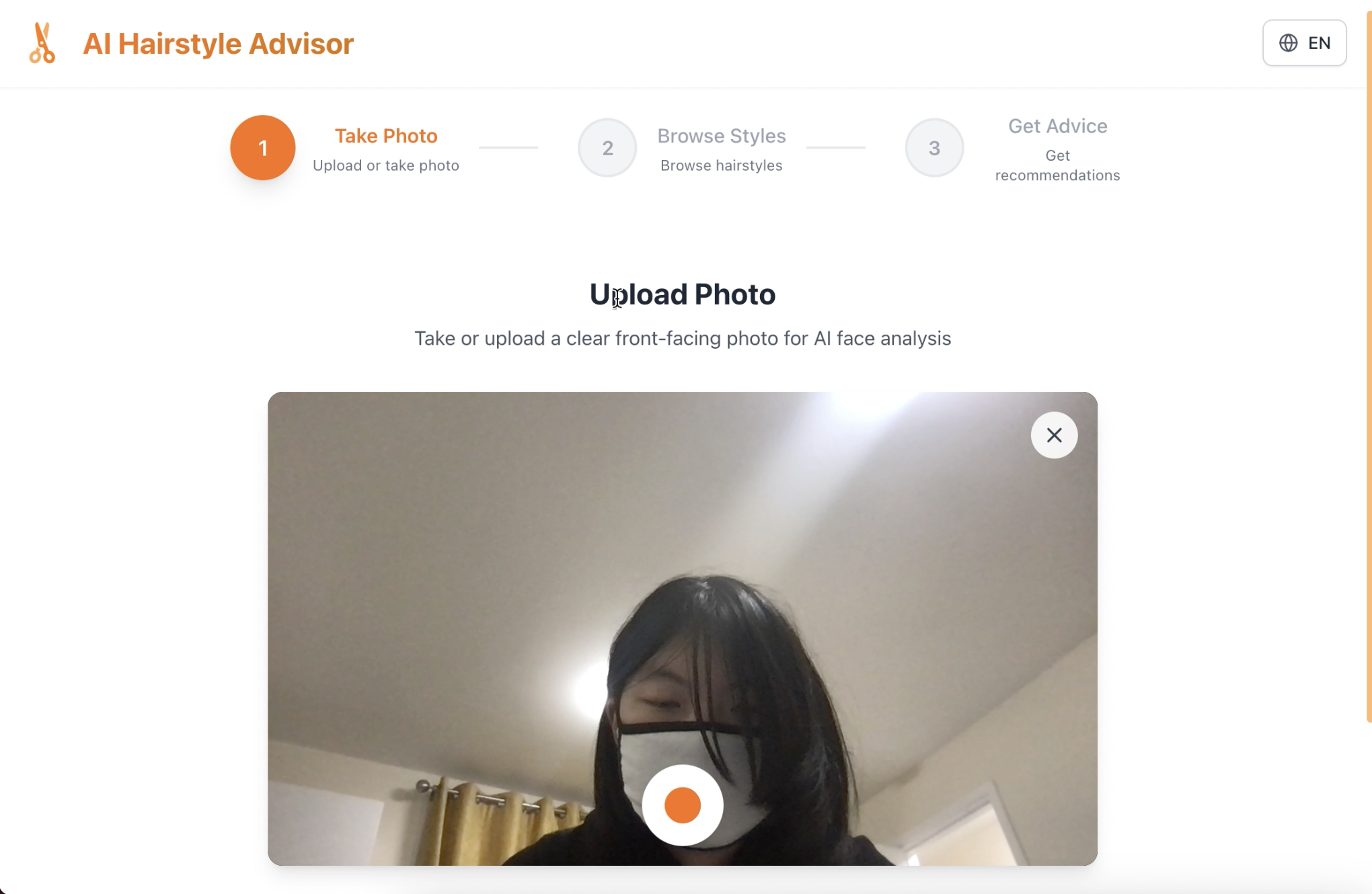
Take photo option
-
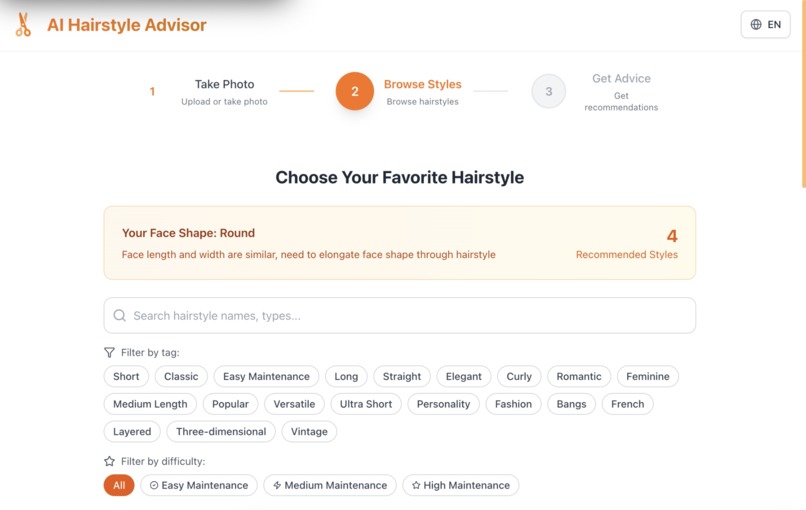
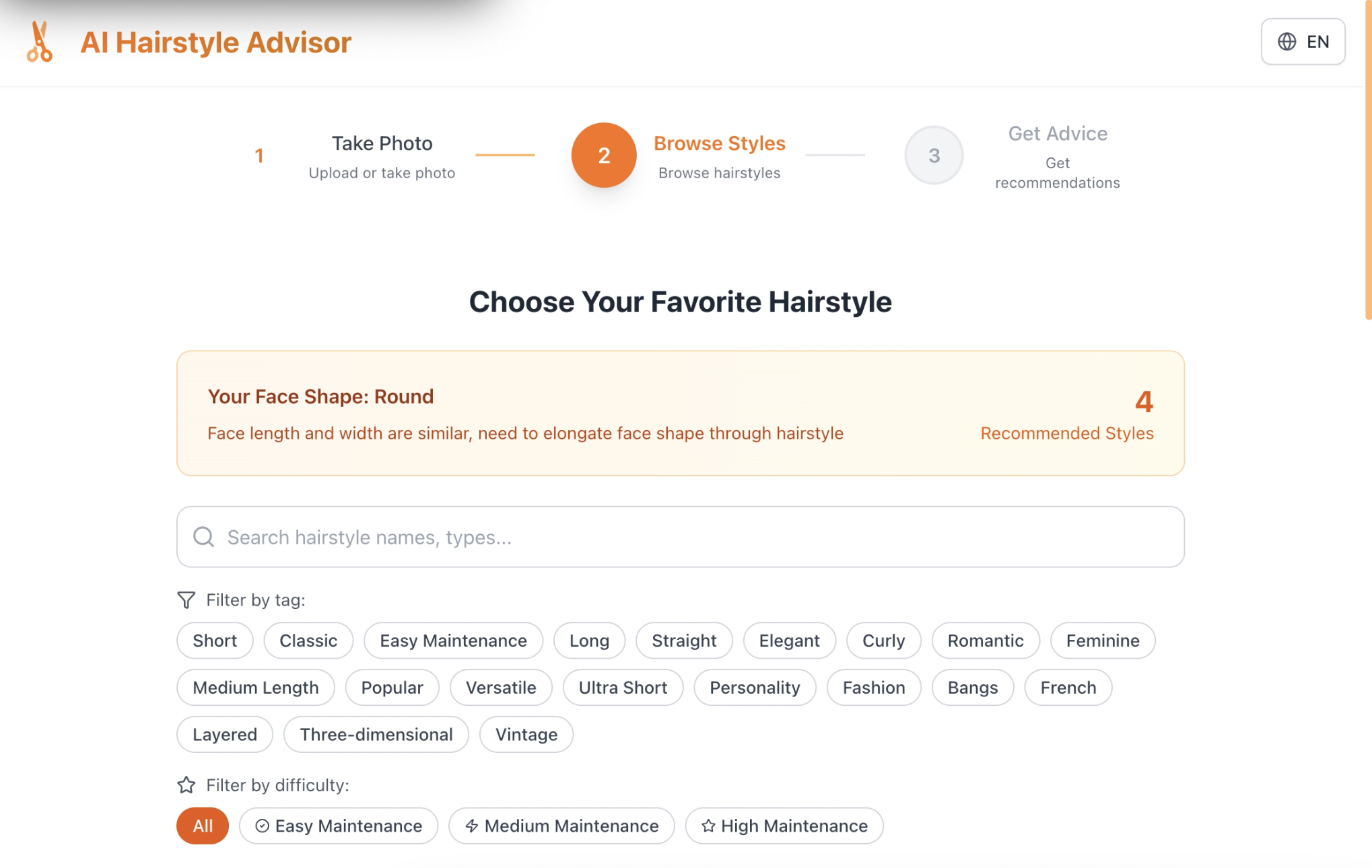
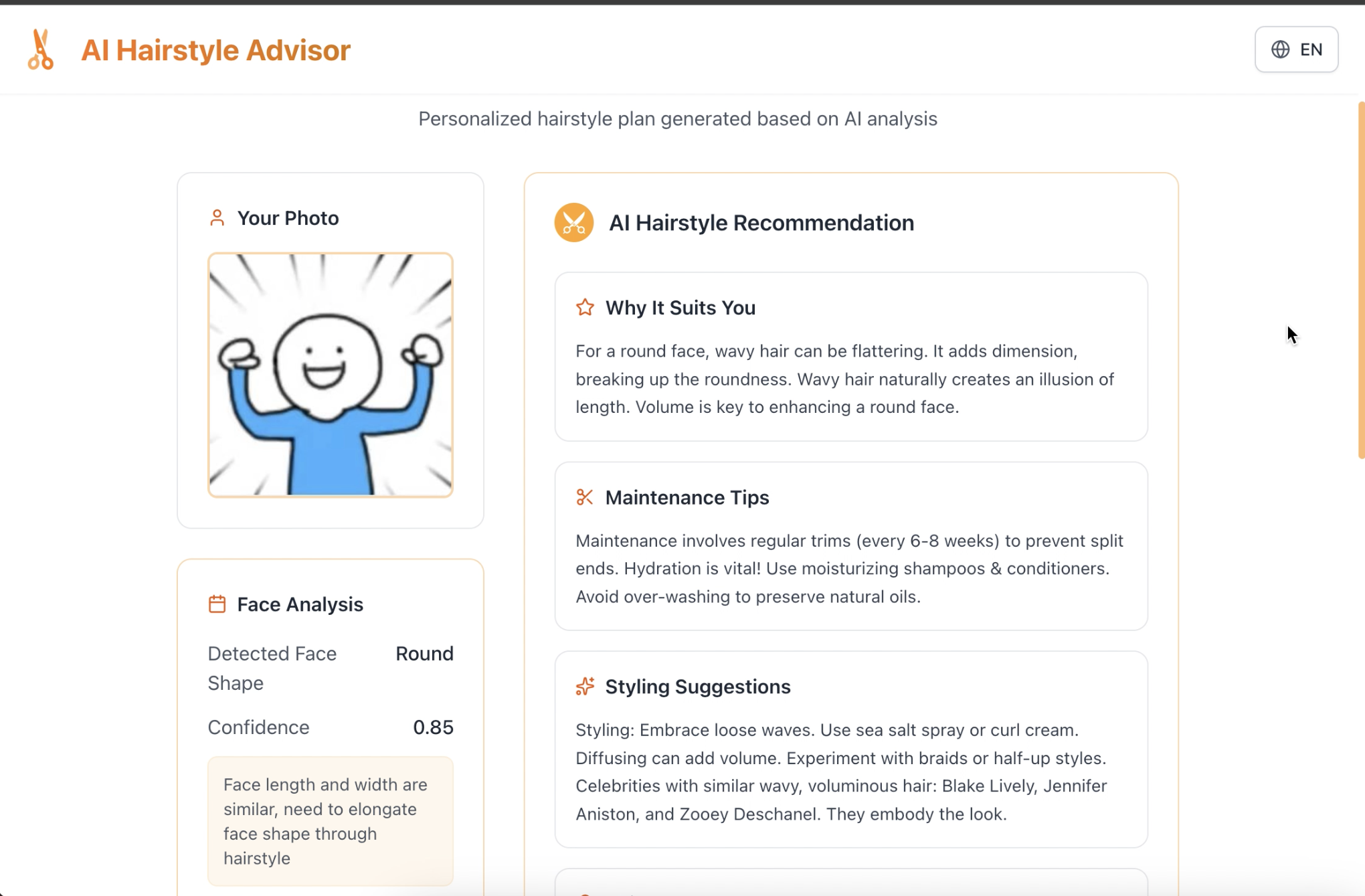
Successful analysis led to browse hairstyle with tags
-
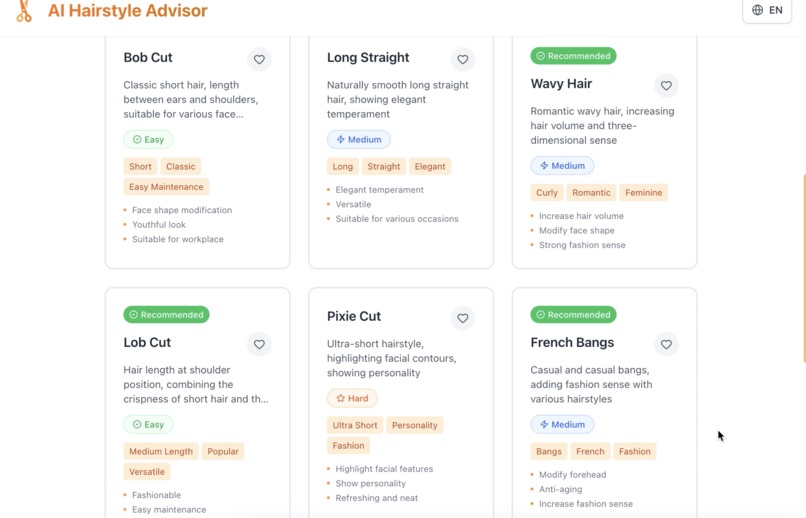
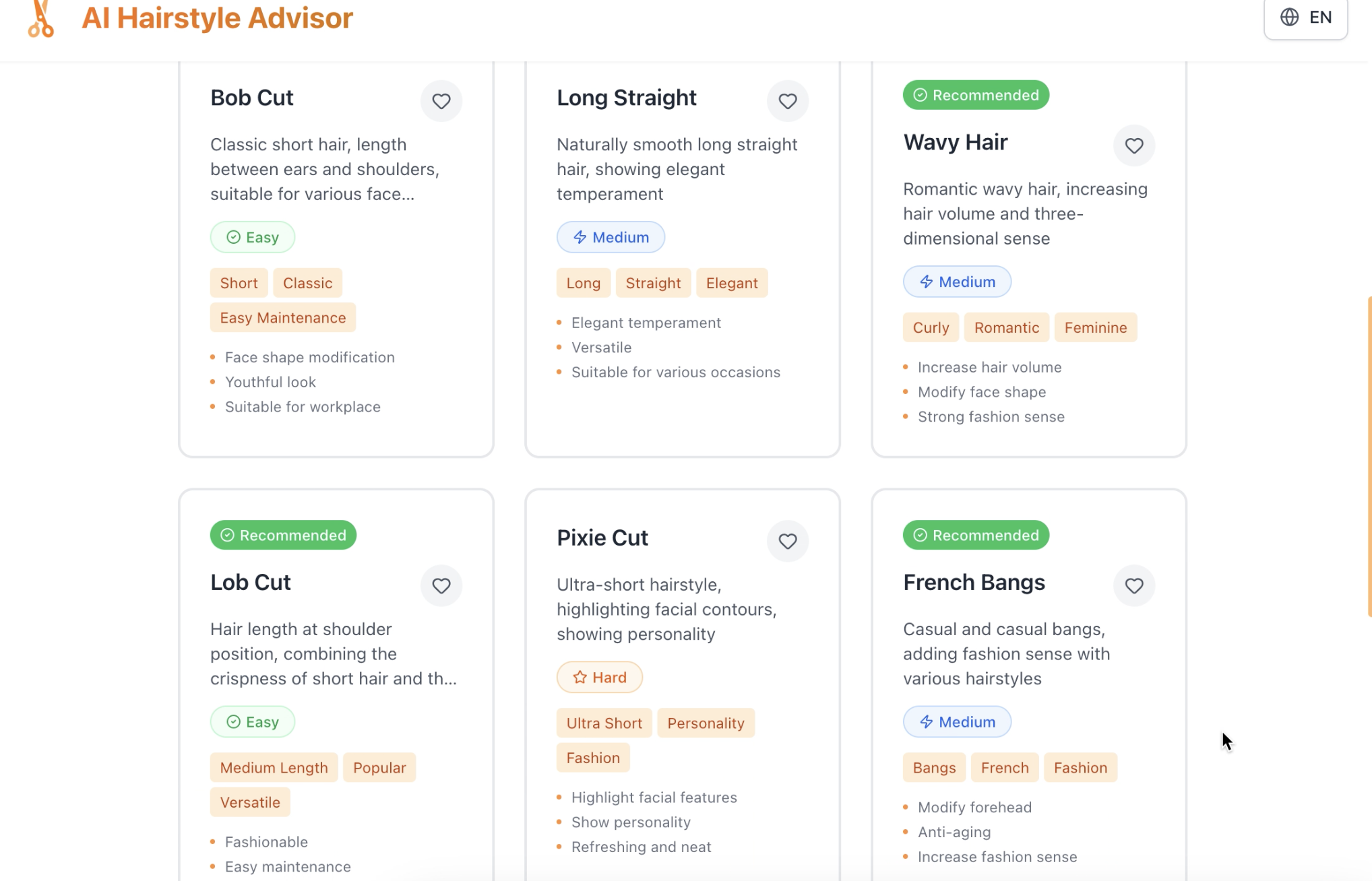
Recommended cards
-
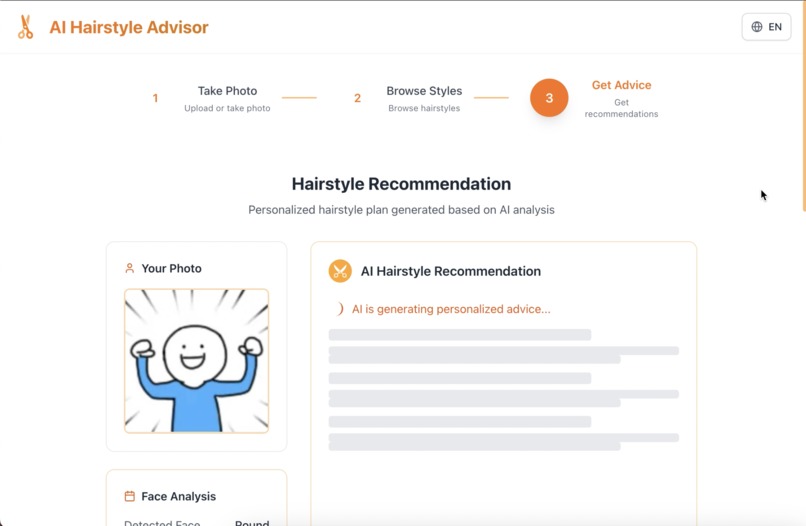
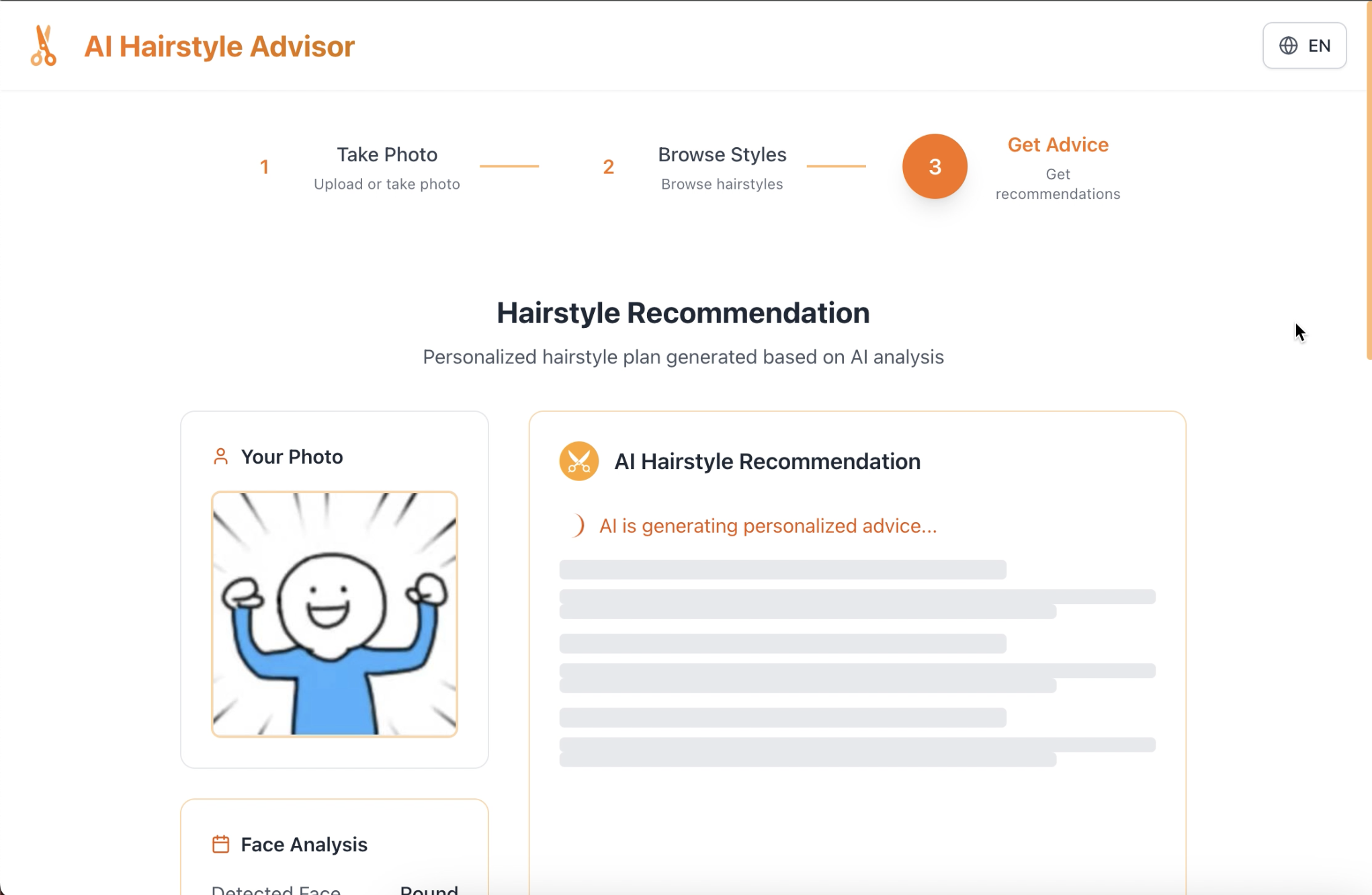
Generating recommendation
-
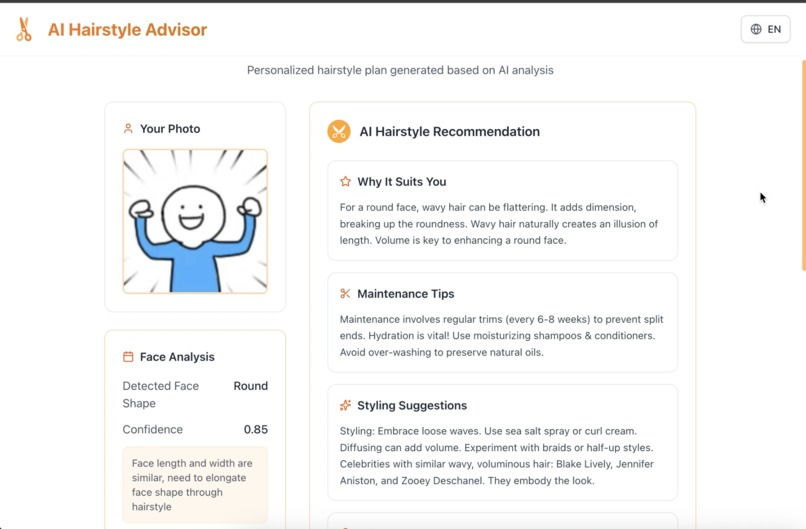
Successful recommendation
-
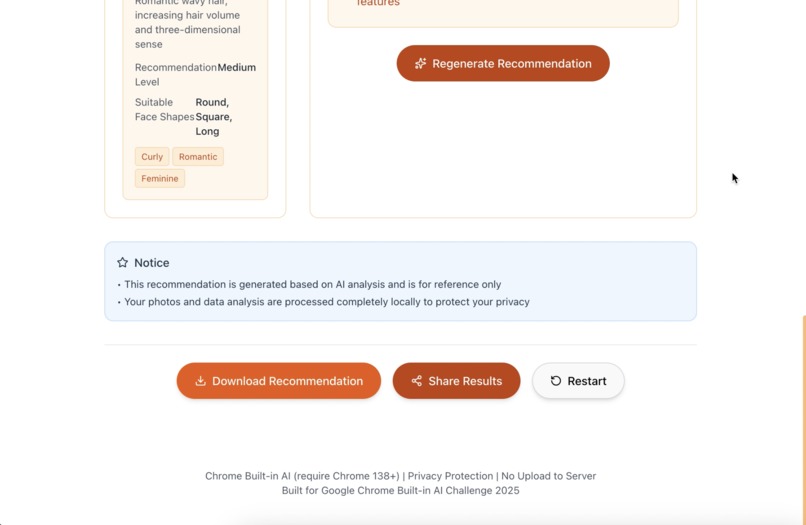
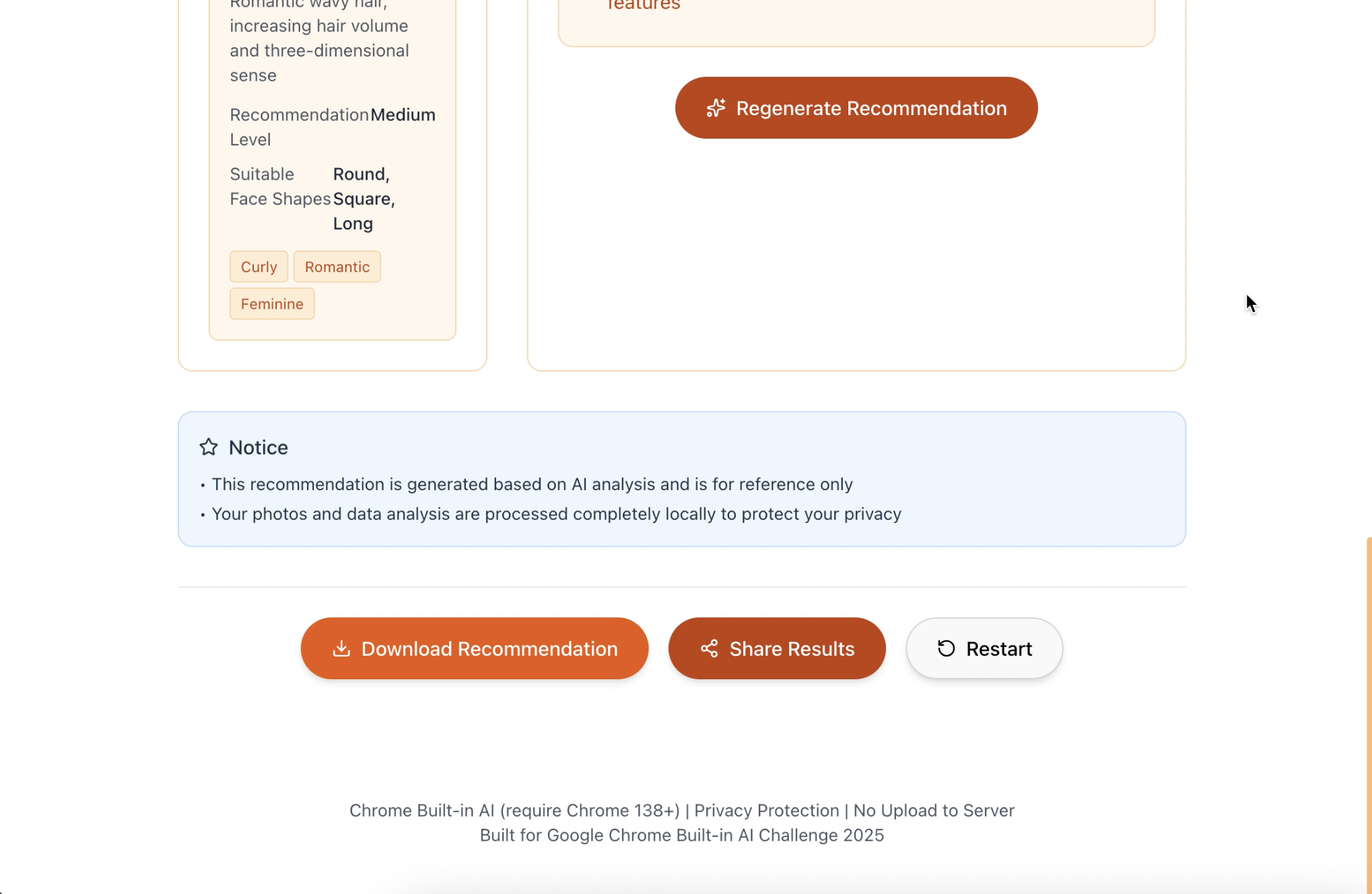
Following option after generation
-
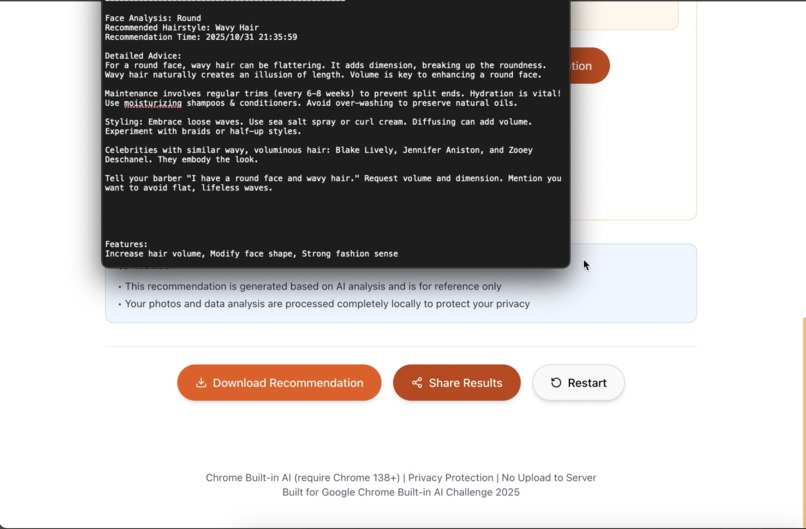
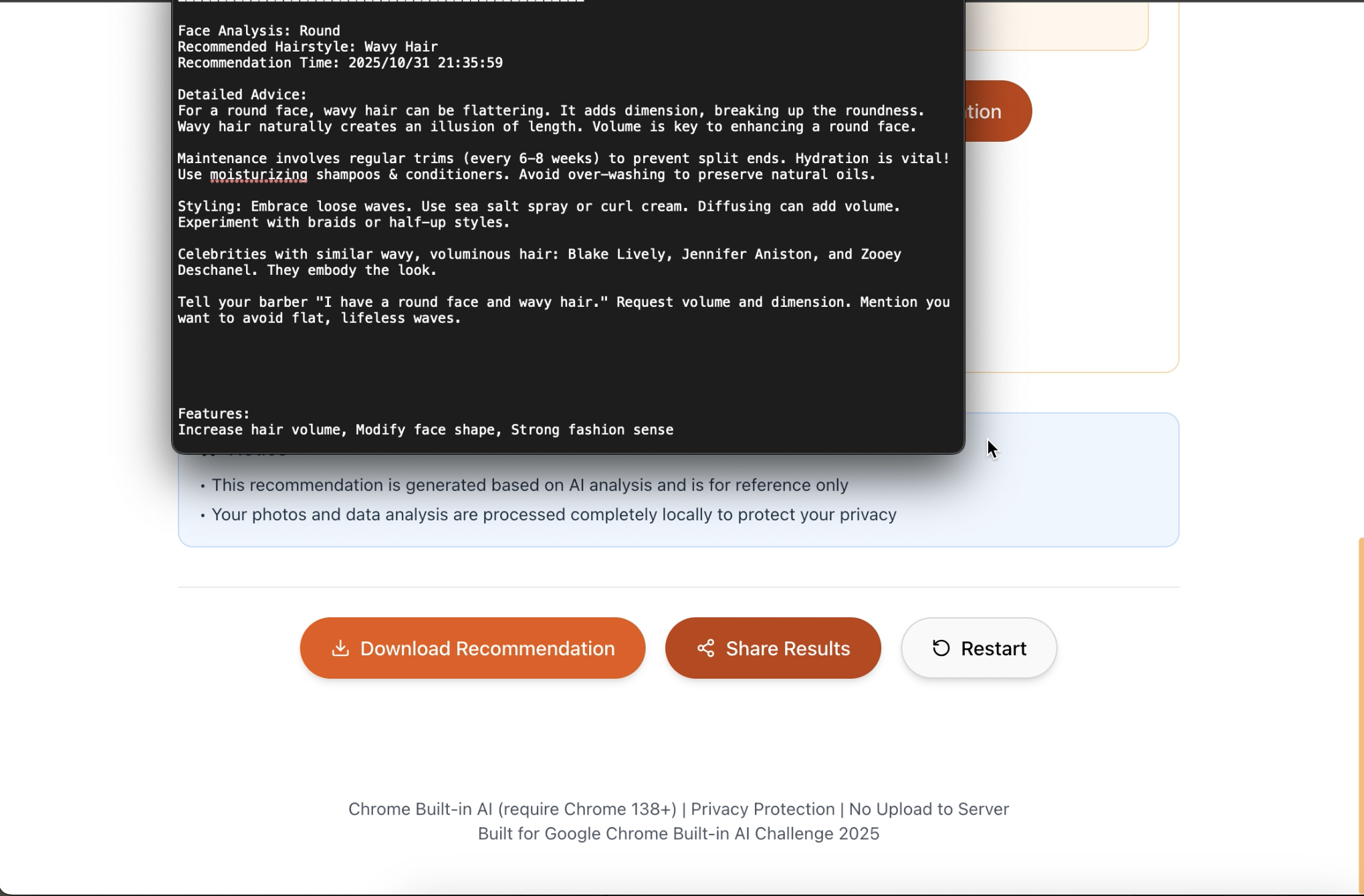
Download option successfully worked
-
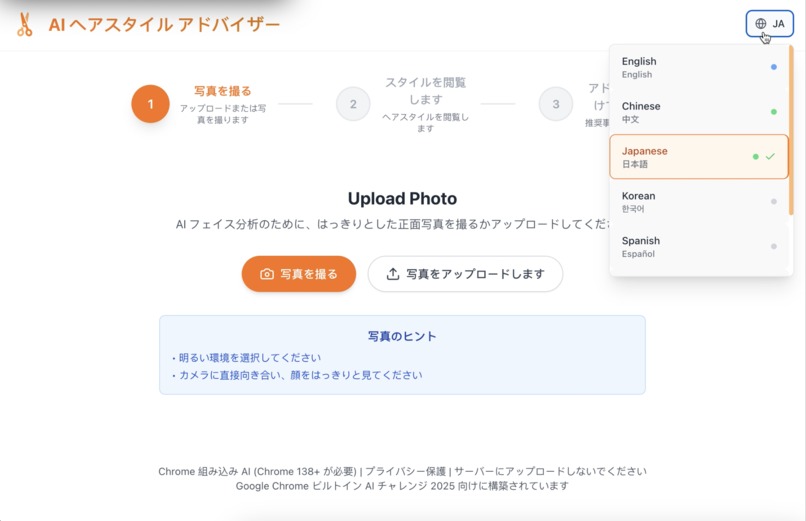
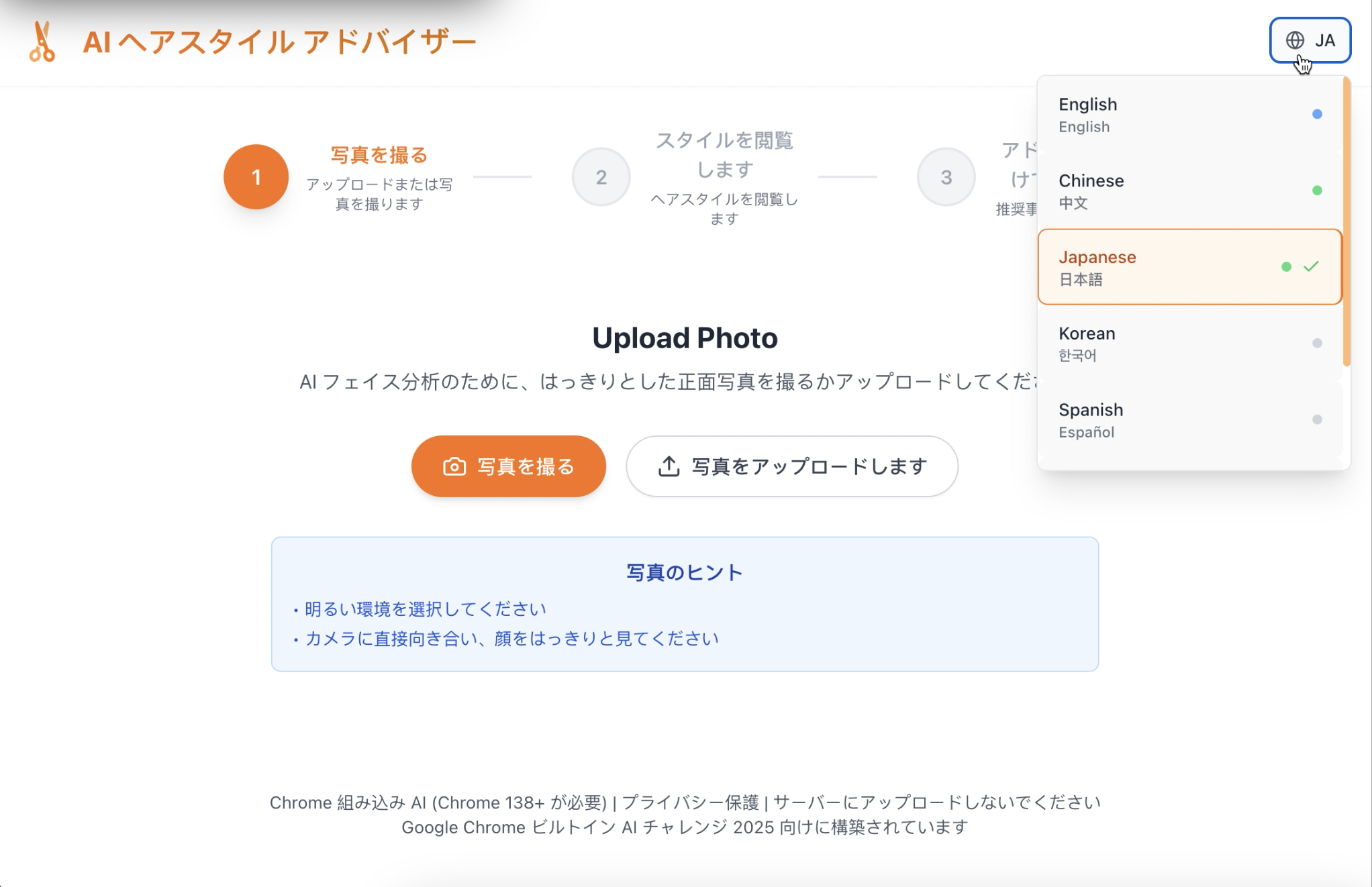
Exchange language with selector
Inspiration
Some people struggle to find a hairstyle that suits their face shape, or they want to change their hairstyle but have no idea what to do. A hairstyle advisor who can analyse face shape and give advice can be helpful.
What it does
A privacy-protected web application that provides personalized hairstyle recommendations with Chrome's built-in AI. It guides users through a simple three-step process:
- Capture or upload a photo securely on your device
- Face shape is analysed locally using Chrome's AI, providing specifically recommended cards for browsing
- Get personalized advice with styling tips and maintenance guidance
Everything happens in your browser, no photos ever leave your device, and no personal data is stored on external servers.
How we built it
- React Vite + Tailwind CSS for user interface
- Browser Camera API for photo capture and Canvas API for local image processing
- Chrome's Built-in Prompt API for face analysis and recommendations, Translator API for multi-language support
- Local browser storage for user preferences and history
The architecture includes custom hooks for AI integration, camera management, and translation services.
Challenges we ran into
- Initially, we considered using AI to generate actual hairstyle images from the user's photo, but discovered Chrome's Prompt API doesn't support image generation. This forced us to focus on generating personalized text advice instead.
- Working with Chrome's AI APIs required Chrome 138+, Chrome Canary was chosen for testing.
- Unifying the camera image and the image upload format for prompt AI was a bit challenging; we tested blob format several times.
- The prompt engineering for generation and regeneration is adjusted for different sections.
Accomplishments that we're proud of
- We creative pivot successfully, detailed tags for browsing that we finally achieved.
- Translation that works with AI-generated content, and the translation result is stored locally so that no duplicate API runs for translation.
- Downloadable text as advisor result recommendations and allow regeneration
What we learned
- I learned how to use Chrome's Built-in AI for classical tasks like image analysis and text generation, the sensitive data never leaves the user's device
- React + tailwindcss component composition for complex workflows
Limitation
- Some of the language options in the translation selector are not supported for built-in AI prompting yet.
- The face recognition section is not precise; using a photo without a face also provides the analyzed results.
Announcement
Chrome 138+ browser with built-in AI features enabled via chrome://flags is required for this application.

Log in or sign up for Devpost to join the conversation.