-
-
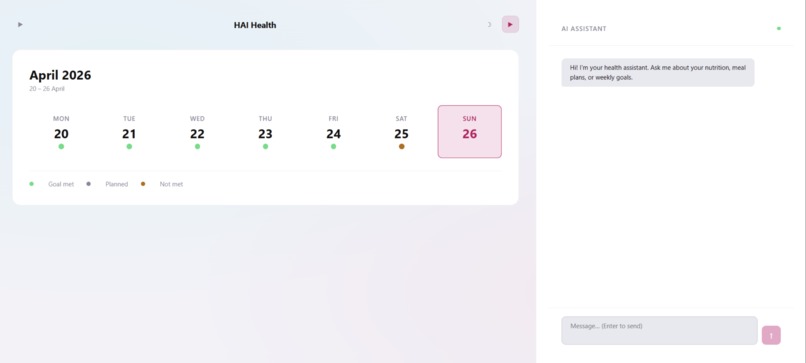
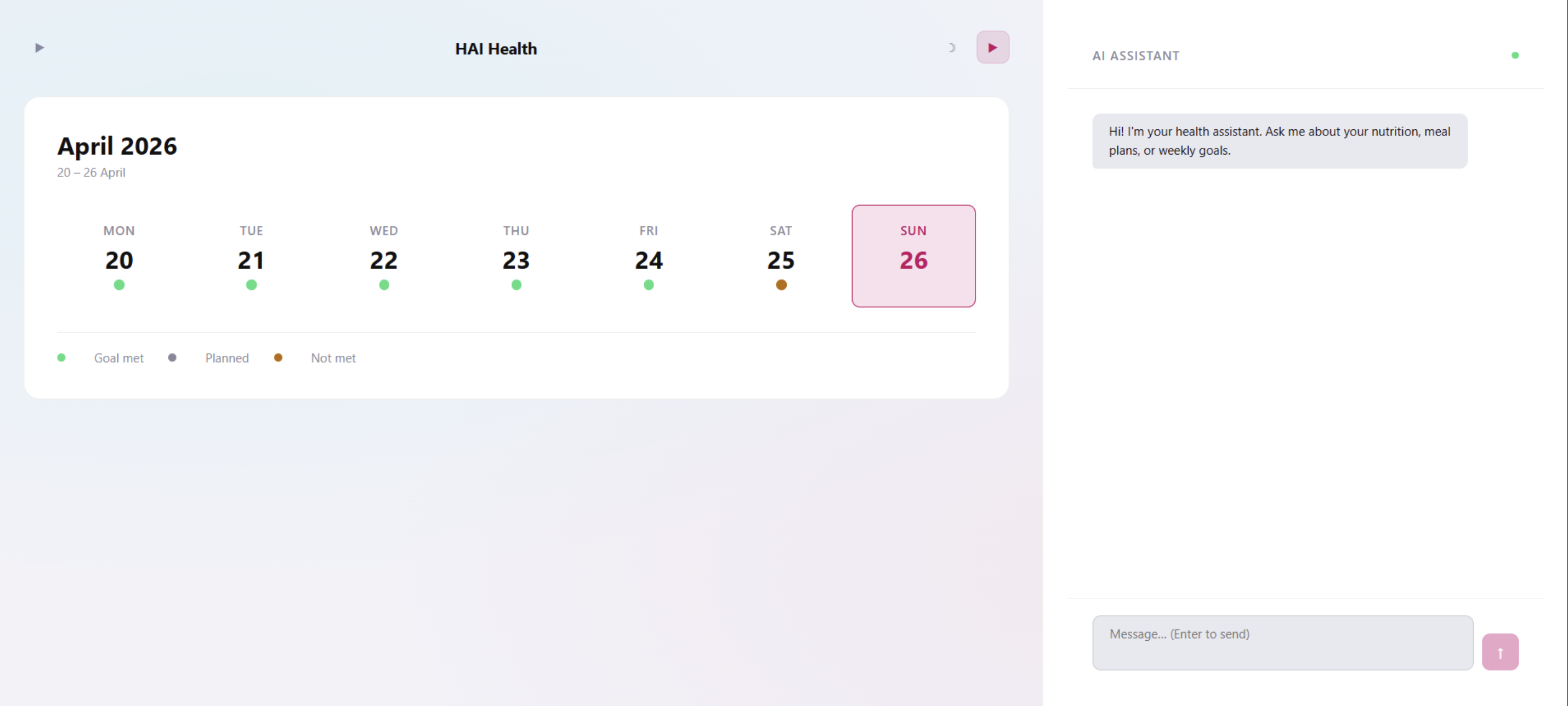
Light mode ,Calendar + AI chat panel open AI Assistant meets your weekly plan — ask anything, get coached instantly
-
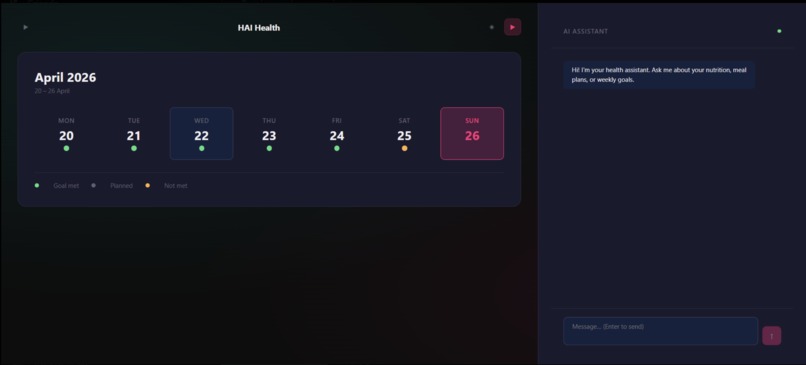
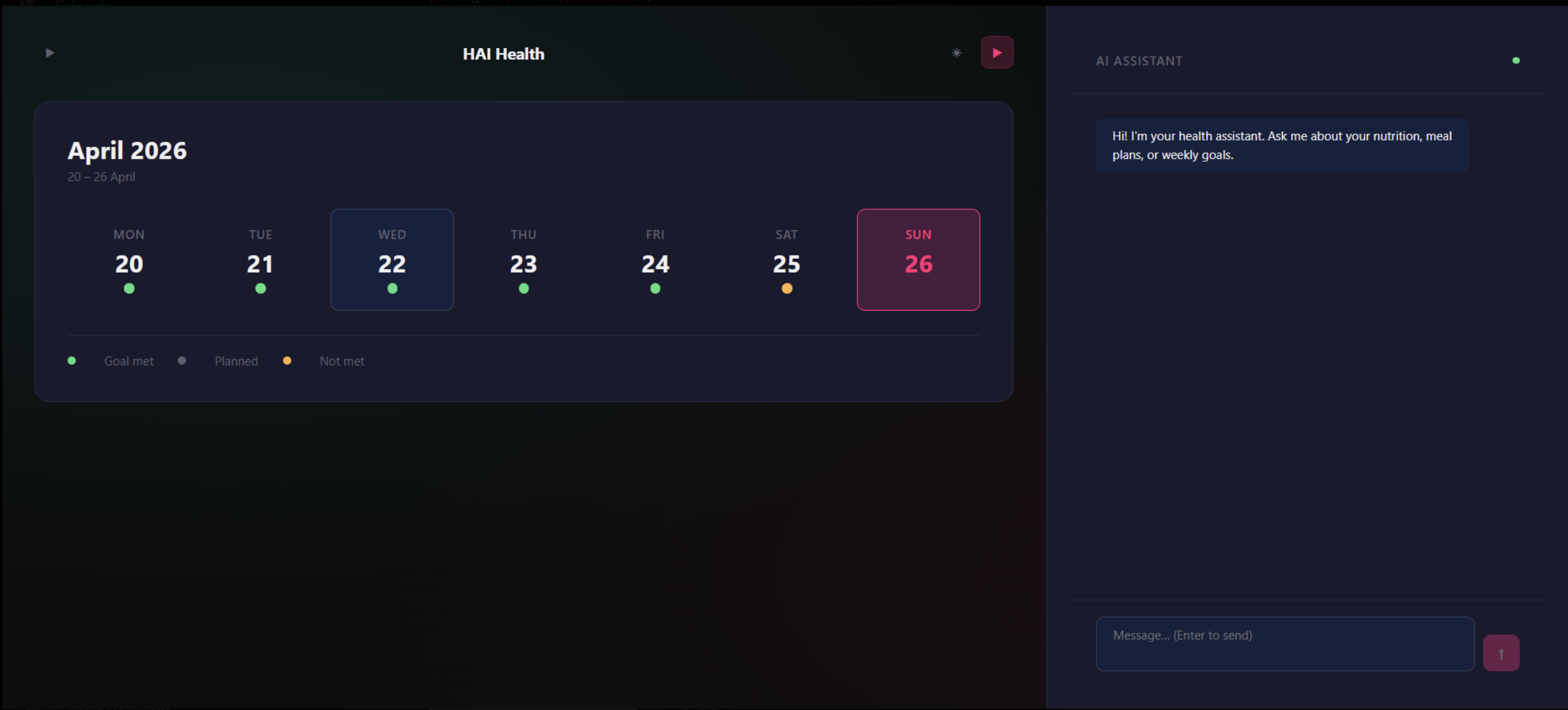
Dark mode Calendar + AI chat panel open AI Assistant meets your weekly plan — ask anything, get coached instantly
-
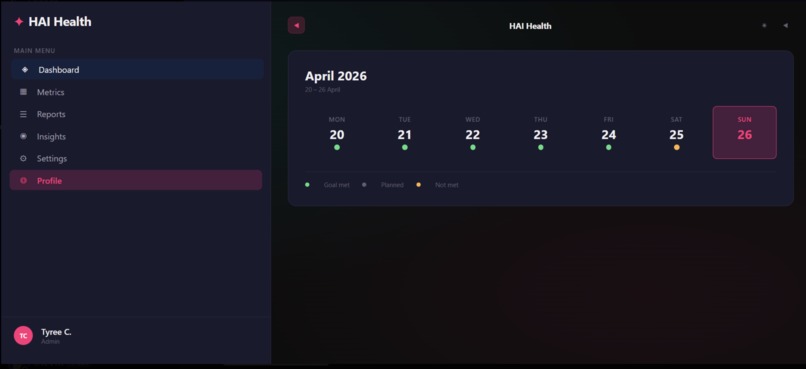
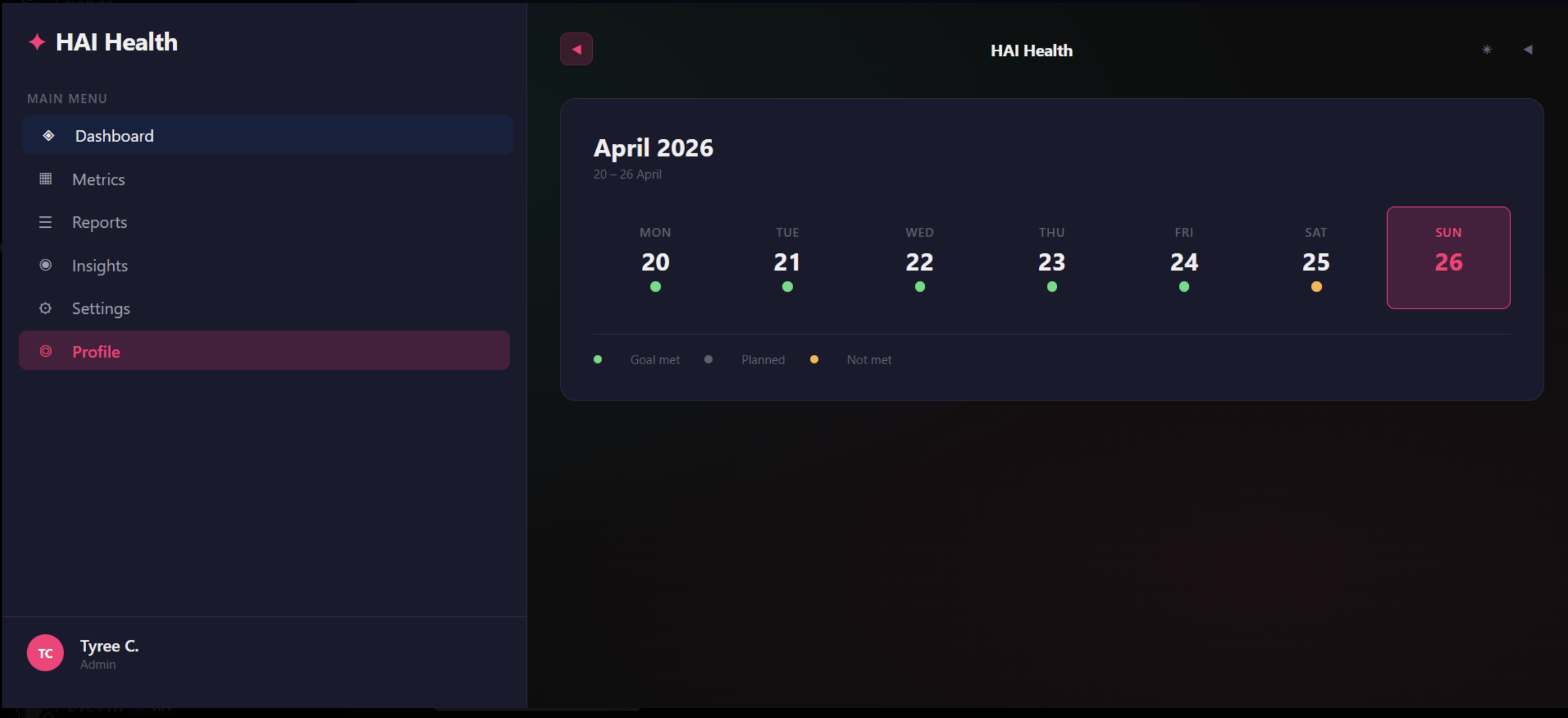
Full sidebar + dashboard Full dashboard with navigation — Dashboard, Metrics, Reports, Insights all in one place
-
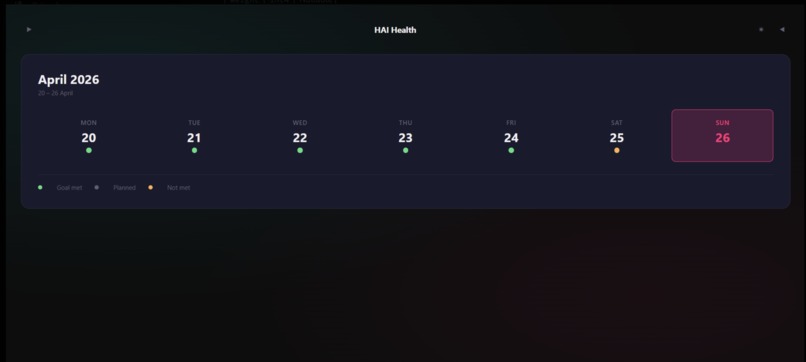
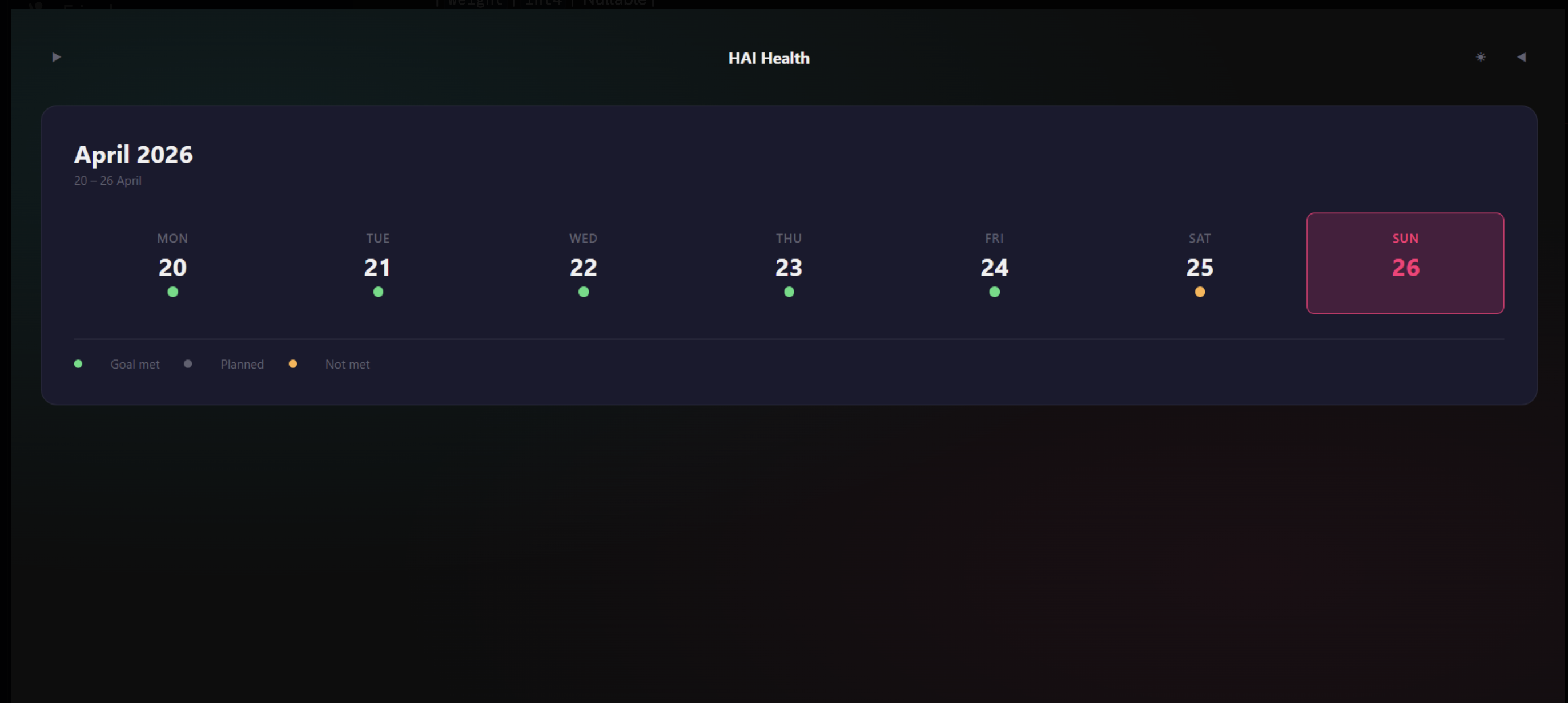
Minimal view, no sidebar Weekly goal tracker — clean, distraction-free daily progress view
-
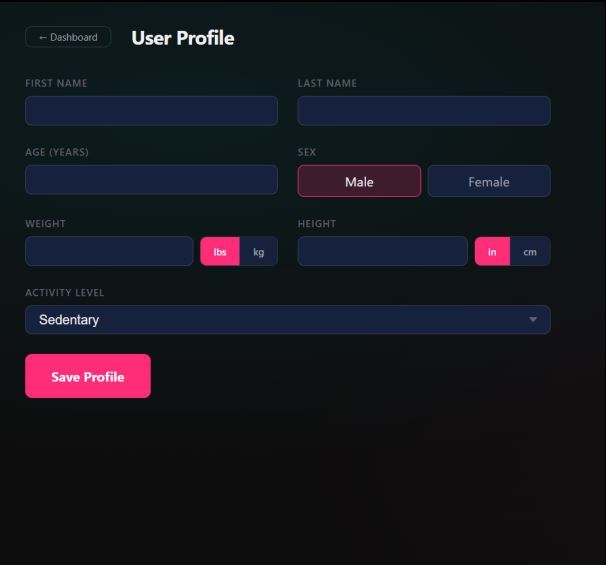
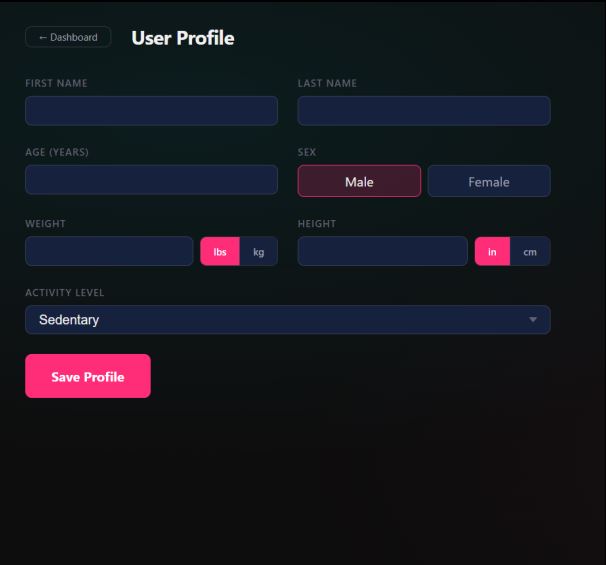
Dark mode, Personalized experience — your profile, your goals, your health journey
-
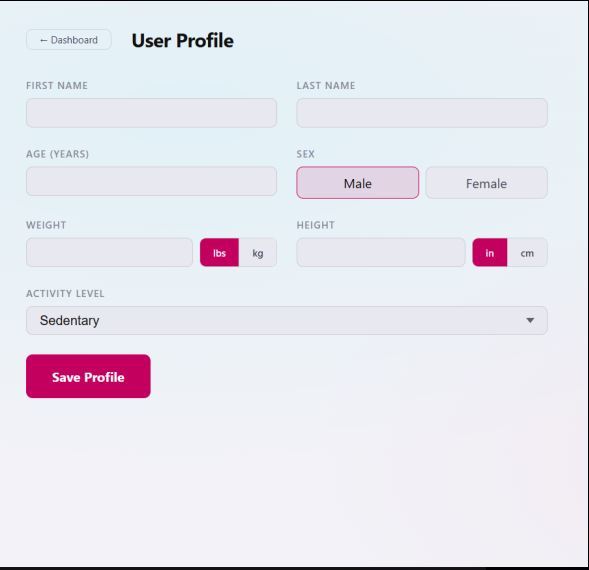
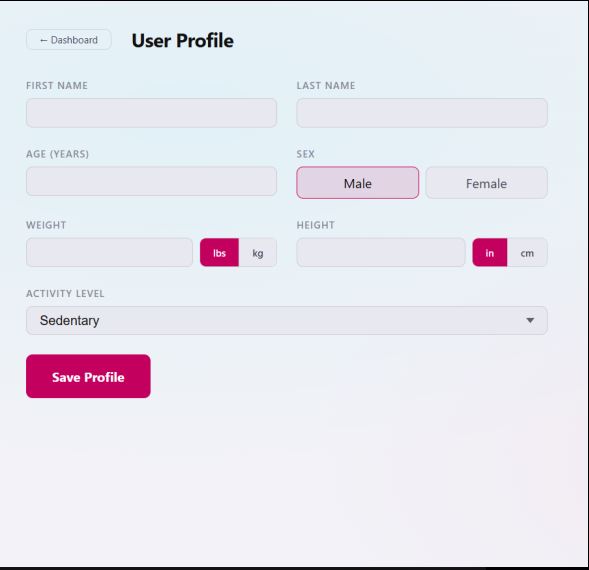
Light mode, Personalized experience — your profile, your goals, your health journey
Inspiration
We've all been there — you want to be healthier, but you open MyFitnessPal and immediately feel overwhelmed. Calorie math, macro tracking, meal logging... it's exhausting before you even start. HAIHealth was born from one simple frustration: why is getting healthy so complicated? We built it for the college student who skips the gym because they don't know what to do. For the beginner who eats pizza and feels like they've already failed. For anyone who just wants someone to say "here's what to do today" — without the spreadsheet.
What it does
HAIHealth is an AI-powered daily health coach that removes decision fatigue. You open the app and hit one button — Plan My Day — and it instantly gives you a workout, a meal suggestion, and a small daily habit. No setup, no tracking, no overwhelm.The AI chat lets you log your day naturally. Type "I ate pizza" or "I skipped my workout" and the coach responds with estimated calories, encouragement, and a simple suggestion to get back on track. The calorie ring updates in real time so you always know where you stand.
How we built it
We built HAIHealth as a fully frontend React app using Vite and Tailwind CSS. All state is managed locally with useState — no backend, no database, no authentication required. The AI chat runs on a keyword-based response engine that detects food and activity inputs, estimates calorie impact, and returns contextual coaching responses. The UI follows a three-column dashboard layout — stats panel, calorie ring with daily plan, and the AI chat panel — all connected through shared state in the root component. Our main language we used is python.
Challenges we ran into
Getting the calorie ring animation to feel smooth and satisfying without a canvas library Writing AI responses that feel natural but only use keyword logic Designing a 3-column layout that doesn't feel cramped on smaller screens Keeping everything in one frontend without overengineering it
Accomplishments that we're proud of
Shipping a fully working, visually polished prototype in one hackathon session Building an AI chat experience that feels real without using a live API Designing a dark dashboard UI that looks production-ready from scratch Keeping the entire app in clean, modular, readable code that anyone can pick up and extend Building a working app as a begginers is alone a proud moment for all of us.
What we learned
How to design for decision fatigue — the fewer choices, the better the UX That a simulated AI with good copy can feel surprisingly real in a demo How to lift shared state cleanly across disconnected components Dark dashboard UI principles — contrast, glow accents, spacing rhythm
What's next for HAIHealth
Integrating the real gemini for genuine AI coaching conversations Adding meal photo scanning — snap your food, get instant nutrition breakdown Building a streak and progress system with local storage persistence Adding an onboarding flow to personalize calorie goals based on weight, age, and activity level Expanding to a mobile app so the coach is always in your pocket
Built With
- chatgpt
- claude
- css
- cursor
- figma
- gemini
- html
- javascript
- node.js
- npm
- openai
- python
- react
- tailwind
- terminal
- typescript
- visual-studio
- vite

Log in or sign up for Devpost to join the conversation.