-
-
Picture 1
-
Picture 2
Inspiration
A camera operator walking down a forest path makes a choice for everyone watching. When the camera rounds a bend, you round it too. We wanted to give the viewer one small freedom: stay behind, take a few steps to the side, then catch up. That became USplat Engine, our Hack Western 13 project. We put the entrance beside the Like button because that’s where you already are when a shot makes you curious.
What it does
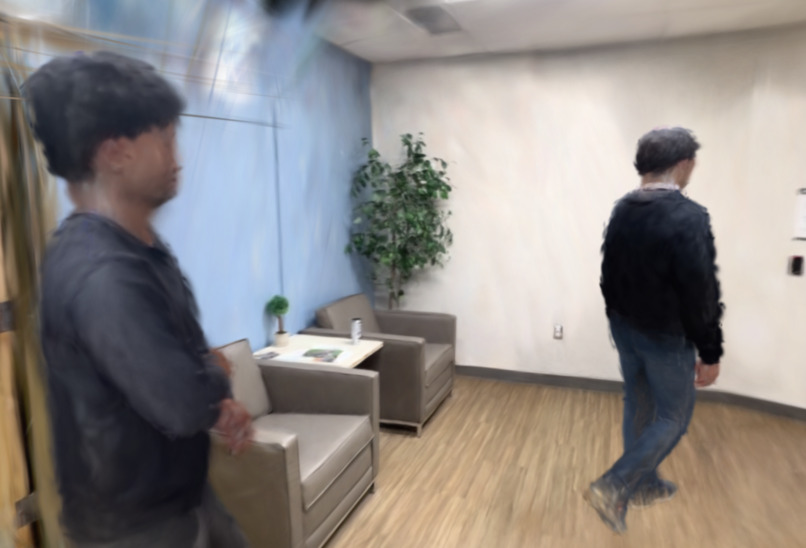
Click Step inside on a supported YouTube video. The extension pauses YouTube and opens the world at the moment you clicked. At first you ride with the camera. Click into the scene and press D to step to the right. With headphones, you can hear the soundtrack shift toward the recorded camera as you move. Press C and you slide back into the shot at its current time.
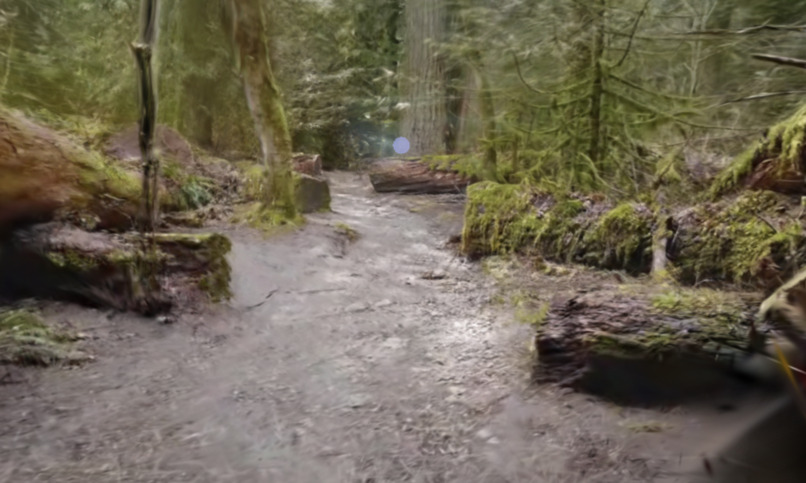
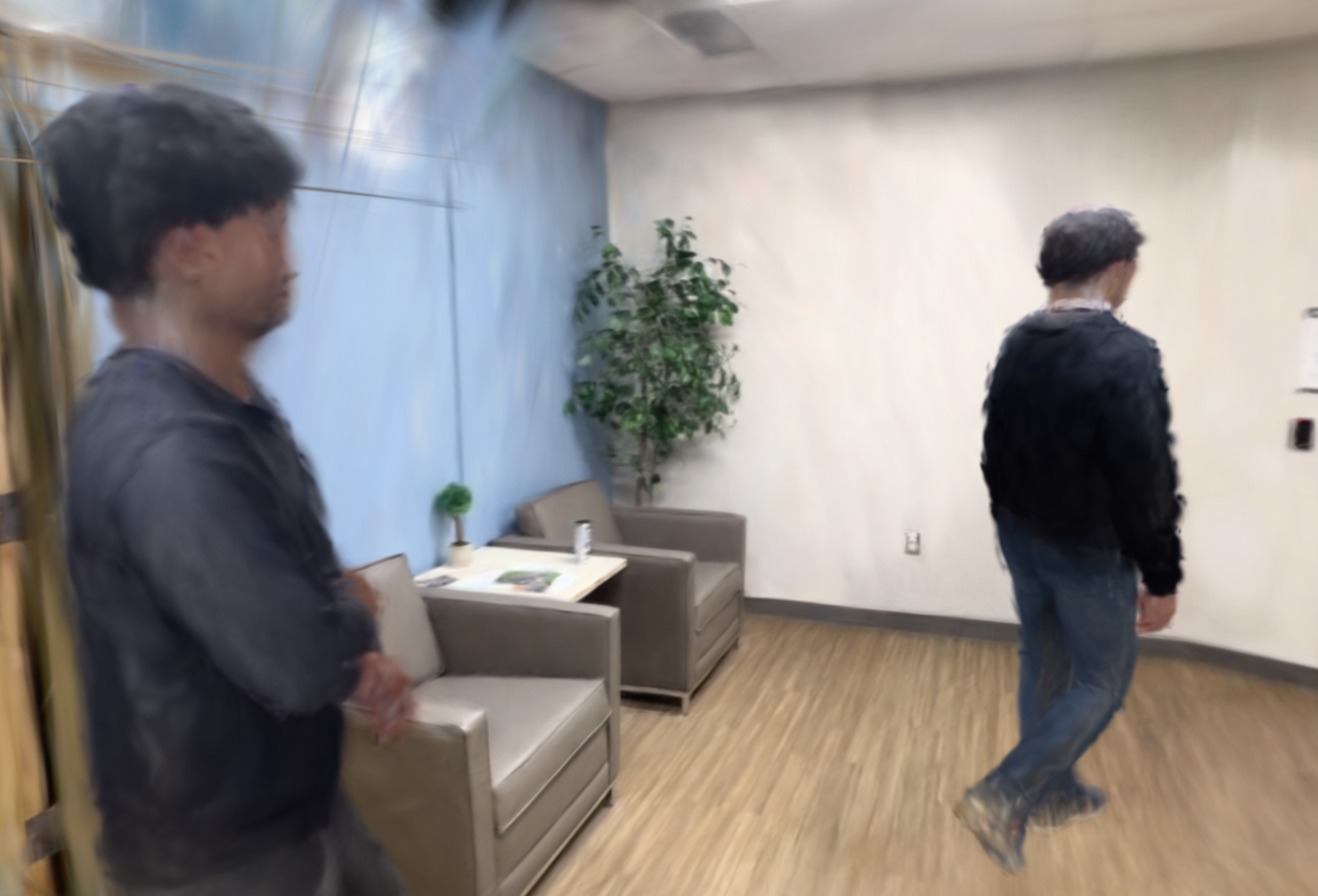
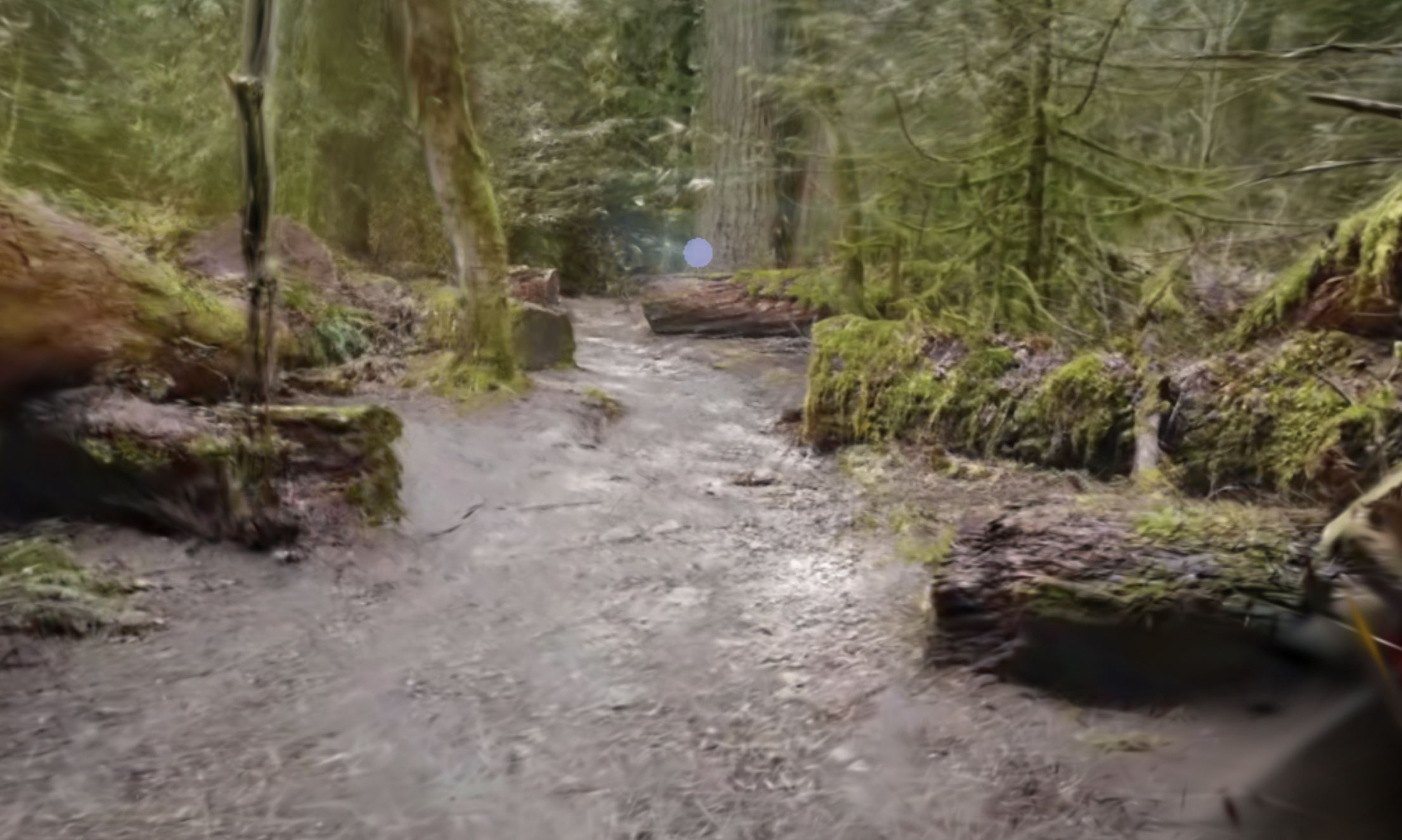
You can also scrub the timeline to explore a different moment. The playhead tells the viewer both when you mean and where the camera stood. The landing page lists 14 prepared worlds, from a snowy ridge to a study room. Misty forest path is the 30-second world included with the repository. The others use separately distributed world files.
How we built it
USplat Engine has three parts: an offline GPU pipeline that turns a video into a world, a static world package, and a browser viewer that plays it back in sync with the original video. The heavy work runs ahead of time on a RunPod A40 (48 GB). Each model family has its own Conda environment. Every stage writes its output to disk and skips itself if that output already exists, so a failed run picks up where it stopped.
The pipeline, step by step
1. Ingest (S0). YouTube blocks downloads from datacenter machines, so we download the clip on a laptop with yt-dlp and upload it to the GPU box. ffmpeg then normalises it to 1280×720 at 30 fps. It also makes a playback copy with frequent keyframes so seeking is instant, a sprite sheet of timeline thumbnails, and individual frames for the models.
2. Find one continuous shot (S1a). A cut can put the camera somewhere completely different in a single frame. If two shots go into one 3D solve, the result is ghostly double geometry and a camera that teleports. PySceneDetect finds the cuts, and we keep the longest usable continuous shot of 60 seconds or less.
3. Direct the clip with Gemini (S1b). Gemini 3.5 Flash-Lite watches the clip and returns schema-validated JSON: a short scene card (a title and two sentences) and hints about what else moves in the scene, such as animals or vehicles. Gemini is optional at every step. Each call falls back to a sensible default, so a world can be built without it.
4. Mask everything that moves (S2). SAM 3 segments every person and moving object in every frame and gives each one a stable ID across the shot. We also build a slightly dilated union mask of all of them. The background must be trained without movers, or a walking person gets smeared into the scenery as a ghost.
5. Recover the camera and depth (S3). Depth Anything 3 estimates the camera's position, orientation, lens and per-pixel depth on keyframes sampled at 5 fps. We then interpolate a pose for every video frame: spherical interpolation for rotation and linear for position. The result is a camera path that matches the video frame for frame.
6. Put the world on a real floor (S3b). Monocular reconstructions come out at an arbitrary scale and tilt. We fit the floor plane and transform everything so the floor is at y = 0, up is +Y and units are metres. That's what lets you walk at a realistic eye height of 1.6 m.
7. Fill the holes behind people (S4a). Wherever a person stood, the camera never saw the background. LaMa inpaints those regions so the background training has plausible pixels to work from instead of a hole.
8. Train the Gaussian splat world (S4). We train a Gaussian splat with gsplat. The scene becomes millions of small, soft-edged patches of colour that a browser can draw in real time, and many overlapping patches give the scene depth as you walk through it. Moving subjects are excluded from both the colour loss and the depth loss; excluding them from only one leaves artifacts. We also randomise the background colour at every training step. With a fixed black background, gaps cost nothing in dark areas, and the model faked mist with dark floaters. On our forest clip, that change removed a large dark blob hanging over the path.
9. Work out where you can walk (S5). We measure which parts of the floor the camera actually saw, then build a signed distance field of the walkable area from them. The viewer uses it to slow you near the edge and slide you along the boundary, so you can explore freely but never walk into space that was never filmed.
10. Track people's bodies (S6a, S6b). GVHMR estimates each person's 3D body pose and shape (SMPL-X) in every frame, matched one-to-one to their SAM 3 mask. We then place each body in the world. Its scale comes from body height and the floor, and its feet are pinned to the ground so nobody floats or sinks.
11. Build an avatar for each person (S7a, S7). We pick the clearest, unoccluded front-facing frame of each person; Gemini can rank the candidates, with the largest unoccluded mask as the fallback. LHM turns that single image into a 3D Gaussian avatar. We rig it to the tracked body so it moves exactly as the person did in the video.
12. Keep the real pixels too (S8). An avatar is a reconstruction, but a face in the original footage is real. Video Depth Anything estimates per-frame depth for each person, scaled to match the world. We pack their real pixels, depth and mask into a single "people layer" video, so near the original camera you see exactly what was filmed.
13. Package the world (S9a). Everything is written into a static folder:
- a manifest;
- the playback video and timeline thumbnails;
- the splat in Spark's level-of-detail format, which streams in progressively;
- the per-frame camera path;
- the walk boundary;
- the avatars with their motion, and the people-layer video.
No server is needed to open a world. A world is just files.
The viewer
The viewer is a Vite and TypeScript app that renders the splat with three.js and Spark in desktop Chrome. Its splat budget is set by your GPU: 1.5 million on integrated and Apple GPUs, 2.5 million on discrete ones. The original <video> element is the only clock. On every video frame, the camera path, avatars, people layer, sound and HUD all update to that frame, so pausing, seeking, looping and changing speed keep everything in sync.
- Ride-along. A world opens following the recorded camera, with the video framed in its 3D surroundings.
- Walking. Moving the mouse or pressing WASD lets you leave the camera's path.
- People. Near the original viewpoint you see the real-pixel people layer. As you move away, the view blends into the 3D avatars, so you can walk all the way around a person.
- Sound. The original audio becomes spatial and comes from where the recorded camera was.
- Scrubbing. Grabbing the timeline glides you back to exactly where the camera stood at that moment. C rejoins the camera without seeking.
Getting there from YouTube
A Chrome Manifest V3 extension adds a Step inside button next to Like. Clicking it pauses YouTube and opens the matching world at the current timestamp. The landing page offers the same entry point by pasted link, along with a carousel of the prepared worlds.
Building a world that stays in sync
We use Gemini 3.5 Flash-Lite to describe an approved clip and suggest subjects for the masking stage. For a person, Gemini can also rank candidate frames so the avatar builder starts with a clear view. Close to the filmed viewpoint we can show the person’s actual pixels. Farther away, we switch to a 3D avatar driven by body motion tracked from the video.
We run the heavy stages ahead of time on a RunPod A40. The result is a folder of static assets that a three.js and Spark viewer can open in desktop Chrome. The original video supplies the clock for the camera, people and sound. Pausing or seeking gives every layer the same frame to return to.
Challenges we ran into
One forest reconstruction looked plausible until you reached a bend, where a dark blob hung over the path. We traced it to the black background used during training. The model could leave gaps in dark areas at little cost. Varying the background colour during training cleared the large blob, even though the image similarity score barely moved. We started looking at the scene from a step to either side as well as from the original path.
Accomplishments we are proud of
We got a complete handoff working, from a timestamp on YouTube to a walkable scene and back onto the moving camera path. For the forest clip, our alignment check rendered the scene from the recorded camera poses and compared it with the source. One run scored 27.6 dB PSNR and 0.89 SSIM on the static image content. We also overlaid each render on its source frame so a misplaced edge was easy to spot.
What we learned
A frame can look right from the camera and still fall apart one step to the left. We learned to judge a reconstruction by the movement we were promising the viewer. We also learned that a familiar control can explain a complicated system: scrubbing to a tree and landing back where it was filmed makes the relationship between time and place feel obvious.
What is next for USplat-engine
We want to make more of each scene explorable, especially where a person blocked the camera’s view. We’ve tried a separate Atlas fill experiment for those gaps. Next we’d compare filled and reconstructed regions from the same viewpoints, then make it clear to viewers which parts were inferred. We’d also like to let someone submit a new clip for processing from the landing page.


