-
-
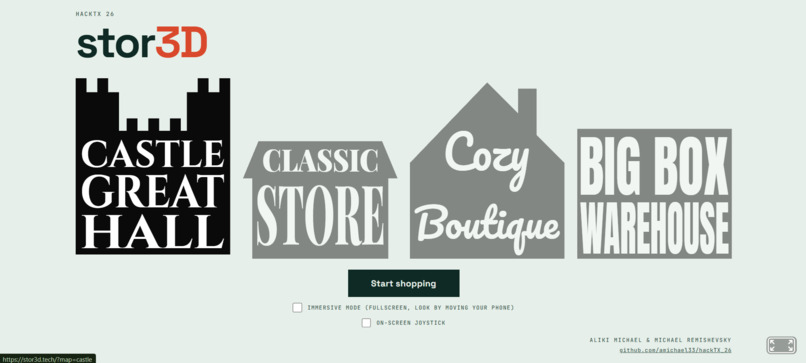
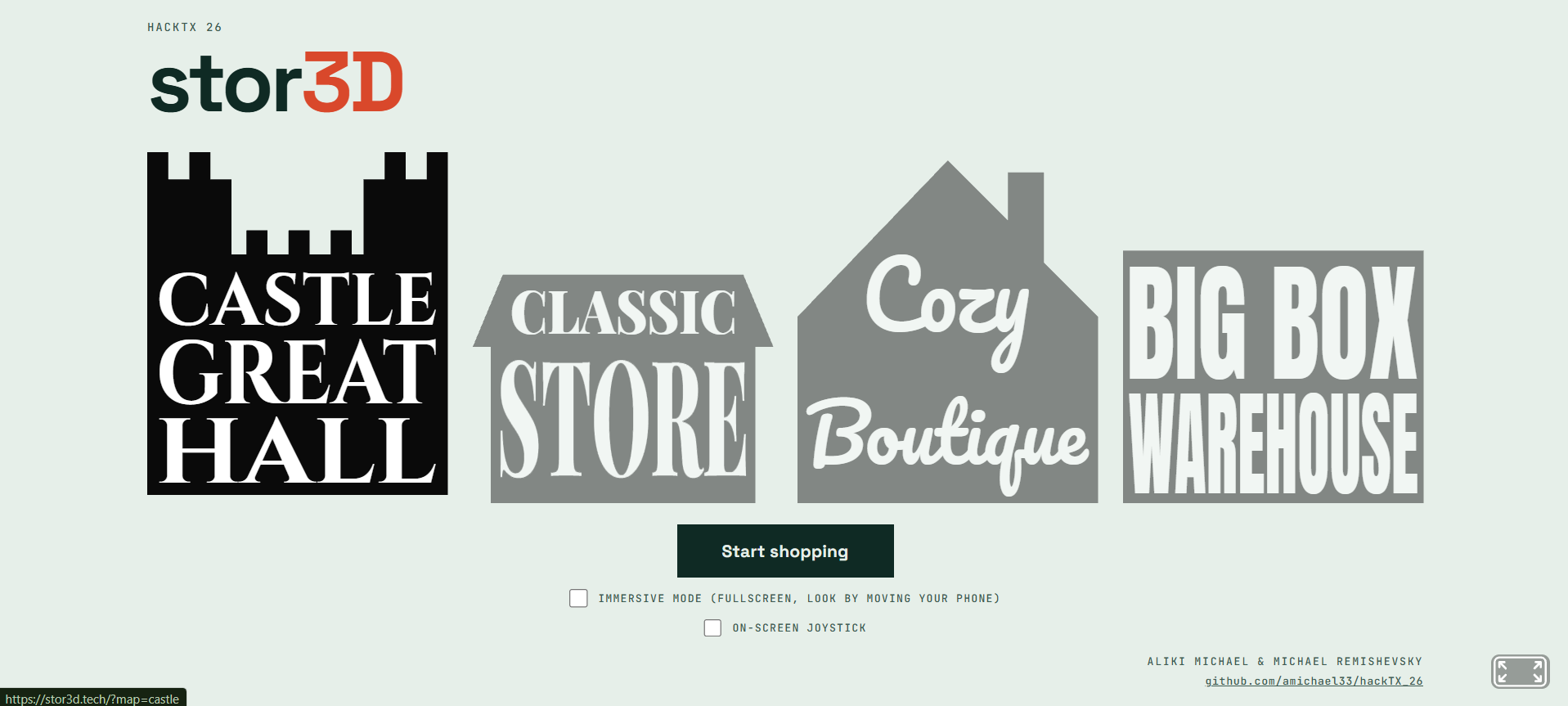
main landing page
-
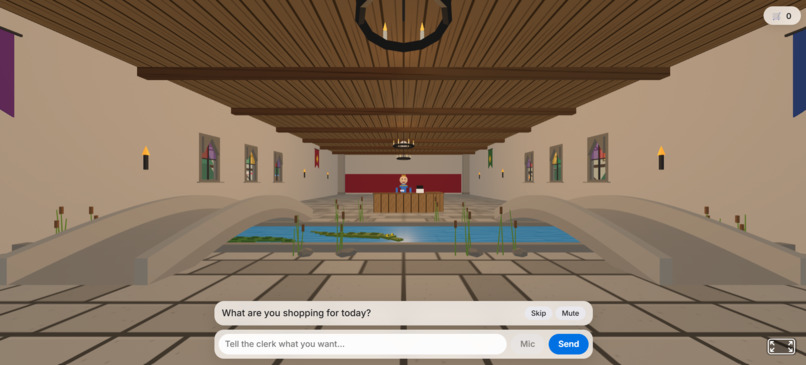
castle great hall store
-
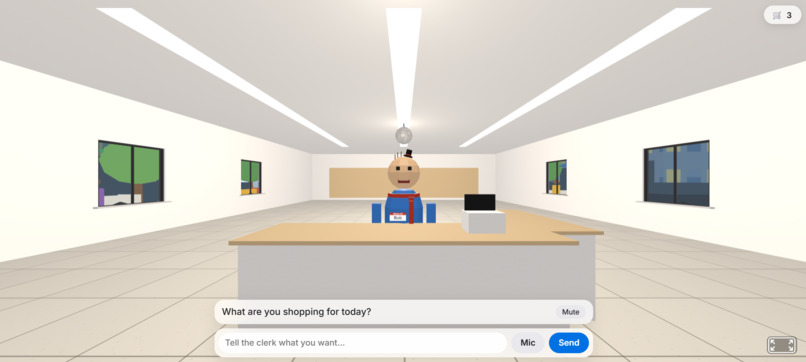
classic store
-
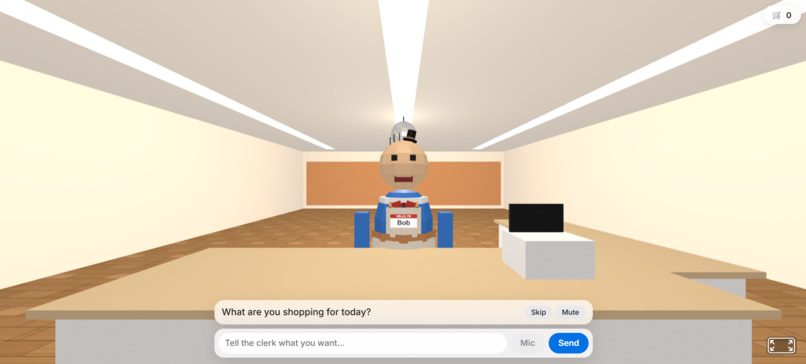
cozy boutique store
-
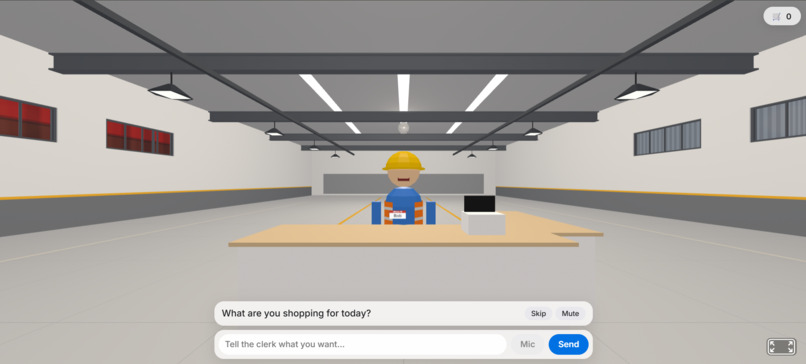
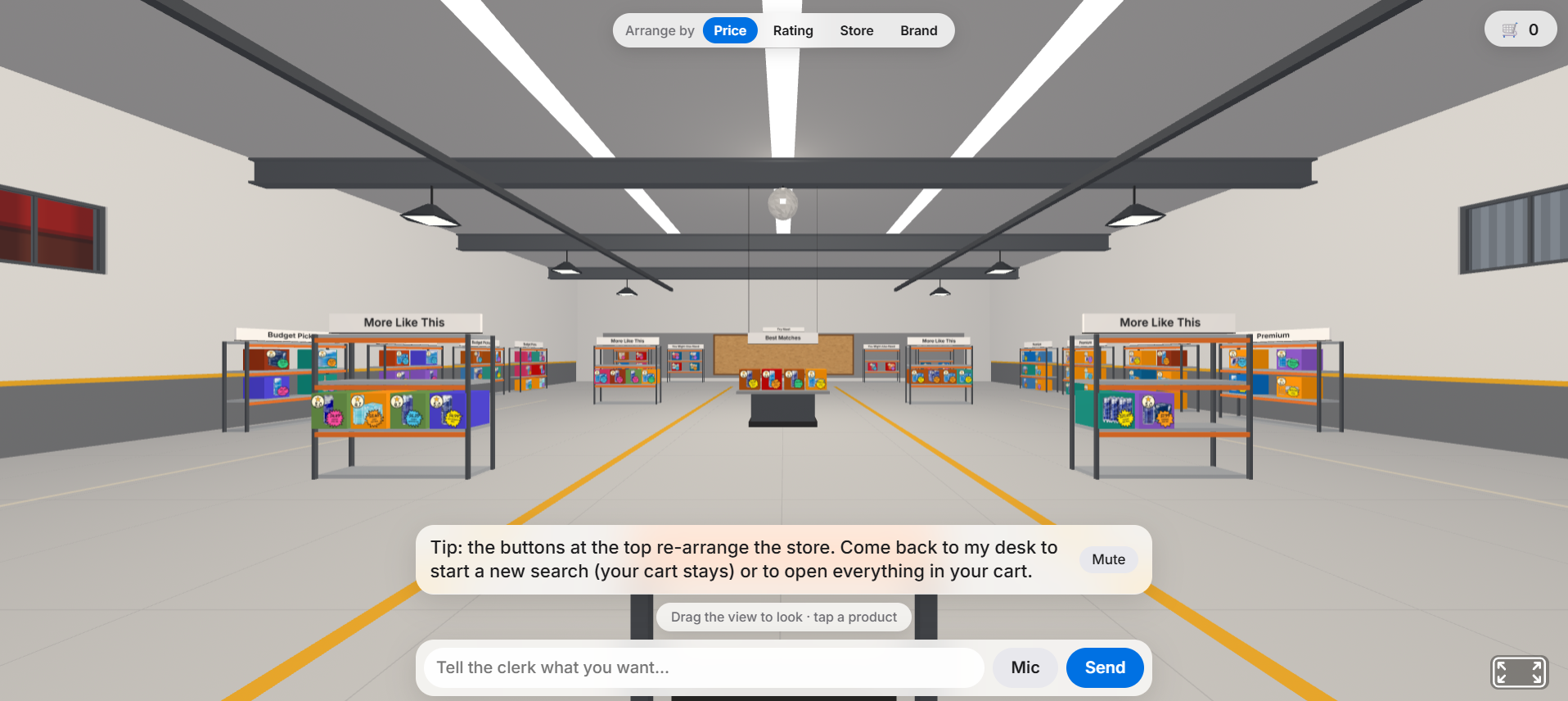
big box warehouse store
-
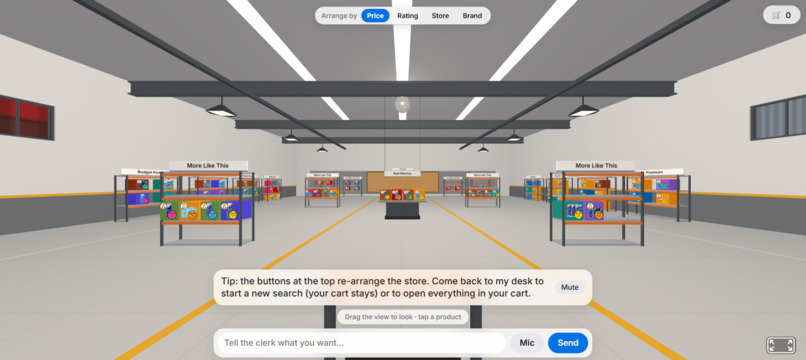
items loaded in store
-
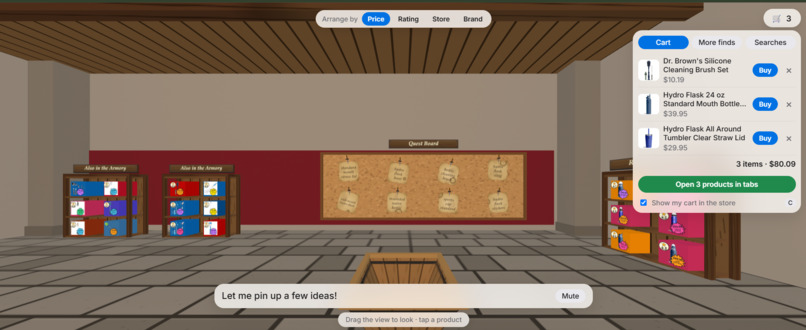
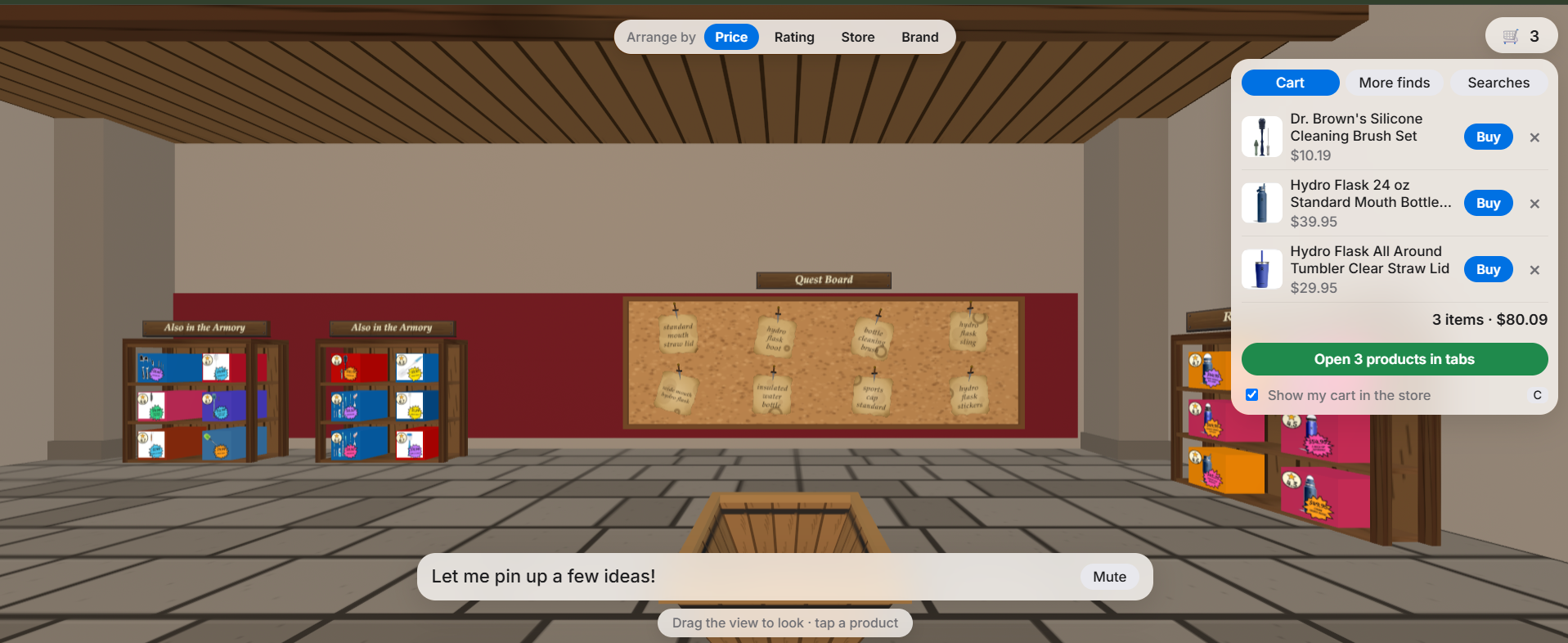
back wall + saved cart
stor3D
Inspiration
Online shopping is a wall of tabs, filters and sponsored results, and nobody enjoys it. Walking into a shop and asking someone is faster and friendlier: you say what you want, they ask a question or two, and they bring out a few options. We wanted that on the web. Rather than a chatbot that returns a list, you get a place you can walk around, with a shopkeeper and a store that builds itself around your request.
What it does
You pick one of four stores on the home page, press Start shopping, and meet Bob, the clerk, who wears a comically tiny hat. Bob asks permission to check what's near you (GPS, a typed city or ZIP, or a default city). He then asks a couple of short questions by voice or text. When he knows what you want, he goes "to the back". The shelves fill with real products from Google Shopping and Amazon, two pages of each.
- Layout: The best matches sit on the center island. Cheaper picks line one wall and premium picks the other. Buttons at the top re-arrange the whole store by price, rating, store or brand, instantly and for free.
- Products: Each product is a brand-coloured box with its photo cut out from the background, a star rating and a funny price sticker. Clicking one shows price, seller and rating. Buy skips Google Shopping and opens the seller's own page.
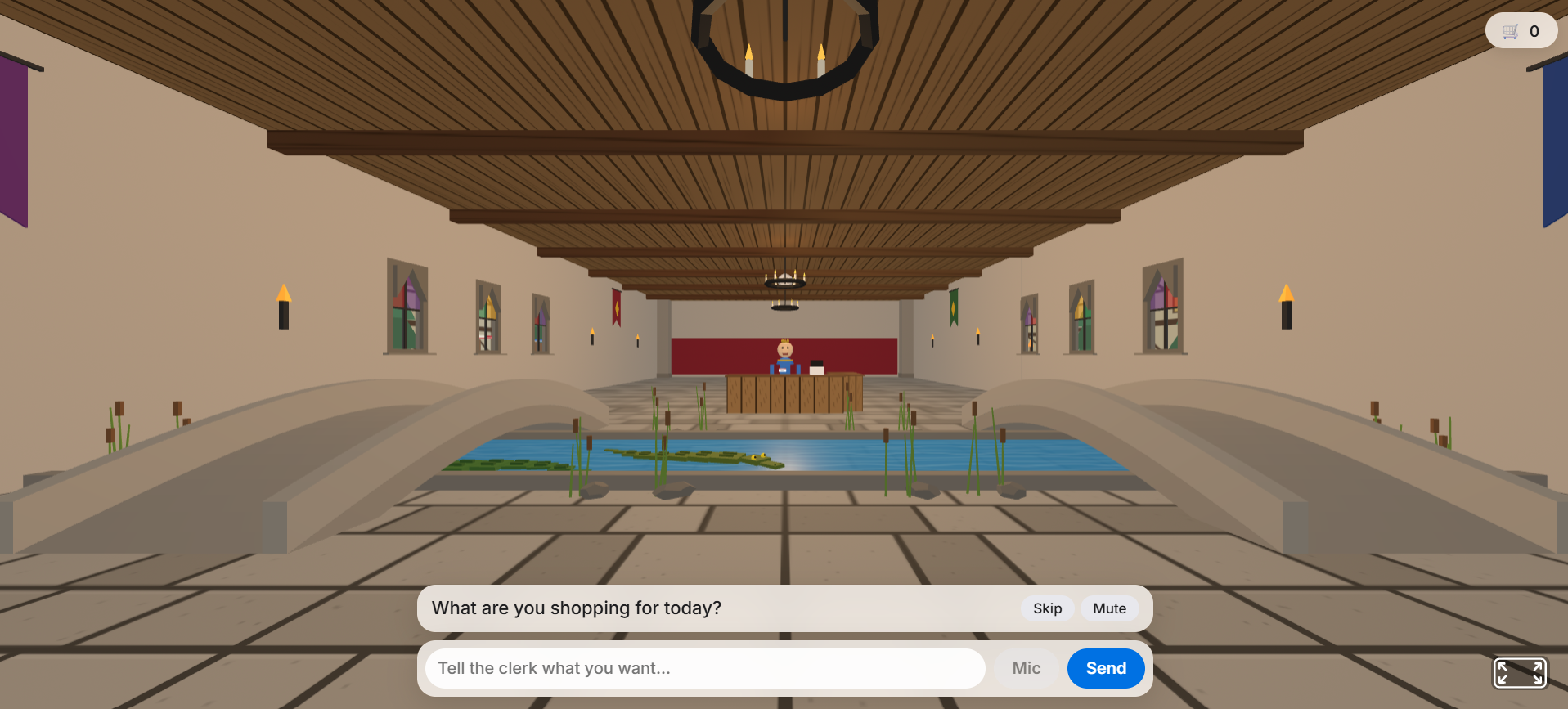
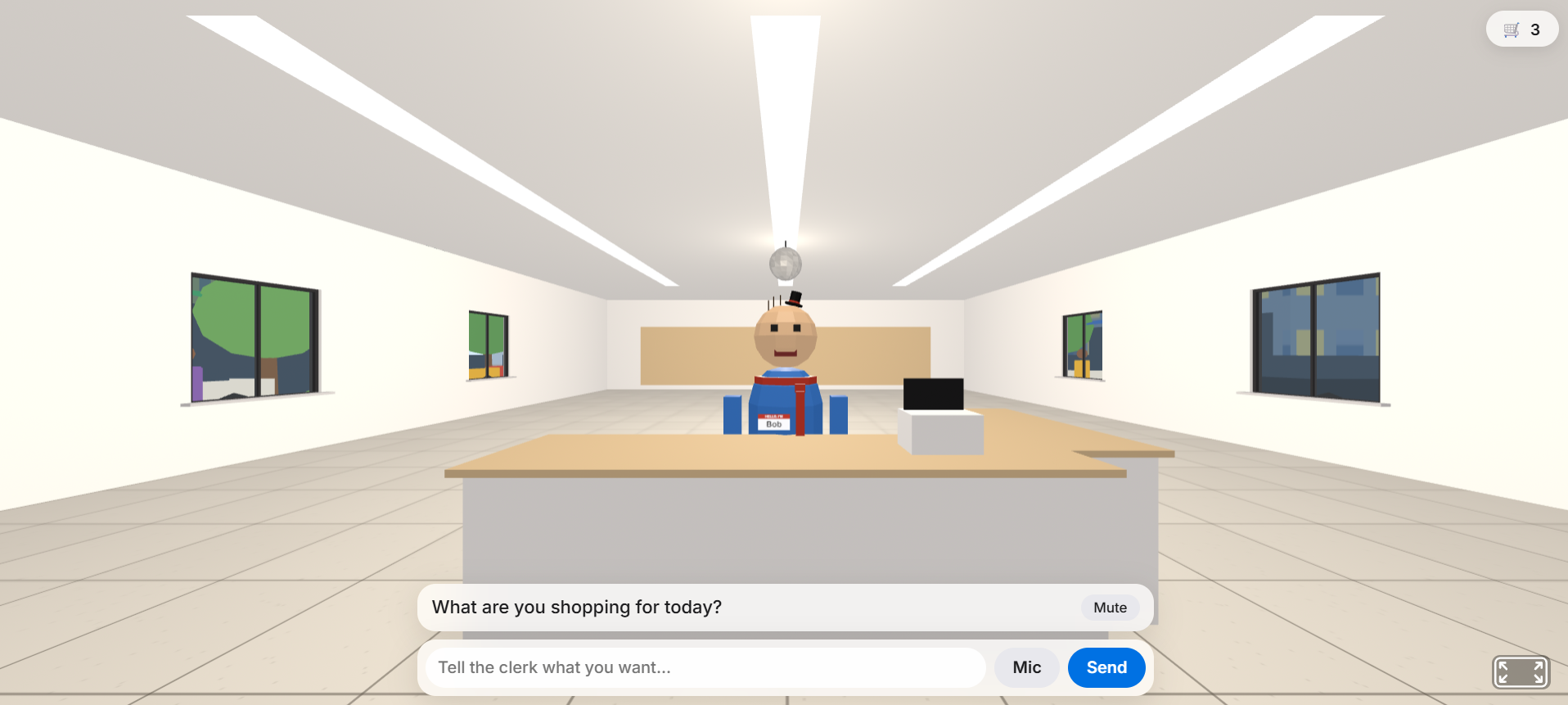
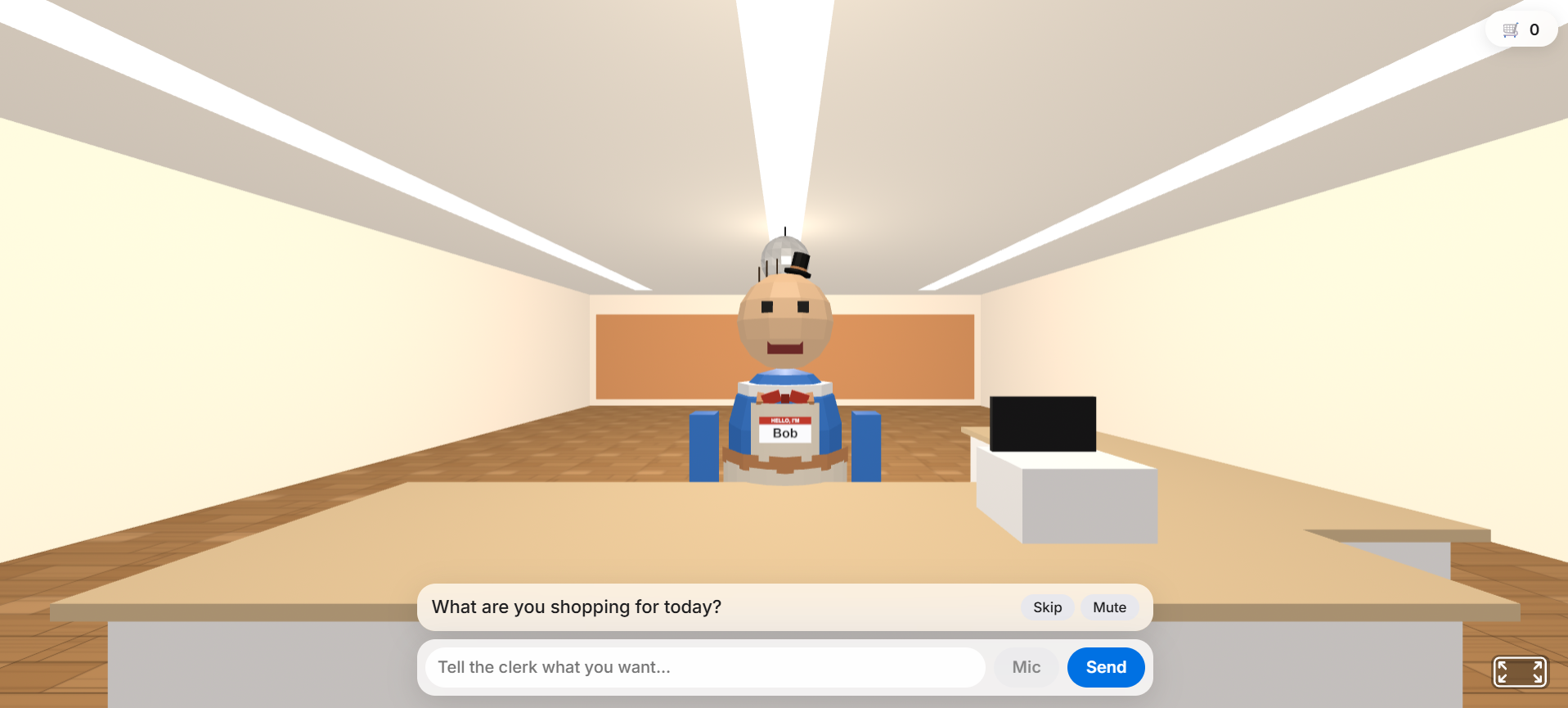
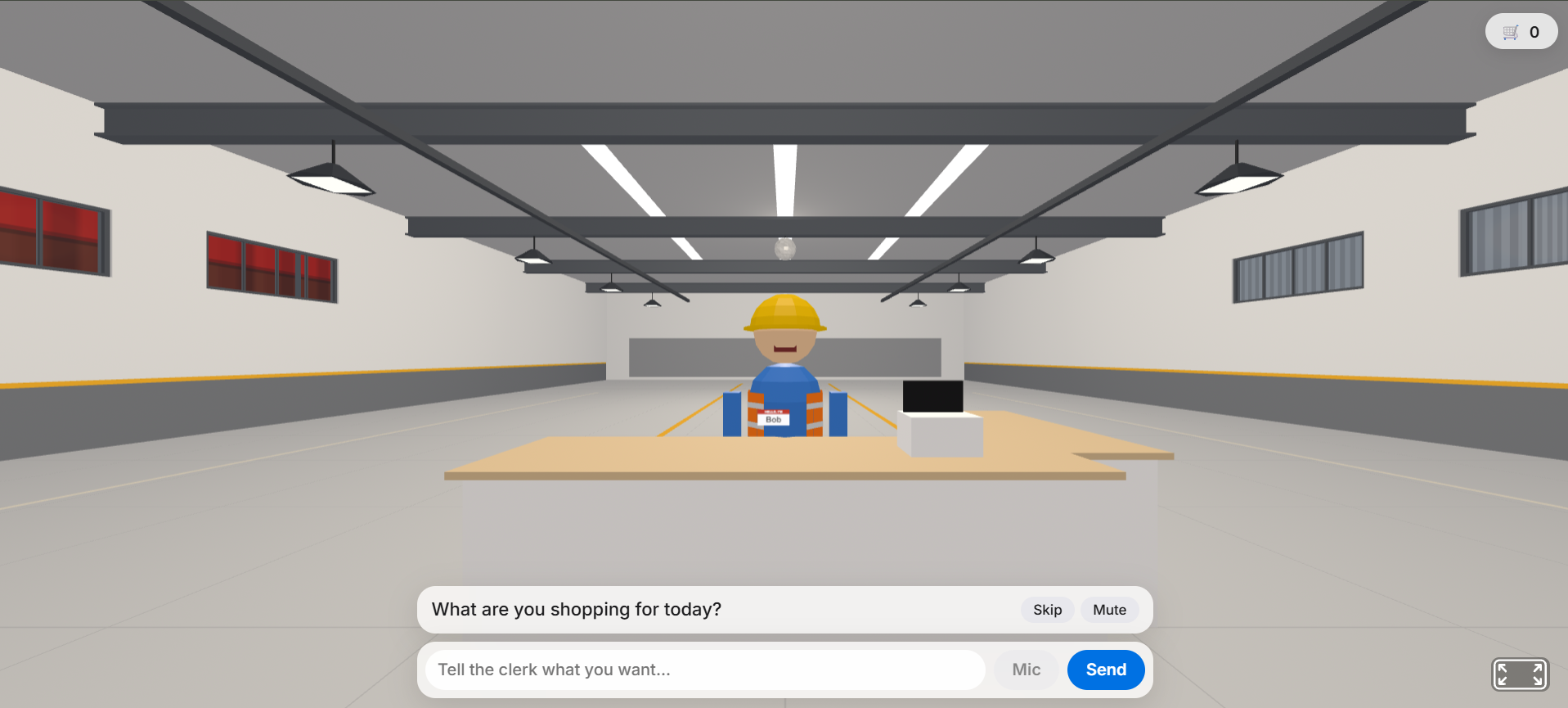
- Four stores: Classic, Cozy Boutique, Big Box Warehouse and a Castle Great Hall with a river, two arched bridges and alligators that turn to watch you and hold up products in their jaws. Each store has its own shelves, floor, cart, town outside the windows, typeface and outfit for Bob.
- Sticky notes: At the back wall, Gemini pins follow-up ideas ("mouse pad", "wrist rest") on a corkboard. Click a note and Bob asks whether to search for it.
- Clothing: Clothing searches switch the shelves to rails of hanging garments.
- Cart: A shopping cart follows you (and is drawn in 3D), and Open all sends every item in your cart to its seller in its own tab.
- New search: Walk back up to Bob and start typing. Past searches are saved and can be replayed without spending any API calls.
- Phones: The home page fits one screen with no scrolling, and phones get an on-screen joystick, touch look and an optional motion-look mode.
How we built it
- Frontend: Plain HTML and JS on A-Frame (Three.js). The store is made entirely of primitives and flat-shaded materials, so no model files are needed. A small vanilla state store drives a phase machine,
INTRO → LOCATION → CHATTING → SEARCHING → OPENING → BROWSING, and both the 3D scene and the UI react to it. Each store is just a data entry in one file (room, shelves, outfit, cart, windows, scenery), so a new map is mostly data. - Voice: Tap-to-talk speech recognition for input and browser speech synthesis for Bob. Subtitles type along with his speech, and the text box always works as a fallback.
- Backend: Node and Express, with Gemini (structured output) playing the clerk, deciding when it knows enough to search, suggesting the sticky-note ideas and writing the sticker jokes in one batched call. SerpApi supplies the products and, on Buy, finds the seller's page. Results are cached, rate-limited, de-duplicated and normalized into one
Productshape with a price tier. - Layout: A pure function,
layoutStore(products), turns products into slots by relevance and tier, which made it easy to test. - Hosting: Deployed at stor3d.tech behind Caddy.
- Testing: We built it test-first with Node's built-in test runner (over 260 tests), and worked through the plan task by task.
Challenges we ran into
- Latency and cost. A search takes several seconds and every SerpApi call costs credits. We hid the wait behind Bob's "let me check the back" animation and cached by query. A live search is two engines times two pages, so $2 \times 2 = 4$ credits, which is why we added a per-visitor daily limit and a shared credit pool, and a demo mode with canned products so we could develop without spending anything.
- Messy product photos. Textures need CORS-safe images, so thumbnails go through a proxy that checks hostnames and content types, and we remove backgrounds in the browser with a flood fill. Some clothing retailers show a person wearing the item, so a hoodie sometimes appeared as a man hanging from a hanger. We tried detecting those photos by counting skin-tone pixels and drawing a garment-shaped stand-in with the photo as a tiny tag. It looked worse (a plain box with a tiny picture in the corner), so we went back to showing the real photo.
- Scope. Cart, saved searches, sorting and four themed maps all tempted us. We kept the core demo first: conversation, then the store builds itself, then you walk around.
What we learned
- Putting the API behind a fake
fetchand an LLM interface made nearly everything testable without spending credits. - Voice features take care: you have to mute the mic while the clerk talks, and long utterances need splitting into sentences.
- 3D in the browser needs constant attention to z-fighting, draw calls and texture sources, and some bugs only a real browser shows.
- Small touches carry a lot of personality. The tiny hat, the jokes on the stickers and an alligator holding up a product are what people remember.
Built With
- .tech
- aframe
- claude
- geminiapi
- serpapi
- vscode
- vultr

Log in or sign up for Devpost to join the conversation.