-
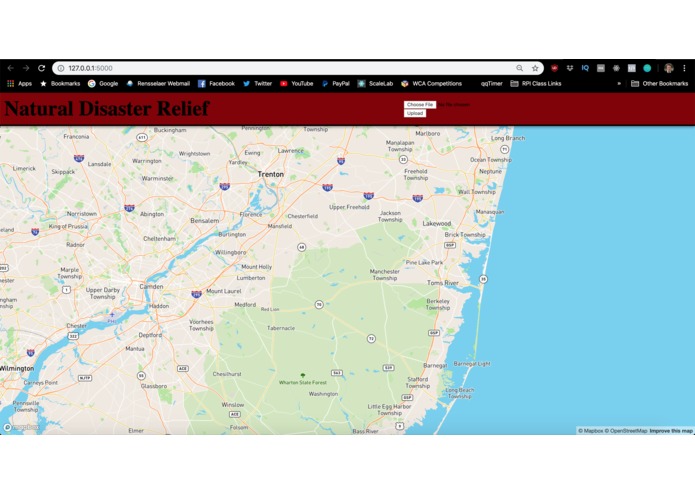
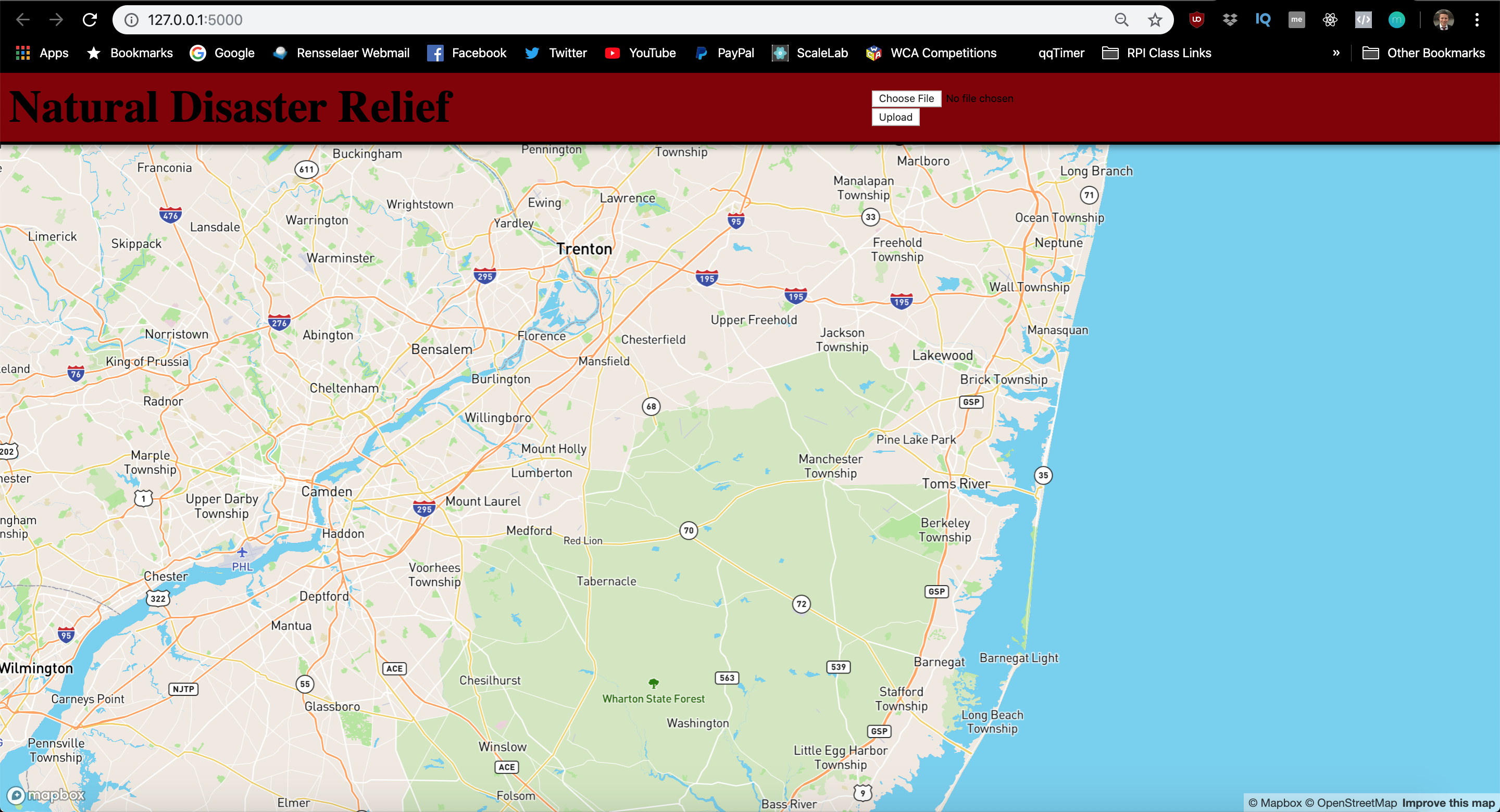
Landing page and main interface for FloodZone Nav
HackRPI Natural Disaster Application
The Problem
What if there was a way we could provide realtime information about route availability to people after a storm, and show them what areas to avoid if there are floodwaters and downed trees blocking roads?
Our Solution
We initially started out by thinking we would use realtime satellite imaging from NOAA, who provides before and after satellite imaging of storm damage. The core of the app would use IBM Watson Cloud's Visual Recognition tool to build a model and train it on images of flooded and non flooded areas, and then distinguish which routes are the most accessible. However, at the moment, capturing real time up close storm damage imaging is very difficult, so we scaled back the scope of the project drastically.
We decided to try approaching the app differently. We still wanted to use IBM Watson Cloud's Vision Recognition tool so the core of our application still has machine learning involved. However, we figured it would be best to train the model on drone captured footage. The user would then go to our application, and drop pins on a MapBox map. The user would upload an image to our Python Flask webserver, and based on the outcome of the comparison to our ML model, the pin would turn red, indicating road damage, or green, indicating the area is clear of debris.
The final component of the application would be to use a pathfinding algorithm to determine which path is most accessible.
Feature List
Backend: [x] IBM Watson Cloud's Vision Recognition ML Model [x] Python Flask web application that lets users upload images via POST request on the front end, then processes the image via the Vision Recognition training API [_] Pathfinding algorithm to discover shortest path between two dropped pins
Front end: [x] A front-end built in Javascript that displays the MapBox instance [x] Pin dropping functionality on MapBox [_] Changing color of pin based on output from uploaded image
Turns out MapBox is hard to work with. Most of our progress was stagnated by MapBox's finicky API. A lot of issues stem from the Layering in MapBox, and our goal was to get a popup modal to appear when the pin is placed on the map. The user would then upload the image via the popup modal.
We scrapped that idea and then went with the following logic: The user clicks a location on the map. The user is then prompted to select an image and submit it. The image is sent to the backend for processing and modeling, and a pin is dropped on the map. This worked fine up until we tried to upload the image, and the server kept receiving an "Undefined" file from Javascript's XMLHttpRequests.
Our last, and now most recent hotfix is to reimplement the form button/upload Dan wrote, so the user uploads the image first, and then when the user clicks a location on the map, the marker is either green or red based on the result from the output image.
At the moment, the file uploading is complete, but we have yet to implement the changing of the dropped marker color. After this is implemented, the only missing feature would be the pathfinder.
Future Features
Obviously a full-time dedicated team working on making this application come to fruition would be great - we'd be able to realize many of our original goals such as analyzing realtime satellite data, and using Maps APIs to provide actual directions instead of pathfinding on our own based on dropped pins and coordinates. It's a step in the right direction, and with the proper tools and guidance, we feel we can make this into a viable product.
Who Did What
Daniel
- Machine Learning model creation with IBM Watson Cloud's Vision Recognition ML Model
- Python web server that can accept an image uploaded from a form on the front end
Stefan
- MapBox GL JS interface
- Clickable map interactions for dropping pins
- Front end interface to upload the files from


Log in or sign up for Devpost to join the conversation.