-
no cap
Inspiration
This all started because we had each gotten a Google Home Mini for free, and we were thinking about if it was possible to use voice commands on it and have it interact with an Arduino to perform a task.
Function
These programs use IFTTT applets with a Google Assistant trigger to an Adafruit action to send data to a feed which the Arduino will read in and change based on that data it reads.
Build process
We started off by looking in to how a Google device can interact with an Arduino board, learning that IFTTT was a popular choice. We then researched into how to connect the board to a wireless network, and subsequently looked into services that could take in inputs from a Google Assistant and generate an output that the Arduino could interact with. After deciding on using Adafruit IO as the cloud service, we started off by seeing if we could pass through a command to the Google Assistant to turn on an LED which would then be sent to the Adafruit data feed that the Arduino would read in and perform the task. After writing a program that accomplished this, we thought about trying to have the Arduino read in voice inputs themselves from Adafruit to print onto an LCD screen.
Challenges
Early into our research, we found that the Google Home Minis couldn't be set up to any of the networks available. This was what led us to use the more versatile Google Assistant. The next major challenge was finding a cloud service that was available in IFTTT and also generated outputs that an Arduino could interpret. After a considerable amount of time of research, we decided on the Adafruit IO service. As we were making the final touches on the project, we found that one of the wires connecting the Arduino to the LCD screen had snapped, causing the LCD to short and be unusable.
What we accomplished
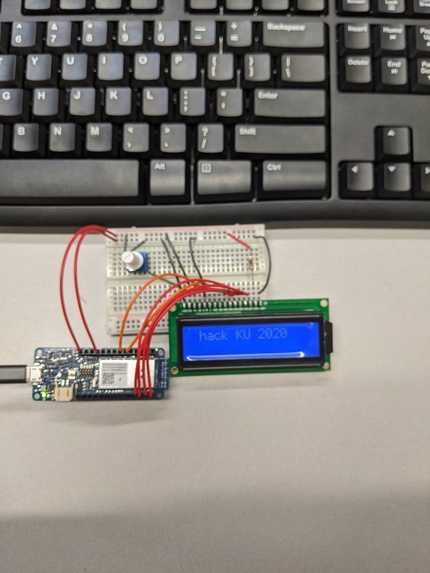
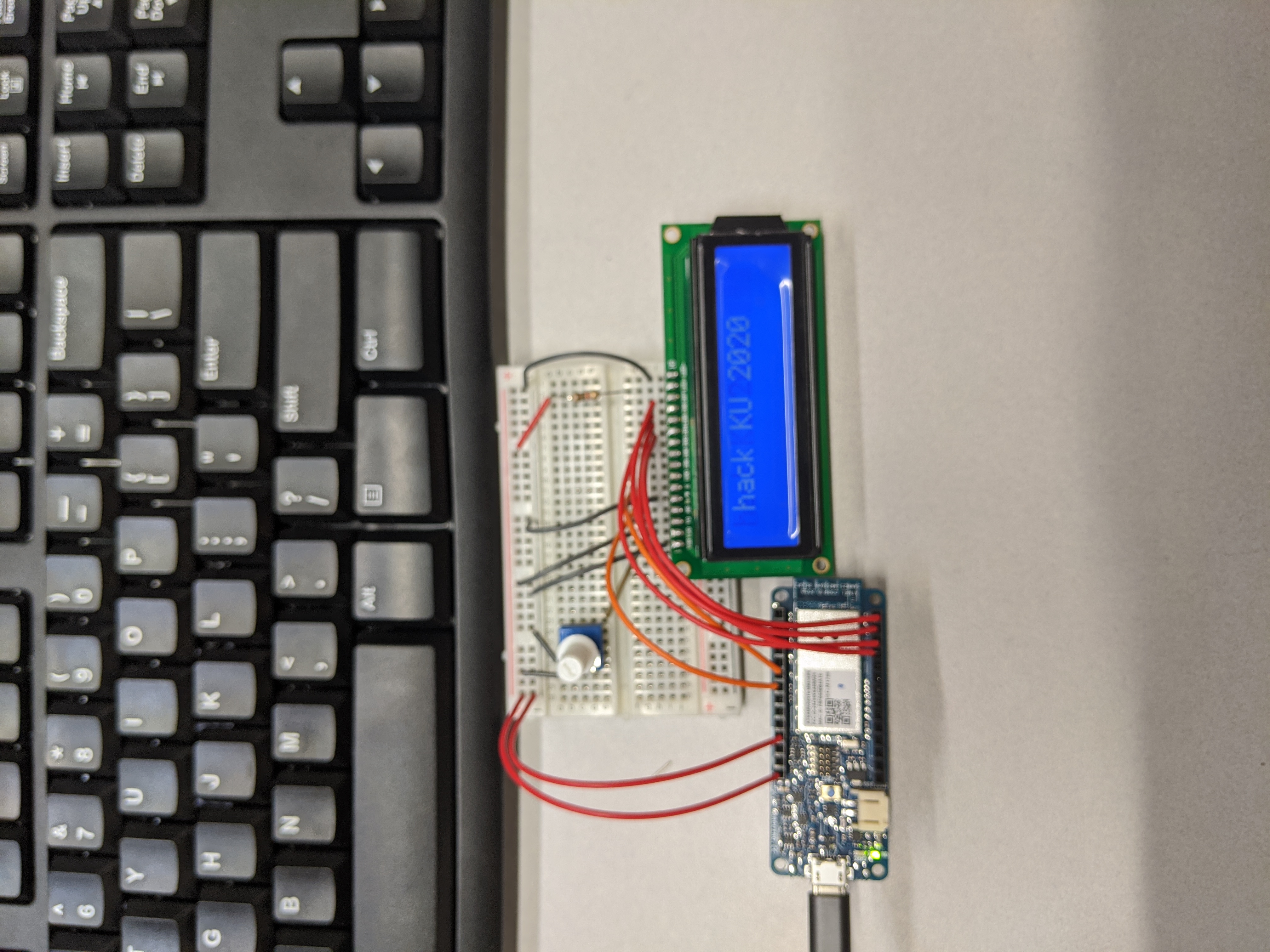
We made an IFTTT applet that takes in a voice command to Google Assistant and outputs data into an Adafruit data feed that the Arduino could read in and perform an action based on it. So far, we have been able to make it turn on and off an LED, as well as display a phrase that we say to the Assistant.
What we learned
The basics of an IoT network, How to connect an Arduino to the internet and a server to read in data, MQTT protocol; how to utilize it to create an IoT network utilization of WiFi and Adafruit libraries for Arduino IDE
What's next in mind
Learning how to use a different, more robust cloud service to handle our IoT network Thinking of more utilizations of an Arduino, as well as implementation for Raspberry Pi boards Learning the Google API to customize Google Assistant interactions (utilizing it as an output as well as an input service) Learning other communication protocols to realize different ways of implementing IoT networks


Log in or sign up for Devpost to join the conversation.