Optimized tool selection## Inspiration
Students often spend more time preparing practice material than actually learning from it. StudyX was inspired by the need for a faster, more focused way to revise, test understanding, and see where improvement is needed.
What it does
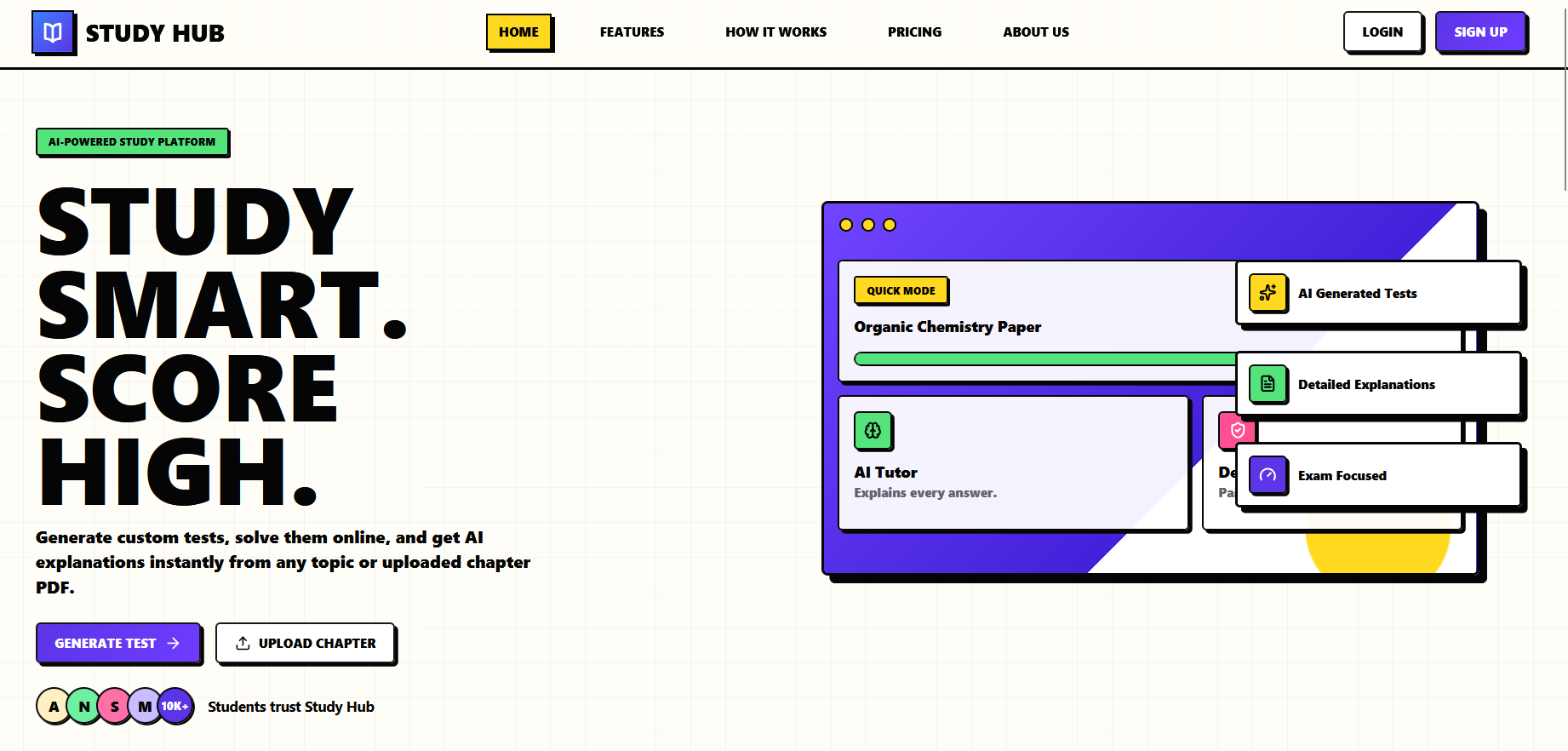
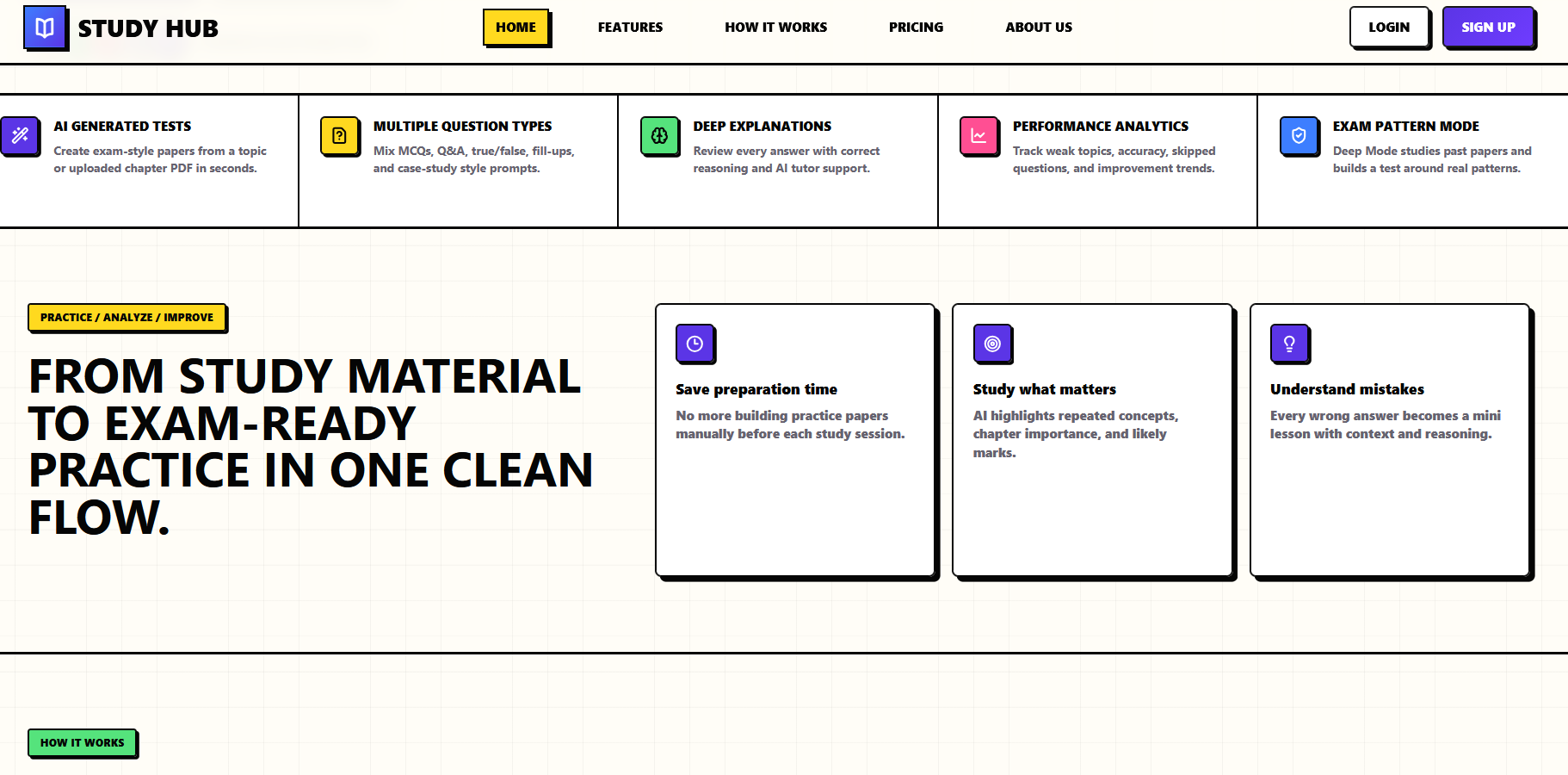
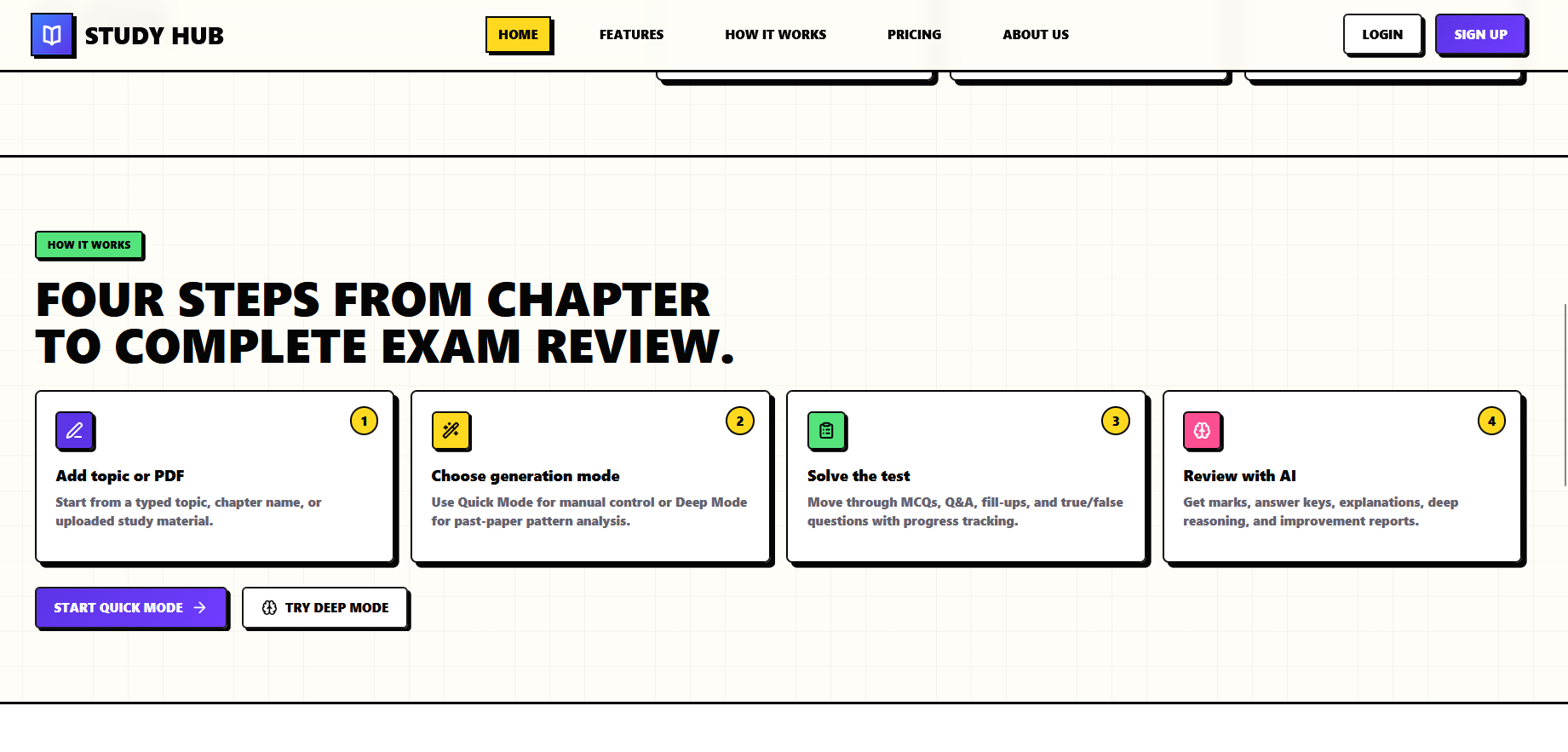
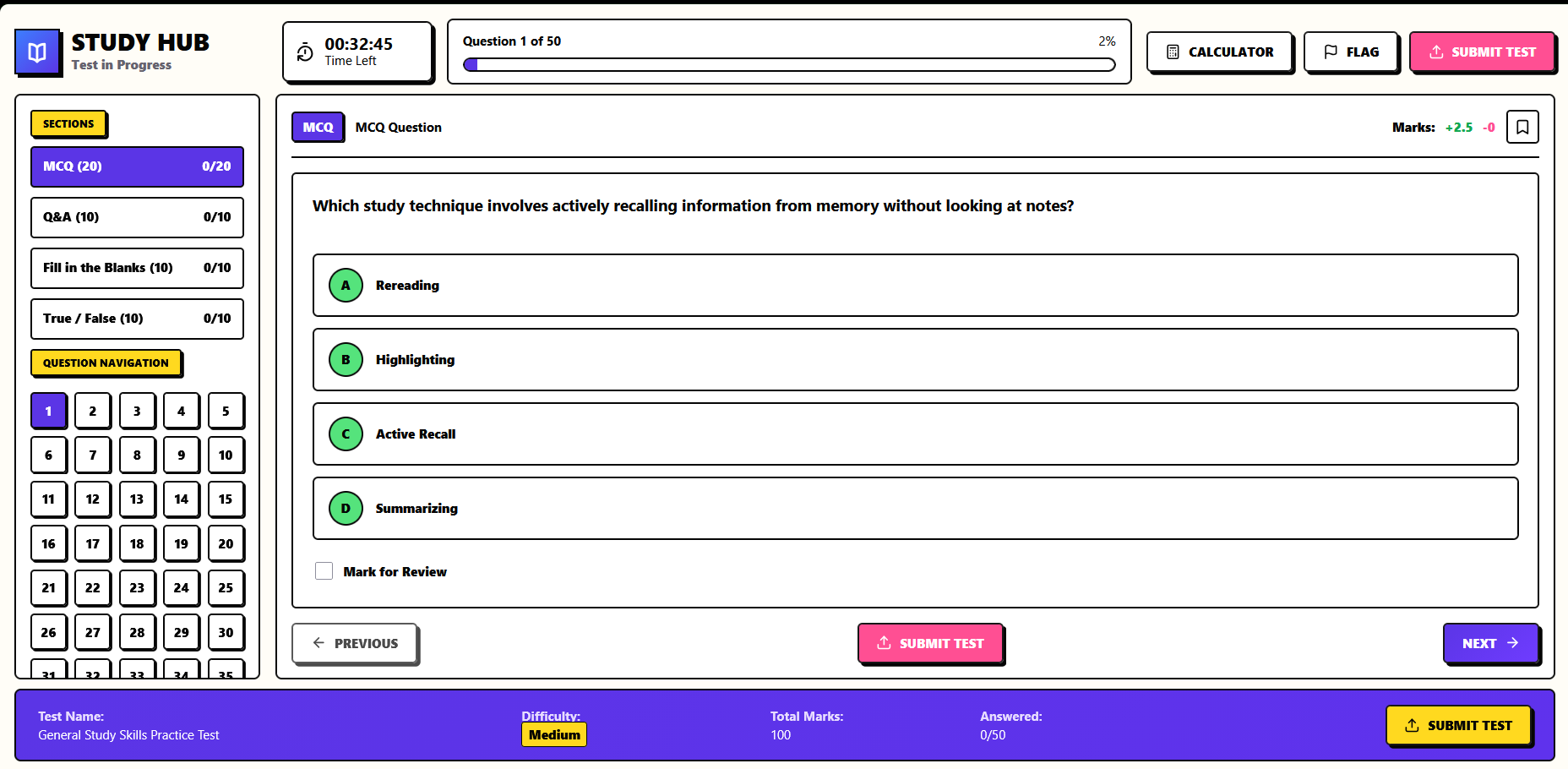
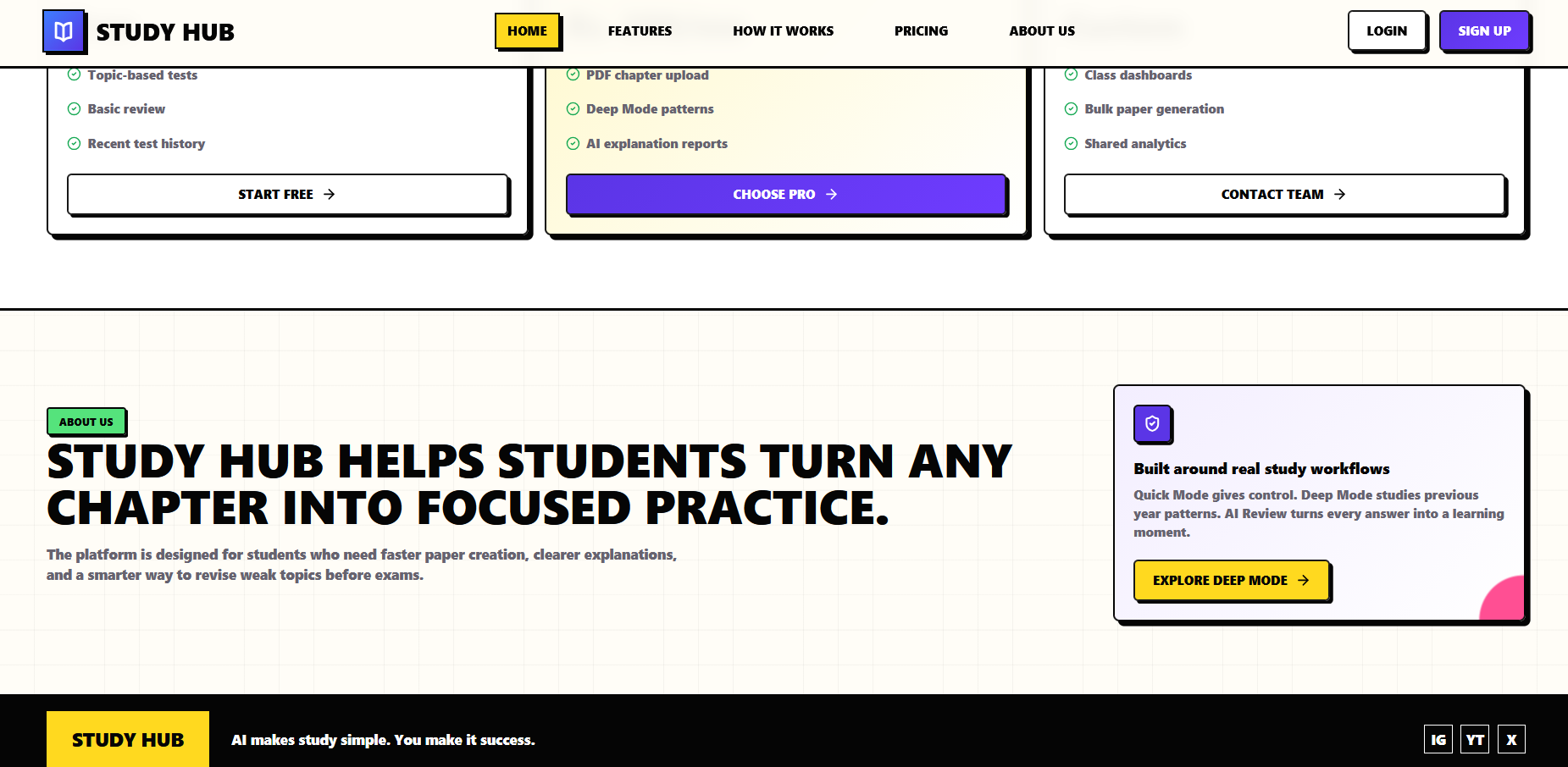
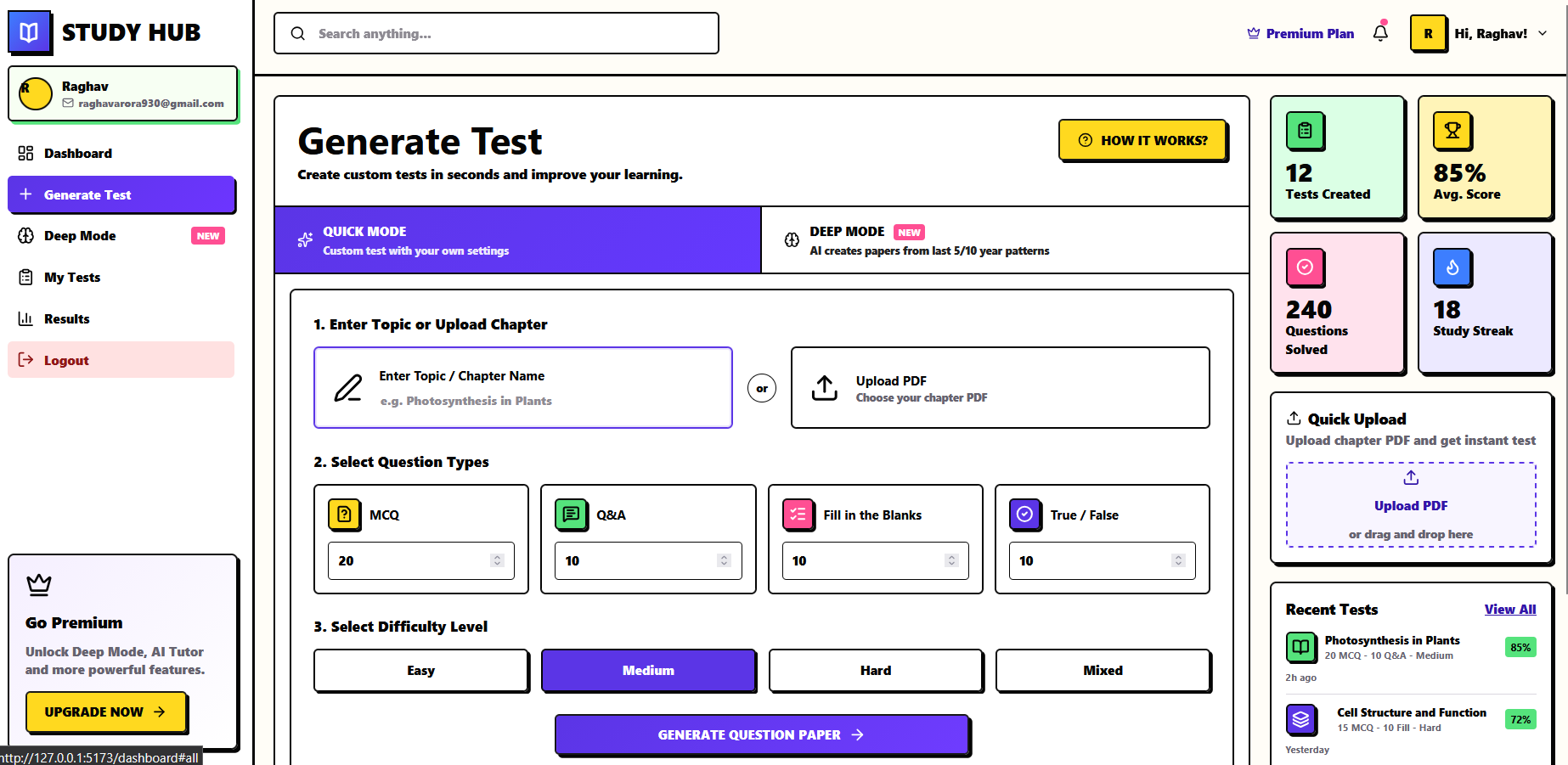
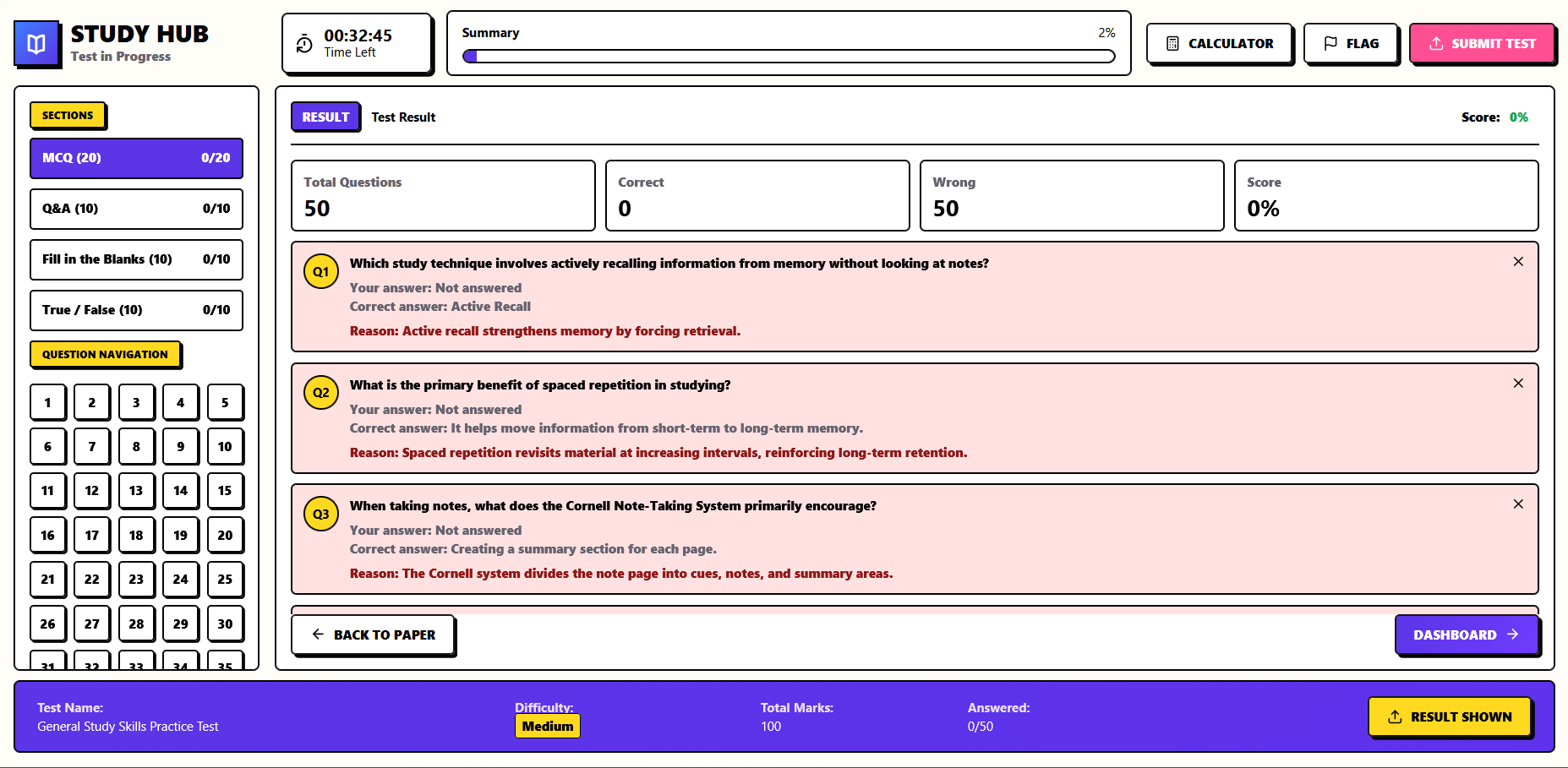
StudyX helps students generate custom tests from a topic or uploaded material, choose quick or deep study modes, review answers, and track learning progress from a clean dashboard. It combines test creation, result review, and performance insights into one study workflow.
How we built it
We built StudyX as a Vite and React web app with a responsive dashboard interface, Supabase authentication, and AI-powered test generation support. The app uses reusable data structures and UI sections for landing pages, dashboard tools, test views, and review flows.
Challenges we ran into
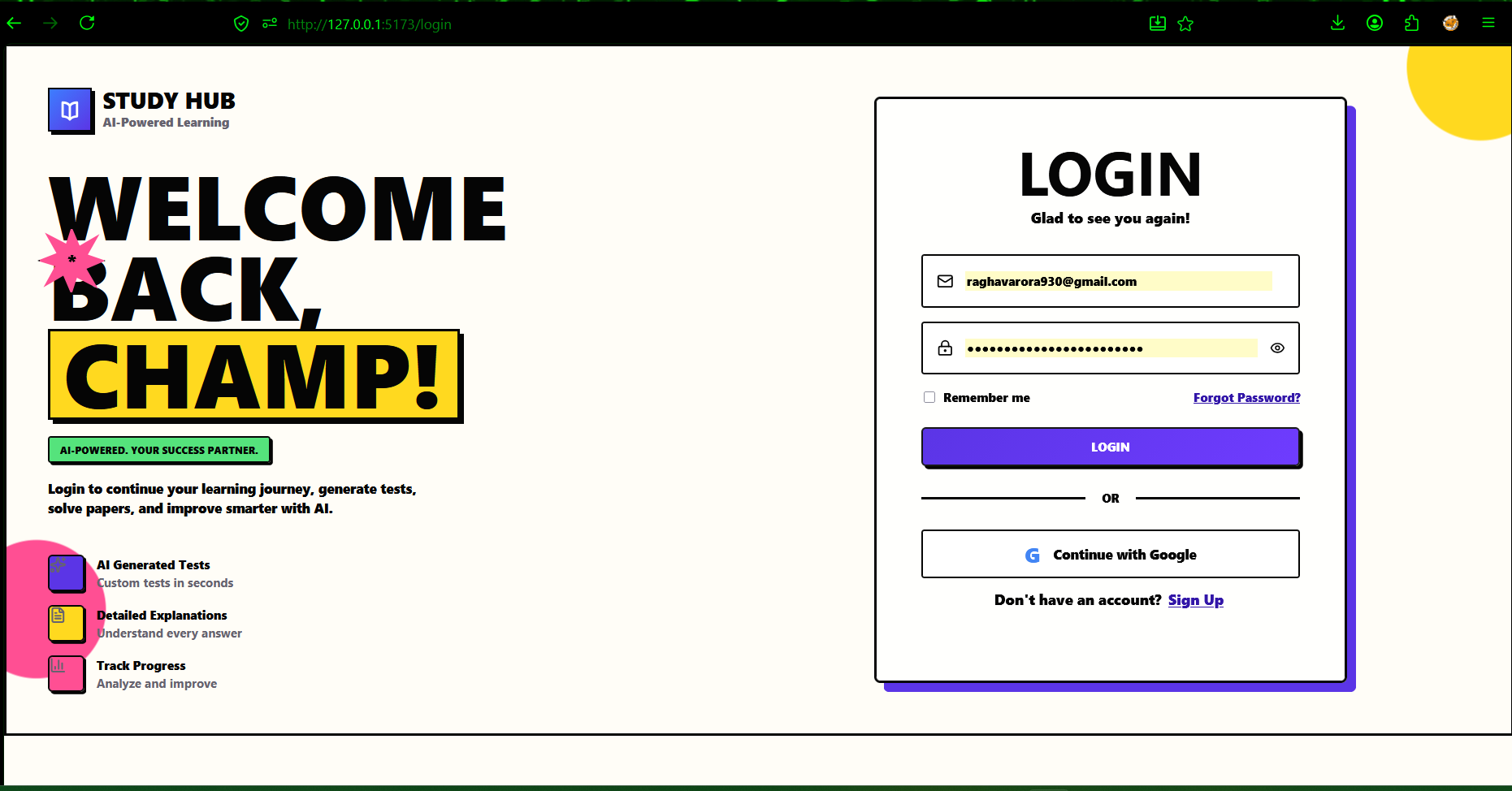
One key challenge was handling authentication redirects correctly after OAuth login, especially on Vercel where direct routes like /dashboard can return 404 without SPA rewrites. We also had to keep the interface simple while still supporting multiple learning modes and dashboard actions.
Accomplishments that we're proud of
We are proud of building a polished end-to-end learning experience: students can sign in, enter the dashboard, generate practice tests, review answers, and understand their progress. The app now also handles production routing and sessions more reliably.
What we learned
We learned how important deployment details are for client-side apps, especially auth callbacks, protected routes, and URL cleanup after login. We also learned how to shape an AI learning tool around a real student workflow instead of only showing isolated features.
What's next for StudyX
Next, we want to improve uploaded-document parsing, add saved test history, expand analytics, support more subjects, and make the AI feedback more personalized for each student's strengths and weak areas.

Log in or sign up for Devpost to join the conversation.