Inspiration
The idea for SafeSpace AI came from the growing concern about online safety and cybersecurity. I wanted to create a tool that helps users, especially students and young users, navigate the web safely using AI technology.
What it does
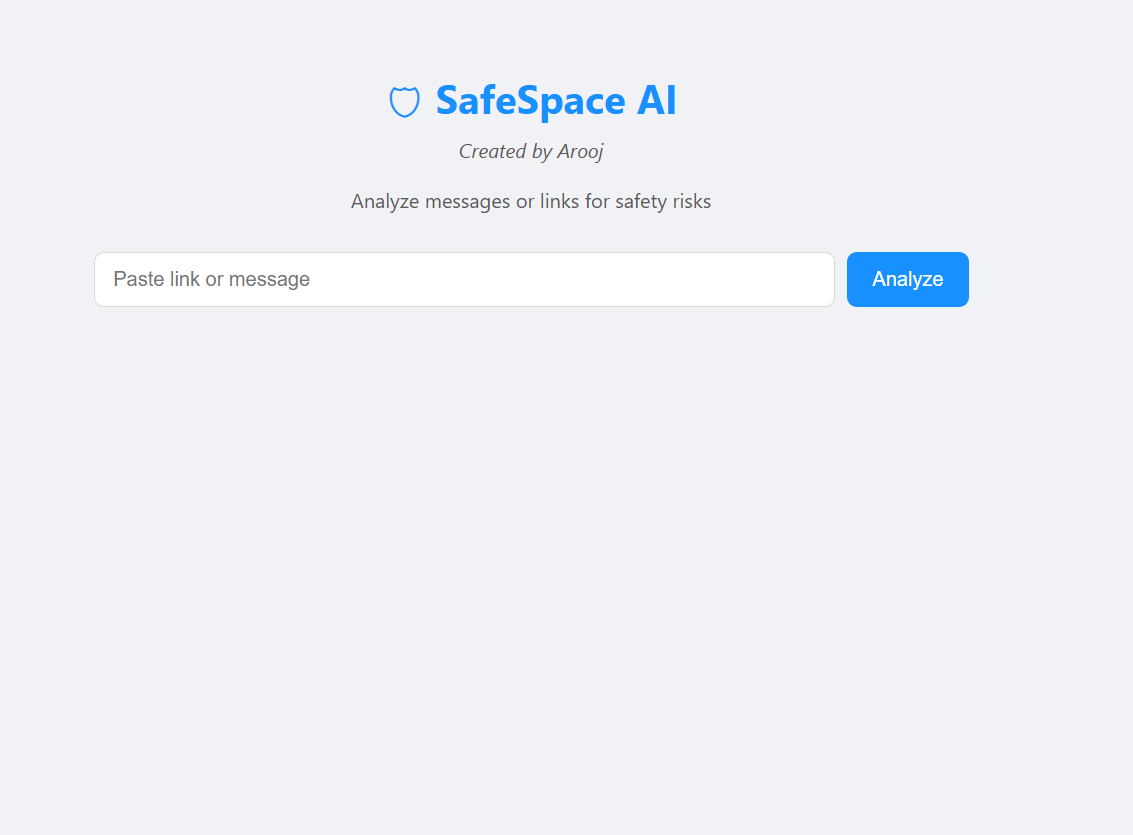
SafeSpace AI allows users to submit URLs and instantly get an analysis of whether a website is safe or potentially harmful. It uses AI to detect malicious links and provides users with clear feedback in real-time.
How I built it
- Frontend: React for a clean, responsive interface.
- Backend: Node.js to handle API requests and communicate with AI services.
- AI Integration: Connected to AI APIs to analyze links and classify their safety.
- Deployment: Hosted on Netlify for a live, public-facing demo.
Challenges we ran into
- Initially struggled with Netlify deployment because the
package.jsonwas in a subfolder. - Handling asynchronous AI API calls and ensuring accurate real-time results.
- Designing an interface that is both visually appealing and functional.
Accomplishments that we're proud of
- Created a fully functional AI-powered web application in a short hackathon timeframe.
- Integrated AI meaningfully to solve a real-world problem.
- Successfully deployed the app live with a public URL for judges and users.
WhatI learned
- Full-stack development with React + Node.js.
- How to integrate AI APIs effectively.
- Best practices for deployment and solving common issues like subfolder builds.
- Importance of user experience and interface design.
What's next for SafeSpace AI
- Add a database to save analysis history and user data.
- Expand AI capabilities to detect more types of online threats.
- Improve UI/UX and add analytics dashboards for users.
- Explore mobile app integration for safer browsing on smartphones.

Log in or sign up for Devpost to join the conversation.