PC Jackal: Base Conversion Chrome Extension
Made by Paolo Castro, Anne Chen, Anushka Kathait, and John Lee during HackCU VI (February 22 - 23, 2020)
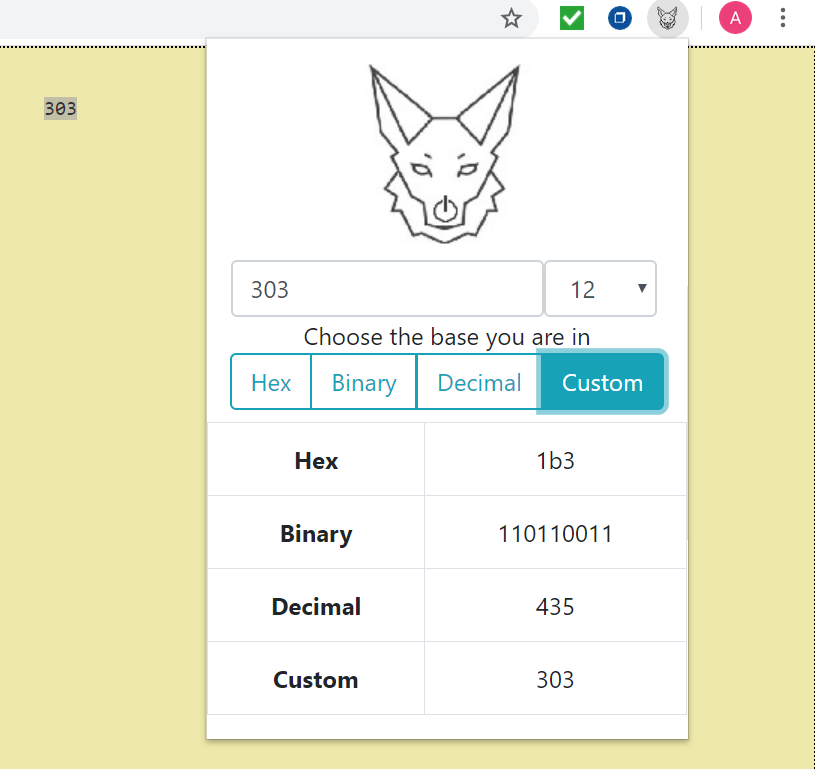
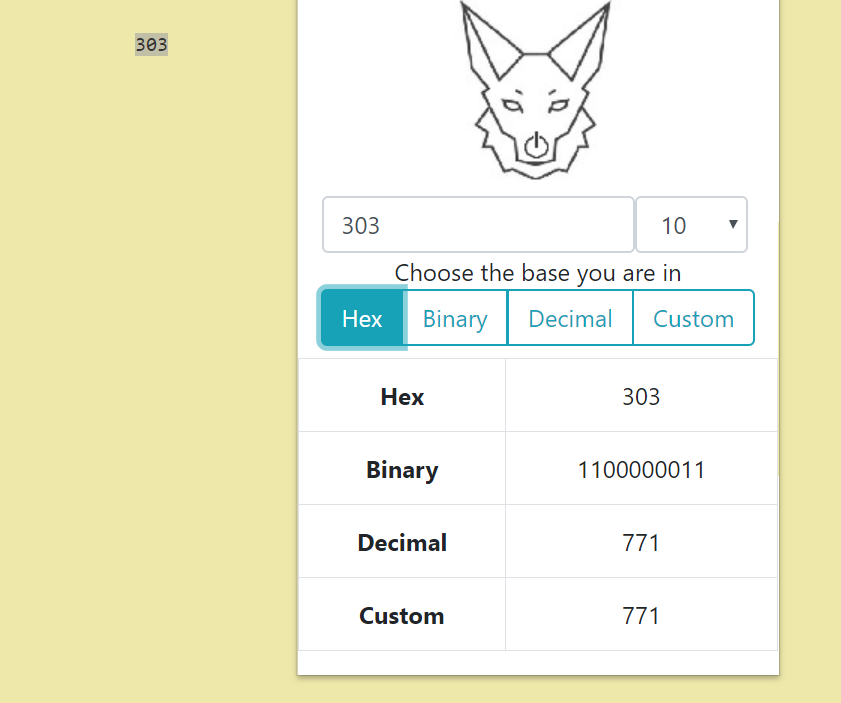
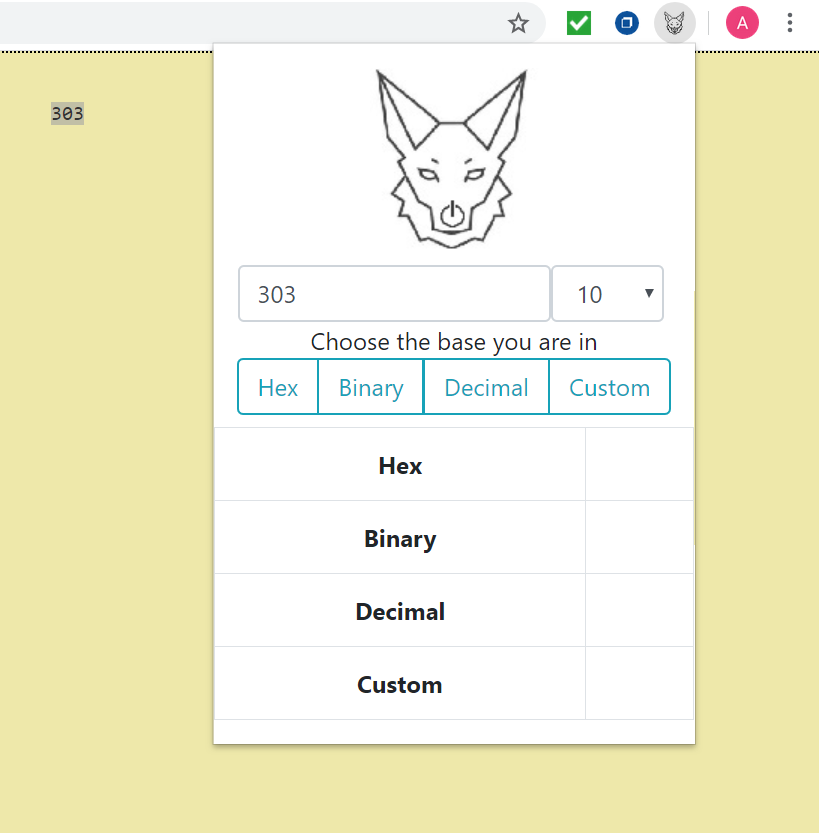
PC Jackal is a Google Chrome extension which allows users to convert between bases up to base 32 (inclusive). The extension provides a popup which can perform conversions on a previously highlighted number or a number entered into its text box.
Adding the Extension
1) Download and unzip the project on local device.
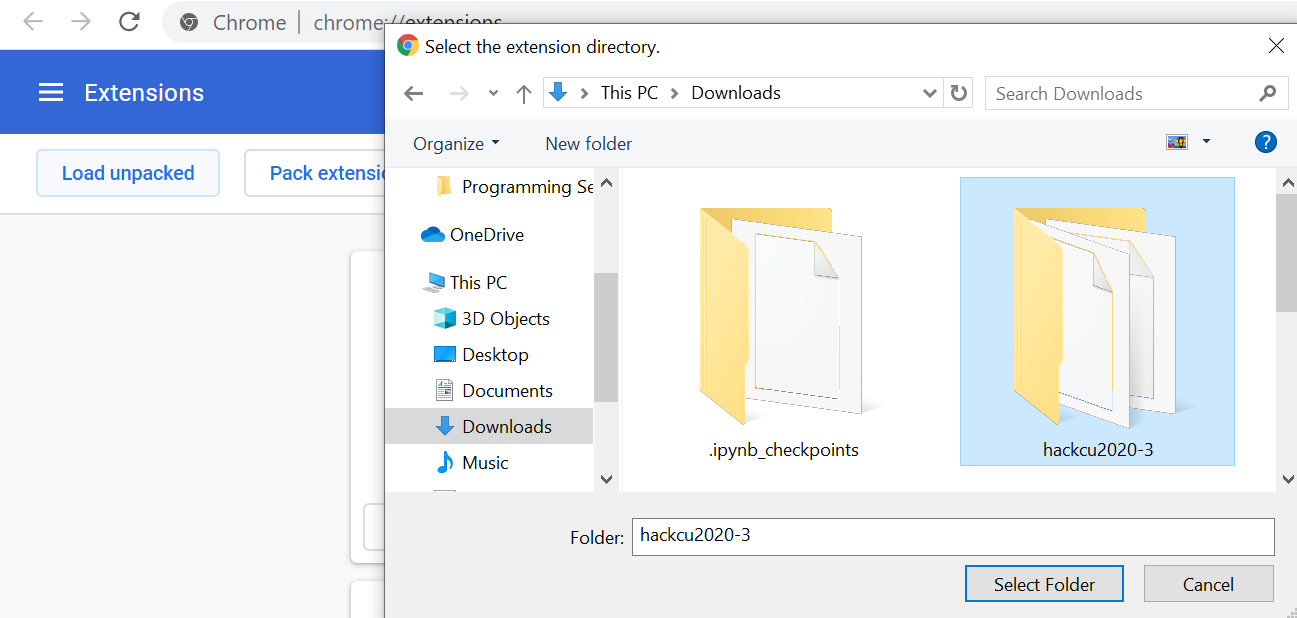
2) Enter chrome://extensions in the Chrome browser and enable developer mode.
3) Select "Load unpacked" and select the project folder.

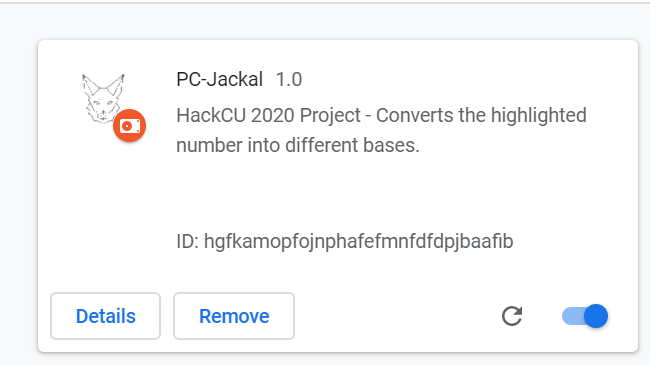
4) Voila! The extension should appear at the top of the page.

Using the Extension
Highlight a number, click the extension icon on the top right of the page, select the highlighted number's base from the binary, decimal, or hexadecimal button or the custom dropdown menu button. Alternatively, the user can also type the number to be converted directly into the text box and then click the entered number's base for its conversions.


Inspiration
The creators of the PC Jackal extension are freshmen who are currently enrolled in Computer Systems at CU Boulder. Shoutout to CSCI 2400 for inspiring the project lol!
What We Learned Over the Course of the Day
Two of our members learned JavaScript and CSS. All of us learned how to make a Chrome Extension, how to use HTML, and that it is best to enter the HackCU lunch line early because it gets really long really fast.

Log in or sign up for Devpost to join the conversation.