-
-
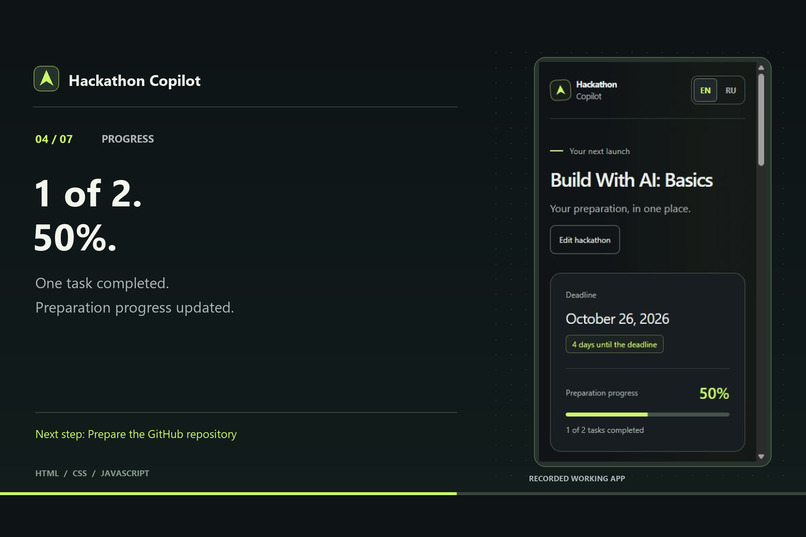
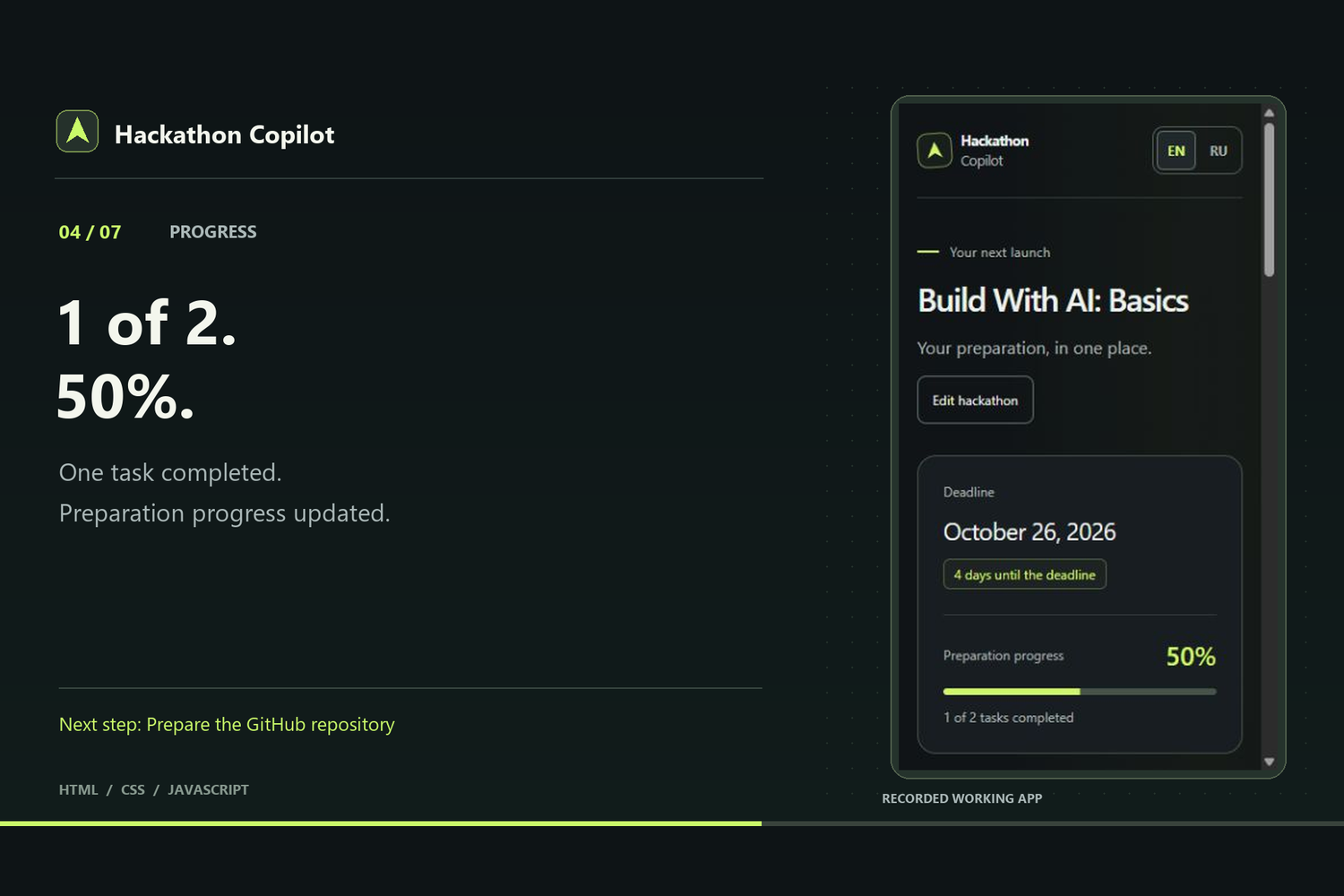
Hackathon overview: deadline, preparation progress, and next-step guidance.
-
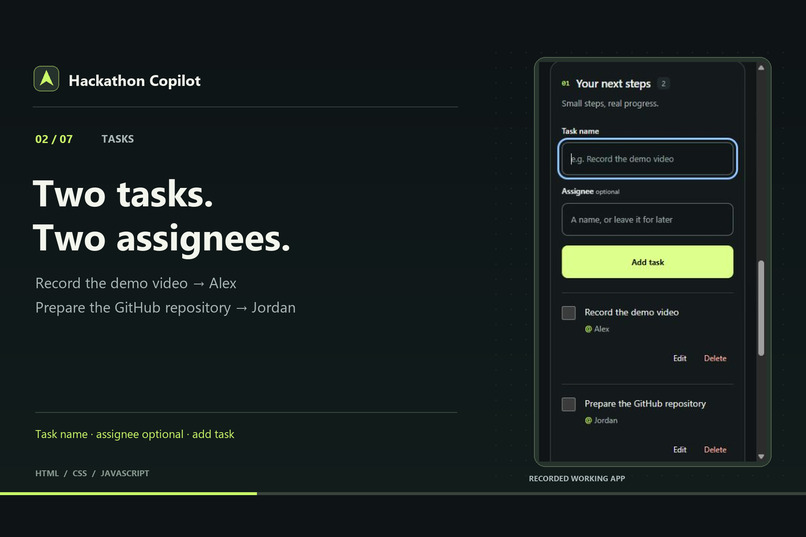
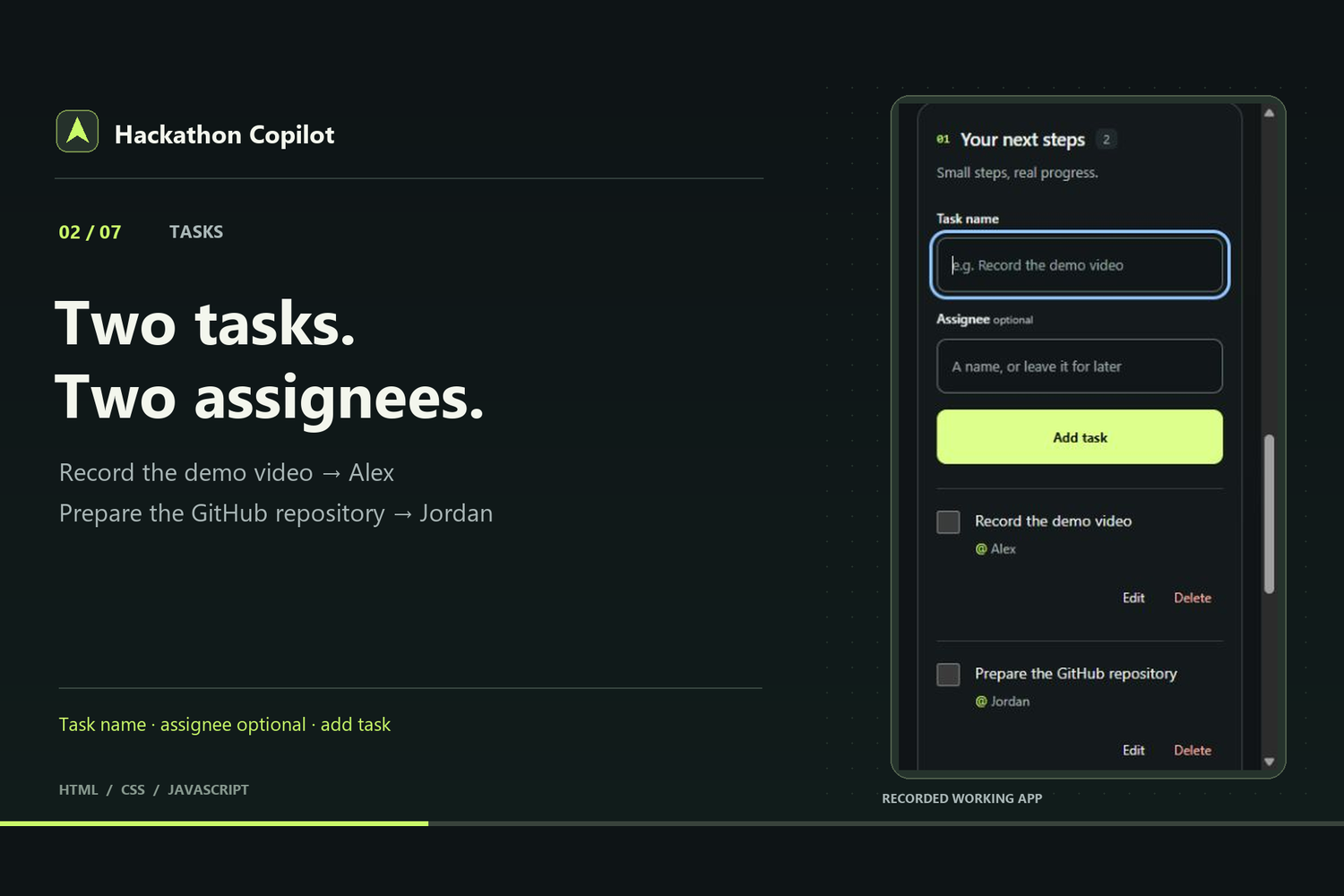
Tasks with optional assignees, completion marks, and an editable starter plan.
-
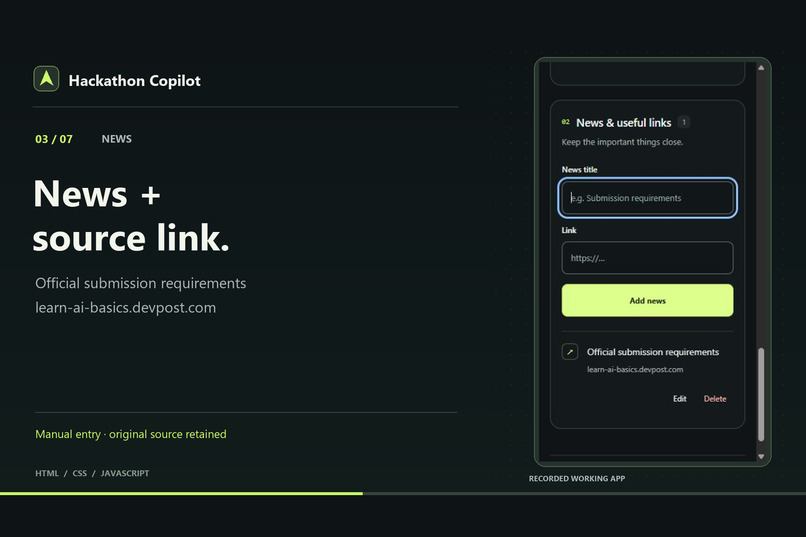
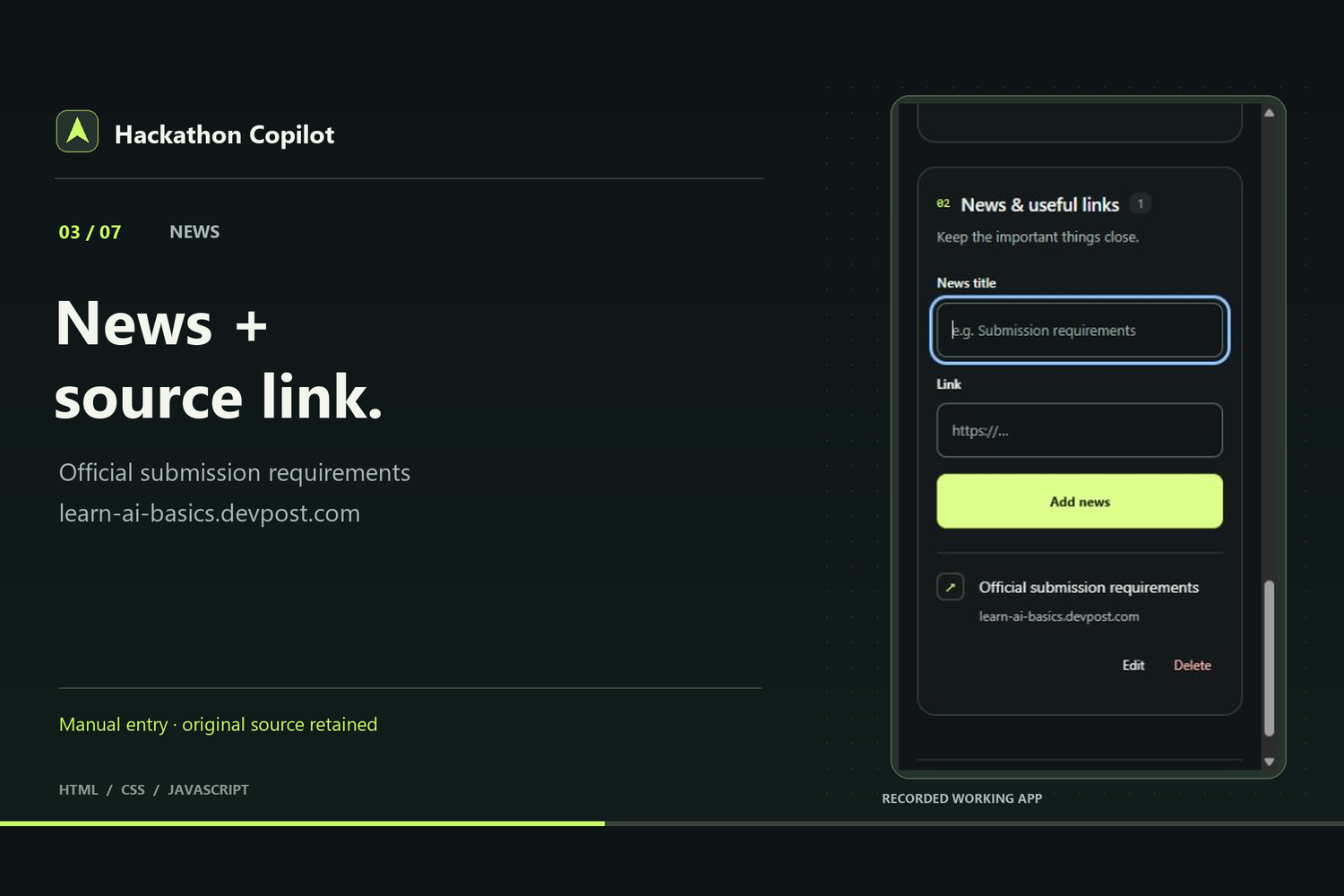
Save important updates manually with source links and keep them beside your tasks.
Inspiration
This is my first independent hackathon project. I wanted a small workspace that makes preparing for a hackathon easier to follow: one deadline, a clear task list, useful updates, and visible progress.
What it does
Hackathon Copilot keeps preparation for one hackathon on a single page. You can set a name and deadline, add and edit tasks, assign a person now or later, and mark work complete. Progress updates automatically. A six-task starter plan covers the journey from clarifying an idea to submitting a project, and the next-step card points to the first unfinished task.
You can also save important updates with source links. These updates are added manually. The interface supports English and Russian, and browser storage keeps saved preparation between visits in the same browser profile and at the same address.
How it was built
I used the official Devpost Learn Skill Pack from the beginning. With a coding agent, I clarified the scope and approved scope.md, prd.md, and spec.md before implementation. I chose HTML, CSS, JavaScript, browser storage, and a dark interface with bright accents. The agent wrote the code, ran checks, and fixed issues; I made product choices and gave feedback on the working app.
The app uses plain HTML, CSS, and JavaScript with localStorage. Node.js provides a small local server and the built-in test runner. There is no backend, paid API, or AI chat inside the app. AI was used in the development process.
Challenges and learning process
This was my first experience building an app with AI and a written plan. The workflow connected each decision to planning documents and small working steps. During review, I found that starter-task titles stayed in Russian after switching to English. The fix translates the original starter titles while preserving custom text, assignments, completion marks, and open drafts.
The automated suite passes 28 tests. Browser checks covered the main workflow, saved data, language switching, and narrow layouts.
What is next
The current proof of concept stays focused on one person managing preparation in one browser. Automatic news, live collaboration, and automatic task assignment are possible future improvements.
The public repository includes setup instructions, planning documents, and an MIT license. The two-minute demo shows the working preparation flow.

Log in or sign up for Devpost to join the conversation.