Inspiration
Every solo builder knows the feeling: you have a project idea but no team to stress-test it. No PM to scope it, no designer to challenge your assumptions, no developer to flag the technical risks, and no marketer to ask "but who actually wants this?"
I built Hackathon Teammate because I wanted to simulate that team dynamic — not just get one AI response, but get four specialized perspectives that actually build on each other.
What it does
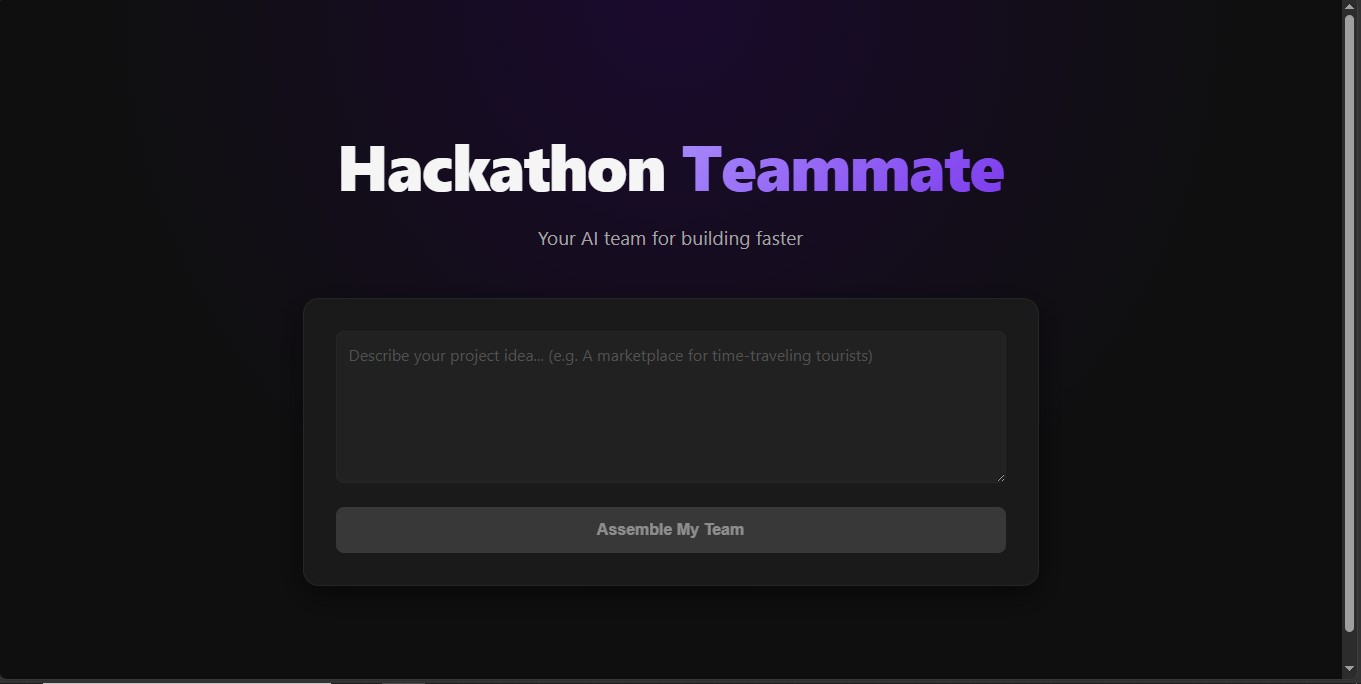
Hackathon Teammate gives solo builders a virtual AI team. You type in a project idea and four specialized agents respond sequentially:
- 🗂️ Project Manager — scopes the MVP, identifies risks, sets milestones
- 🎨 UI/UX Designer — defines pages, user flows, and design direction
- 💻 Developer — recommends tech stack, database schema, and core API endpoints
- 📢 Marketing Strategist — identifies target audience, crafts the pitch, plans launch
Each agent receives the output of the previous one, so the responses actually build on each other — the designer reacts to the PM's scope, the developer reacts to the design direction, and the marketer ties everything together into a pitch.
How we built it
Frontend: React + Vite, deployed on Vercel. Agent cards appear one by one as each API call completes, with skeleton loaders between responses to show progress.
Backend: A Python serverless function deployed on Vercel, handling all ASI:ONE API calls server-side to keep the API key secure.
AI: ASI:ONE API (asi1 model) powers all four agents. Each agent has a specialized
system prompt, and the user message passed to each agent includes the full output of all
previous agents — creating a genuine sequential agent workflow where context compounds
across the chain.
The agent chain works like this:
User Idea
    ↓
PM Agent
    ↓
Designer Agent (receives PM output)
    ↓
Developer Agent (receives PM + Designer output)
    ↓
Marketing Agent (receives all three outputs)
Challenges we ran into
Vercel serverless Python — deploying FastAPI on Vercel required converting to a raw Python HTTP handler since Vercel's Python runtime doesn't support ASGI frameworks directly. Took some restructuring but kept the logic identical.
Context window growth — by the time the Marketing agent runs, the user message contains the idea plus three full agent responses. Had to balance prompt quality against token usage to stay within limits.
CORS on serverless — handling OPTIONS preflight requests manually in the Python handler without a framework like FastAPI managing it automatically required careful header management.
Accomplishments that we're proud of
The agents genuinely reference each other. The developer picks a stack that fits the designer's direction. The marketer pitches the exact features the PM scoped. It feels like a real team discussion, not four independent chatbots.
Fully deployed with no exposed API keys — backend runs as a serverless function, frontend never touches credentials directly.
Clean, mobile-responsive UI with markdown rendering so structured agent output (tables, bullet points, headers) displays properly instead of raw symbols.
What we learned
Sequential agent chaining with compounding context is more powerful than parallel independent calls — the outputs are meaningfully different when each agent knows what the previous one said.
ASI:ONE's API is fully OpenAI-compatible, making integration straightforward for anyone familiar with the OpenAI SDK.
Vercel's Python serverless runtime is underrated for simple API endpoints — no infrastructure to manage, deploys in seconds from a GitHub push.
What's next for Hackathon Teammate
- Export as PDF — let users download the full team discussion as a project brief
- Specialized modes — hardware projects, mobile apps, social enterprises each need different agent expertise
- Iteration rounds — let users push back on any agent and get a revised response
- Real agent discovery — integrate with ASI:ONE's Agentverse marketplace to pull in domain-specific agents for niche project types

Log in or sign up for Devpost to join the conversation.