-
-
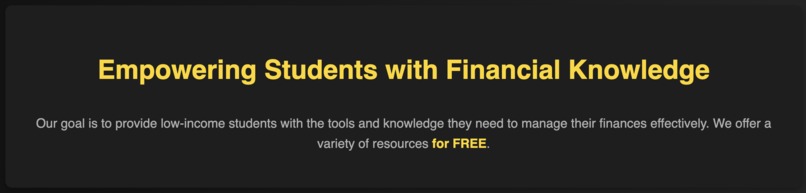
Mission Statement!
-
Website Logo!
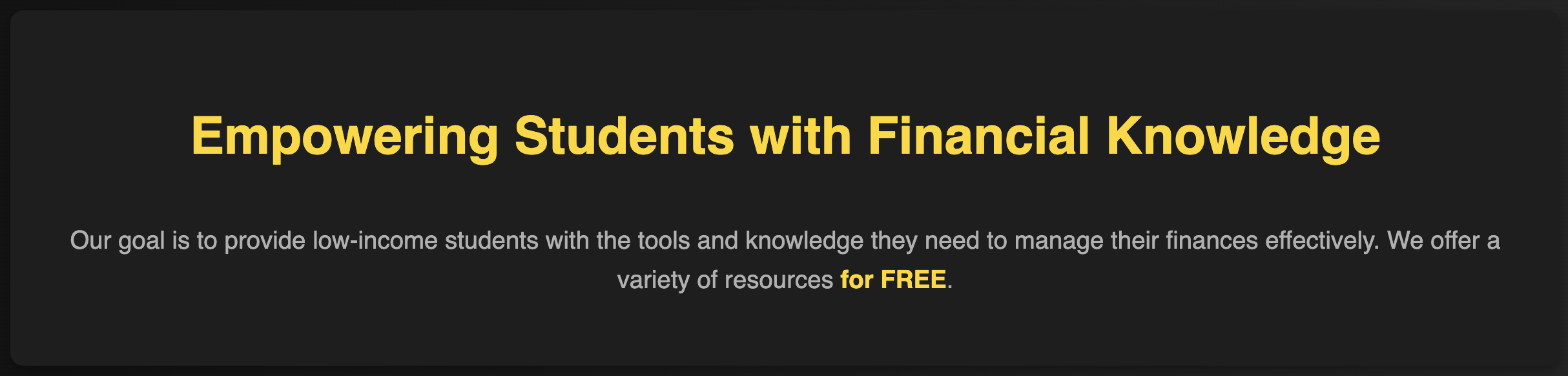
Inspiration: The primary inspiration for Wallet Wingman came from recognizing the significant gap in financial literacy among low-income students. Many students face financial challenges but lack the resources and knowledge to manage their finances effectively. The goal was to create a comprehensive, accessible, and user-friendly platform to bridge this gap and empower students to make informed financial decisions.
What I Learned: I deepened my understanding of HTML, CSS, and JavaScript, learning how to create responsive designs, implement animations, and just create a better user experience in general. This is my best website so far: I went for a clean, sleek look. I also started learning some backend to try and implement a login feature, but it isn't finished. Researching and curating content for the website expanded my knowledge of financial topics, especially investing and how taxes work.
How I Built the Project: First I identified the key features and content needed to address the financial literacy needs of students, such as tutorials and quizzes. Then, I thought of how the website would appear. I was inspired by how Apple websites look, with smooth animations with a dark, sophisticated appearance. I created wireframes and mockups to visualize the website layout and user interface. Then, I built the website using HTML, CSS, and JavaScript. Key features included interactive tutorials, expense-tracking tools, and quizzes to test financial knowledge.
Challenges Faced: All of the CSS took a while to make, and the animations were tricky at times. The biggest challenge I faced was the lack of help from a teammate. The work was split between 4 people, but only me and 2 teammates did anything. It was hard trying to cover for what hadn't been done at the last second. Aside from that, creating a visually appealing design was also difficult, as I wanted to get it perfect.
Built With
- css
- html
- invideo
- javascript


Log in or sign up for Devpost to join the conversation.