-
-
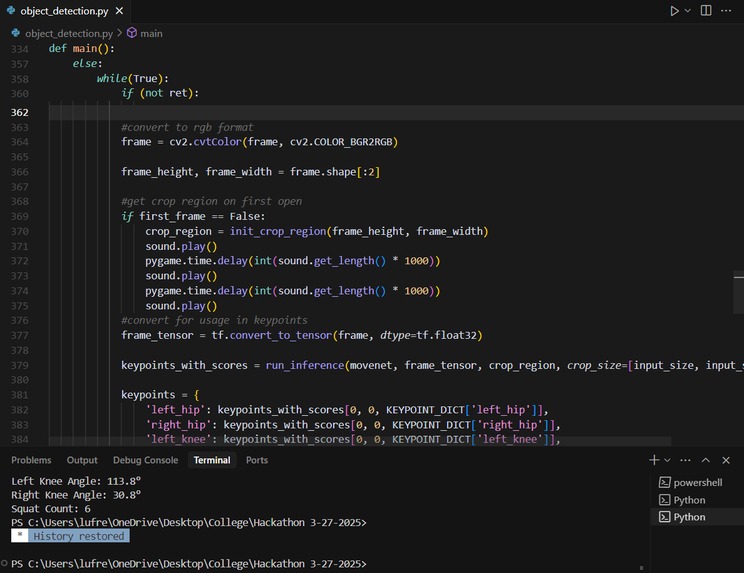
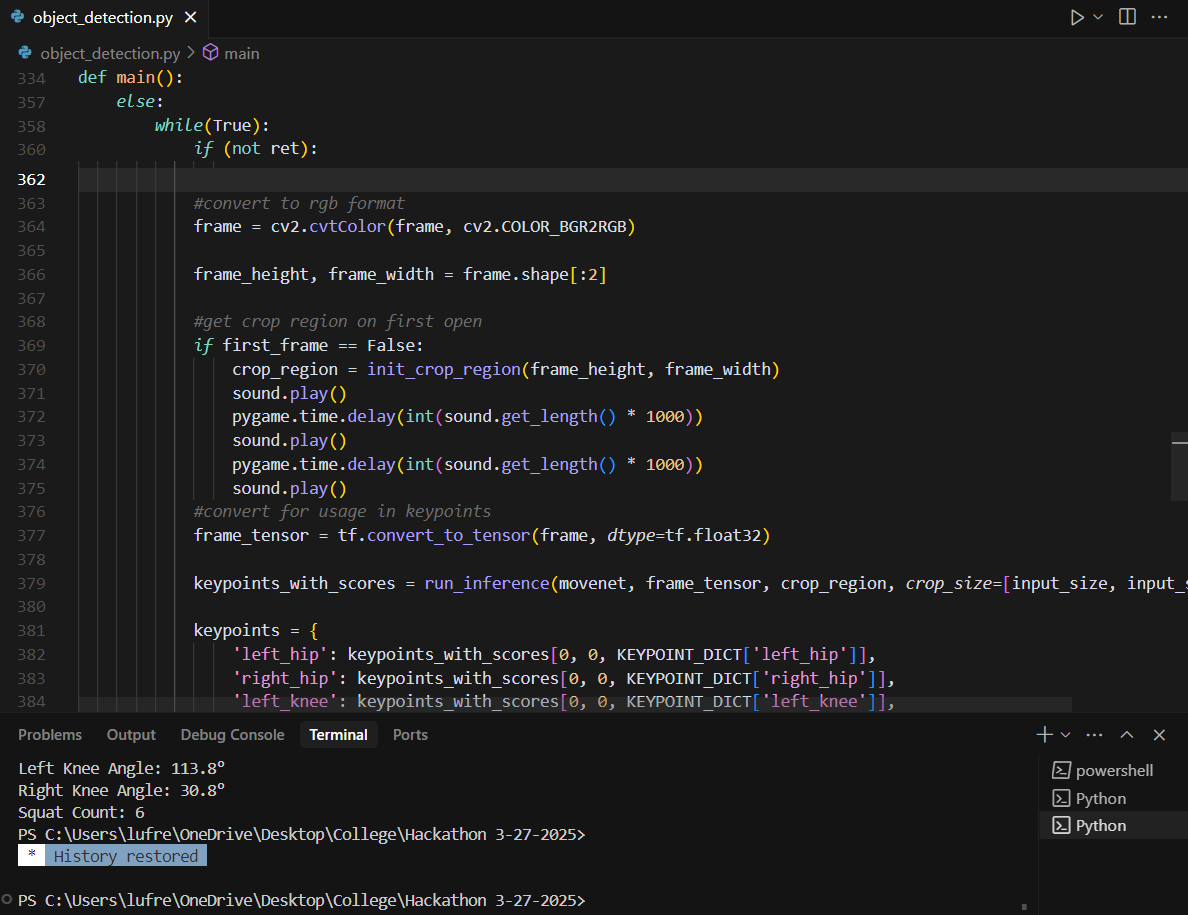
screenshot of code
Inspiration
Ever since the pandemic a few years ago, people have been exercising more and more inside their own homes. However, many people do not know how to properly do exercise, or they do not have a way to check if they are doing the exercise correctly. To remedy this, I created a program that runs in real time with acceptable accuracy to help assist people in performing squats with the correct form.
Since this hackathon was only a 4 day long project, I decided that I did not have enough time to train my own model for this project. Therefore, this project is less about creating a model, and more about using AI for an application.
This application has been done several times in the past, for squats and push ups, both of which I looked at before I started this project. However, real time programs for this type of code are rarer, and this application can be applied to any kind of exercise with some simple modifications.
AI applications such as these are becoming more and more common as more accurate and faster human pose detection models appear in the mainstream. Many people believe that AI models have to be used for large things, such as ChatGPT, Deepseek, or military applications. However, AI applications can be extremely simple and helpful add ons to previous ideas.
There are several apps that give workout plans on both Google Play and Apple store, for example “Home Workout - No Equipment”. However these apps do not give the user any way to check if they are actually completing the workout correctly, only giving guides and plans on when and how to complete them. This is similar to giving someone an assignment and telling them how to finish it, but not grading it and asking them to grade it themselves. This issue is what my prototype solves.
Tools used
Computer Webcam
OpenCV(CV2)
Numpy
Matplotlib
Pygame(For sound applications)
Tensorflow Movenet: https://github.com/tensorflow/docs/blob/master/site/en/hub/tutorials/movenet.ipynb
What it does
This program uses a pre trained model, which is Tensorflow’s Movenet Lightning. Movenet has several different versions, all of which are viable options that I could have used. I used lightning because it has the lowest latency, which is needed for the program I am using it for.
The program counts the number of squats you have completed with correct form, giving you one bell sound when you are in squat position, and two bell sounds when you stand up. It shows your current right knee angle and left knee angle in the terminal, as well as your current squat count.
How we built it // Challenges we ran into
First, I used OpenCV to get my webcam image. This would then allow me to use Movenet Lightning on the image and show the user an image of their body skeleton, and get the data points I needed to accurately determine the user’s hip, knee, and ankle angle.
Tensorflow’s Movenet Lightning is designed for single image or gif file processing, not real time webcam processing. However, many of the functions are the same, which is why many of the previous functions are not changed.
The main function that was changed was draw_prediction_on_image, which was a function that did not work for constant webcam input.
I treated each webcam frame as an independent image, and ran the model on it to get the keypoint information that I needed. To get a quick response, I merged both the constant image and video methods of getting keypoints. The constant image allowed me to use the current frame as the input image, and the video input allowed me to shorten processing time by cropping the model region using a previous frame’s data.
Some other smaller issues that I ran into were the frame not being the correct type of image variable, and the output display not showing correctly due to the methods not being built to handle real time processing.
However, after this was completed, the next step was to get the squat form from the real time webcam input. To do this, I got keypoint data from the model prediction.
Keypoints are certain significant points on the human body that this model detects. A few examples are the eye, elbow, hip, shoulder, and knee. The keypoints that were needed to determine if someone was doing a squat correctly was the hip, knee, and ankle.
Then, I used some basic math to calculate the angle between these three points, and give the user feedback on their left and right knee angles. The decision for what a good squat was decided arbitrarily at around 100 degrees, a little higher than 90.
Then, some simple ease of use additions were added. First, I added a sound that plays every time the user goes down into squat position, and a different sound that plays every time the user comes up from squat position. I also added a squat counter to show how many total squats the user has completed. Then, I made the program automatically complete at 10 squats.
What we learned
Overall, this project was very different from projects that I usually complete. Firstly, the time budgeted was a significant portion of difficult, and usually with projects I have had a team to work with before. However, this time is the first time I am participating in a hackathon solo.
I think that this was a great experience to participate in, and I hope to participate in future HackIndy events.
What's next for Hackathon : 3-27-2025 : Squat Form Tracker
Overall, my applications is a squat exercise assistance program, which can continue to be improved on in the future. For example, this could not only count squats, but other exercises such as push ups, jumping jacks, and bench presses. The functionality of the program could also be simplified from just a python program to being an app.
One significant issue I found while testing the program was that when the user is not entirely in frame, the program does not know where the legs are, and so gives very inaccurate values from angles. Another issue is that the program does not handle legs being behind each other, or squats from certain angles very well.
However, I believe that this program as a prototype has potential, and can assist people who are working out at home without a personal trainer, or do not want to pay for a gym subscription, or are going to the gym without knowing what to do.

Log in or sign up for Devpost to join the conversation.