-
-
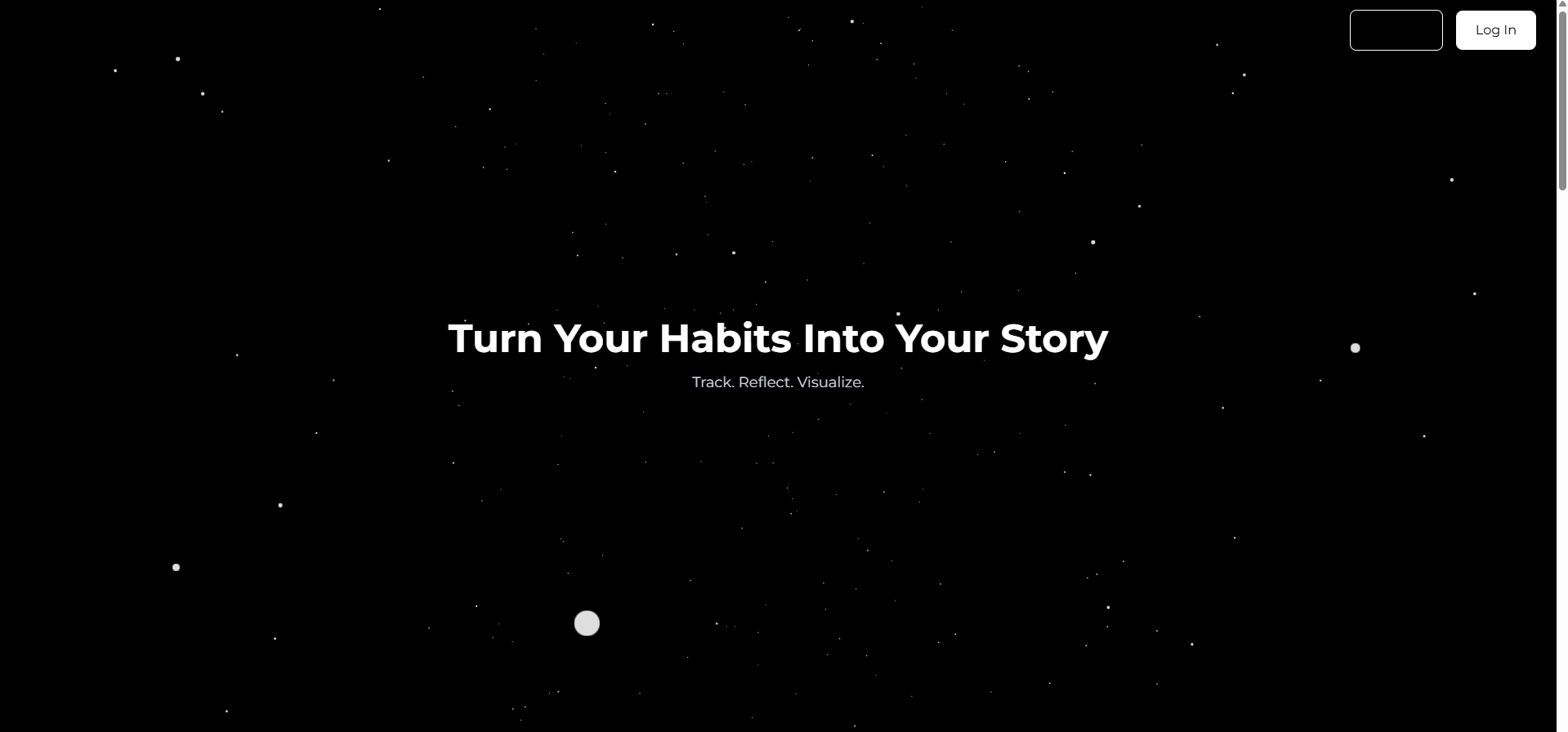
landing
-
history
-
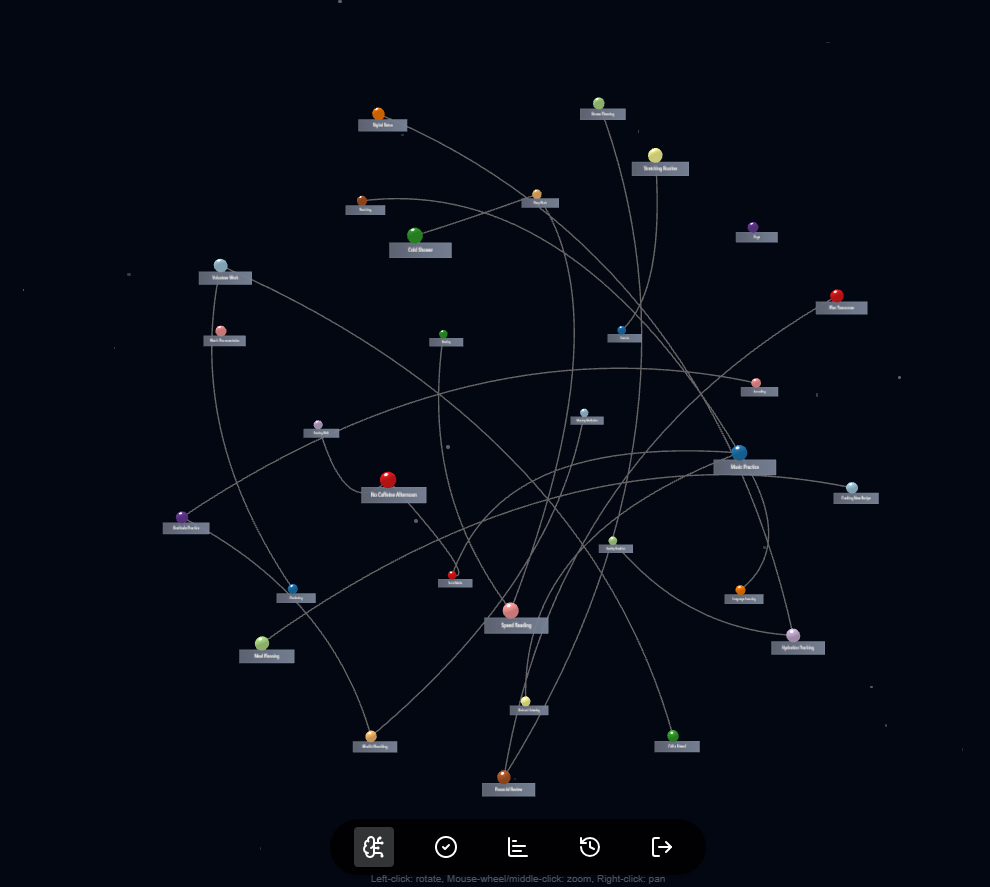
3d node graph
-
history
-
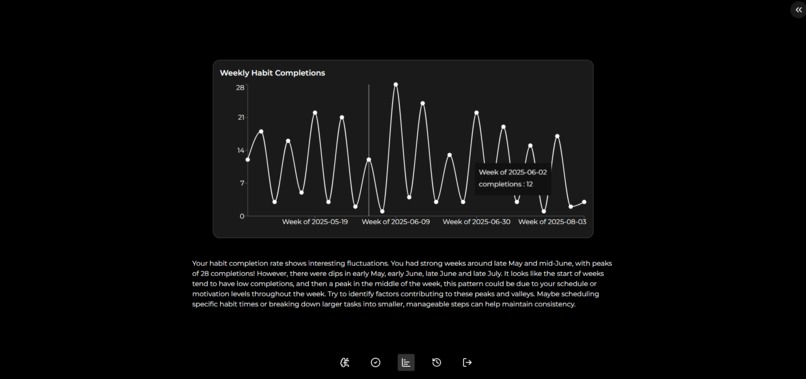
report

Inspiration
We all know habit‑trackers and to‑do apps, but most feel dry—just check‑boxes and numbers. We wanted to tap into the deeper story behind our daily routines, turning each “completed task” into a visual journey. Mind‑mapping seemed perfect: it shows not just what you do, but why you do it, and how one habit feeds another. By combining habit tracking, AI‑powered reflection, and interactive mind maps, we set out to build something that feels more like a living narrative than a chore list.
What it does
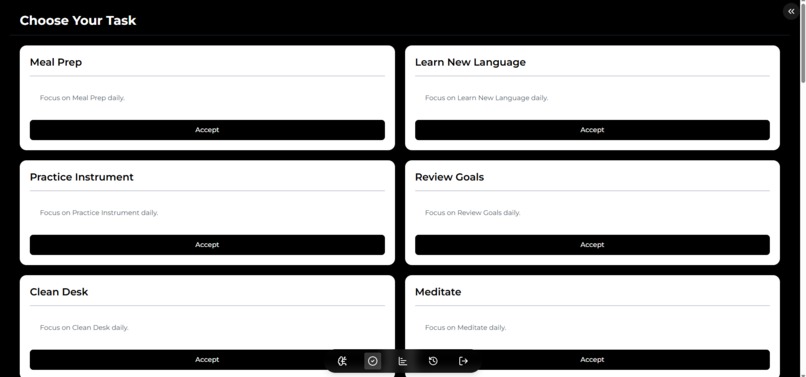
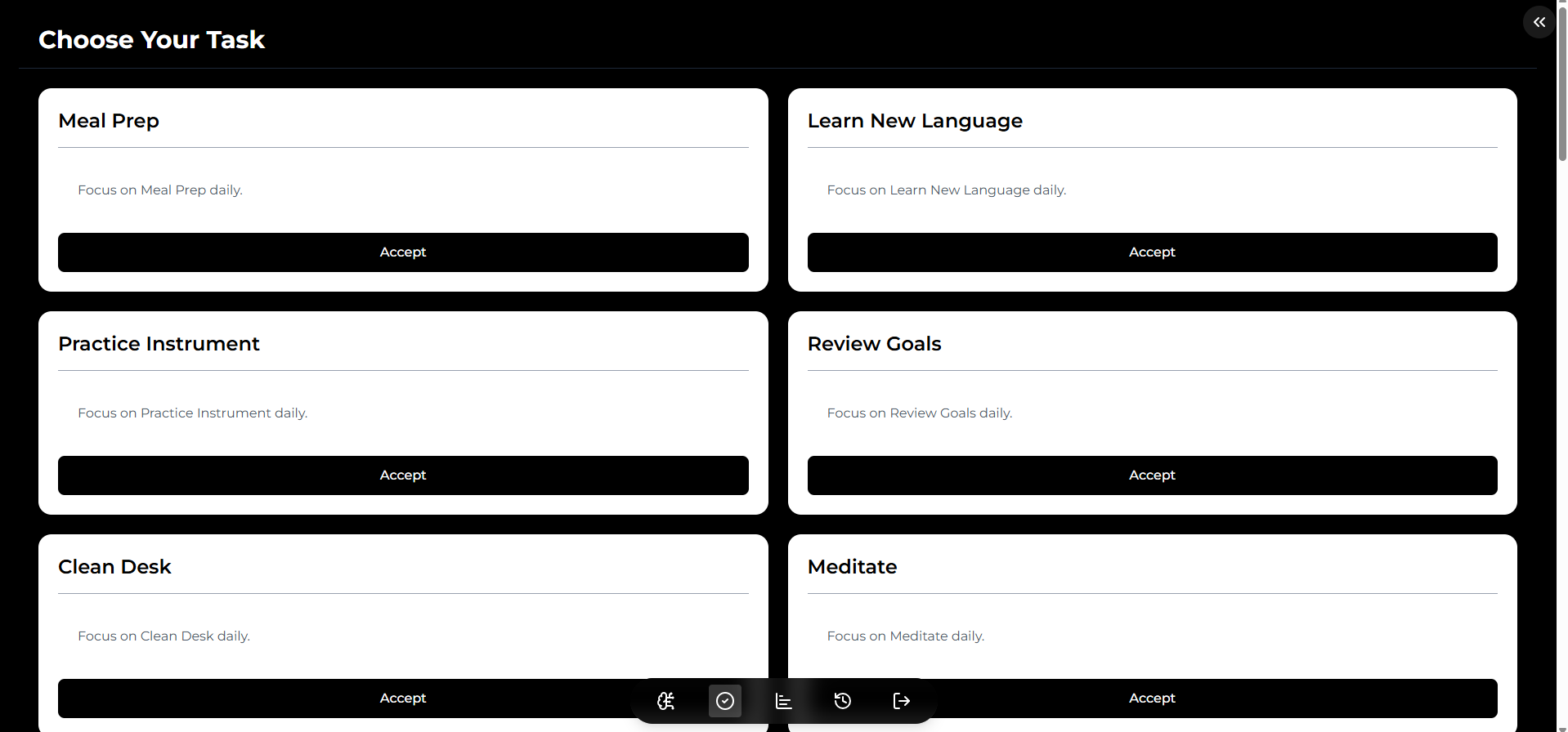
Daily Check‑In: Users accept and complete tasks each day, earning XP and visual “growth” in their world.
Journal Reflections: After completing a habit, prompted reflection feeds into our AI service to extract themes (“Relaxation”, “Energy”, “Focus”).
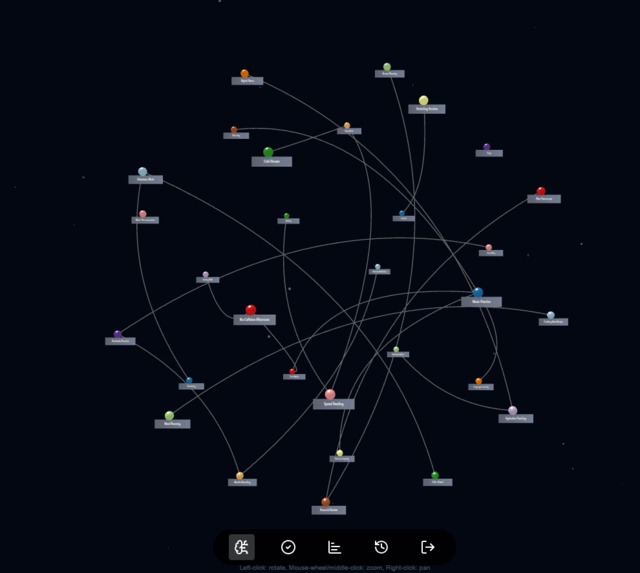
Interactive Mind Map: Themes and sub‑ideas appear as nodes in a force‑directed graph—click or hover to see original reflections.
Active Task Manager: A collapsible sidebar shows ongoing tasks with live timers and allows finishing or canceling on the go.
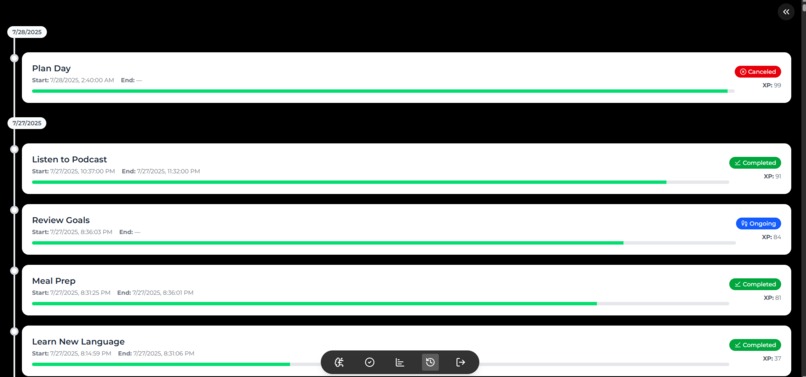
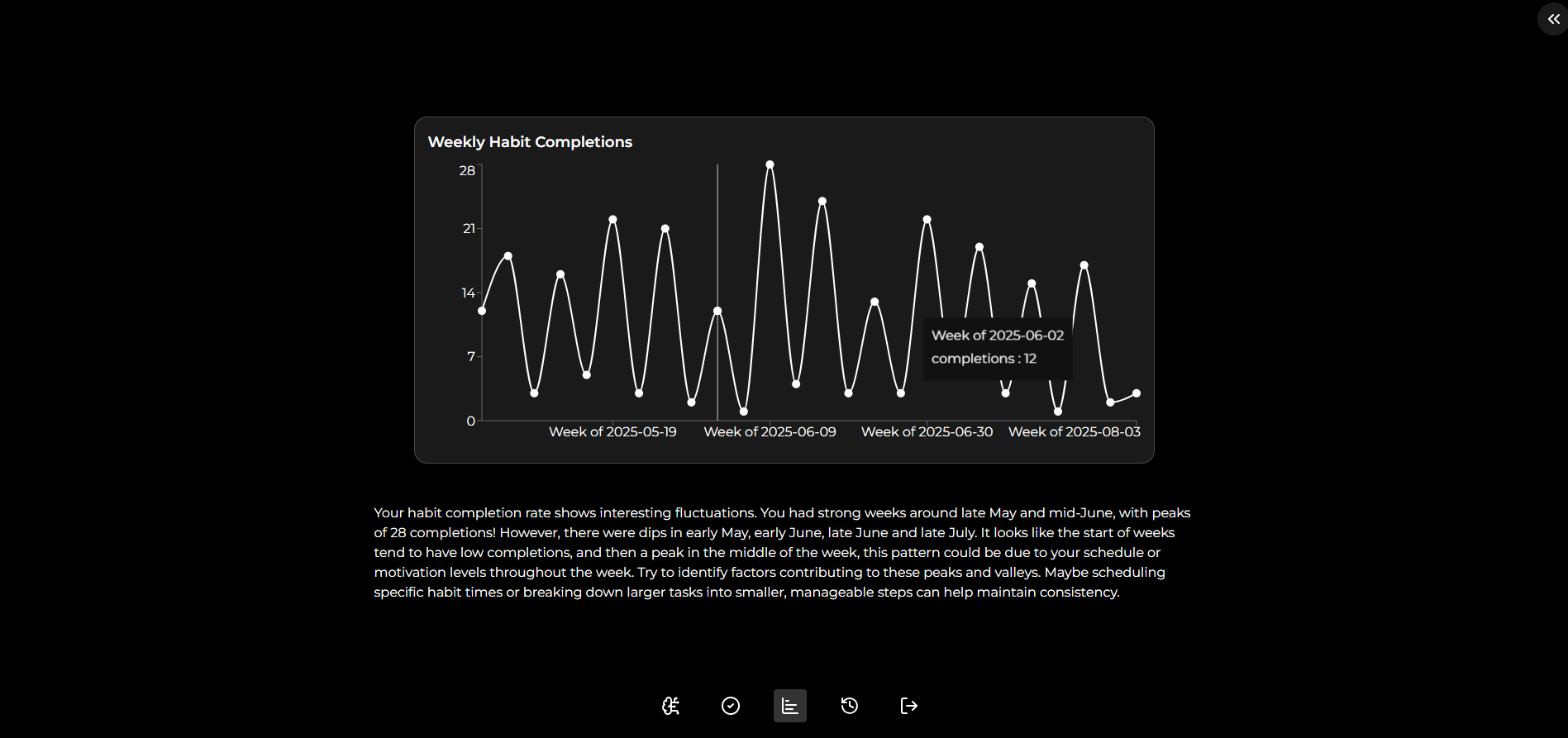
History & Reports: Scroll through a timeline of past habits, with start/end times, duration, status badges, and XP earned; view charts of your progress over time.
How we built it
Front‑end: React + Vite for fast dev, Tailwind CSS for utility styling, Framer Motion for smooth animations.
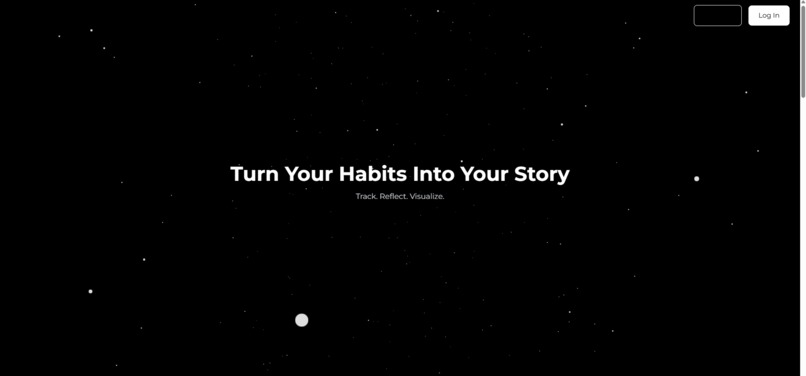
3D & Parallax: React Three Fiber with a subtle “starfield” canvas background and camera‑dive effect tied to scroll.
AI Integration: Gemini 2.5 API called on journal entries to extract themes and sub‑ideas, converted into a JSON graph.
Mind Map: react‑force‑graph renders nodes & edges; custom nodeCanvasObject draws labels and drop‑shadows for clarity.
State & Data: React Context for active tasks, React Query for fetching history & stats; mock APIs during hackathon.
Charts & Reports: Recharts for line, bar, and pie charts; CSS scroll‑snap for full‑screen report slides.
Challenges we ran into
Canvas + HTML layering: Getting interactive HTML panels (headings, buttons) positioned in 3D with proved tricky—absolute vs. transform styling conflicts forced us to simplify to a single background canvas + normal scroll.
Auth0 authentication
Accomplishments that we're proud of
A cohesive black‑and‑white, high‑contrast aesthetic with dynamic 3D background and polished UI across five distinct pages.
A true 3D “dive” scroll experience on the landing page, then smooth scroll‑snap parallax in the report section.
Seamless integration of AI‑powered theme extraction into a real‑time force graph, turning text into an insightful mind map.
Fully functional history & analytics with animated charts and detailed timeline cards, all crafted in just 3 days.
What we learned
React Three Fiber is powerful for lightweight WebGL scenes—but layering HTML in 3D still demands caution.
Framer Motion’s whileInView and viewport.once options give fine control over entry/exit animations in scroll contexts.
Managing global state (tasks, timers) via React Context is simple, but retaining it across router changes needs consistent client‑side navigation.
Building a mind map from GPT output taught us how to convert unstructured text into a graph data model and then into an interactive UI.
What's next for HabitTracker
Social & Sharing: Let users share their mind maps or challenge friends to weekly habit duels.
Deeper AI Insights: Use embeddings to cluster themes across users, recommend new habits, or predict streak drops.
Mobile App: Package with React Native or Tauri for offline support and push‑notification reminders.
Theming & Accessibility: Add customizable color palettes and ensure full WCAG compliance for visually impaired users.
Built With
- .net
- auth0
- gemini
- postgresql
- react
- tailwind

Log in or sign up for Devpost to join the conversation.