-
-

Logo
-
-
-
-
-
-
-
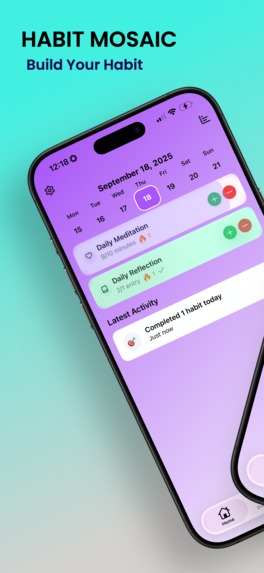

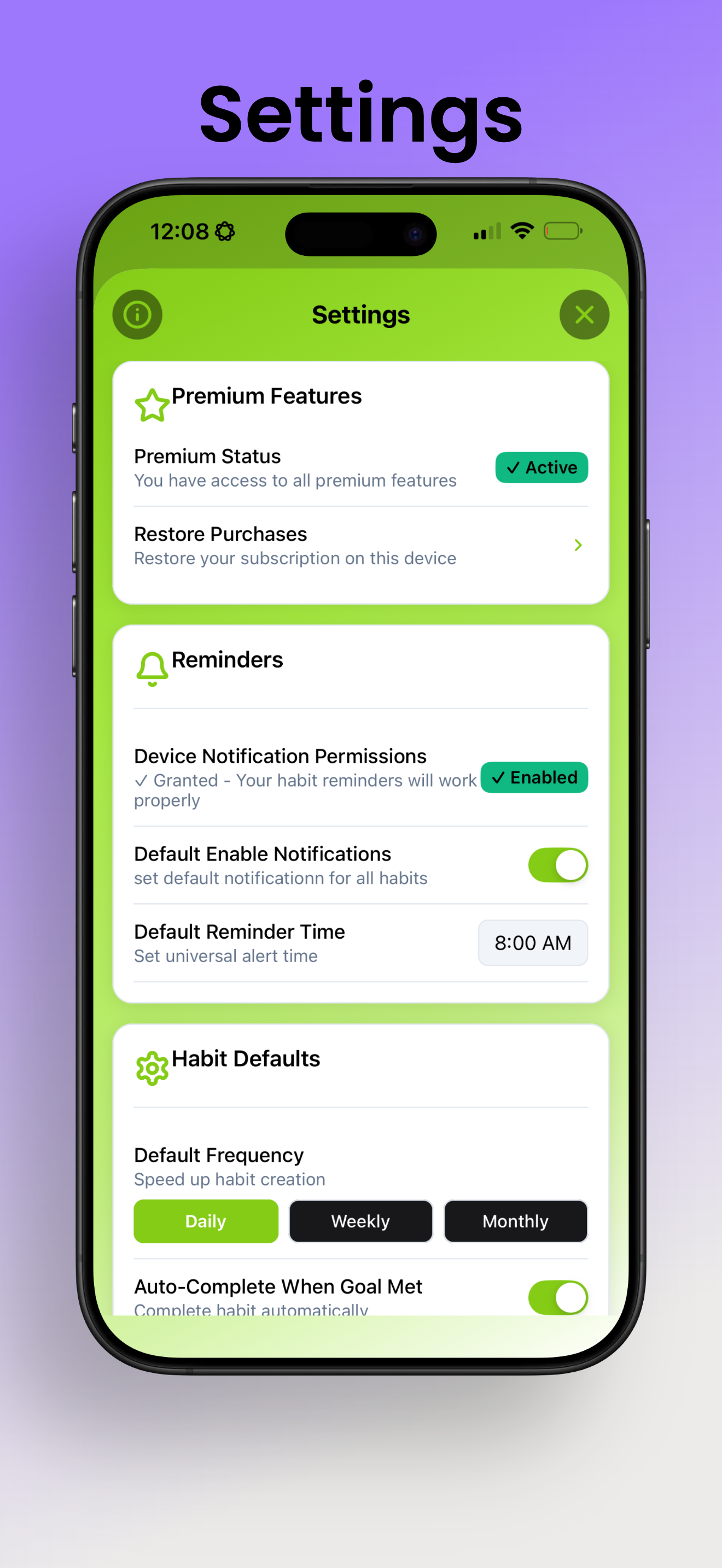
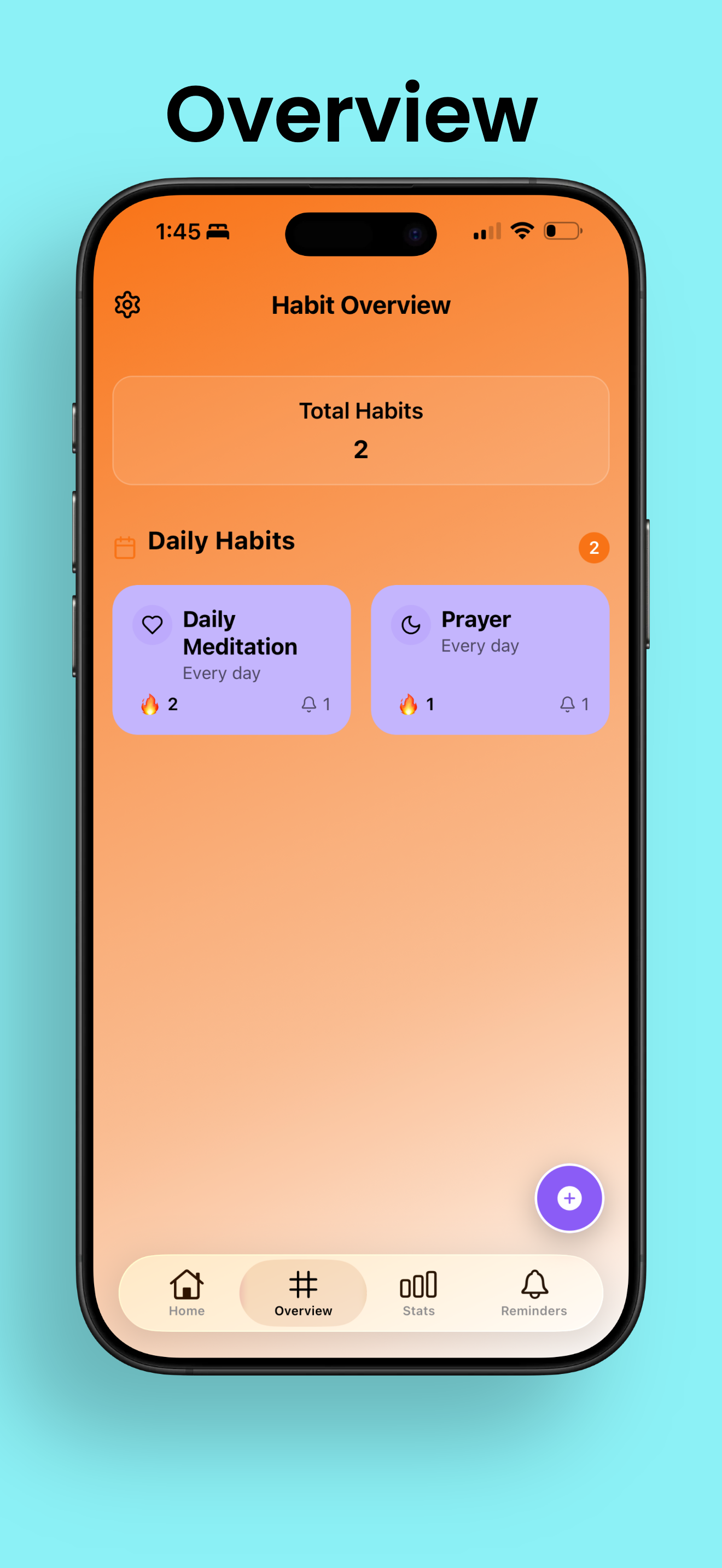
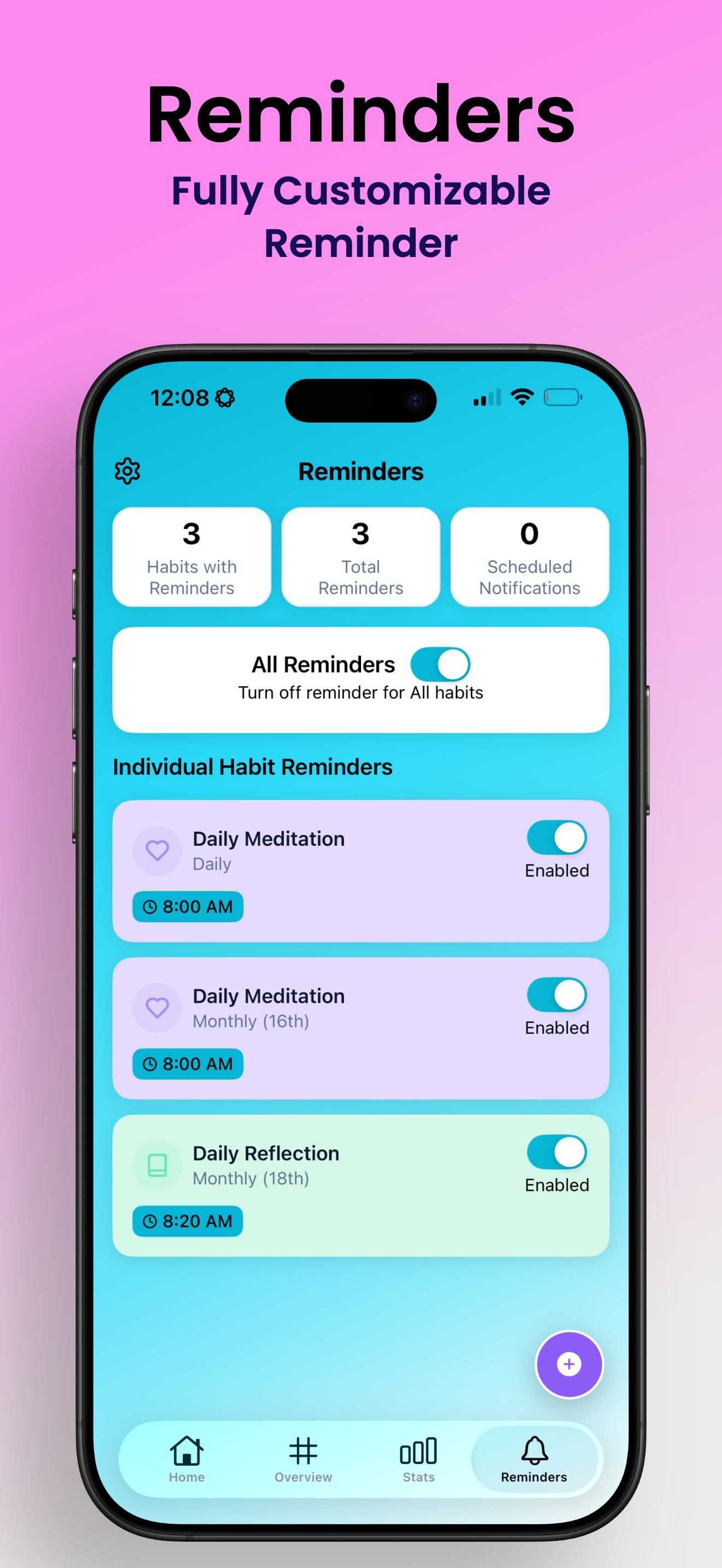
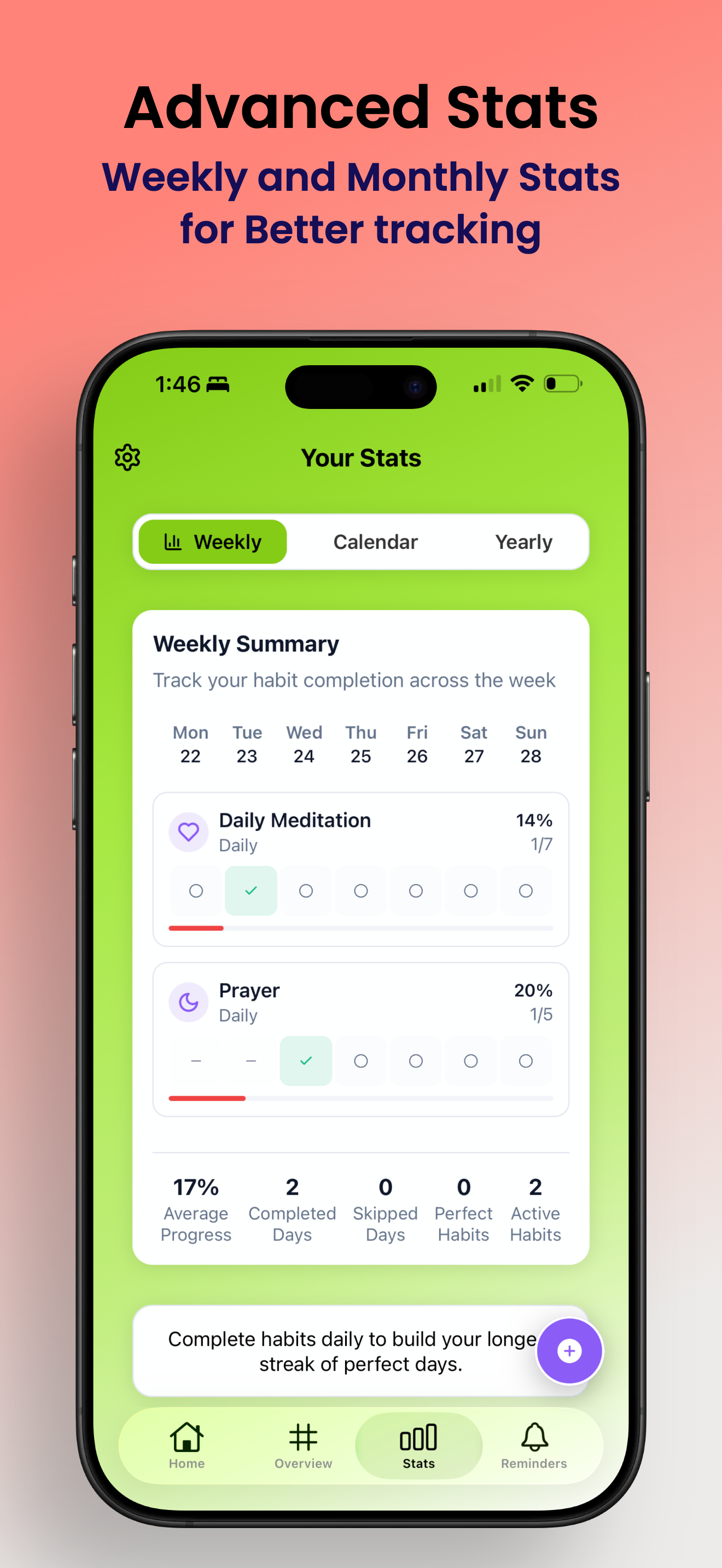
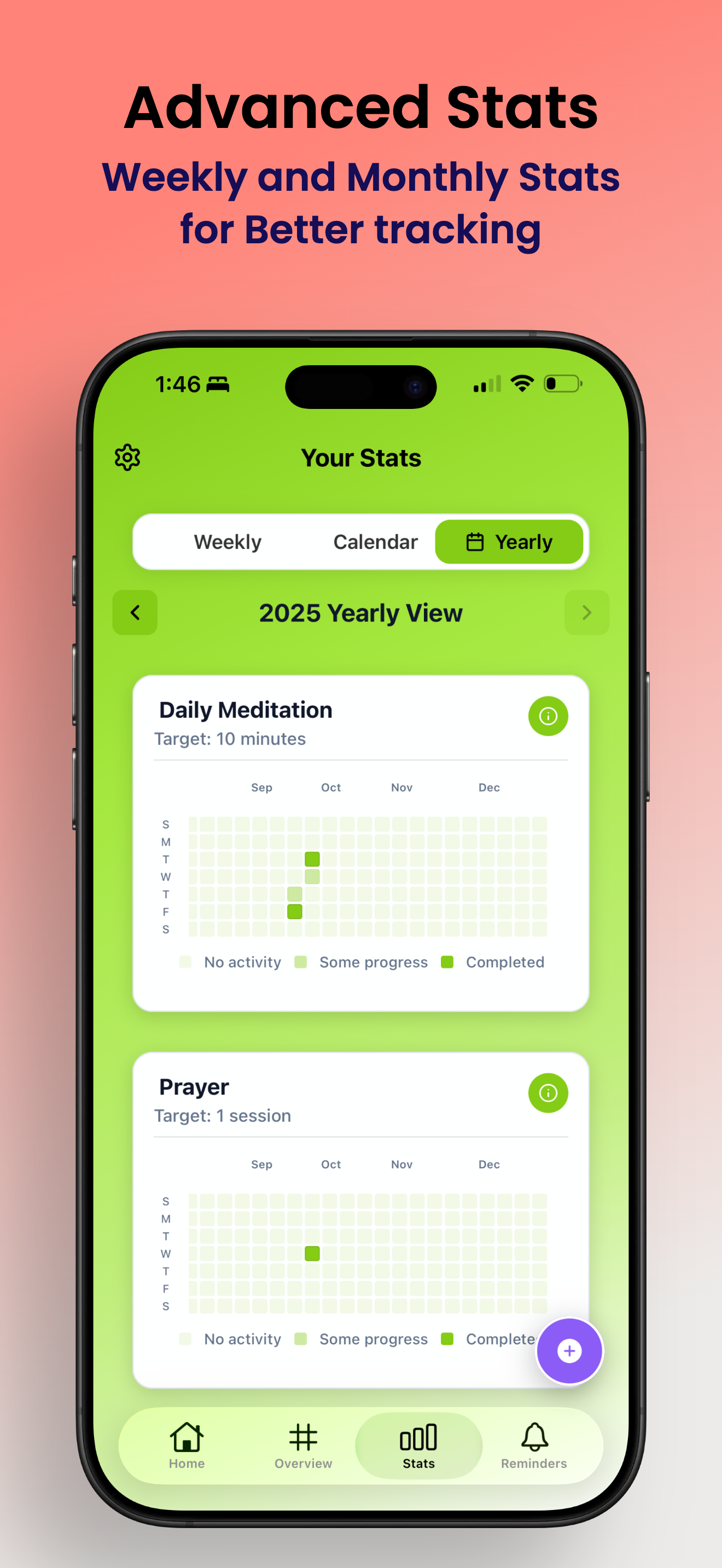
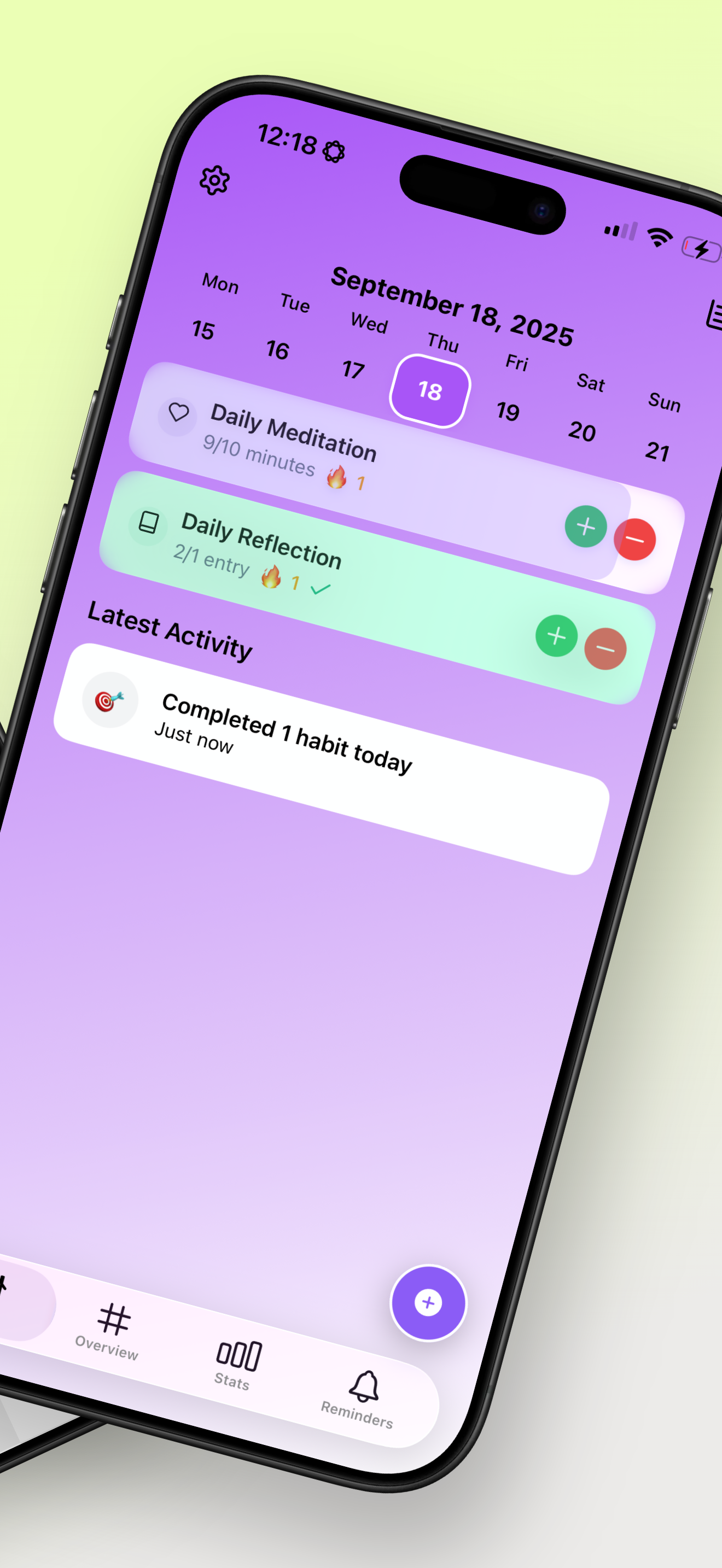
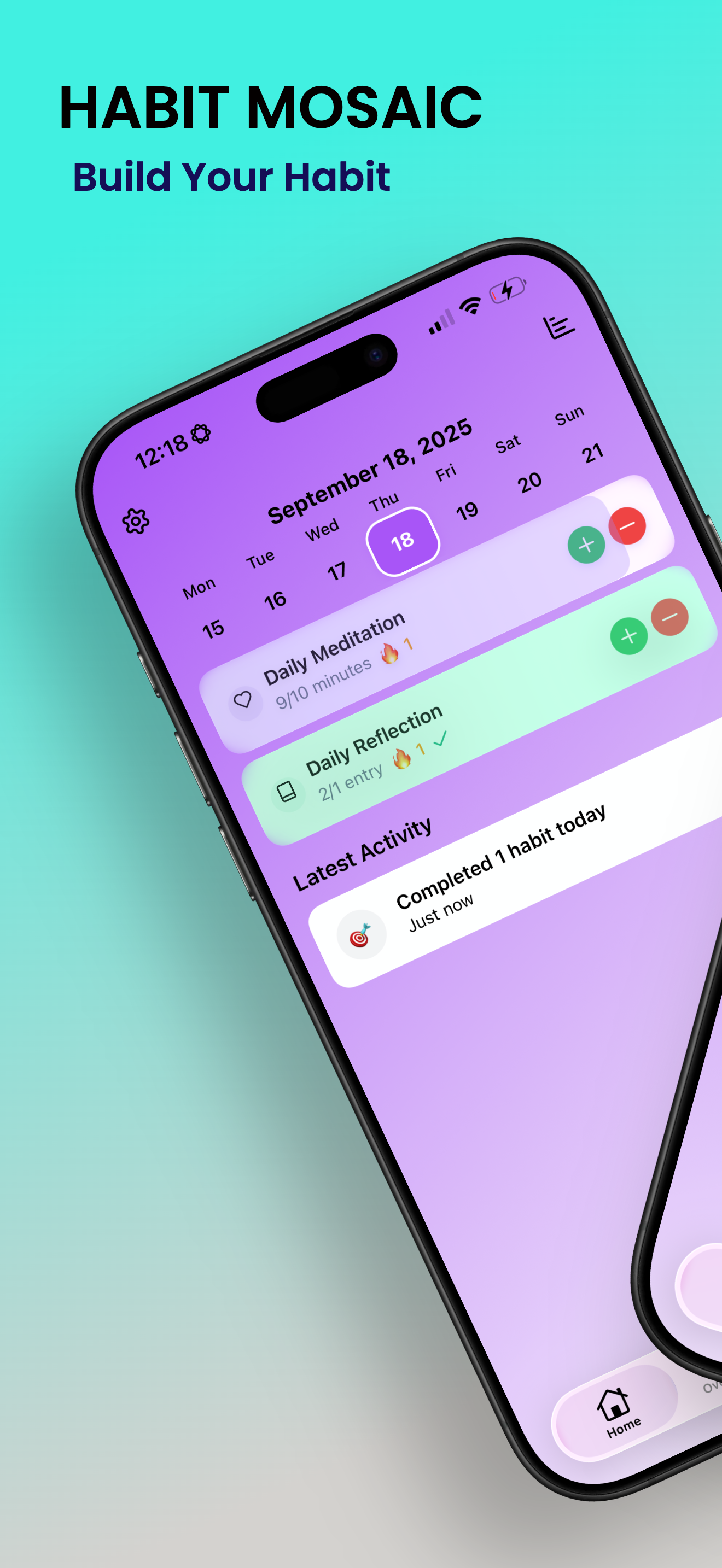
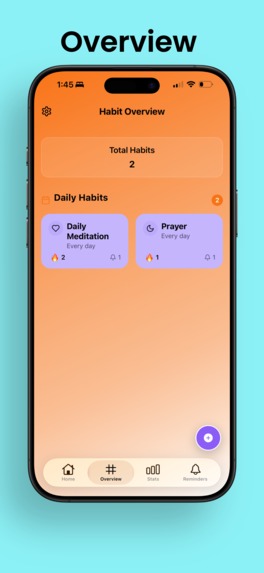
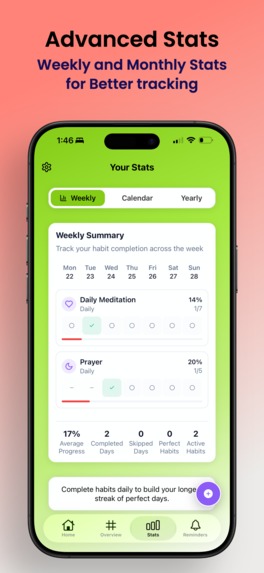
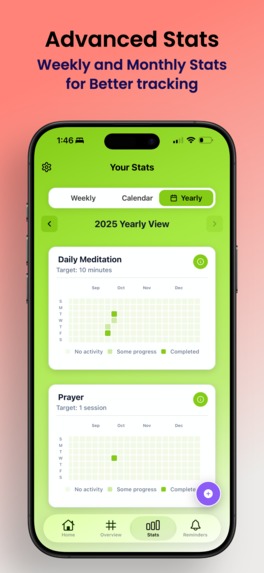
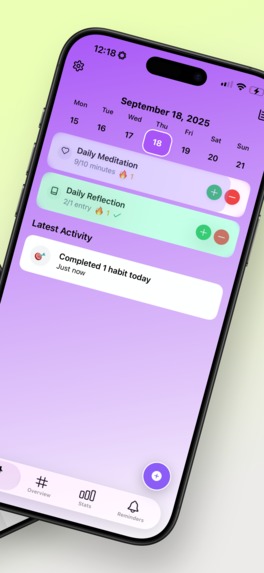
HabitMosaic: Building a Modern Habit Tracker with Cross-Platform Excellence The Inspiration The idea for HabitMosaic emerged from a simple observation: most habit tracking apps either overwhelm users with complexity or oversimplify to the point of being ineffective. I wanted to create something that felt natural and intuitive while leveraging cutting-edge mobile technologies. The goal was to build an app that respects user privacy, works seamlessly offline, and provides a genuinely delightful user experience through modern UI patterns like iOS's liquid glass effects.
What I Learned This project became a deep dive into the complexities of modern mobile development: Cross-Platform Development Realities Working with Expo and React Native taught me that "write once, run anywhere" is more accurately "write once, debug everywhere." Each platform has unique quirks—iOS's strict permission model, Android's notification channels, and web's storage limitations all required platform-specific solutions. State Management and Data Synchronization Implementing Zustand with a persistence layer taught me about managing distributed state across devices. I built a conflict resolution system using version counters and timestamps—each modification increments a version number, and when syncing, the highest version wins. For concurrent edits with equal versions, the most recent timestamp takes precedence. This ensures users never lose data even when editing across multiple devices. Native Module Integration Bridging React Native with native Swift code revealed the complexity of the JavaScript-native boundary. I learned to minimize expensive bridge crossings by batching operations and using React Native Reanimated's worklets, which run animations entirely on the UI thread, bypassing the bridge for performance-critical animations. Subscription Architecture Integrating RevenueCat taught me about iOS StoreKit 2, transaction verification, and handling edge cases like interrupted purchases and subscription renewals across devices.
How I Built It Architecture Foundation HabitMosaic/ ├── app/ # Expo Router file-based routing ├── components/ # Reusable UI components ├── stores/ # Zustand state management ├── utils/ # Cloud sync, notifications, analytics └── types/ # TypeScript definitions Technology Stack
Frontend: React Native 0.79 with TypeScript Routing: Expo Router for type-safe navigation State: Zustand with AsyncStorage persistence Animations: React Native Reanimated for 60fps performance Cloud Sync: iCloud (iOS) and Google Drive (Android) Subscriptions: RevenueCat with StoreKit 2 UI Effects: Custom liquid glass implementation for iOS 26+
Key Implementation Decisions Offline-First Architecture: All data operations work locally first, with cloud sync as an enhancement. This ensures the app remains functional without network connectivity. Version-Based Conflict Resolution: Each data modification increments a version number, allowing deterministic merging when syncing across devices. The system tracks both version numbers and timestamps to handle edge cases. Progressive Feature Adoption: Features gracefully degrade on older platforms. Liquid glass effects fallback to standard views, advanced notifications simplify on older iOS versions.
The Challenges Challenge 1: iOS Build System Complexity Problem: CocoaPods dependency hell consumed entire days. With 50+ native dependencies, version conflicts were inevitable. Solution: I created deterministic build scripts, used static framework linking (use_frameworks! :linkage => :static), and implemented comprehensive cache-clearing procedures. The breakthrough was understanding that Xcode caches can persist corrupted state even after cleaning.
Challenge 2: Expo SDK and Native Module Compatibility Problem: Expo SDK 53 with React Native 0.79 introduced breaking changes in the native module system. Third-party packages like expo-glass-effect had Swift compilation errors. Solution: I used patch-package to maintain local fixes for native modules, correcting Swift method signatures and UIView hierarchy management. This taught me to read Swift source code and understand UIKit's view lifecycle.
Challenge 3: Cross-Platform Cloud Sync Problem: Building a unified sync system for iCloud and Google Drive with different APIs, permission models, and rate limits was technically demanding. Solution: I abstracted the cloud storage layer behind a common interface, allowing platform-specific implementations while keeping business logic unified. Each platform's native storage API is wrapped with a consistent TypeScript interface.
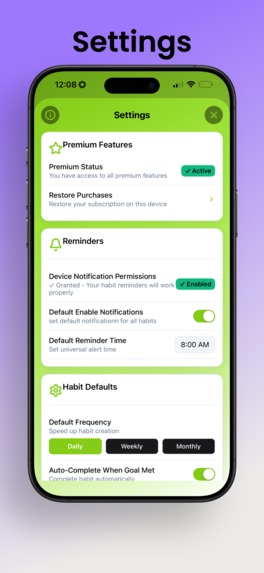
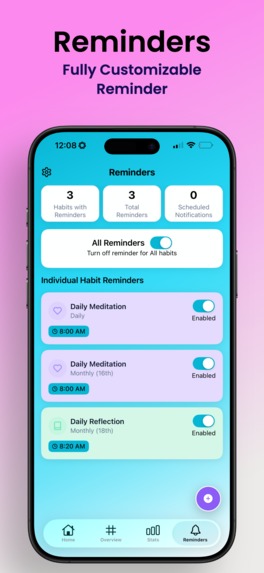
Challenge 4: iOS Notification Permissions Problem: iOS's permission model is restrictive by design. Users can deny permissions initially, and re-requesting requires navigating to system settings. Solution: I implemented a thoughtful permission flow with clear explanations before requesting, graceful degradation when denied, and helpful prompts to enable permissions through settings when appropriate.
Challenge 5: Metro Bundler Cache Corruption Problem: During rapid development, Metro's cache would occasionally corrupt, causing cryptic build failures that cost hours of debugging. Solution: I created a comprehensive reset script that clears all caches (Metro, CocoaPods, Xcode build folders) and reinstalls dependencies in the correct order. This became a standard troubleshooting step.
Challenge 6: Performance with Complex Animations Problem: Liquid glass effects and smooth animations required maintaining 60fps while performing state updates. Solution: I leveraged React Native Reanimated's worklets to run animations on the UI thread independently of JavaScript thread execution. Critical insight: animations must run separate from the JavaScript thread for smoothness.
Challenge 7: App Store Compliance Problem: iOS 17+ introduced stricter privacy requirements including mandatory privacy manifests and App Tracking Transparency (ATT) integration. Solution: I implemented comprehensive privacy disclosures, created proper privacy manifests aggregating all dependencies, and designed an ATT flow that respects user choice while explaining the benefits of analytics.
Technical Achievements The project successfully demonstrates:
- Single codebase serving iOS, Android, and web
- 60fps animations through proper native driver usage
- Conflict-free sync using version tracking and timestamps
- Premium monetization with seamless subscription management
- Modern iOS UI leveraging platform-specific features
- Comprehensive type safety with TypeScript throughout
🚀 What's Next Future enhancements include:
Apple Watch integration for quick habit tracking Apple Widget Machine learning insights for identifying habit patterns End-to-end encryption for cloud data
🎓 Conclusion This project reinforced that building production-quality mobile apps requires more than coding ability—it demands understanding platform ecosystems, managing complexity through abstraction, and persistent problem-solving when documentation falls short. Every challenge taught me something new about mobile development, and the result is an app I'm genuinely proud to share.
Built With
- expo.io
- react-native
- react-native-reanimate
- revenuecat
- zustand

Log in or sign up for Devpost to join the conversation.