-
-
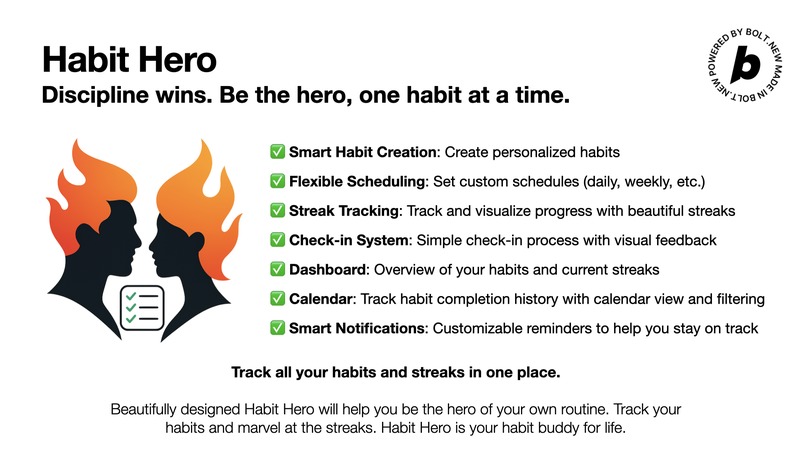
Poster
-
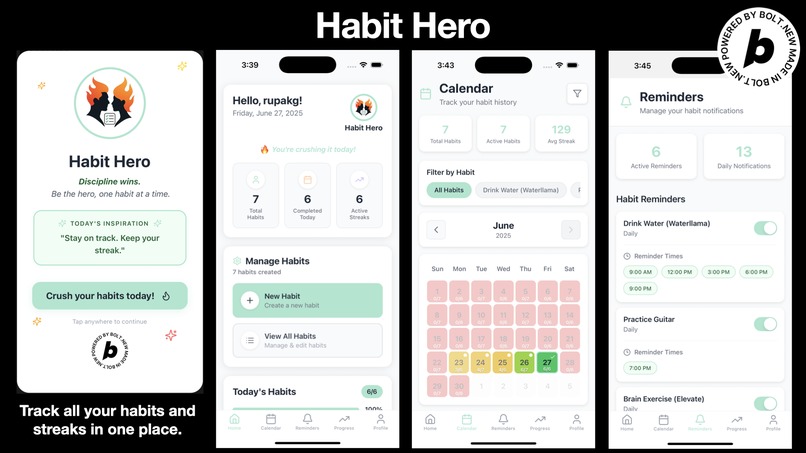
Thumbnail
-
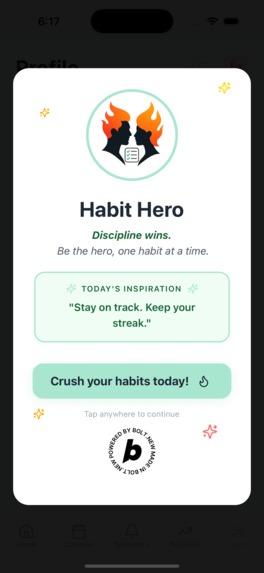
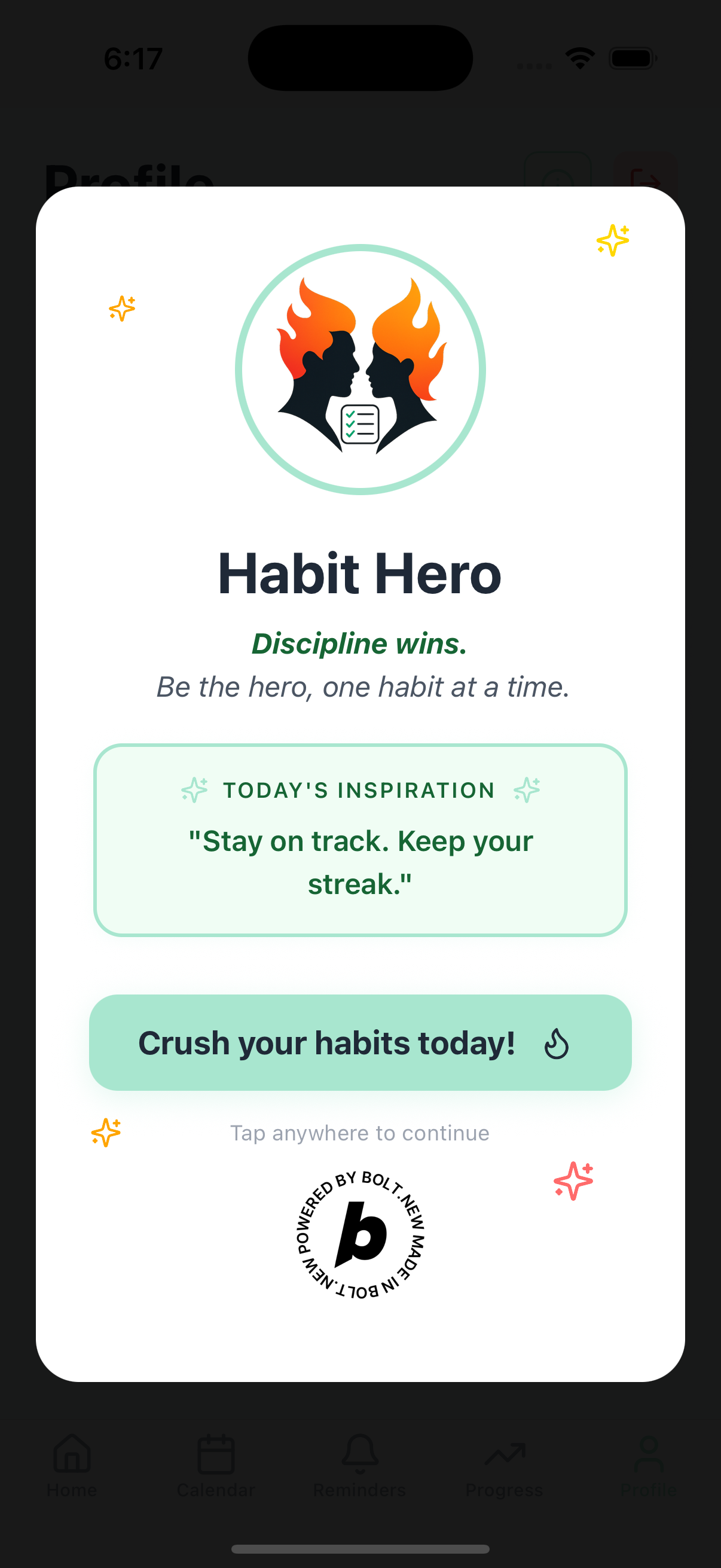
Splash screen
-
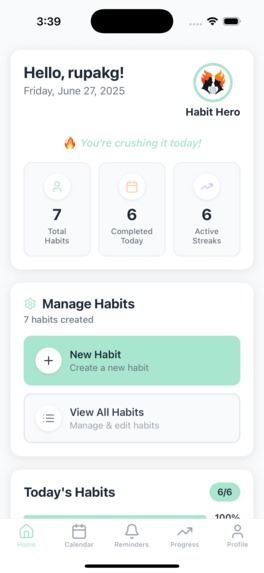
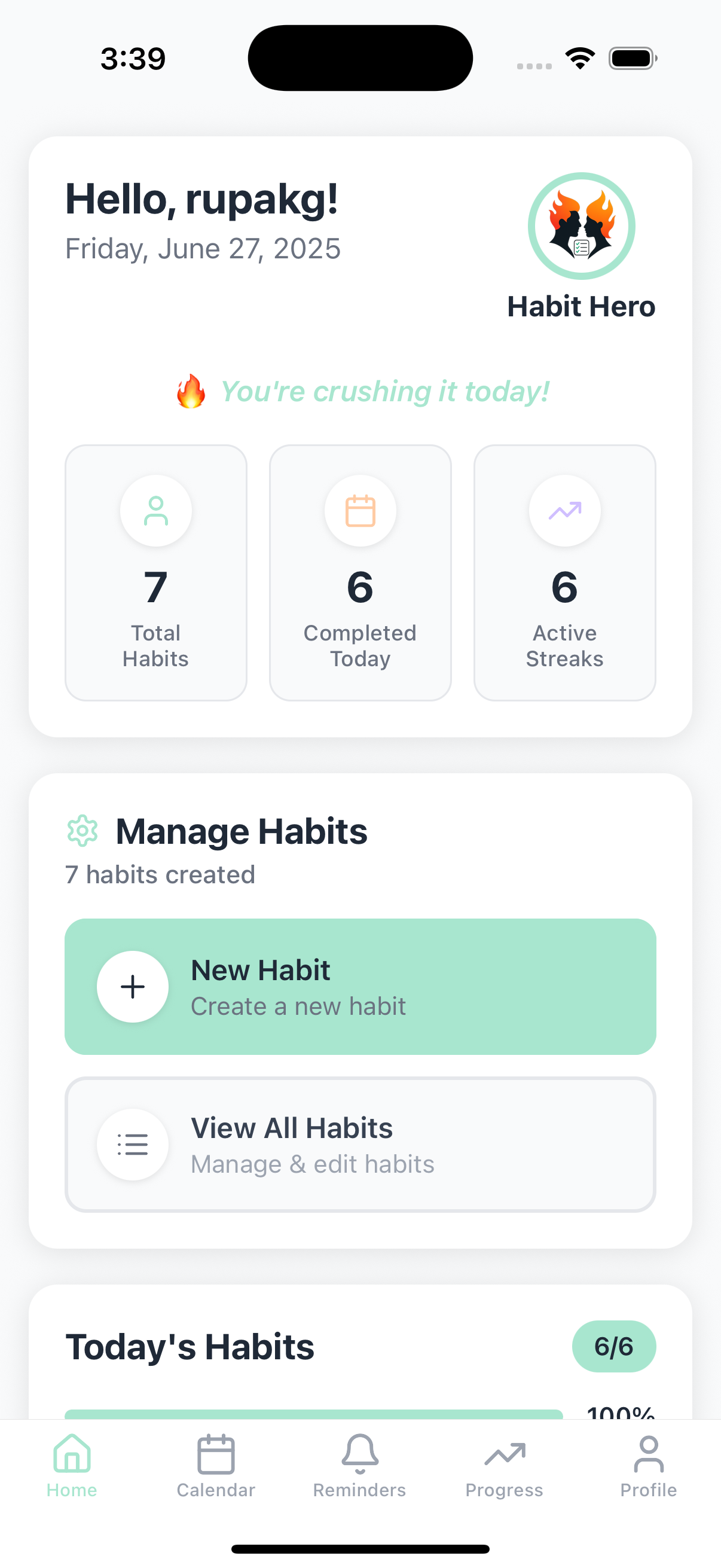
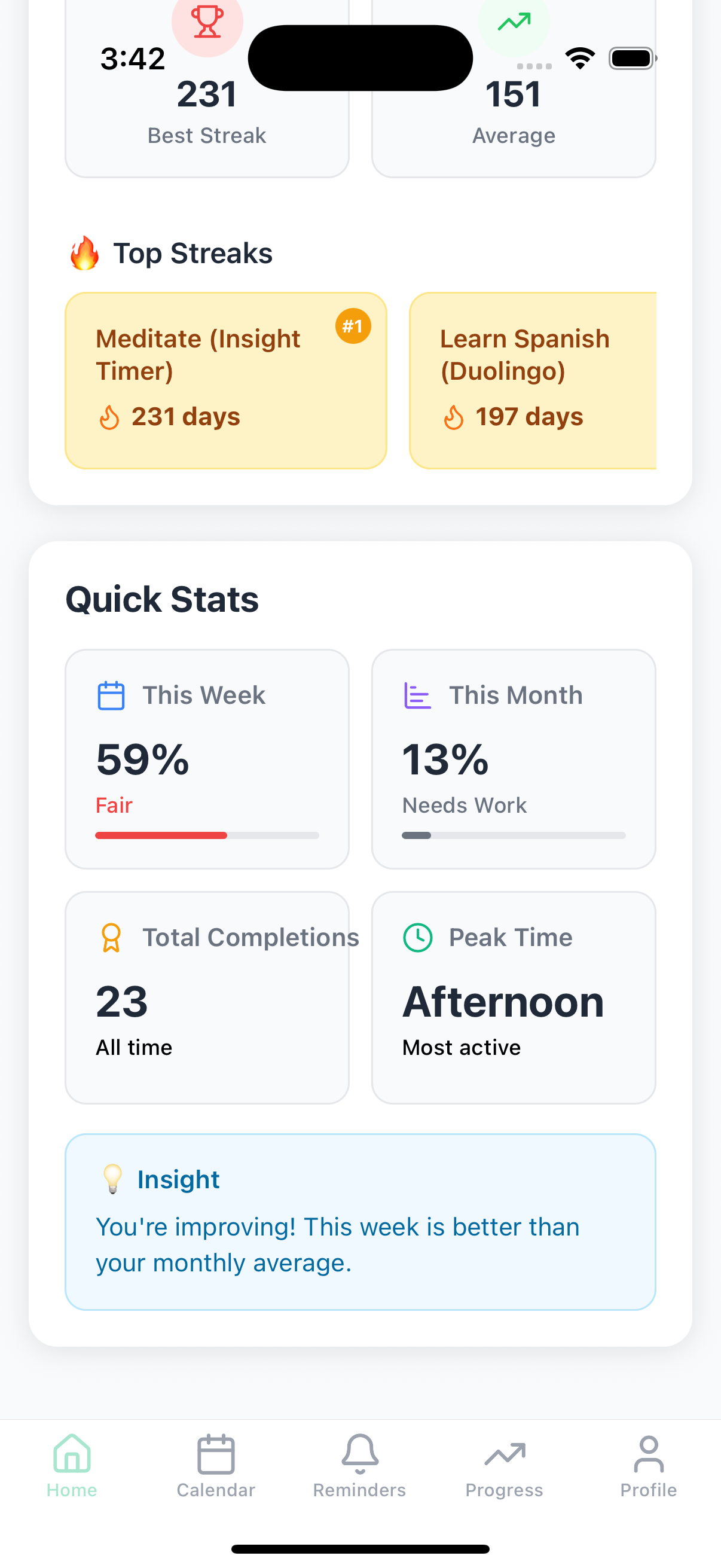
Dashboard 1
-
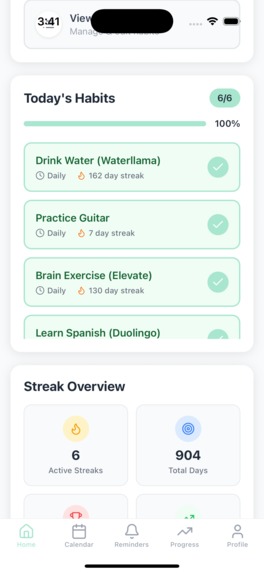
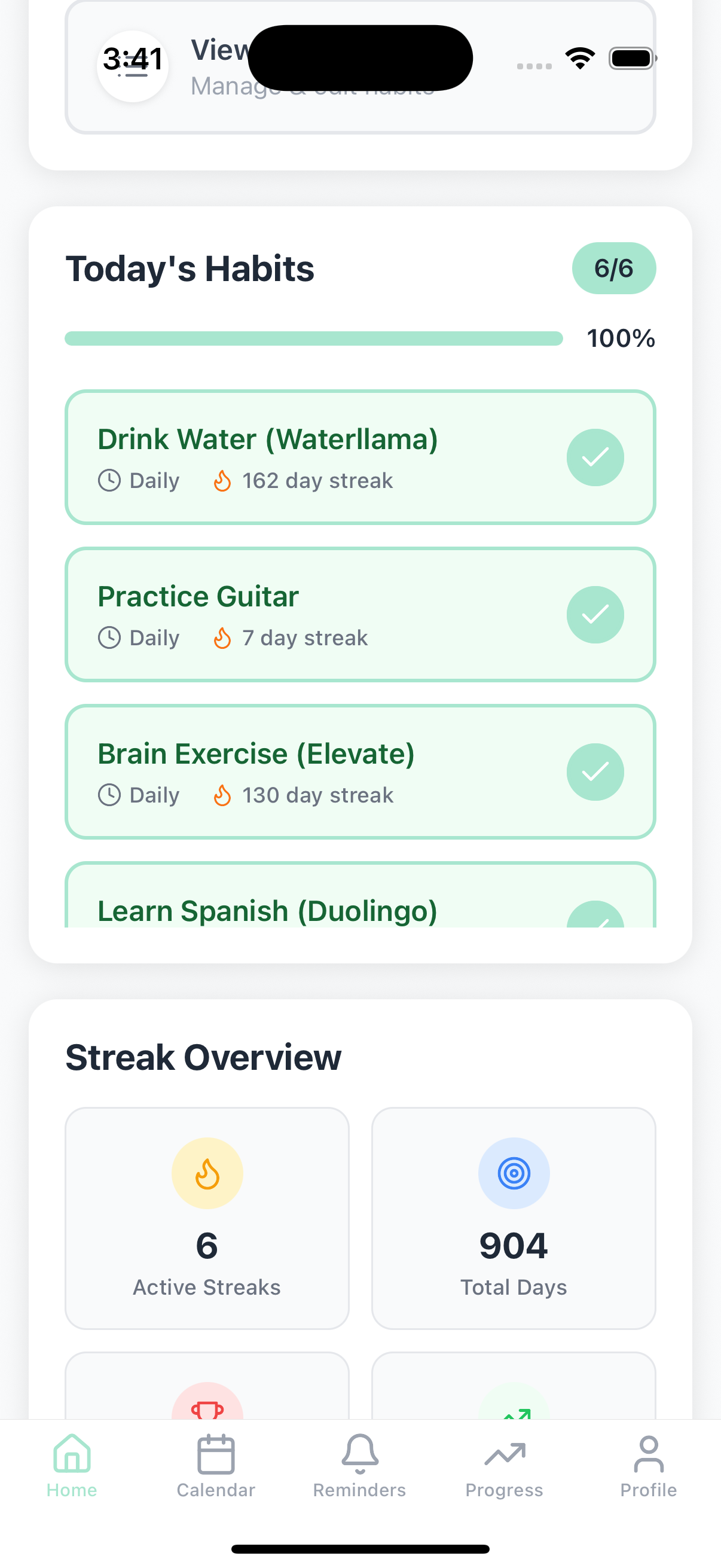
Dashboard 2
-
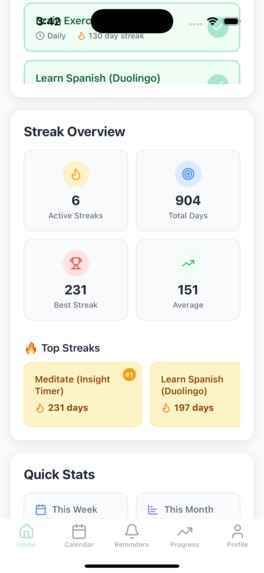
Dashboard 3
-
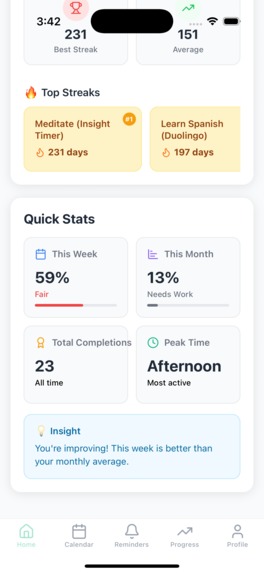
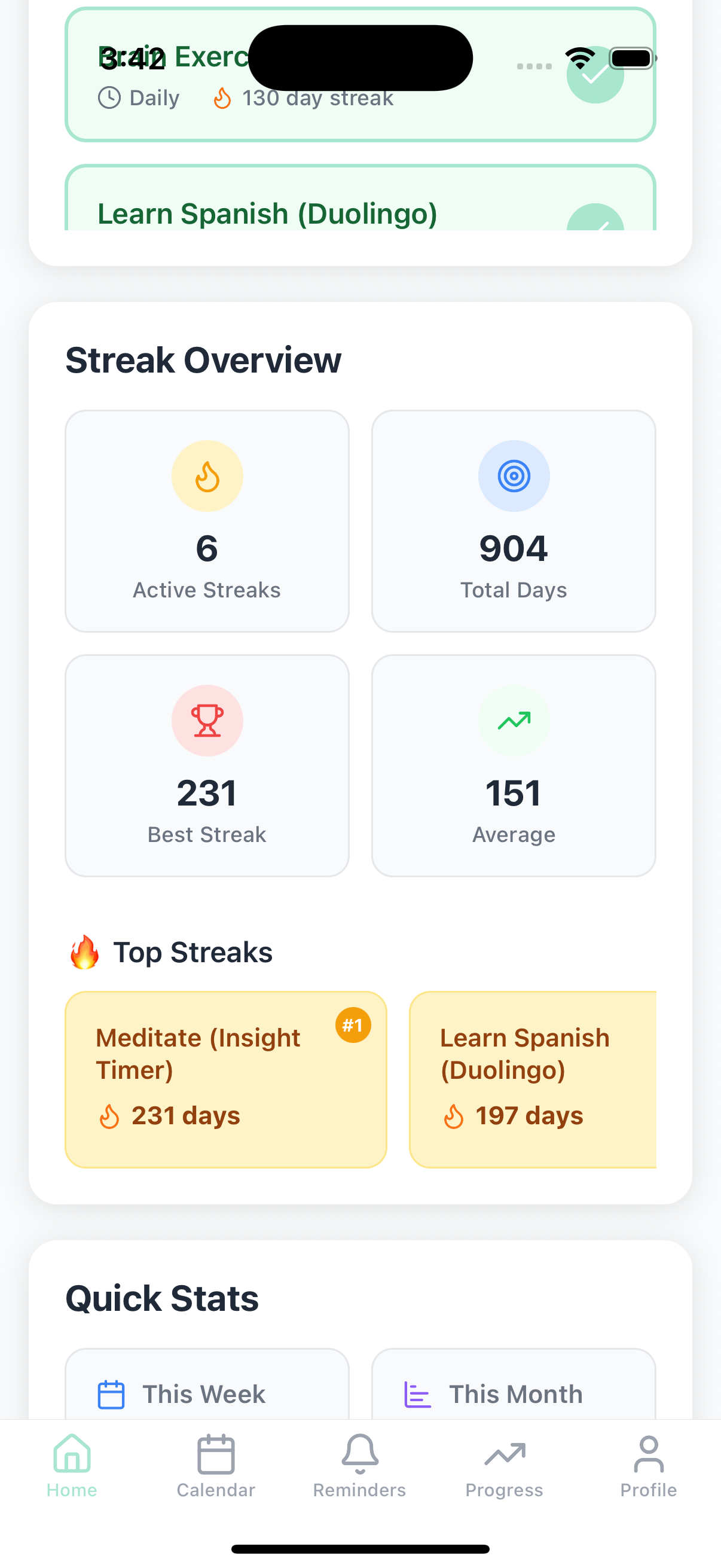
Dashboard 4
-
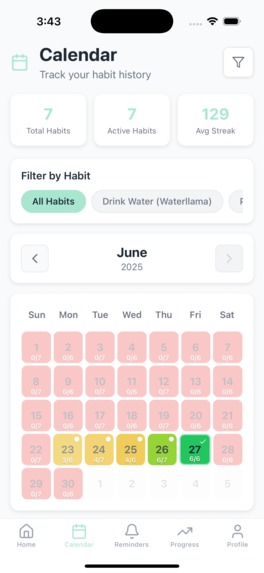
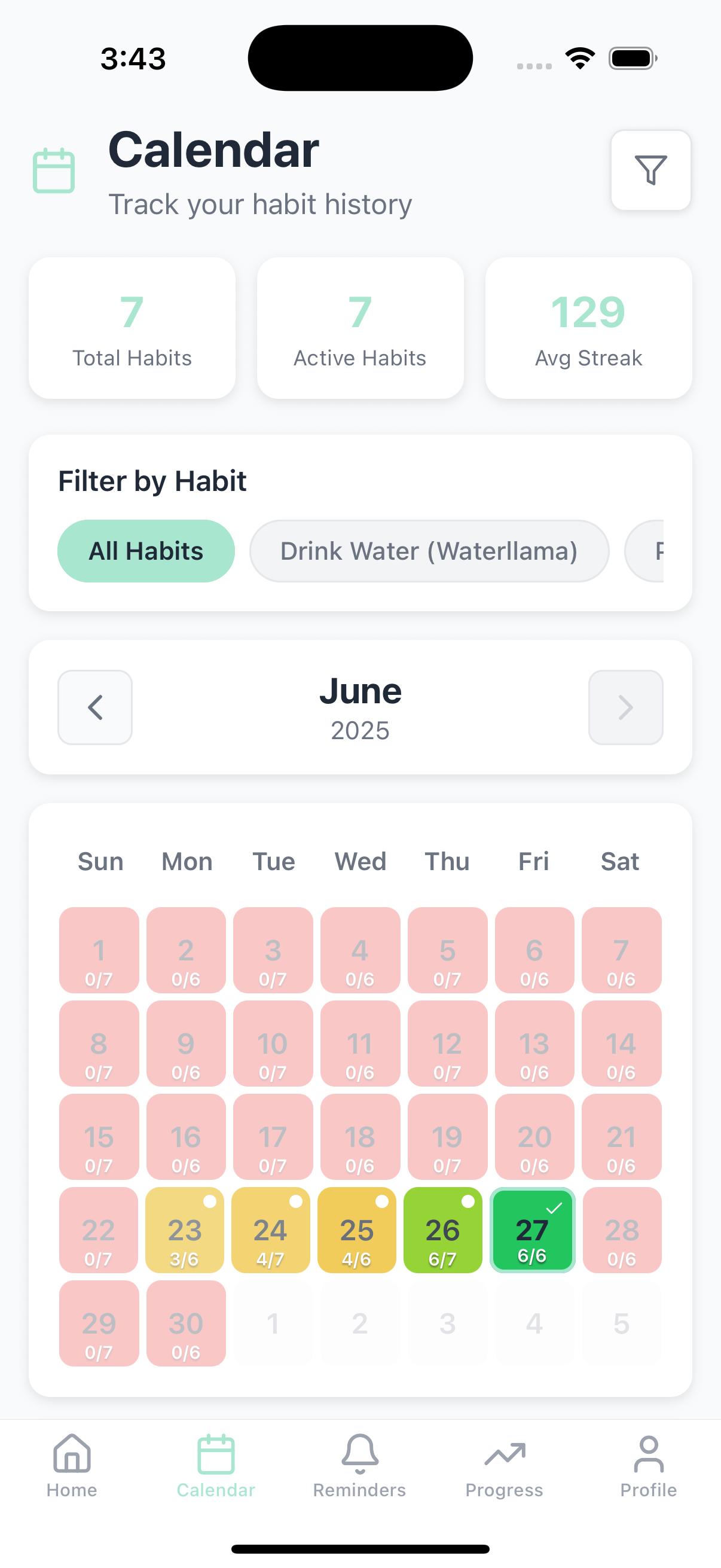
Calendar
-
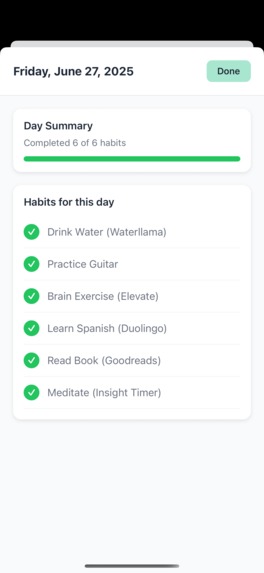
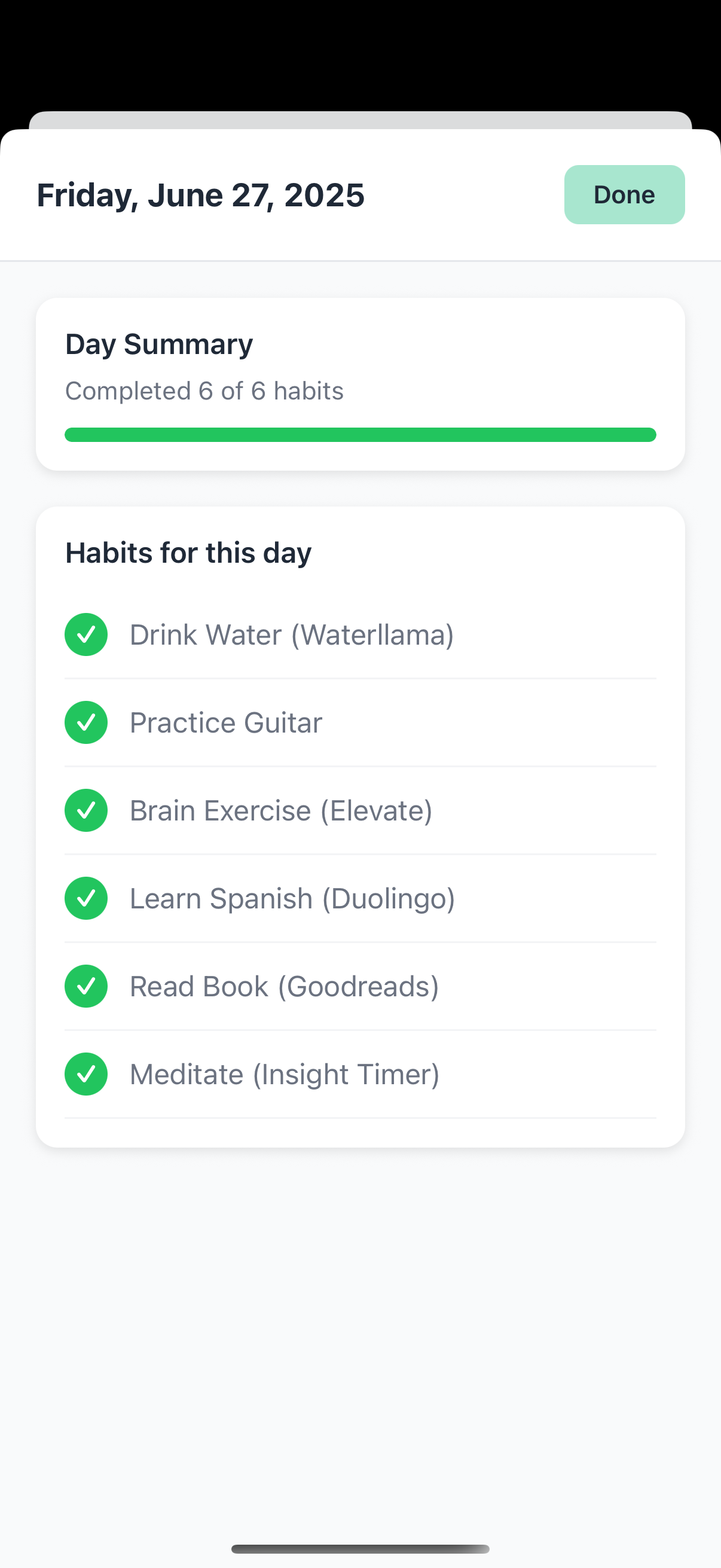
Calendar Day
-
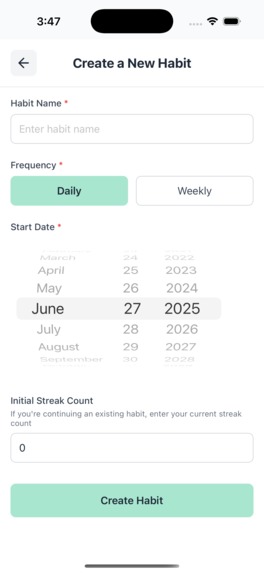
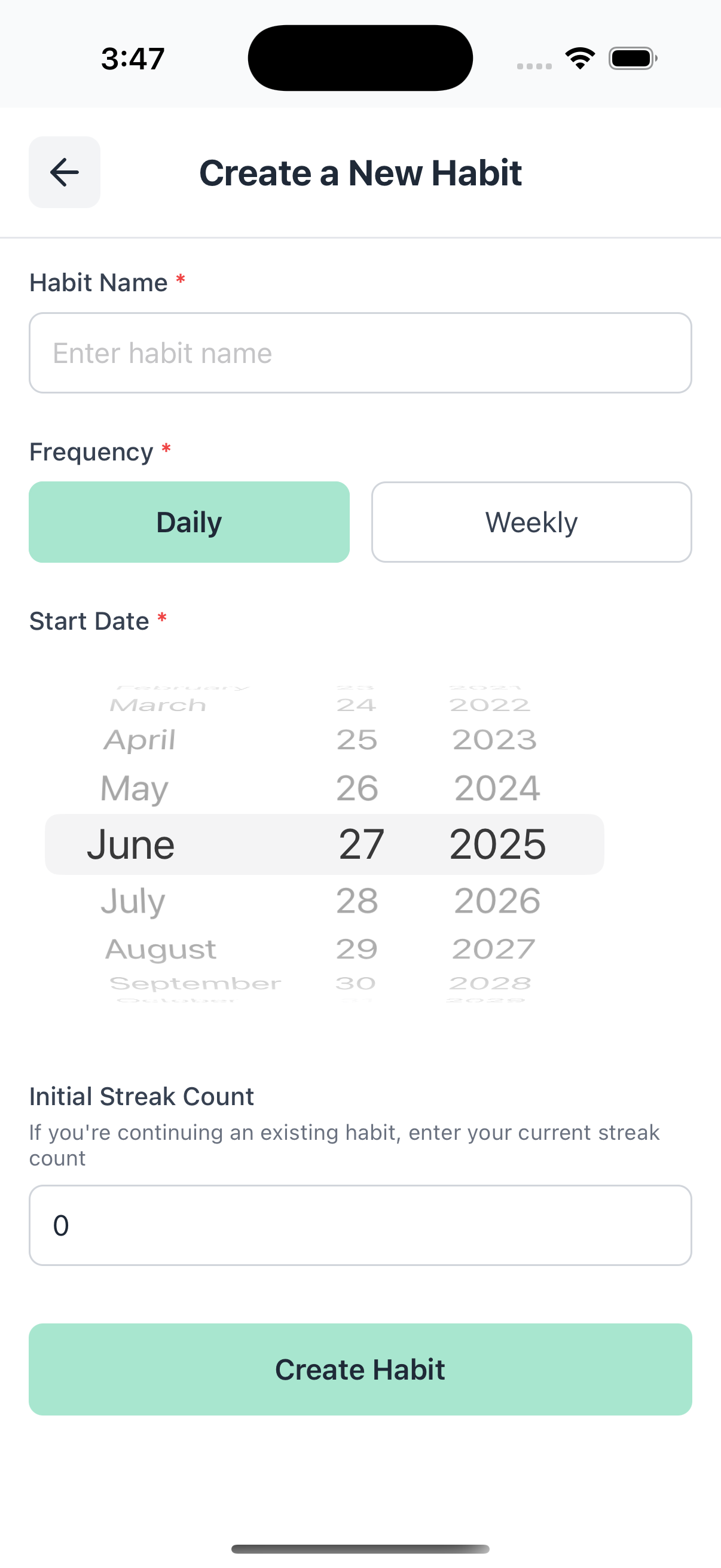
New Habit
-
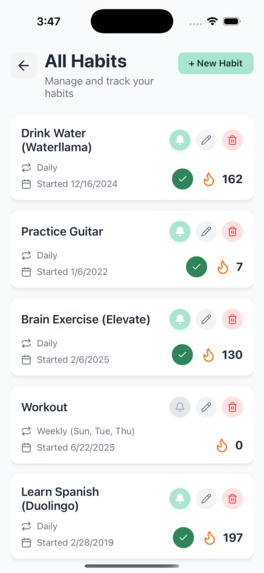
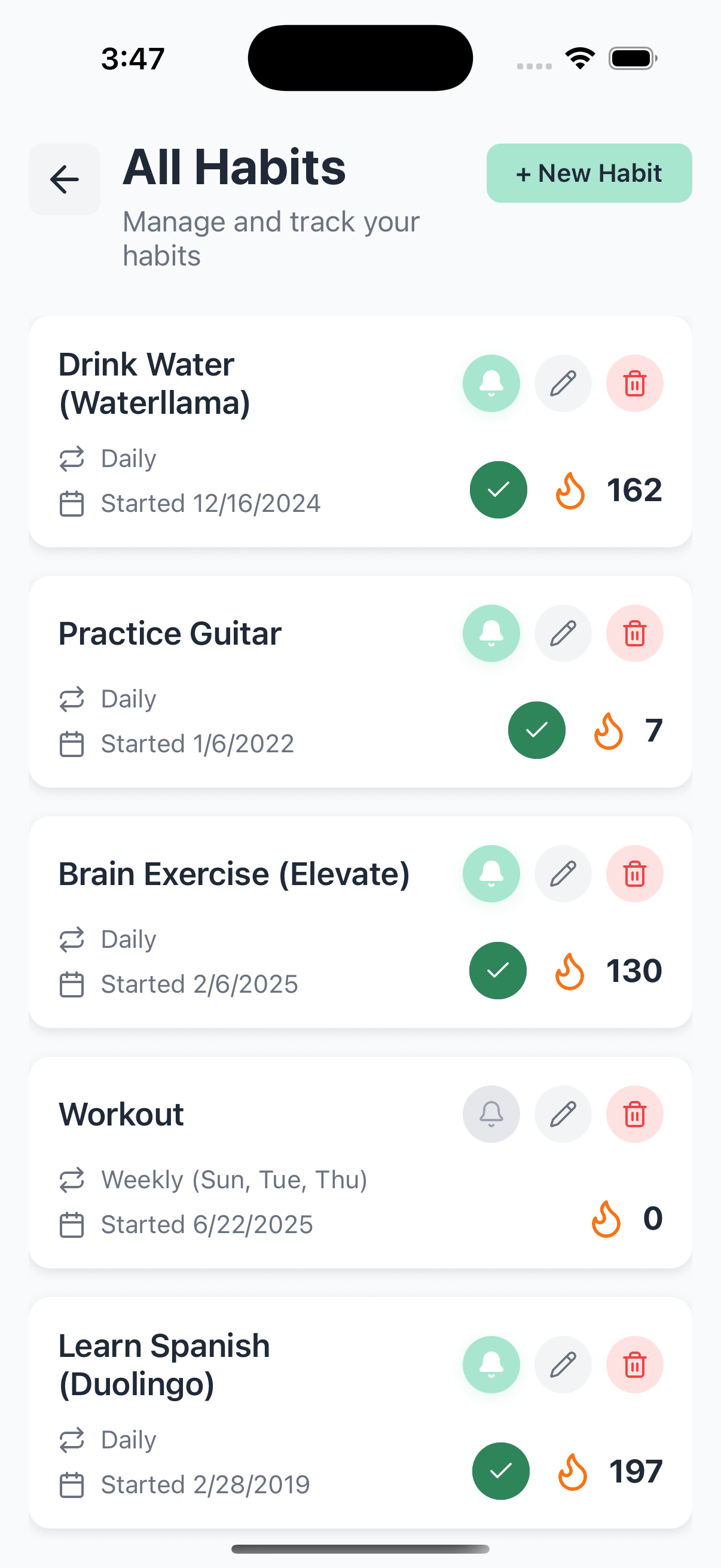
View All Habits
-
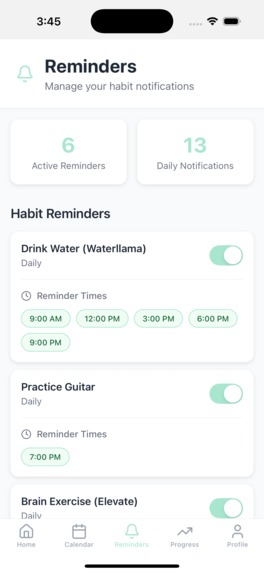
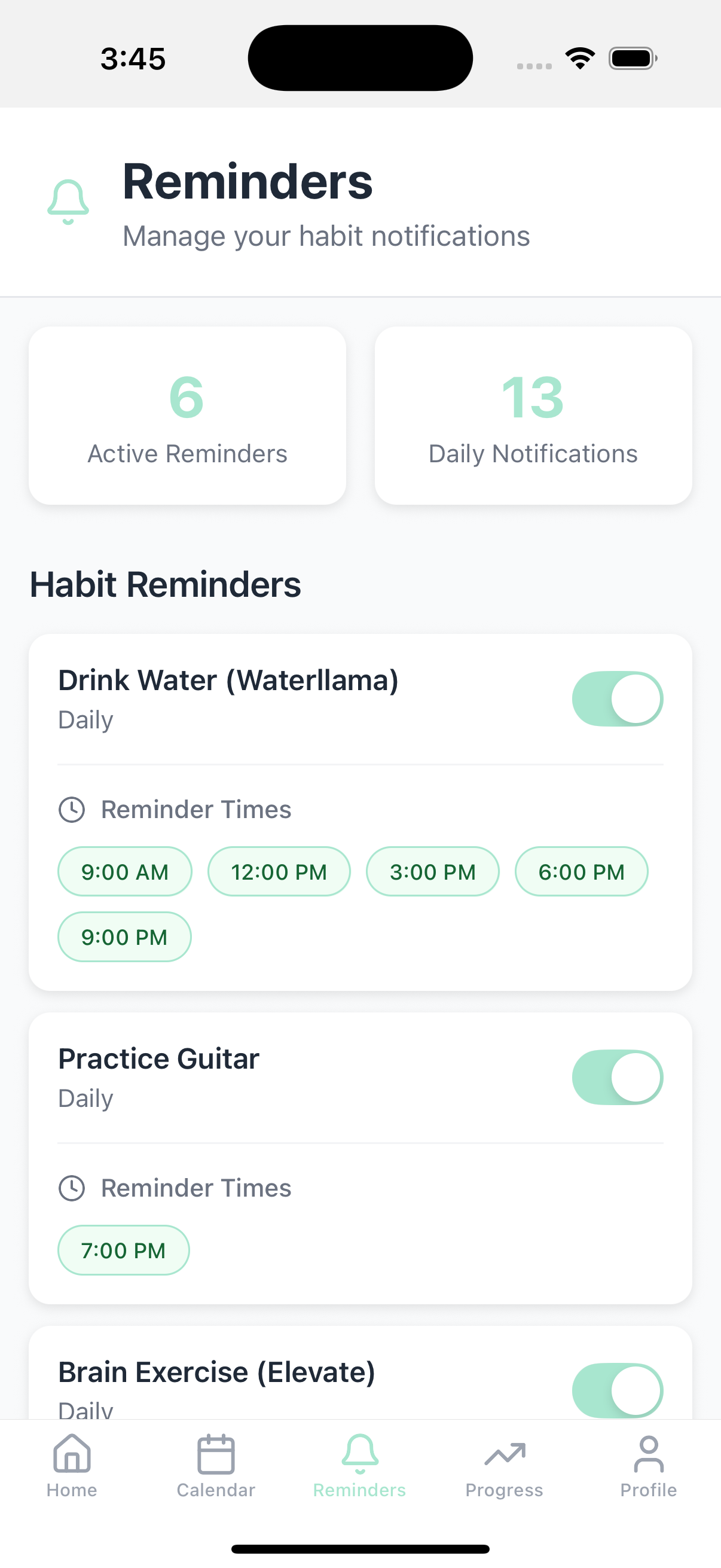
Reminders
-
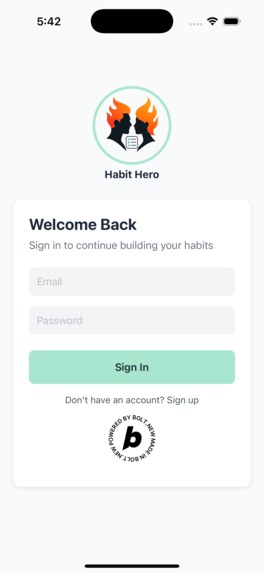
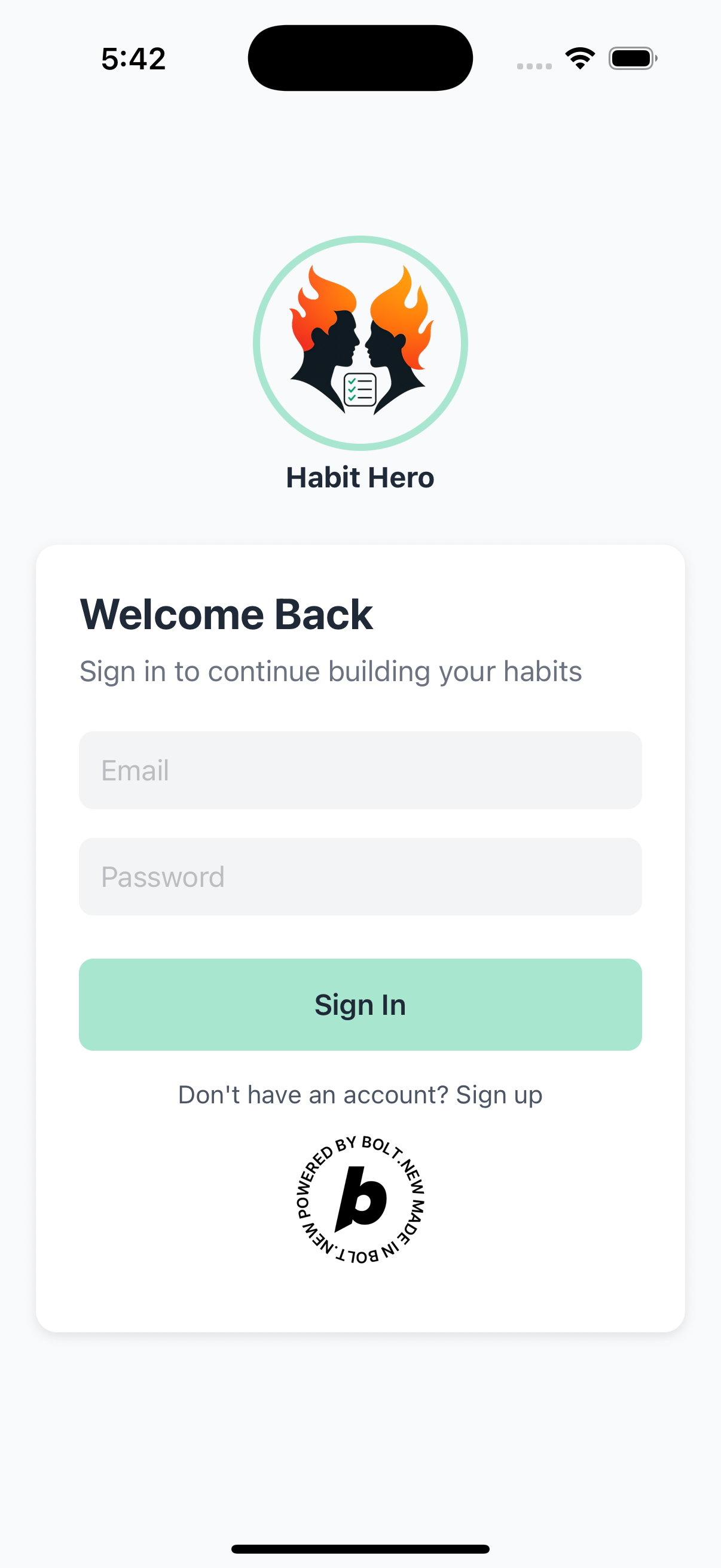
Sign In
-
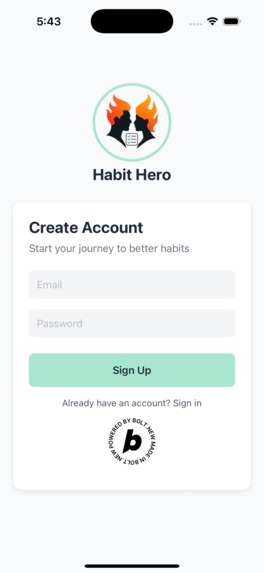
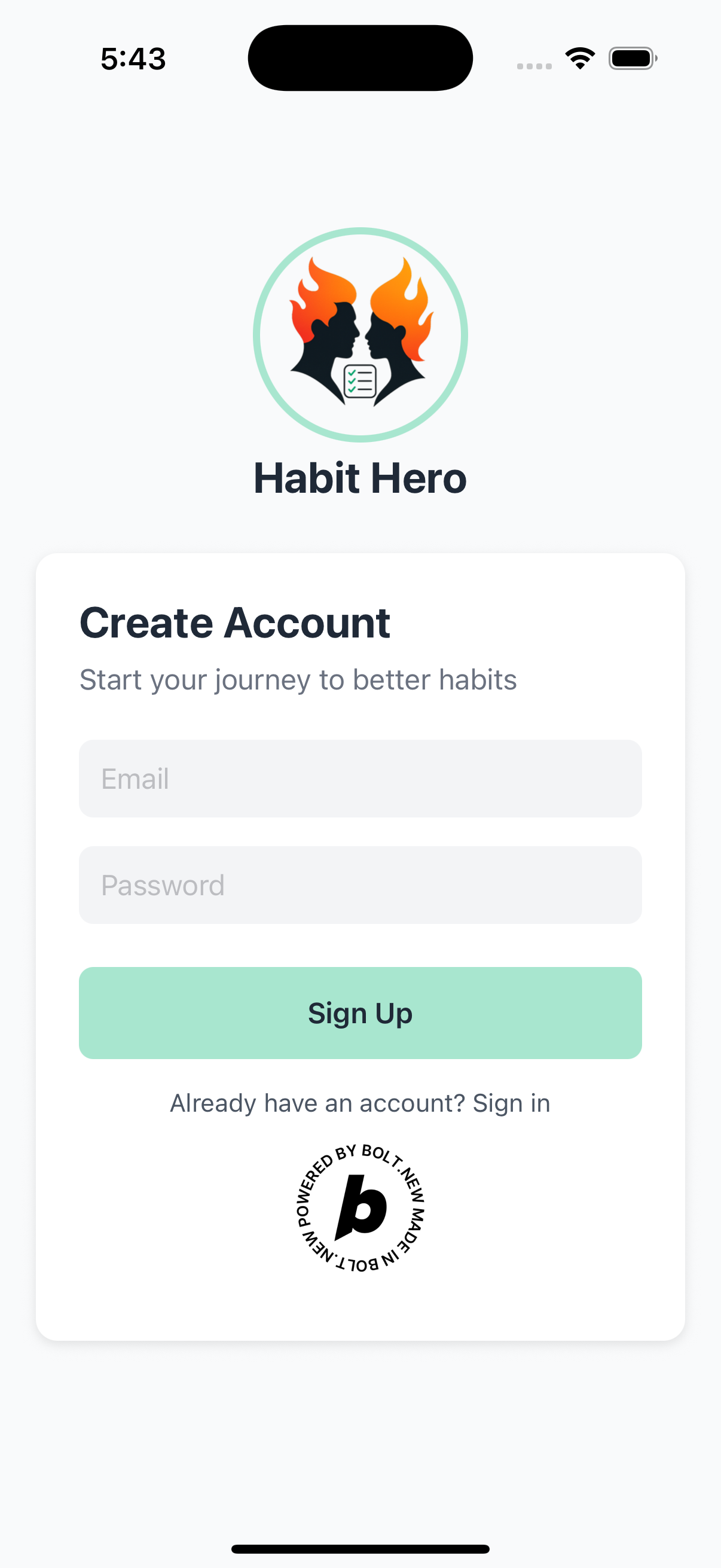
Sign Up
Inspiration
Discipline wins. Consistency compounds. Actioning daily habits in a fixed routine is the pathway to growth.
I have always been a routine person with daily habits. And, I use several apps to track my habits. I was tired of keeping track of habits and streaks, so I had an idea to build an app that could manage, track, and view all habits and streaks in one place.
Habit Hero is the outcome of that inspiration. To visualize progress and growth with habits and streaks to keep me motivated.
What it does
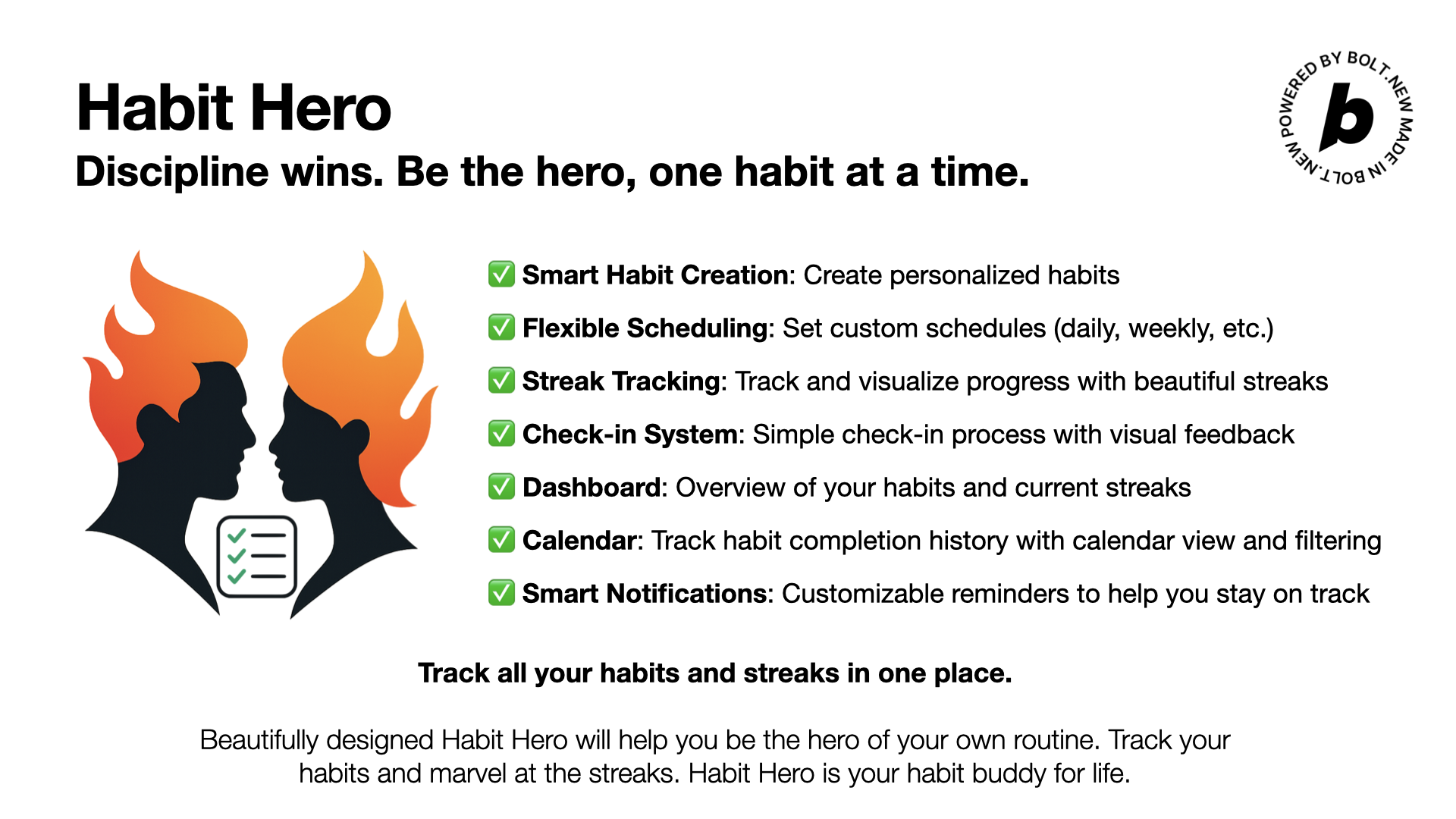
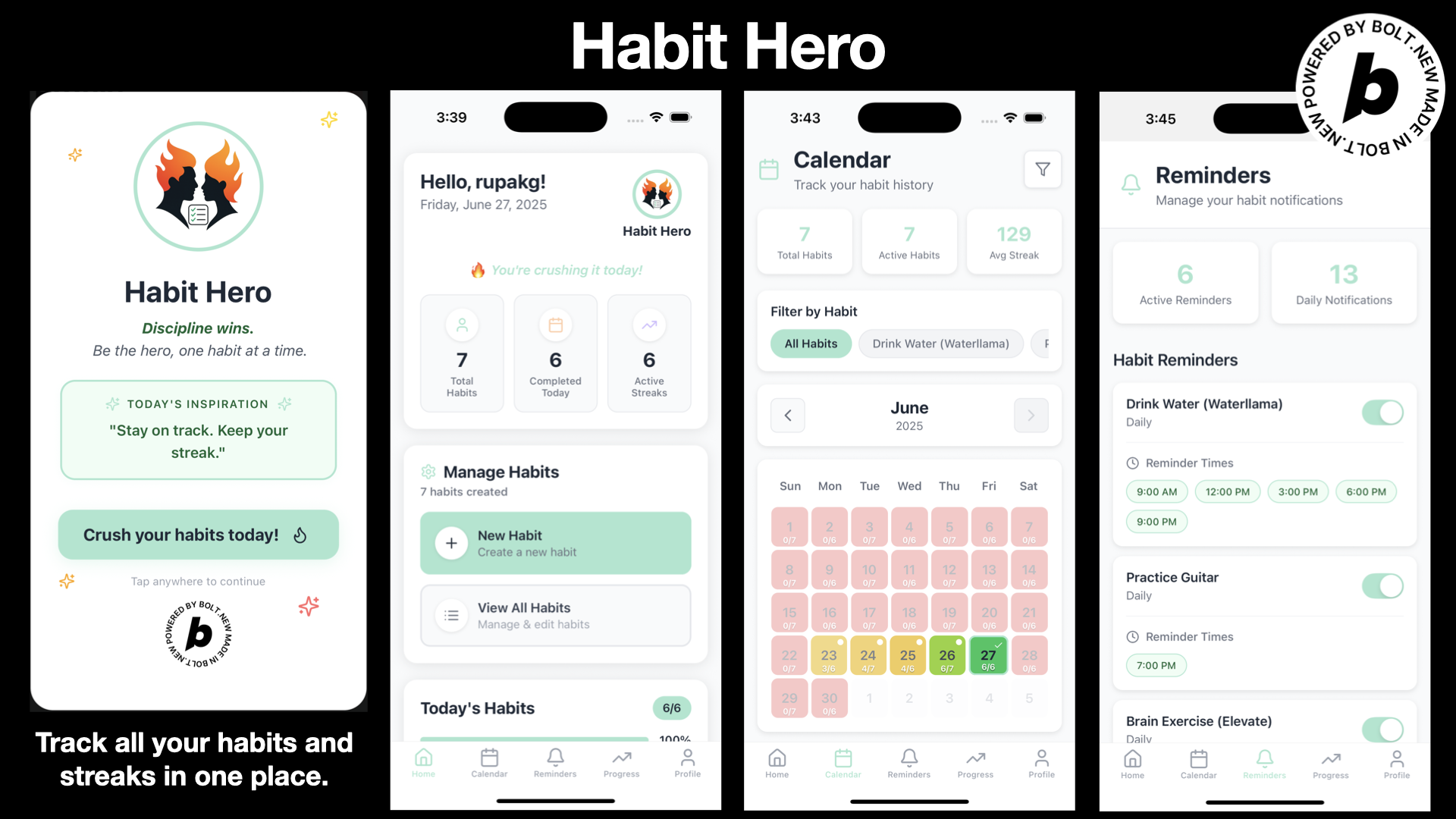
Habit Hero is a beautifully designed web & mobile app that will help you manage & check in habits, view streaks, schedule, stats dashboard, calendar, and set reminder notifications for all your habits and streaks in one place. Just sign up and crush your habits each day! Habit Hero is your habit buddy for life. Core features include:
- ✅ Smart Habit Creation: Create personalized habits
- ✅ Flexible Scheduling: Set custom schedules (daily, weekly, etc.) that fit your lifestyle
- ✅ Intelligent Streak Tracking: Automatically track and visualize progress with cool streak indicators
- ✅ Daily Check-in System: Simple and engaging check-in process with visual feedback
- ✅ Interactive Dashboard: Get a comprehensive overview of your habits and current streaks
- ✅ Visual Calendar: Track your habit completion history with an intuitive calendar view and filtering
- ✅ Smart Notifications: Customizable reminders to help you stay on track
How we built it
I started with an idea to manage and track habits in one place. I started with generating an overall plan and a task list. I broke down the plan into phases with its own task list.
I then started with a one-shot prompt to create the basic shell, code structure, configuration, etc, for the app. I took one feature at a time, created a feature branch, and started vibe coding the app on Bolt. Made the app work with local storage and then switched to Supabase.
I built the habit creation and management screens first and made them work. Then, I built the authentication system and connected it to the Profile screen. Once all the basic functionality was working, I explored building the dashboard with data broken down into useful stats, streaks overview, and a section for motivational messages.
Next came the Reminders and Notification system, which allows a user to set reminders and get notified on the web and mobile versions of the app. Then, I worked on the Calendar view to visualize the habit completion counts per day and added some nifty color coding with completion legends. Next, I worked on creating and adding a logo, title, and tagline for the app and integrated it into the Dashboard. I also created a splash screen and integrated it into the Profile screen.
The tech stack is as follows:
- Frontend: React Native, Expo
- Backend: Express.js
- Database: Supabase
- State Management: React Context API
- Navigation: Expo Router
- UI Components: Custom components with React Native core
- Authentication: Supabase Auth
- API Integration: RESTful APIs
Challenges we ran into
- Bolt does not yet provide a way to create PRs, and I wanted to follow the process of iterating over features in separate feature branches and issuing PRs. Since Bolt allows switching branches, I made it work with a small workaround.
- In the initial iterations of the app, I had an issue with mismatched Expo and React Native package dependencies. I wasted a lot of tokens solving those in Bolt, but then gave up and manually fixed it.
- I noticed that the last code checkpoint shows an “Undo” action in Bolt, but the code is still checked into Git. For earlier checkpoints, Bolt shows a “Revert” action. I tried the “Undo” action several times, and the undo action removes that code implementation checkpoint from the Bolt app chat, and undoes the code correctly, but I can still see the git commit. Not sure if this is a bug.
- I have notifications and reminders for my app. I could not get to enable notifications in Bolt Preview mode, and had to enable notifications by running the app locally on my machine. See the reminders screen for the issue.
- The authentication system from Supabase, sends a confirmation email for verification while setting up a new user. I initially struggled to get the verification to work as it could not communicate with the localhost url running in Bolt. I had to change the default site url in Supabase to the correct localhost:port url, run the app locally, and set up a new user. The confirmation email verification worked this way.
- The app is a React Native mobile and web app. The Bolt preview for the devices is not very accurate, and it made it hard to fix UI alignment issues. I solved the problem by running it locally and then testing it on my device by local mirroring.
- I also noticed that the Device preview with Expo would not work from time to time.
Accomplishments that we're proud of
- Built a beautiful web & native mobile app to help users to manage, track, and view all habits and streaks in one place
- Beautiful dashboard with stats & progress visualizations
- An intuitive daily check-in with an intelligent streak tracking system
- Visual calendar view with a habit completion history and stats
- Platform-specific feedback mechanisms via reminders and notifications
- A clean, minimalist interface with thoughtful white space and soothing pastel color palette
- A card-based layout for easy information scanning
- An easy-to-use to use authentication and profile system
- Smooth animations and micro-interactions
- Modern typography using the Inter font family and beautiful iconography
- An intuitive tab-based navigation
What we learned
- Planning ahead of implementation is very important and crucial. I generated a detailed plan with phases and a task list that gave me an opportunity to plan out the features.
- Asking the AI to give me a plan before implementing anything helped clarify the thought process and understanding the intentions of the AI assistant. It also allowed for me to tweak the implementation details.
- Providing the AI assistant with the full context from the planning tasks, along with the main prompt, made the implementation much smoother with expected results.
- In case of doubts or issues, asking the AI assistant to explain the issue and its fix without implementing any code helped a lot to understand the problem and the suggested fix.
- Supabase integration made it very easy to implement authentication and database support. I especially like the tight integration of Supabase with Bolt, passing secrets, migrations, etc.
- Uncaught Supabase exceptions are thrown in the Bolt terminal and show up as issues. Just ignoring them in Bolt, and reviewing & fixing them by myself helped save a lot of tokens.
- Bolt has gotten pretty good at one-shot prompts to generate beautiful screens and UI components. The code structure is organized. The online preview is very good.
What's next for Habit Hero
- I would like to add a few more enhancements, like progress/achievement charts & analytics, payment/subscription integration, etc. And, adding a complete suite of unit and integration tests.
- I would then deploy it to the Apple and the Play Store. I intend to keep the app free with the basic features, and I will add In-App purchases for more advanced features.
- I hope people will find the app useful and use it to grow themselves by stacking good habits.
Built With
- api
- bolt
- expo.io
- express.js
- react
- react-native
- rest
- supabase
- typescript

Log in or sign up for Devpost to join the conversation.