-
-
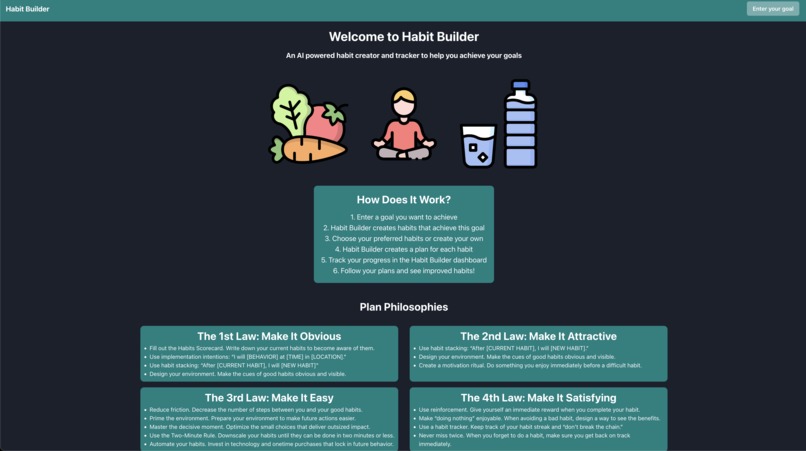
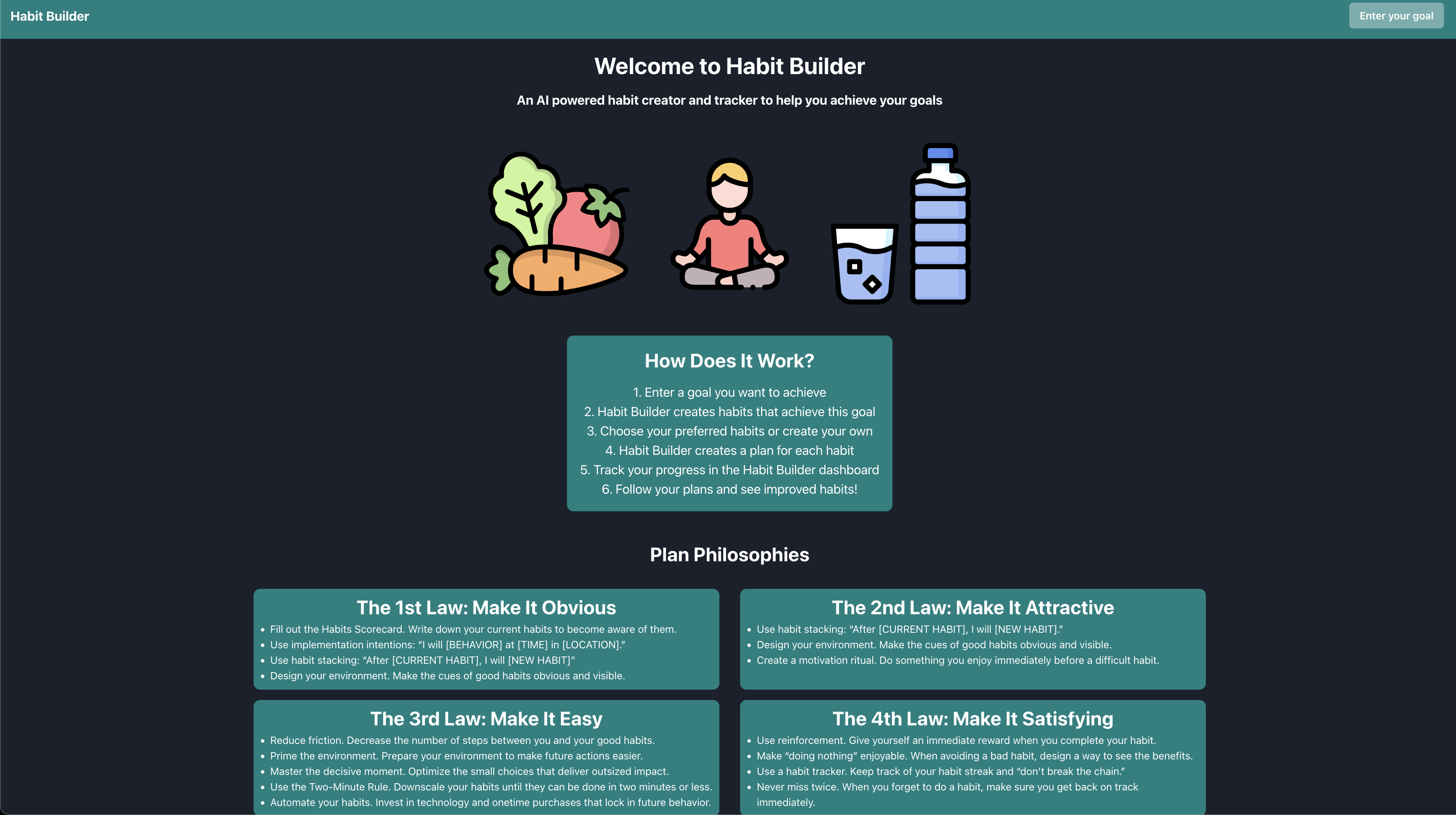
Home Screen
-
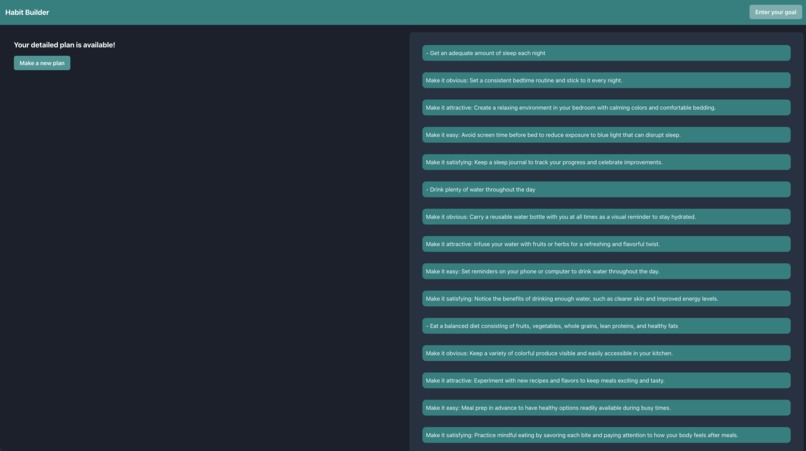
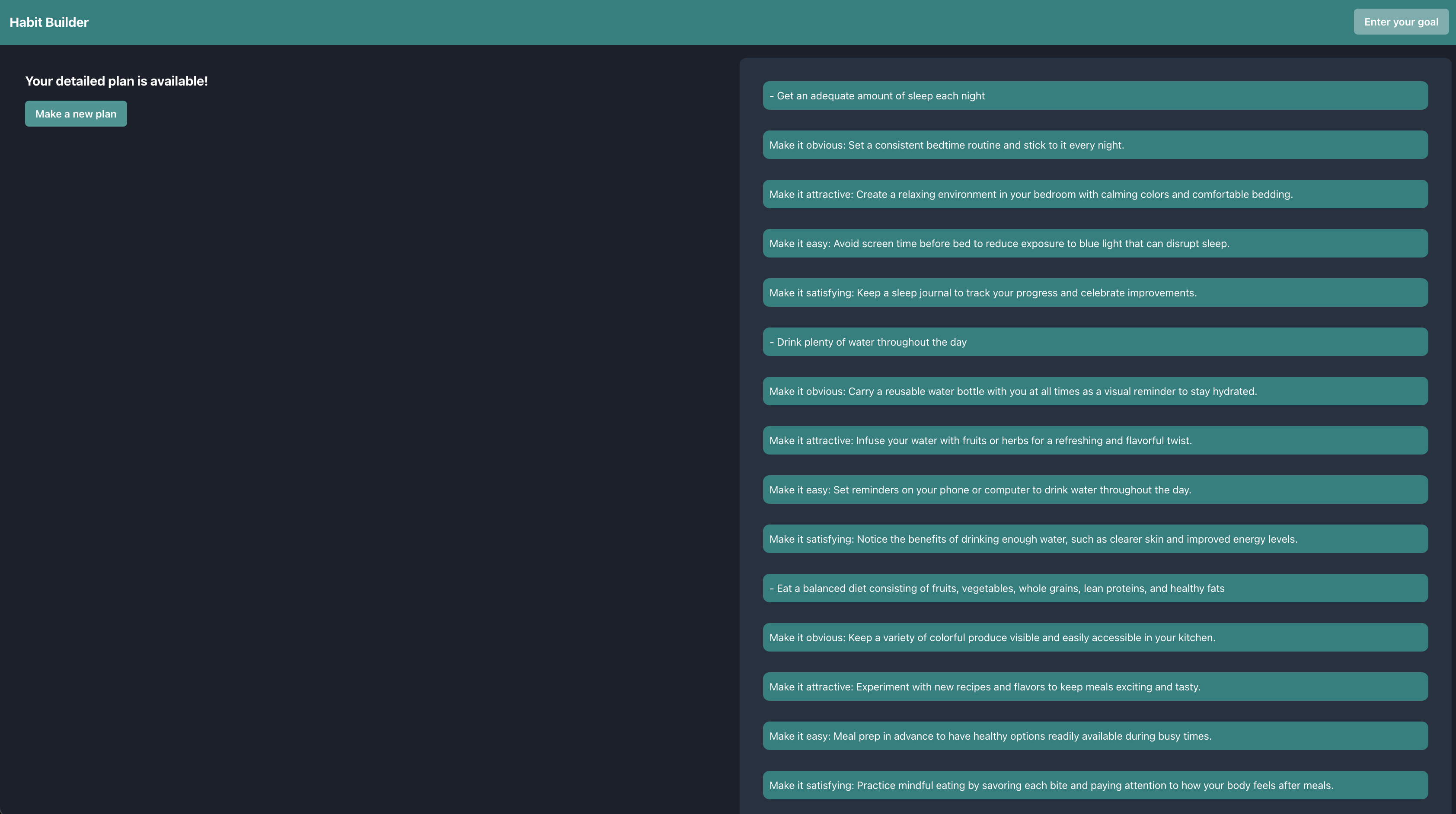
Results
-
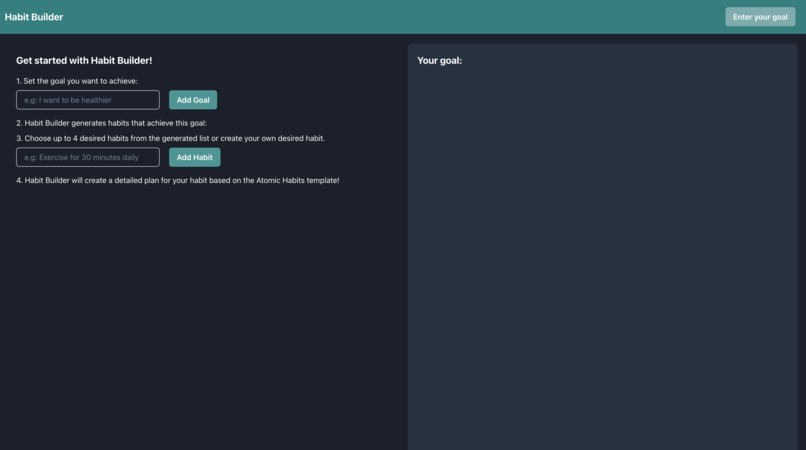
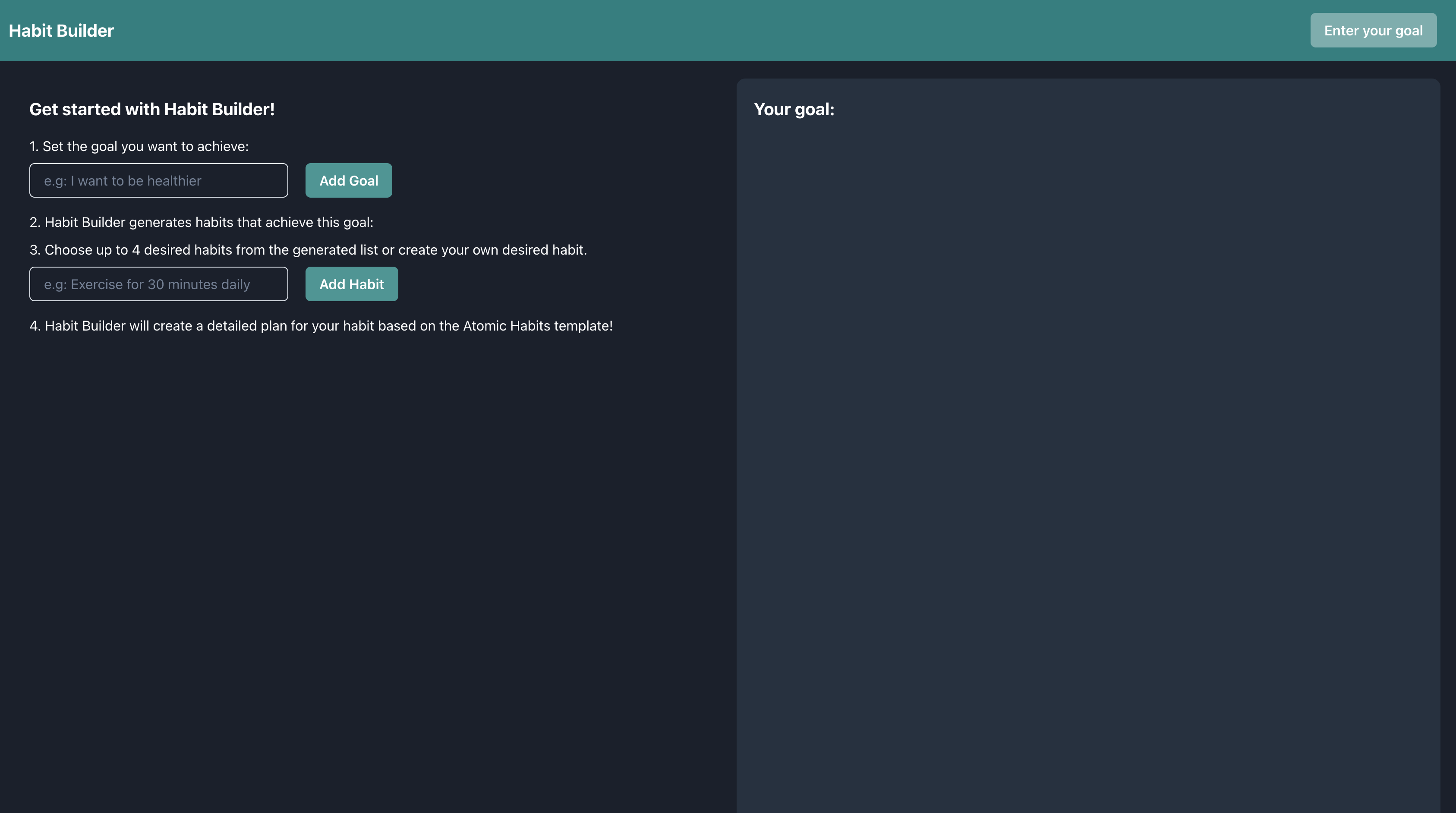
Goal Entry
-
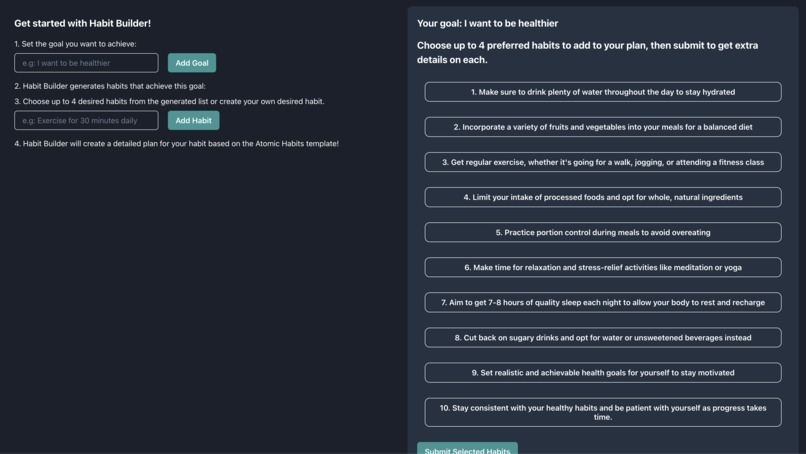
Generated Habits List

Inspiration
People often have broad goals they want to achieve but no set plan to achieve them: having concrete habits to achieve them is the first and most important step to achieve these goals and we want to streamline that process.
What it does
Habit Builder takes in a goal and returns 10 possible habits that can help achieve this goal. Users can select up to 4 of these habits to create a more detailed plan following the Atomic Habits philosophy, allowing them to guide their goal progress.
How we built it
The frontend is made with React, using Chakra UI as a library. The backend was created with node.js and express as middleware for the OpenAI API, and we experimented with a Mongo as a database but ran out of time to implement it. Postman was used for testing and Github was used to share project repos.
Challenges we ran into
Our biggest challenges were with prompt parsing; we spent a lot of time making the right prompt to make the output from OpenAI API consistent so the frontend could read it well, and this restricted our frontend somewhat.
Accomplishments that we're proud of
It was our team's first time using OpenAI API and for some of us, our first time working on a fullstack app from scratch.
What we learned
We learned a lot about data flow in React and what prompts work best with OpenAI. Connecting frontend and backend was also a new thing for a few of our team members.
What's next for Habit Builder
Our next goals are to fix the prompt to work better to make sure that our frontend can parse it well. Once we improve our parsing, we can make our frontend more robust by adding text components in a better styled way so users can read their information better. We also want to add data permanence through a database integration, and possibly user authentication so that users can store their favourite plans. Finally, a dashboard for habit progress tracking can be created to create a full experience for users looking to accomplish their goals.
bcsHacks = Frontend for our repo Project = Backend for our repo
Setup Instructions:
Node must be installed
run "npm i" on frontend and backend directories to download modules
run frontend with "npm start"
run backend with "node index.js"


Log in or sign up for Devpost to join the conversation.