-
-
-
-

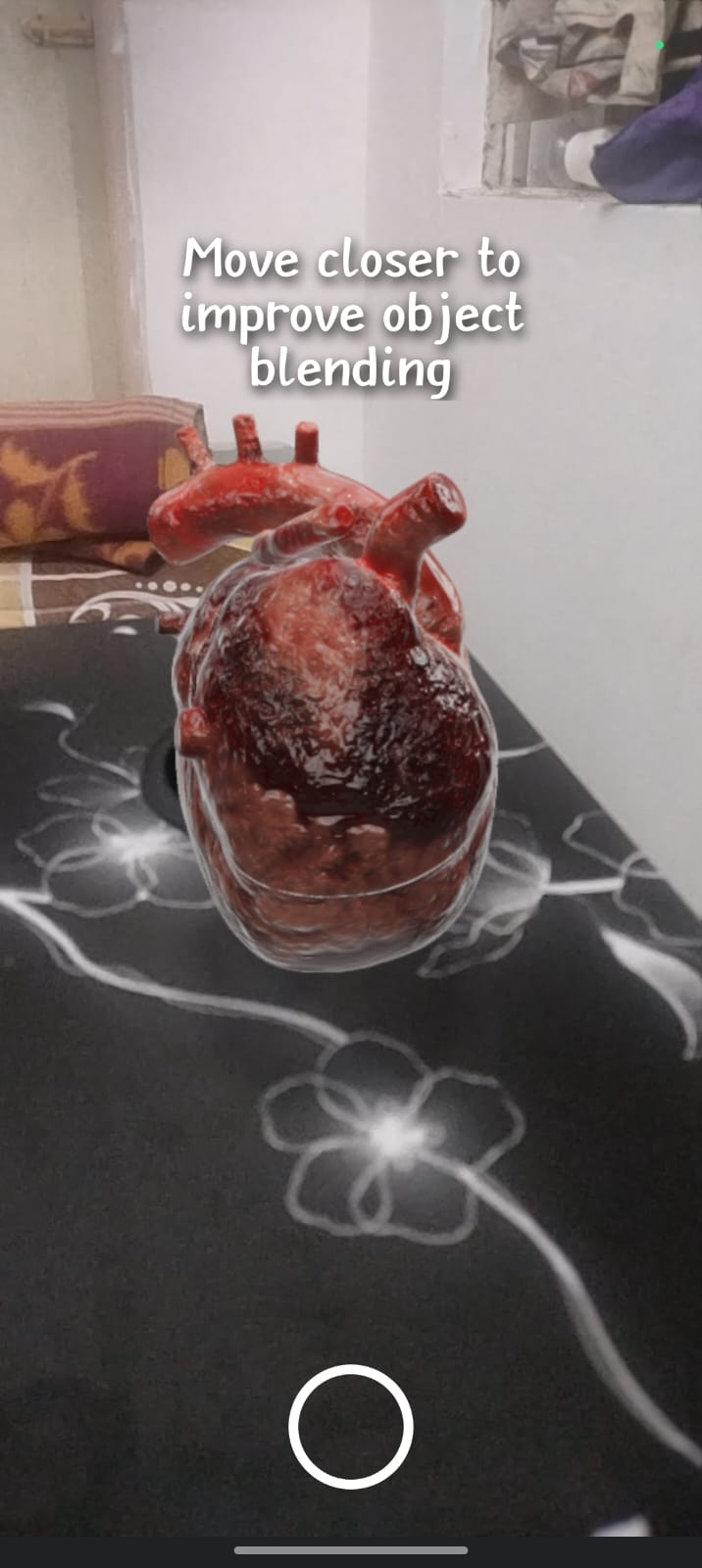
AR Model of Heart
-
-
-
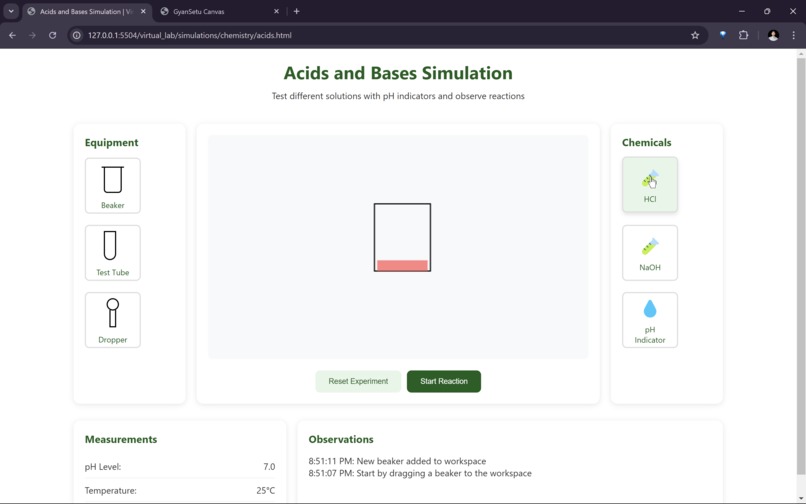
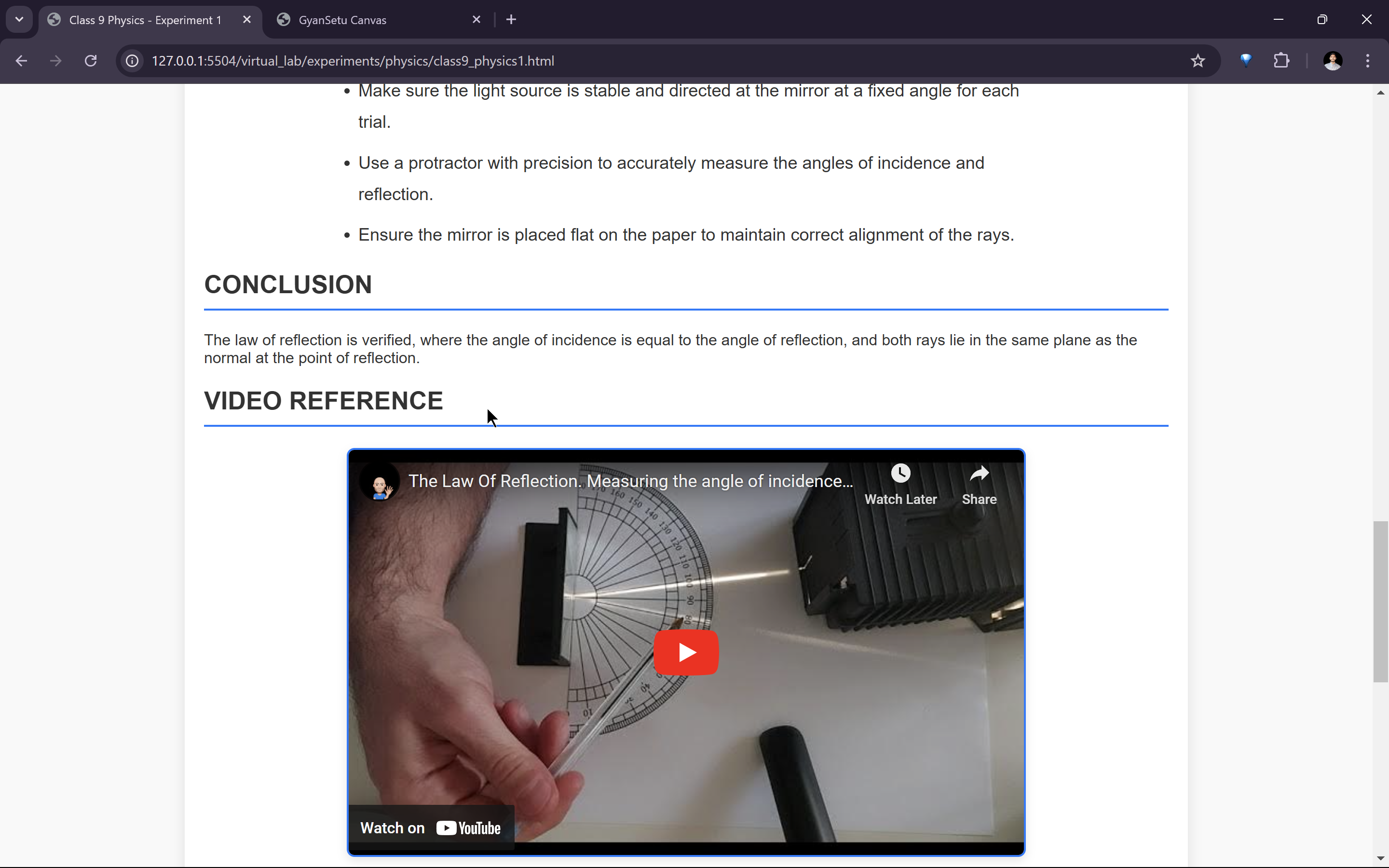
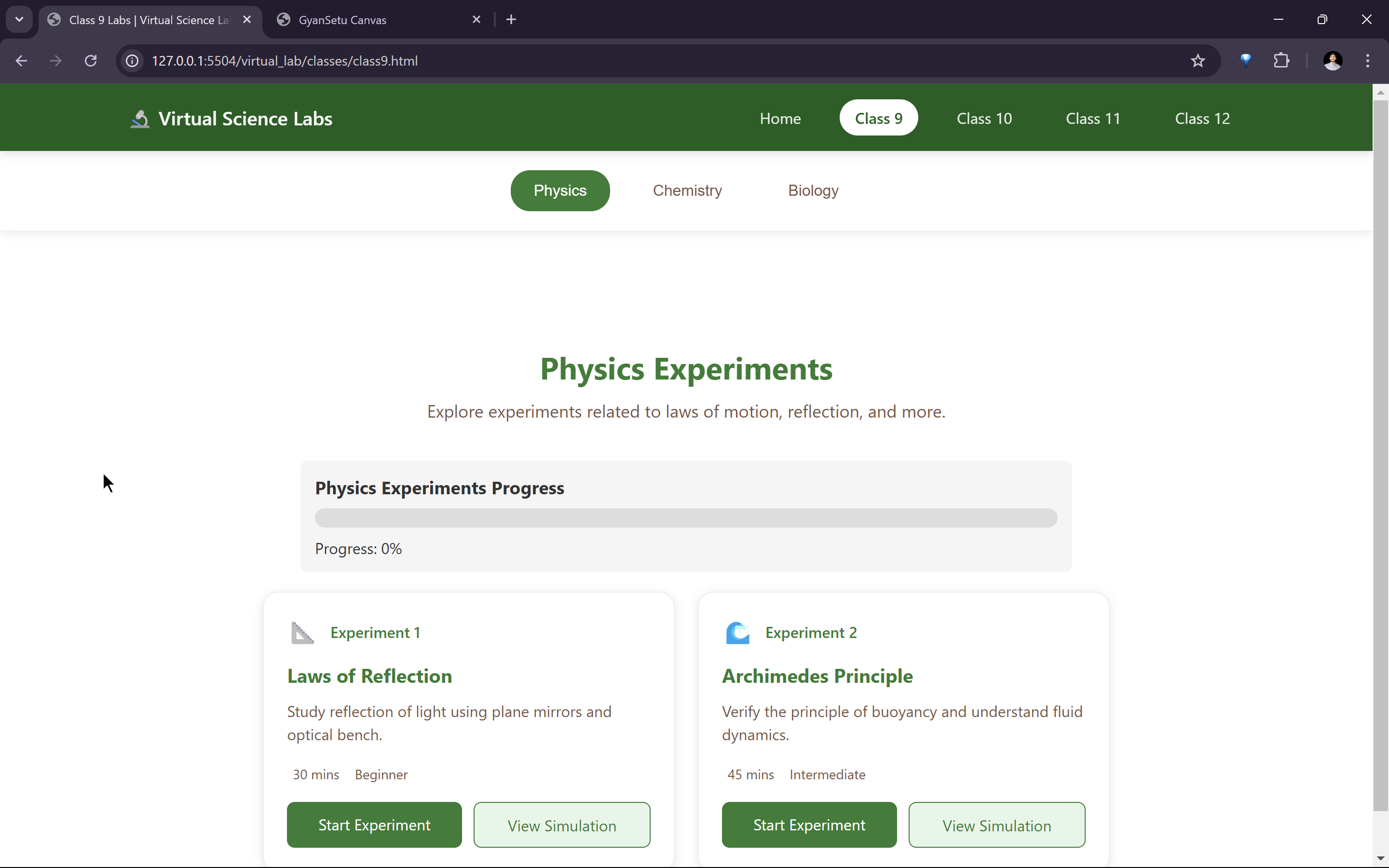
Virtual Lab (AR Based)
-
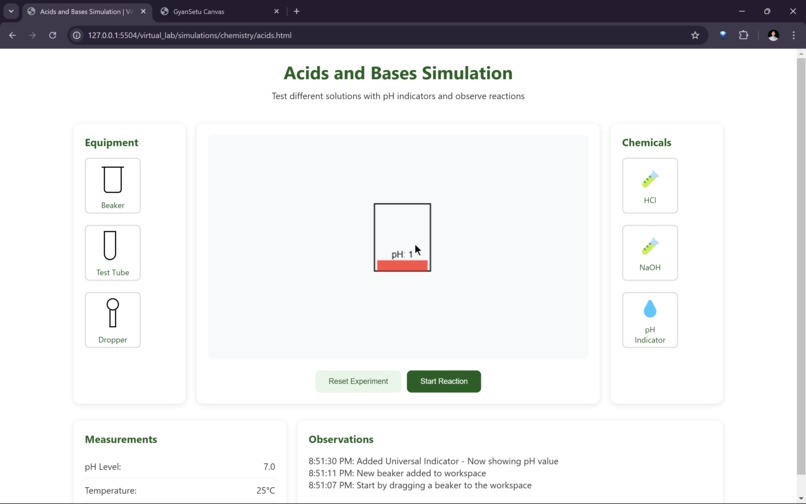
Virtual Lab (AR Based)
-
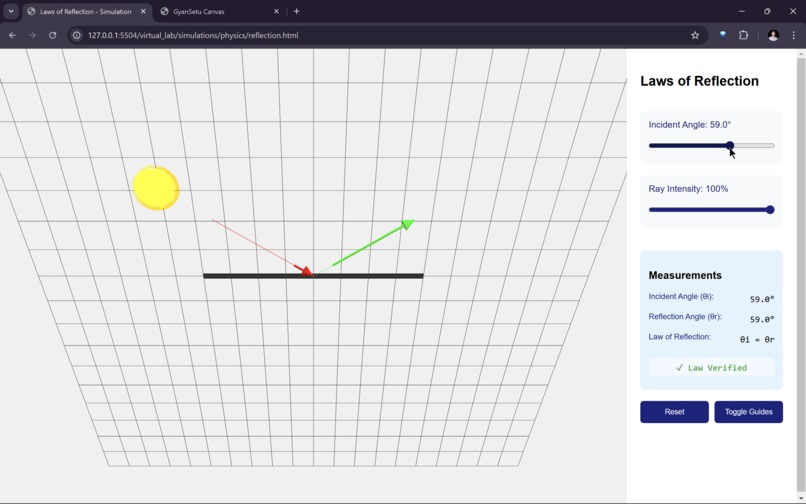
Virtual Lab (AR Based)
-
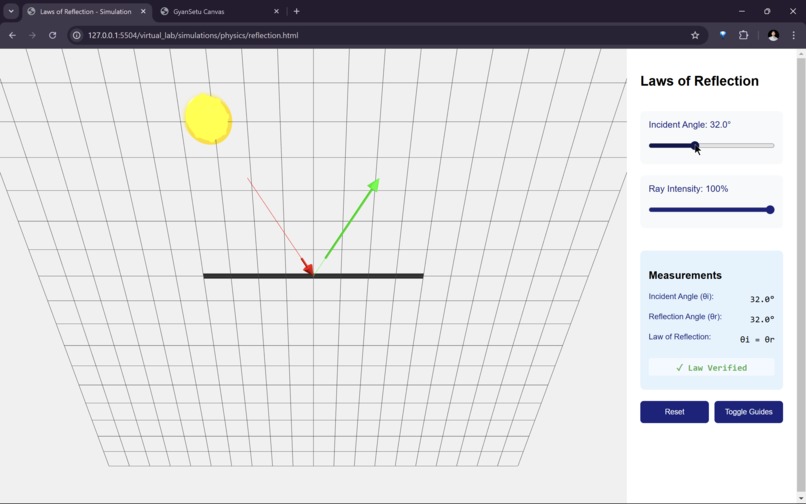
Virtual Lab (AR Based)
-
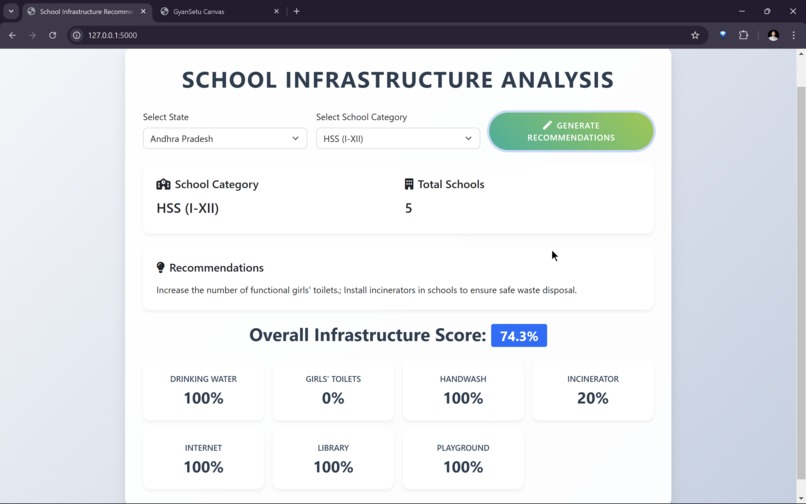
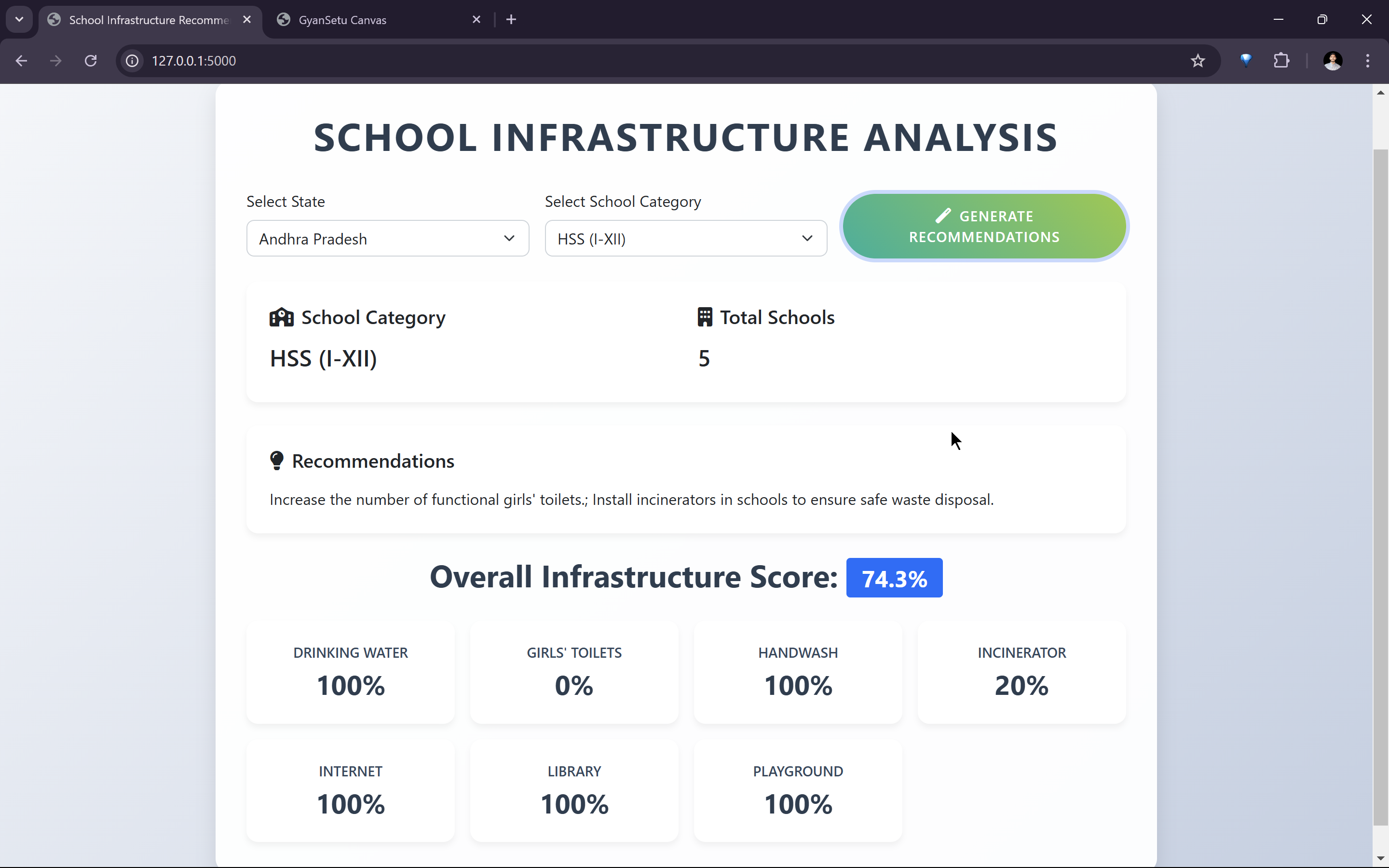
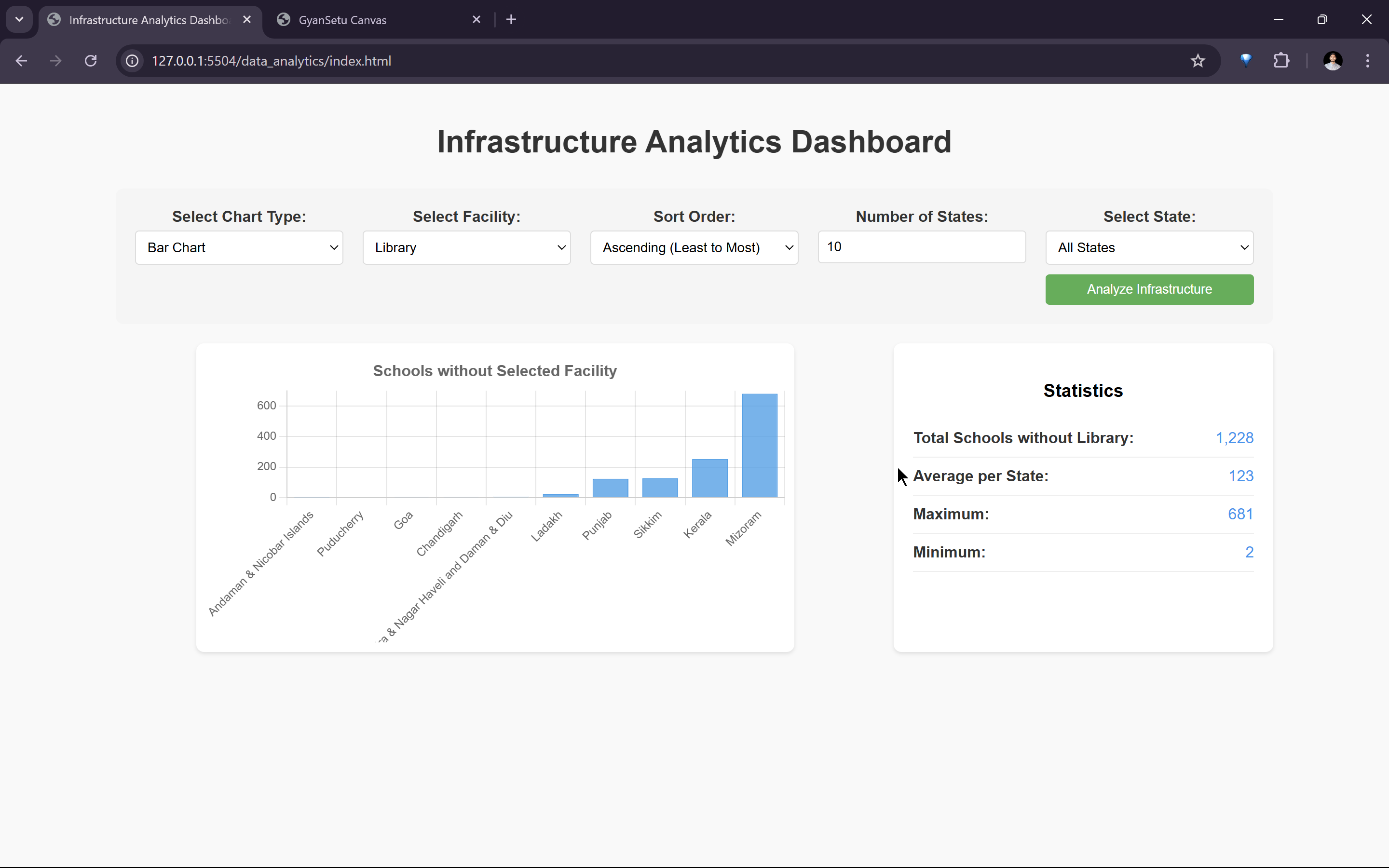
Predicting Infrastructure shortage using ML
-
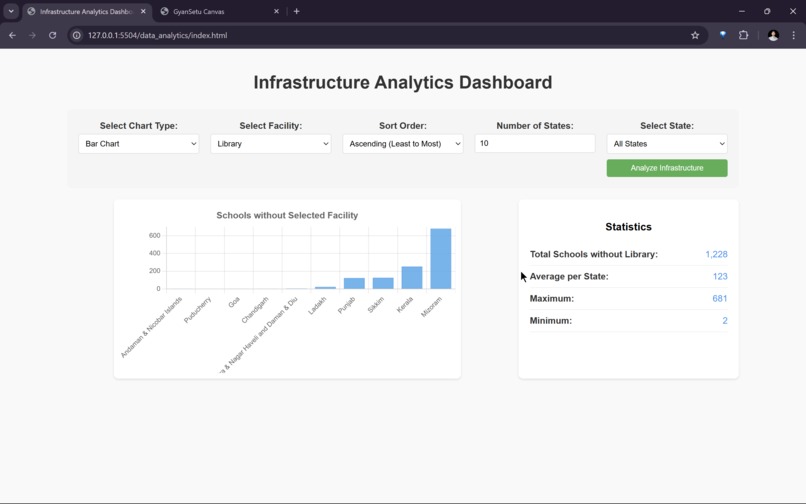
Predicting Infrastructure shortage in rural areas using ML
-
-
-
-
-
-
-
-
-
-
-
-
-
Track: AR/VR & AI/ ML
GyanSetu: Bridging the Digital Education Gap
1. Inspiration
Growing up in rural village, I experienced firsthand the challenges students face when access to digital education is limited. Slow or no internet meant missed opportunities, outdated resources, and a struggle to keep up.
GyanSetu was born from a simple yet powerful belief:
Every child deserves quality education, no matter where they are or what their connectivity looks like.
My mission is to break these barriers by creating a platform that works seamlessly even in the most remote areas, empowering both students and educators with the tools they need to thrive.
2. Software Engineering Steps
2.1 Requirement Analysis
To ensure GyanSetu meets the needs of students and teachers in low-connectivity areas, I identified key functional and non-functional requirements.
Functional Requirements
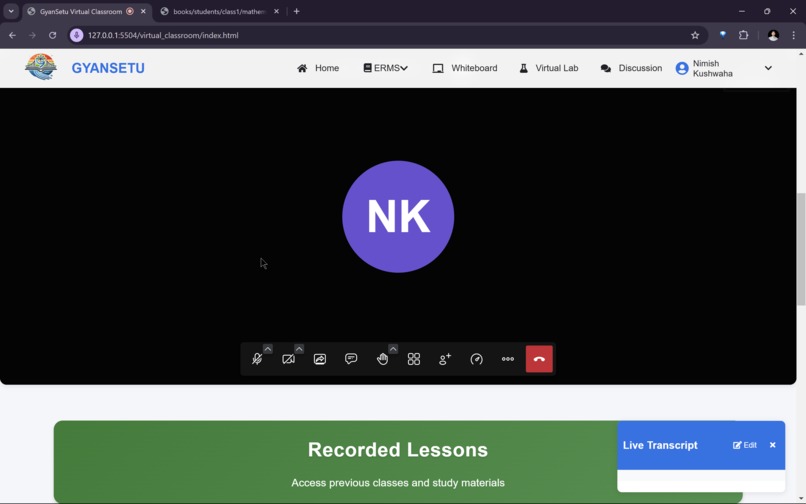
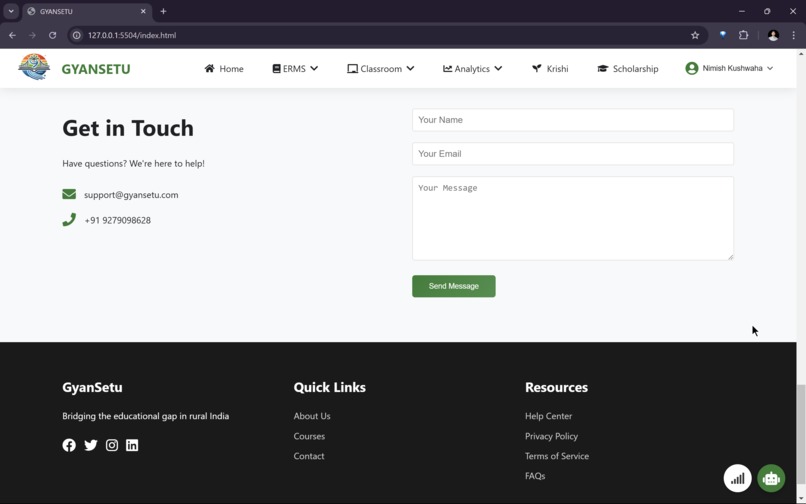
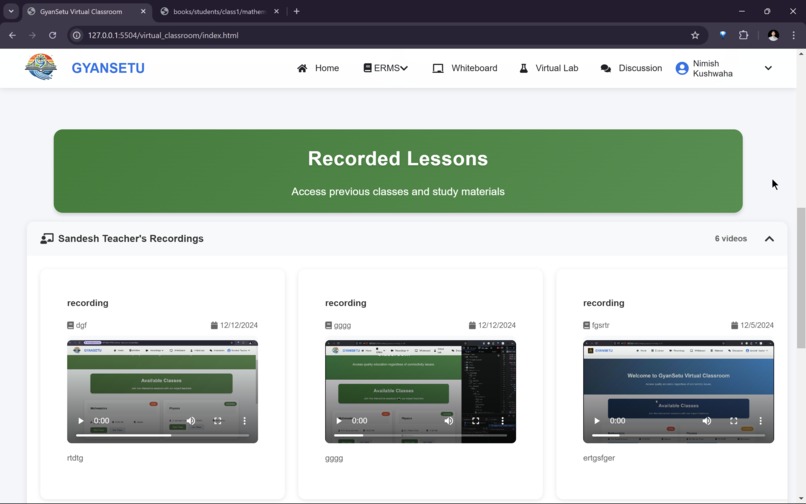
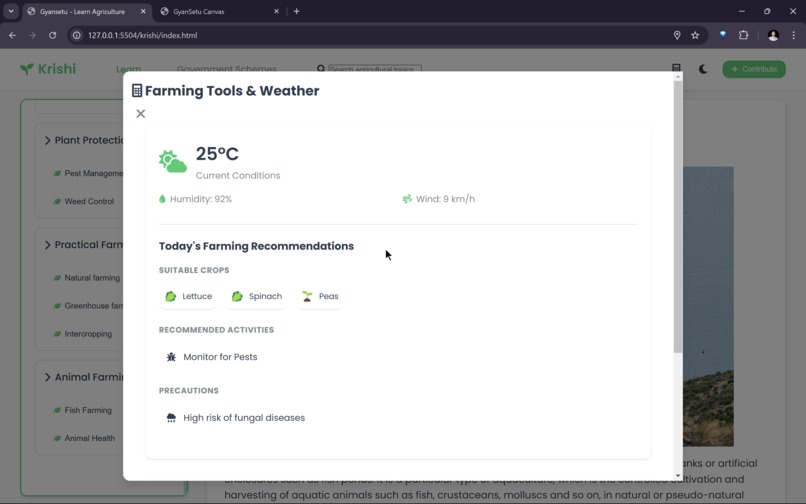
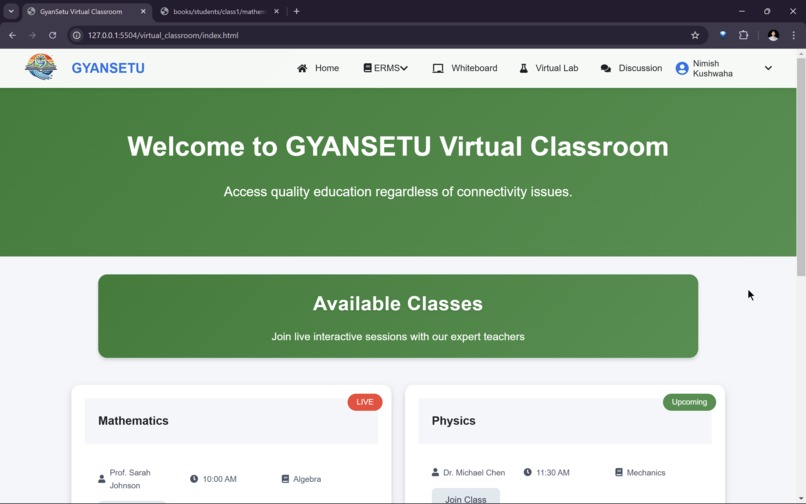
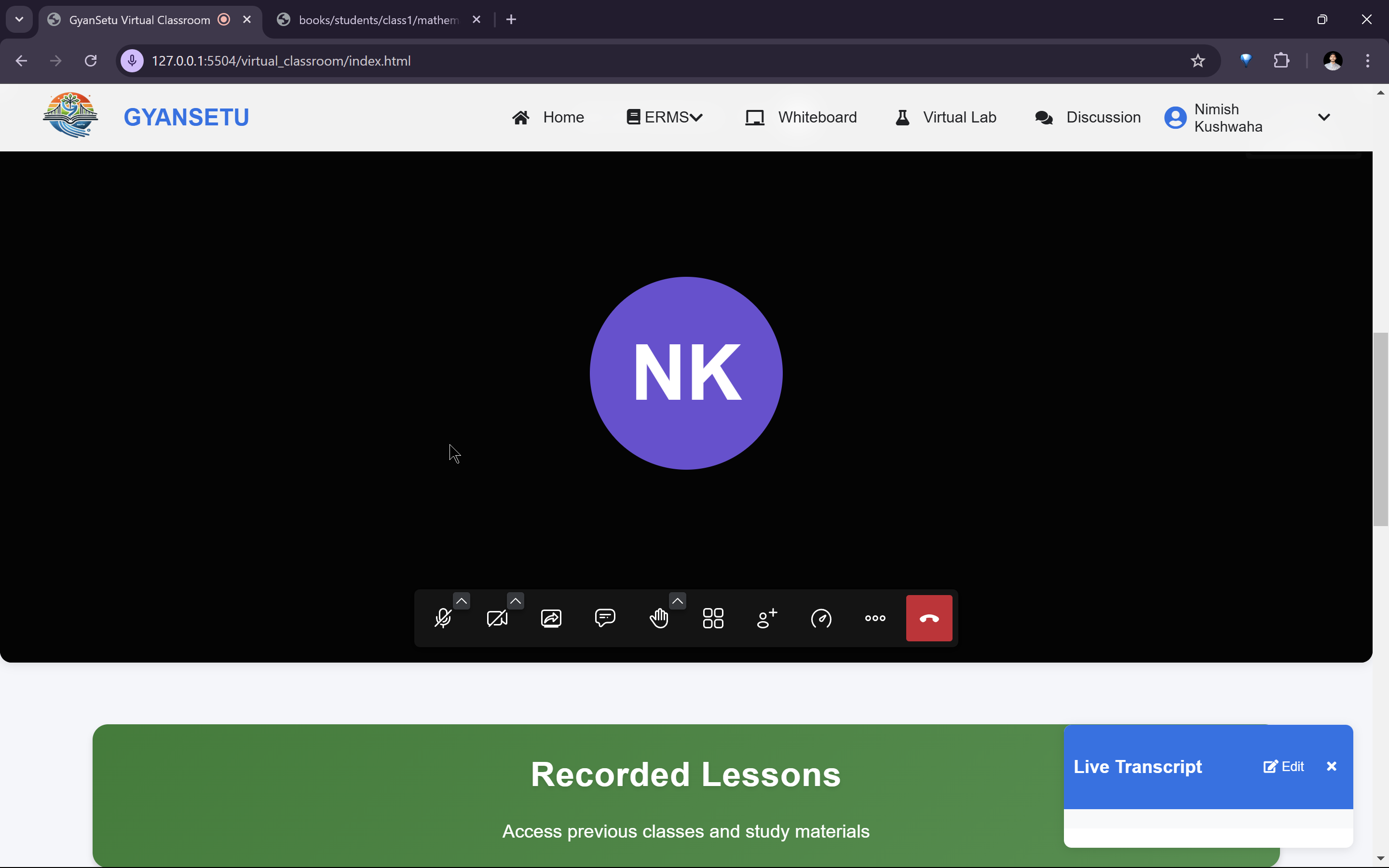
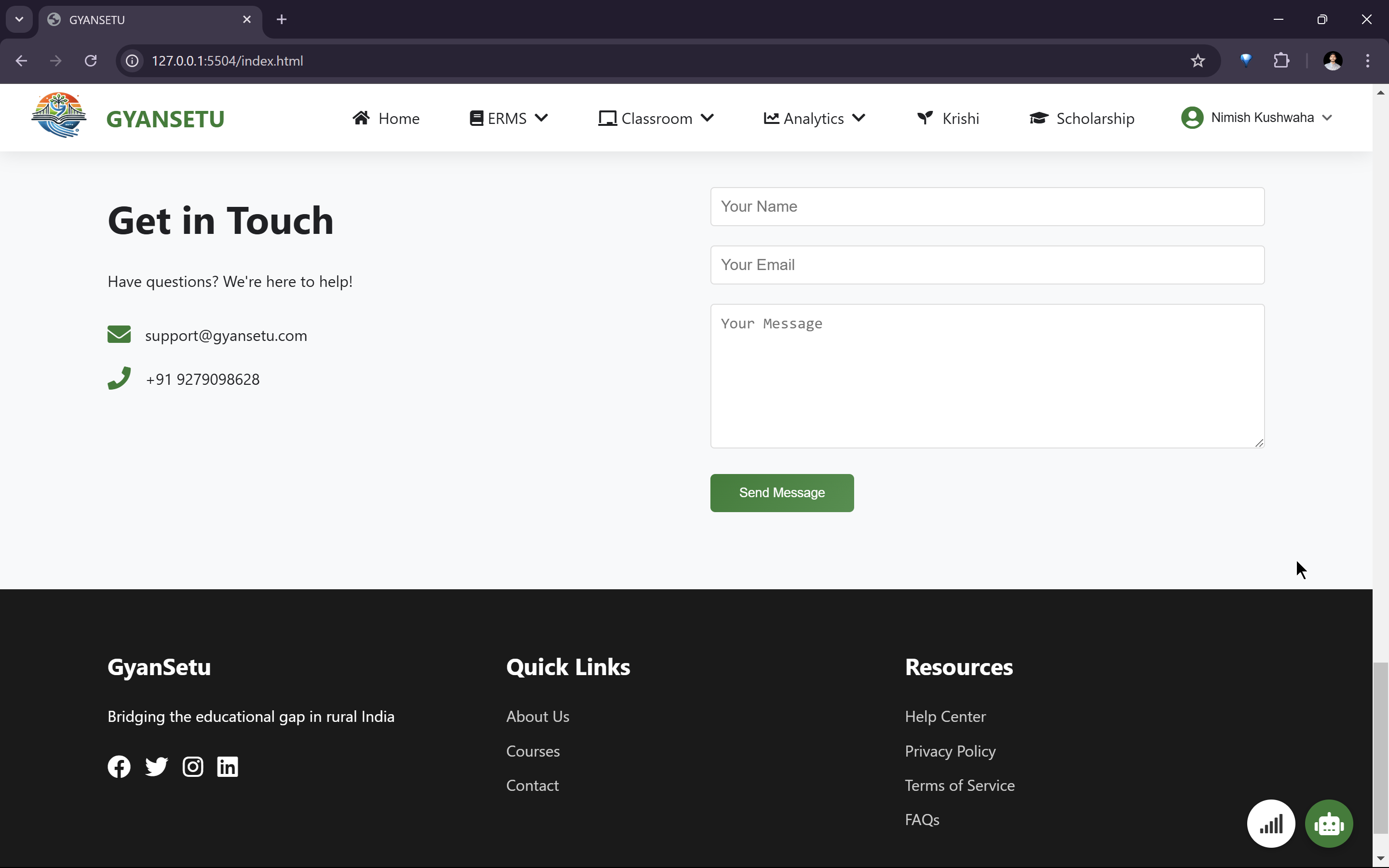
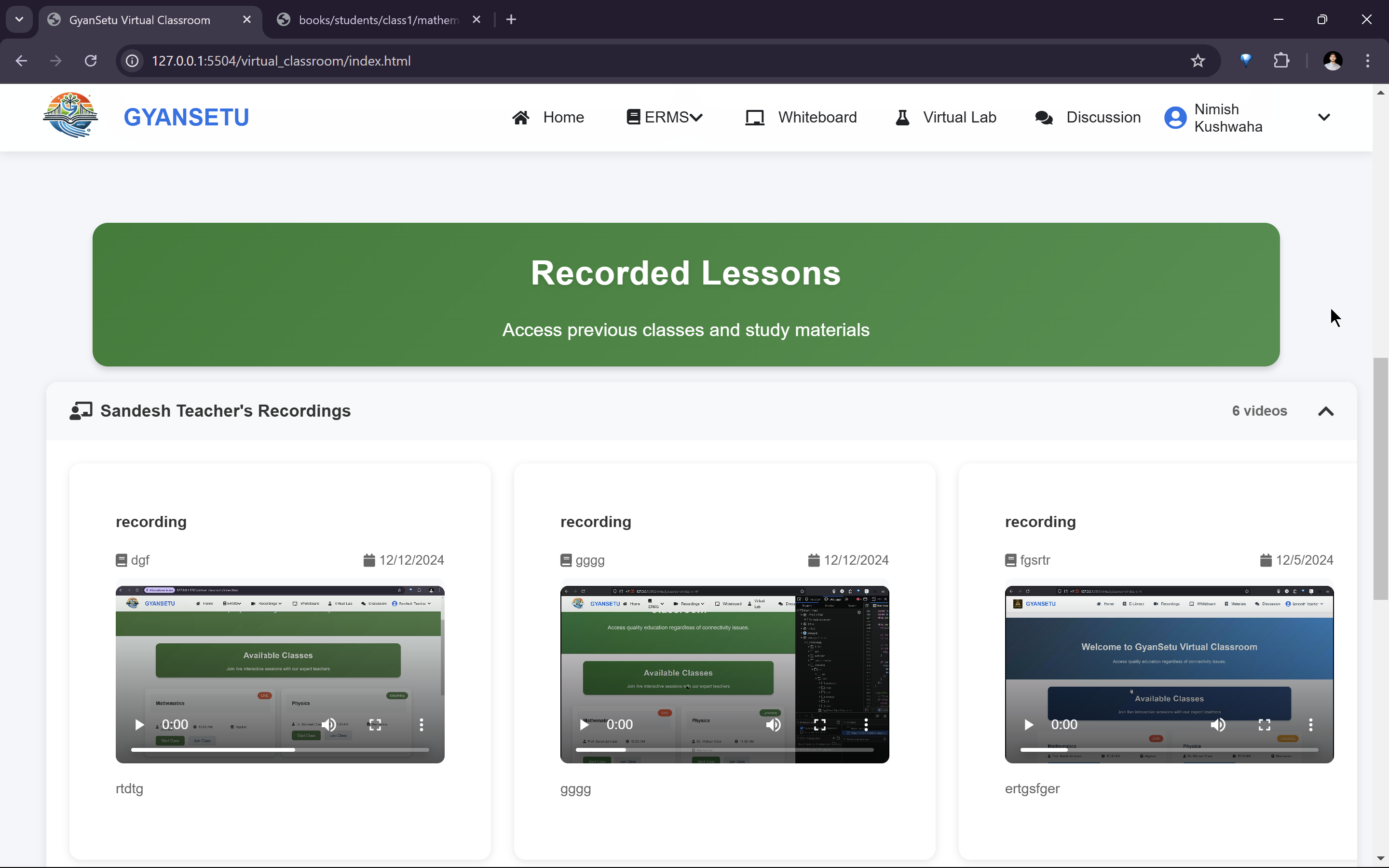
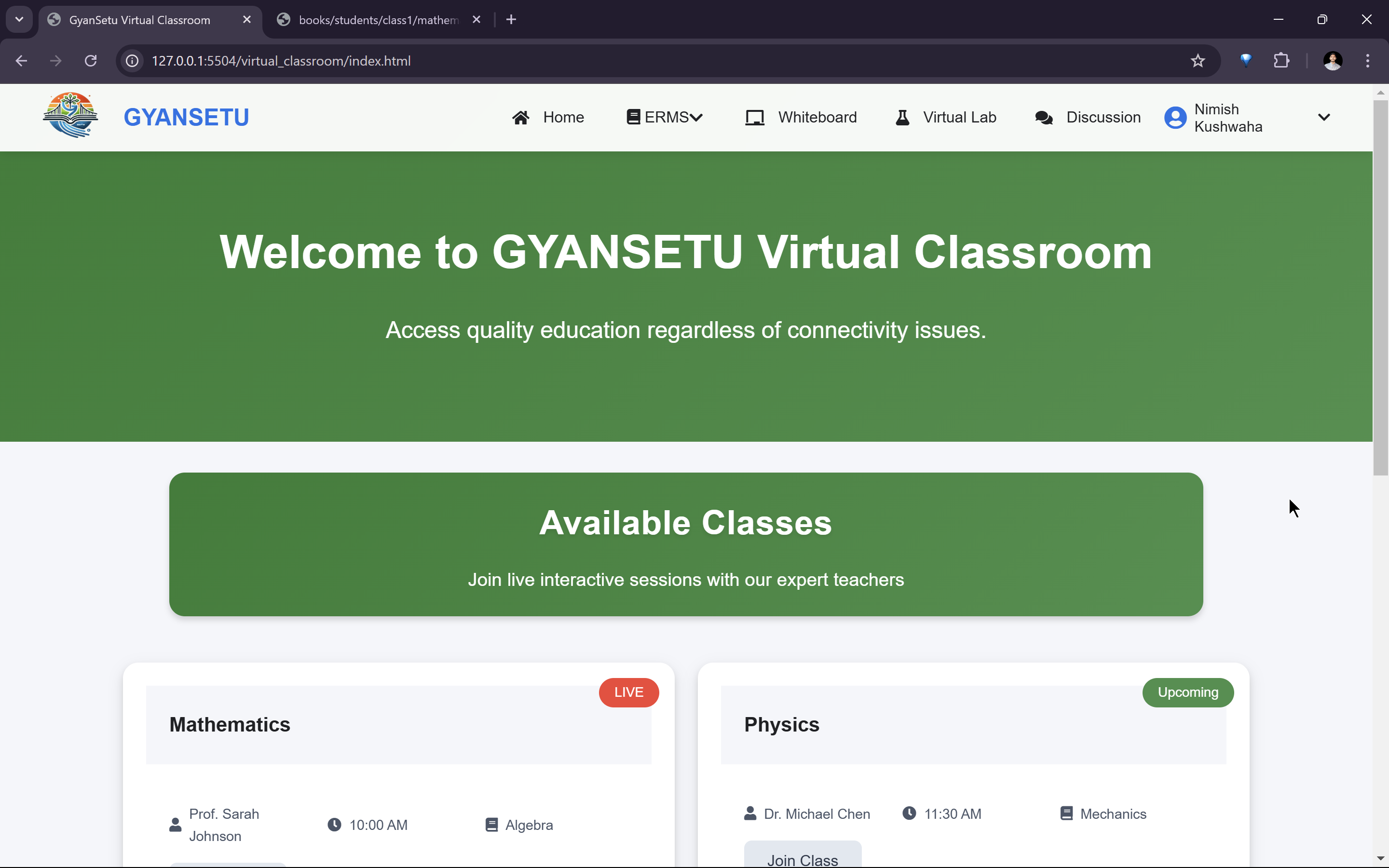
- Live classes using Jitsi Meet (JaaS) for real-time interaction.
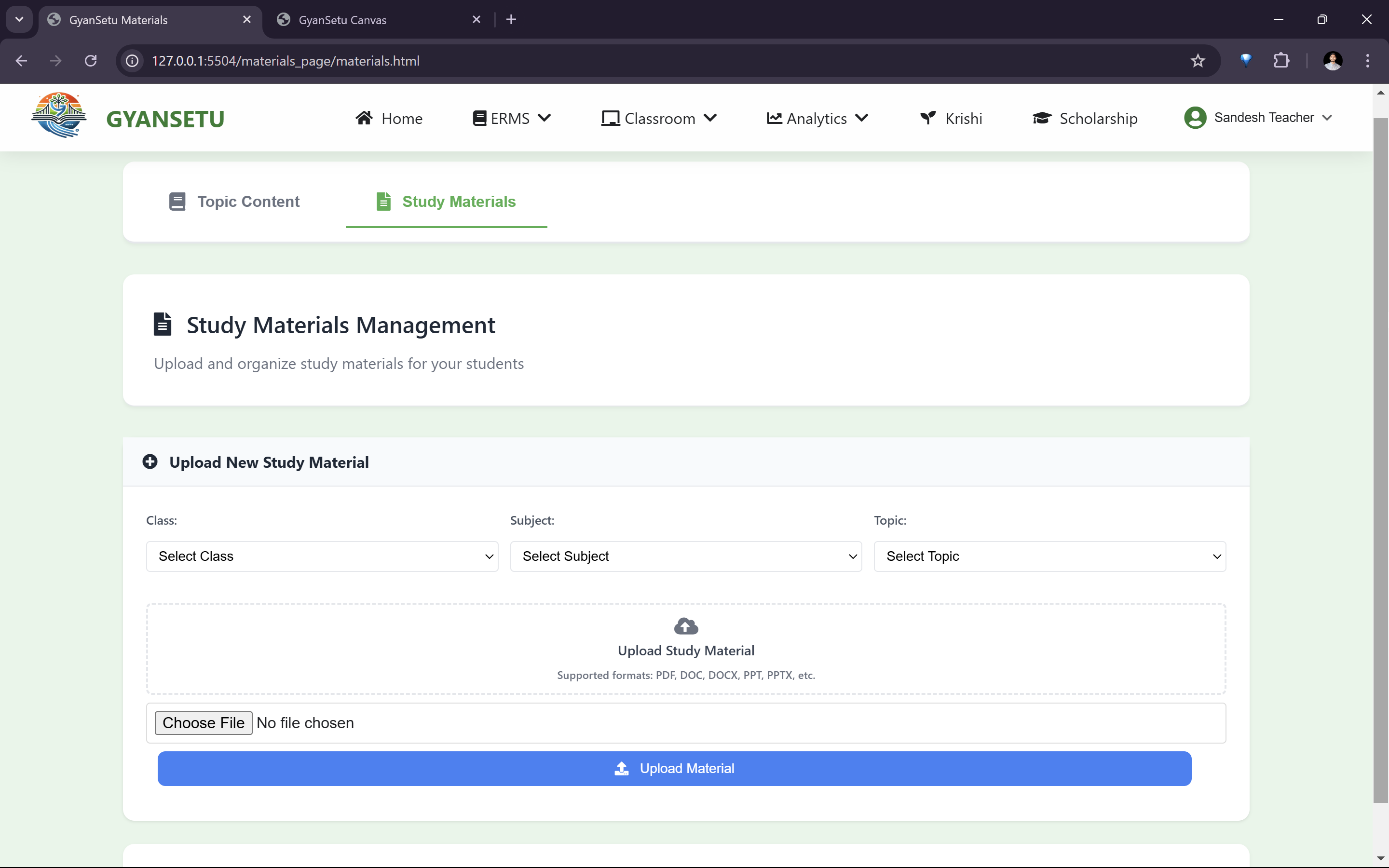
- AI-generated quizzes and assignments powered by OpenAI.
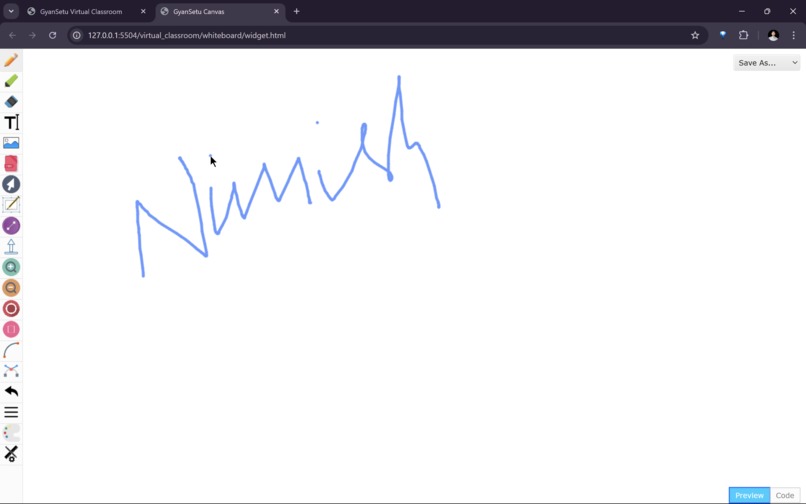
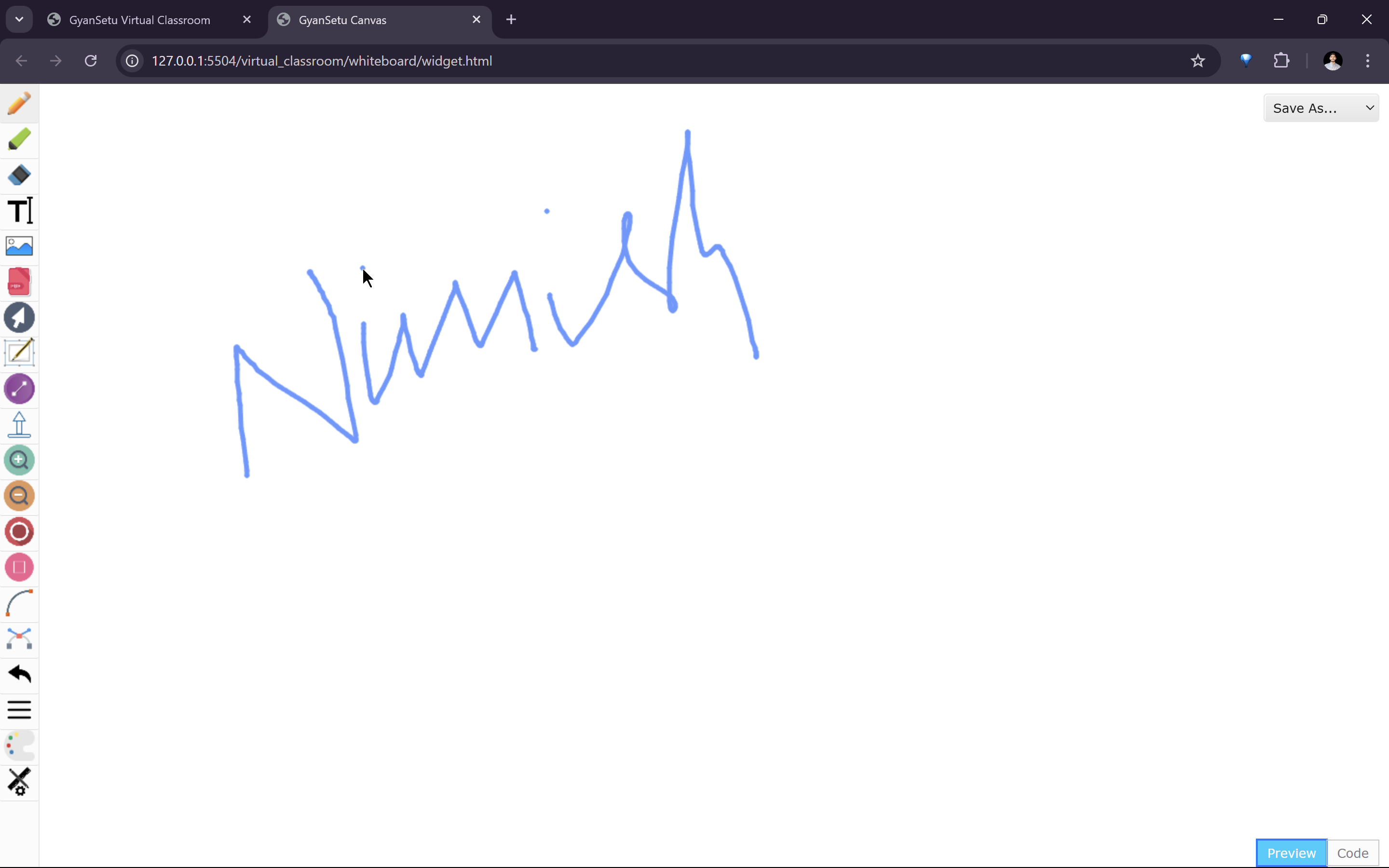
- Collaborative whiteboards for real-time problem-solving.
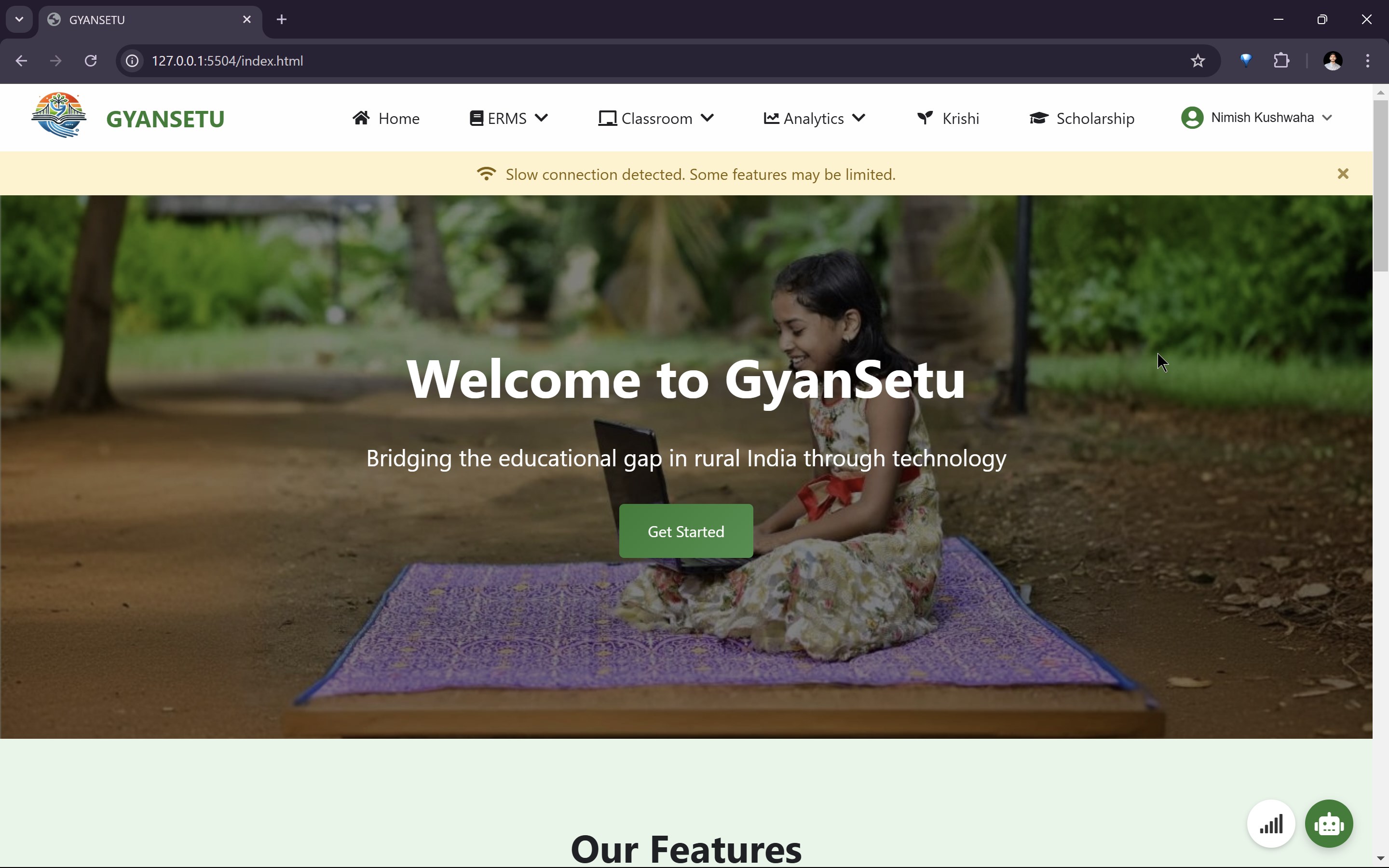
- Offline learning via service workers and caching.
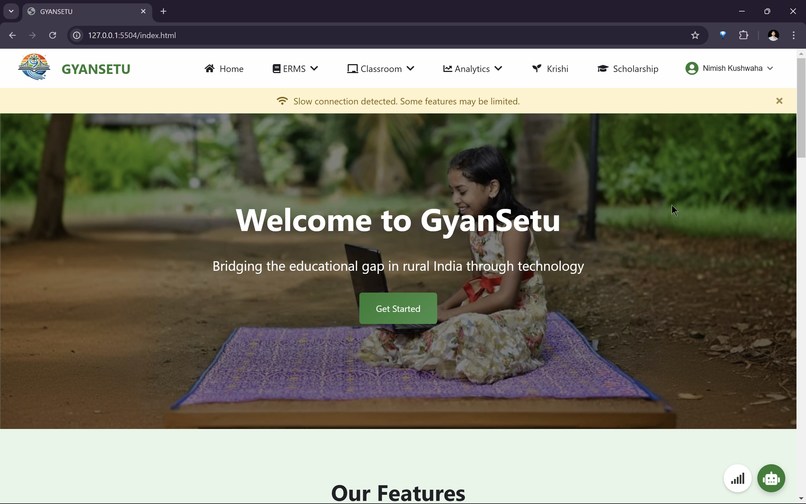
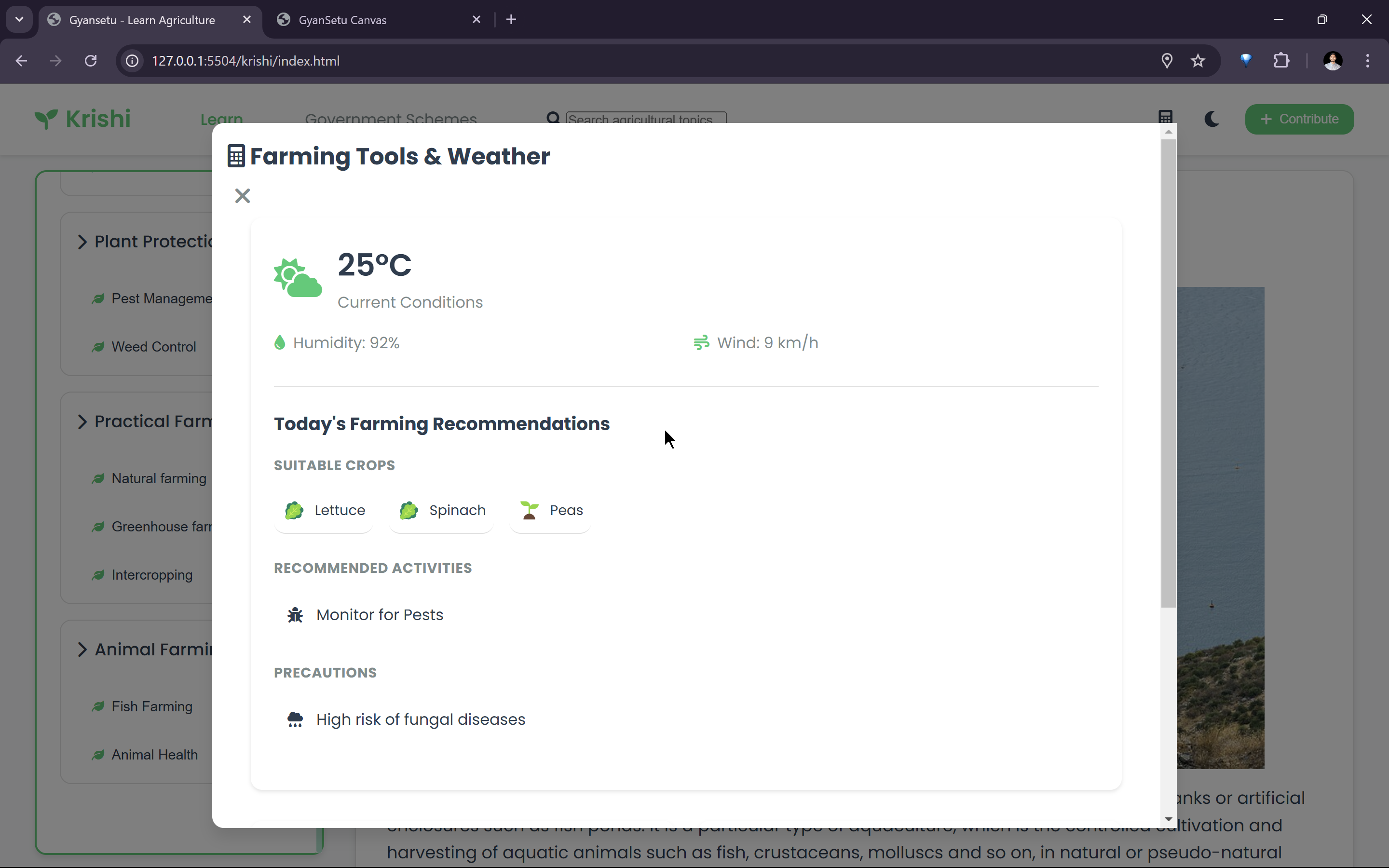
- Internet connectivity monitoring and optimization tools.
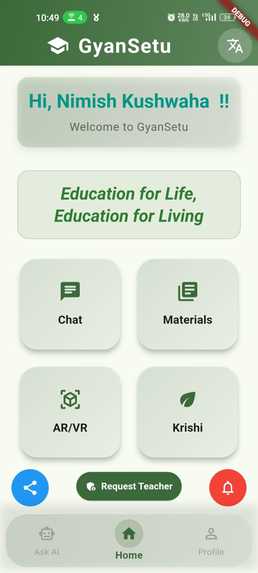
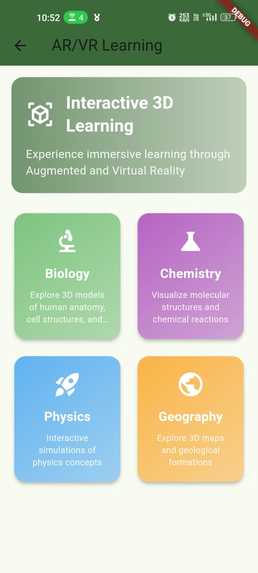
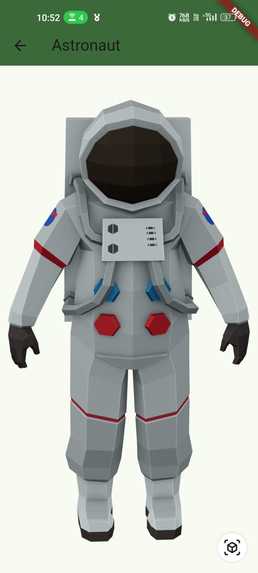
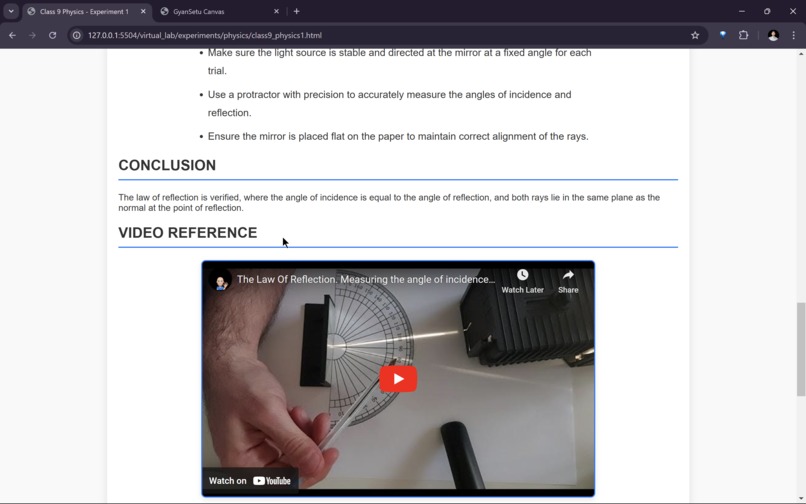
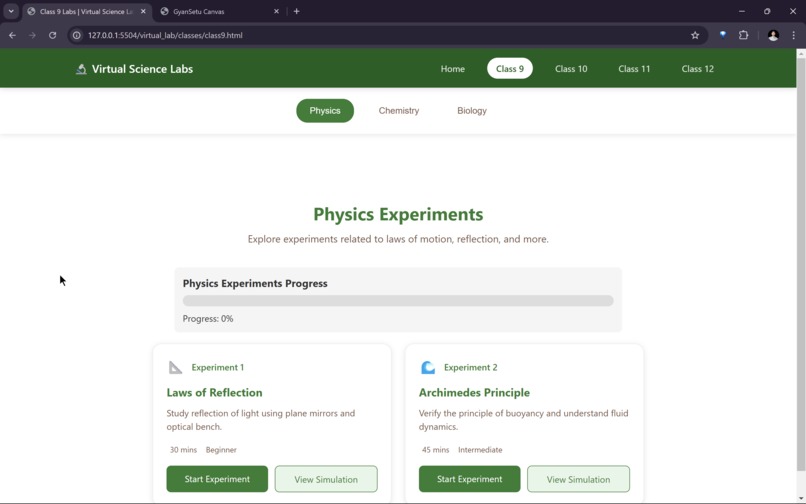
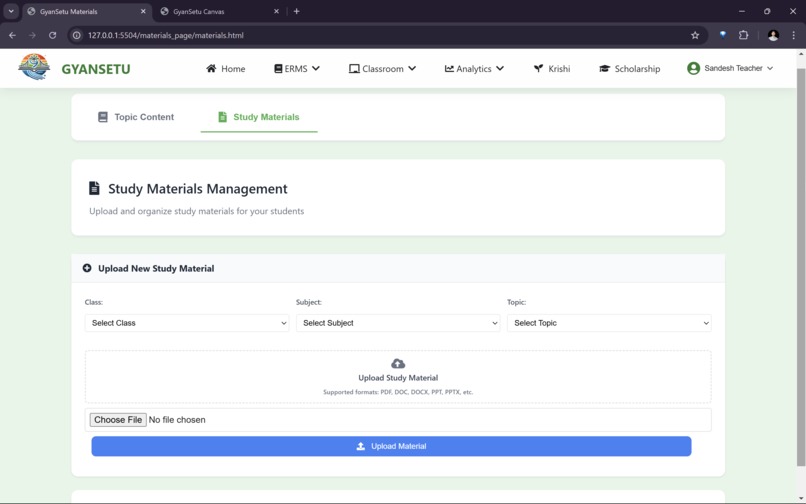
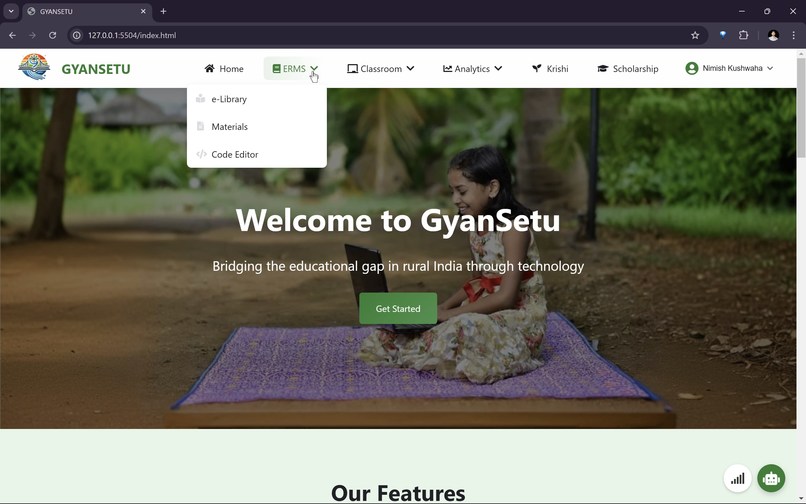
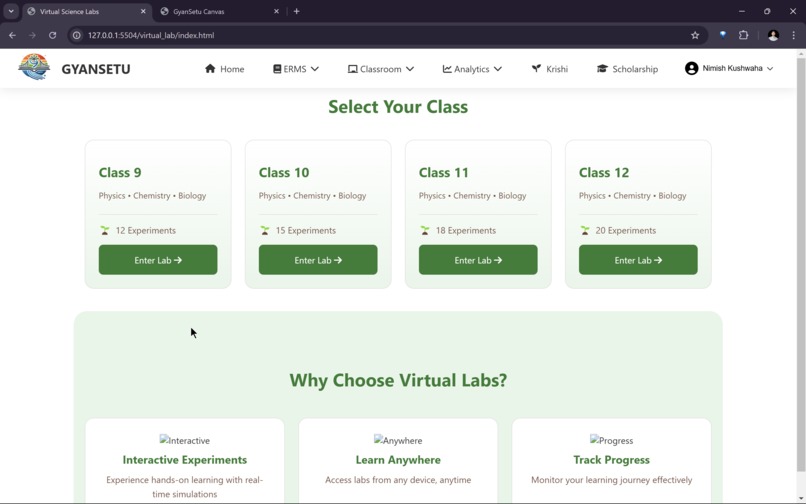
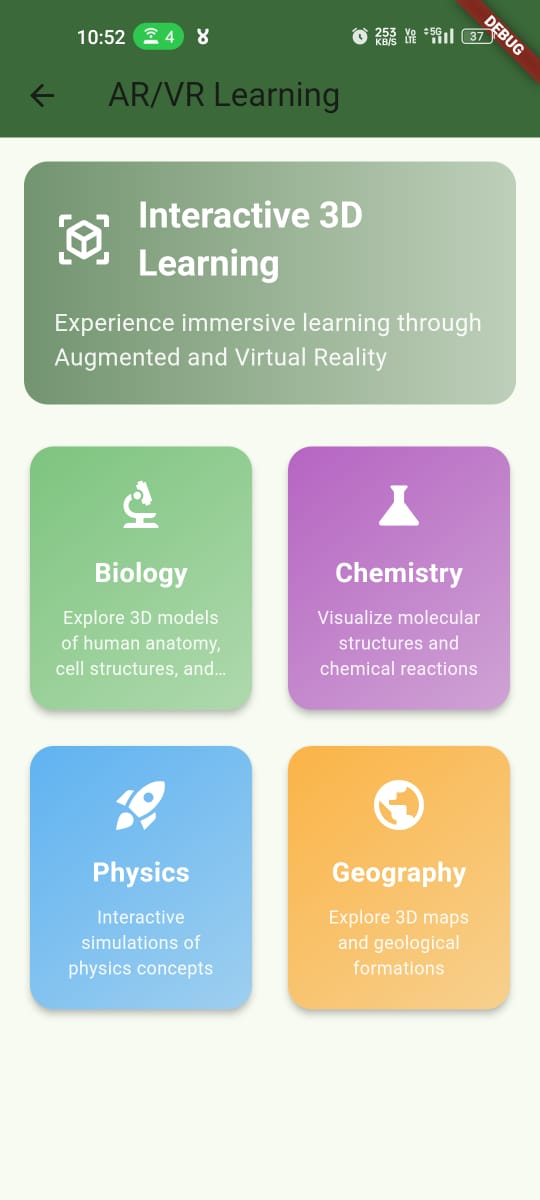
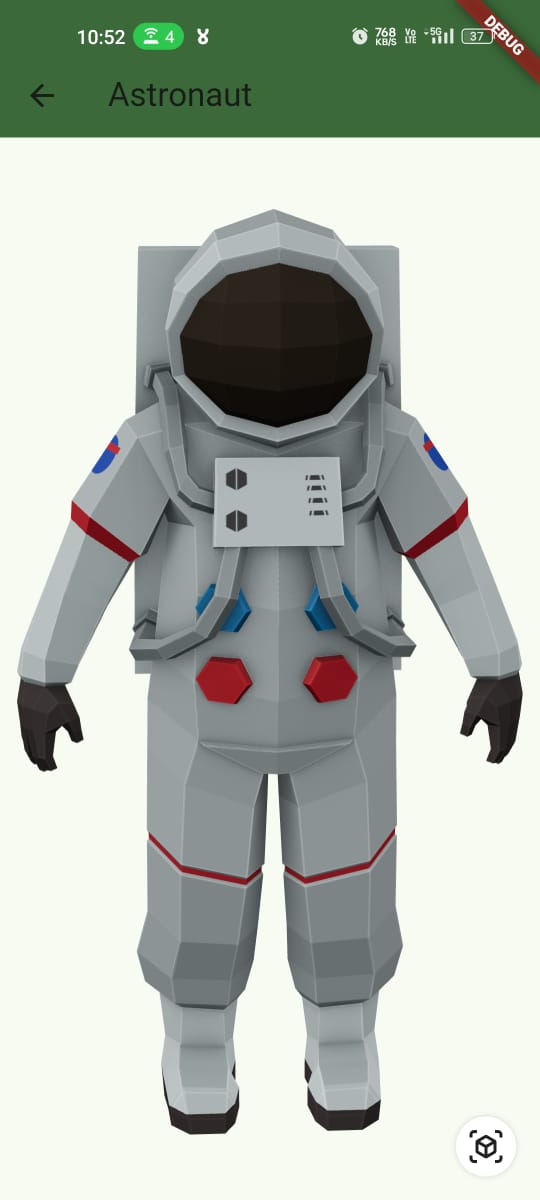
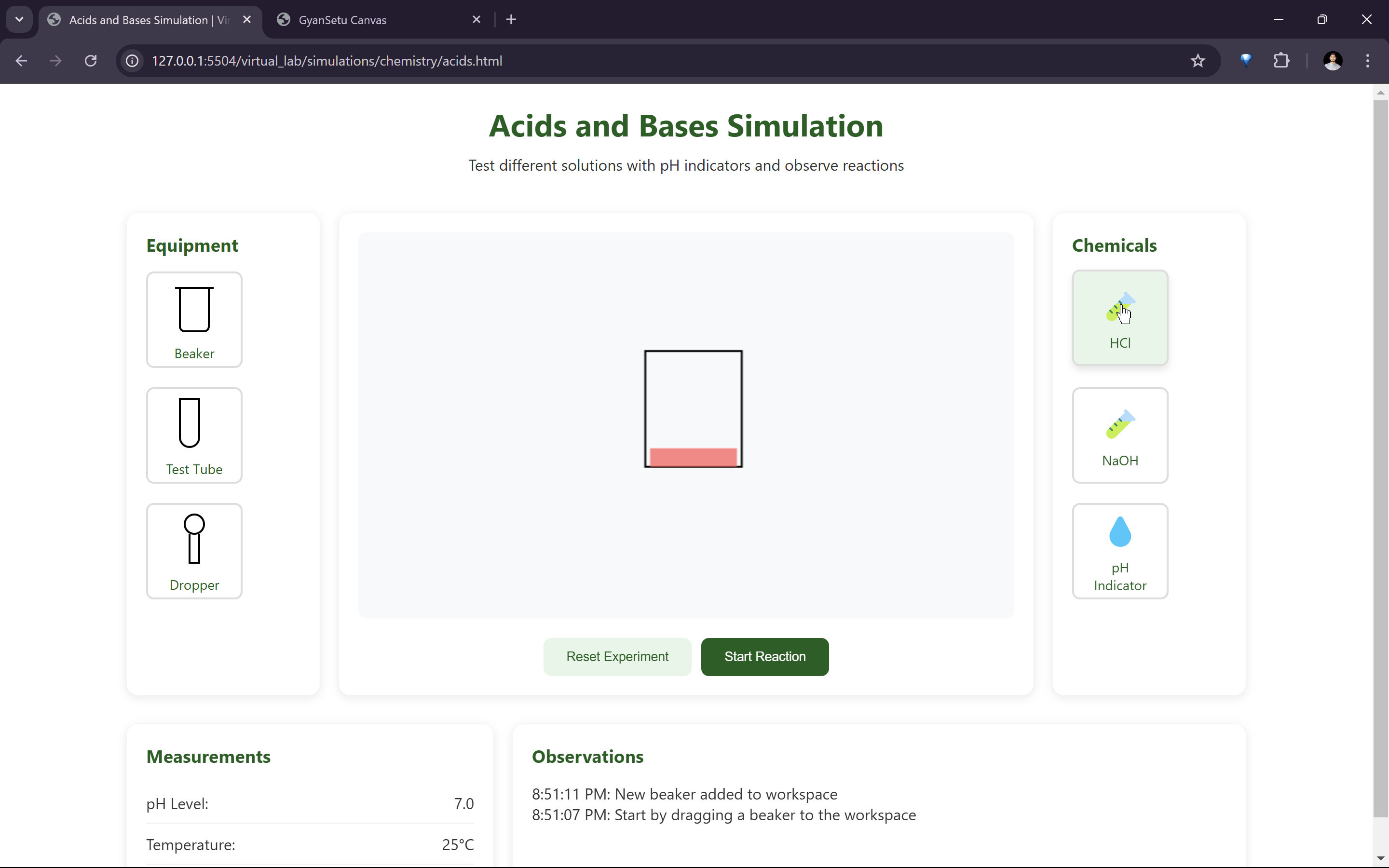
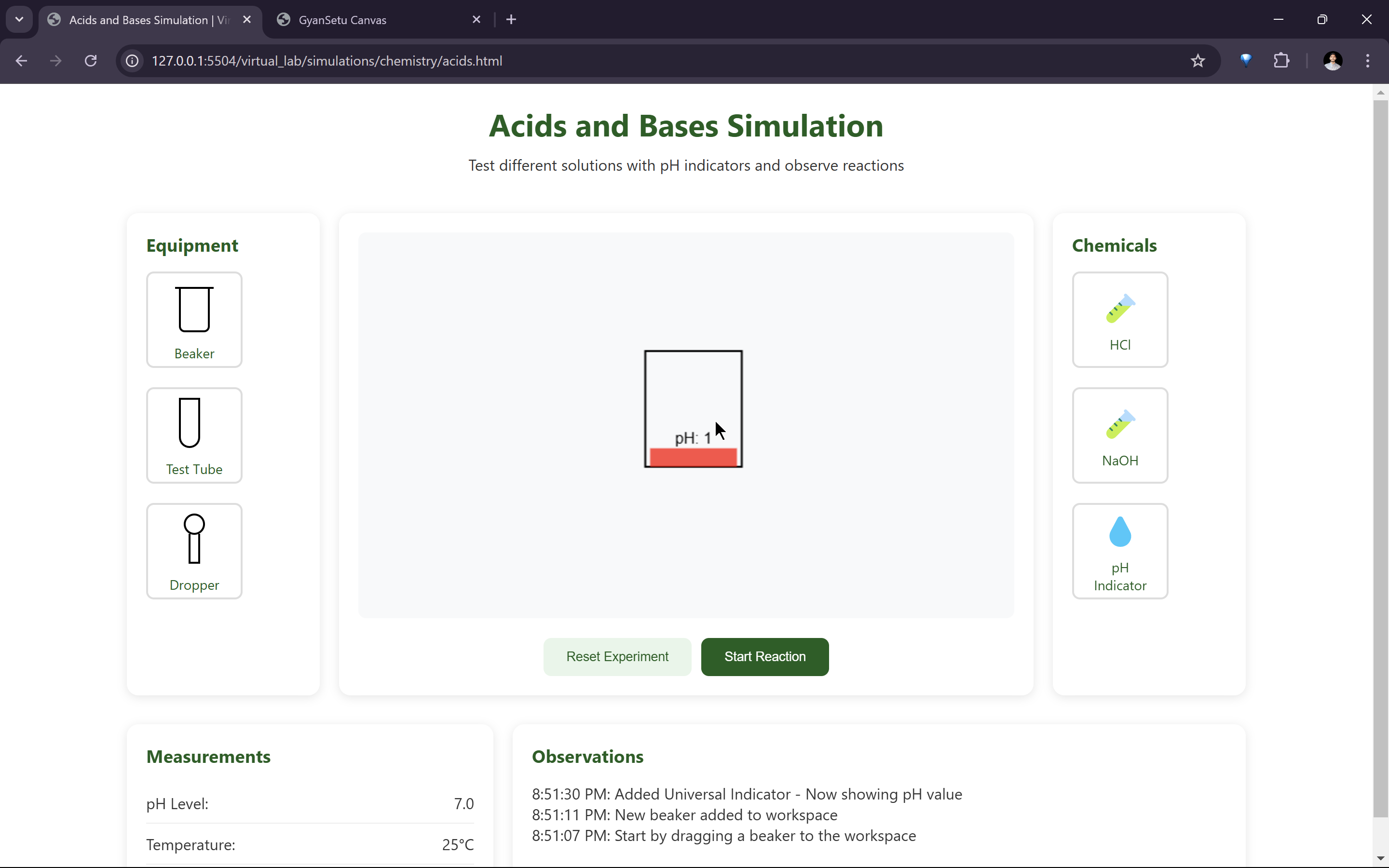
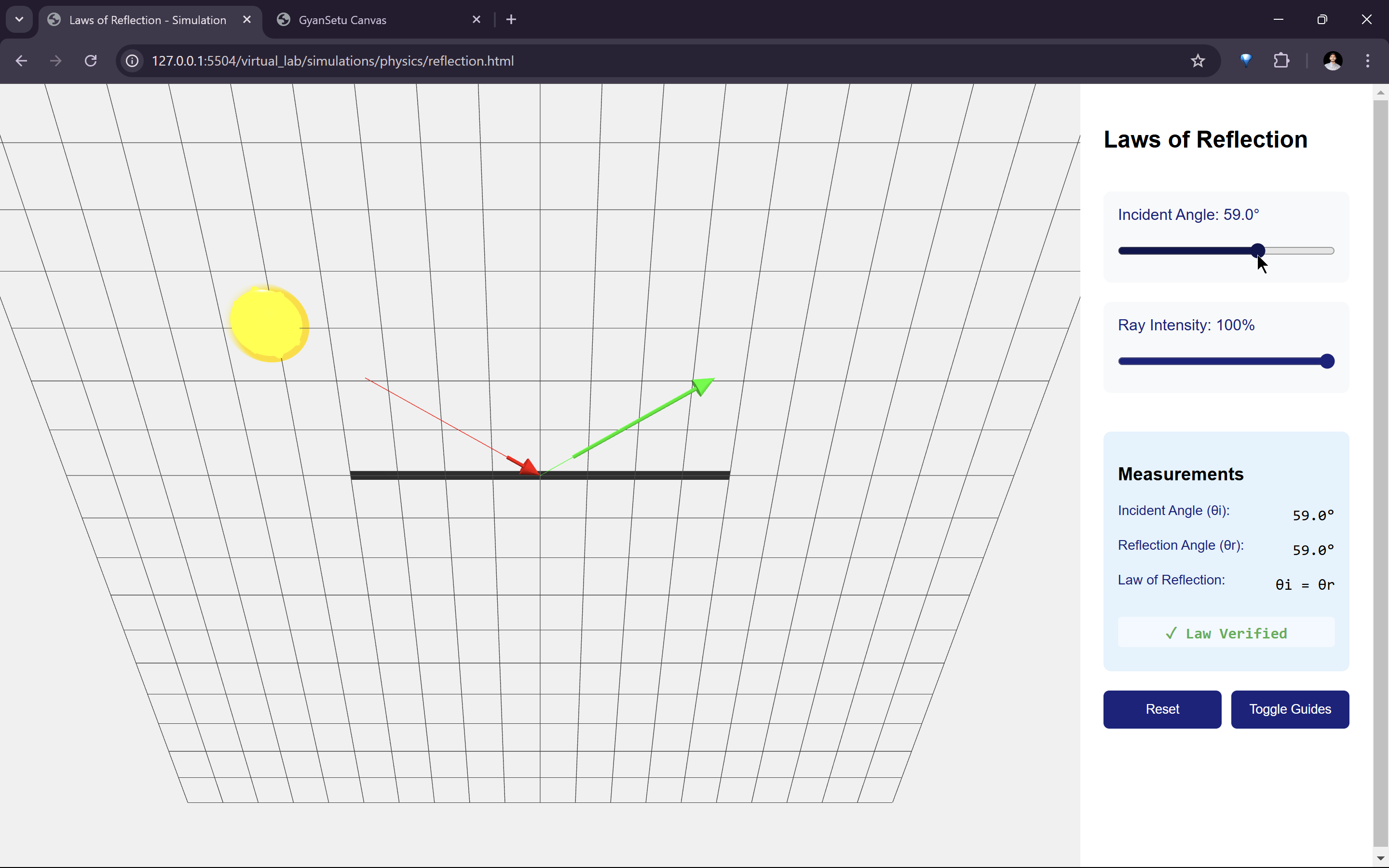
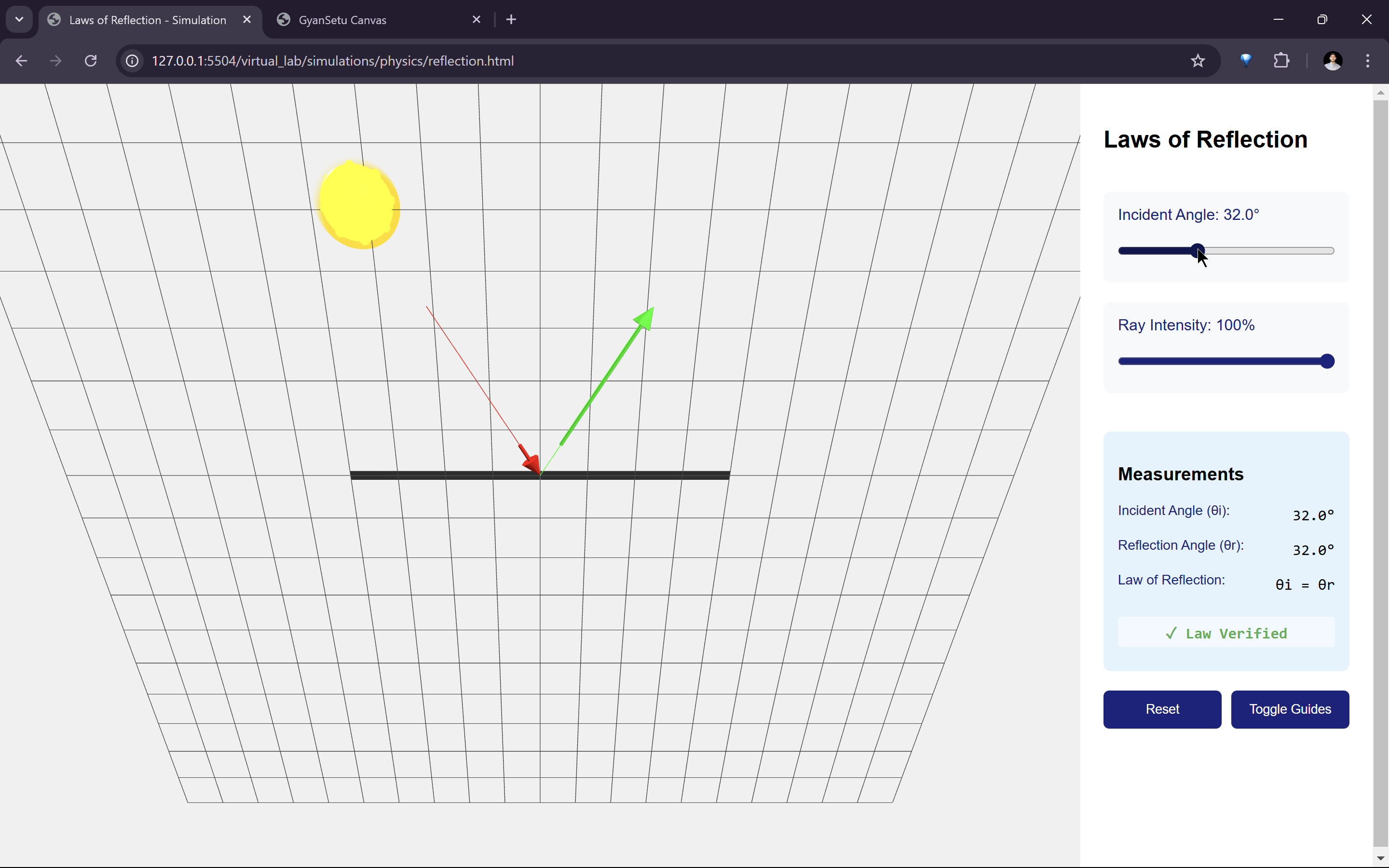
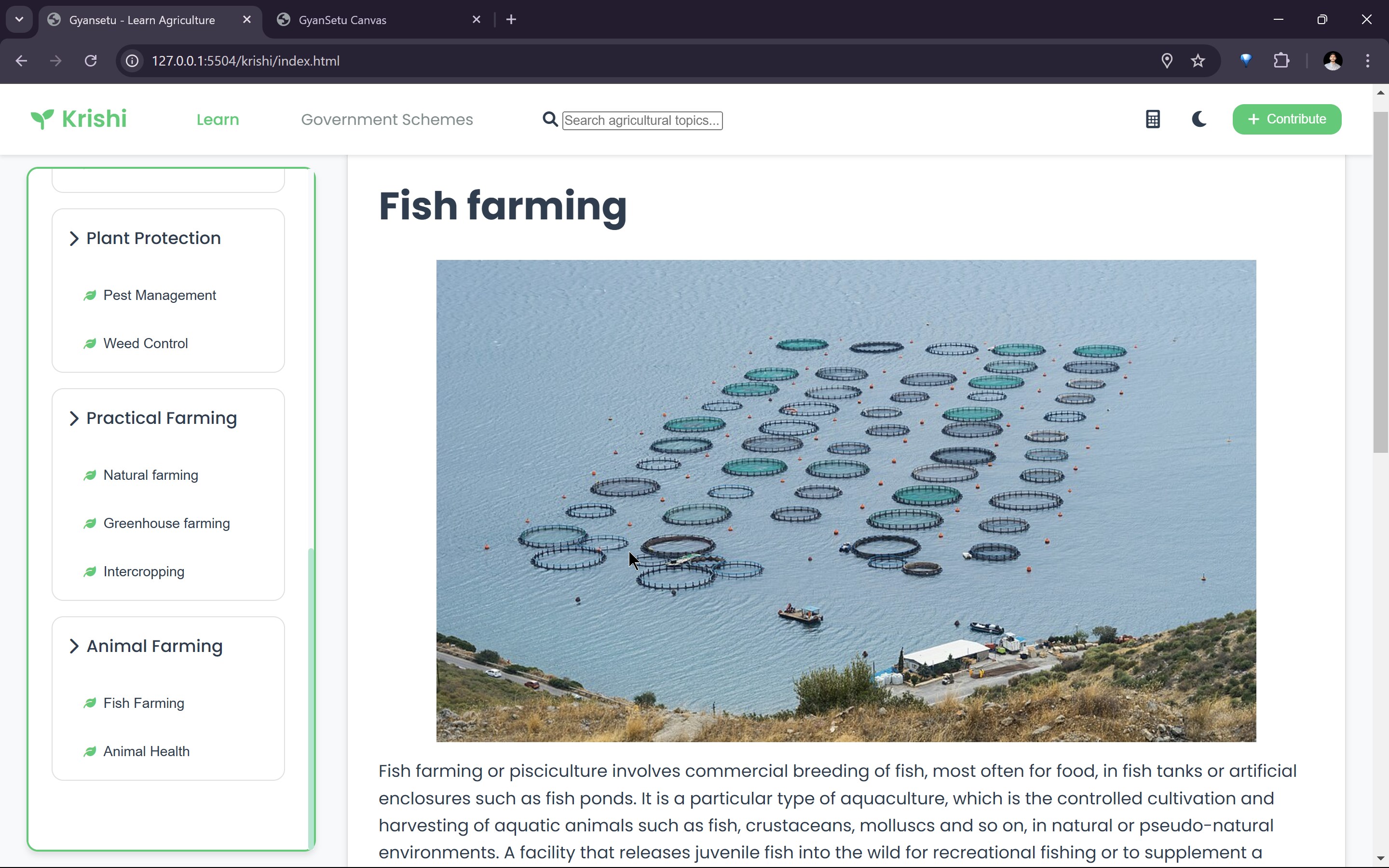
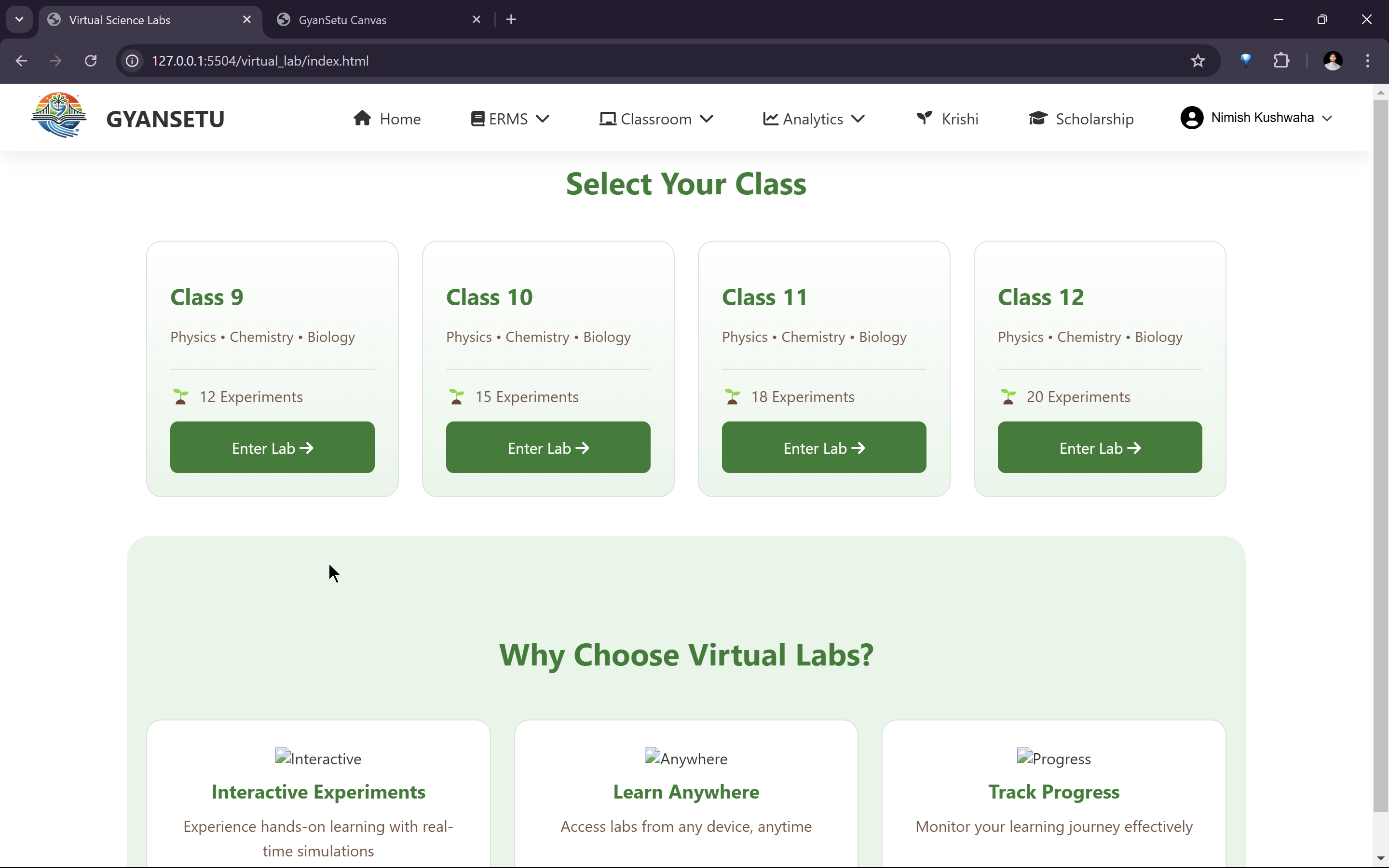
- Virtual labs and AR-based interactive learning.
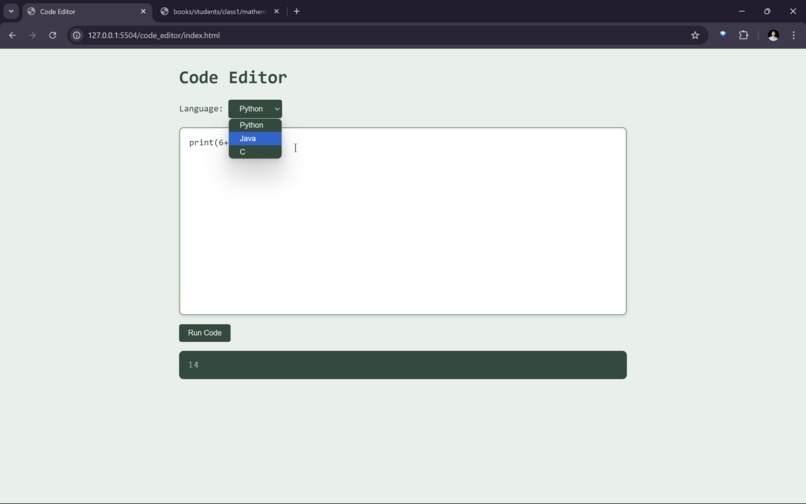
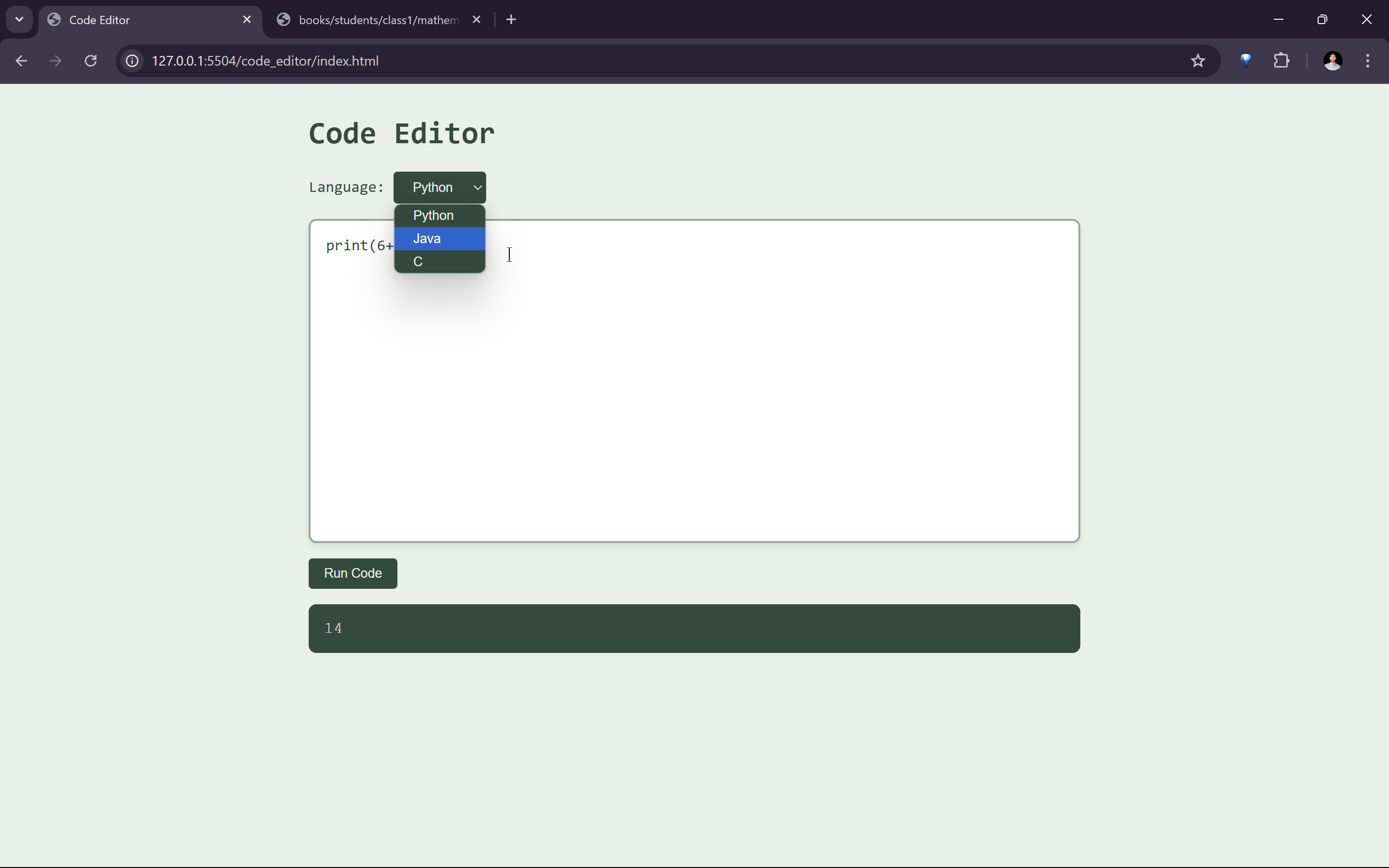
- Dedicated coding platform for students.
Non-Functional Requirements
- Must work in low-internet and offline conditions.
- Lightweight and efficient for low-end devices.
- Scalable to accommodate multiple schools and users.
- Secure authentication using Firebase.
- Accessible UI/UX for students with minimal digital literacy.
2.2 System Design
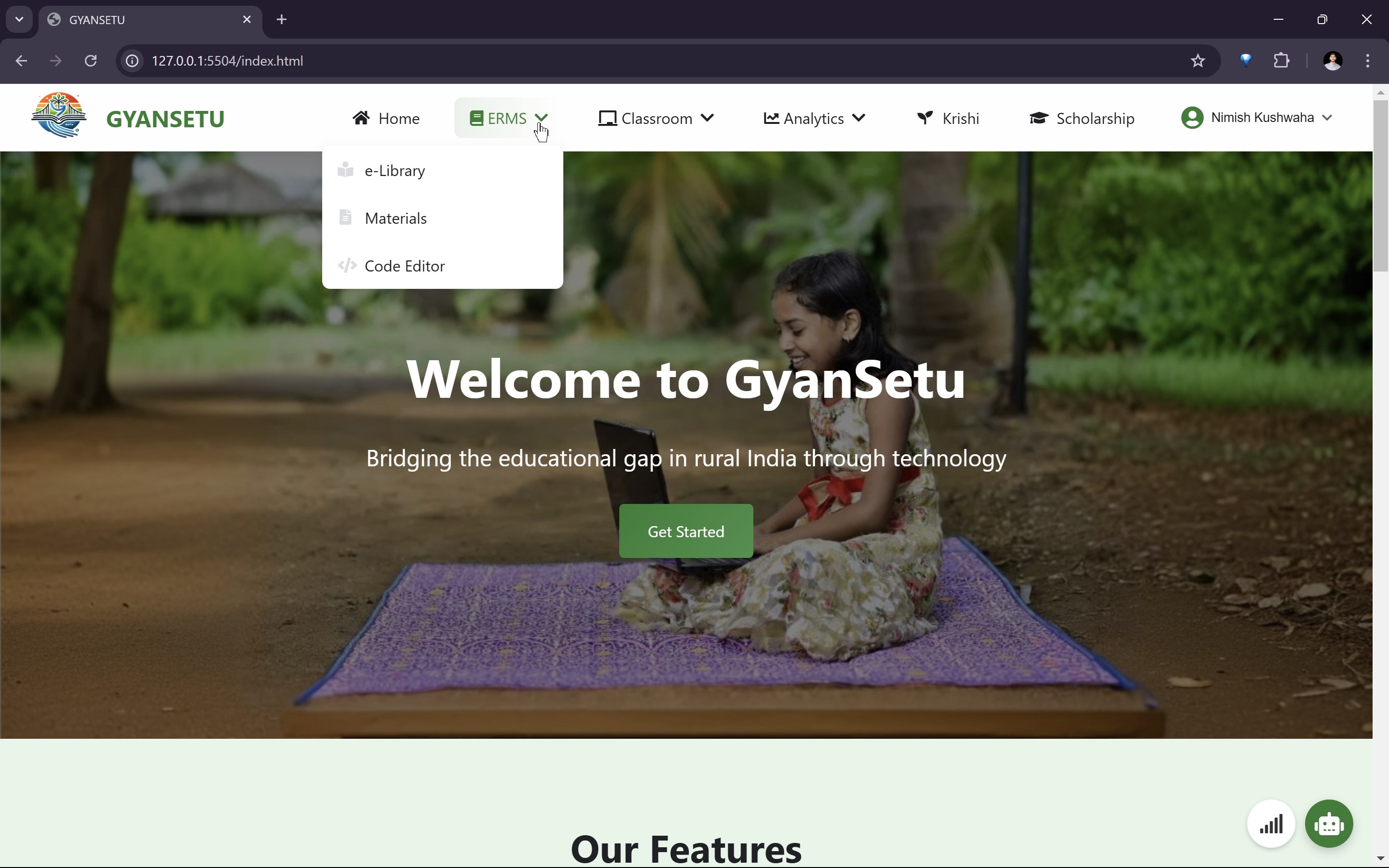
I designed GyanSetu as both a web and mobile platform to provide a seamless learning experience.
System Architecture
Frontend:
- Web app (HTML, CSS, JavaScript)
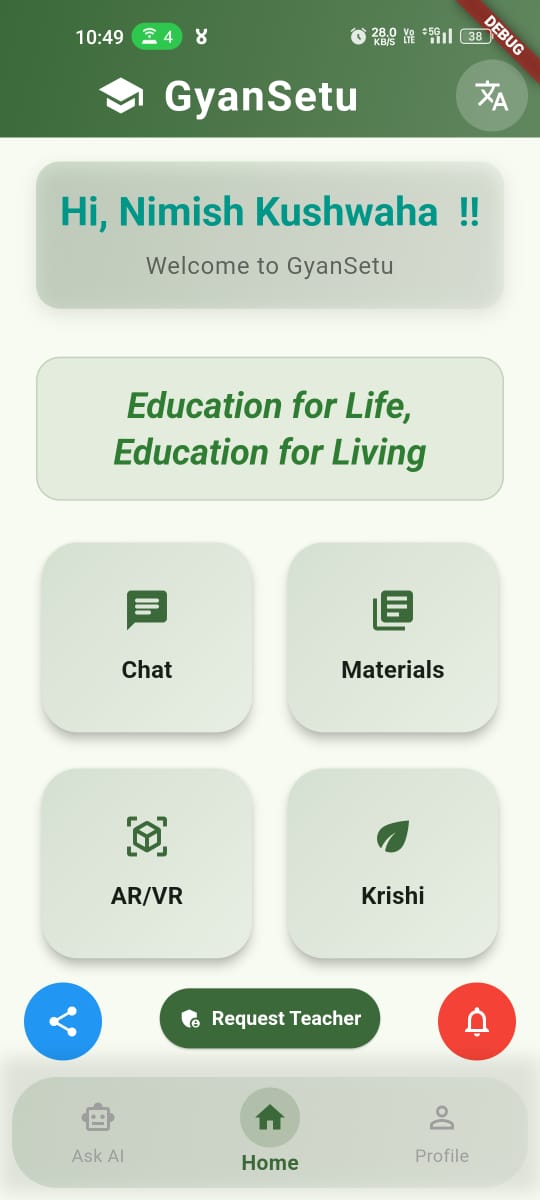
- Mobile app (Flutter for cross-platform support)
Backend & Database:
- Firebase Authentication for user management.
- Firestore for real-time database and content storage.
Live Learning & Collaboration:
- Jitsi Meet (JaaS) for live classes.
- Excalidraw for collaborative whiteboards.
- RecordRTC for session recordings.
AI & AR Integration:
- Google Gemini API for generating quizzes and assignments.
- WebXR/AR.js for interactive learning experiences.
Offline & Connectivity Optimization:
- Service Workers for caching educational content.
- Custom-built connectivity monitoring tool.
2.3 Development
Tech Stack
| Component | Technology Stack |
|---|---|
| Frontend | HTML, CSS, JavaScript (Web), Flutter (Mobile) |
| Backend | Firebase Authentication, Firestore |
| Live Learning | Jitsi Meet (JaaS), Excalidraw |
| AI Features | OpenAI API |
| Offline Learning | Service Workers, IndexedDB |
| Connectivity Monitoring | Go-based network diagnostics |
3. Challenges I Faced
- Unstable Internet: Ensuring smooth video calls and chat in low-connectivity areas.
- Offline Access: Making quizzes, notes, and learning content available without the internet.
- AI Accuracy: Keeping AI-generated quizzes and assignments relevant to different curriculums.
- User Experience: Designing a simple, intuitive interface for students and teachers.
- Seamless Integration: Combining live classes, VR labs, whiteboards, and coding platforms.
- Scalability: Ensuring GyanSetu can handle more users without performance issues.
4. Accomplishments That We're Proud Of
- Successfully built a platform enabling real-time and offline learning.
- Developed AI-powered tools for quizzes and assignments.
- Implemented connectivity monitoring and optimization for low-network areas.
- Created an interactive learning experience with collaborative whiteboards and VR labs.
5. What We Learned
- Design for real-world challenges: Digital education must be reliable even with poor internet.
- AI is a great assistant, not a replacement: Teachers play an irreplaceable role in education.
- Interactive learning works: Virtual labs, coding platforms, and collaborative tools enhance engagement.
6. What's Next for GyanSetu?
- Dedicated Mobile App optimized for low-end devices.
- More AI-powered tools for personalized learning.
- Partnerships with schools and communities to expand accessibility.


Log in or sign up for Devpost to join the conversation.