-
-
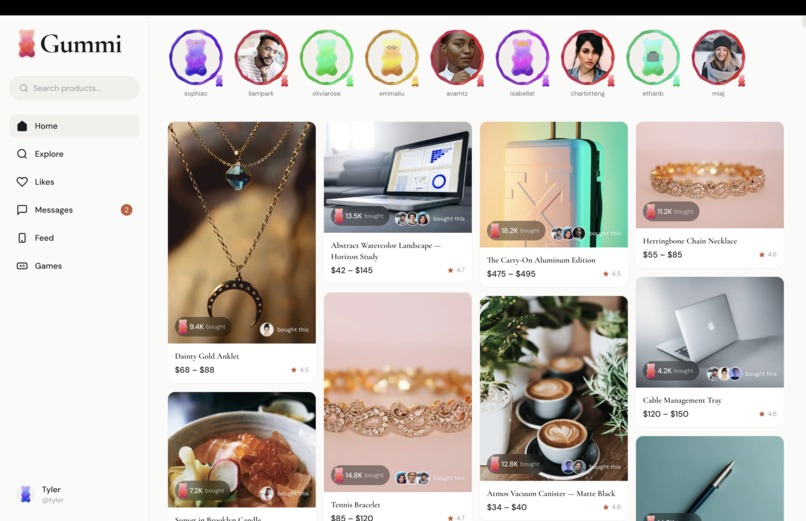
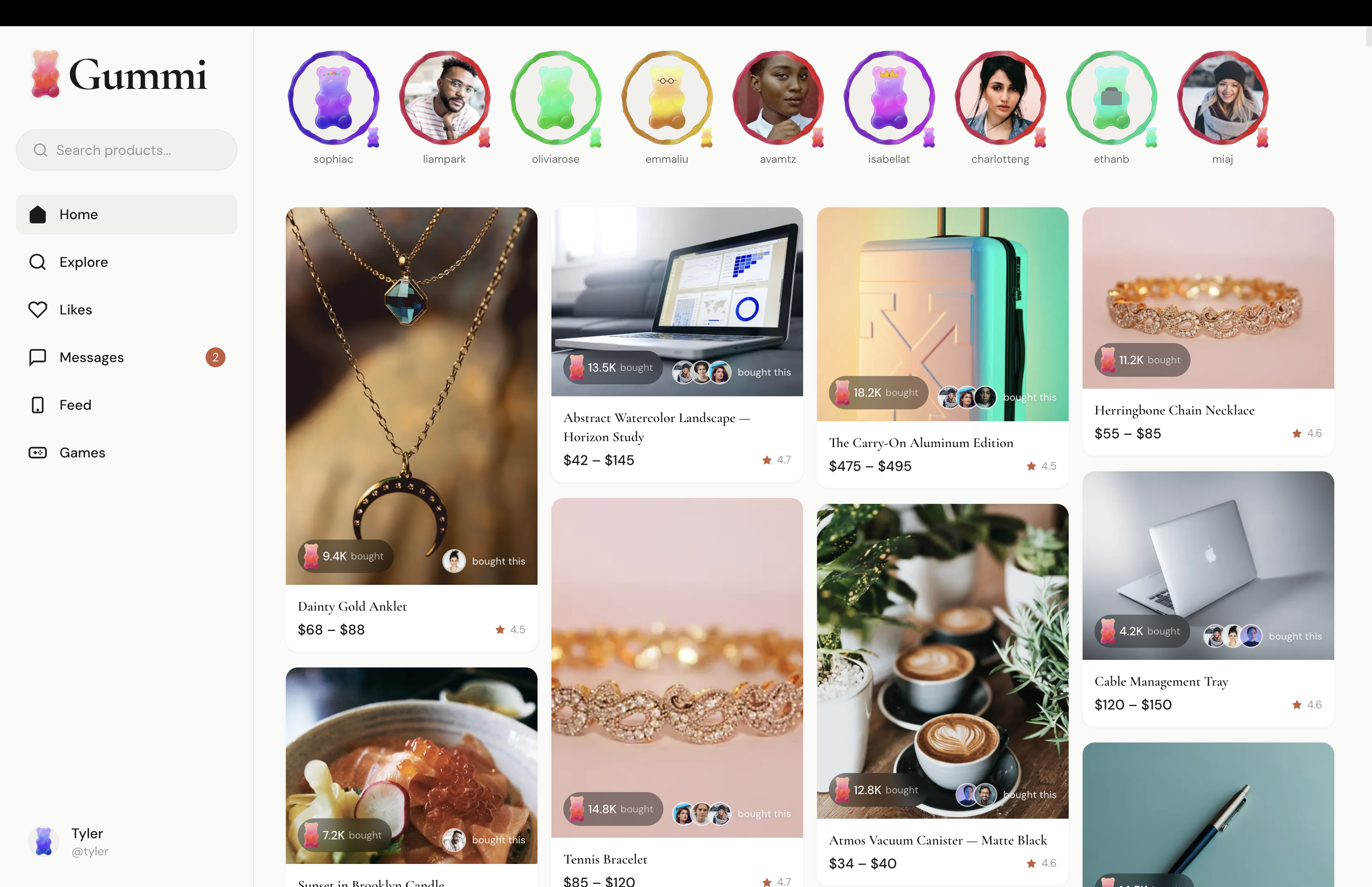
For You Page
-
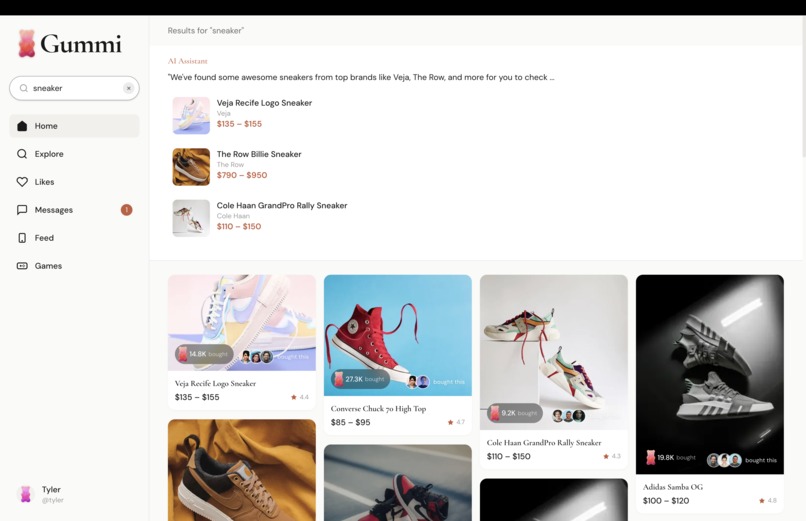
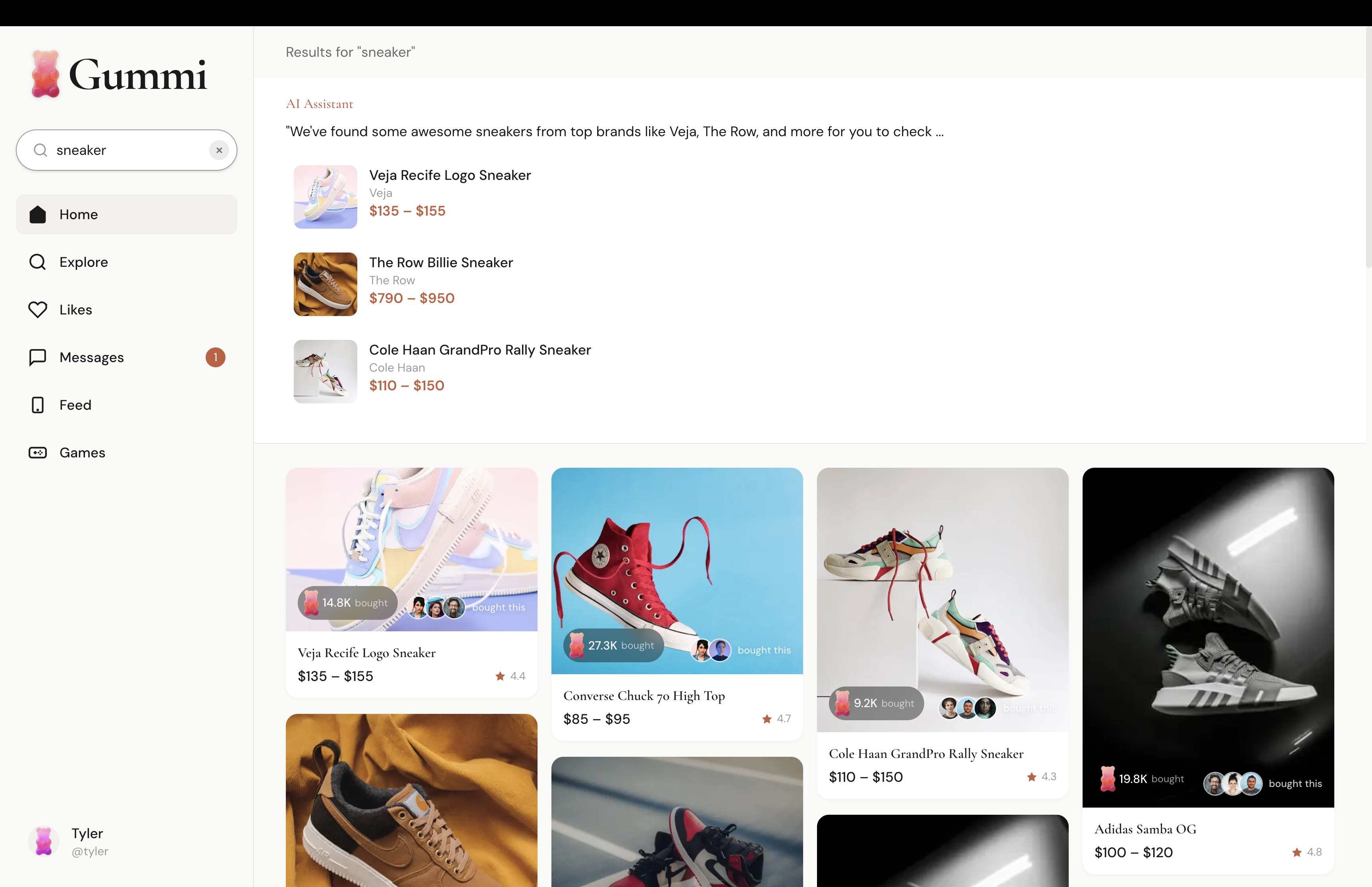
AI Lava Search
-
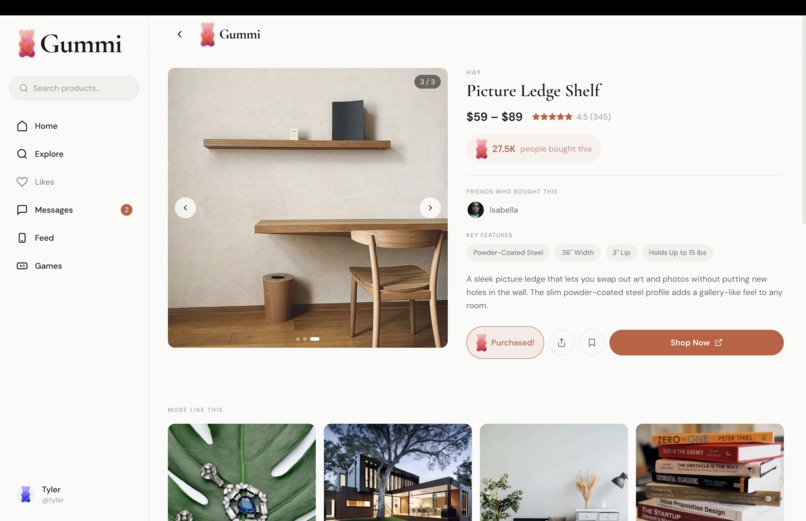
Product Page
-
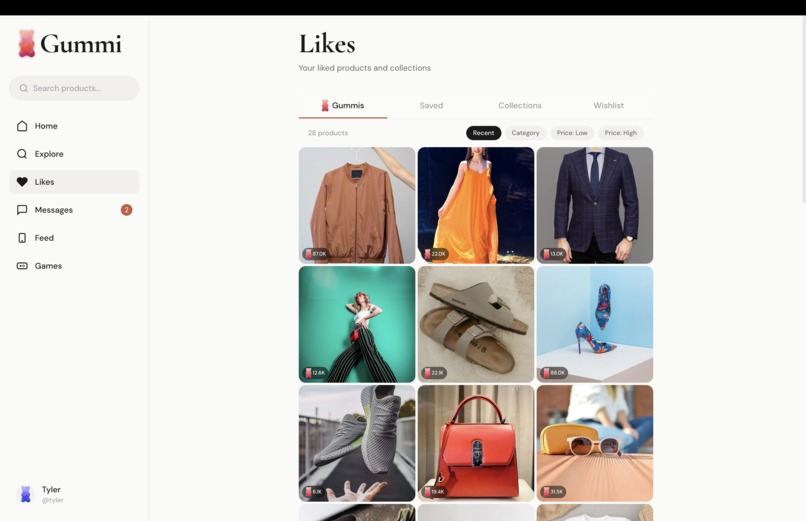
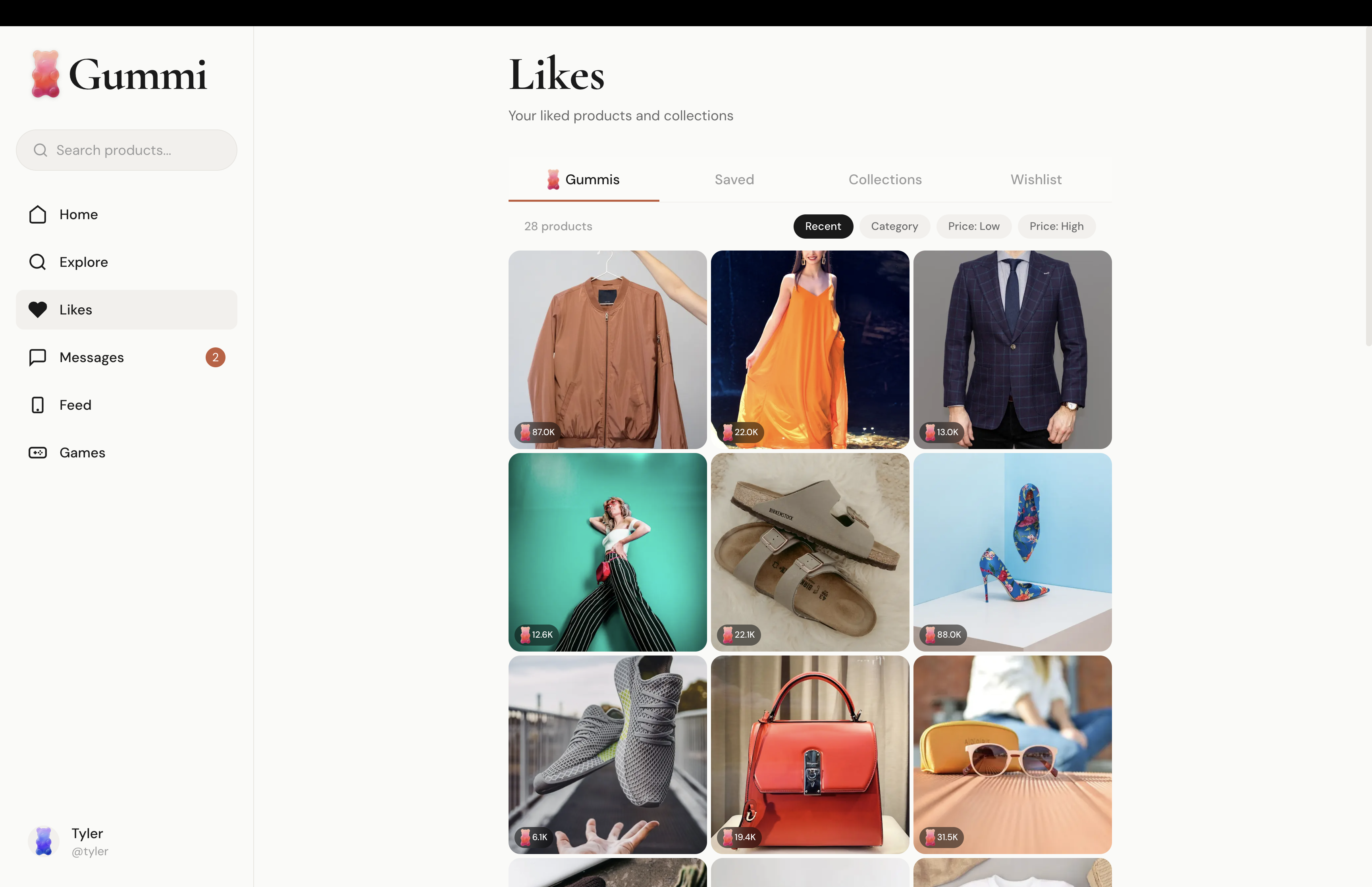
Liked Products
-
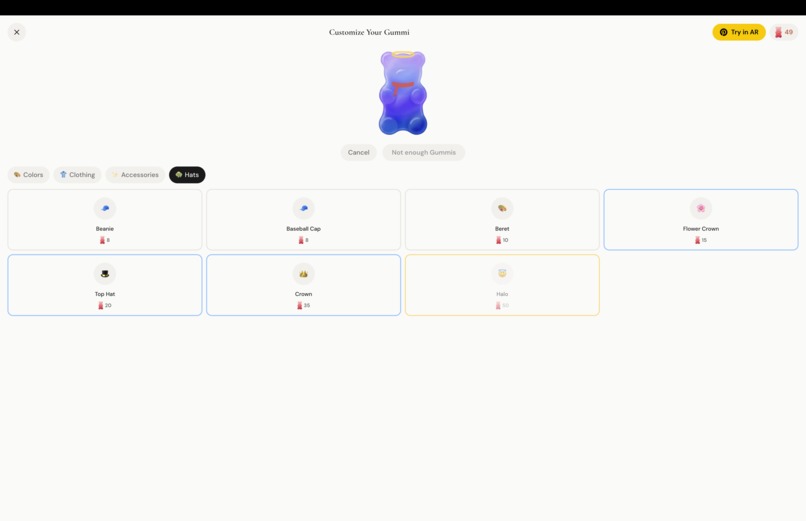
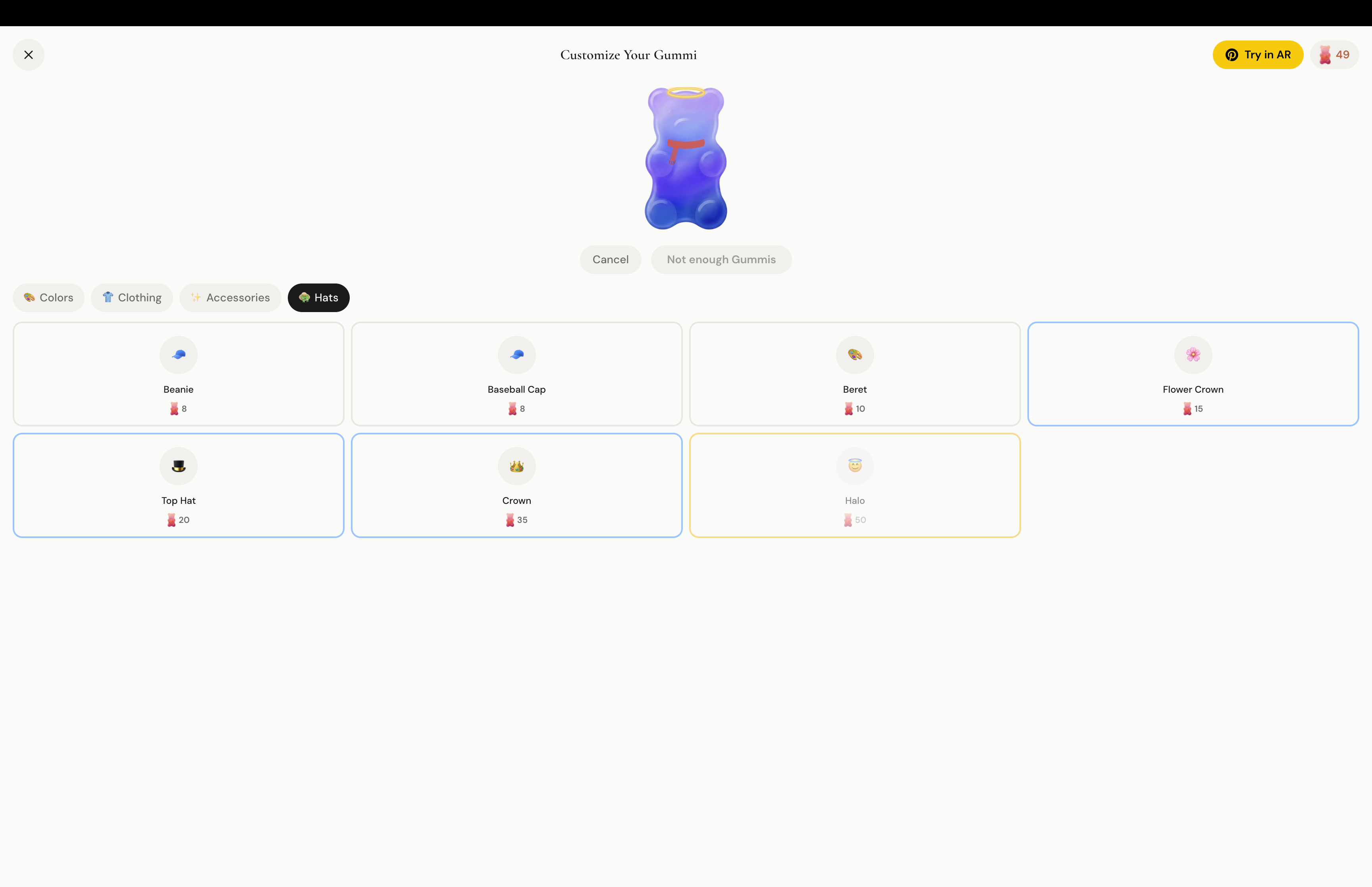
Gummi Dress Up
-
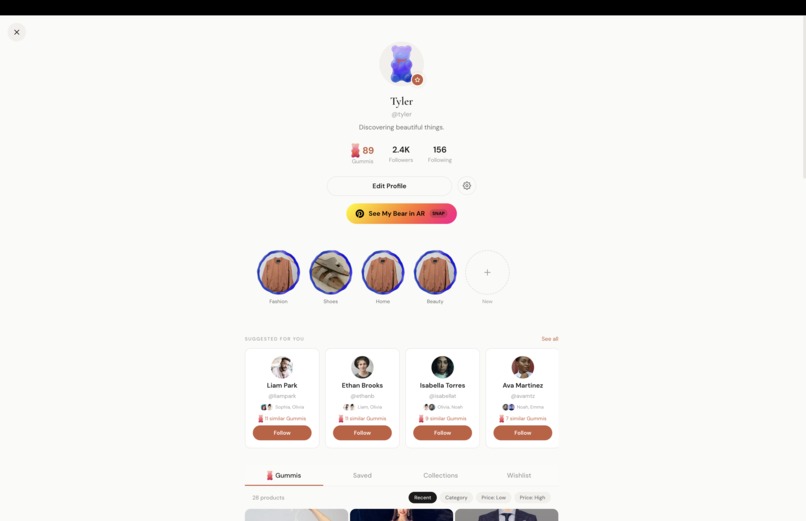
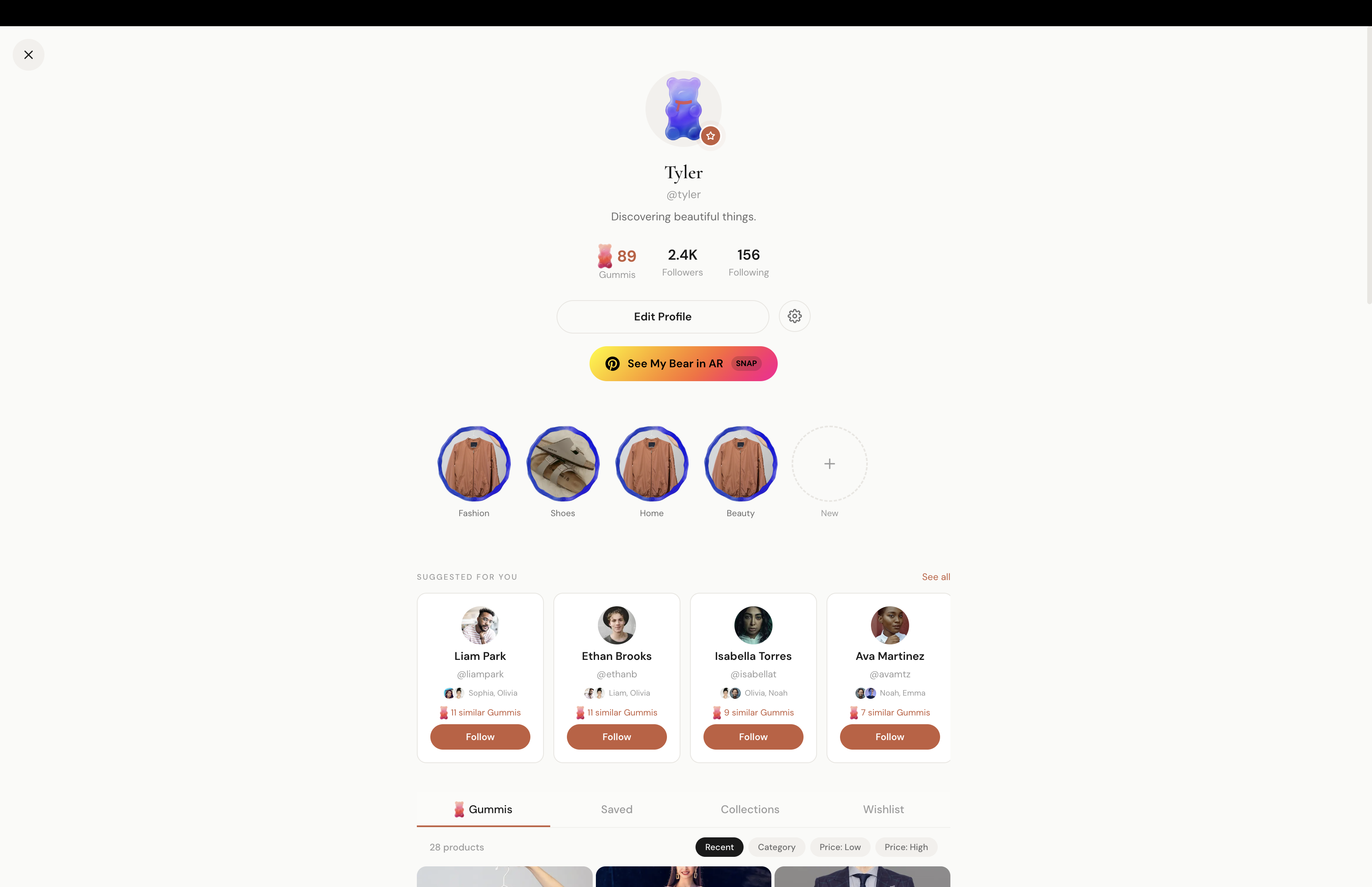
Profile Page
-
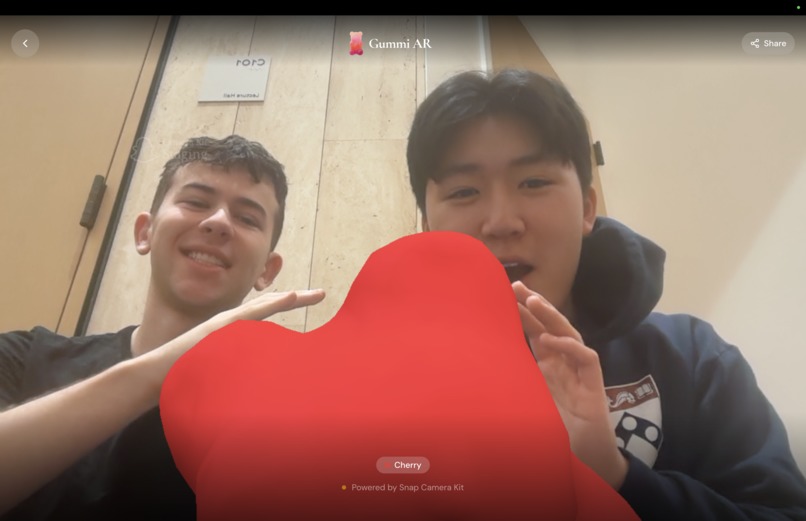
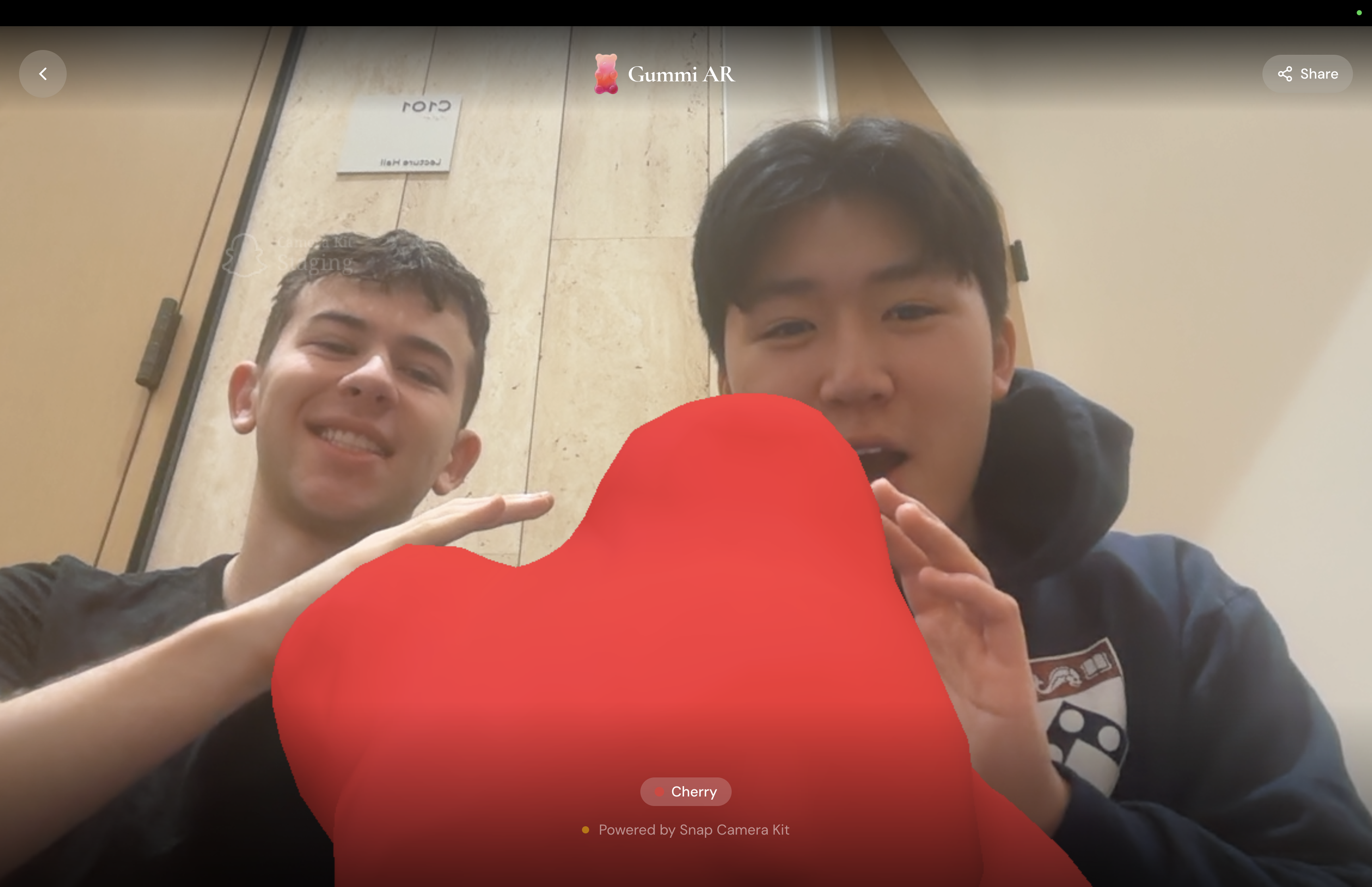
Snapchat Lens Gummi Bear
-
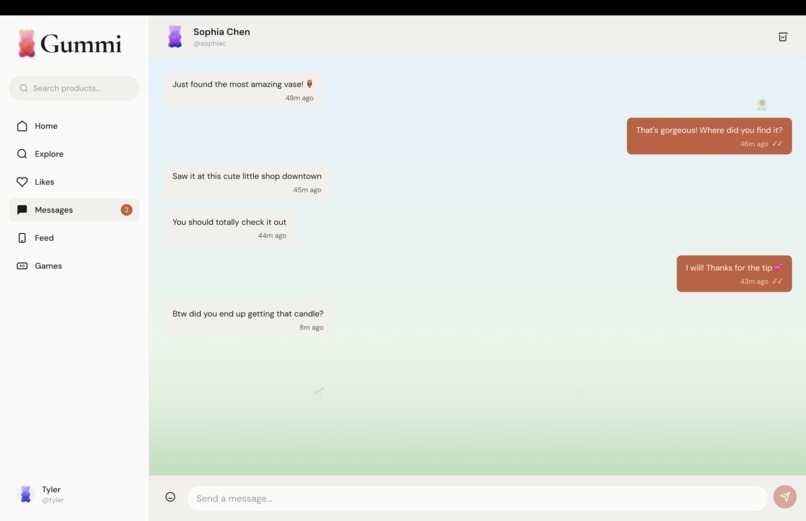
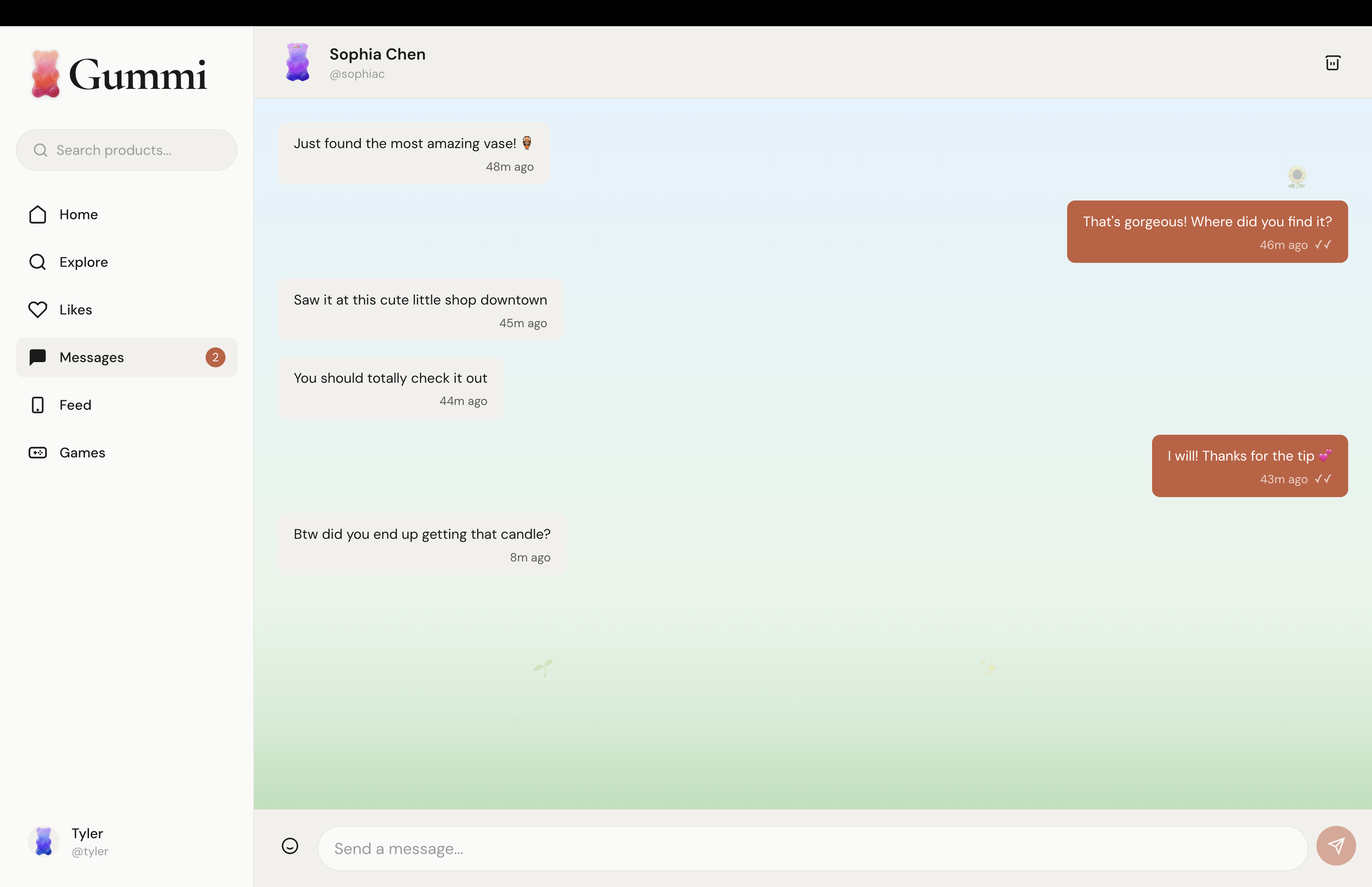
Messages
-
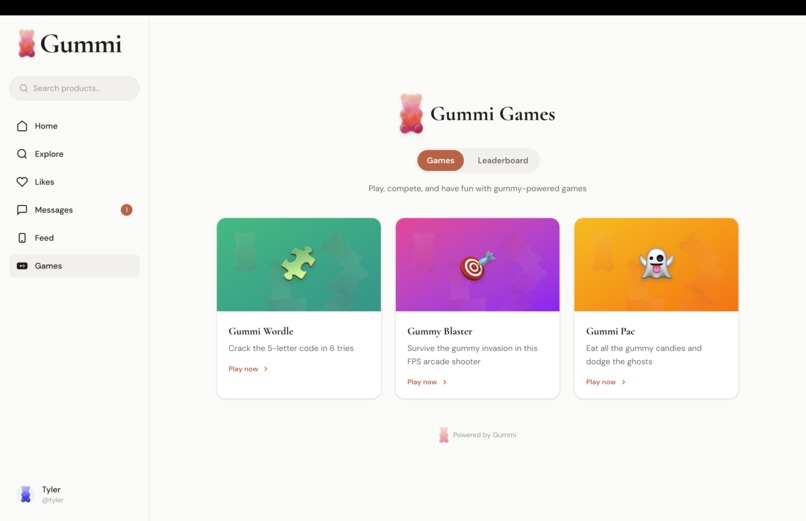
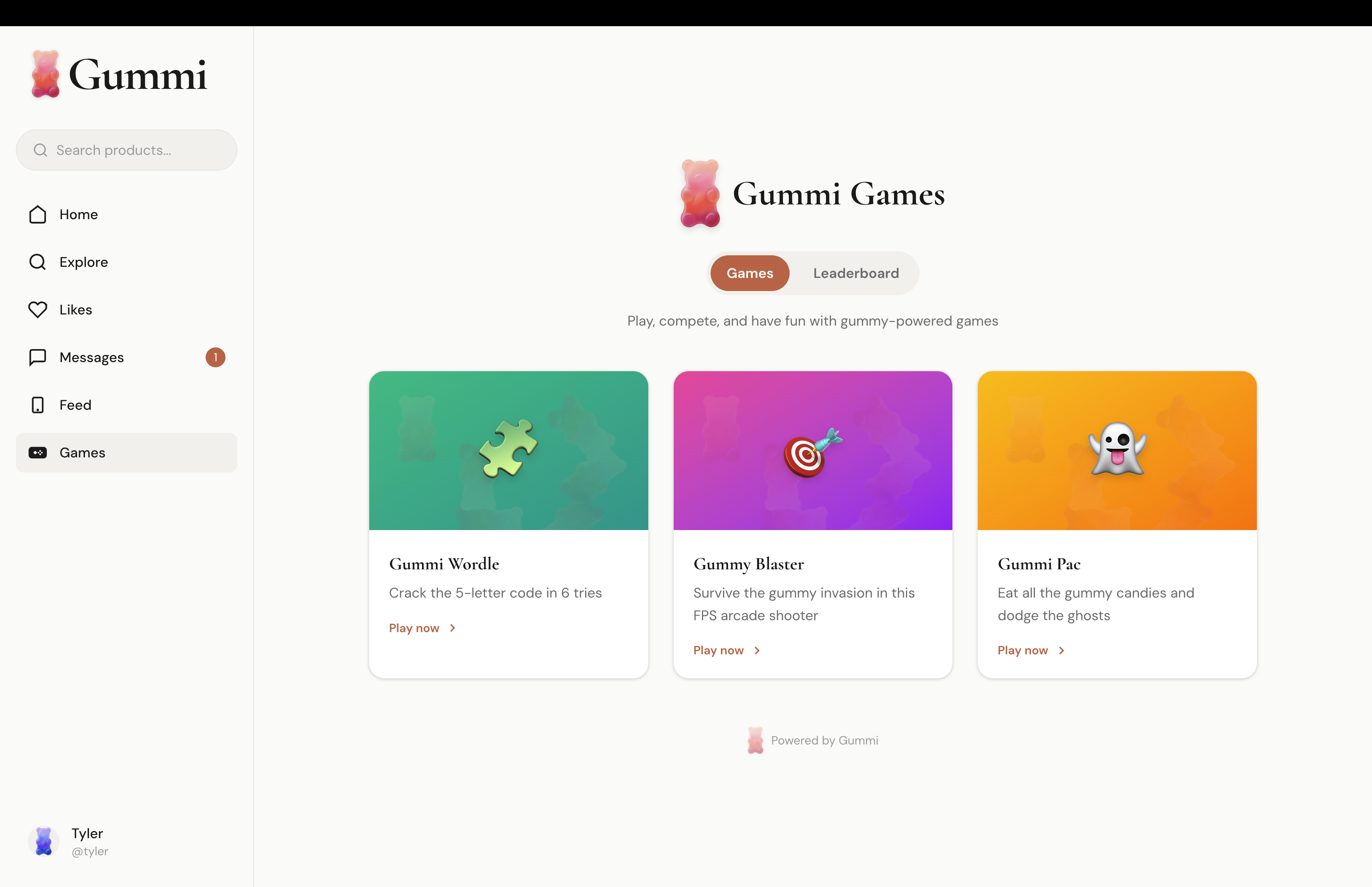
Gummi Games
-
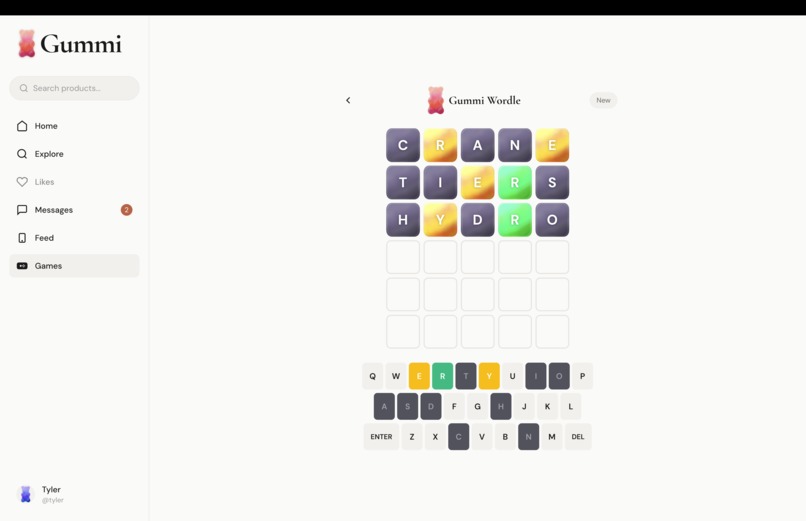
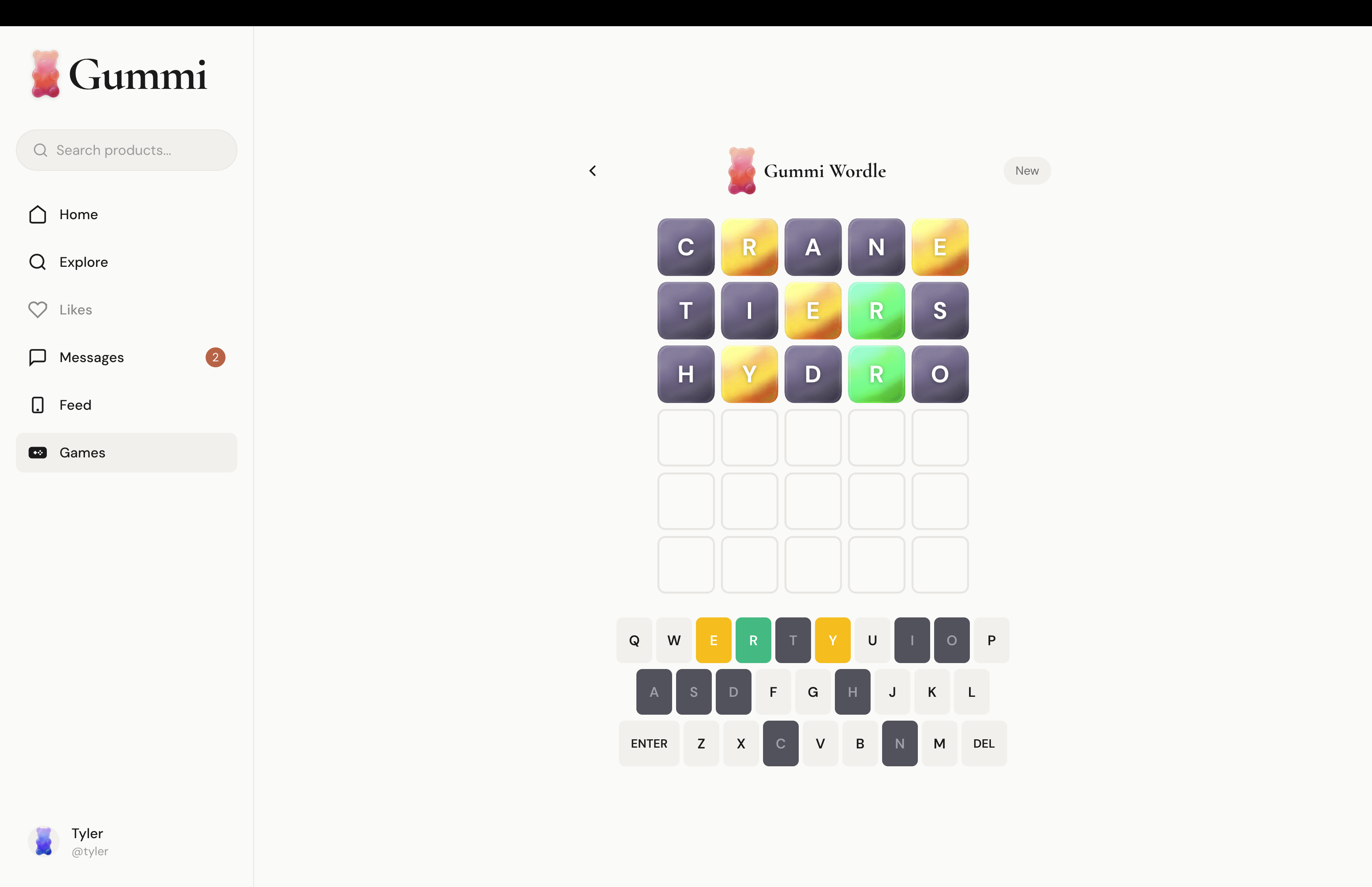
Gummi Wordle
-
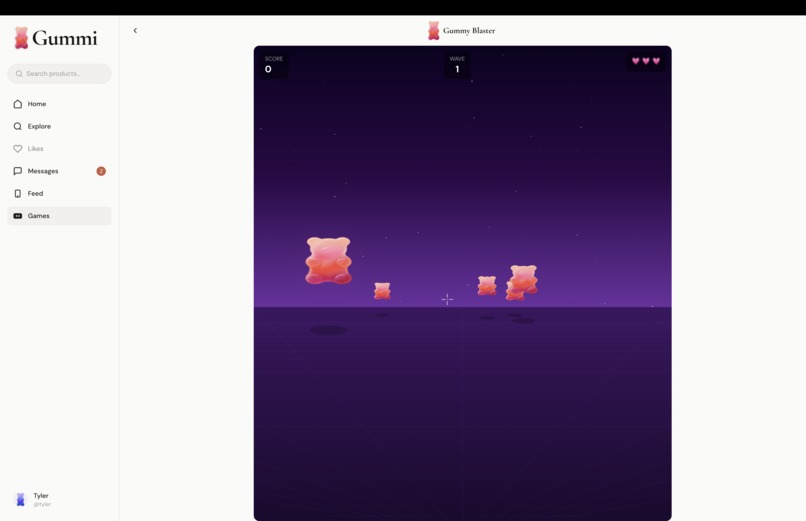
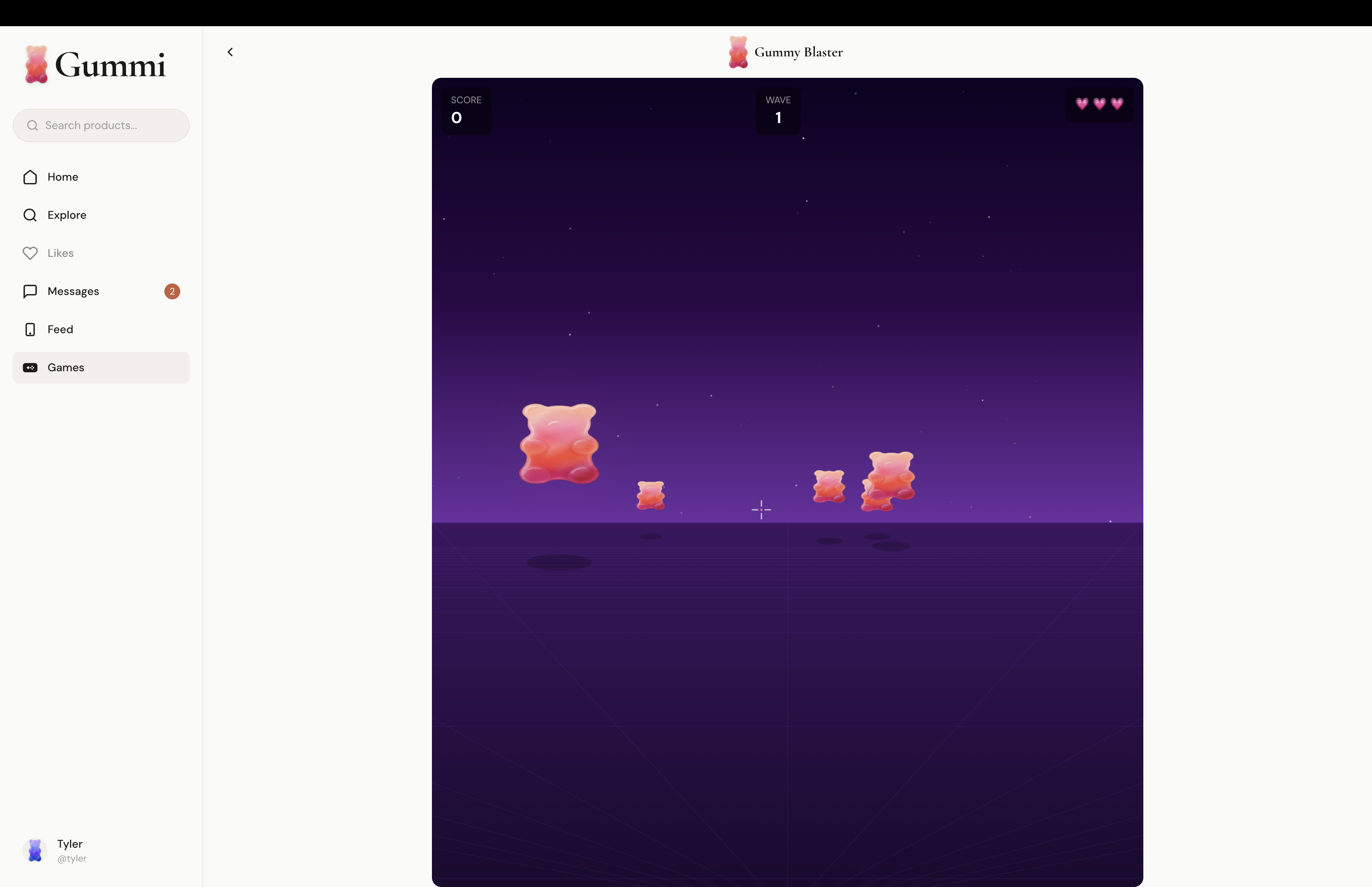
Gummi Blaster
-
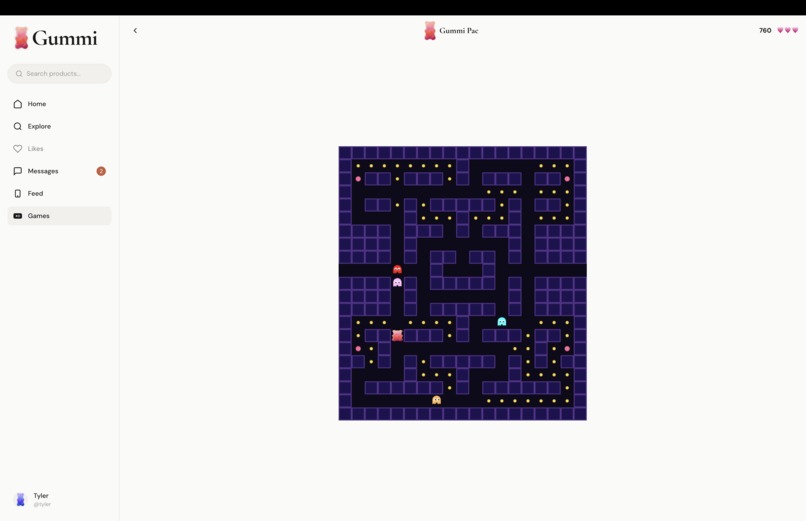
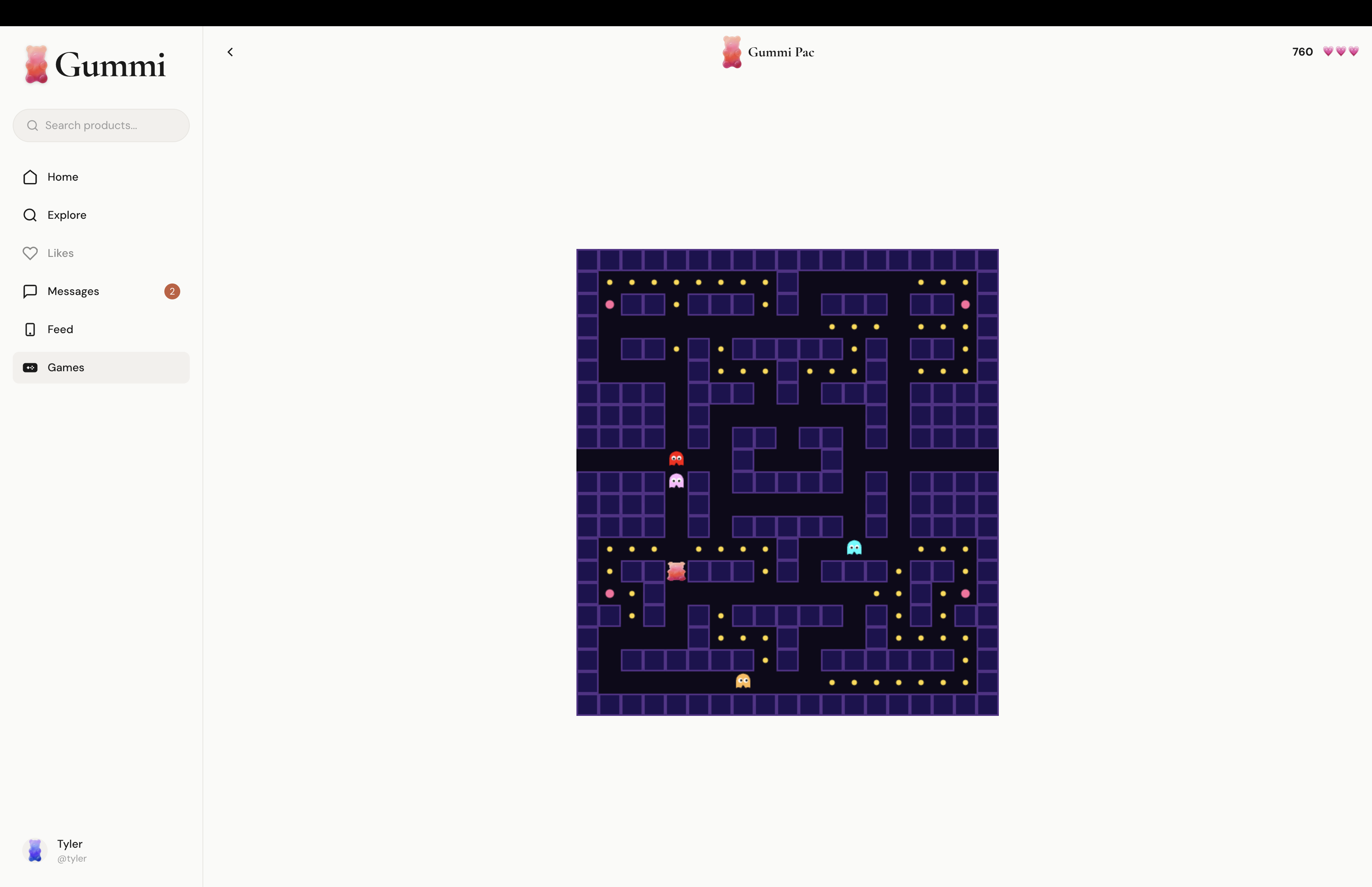
Gummi Pac

Gummi — What we Built and Why
The first complete intersection of social media and online shopping
A verified purchase is worth more than a thousand likes. Gummi is the first platform built around that idea — where what your friends actually buy shapes what you see, and commerce and community are inseparable from the start.
Stack: Next.js 15 · TypeScript · Vector Embeddings · Snap Camera Kit · Lava LLM · Lens Studio
01 - What Is Gummi?
Every major platform has tried to merge social media and shopping. Instagram, TikTok, Pinterest — all of them bolted commerce onto something that already existed. None of them were built for it. Gummi is the first complete integration of social media and e-commerce from the ground up. The feed is social and shoppable simultaneously. Discovery, social proof, and purchase happen in one place, in one motion, without ever leaving.
The core mechanic is the Gummi. When you buy a product and post about it, that's a Gummi — a verified purchase signal, not a like or a save. Products accumulate Gummis from real buyers, and your friends' Gummis shape your feed directly. "Three people you trust actually bought this" hits differently than "2,400 strangers liked it."
Built on top of that: a real-time recommendation engine that models your taste as you scroll, a customizable Bear avatar that is your identity on the platform, Snap AR that brings your Bear into the real world, and a full social stack — stories, DMs, wishlists, and games. Commerce has always been social. Gummi is just the first app built that way.
02 - What's In It
| Features | Description |
|---|---|
| Gummi Bear Avatar | Your bear, your colors, your outfit. Travels with you into Snapchat AR. |
| Recommendation Engine | Custom-built model that blends what you like, what your friends like, and what's trending |
| Snap AR | Point your camera and your bear shows up in the real world |
| AI Search Assistant | Lava LLM assists in every search to find the best quality and cheapest products |
| Social Feed & Stories | Stories, friend activity, dual-mode feed: gallery or reels |
| Games Hub | Pacman, a shooter, and Wordle - compete against all your friends |
| DMs | Send products to friends, share wishlists, custom Gummi Emojis |
| Wishlists & Collections | Save stuff, organize it, share boards with others |
03 - The Recommendation Engine
The problem sounds simple: show people products they'll like. But the reality is messy. You have thousands of products, a user who's only interacted with a fraction of them, a history that's constantly changing, and the very real risk of showing someone the same five items on a loop. Solve the relevance problem and you create a boring feed. Solve the diversity problem without care and you lose relevance entirely.
What we built is a two-stage retrieve-then-rerank pipeline. This is the same fundamental architecture that powers recommendation at companies like Spotify and Pinterest, adapted to run entirely client-side in TypeScript with no backend inference required.
The Pipeline
[1] Embed every product into a 32-dimensional vector
[2] Build a user vector from their interaction history (long-term + short-term)
[3] Retrieve top candidates via cosine similarity
[4] Rerank using 5 signals: content, CF, social, freshness, diversity
[5] Normalize scores into a human-readable match percentage (65%–98%)
Stage 1 - embed. Every product gets encoded into a 32-dimensional vector covering category, price tier, brand, quality, popularity, social proof, and text features. Every user gets their own vector built from interaction history, split into a long-term profile and a short-term session signal, then blended at 60/40. Both are L2-normalized so similarity is just a dot product.
Stage 2 - retrieve. Cosine similarity against the user vector pulls the top candidates from the catalogue.
Stage 3 - rank. Five signals combine into a final score: content similarity (0.35), collaborative filtering taste alignment (0.25), friend activity (0.15), freshness (0.10), and a diversity penalty (0.15) that uses Maximal Marginal Relevance to make sure the feed doesn't get stuck in one corner of the catalogue.
Stage 4 - normalization. Raw scores map into a match percentage between 65% and 98% via z-score normalization. Everything in the feed earned its place — the percentage shows relative strength, not a judgment.
04 - The Infinite Scroller
The feed is designed to never run out. A custom queuing system handles pacing and ordering under the hood, making sure the experience stays fresh and uninterrupted no matter how long someone scrolls.
Two IntersectionObserver sentinels handle loading: one fires 200 items before the user reaches the bottom to pre-fill the buffer, and one fires when they actually get there to append to the visible list. Under normal scroll speed, you never see a loading state.
05 - Our Sponsors
Lava LLM
Lava is a universal LLM gateway. In Gummi, it powers the AI search commentary, proxying requests to Groq's llama-3.1-8b-instant model fast enough that the response loads before you've finished reading the results.
What makes it worth using: smart load balancing across providers, built-in caching so repeated queries don't re-hit the upstream model, OpenAI-compatible SDK so integration is straightforward, and API key management that lives in Lava's platform rather than scattered across your codebase. For a team that wants AI as a feature rather than a full-time infrastructure problem, we knew it was the right call.
To take a deeper look into how we used Lava and why we chose it, check out our video here: Gummi - Lava Deep Dive
Snapchat
Snap's developer platform is what makes the Gummi Bear feel real. Lens Studio handles the AR experience itself - facial tracking, physics, particle effects, outfit toggles - and Camera Kit embeds it directly in the Gummi web app via WebAssembly, no Snapchat install required.
The piece that makes it personal is Creative Kit's launchData parameter, which lets Gummi pass the user's actual bear configuration - color, clothing, accessories - straight into the lens. So the bear that shows up in AR is yours, not a default.
Beyond the tooling, Snap brings distribution. Every bear someone posts to their story is an organic impression, and every viewer can tap to try the lens themselves- it’s a great addition to our design.
To learn more about why we chose Snapchat and our experience with it, check out our video here: Gummi - Snap Lens Showcase
06 - Challenges
Building Gummi in 24 hours meant making a lot of systems work together that were never designed to. Here's where we ran into real friction.
Running the recommendation engine client-side. No backend inference means no server round-trips, which keeps latency low — but it means the entire pipeline runs in the browser on every feed load. Getting that to feel instant required careful optimization of the vector math and aggressive caching of intermediate results. The 32-dimensional embedding space was chosen specifically because it's the smallest that preserved enough semantic structure to produce good recommendations without becoming too slow to compute in real time.
Snap Camera Kit via WebAssembly. Embedding AR in a web app with no native Snapchat dependency sounds straightforward until you're debugging WebAssembly memory limits and camera permission flows across browsers at 2am. The trickiest part was the launchData parameter — passing the user's actual bear configuration into the lens required careful serialization so that colors, clothing, and accessories survived the handoff from Gummi's state into the Lens Studio environment correctly.
The cold start problem. A new user has no interaction history, so their vector starts empty. We solve this with a short onboarding preference capture that seeds the initial long-term profile, combined with higher freshness and social weights in the rerank stage for new users. Until personal history builds up, the feed leans on friend activity and trending products to stay relevant.
07 - What's Next
Gummi works as a hackathon demo. In the future, we want to turn it into a real product and scale it appropriately.
Native mobile. The doomscroll behavior that makes Gummi work is fundamentally a phone behavior. While the mobile web app is just as beautiful as the desktop one, we want users to have a full app experience. To do this, we'll use React Native with Expo, which will let us share the TypeScript API layer and recommendation engine with the existing Next.js codebase. At the same time, we can complete the rest of the mobile experience through haptics, notifications, and an even better AR experience.
Native checkout. Affiliate links are the right starting point. Within a few months though, we aim to integrate Stripe Connect to enable in-app checkout. Gummi will take a transaction fee and purchase confirmation will trigger a verified Gummi. This closes the loop, fully maintaining the meaning of a Gummi and keeping social proof, purchase, and posts in a contained loop. Stripe integration will ensure integrity when processing payments, maximizing user trust and satisfaction.
Built With
- css
- lava
- lava-api
- lens-studio
- llama
- next.js
- react
- shopify-api
- tailwind
- typescript


Log in or sign up for Devpost to join the conversation.