-
-
Gulpo app icon.
-
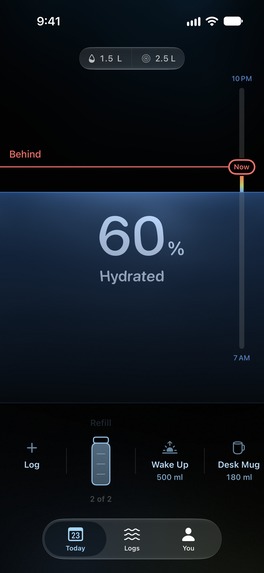
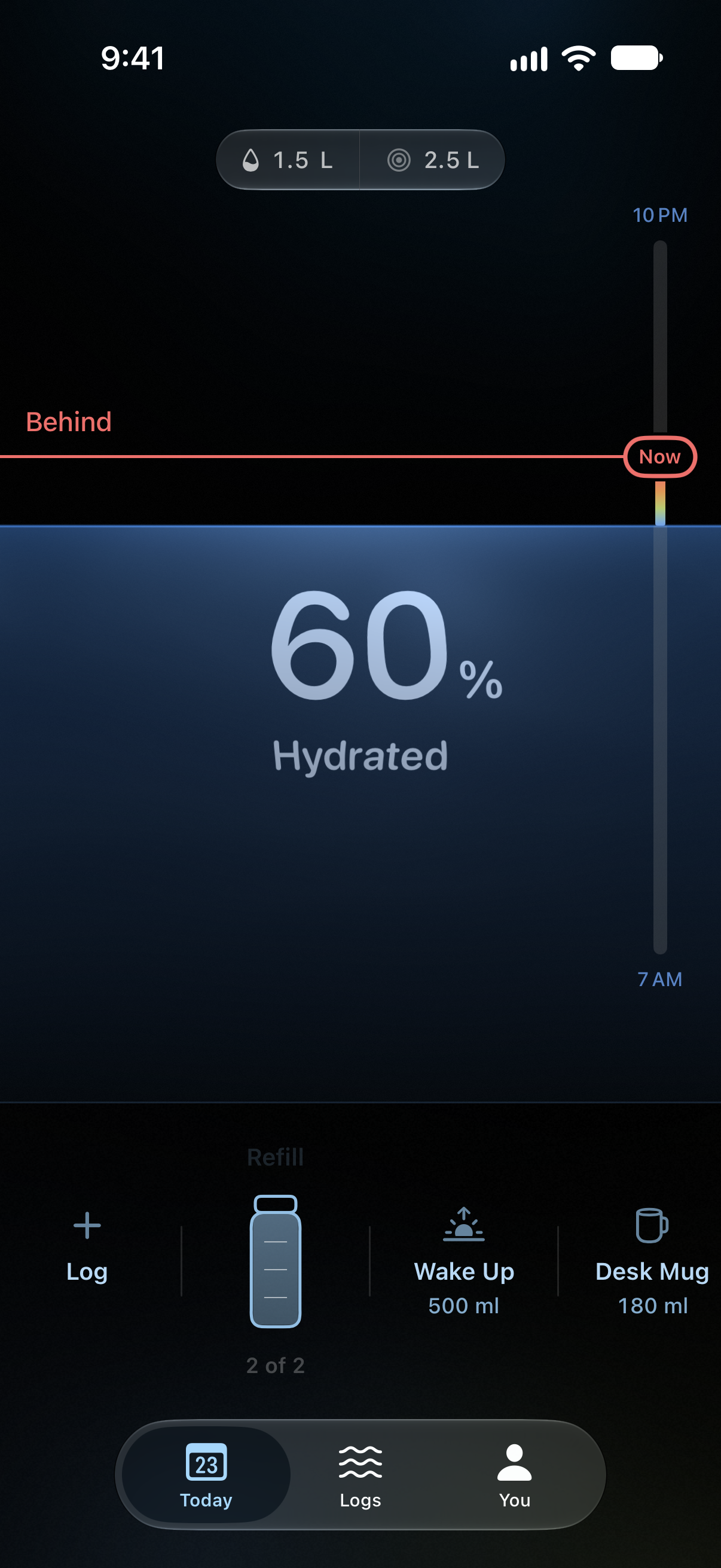
Gulpo Today: The waterline shows current hydration, while the pace line shows where you should be by now.
-
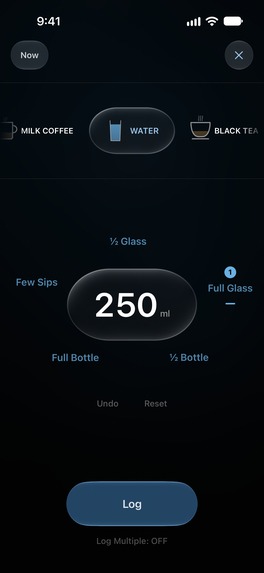
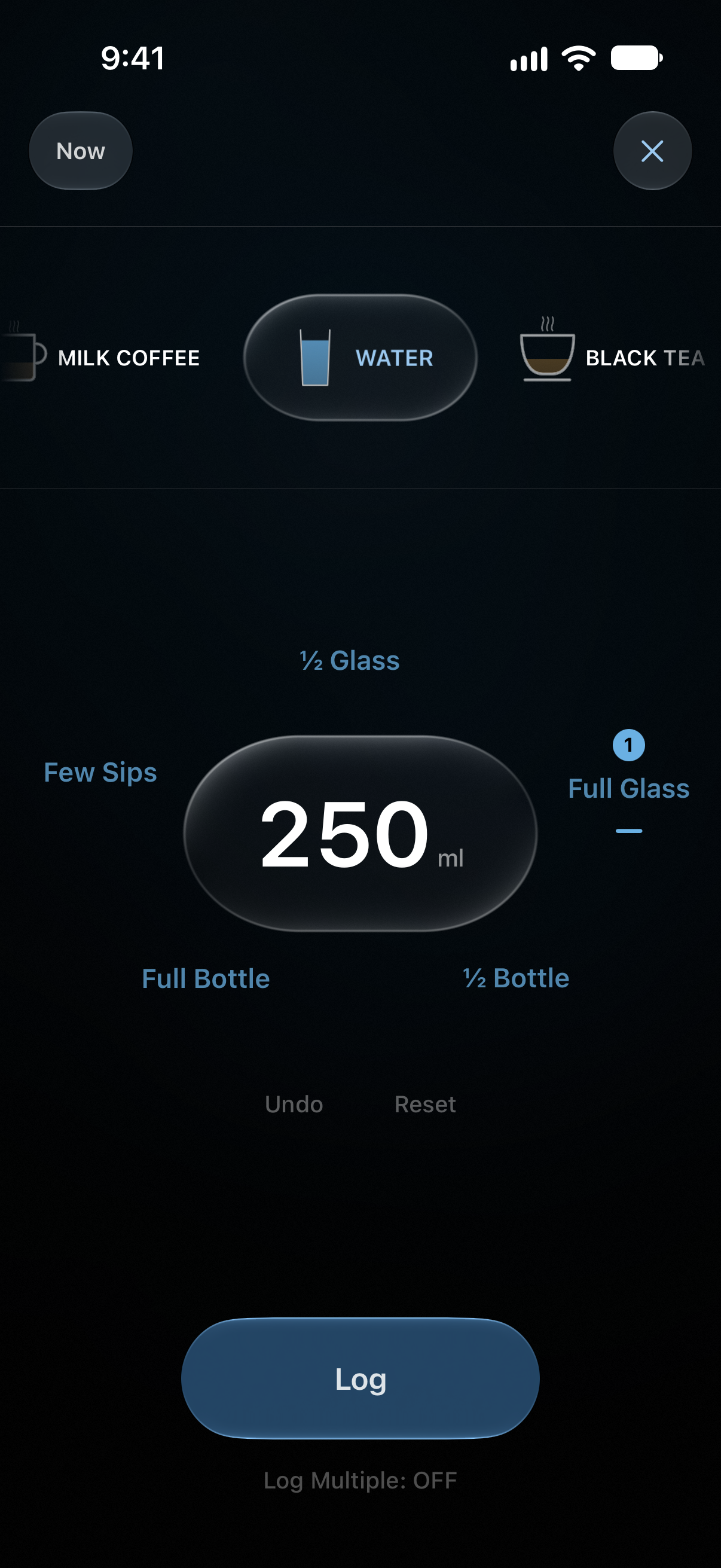
Gulpo Logger: Log the way you naturally think about drinking: a few sips, half a glass, a bottle, or an exact amount.
-
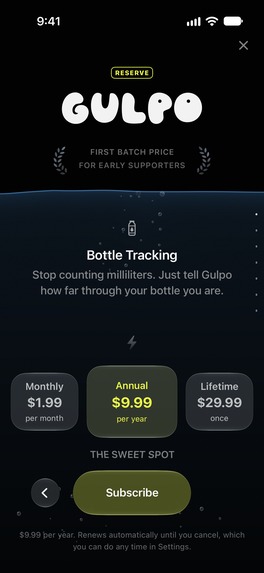
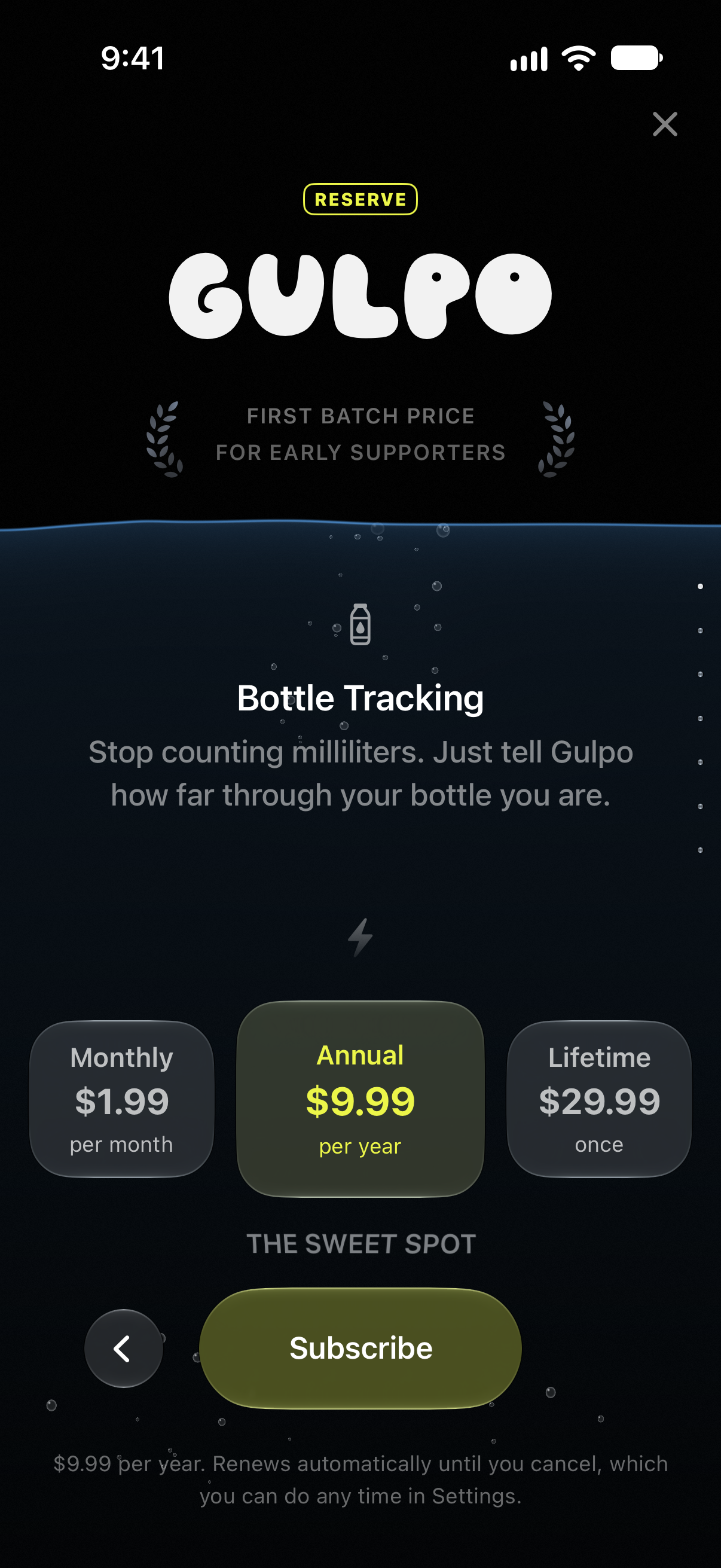
Gulpo Reserve: The purchase experience keeps the same water, physics and interaction language as the rest of the app.
-
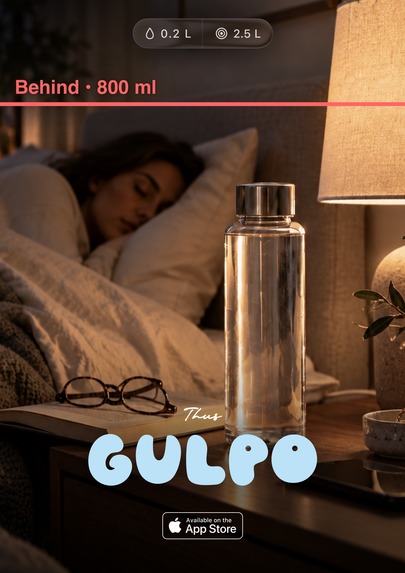
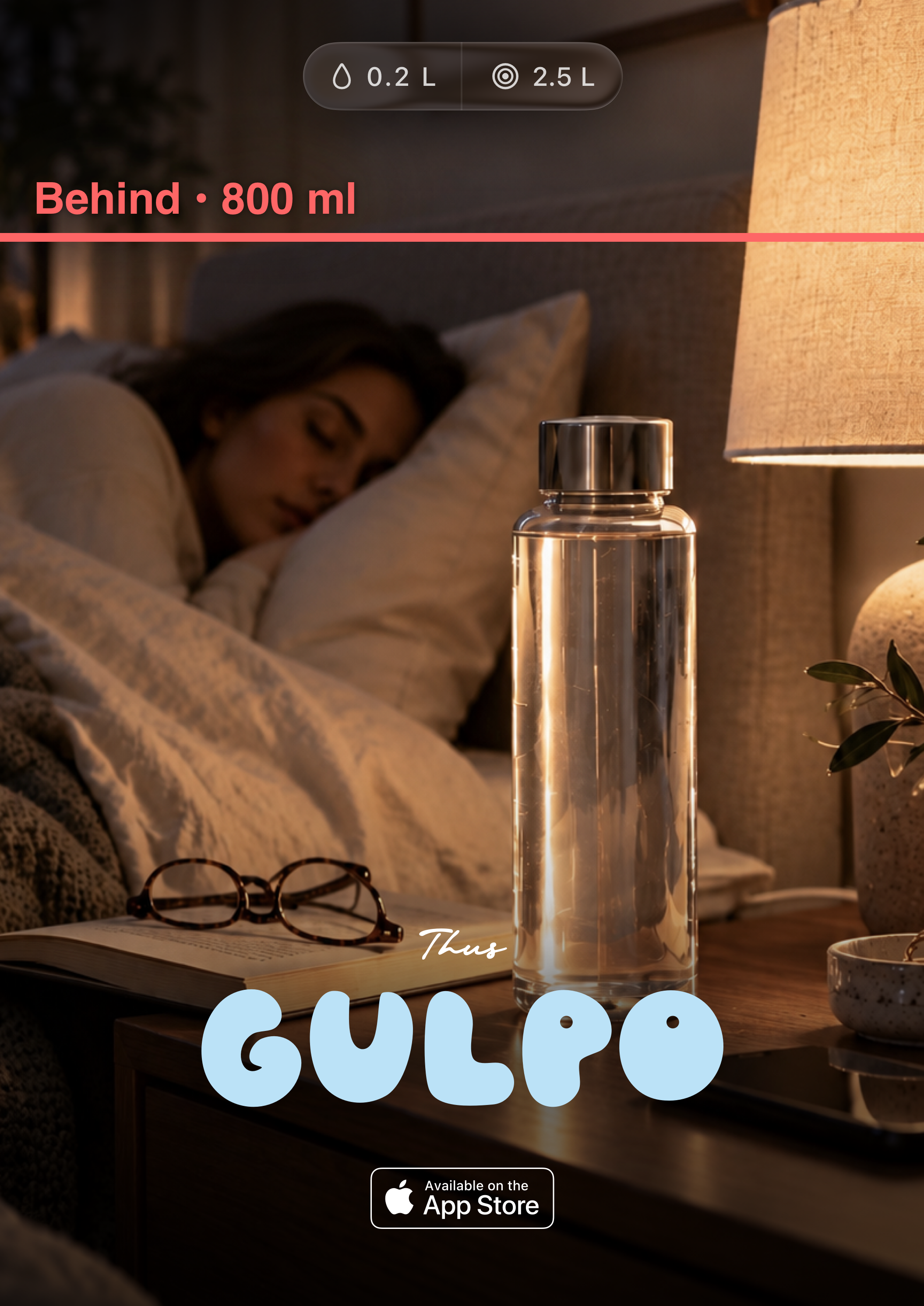
Campaign Concept: Bedside, the day is over, but the bottle is still full. A reminder of how easily hydration can slip through the day.
-
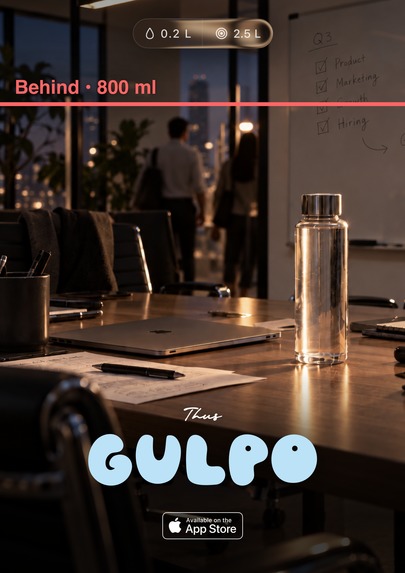
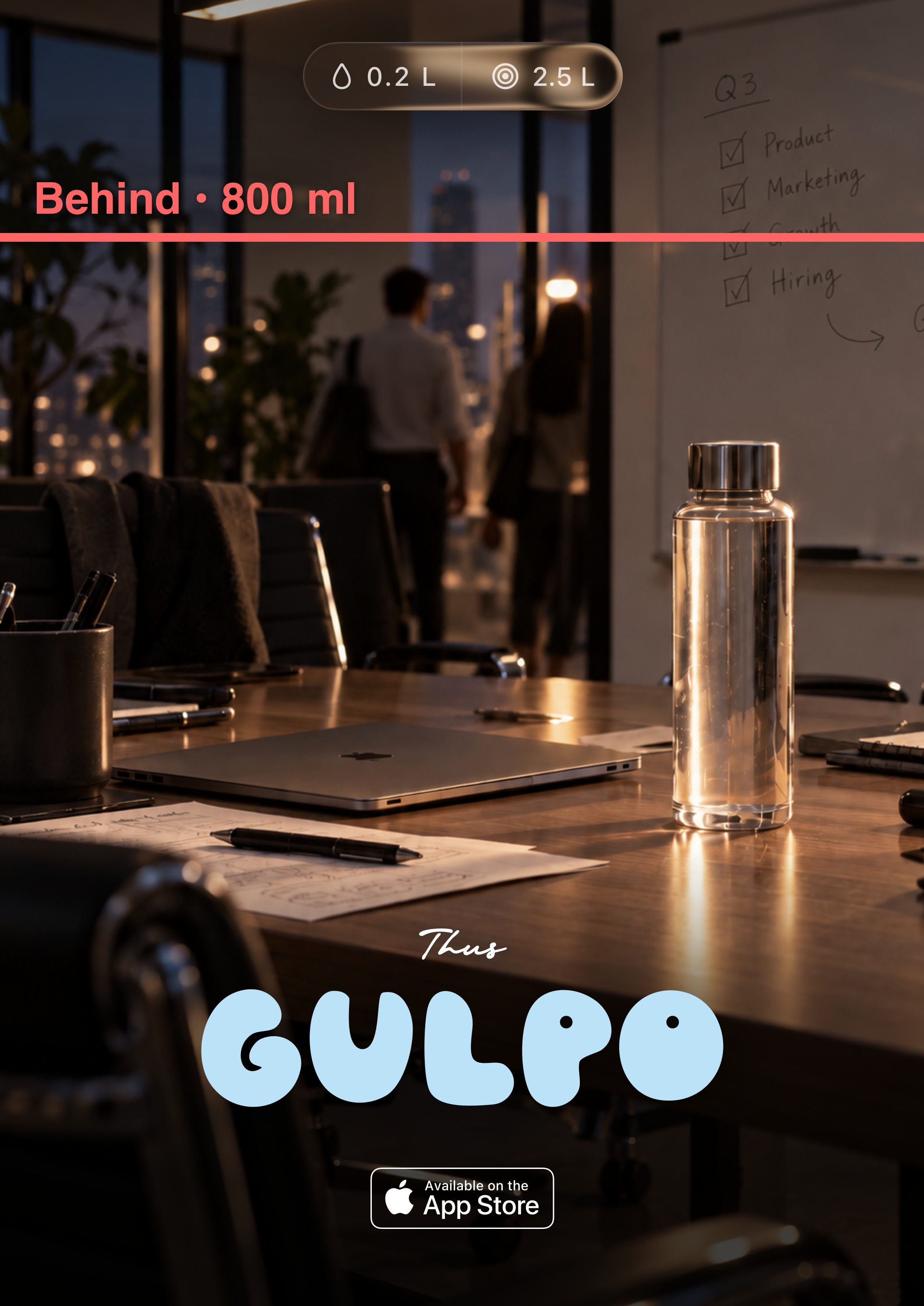
Campaign Concept: Meetings end, people leave, the bottle stays. Gulpo’s pace line brings that missed hydration into view.
Inspiration
We live in a time when AI can write, draw, code, answer almost anything, and help us organize our increasingly complicated lives. I checked Opus 5.5. It still can’t make me pick up the glass of water sitting beside me. Somehow, that tiny thing kept getting lost between meetings, messages, tweets, and whatever came next. It was certainly true for me. Then I started noticing it in people around me too. And there is a good chance it is true for you. A sensible person would probably have opened the App Store and looked for a hydration app. That would have been the efficient thing to do. Instead, I opened Xcode. The first thing I questioned was the daily goal. I could barely drink anything for hours, finish the rest at night, and still end the day with a perfect number. That did not feel right. So I started thinking about hydration through time. That is where Gulpo started.
What it does
The heart of Gulpo is the pace line. The waterline shows where your hydration is. The pace line shows where it could be by now. The distance between them tells you whether you are on track, ahead or behind without first reading a chart or interpreting a bunch of numbers. Gulpo also adapts to the day you are actually having. Weather can change the goal. Workouts can change it. Different drinks contribute differently, and details you choose to share through Apple Health can help shape it too. Logging follows the same thinking. People rarely think, “I drank 165 ml.” They think, “a few sips,” “half the glass,” “finished my bottle,” or “had a coffee.” Gulpo supports those kinds of inputs, bottle tracking, natural-language logging, camera input, and precise quantities when you actually know them. The goal throughout is to reduce the amount of translation between something happening in real life and Gulpo understanding what happened.
How I built it
I designed and developed Gulpo independently for iPhone using Swift and SwiftUI, with custom work around water rendering, motion and physical interactions. Instead of using a progress ring or chart as the main interface, I wanted water itself to become the interface. Its level represents progress. Logging raises it. Tilt the iPhone and the surface responds. Touch it and it reacts. Disturb it and it settles again. The physics are intentionally not completely realistic. Real water would tilt much more and take longer to settle, but that made the actual level harder to read. So I reduced it. The water behaves enough like water to feel intuitive, but the information always wins. Gulpo also uses on-device intelligence for natural-language logging. You can say you had coffee after breakfast, water later and juice with lunch, and Gulpo understands them as separate drinks. Siri, Shortcuts, widgets, notifications and Live Activities provide other ways to keep up with the day. RevenueCat powers Gulpo Reserve underneath, handling purchases, entitlements, restoration and the monthly, annual and lifetime products.
Challenges I ran into
The biggest challenge was not one especially difficult technical problem. It was getting hundreds of small decisions to agree with each other. The physics had to agree with the information. The copy had to agree with the personality. Logging had to agree with how people actually think about drinking. Adaptive goals had to be useful without pretending to be more precise than they are. And the personality had to be present without becoming noise. Gulpo also became much more complex underneath than its main screen suggests: pace, adaptive goals, weather, workouts, different beverages, Apple Health, bottle tracking, natural-language logging, widgets, notifications and on-device intelligence are all working together. But I never wanted the interface to feel like all of that was happening. A surprising amount of building Gulpo was designing something, implementing it, living with it for a while, and then removing it. The surface being simple does not mean the app underneath is simple. It means the complexity found somewhere else to live.
What I'm proud of
I am most proud that Gulpo’s useful and delightful parts are not separate. The water rises because hydration changed. A splash gives an action a physical consequence. Sound and haptics give interactions weight. The water behaves physically because water is already the metaphor carrying the information. That became one of my rules while designing Gulpo: delight should earn its place by explaining something, not simply decorating it. I carried the same idea into onboarding. Instead of showing slides explaining Gulpo, the app uses its real interface first. You see the water, pace line and timeline and can interact with them before Gulpo starts asking for information about you. Cards sink into the water with bubbles and gravity, teaching the physical language the rest of the app uses. Even the half-submerged Health icon communicates something: your health data is joining the water. The paywall follows the same rule. I did not want the purchase experience to suddenly feel like it belonged to another app. The water, physics and little reactions are still there while RevenueCat quietly handles the transactional part underneath. Reality became the reference, not the specification.
What I learned
I started thinking I was making a hydration tracker. I ended up thinking much more about time, about how people describe ordinary things, about physical interfaces, and about how much information can be understood before it needs to become a chart. I also thought a lot about the difference between a delightful interaction and an animation that is simply asking to be noticed, and about how a utility can have personality without making that personality the product. The biggest thing I learned is probably that useful and delightful do not have to sit at opposite ends of a spectrum. The best delight comes from the same thinking that made the thing useful in the first place.
What's next for Gulpo
Gulpo launched on September 29. There are already things I deliberately left beyond the first release. I have spent long enough deciding what Gulpo should be by myself. Now I want to see what it becomes when it meets people. Hope it finds its tribe. 🫶

Log in or sign up for Devpost to join the conversation.