-
-
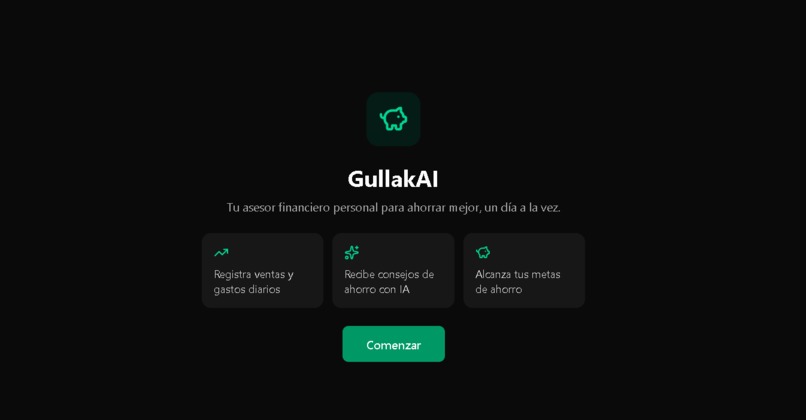
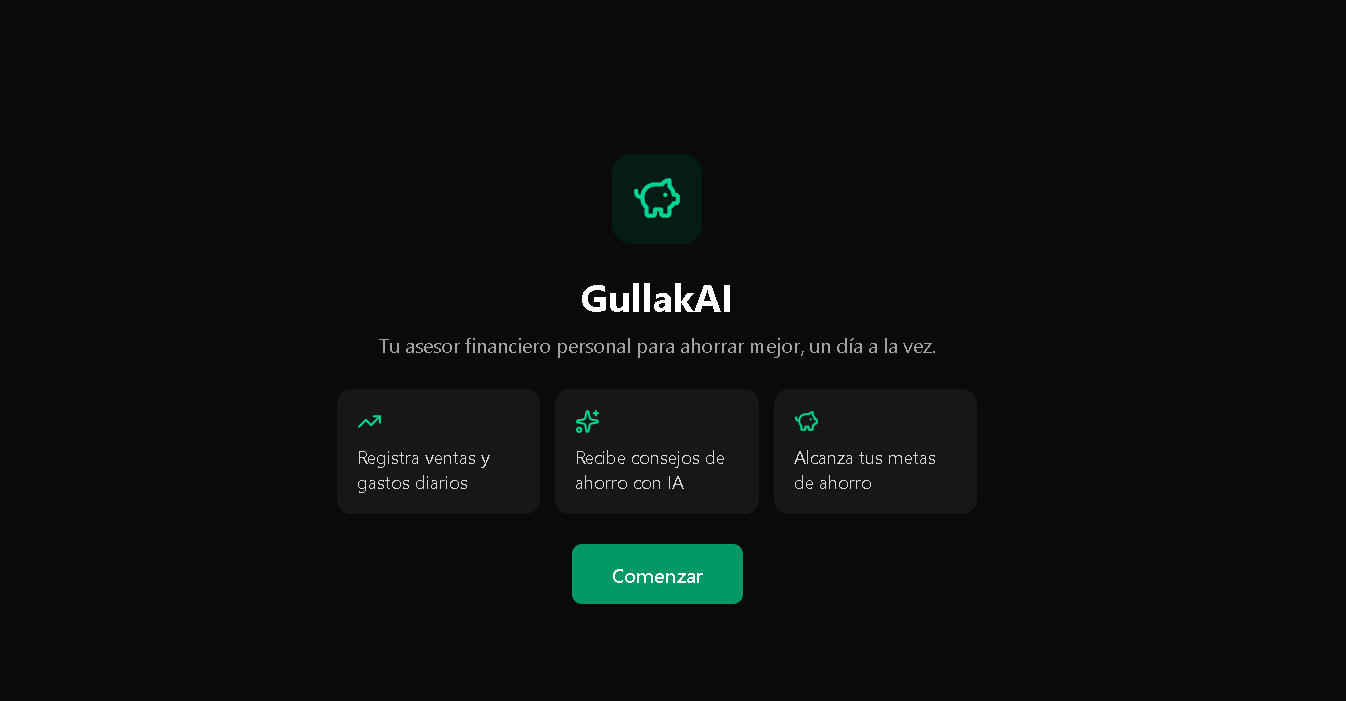
Landing
-
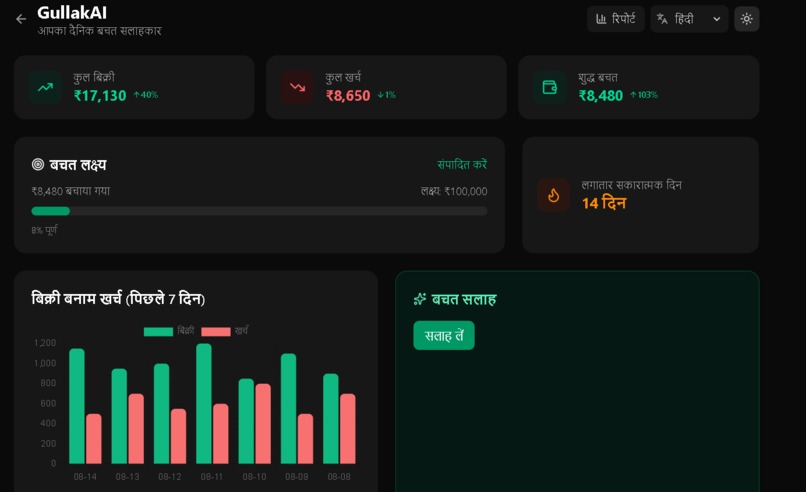
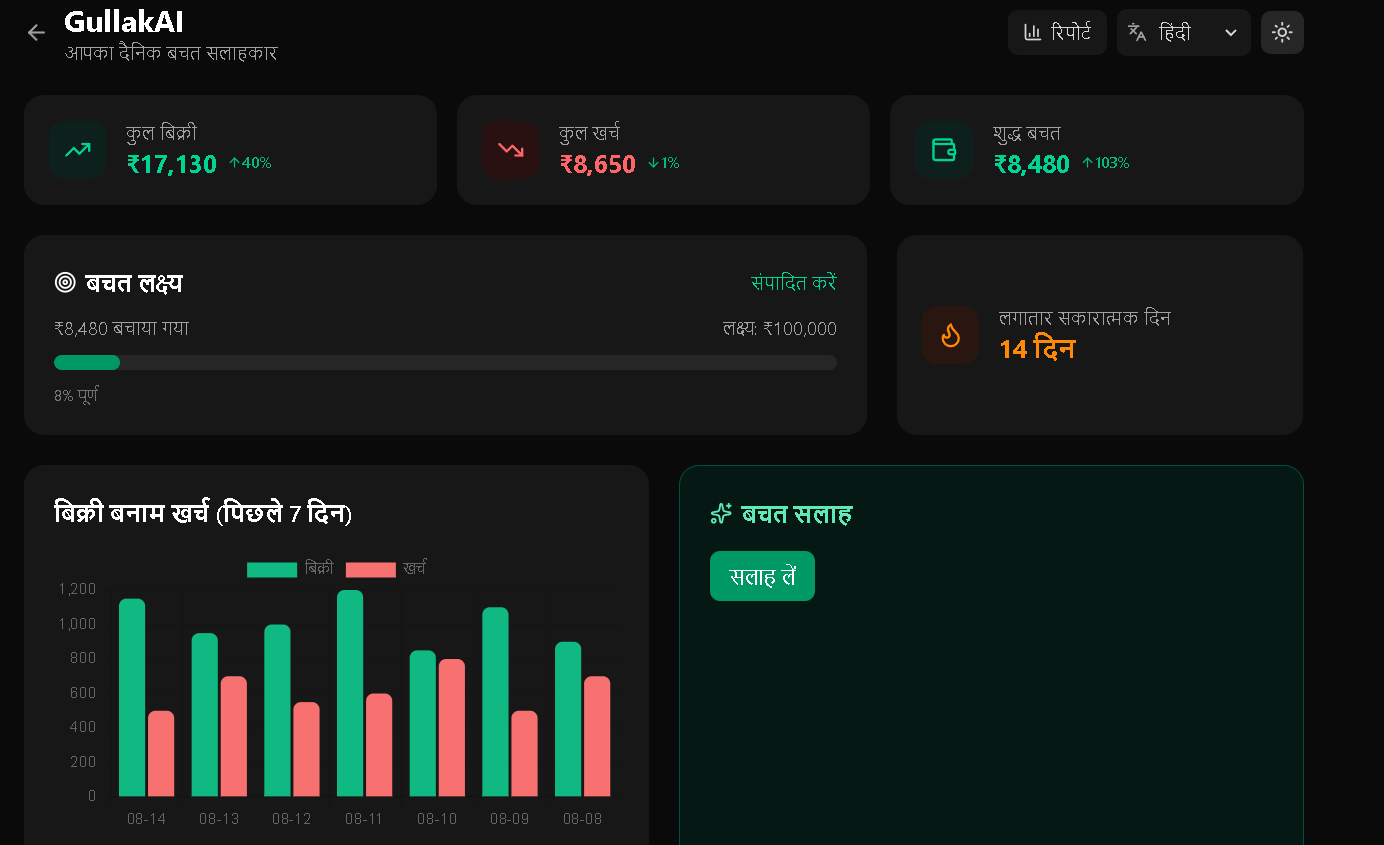
Dashboard
-
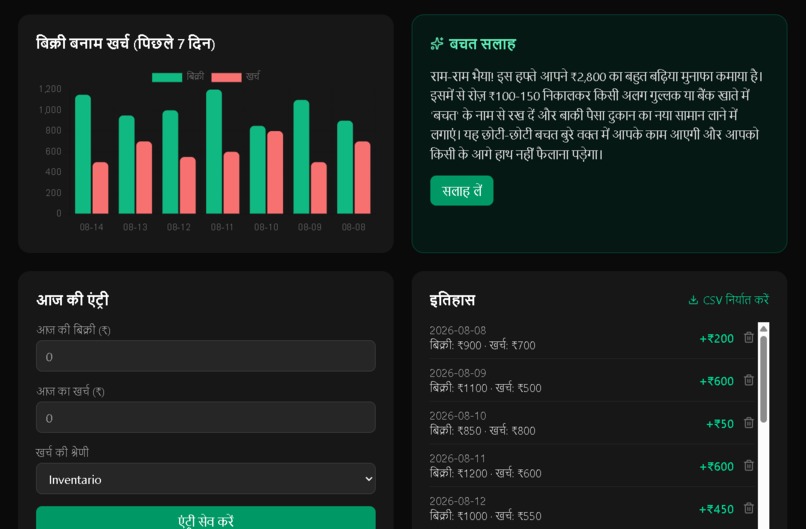
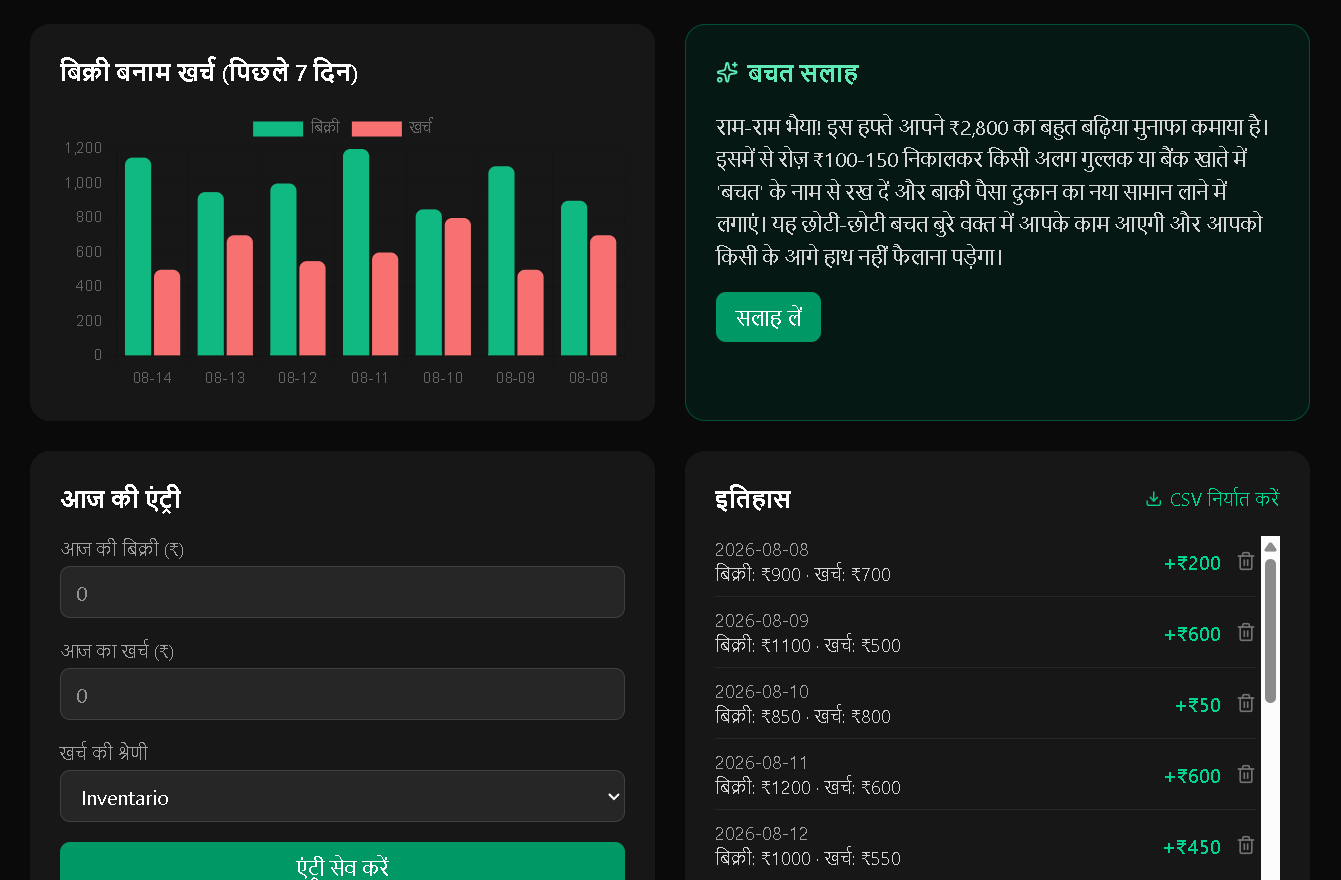
Dashboard
-
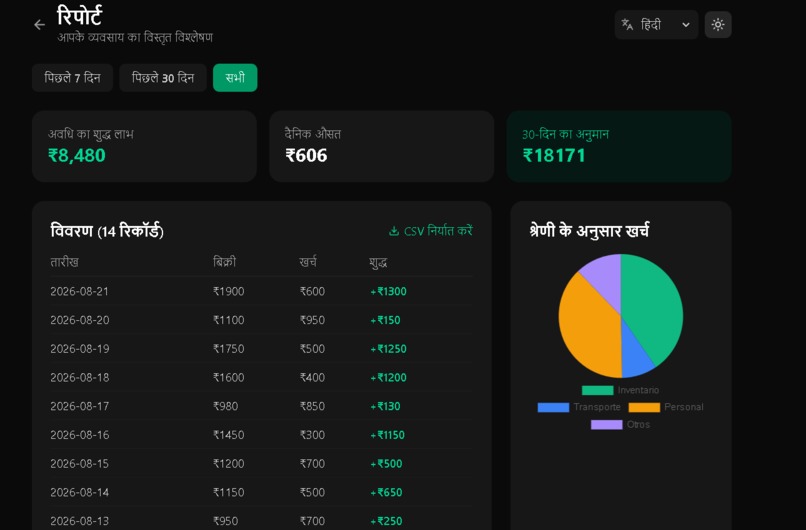
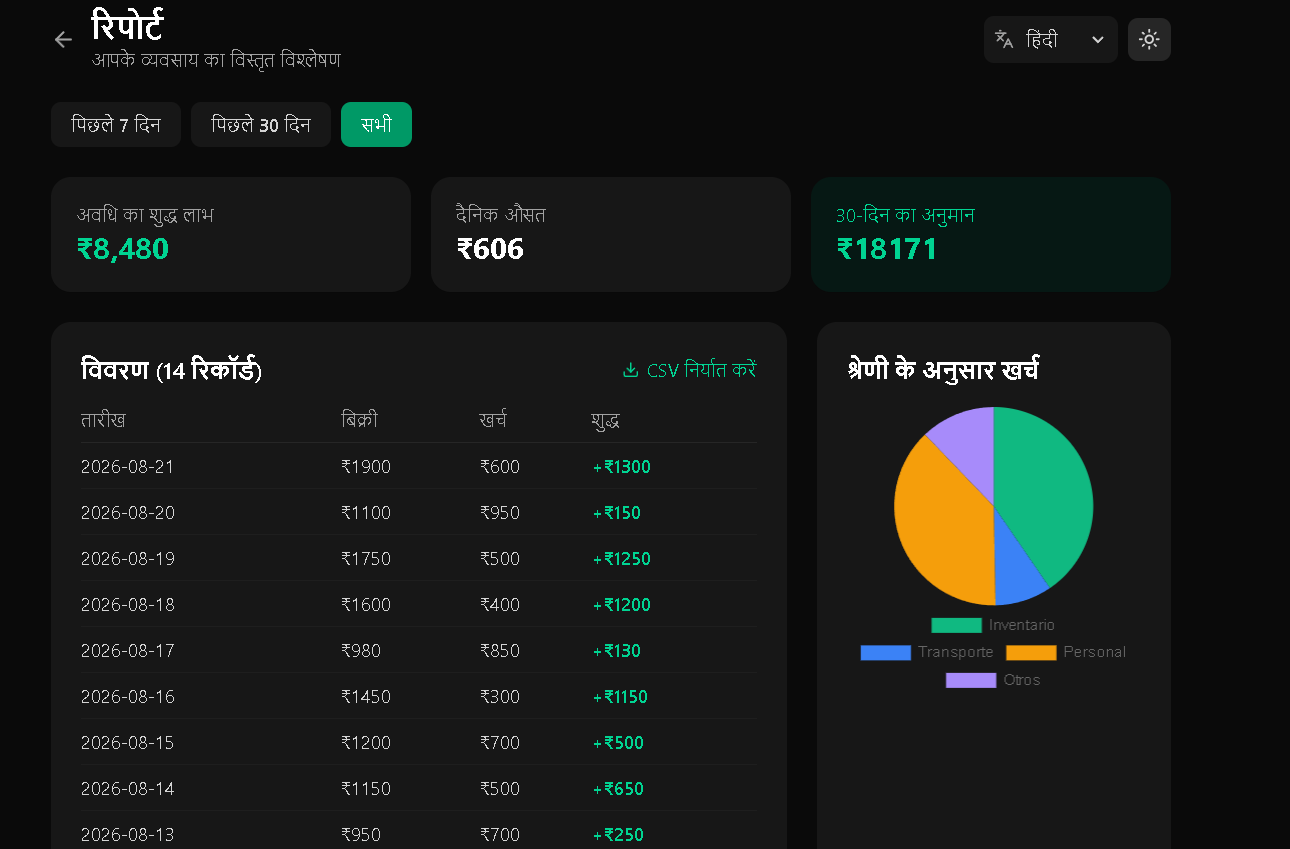
Reports
Inspiration
Millions of small shopkeepers across rural India run their businesses without spreadsheets, banking apps, or any clear picture of whether they're actually saving money. They track sales and expenses in their heads or in worn notebooks, which makes it nearly impossible to plan ahead or know if the business is truly growing. I wanted to build something that felt less like "another finance app" and more like a friendly advisor sitting next to them—one that speaks their language, literally.
What it does
GullakAI lets a merchant log daily sales and expenses in seconds, then turns that data into something useful:
- A dashboard with real-time stats, a 7-day sales vs. expenses chart, and week-over-week percentage comparisons
- An AI-generated savings tip, powered by Google Gemini, based on the merchant's actual recent numbers—not a generic script
- A savings goal tracker with a visual progress bar, and a streak counter that gamifies consistent positive days
- A Reports page with expense breakdown by category, a 30-day savings projection, and CSV export for banks or partners
- Full support for Spanish, English, and Hindi—including the AI advice itself, which responds in whichever language the user selects
- A dark mode by default, with smooth theme transitions and animated UI throughout
How I built it
I used React + Vite for the frontend, Tailwind CSS v4 for styling, and React Router for multi-page navigation (Landing → Dashboard → Reports). Data is stored entirely in the browser via localStorage, so the app needs zero backend and zero cost to run. Chart.js powers the bar and pie charts, Framer Motion handles the animations, and the Google Gemini API generates the personalized savings advice. I built my own lightweight translation system with React Context instead of a heavier i18n library, since I only needed to support three languages and wanted full control over how the AI prompt adapted per language.
Challenges I ran into
Google updated its Gemini model lineup and authentication method in the middle of my build, so I hit repeated 404 errors from a model that had just been deprecated, and had to switch from URL-based API keys to a header-based auth scheme mid-hackathon. I also learned the hard way that single-page apps need explicit rewrite rules on Vercel—direct links to routes like /dashboard returned 404 until I added a vercel.json config. Debugging these live, under time pressure, pushed me to get much faster at reading error messages and fixing root causes instead of guessing.
Accomplishments that I'm proud of
I'm proud of how complete the experience feels for the scope of a hackathon, built solo: a full user journey from landing page to daily tracking to AI advice to detailed reports, all polished with dark mode, animations, and real multi-language support—including the AI responses adapting to the selected language, which was more work than expected but pays off in the demo.
What I learned
I learned that "simple" features—like localStorage-based data, or a percentage comparison between two time periods—require careful edge-case handling (empty states, first-time users, missing prior data) to actually feel polished. I also learned to treat third-party AI APIs as moving targets: model names and auth methods can change without warning, so building in clear error logging early saved me significant debugging time later.
What's next for GullakAI
- Voice input for logging sales, using the Web Speech API, for merchants less comfortable typing
- A running log of past AI advice, so users can look back at their savings journey over time
- Basic offline support, so entries can be logged without an active internet connection and synced later
- Expanding language support based on regional demand

Log in or sign up for Devpost to join the conversation.