Inspiration
• Globally, at least 2.2 billion people have a near or distance vision impairment.
• Vision impairment severely impacts quality of life among adult populations.
• Vision impairment can contribute to social isolation, difficulty walking, a higher risk of falls and fractures, and a greater likelihood of early entry into nursing or care homes.
What it does
• The white mobility cane helps people who are blind or severely visually impaired know when there are tripping hazards such as cracks, poles, etc
• But this is limited to area ahead and only in range of the stick with limitation of walking surface only.
• This doesn’t provide any information around what's in front , while crossing road what's around.
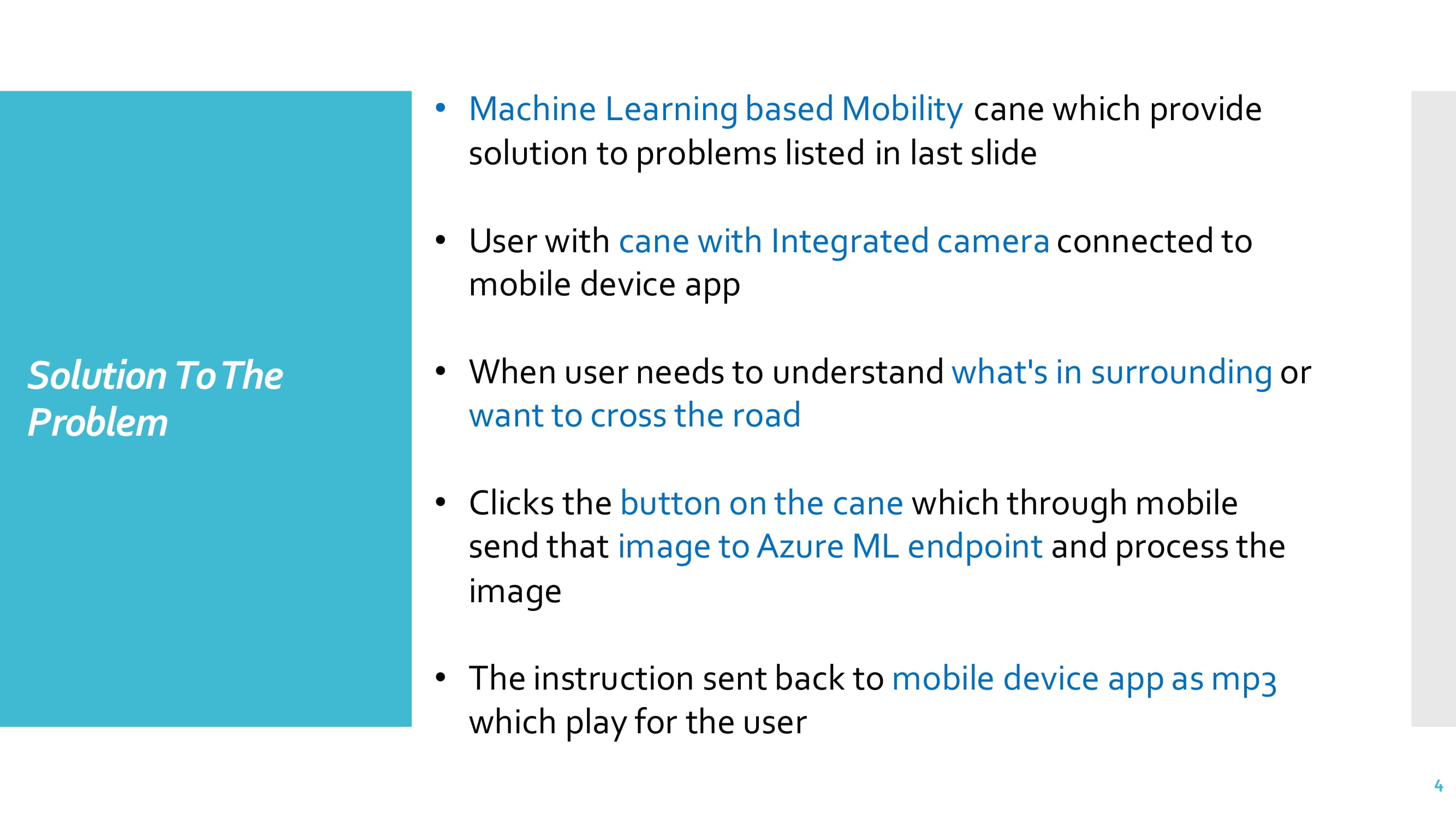
• Machine Learning based Mobility cane which provide solution to problems listed in last slide
• User with cane with Integrated camera connected to mobile device app
• When user needs to understand what's in surrounding or want to cross the road
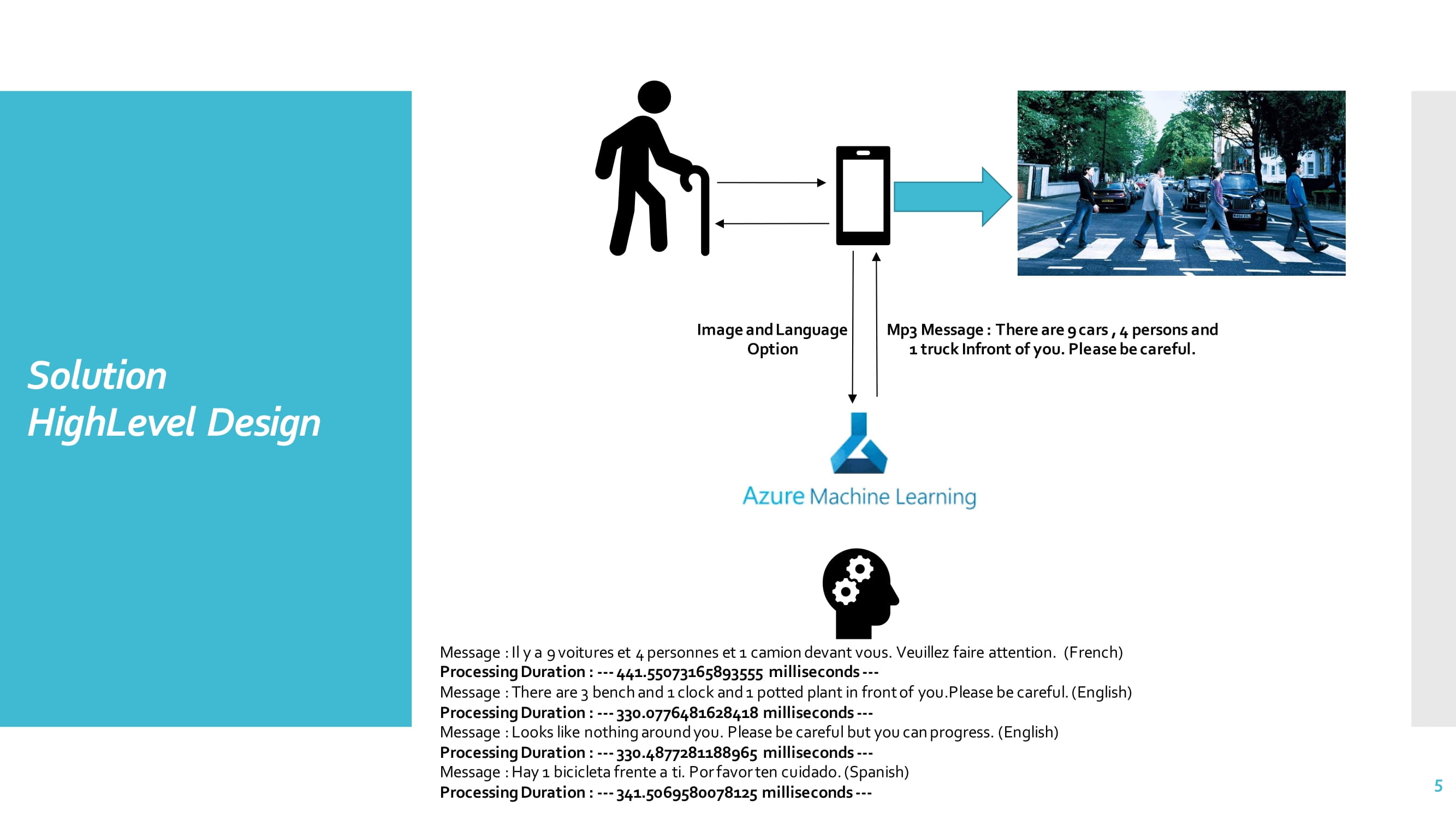
• Clicks the button on the cane which through mobile send that image to Azure ML endpoint and process the image
• The instruction sent back to mobile device app as mp3 which play for the user
How we built it
• Took a modern Yolo algorithm works by dividing the image into N grids, each having an equal dimensional region uses neural networks to provide real-time object detection.
• Customized and trained it on other images and tried to use it for this solution.
• Deployed and build using Azure ML studio , python , flask etc.
Challenges we ran into
• Model deployment
• Service endpoints
• Speed of execution to make it below 500 msec.
Accomplishments that we're proud of
• Building this PoC from scratch and looking forward to develop on this to more with pointers mentioned in what next sections
What we learned
• Object identification model
• Translators APIs
• Running Yolo5 on Azure ML as based model
What's next for GuideMe
• To try this PoC to work on video rather than just on image , so it will be continuous GuideMe support
• Train model on more images to cover wide scenarios
• Work on demo mobile app and talking to Azure ML endpoint

Log in or sign up for Devpost to join the conversation.