
About Guidely
Technology is becoming a bigger part of everyday life, but new apps, AI tools, settings, and online services can be difficult to understand—especially for older adults who did not grow up with today's technology.
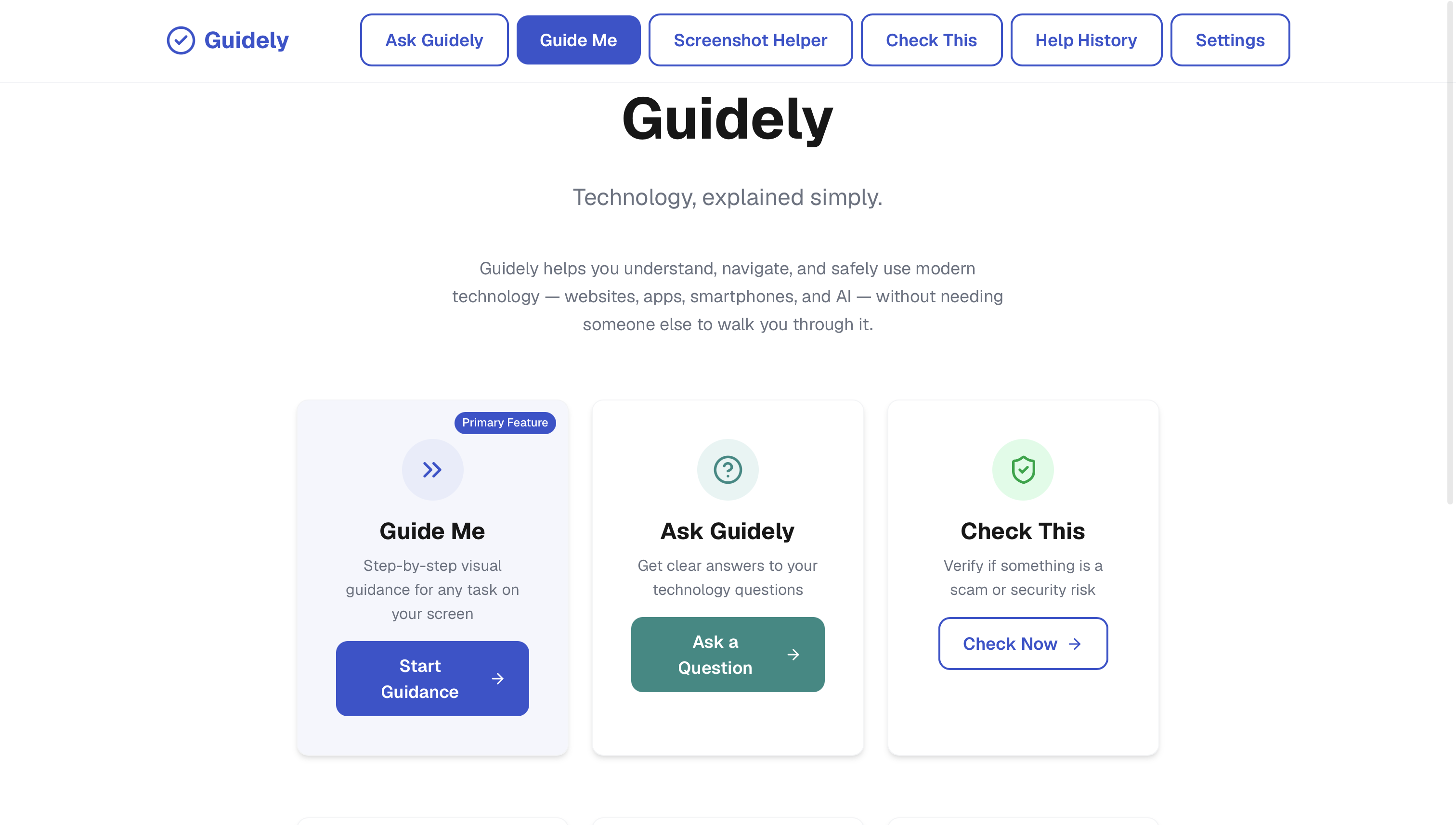
Guidely is an AI-powered technology helper designed to make technology easier to understand and use.
Instead of expecting someone to search through complicated tutorials or ask another person for help every time they get stuck, Guidely provides simple explanations and visual, step-by-step guidance.
What can Guidely do?
Guide Me is Guidely's core feature.
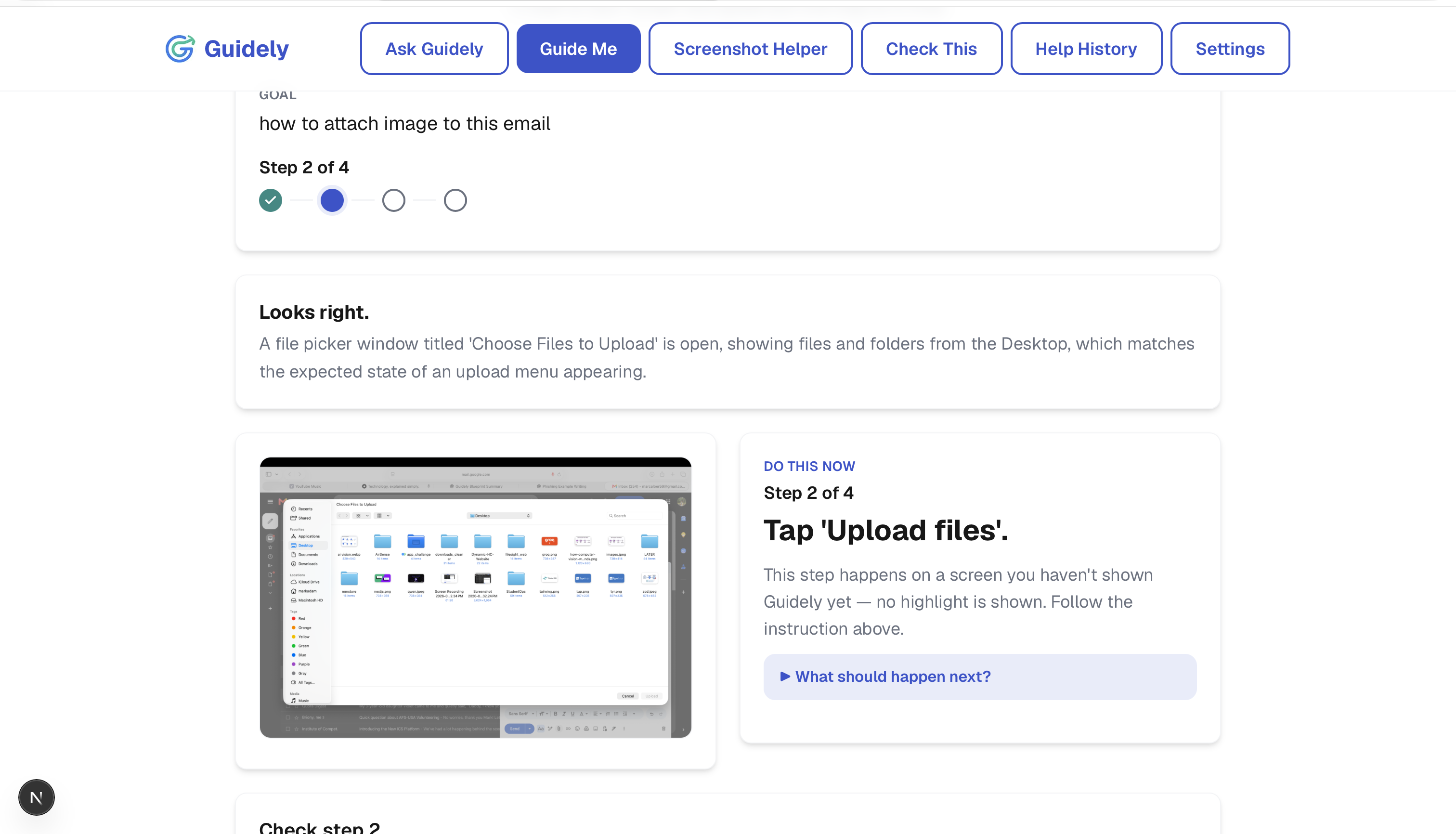
A user can take a screenshot of what they are looking at and explain what they are trying to do. Guidely analyzes the screen, identifies relevant buttons and interface elements, and provides a visual guide showing what to click, where to click, and what to do next.
Rather than giving the user a long list of instructions at once, Guidely focuses on one step at a time and can guide the user through the process.
Other features
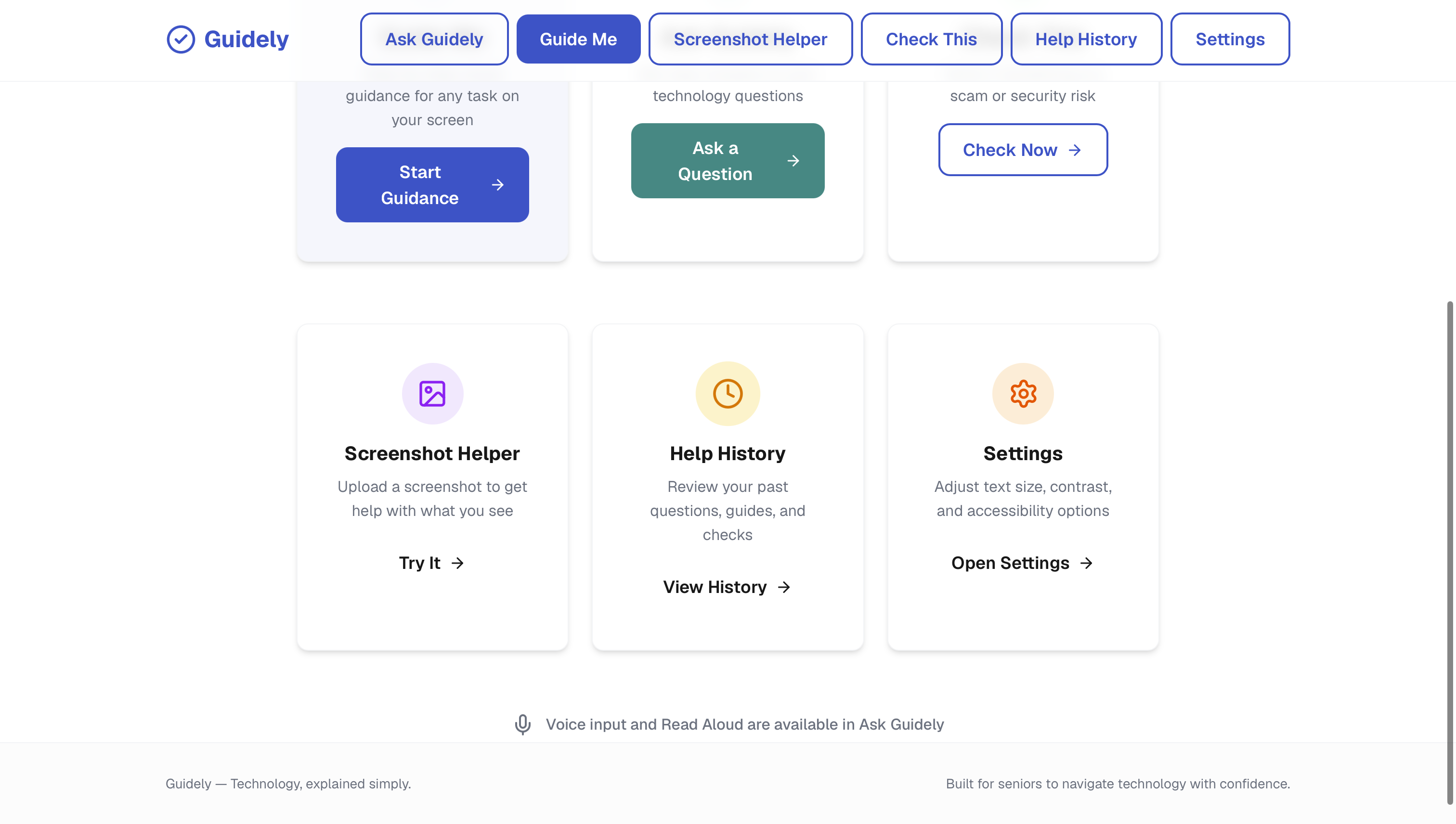
Ask Guidely Users can ask questions about technology and receive simple explanations without needing to understand technical terminology.
Scam Checker Users can submit a suspicious message, email, or other content and have Guidely analyze it for potential scam indicators and explain what to watch out for.
Learn AI Guidely helps users understand AI concepts and how to use modern AI tools in a simple, approachable way.
Voice Mode Voice-based interaction makes Guidely easier to use for people who may prefer speaking instead of typing.
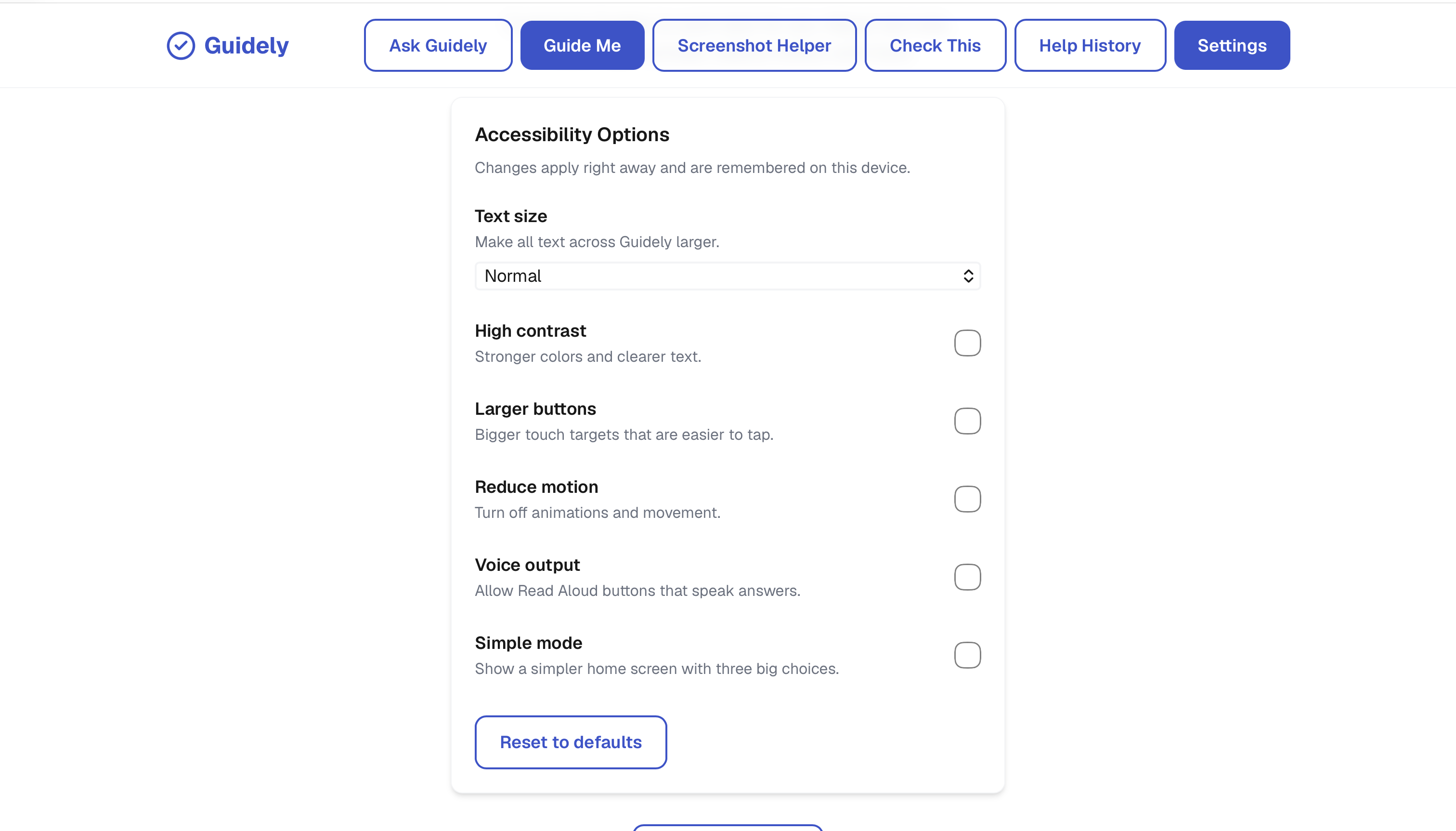
Accessibility / Simple Mode The interface is designed around clear language, simple interactions, and accessibility rather than assuming advanced technical knowledge.
Help History Users can return to previous technology questions and guidance instead of starting from scratch.
How Guide Me works
The visual guidance system follows this pipeline:
- User provides a screenshot of the current screen.
- User explains their goal, such as what they are trying to accomplish.
- AI analyzes the screenshot and identifies relevant UI elements.
- Guidely detects the target element the user needs to interact with.
- The target is highlighted visually using its detected coordinates.
- Guidely gives one next action in simple language.
- The process can continue step-by-step until the user reaches their goal.
The AI output is structured as JSON and validated with Zod before being used by the application. Bounding boxes and coordinates are also validated so the system does not blindly trust an invalid model response.
Why I built it
I wanted to build something that focuses on a real accessibility gap: technology can be powerful, but it can also be confusing when interfaces constantly change and instructions are written for people who already understand technology.
Guidely's goal is not to do everything for the user. It is to teach and guide them, so they can understand what they are doing and become more comfortable using technology themselves.
What I built
I developed the core AI system first and then connected it to the application.
The current implementation includes:
- Vision-based screenshot analysis
- UI element detection
- Target element detection
- Bounding-box generation
- Coordinate validation
- Structured JSON AI responses
- Zod schema validation
- One-next-action guidance architecture
- Error handling
- Real screenshot testing
- TypeScript
- Groq AI inference using
qwen/qwen3.8-27b
Challenges
One of the biggest technical challenges was making screenshot-based guidance reliable.
A vision model might correctly understand a screen but return an inaccurate target, invalid coordinates, or an instruction that is too vague. Guidely therefore does not simply display raw AI output.
The system validates the structured response and coordinates before using them for visual guidance.
Another challenge was designing instructions that are useful to someone who may not be familiar with technical terminology. The system is designed around simple language and one actionable step at a time.
What I learned
Building Guidely taught me how to combine vision AI with structured outputs, validation, UI detection, and a user-focused interaction system.
I also learned that building an AI application is not only about getting a model to produce an answer. The surrounding validation, error handling, interface design, and user experience are just as important.
With Guidely, the goal is simple:
Technology, explained simply.
Built With
- ai
- computer
- css
- groq
- next.js
- postgresql
- qwen
- react
- supabase
- tailwind
- typescript
- vercel
- vision
- zod


Log in or sign up for Devpost to join the conversation.