-
-
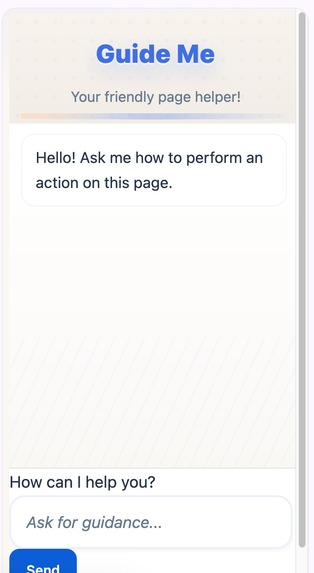
GuideMe Extension
-
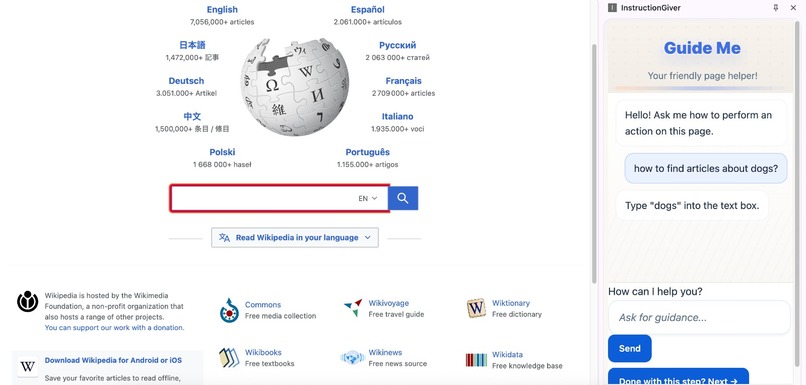
Sample usage of extension
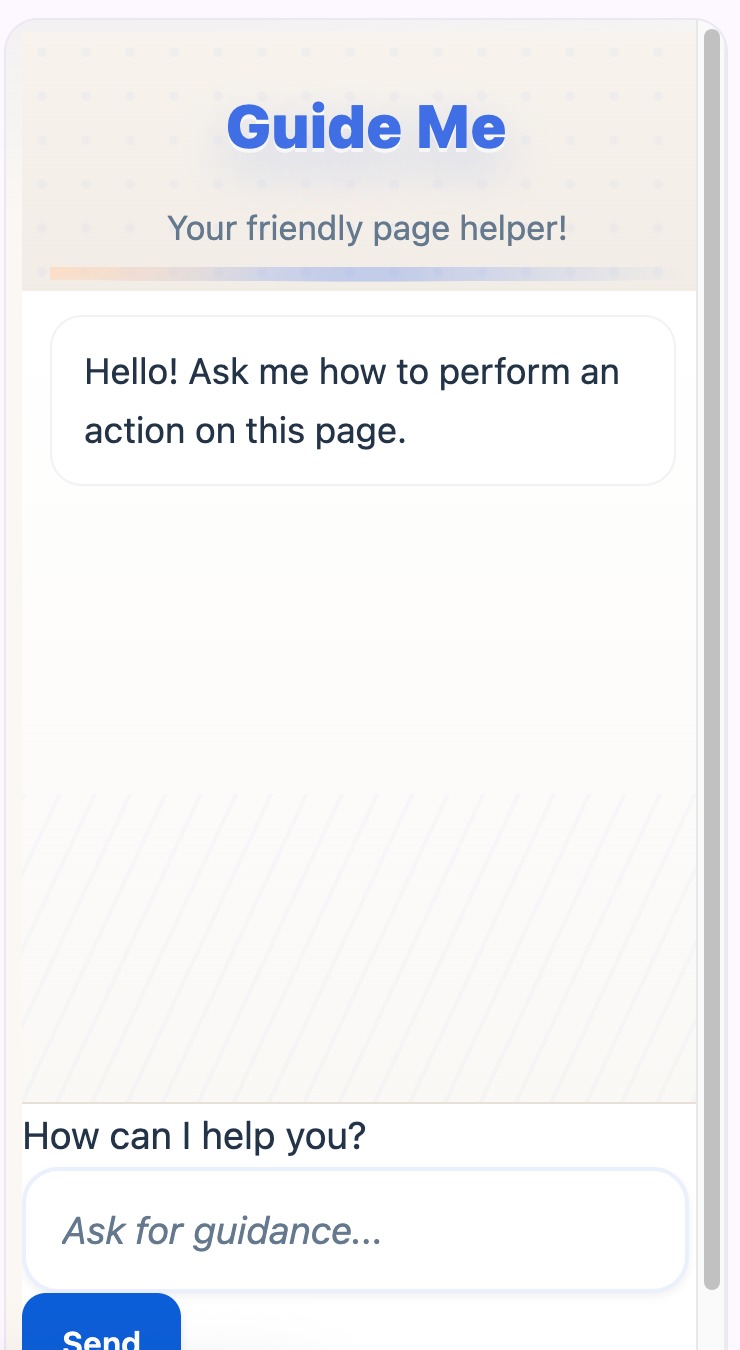
GuideMe
Chrome Extension
Inspiration
Technology is advancing at a rapid pace today, but many people can still benefit from guidance to navigate online. GuideMe is a browser extension designed to make the internet more accessible and user-friendly for older adults, people new to technology, or people with visual impediment. It simplifies navigation, highlights where they need to input their information, and provides clear guidance for common online tasks.
What it does
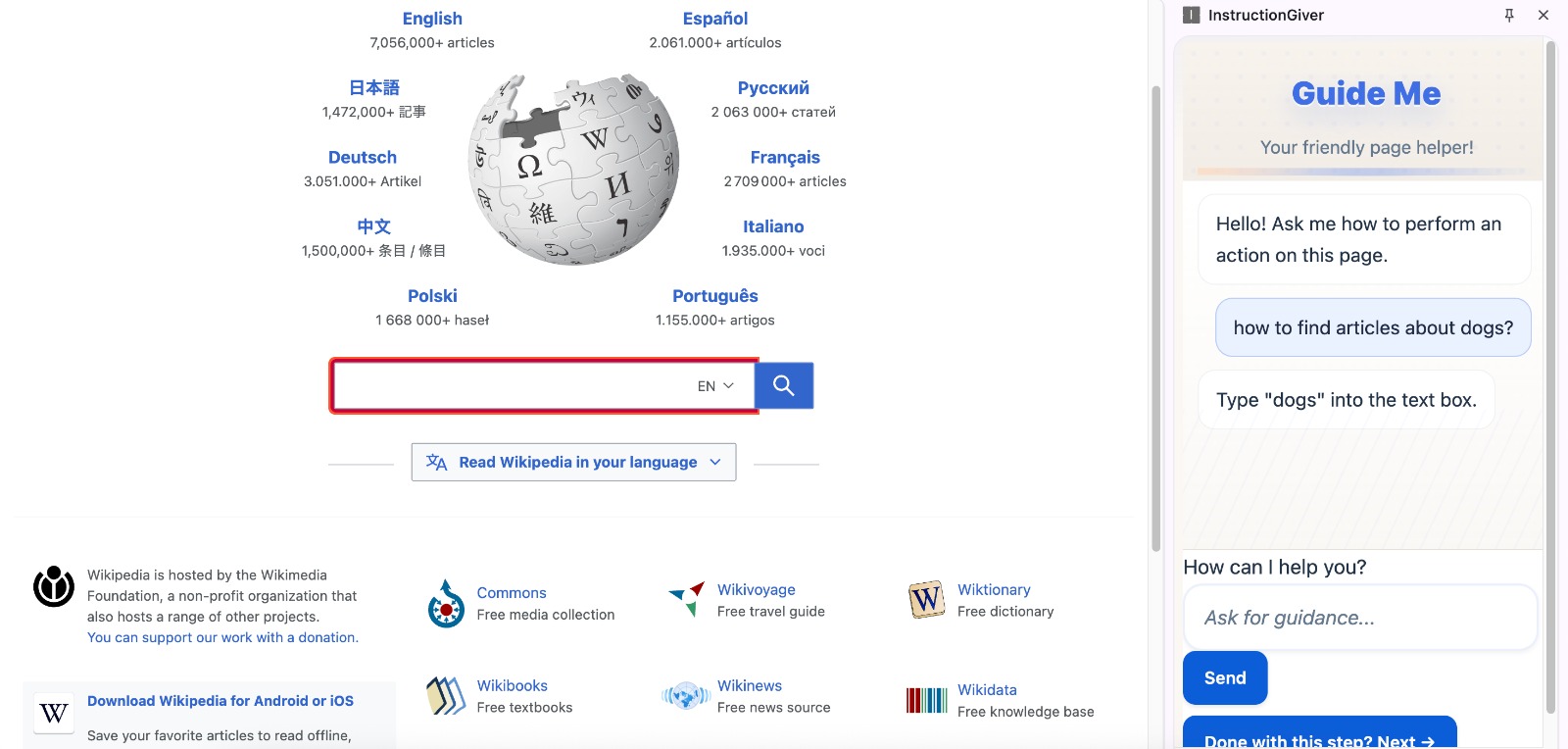
Our GuideMe Chrome Extension helps older adults and people unfamiliar with technology to perform actions online by providing AI-generated multi-step instructions and on-screen highlighting.
How we built it
We used HTML, CSS for the UI of the Chrome Extension, and JavaScript to handle the communication between the user and Gemini. When a user sends a request to the extension, a scraping function is activated to detect and return all the HTML elements in the active page as context. Then, this context along with the original request, is given to Gemini, so it can provide all the steps necessary to perform the action. Gemini returns for each step a simple clear instruction and the specific HTML element that needs to be highlighted.
Key features
- Text-to-speech
- Highlights where to insert your information on the screen
- Multi-Step Instructions
- Gemini integration
Accessibility
- Larger, high-contrast text
- Large Buttons
- Simple UI
Future Implementations:
- Dark/Light Mode
- Text Size Customization
- Translation
Challenges we ran into
In some websites, the highlighting will not work; and some HTML elements, such as radio buttons, might require a different highlighting mechanism.
Accomplishments that we're proud of
- Having a functional chat that can communicate the user with Gemini.
- Partial highlighting feature, so user can also receive a visual cue on the instruction.
What we learned
- How to create a Chrome extension
- Incorporating AI into a project
- Communication between user and AI
What's next for Guide Me
- Dark/Light Mode
- Improving highlighting for all HTML elements


Log in or sign up for Devpost to join the conversation.