Inspiration
We were inspired when during the keynote presentation, the speaker mentioned how many people can't even name one woman in STEM. This fact stuck with us, and we were sure we wanted to create something that would solve this issue.
What it does
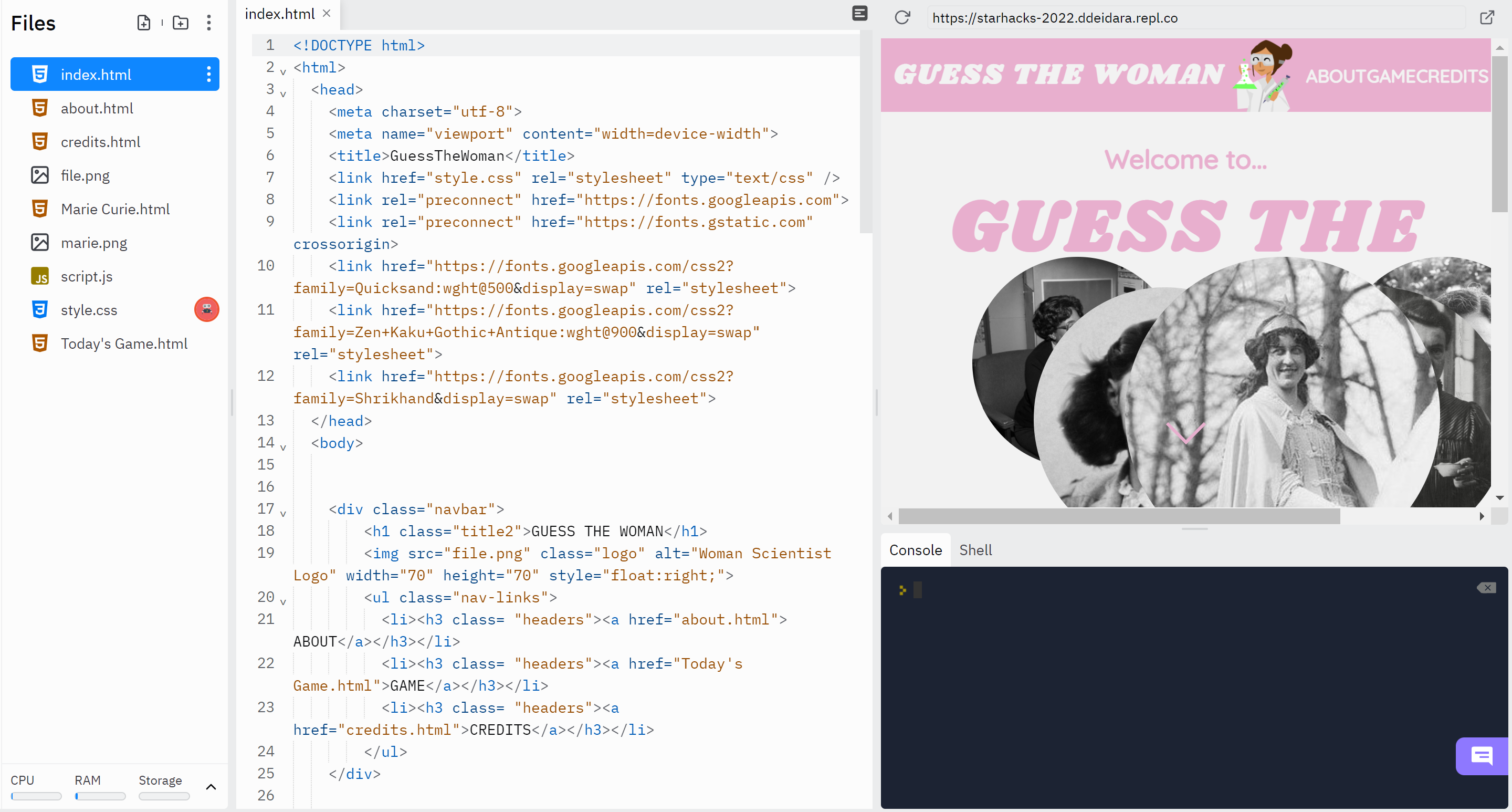
The game creates a new "women of the day" and allows for the user to guess the women. After the first two tries, they get one hint, after two more tries, they get another hint, and finally, after a total of 6 tries, they lose. They are also able to read more about the daily empowered women and check again the next day for a new game.
How we built it
We built it using HTML, CSS, and JaveScript on replit.
Challenges we ran into
Since we all had limited experience HTML, CSS, and JavaScript, it definitely took collaboration to figure out who was more skilled at what aspect but we also needed each other's help to learn the right elements.
Accomplishments that we're proud of
We were proud when the JavaScript that managed the hints and number of tries worked properly because this was a very important aspect and we were struggling to figure out the best method. When we learned about the alert box on JavaScript, we knew this was the piece that was missing in our code, and once we added that in, everything worked out.
What we learned
Since this was the first hackathon for us, we were unsure about how the structure of a hackathon works, but with collaboration, we developed a great system between our team that would get work done efficiently. We also learned a great deal about HTML, CSS, and JavaScript, and how these programming languages can come together to create one website for many uses.
What's next for Guess The Women
We hope to make the game more interactive, perhaps adding a new game where you can guess the person based on the picture that would slowly reveal itself with more tries.
Accomplishments that we're proud of
We were proud when the JavaScript that managed the hints and number of tries worked properly because this was a very important aspect and we were struggling to figure out the best method. When we learned about the alert box on JavaScript, we knew this was the piece that was missing in our code, and once we added that in, everything worked out.
presentation: https://docs.google.com/presentation/d/1cyHHA3L90iv1QnteyOHWYd4BpnvifERmAS139q6A1uE/edit?usp=sharing
Built With
- css
- html
- javascript
- replt


Log in or sign up for Devpost to join the conversation.