-
-
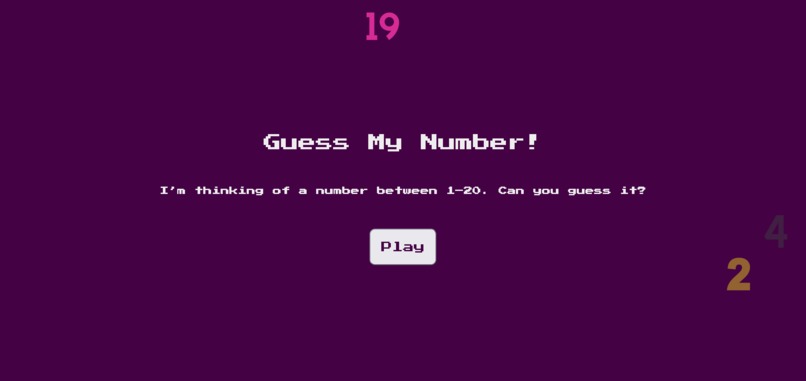
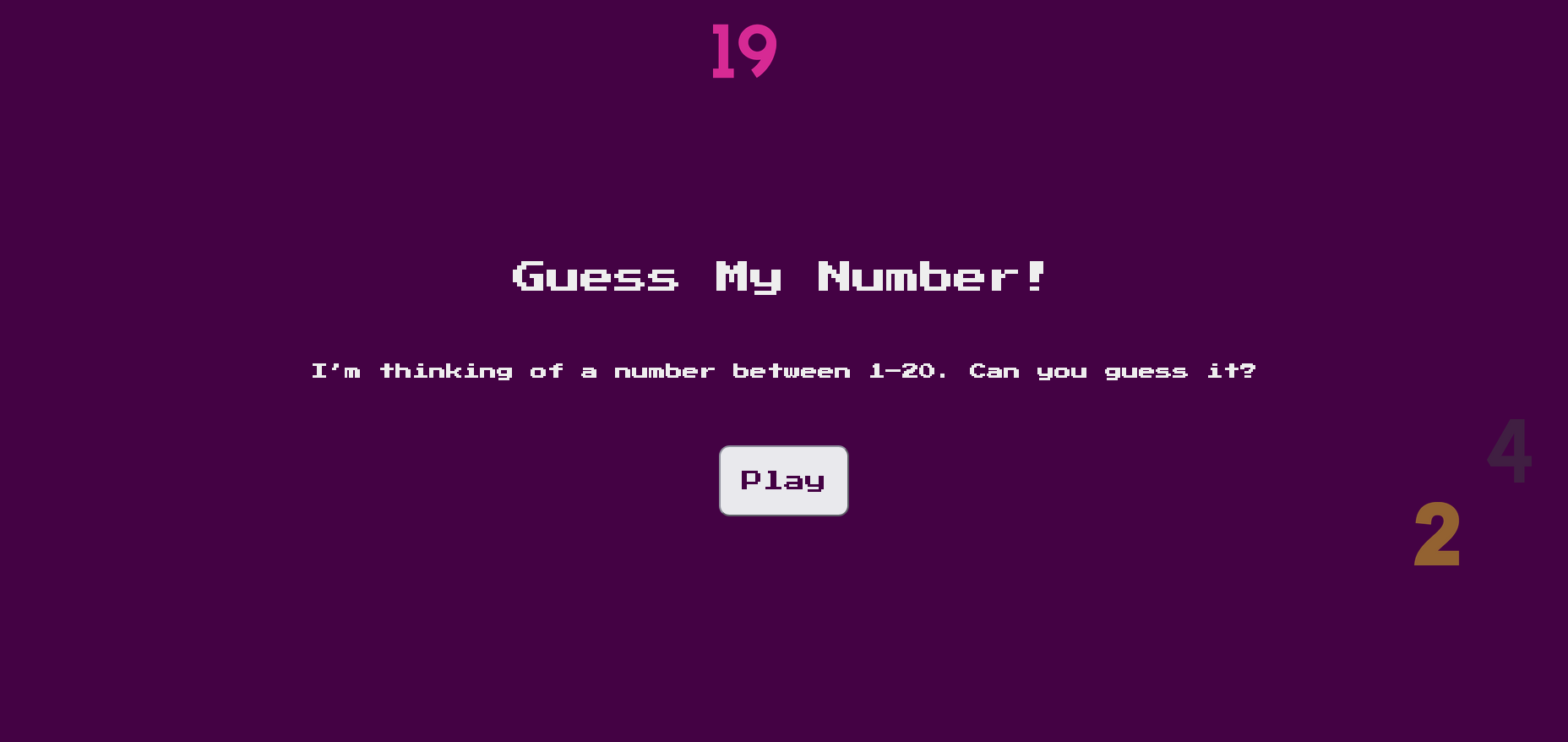
Intro page
-
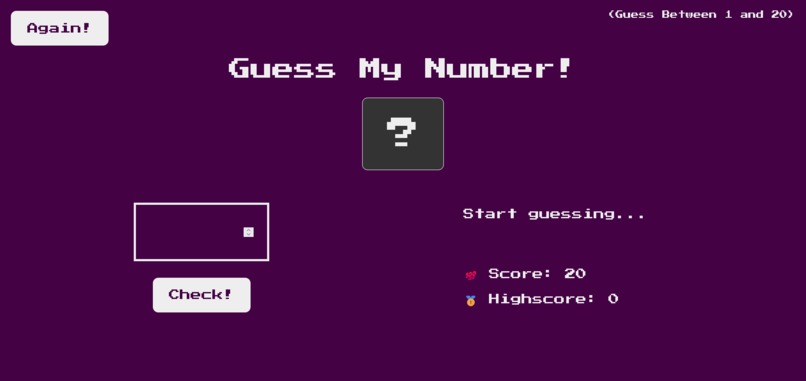
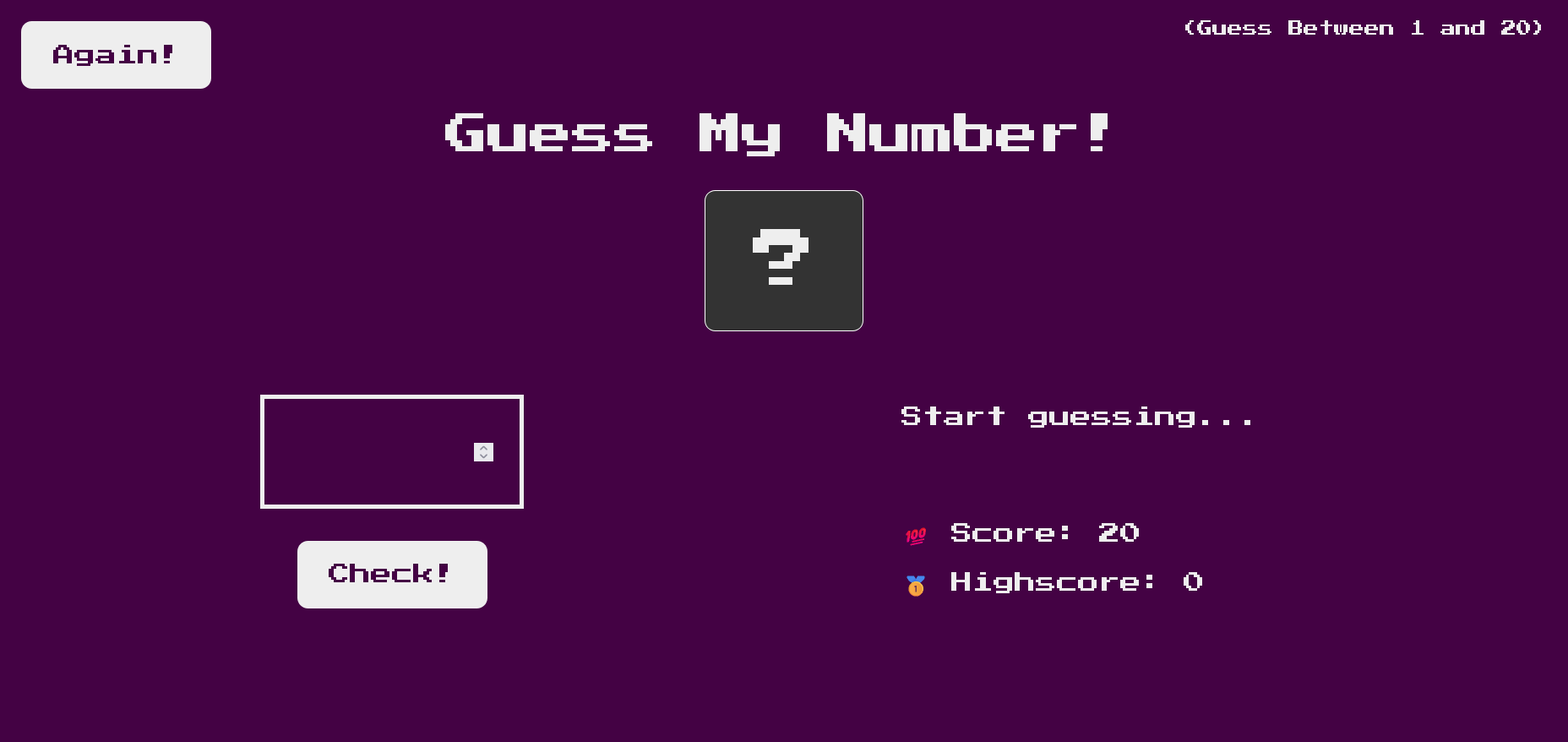
Before guess
-
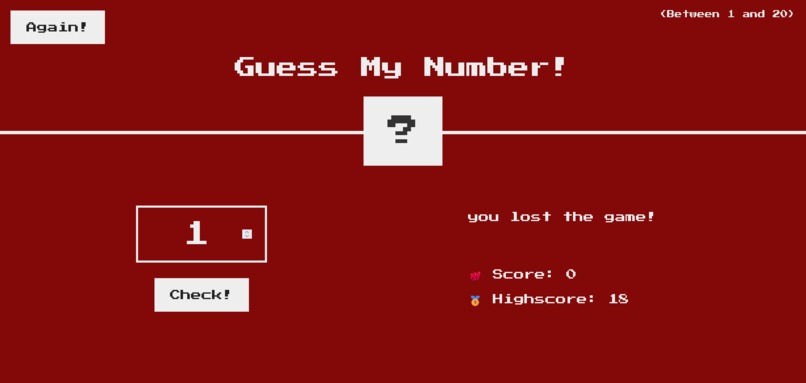
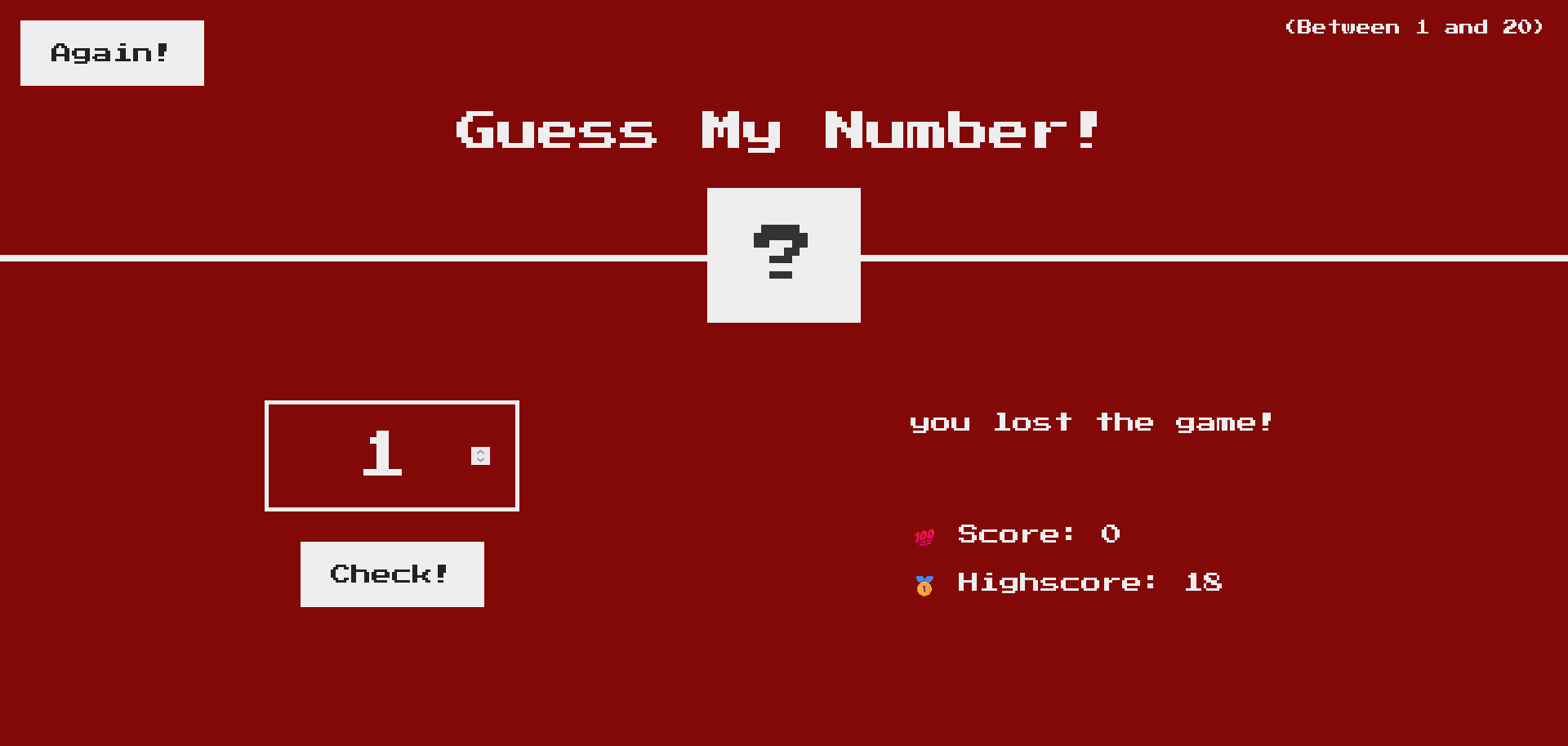
Lost the game
-
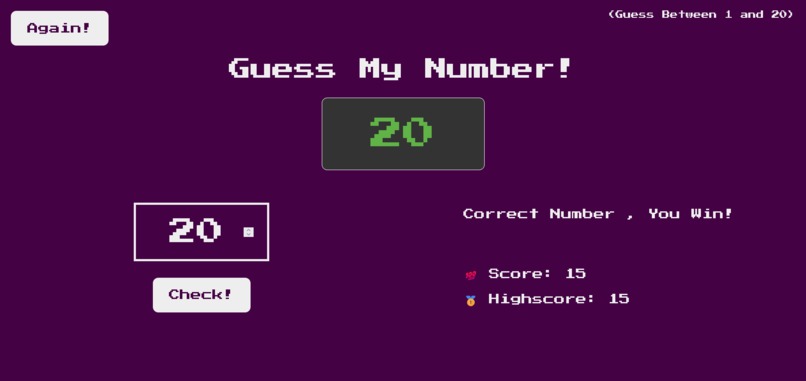
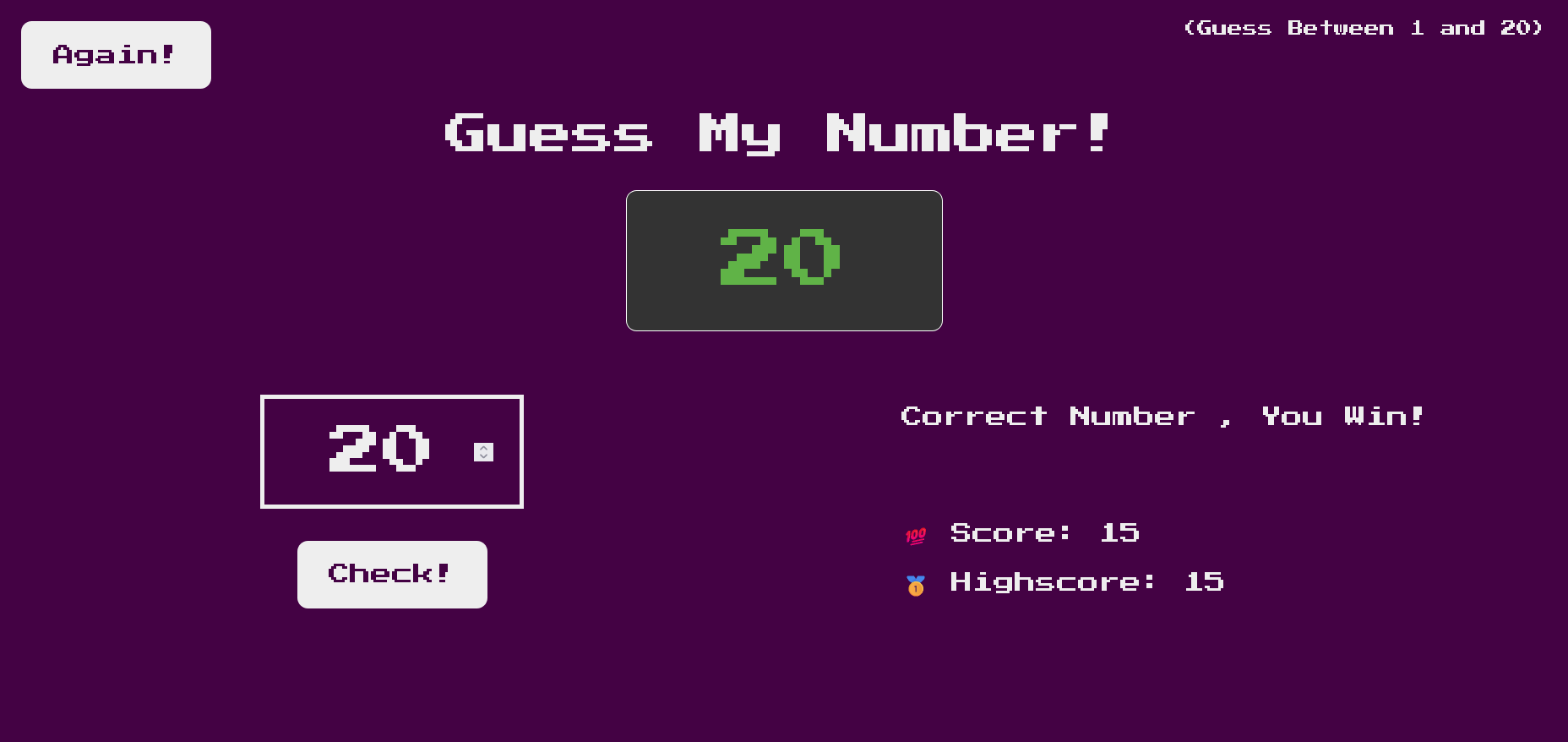
Win the game
Inspiration
The inspiration came from wanting to build a simple yet interactive game that helps beginners practice logic, conditional statements, and user interaction in JavaScript. It’s a classic guessing game that’s easy to play but still fun and engaging.
What it does
The game generates a secret number. When the user enters their guess, the program checks if it matches the secret number. If the guess is too high or too low, a hint is displayed. The player starts with a score of 20, and each incorrect guess reduces the score by 1. Players can restart the game anytime by clicking the "Again" button, which resets both the secret number and the score.
How we built it
We built it using HTML, CSS, and JavaScript. HTML provides the structure, CSS handles the styling and layout, and JavaScript powers the game logic—generating the secret number, checking user input, updating the score, and handling the reset function.
Challenges we ran into
- Implementing score deduction correctly without breaking the game logic.
- Making the UI interactive and user-friendly with clear hints and responsive design.
Accomplishments that we're proud of
- Successfully creating a fully functional game that works smoothly.
- Implementing hints (“Too high” / “Too low”) to guide players.
- Adding a reset feature so players can replay without refreshing the page.
What we learned
- How to use conditional statements effectively to check guesses.
- How to manipulate the DOM dynamically with JavaScript.
What's next for Guess the number game
- Adding difficulty levels (easy, medium, hard) with different number ranges.
- Keeping track of high scores across multiple games.
- Improving the UI with animations, sound effects, or confetti when the player wins.
- Making it mobile-friendly and adding accessibility features.

Log in or sign up for Devpost to join the conversation.