-
-
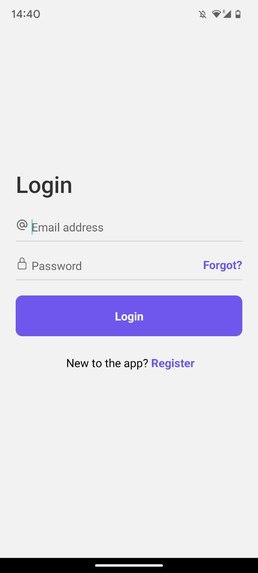
Log in or register
-
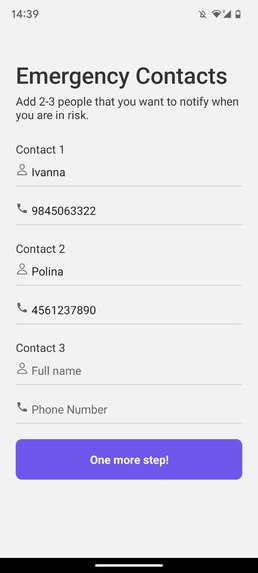
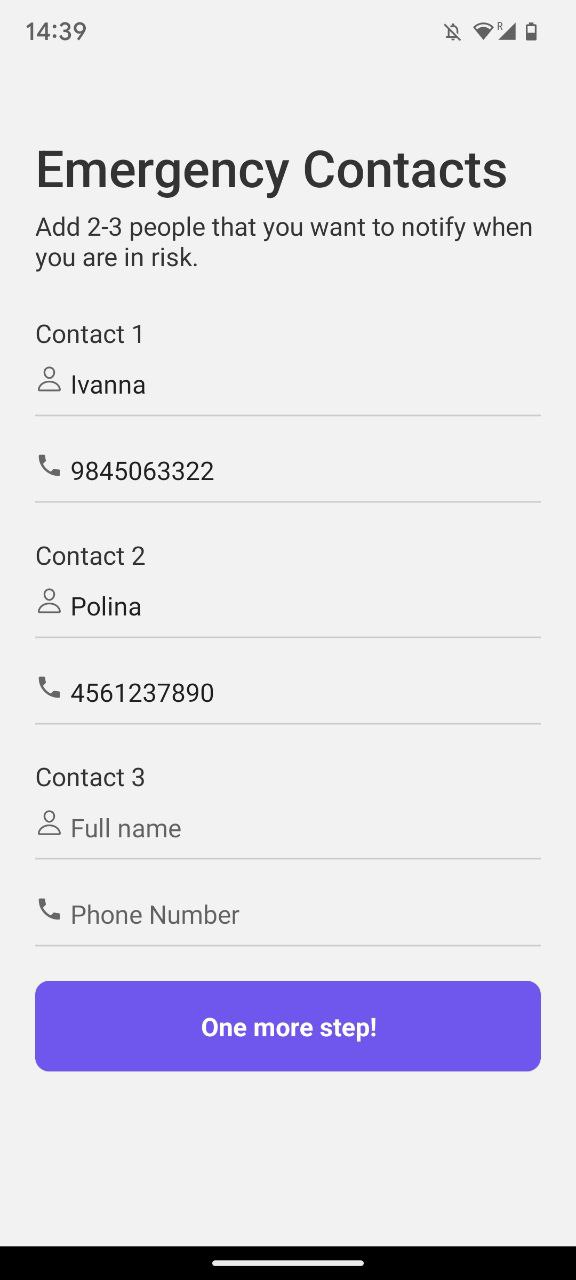
Add emergency contacts
-
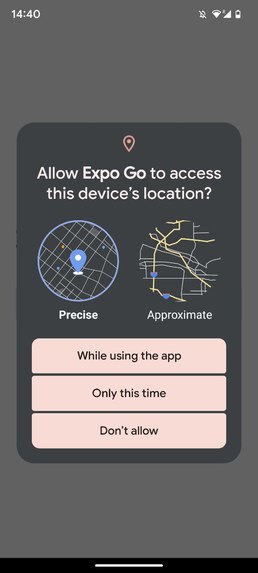
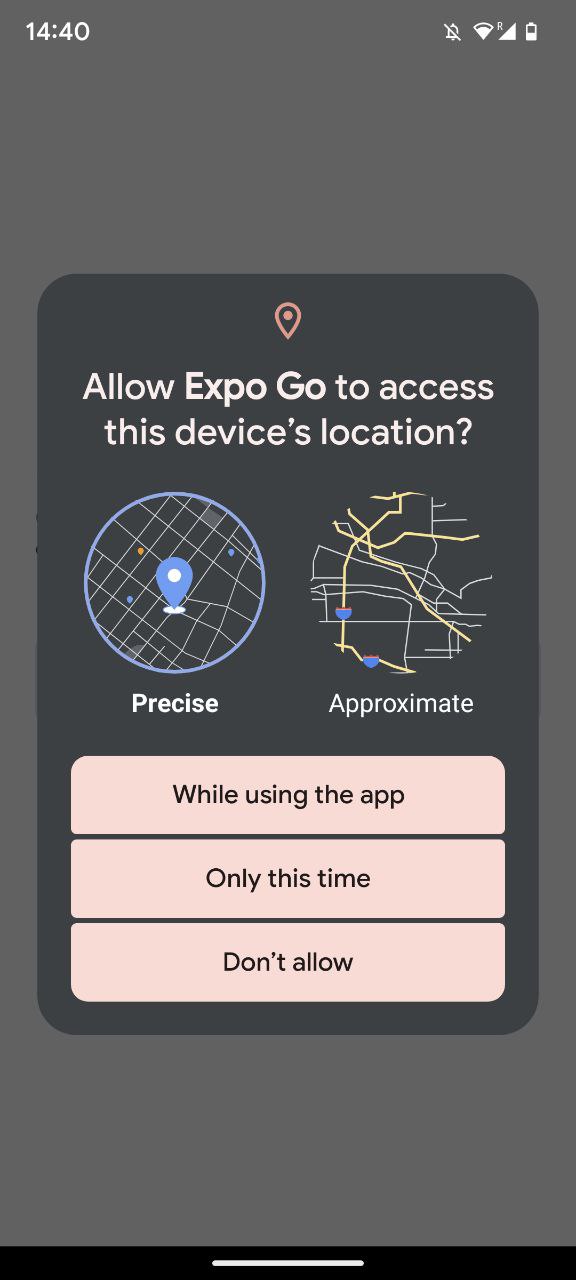
Enable location sharing
-
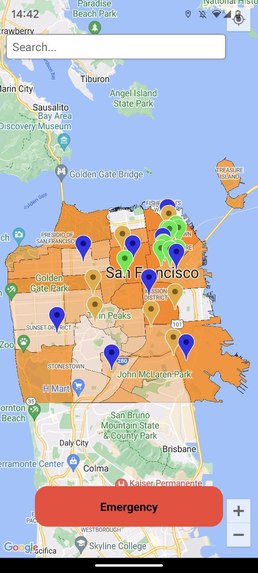
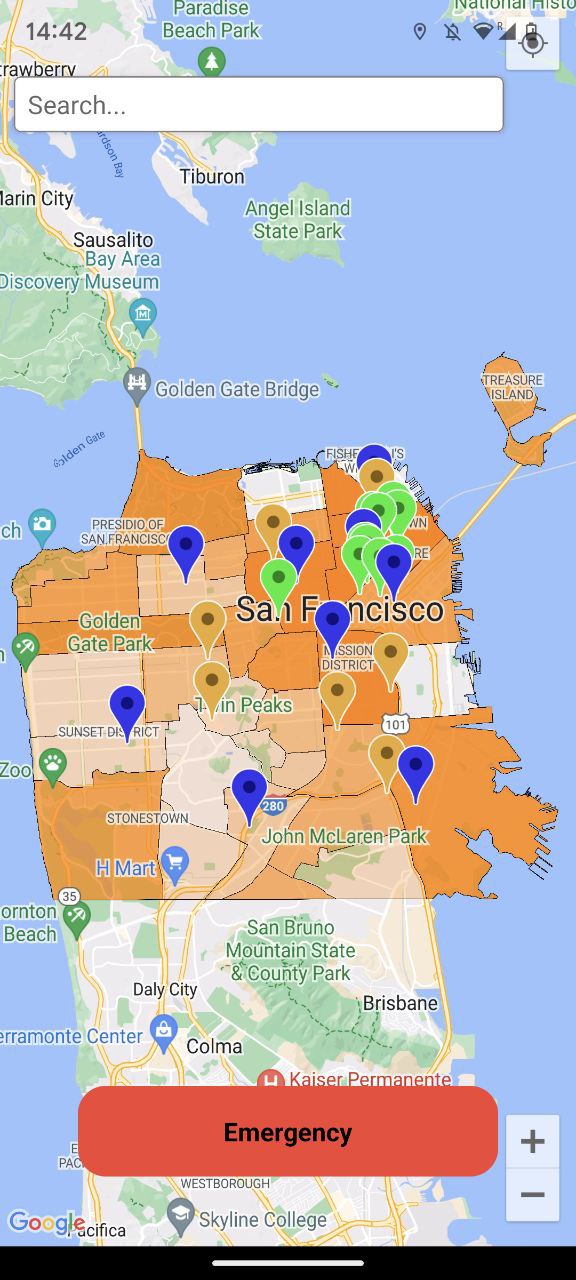
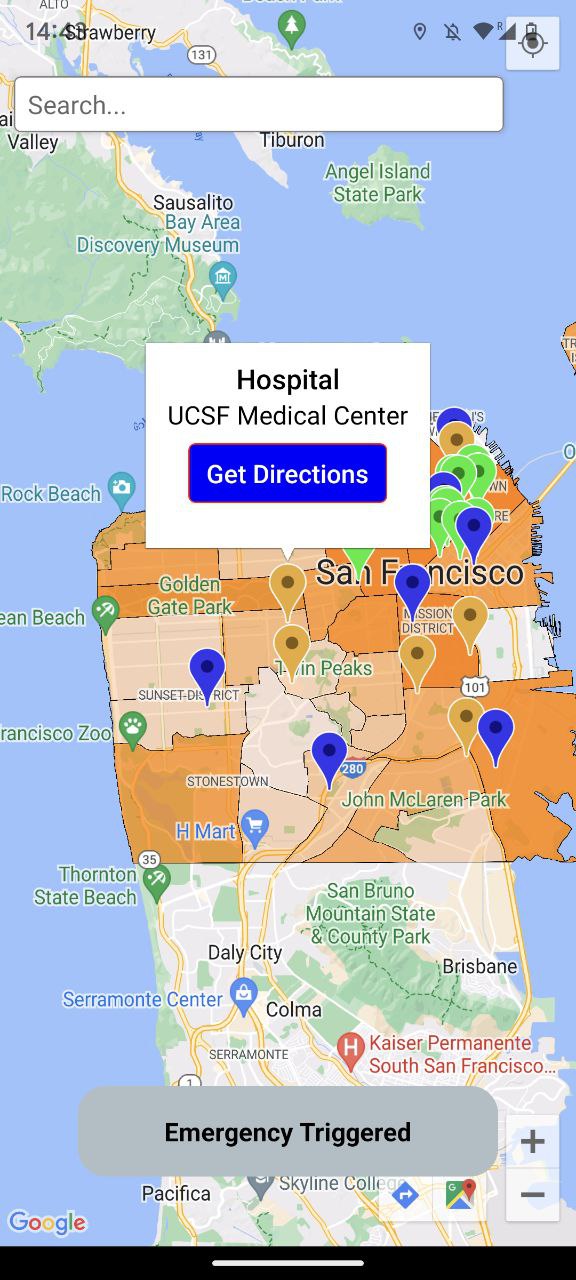
The default city is San Francisco. The levels of orange represent the safety ratings of various neighborhoods.
-
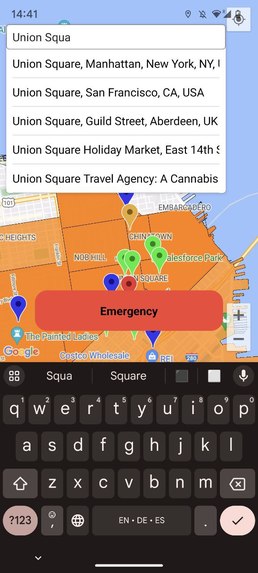
Use autocompleting search bar to check your destination
-
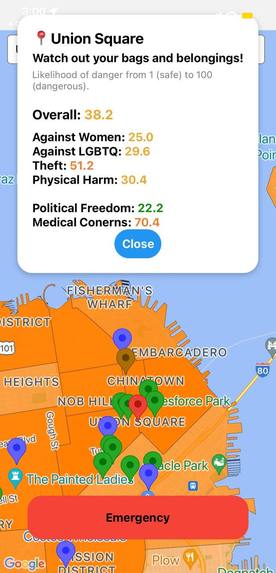
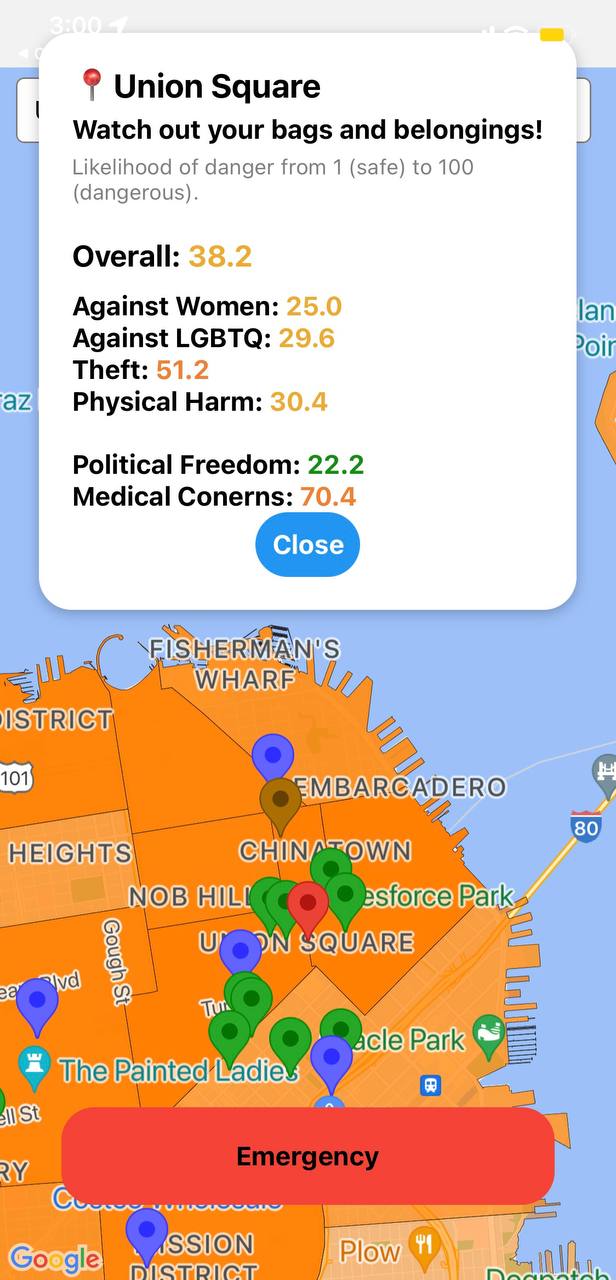
Review safety ratings of the location and get actionable advice based on them
-
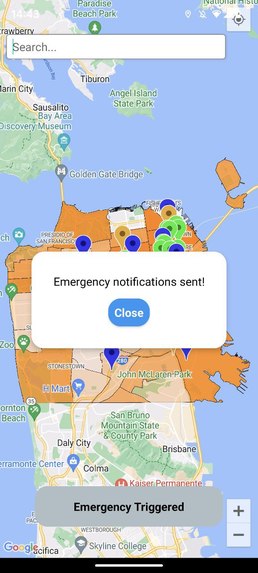
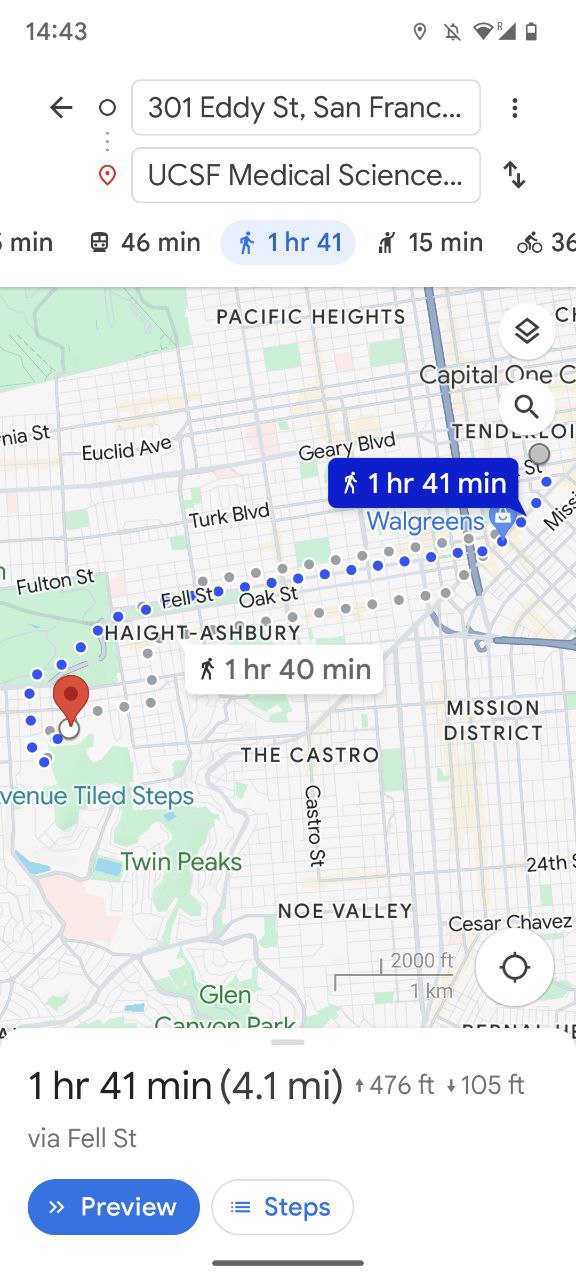
Hold the emergency button to notify if you are in danger. This will also automatically redirect to a Google Map route to closest bookmark
-
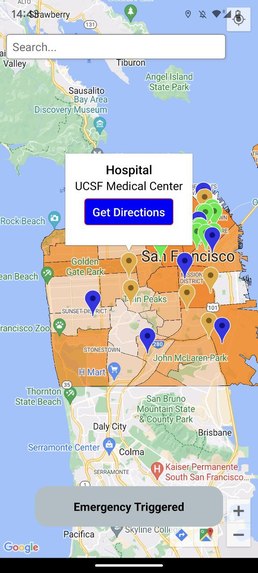
Click on a pre-saved bookmark to get more details about it
-
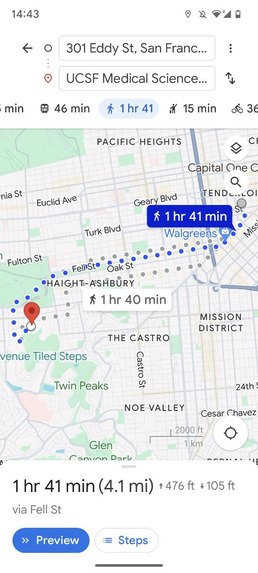
Click on "Get directions" to be redirected to a Google Maps route to the bookmark from your current location



Inspiration
In our personal experience, we did not feel particularly safe on the streets of San Francisco, US. In our research, we found no application with centralized information about safety and tangible sources on where to go in a dangerous situation.
What it does
- A: Safety level check upon location search
- B: Emergency button press
- C: Check the route to the closest bookmarked safe spot when you're in danger
- D: Displays the neighborhoods of San Francisco in varying shades of orange, based on the danger in the area
How we built it
We used React-Native (JavaScript) as well as several external APIs (Google Maps and Safe Places). We also extensively collaborated on GitHub, using various git functionalities.
Challenges we ran into
- Some of us could not use the Google Maps API, getting an "Invalid key" error despite generating multiple new API keys. As a result, we reorganized tasks to unblock people who could not access the Map feature.
- The application would render differently on the devices we tested it on (Google Pixel versus iPhones 12 Pro Max, 13, 14 Pro), so we had. To ensure consistency in testing, we confirmed changes on the Google Pixel with at least one iPhone and vice versa.
- General transitioning from React to React Native for 3/4 of the team members.
Accomplishments that we're proud of
- Ivanna: "I've never worked on a mobile app before, and I'm proud I made a map work there. I'm also very proud that our team made a working mobile app within a day."
- Erela: "No big merge conflict! And also, we finished with the MVP early and got to quite a bit of our stretch goals."
- Alina: "Most of us did not have React-Native experience before this. We worked very well together, and our collaboration was smooth and easy. We knew how to prioritize and help each other. It's an achievement that by the end of this we are not fighting."
- Polina: "I'm very proud that we were all able to have a good working rhythm all while maintaining our sleep schedules! It's also amazing how we made a nice-looking product with multiple functionalities so quickly."
What we learned
- How to prioritize features into MVP and stretch goals
- How to use React-Native and customize pre-existing components for our purpose
- How to integrate Google Maps API into an application
What's next for Guardianess
- Expand to more cities across and outside the US, in addition to San Francisco
- Include more community features, like enabling people to edit and add bookmarks
- Develop a widget on mobile devices to activate the nearest safe location search without having to open the app
- Integrate the functionality to call a car-sharing application/taxi to pick you up when you're in danger
- Add a motion tracker empowered by Machine Learning
Built With
- github
- google-maps
- javascript
- react-native
- safe-place-api


Log in or sign up for Devpost to join the conversation.