-
-
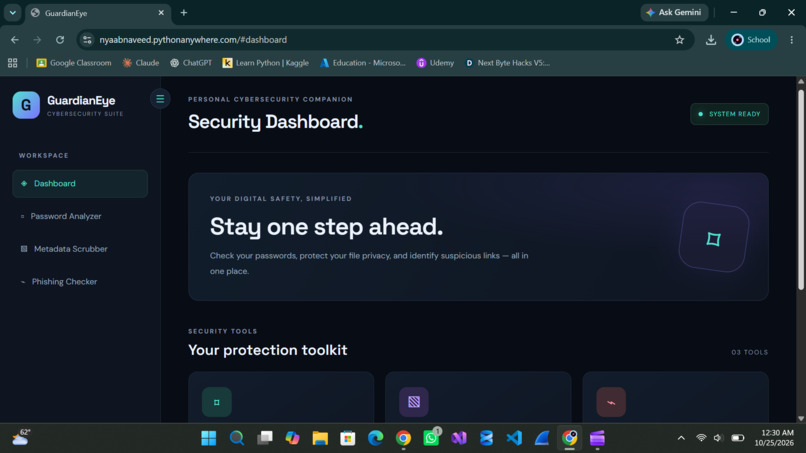
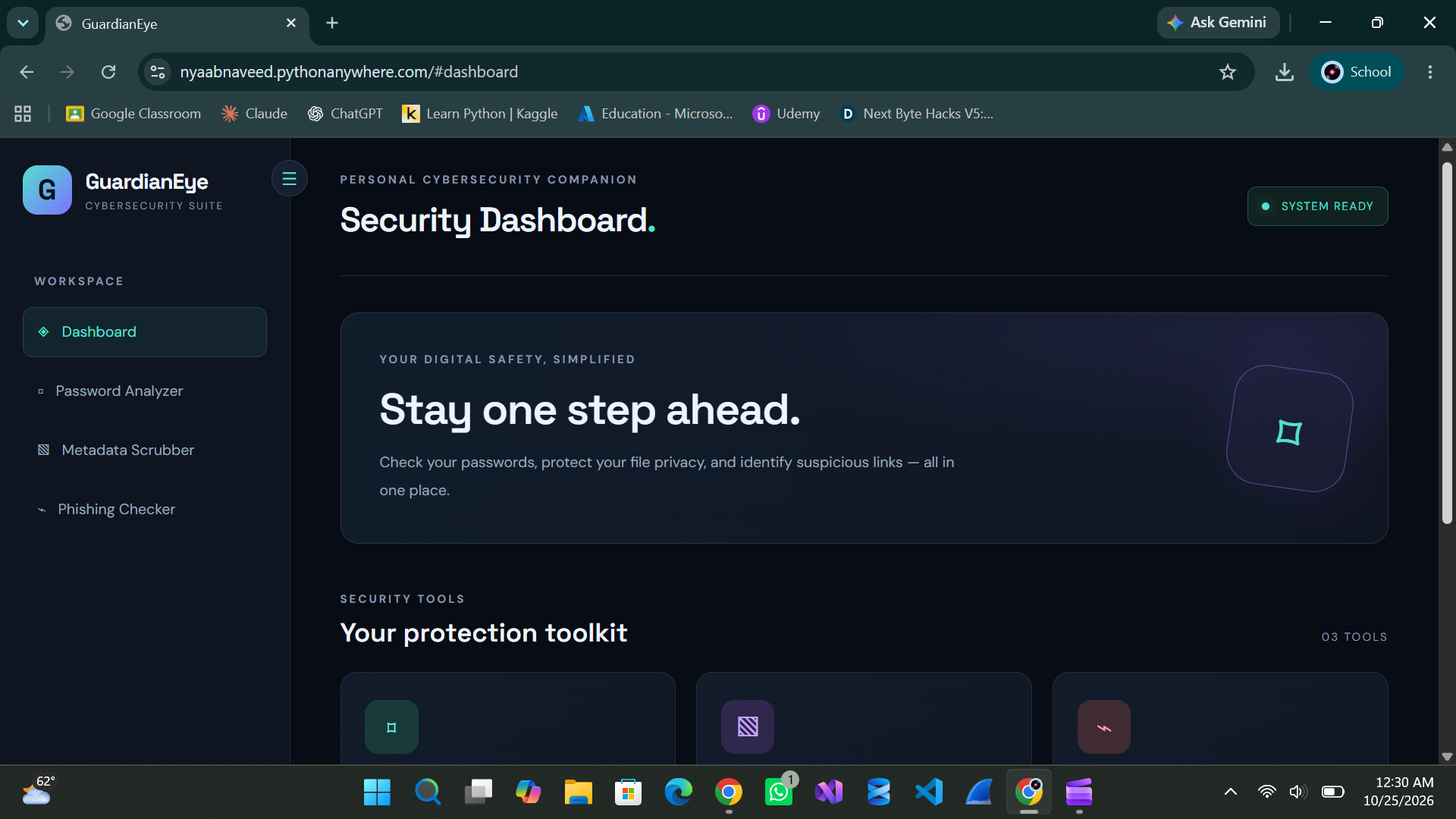
Dashboard
-
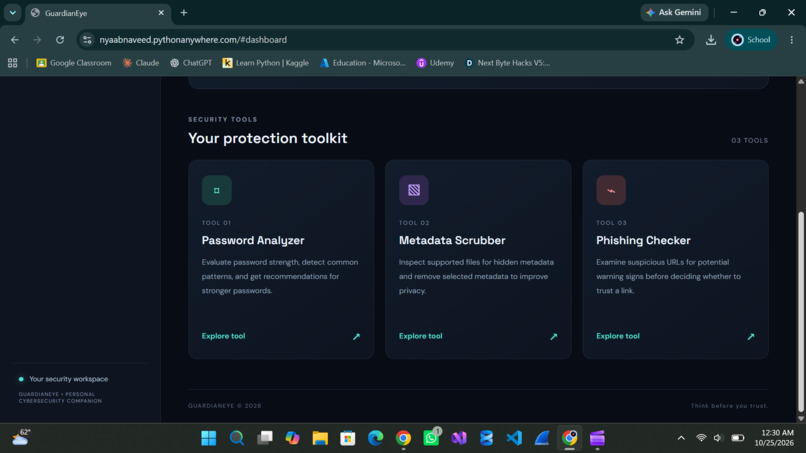
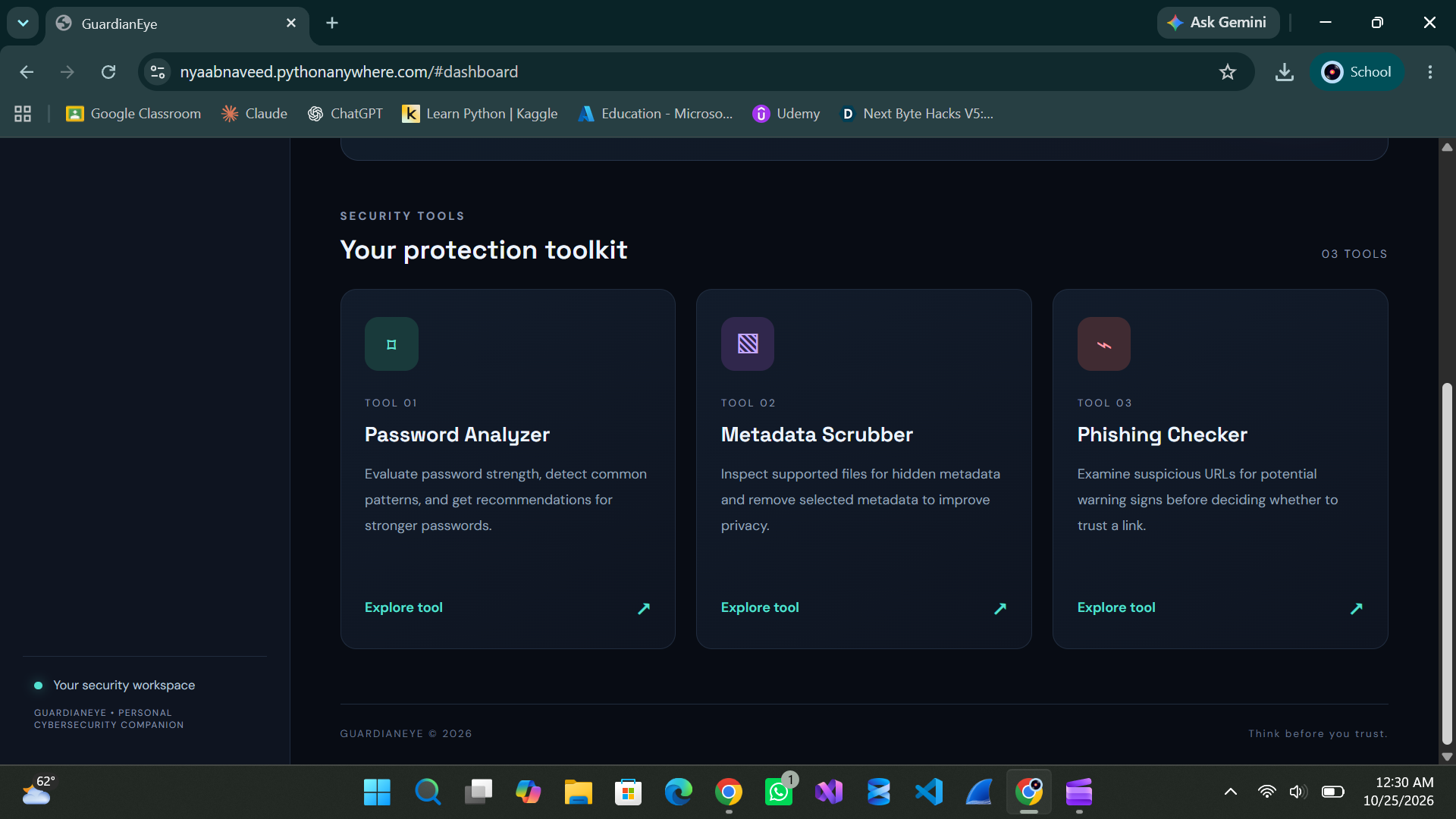
Tool cards on dashboard
-
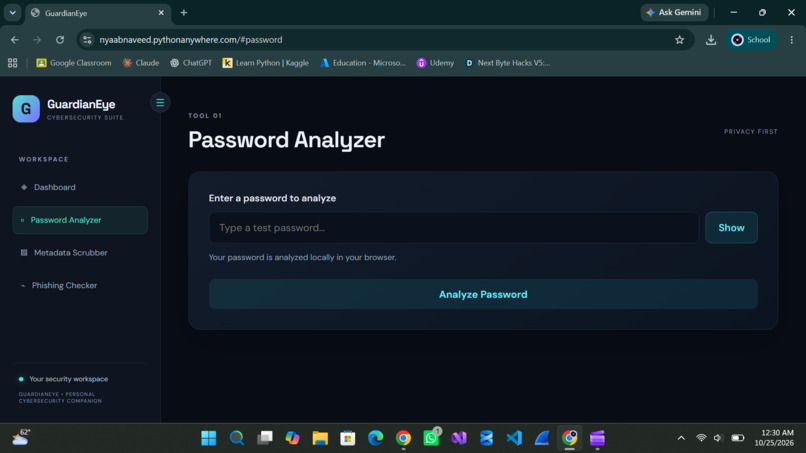
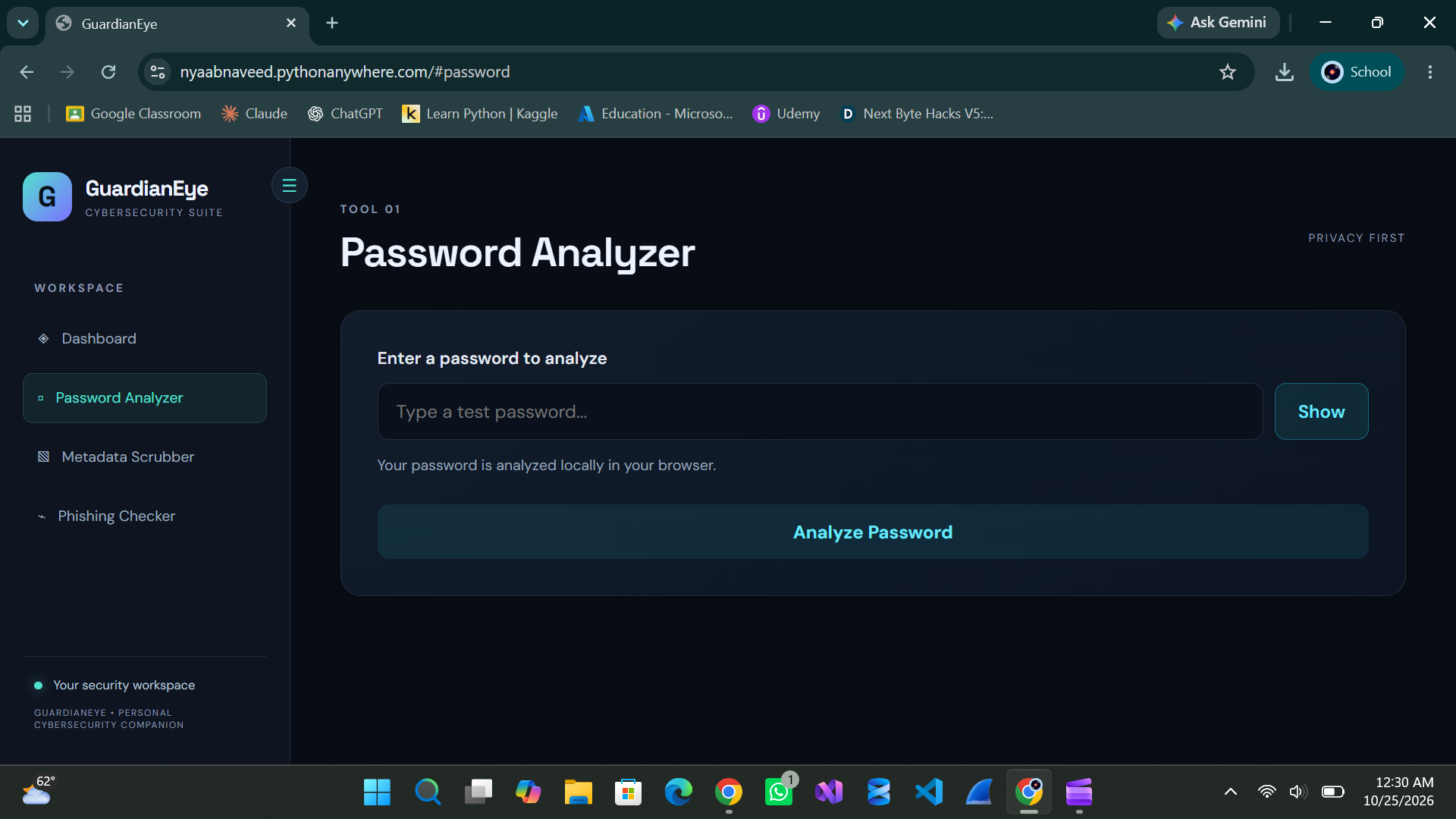
Tool 1: Password Analyzer
-
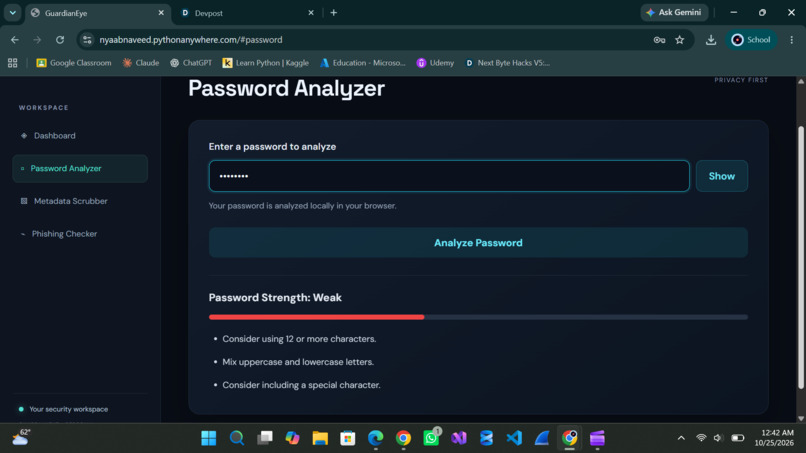
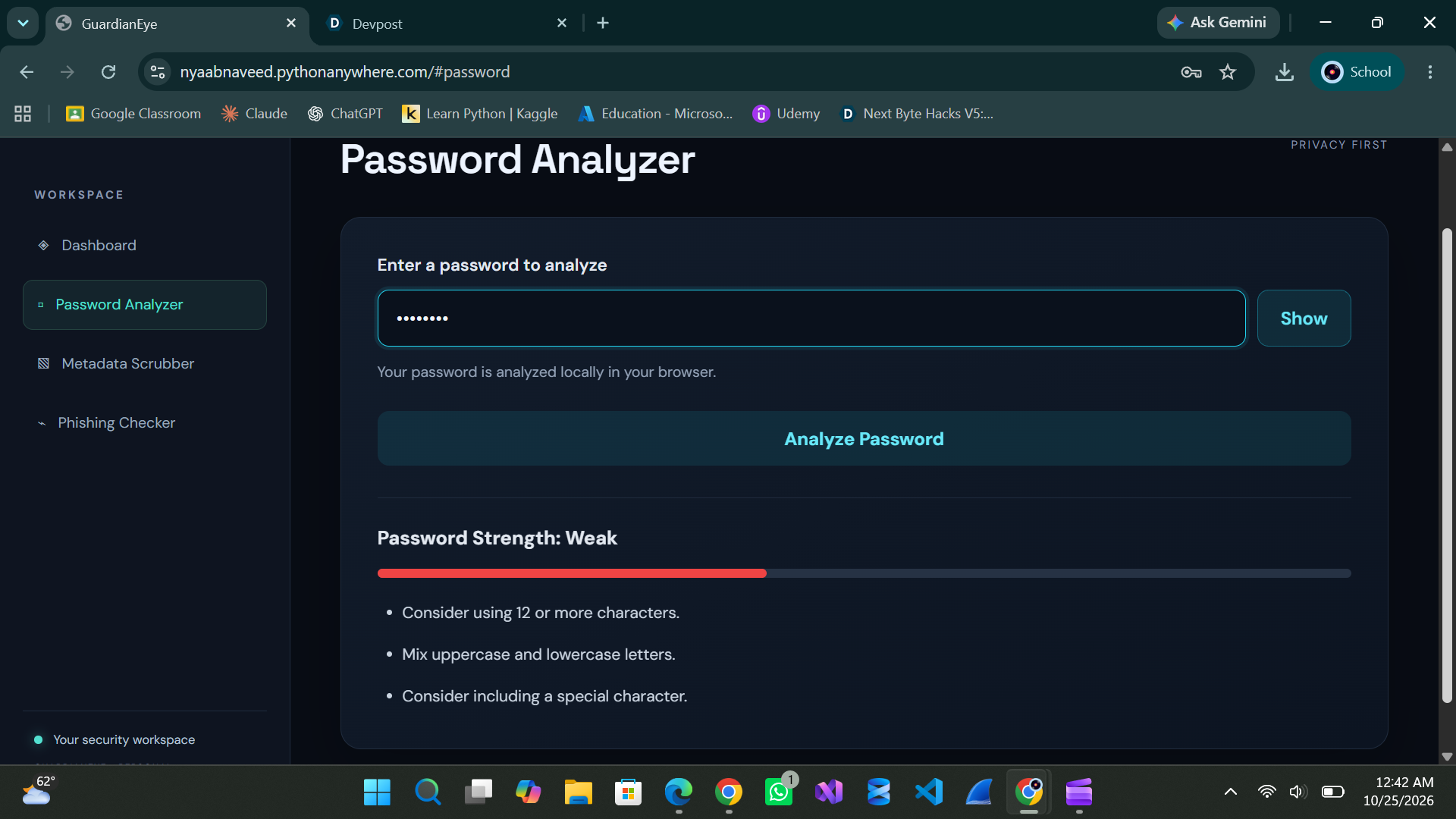
Password Analyzer Test 1: Weak Password
-
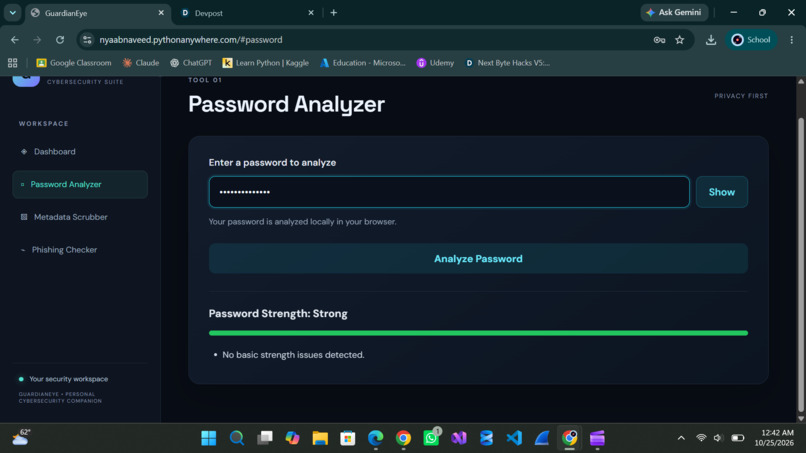
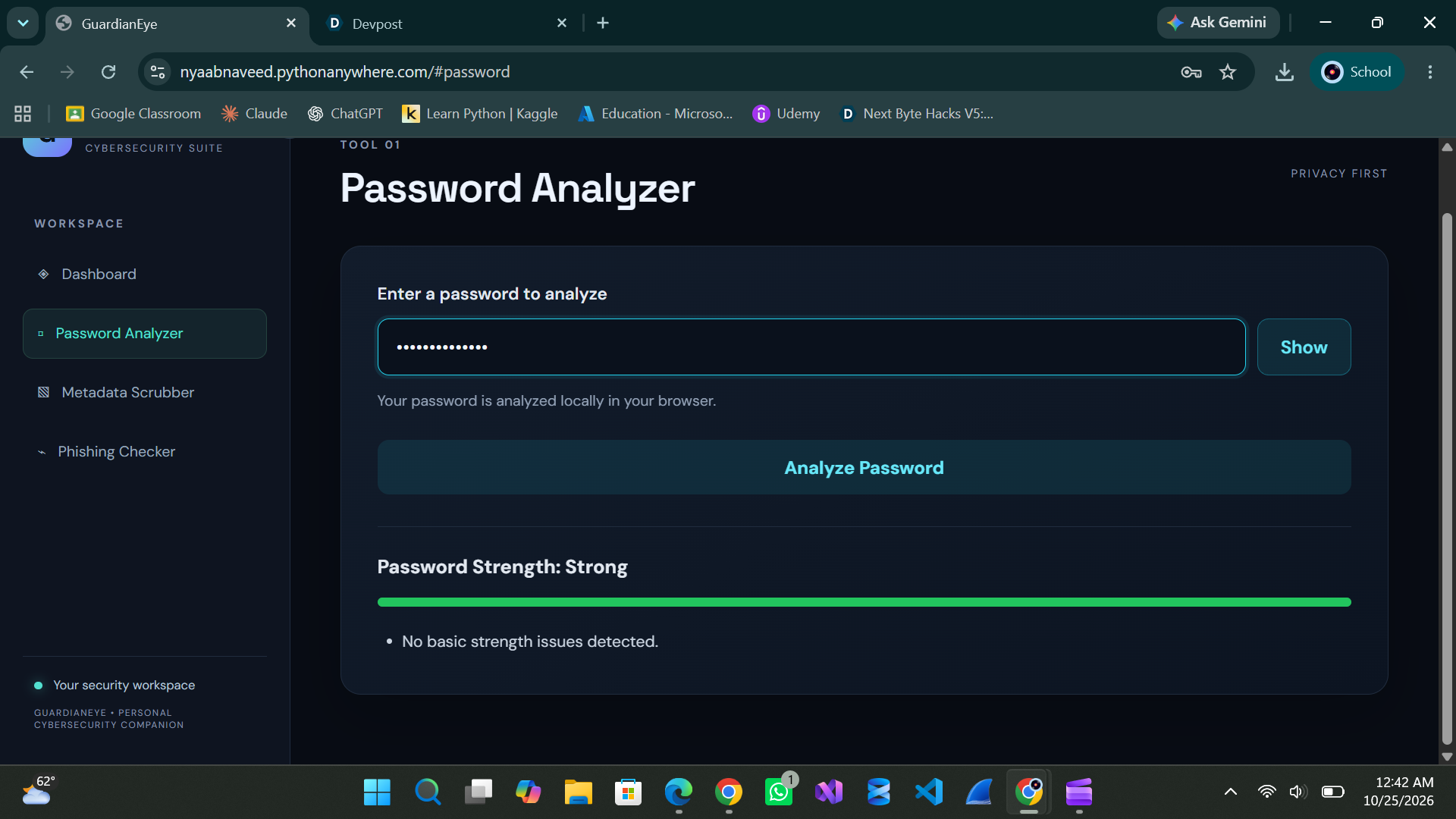
Password Analyzer Test 2: Strong Password
-
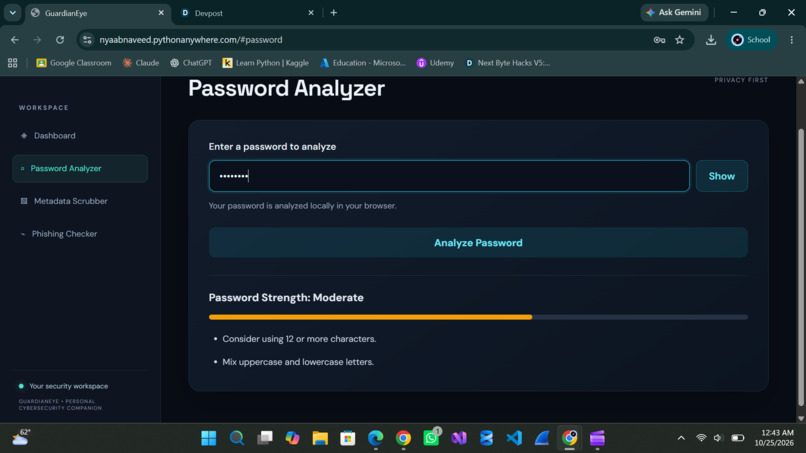
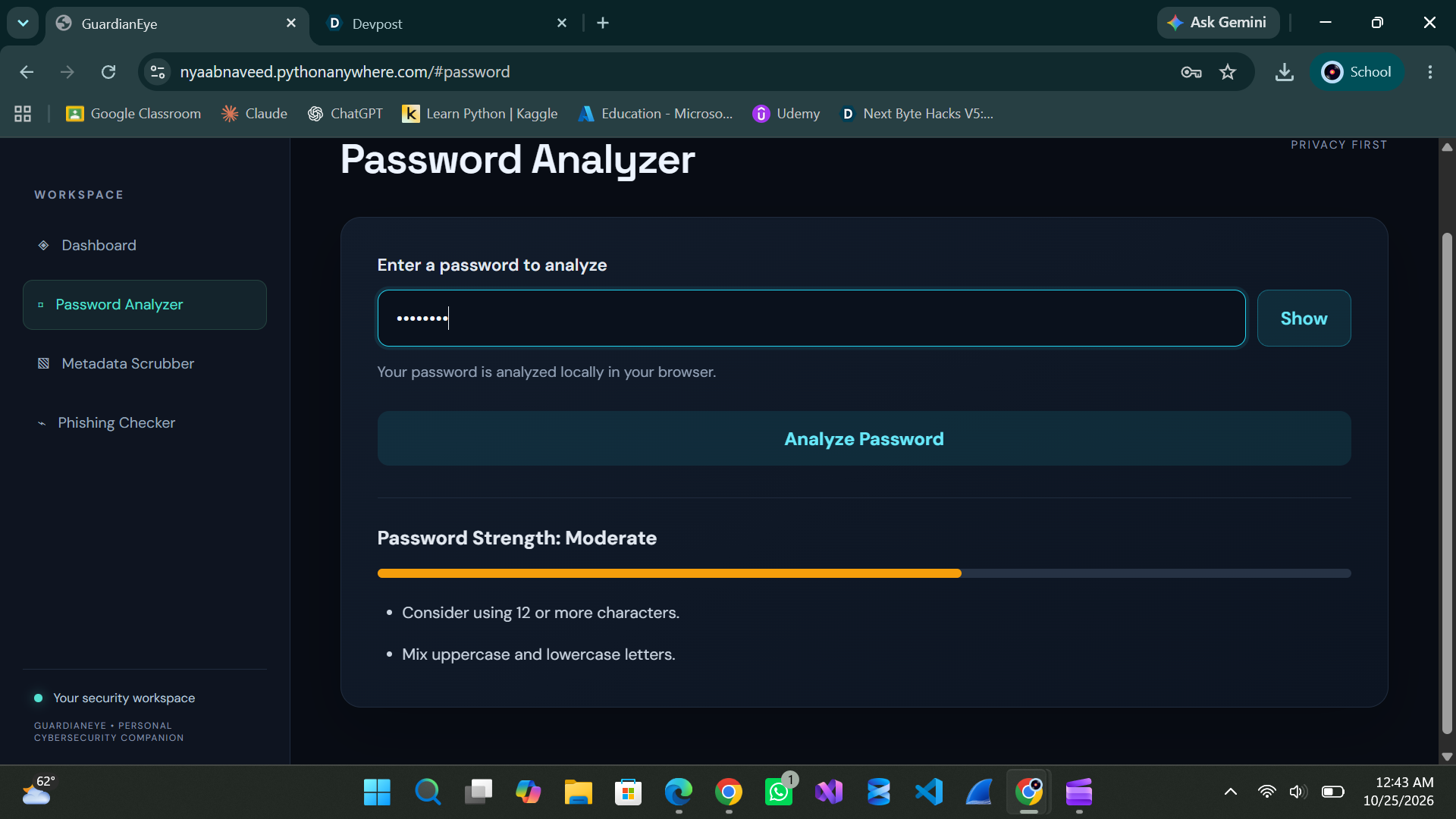
Password Analyzer Test 3: Moderate Password
-
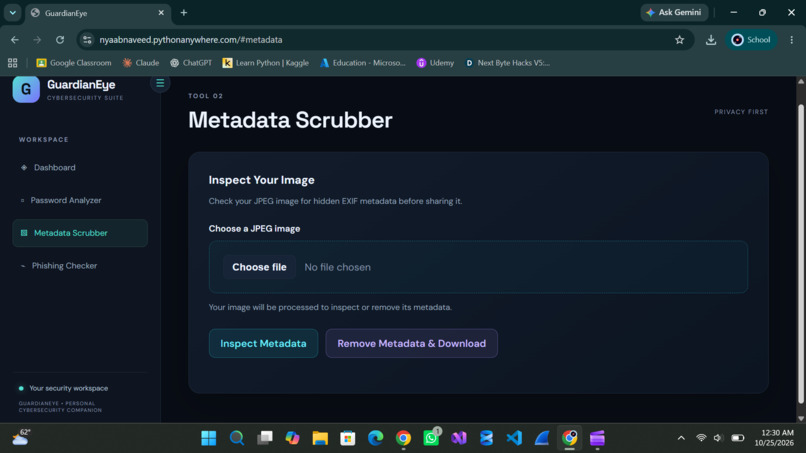
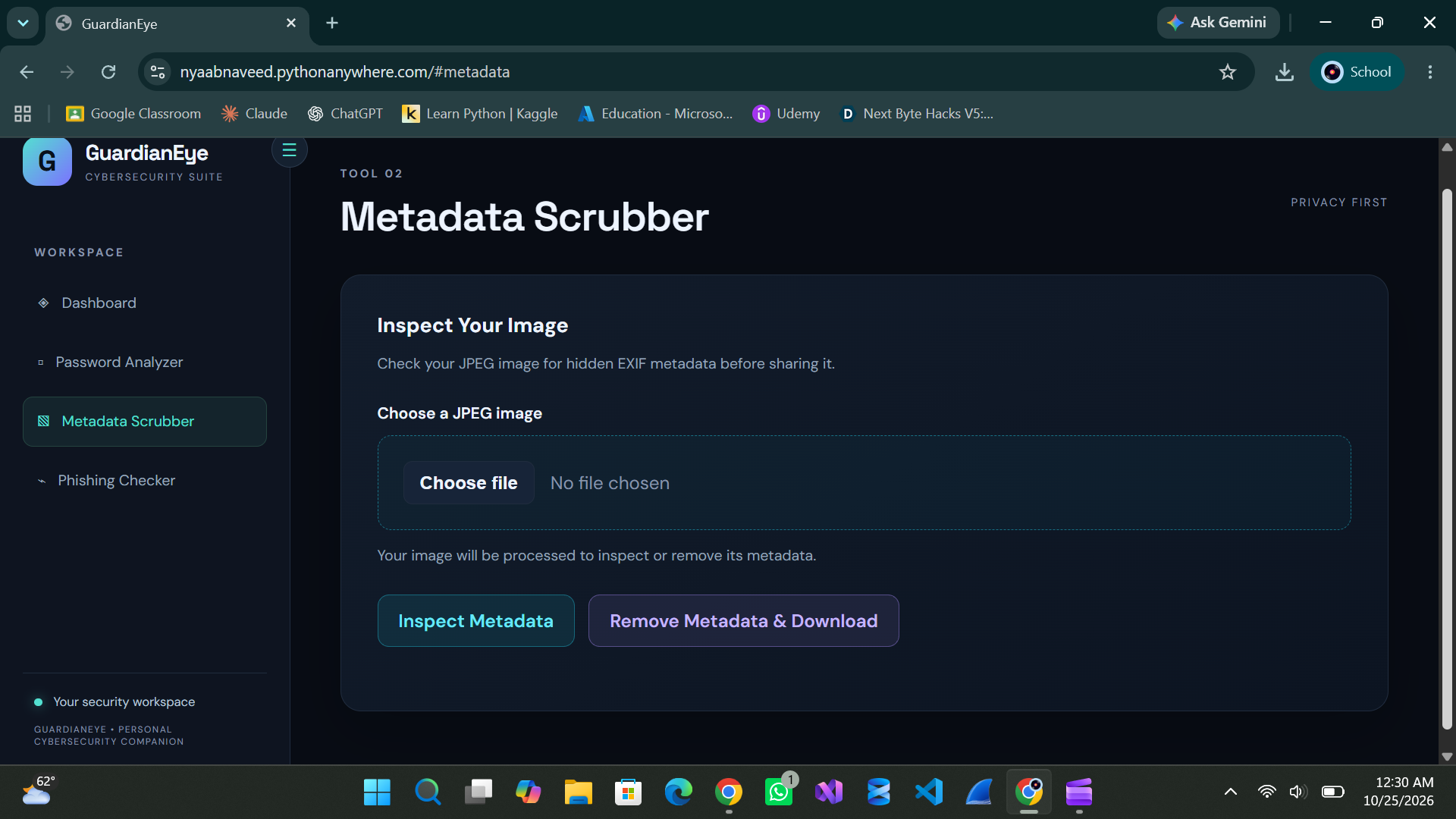
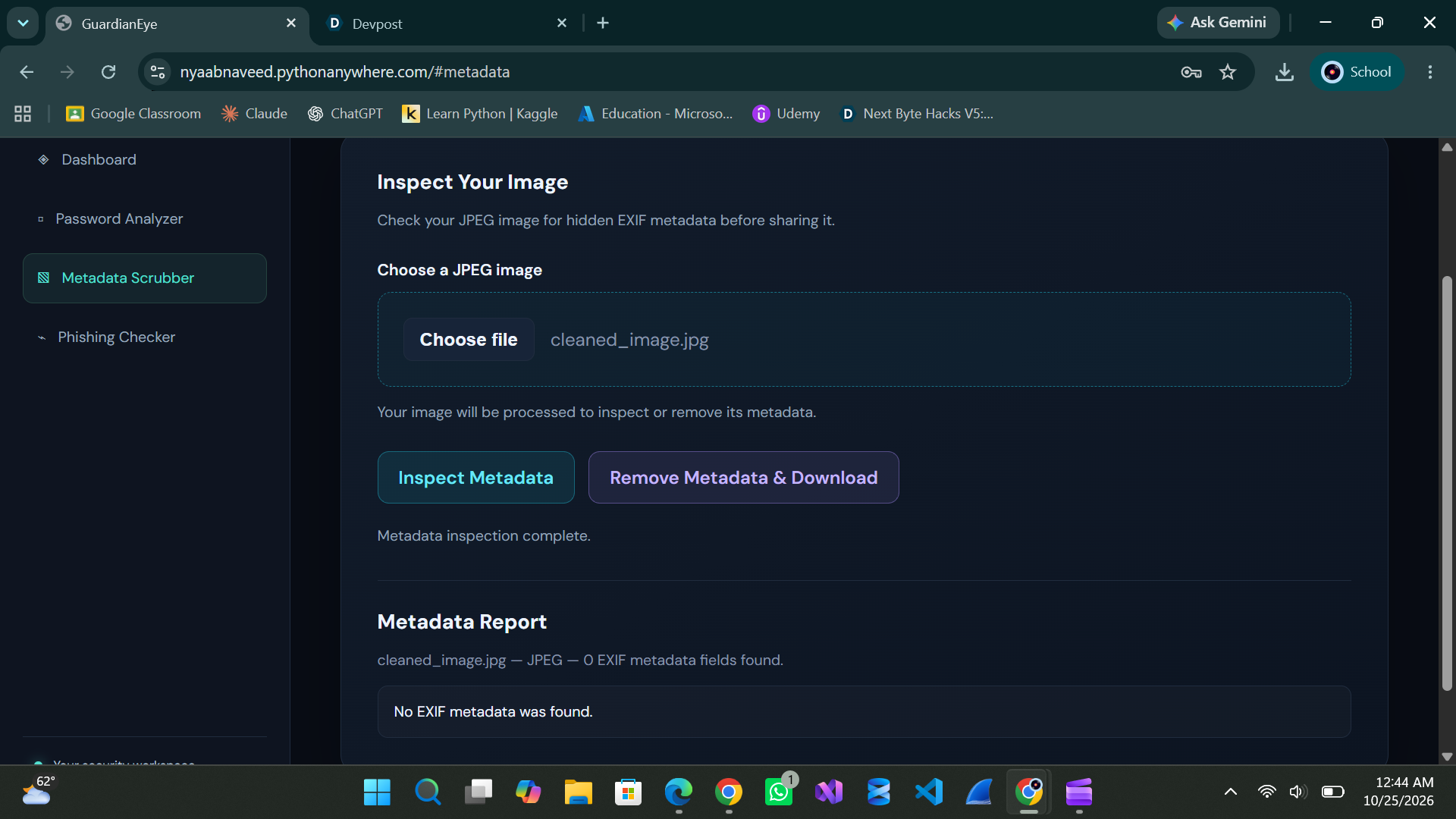
Tool 2: Metadata Scrubber
-
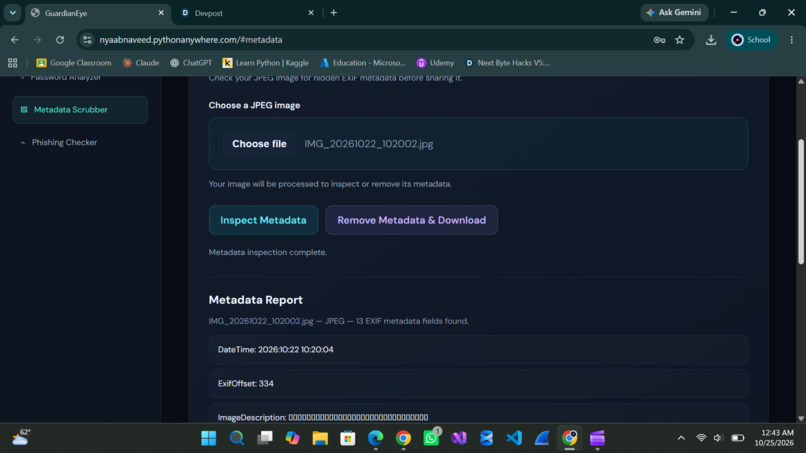
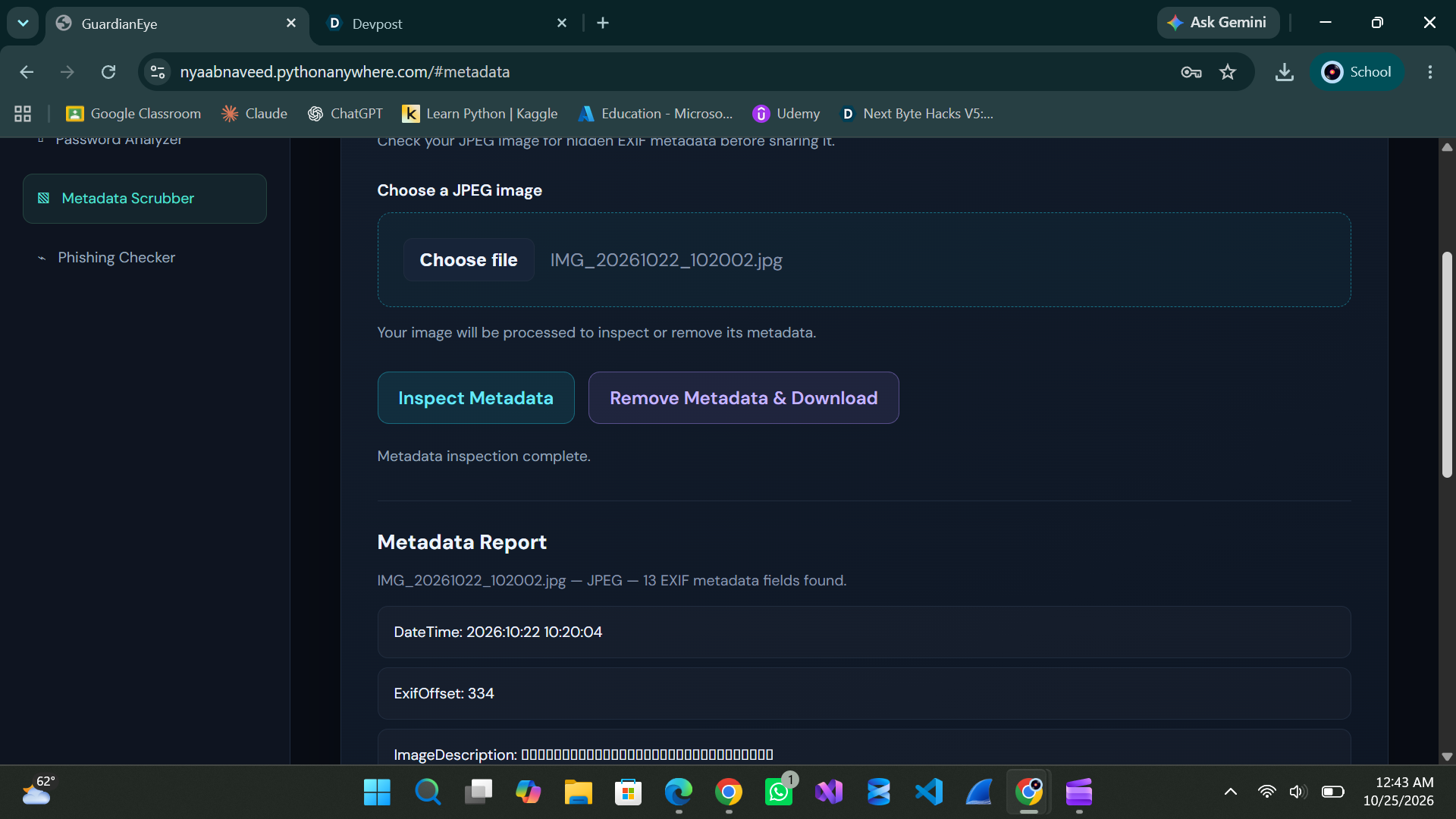
Metadata Scrubber Test: Image has metadata
-
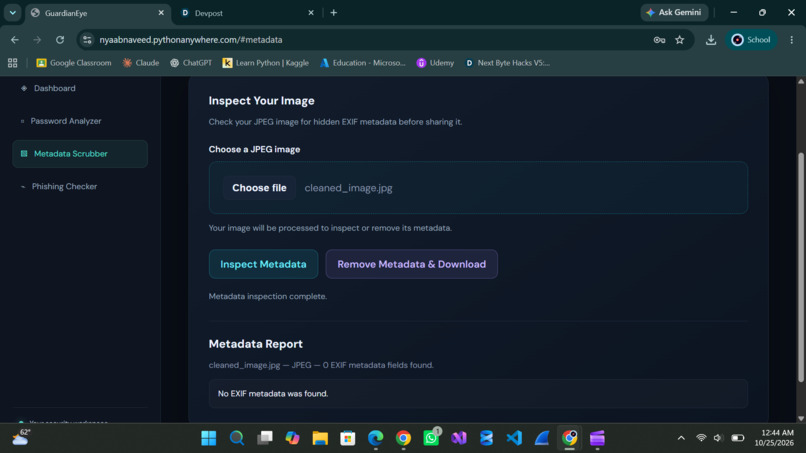
Metadata Scrubber Test (Cleaned Image): Image doesn't have metadata
-
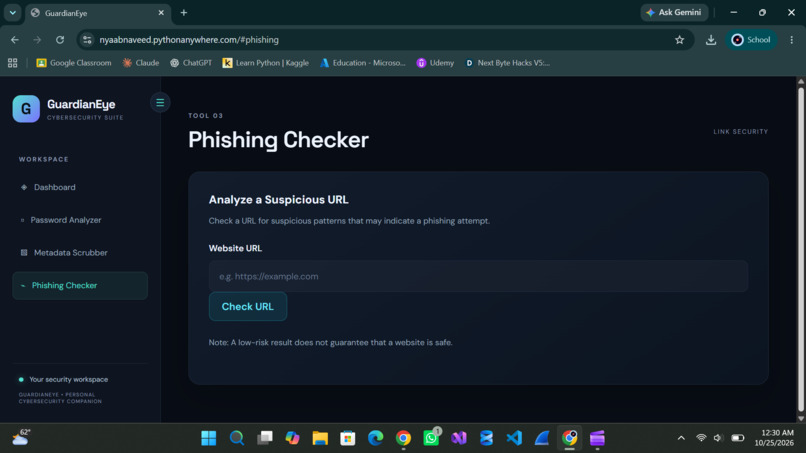
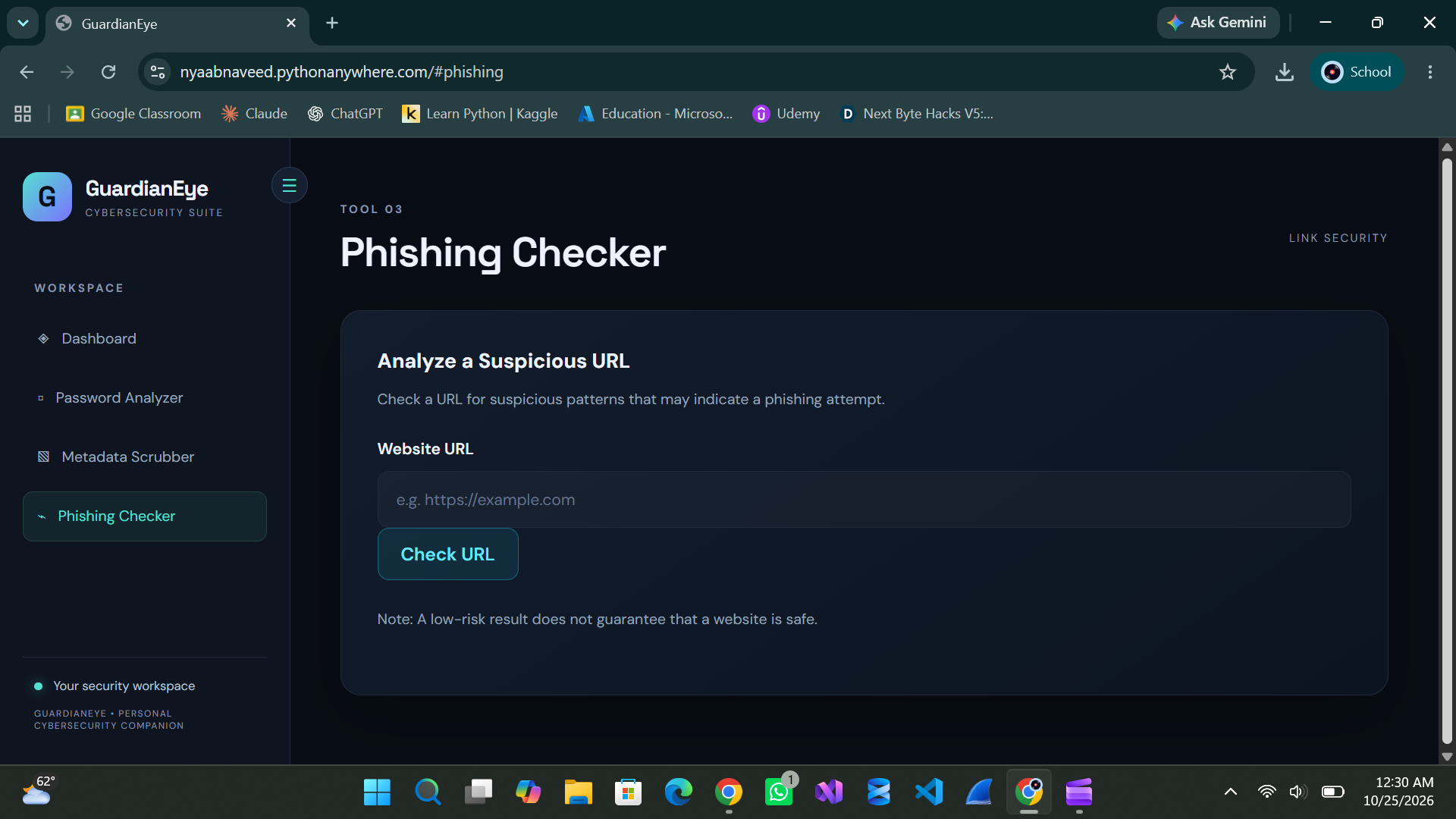
Tool 3: Phishing Checker
-
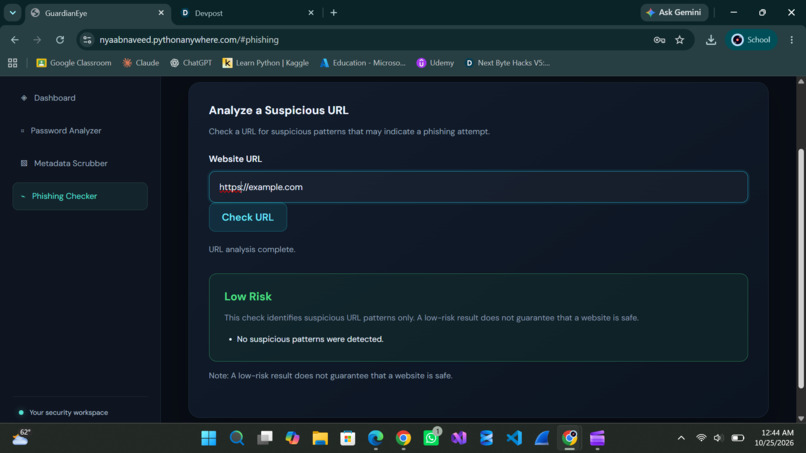
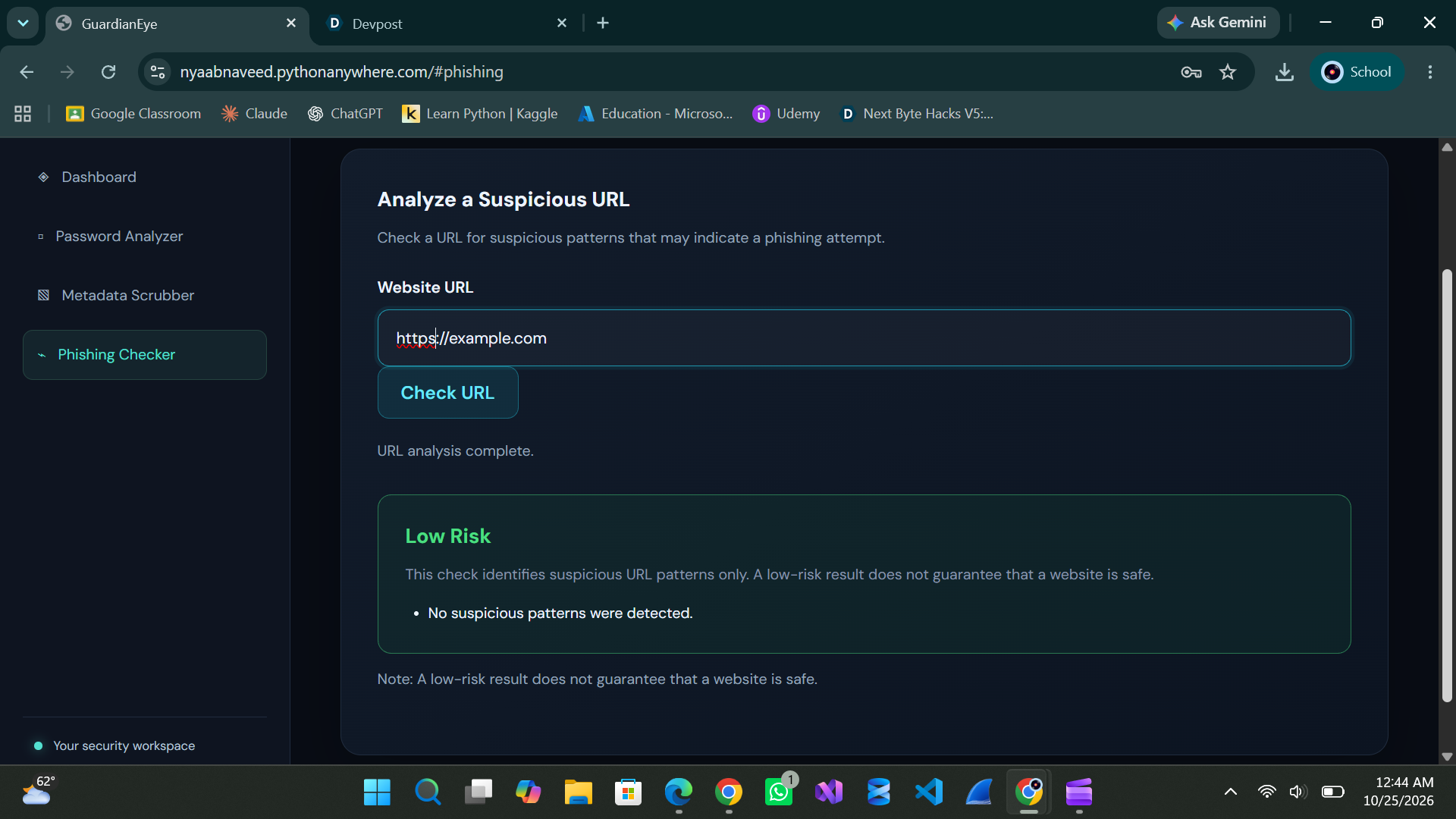
Phishing Checker Test 1: Low-Risk Link
-
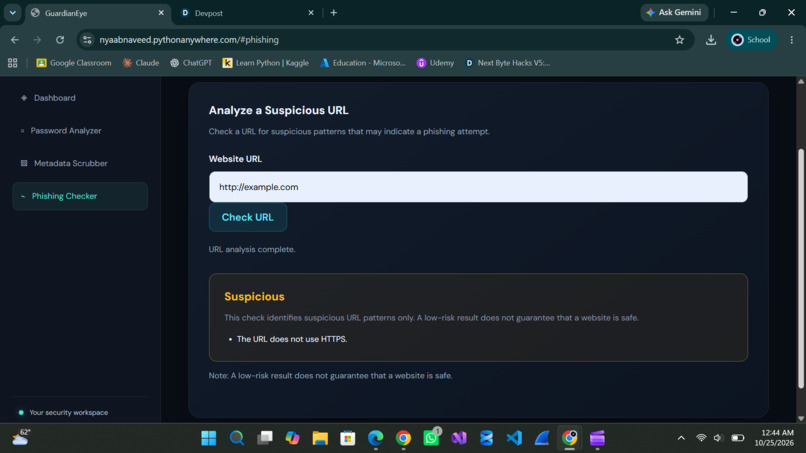
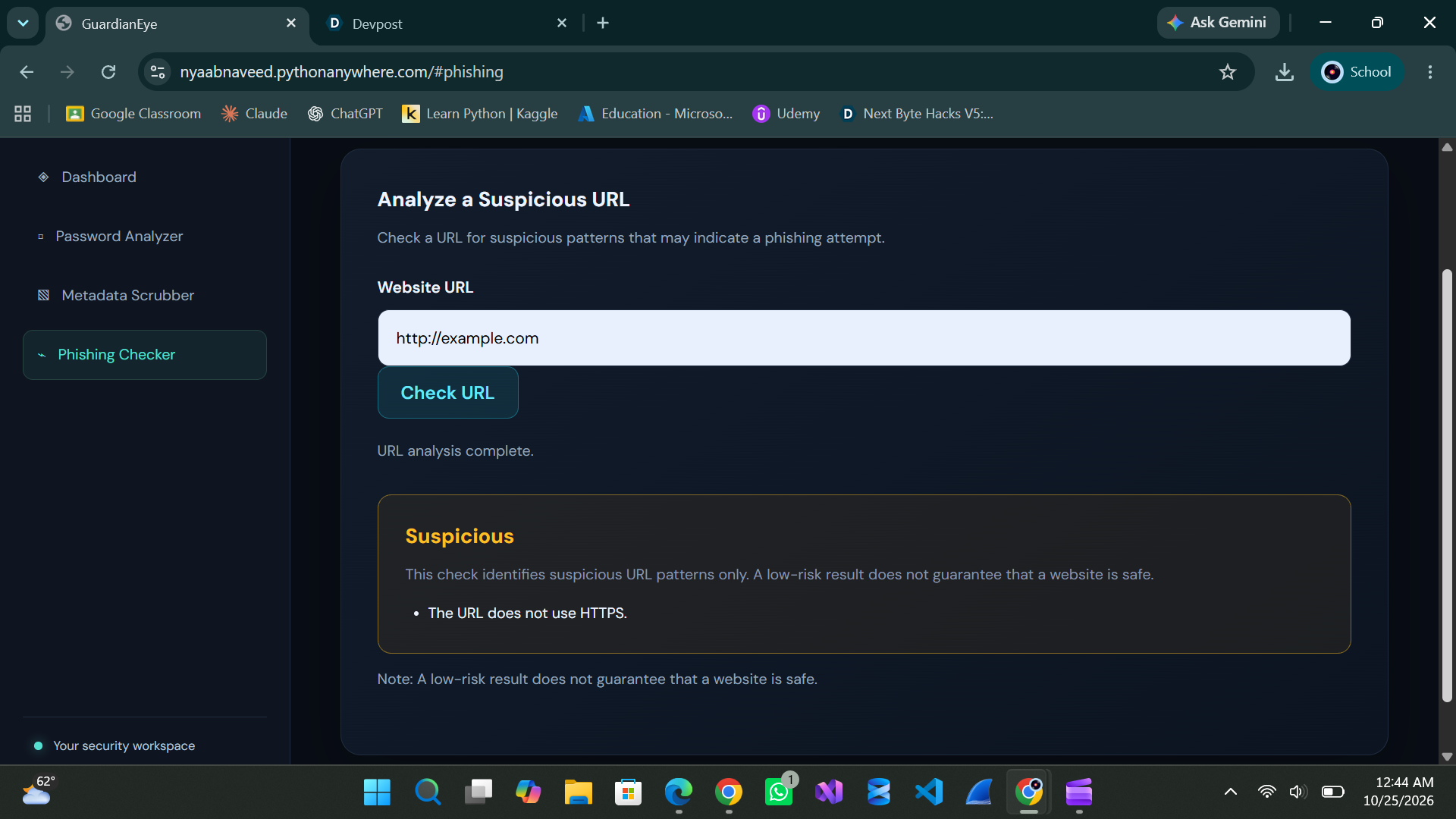
Phishing Checker Test 2: Suspicious Link
💡 Inspiration
Digital security is not just a concern for experts. Everyday users also face risks through weak passwords, suspicious links, and images that may contain private metadata.
I wanted to bring these common security and privacy concerns into one simple, accessible web application instead of building a tool that focuses on only one problem. That idea led to GuardianEye — a practical toolkit for everyday digital awareness.
🛡️ What It Does
GuardianEye combines three tools in one web application:
1. Password Analyzer 🔐
Analyzes passwords using multiple checks, identifies potential weaknesses and common patterns, and provides strength feedback and recommendations to help users make better password choices.
2. Metadata Scrubber 🖼️
Inspects JPEG images for EXIF metadata and processes them to remove that metadata from the cleaned output, helping users reduce unintended exposure of image-related information.
3. Phishing Checker 🔎
Uses rule-based URL analysis to flag potentially suspicious indicators, including unusual URL structures, IP-based hosts, insecure HTTP connections, and other recognizable patterns. It presents a risk assessment to help users decide when a link needs further investigation.
⚙️ How I Built It
I developed GuardianEye as a Flask web application, using Python for the backend and HTML, CSS, and JavaScript for the frontend. Pillow handles the image-processing functionality.
I focused on creating a unified interface where users can navigate between all three tools and view clear results without needing separate applications.
I also deployed the application online so it can be accessed through a public link.
🧩 Challenges & Learning
Building GuardianEye involved more than writing code. I worked through frontend layout and navigation, connected user interactions with backend functionality, tested different inputs and outputs, and debugged issues as the application evolved.
Deploying the project was another important learning experience. Configuring the Flask application and its dependencies on a hosting platform helped me understand how a locally working project becomes an accessible web application.
This project helped me strengthen my practical skills in web development, image processing, debugging, testing, Git, GitHub, and deployment.
🚀 What's Next?
GuardianEye is a starting point, not a finished security platform. Future improvements could include user authentication, broader image-format support, and integration with threat-intelligence sources for more informed URL analysis.
⚠️ Current Limitations
The Password Analyzer provides heuristic feedback rather than a guarantee of password security. The Metadata Scrubber currently focuses on JPEG EXIF metadata, and the Phishing Checker uses rule-based checks rather than a live threat-intelligence database. A low-risk URL result does not guarantee that a website is safe.
GuardianEye — One toolkit. Three layers of everyday digital security and privacy.

Log in or sign up for Devpost to join the conversation.